WhatsApp Broadcast Limits 2026: Send Bulk Messages Safely
WhatsApp broadcast limits in 2026 for the Business app and the API: 256-contact lists, new app caps, API messaging limits from 250 to unlimited, pacing, per-user caps and how to send in bulk without getting blocked.
In the WhatsApp Business app, a broadcast list holds up to 256 contacts, and only people who saved your number receive the message. WhatsApp has also started testing monthly caps on app broadcasts and on messages to people who haven’t replied, without publishing a single fixed number.
On the WhatsApp Business API, there is no list size: you can send approved templates to any opted-in contact, up to your messaging limit, which starts at 250 unique people per 24 hours and rises automatically to unlimited. This guide explains both, and how to send in bulk without risking your number.
Key takeaways
- App broadcast lists: 256 contacts per list, saved-number rule, no desktop or web.
- API messaging limits are shared across your business portfolio: 250 → 2,000 → 10,000 → 100,000 → unlimited unique users per 24 hours.
- WhatsApp also limits marketing messages per person and paces large campaigns from new businesses.
- Unauthorised bulk-sender tools and messaging people without opt-in are against WhatsApp’s rules and lead to blocks.
- The safe way to “bulk send” is the API, approved templates, opted-in segments and good quality.
WhatsApp broadcast limits in 2026: the short answer
| Business app | Business API (Platform) | |
|---|---|---|
| Who receives it | Only contacts who saved your number | Any contact who opted in |
| Size | 256 contacts per broadcast list | Your messaging limit: 250 to unlimited unique people per 24 h |
| Message type | Any message | Approved template outside the 24-hour window |
| Cost | Free (paid “business broadcasts” in some countries) | Per delivered template; ₹0.8631 per marketing message in India |
| Automation and reporting | None | Scheduling, segments, delivery and read tracking |
Broadcast lists in the WhatsApp Business app
A broadcast list sends the same message to up to 256 contacts at once, and each person receives it as a normal one-to-one chat. Only people who saved your number in their phone receive it, and broadcast lists aren’t available on WhatsApp Desktop or Web.
New in the app: business broadcasts and monthly caps
WhatsApp has introduced paid business broadcasts in the Business app in a limited set of countries; WhatsApp tells businesses to send them only to people who opted in, and a spam report can suspend broadcasts for three days without appeal. These aren’t available on the API.
WhatsApp has also announced tests of a monthly cap on broadcasts in the app and, in October 2025, a monthly cap on messages sent to people who haven’t replied. The exact numbers haven’t been published by WhatsApp, so treat any specific figure you see online with caution.
Broadcast vs group vs community vs channel
- Broadcast list (app): one-to-many, replies come back privately. Good for small, loyal lists.
- Group: everyone sees everyone’s messages and numbers. Good for small teams or communities, not for customers who don’t know each other.
- Community: groups organised under one umbrella with an announcement group.
- Channel: one-way updates to followers who chose to follow you; you can’t message them individually.
- API campaign: one-to-many templates to opted-in contacts, each delivered privately, with reporting and automation.
Note that the WhatsApp Groups API for businesses is only for Official Business Accounts and limited to 8 participants, so it isn’t a broadcast tool.
Sending in bulk through the WhatsApp Business API
Messaging limits
Your messaging limit caps how many unique people your business portfolio can send templates to in a rolling 24 hours. New portfolios start at 250. You reach 2,000 through business verification or by delivering 2,000 high-quality templates in 30 days, and then limits rise automatically to 10,000, 100,000 and unlimited when you use at least half your limit over seven days with high quality.
Portfolio and template pacing
Since December 2025, portfolios that sent fewer than 500,000 templates in the past year have large campaigns released in batches (portfolio pacing), so WhatsApp can watch early feedback. New or non-Green templates may be paced too.
Per-user marketing caps
WhatsApp limits how many marketing templates each person receives, based on how they engage. A send blocked by this cap returns error 131049; wait at least 24 hours before trying that person again. Marketing messages sent inside a window opened by the person’s reply don’t count.
Rate limits
A number sends up to 80 messages per second by default, and you can send one message every six seconds to the same person (error 131056 if you go faster).
Why numbers get restricted
When people block or report your messages, your quality rating drops. WhatsApp’s enforcement escalates from a warning, to a 1–3 day block on templates, to 5, 7 or 30-day blocks on all messages, to an account lock and finally permanent removal; severe abuse can mean immediate offboarding. Unauthorised third-party tools and unsolicited bulk messaging are prohibited.
10-point checklist for safe bulk sending
- Send only to contacts who opted in, and keep a record.
- Use the official API through a platform, never a browser extension or bulk-sender hack.
- Verify your business to raise your limit.
- Segment: send each campaign only to the people it’s for.
- Start smaller and grow: limits rise with high quality, not with volume alone.
- Personalise with names and relevant details.
- Add a clear “Stop promotions” button and honour opt-outs.
- Send at reasonable hours.
- Watch read rates, replies and blocks after every campaign.
- Pause or rewrite templates that get low quality ratings.
Running a compliant campaign in Automate AI
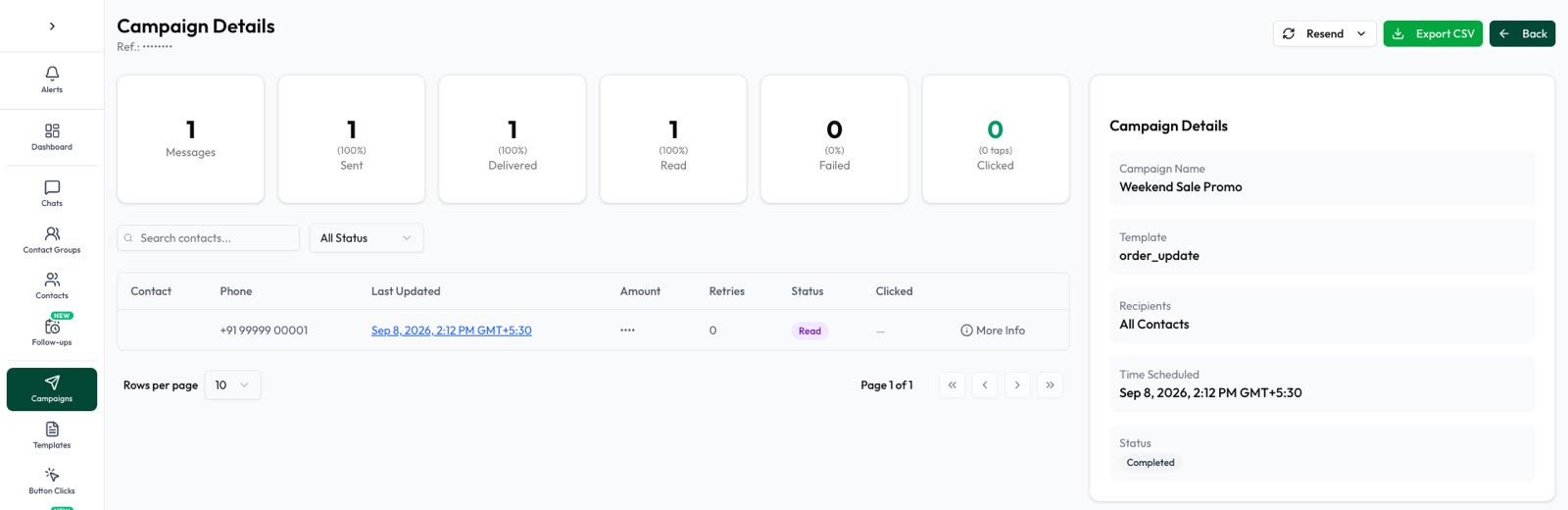
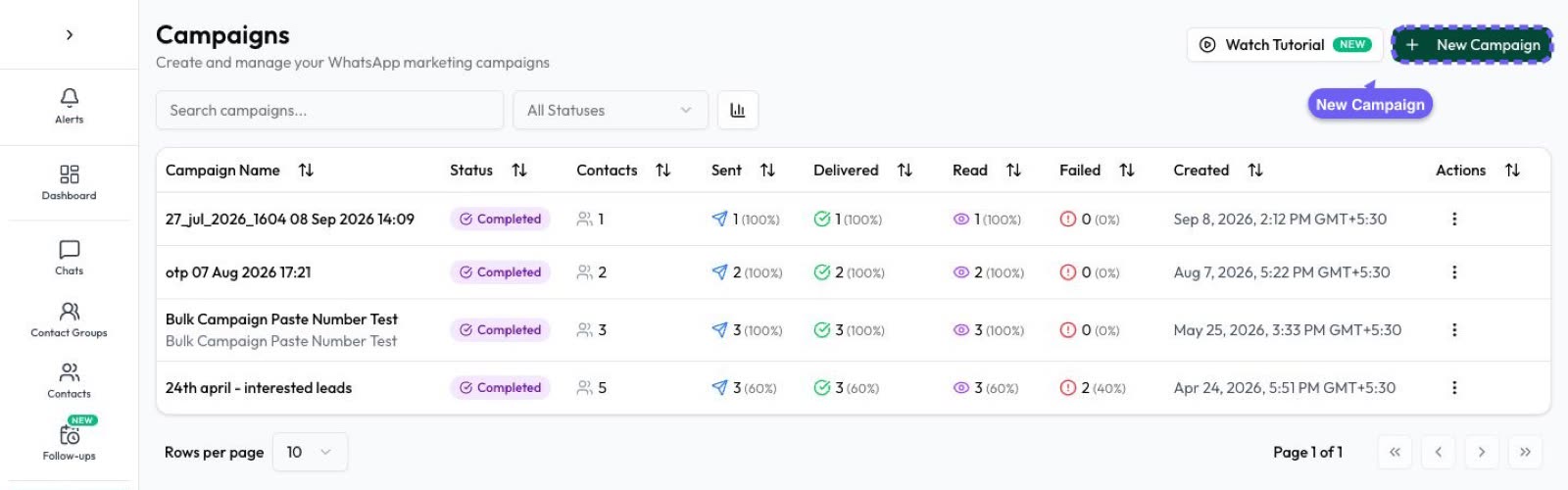
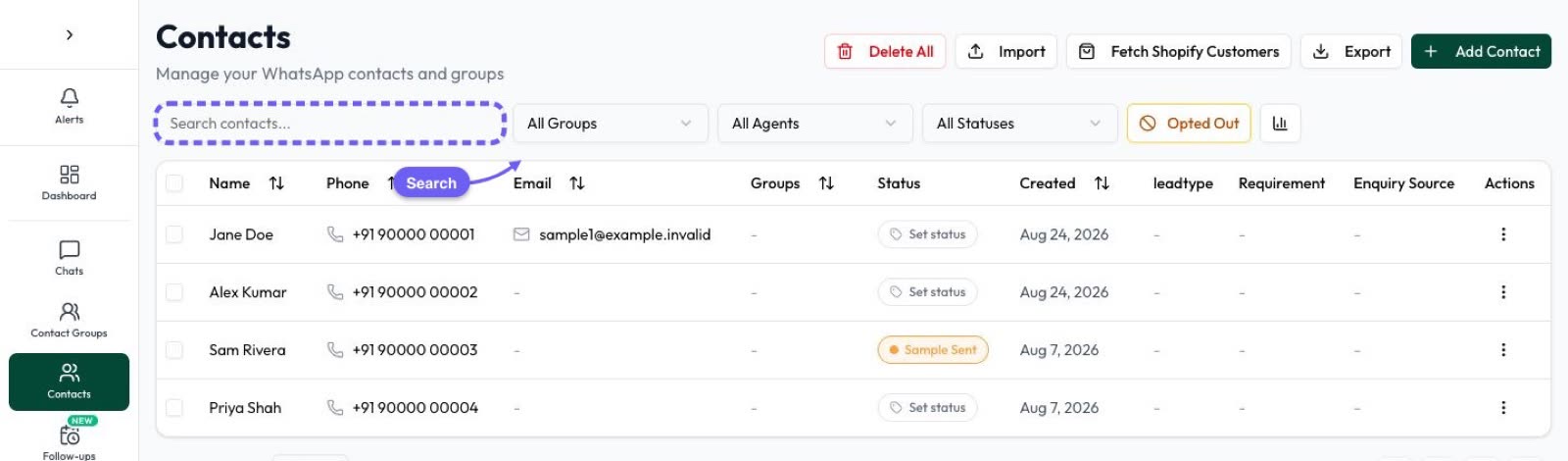
In Automate AI Marketing, you choose an approved template, pick an audience (all contacts, by tags, filtered by group, status, date or country, or a pasted list), send now or schedule, and watch sent, delivered, read and failed counts live. You can resend to failed numbers and retarget by delivery status.
Frequently asked questions
How many contacts fit in a WhatsApp broadcast list?
256 per list in the WhatsApp Business app, and recipients must have saved your number.
Can I send bulk WhatsApp messages to unsaved numbers?
Yes, through the WhatsApp Business API, to people who opted in, using approved templates and within your messaging limit.
What is the WhatsApp API messaging limit?
250 unique people per 24 hours to start, 2,000 after business verification or 2,000 high-quality deliveries in 30 days, then rising automatically to 10,000, 100,000 and unlimited.
Are bulk WhatsApp sender extensions safe?
No. WhatsApp prohibits unauthorised tools and unsolicited bulk messaging, and accounts that use them can be blocked.
Sources
- WhatsApp Help: Broadcast lists
- WhatsApp Help: Can’t send business broadcasts
- Meta: Messaging limits
- Meta: Portfolio pacing
- Meta: Per-user marketing template limits
- Meta: Throughput
- Meta: Policy enforcement
- WhatsApp Business Messaging Policy
WhatsApp rules and prices change. We check these guides against Meta’s documentation, but always confirm current terms with Meta before you rely on them. Questions? Message us on WhatsApp at +91 79000 03693.