WhatsApp Lead Generation: Click-to-WhatsApp Ads & More
Six ways to get leads on WhatsApp in India, how to set up Click-to-WhatsApp ads, the free messaging window, qualifying leads automatically, capturing opt-in for follow-ups and which numbers to track.
WhatsApp lead generation means getting new prospects to start a WhatsApp chat with your business, from ads, links, QR codes, your website or marketplaces, and then qualifying and following up with them in the same chat. Because the customer messages you first, you can reply freely for 24 hours, and chats from Click-to-WhatsApp ads are free for a limited window.
This guide covers six lead sources, how to set up Click-to-WhatsApp ads, how to qualify and score leads automatically, and how to collect opt-in so you can follow up later.
Key takeaways
- Click-to-WhatsApp ads on Facebook and Instagram open a chat with your business; answer within 24 hours and Meta doesn’t charge for messages during the free window.
- Other sources: Status ads, wa.me links and QR codes, website widgets and forms, Facebook lead forms, and marketplaces like IndiaMART and JustDial.
- Qualify leads in the chat with buttons, questions or WhatsApp Flows forms.
- Ask for opt-in in the chat so you can send template follow-ups after 24 hours.
- Track cost per conversation, reply rate and qualified-lead rate, not just clicks.
Why WhatsApp works for lead generation
A WhatsApp chat removes friction: no form to fill, no email to check, and the customer can ask their question in their own words. For you, every enquiry arrives as a conversation you can answer instantly, qualify with a few questions and hand to the right salesperson, with the history in one place.
Six ways to get leads on WhatsApp
- Click-to-WhatsApp ads on Facebook and Instagram (image, video, carousel or slideshow).
- Ads in WhatsApp Status (Updates tab), announced by Meta in June 2025.
- wa.me links and QR codes on your website, packaging, shop counter and print ads.
- Website chat widgets and forms that open WhatsApp or create a lead.
- Facebook lead forms, with the lead followed up on WhatsApp.
- Marketplaces such as IndiaMART and JustDial, with enquiries routed into your WhatsApp inbox.
Setting up Click-to-WhatsApp ads, step by step
- Link your WhatsApp business number to your Facebook Page.
- In Ads Manager, choose an objective: Engagement, Leads, Sales or Traffic.
- Choose WhatsApp as the message destination.
- Write a prefilled message, such as “Hi, I’d like the price list”, so you know which ad the chat came from.
- Set your audience, budget and creative (image, video, carousel or slideshow).
- Prepare a welcome reply or chatbot so every chat gets an instant answer.
Click-to-WhatsApp ads work whether you use the WhatsApp Business app or the API; the API adds automation, routing and reporting.
The free messaging window
When a customer messages you from a Click-to-WhatsApp ad and you reply within 24 hours, Meta doesn’t charge for messages sent during the free window that follows, except Meta Business Agent messages. Meta’s developer pricing page now describes this window as up to 7 days, for ads opened on Android or iOS; older Meta pages still say 72 hours. Confirm the current terms before you budget.
Qualify leads automatically
Ask two or three questions in the first minute: what they’re looking for, budget or quantity, and when. Use reply buttons for quick answers, or a WhatsApp Flows form for details like name, city and preferred time. A chatbot can run this for you and tag or route the lead by the answers.
Capture opt-in for follow-ups
A customer starting a chat opens a 24-hour window for replies. To follow up later with templates (a new price, a reminder, an offer), you need their opt-in. Ask in the chat, for example: “Can we send you updates and offers on WhatsApp?” with Yes and No buttons, and record the answer.
Score and route leads
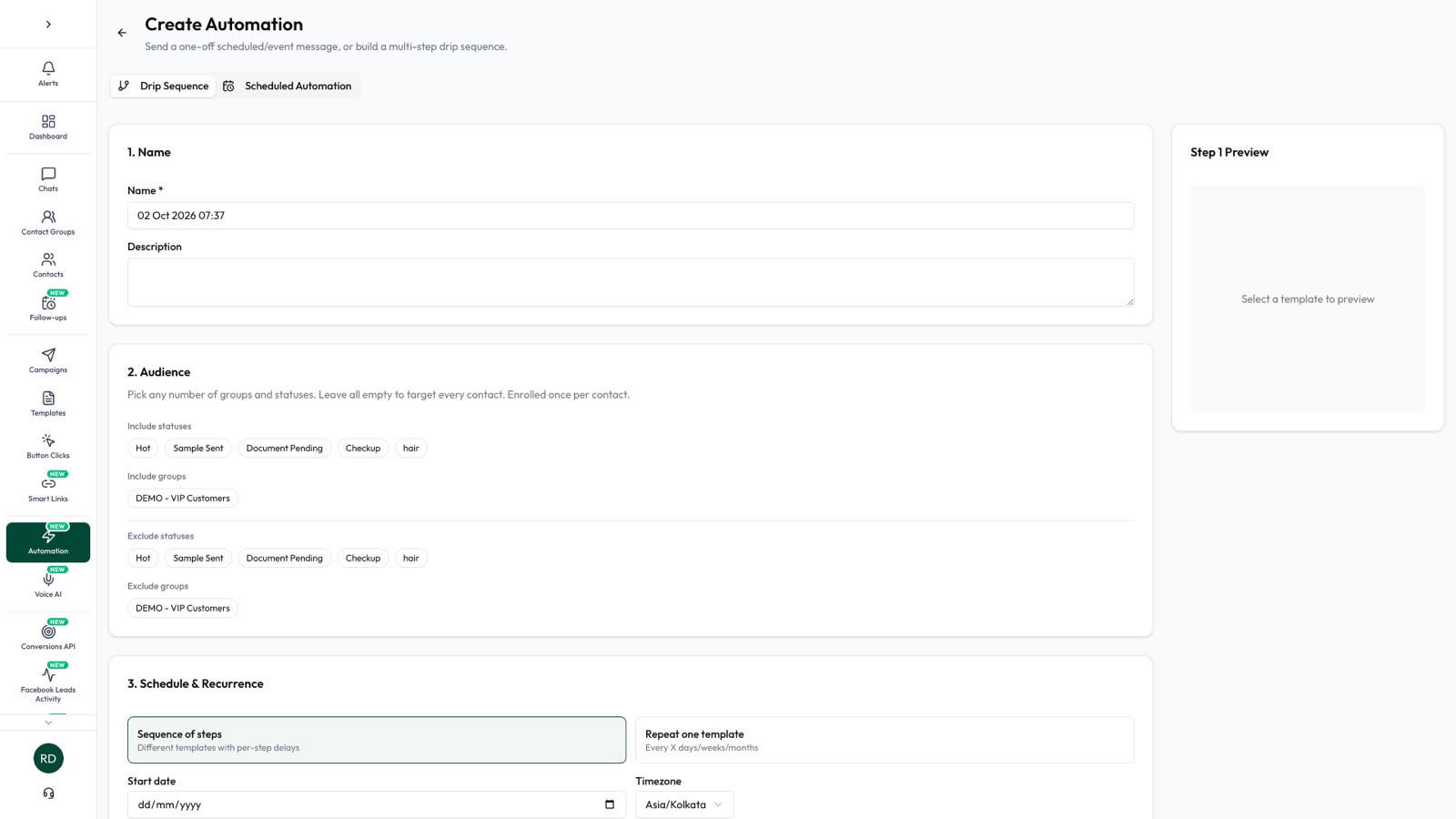
Not every chat is a buyer. AI Sales Center (an Automate AI plan add-on) reads each conversation, scores the lead from 0 to 100 with the reason shown (for example “asked for a quotation for 50 units”), suggests the next best action and alerts the right teammate when a person is needed, so your team spends time on the hottest leads first.
Costs: ad spend plus messages
Your cost per lead is the ad spend plus messaging. During the free window, chats from Click-to-WhatsApp ads cost nothing on the WhatsApp side. Later follow-ups are templates: ₹0.8631 per marketing message or ₹0.1150 per utility message to Indian numbers from October 2026, plus GST. See WhatsApp API pricing in India.
Metrics that matter
- Cost per conversation: ad spend ÷ chats started.
- Reply rate: how many people answer your first question.
- Qualified-lead rate: chats that meet your criteria.
- Time to first reply: minutes matter for hot leads.
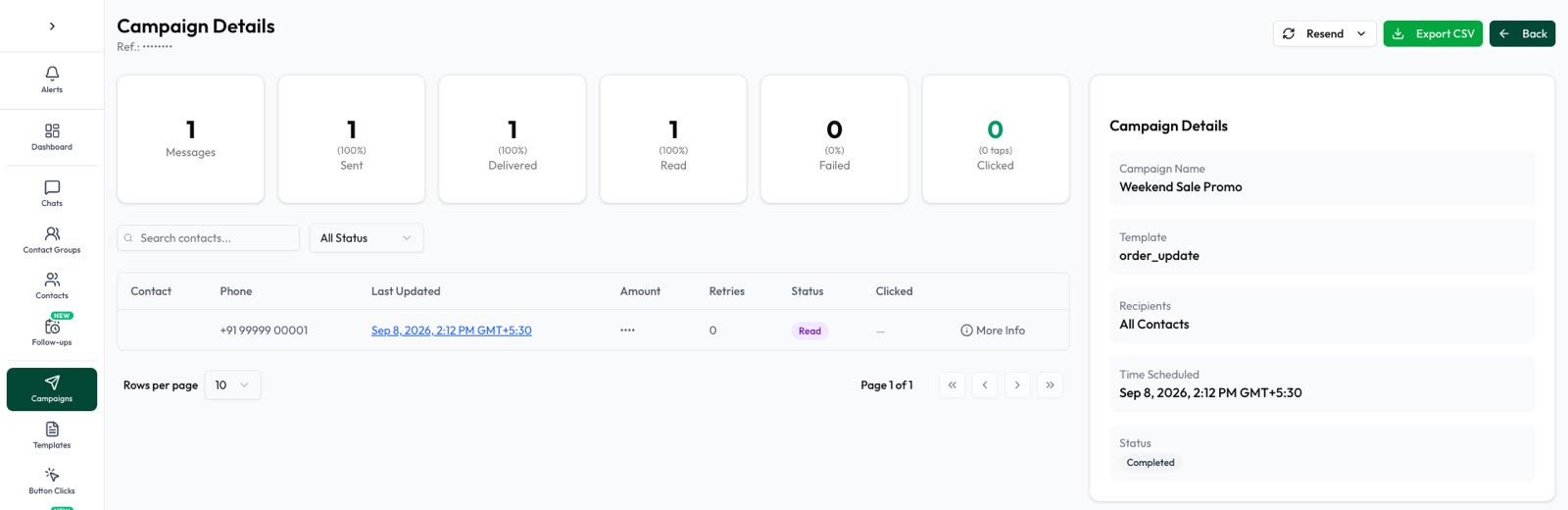
- Conversion rate and cost per sale, by ad and source.
Automate AI saves leads from Facebook lead ads, IndiaMART, JustDial and website forms as contacts automatically, and can send Facebook and IndiaMART leads a welcome message on WhatsApp, so every source is followed up the same way.
Frequently asked questions
Are chats from Click-to-WhatsApp ads free?
Yes, if you reply within 24 hours: Meta doesn’t charge for messages in the free window that follows (now described by Meta as up to 7 days), except Meta Business Agent messages. You still pay for the ad.
Do I need the WhatsApp API to run Click-to-WhatsApp ads?
No. WhatsApp Business app users can run them too; the API adds automation, routing and reporting.
How do I make a WhatsApp link for leads?
Use wa.me followed by your full number with country code and no plus sign, zeros or dashes, and add ?text= with a URL-encoded message, for example wa.me/91XXXXXXXXXX?text=Hi (replace the Xs with your 10-digit number).
Can I follow up with ad leads later?
After 24 hours, only with approved template messages and only if the lead opted in.
Sources
- Meta: Click-to-WhatsApp ads (Marketing API)
- Meta: Pricing on the WhatsApp Business Platform (free entry point window)
- WhatsApp Help: How to use click to chat
- Meta: Getting opt-in
- Meta Business Help: WhatsApp Business Platform vs app
WhatsApp rules and prices change. We check these guides against Meta’s documentation, but always confirm current terms with Meta before you rely on them. Questions? Message us on WhatsApp at +91 79000 03693.