WhatsApp CRM: Track, Score and Follow Up Every Lead
What a WhatsApp CRM is, what the Business app can and can’t do, the features to look for, how to capture and score leads from chats, follow-up rules and the data rules in Meta’s terms.
A WhatsApp CRM is software that turns your WhatsApp chats into an organised sales pipeline: every contact has an owner, a status, notes and a next step, and your whole team works from one shared inbox on one number. WhatsApp itself has no built-in CRM; the Business app only offers labels and quick replies, so growing teams connect a CRM through the WhatsApp Business Platform (API).
This guide covers what to look for, how to capture and score leads automatically, how follow-ups work inside and outside WhatsApp’s 24-hour window, and the data rules every WhatsApp CRM has to respect.
Key takeaways
- WhatsApp has no built-in CRM; CRMs connect through the Business Platform API.
- Look for a shared inbox, assignment, statuses, notes, lead capture, follow-up reminders and reporting.
- Lead scoring based on your own chat content is allowed under Meta’s terms; building profiles from other platform data is not.
- Follow-ups after 24 hours must be approved templates sent to opted-in contacts.
- Avoid WhatsApp Web “CRM extensions”: WhatsApp prohibits unauthorised third-party tools.
What a WhatsApp CRM is, and why phones and spreadsheets lose leads
When enquiries arrive on one phone, chats get buried, leads are copied into spreadsheets by hand and nobody knows who replied last. A WhatsApp CRM fixes this by putting every conversation in one place with an owner and a status, and by reminding the team who to follow up with and when.
WhatsApp Business app tools vs a real CRM
| Need | WhatsApp Business app | WhatsApp CRM on the API |
|---|---|---|
| Several agents on one number | A few linked devices | Any number of agents in a shared inbox |
| Organise leads | Labels | Statuses, pipeline stages, groups, custom fields |
| Ownership | None | Assign chats, auto-assign, see who replied |
| Lead capture | Manual | Ads, website forms, marketplaces, imports |
| Follow-ups | Memory | Reminders, tasks, drip sequences |
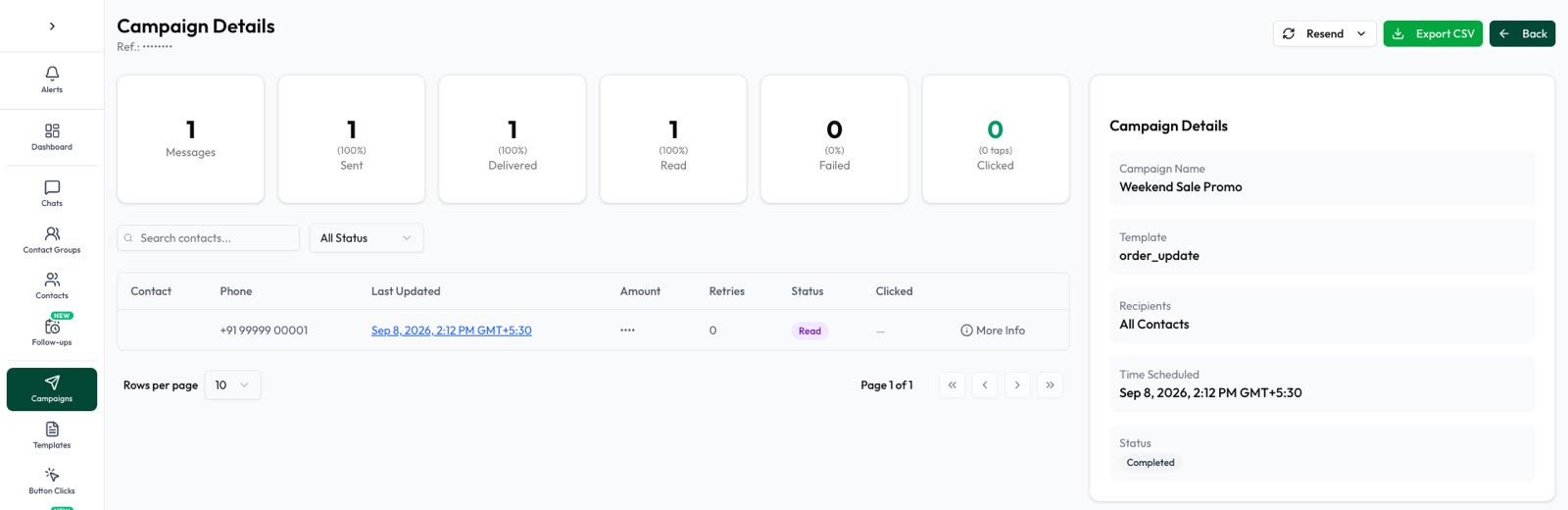
| Reporting | None | Response times, conversions, campaign results |
If you want to keep using the Business app on the same number, ask your provider about Meta’s coexistence onboarding, which syncs contacts and up to six months of one-to-one chats.
Must-have WhatsApp CRM features
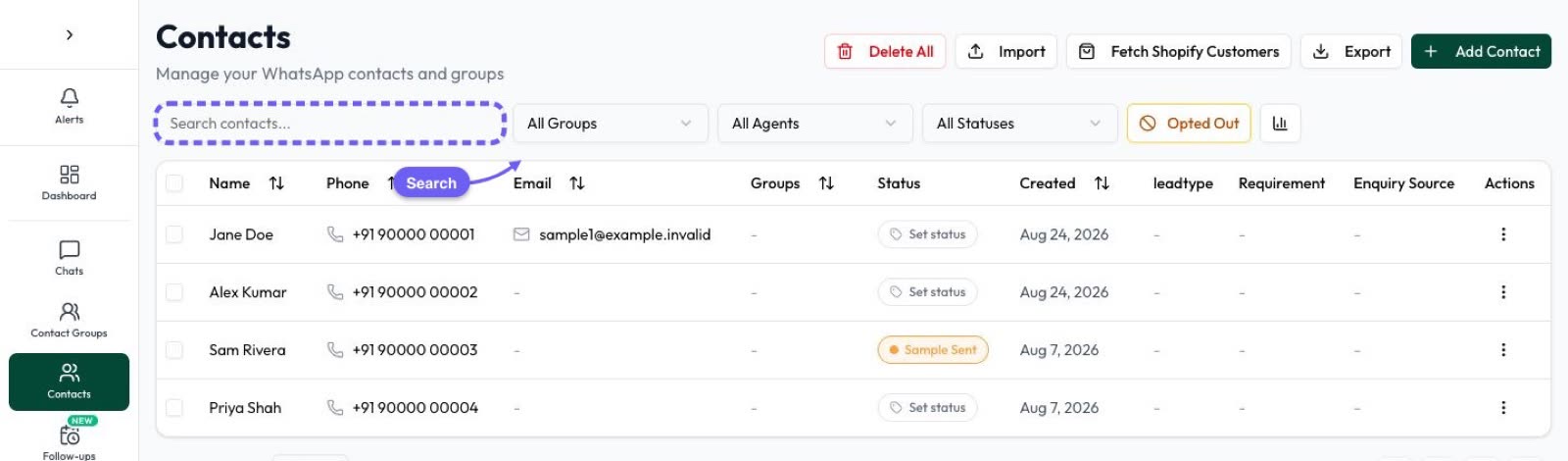
- Shared inbox with assignment, notes and filters (unread, unassigned, closed).
- Contact statuses or pipeline stages you can define yourself.
- Groups, tags and custom fields for segmenting.
- Lead capture from ads, website forms and marketplaces.
- Follow-up tasks and automatic reminders.
- Opt-in and opt-out tracking per contact.
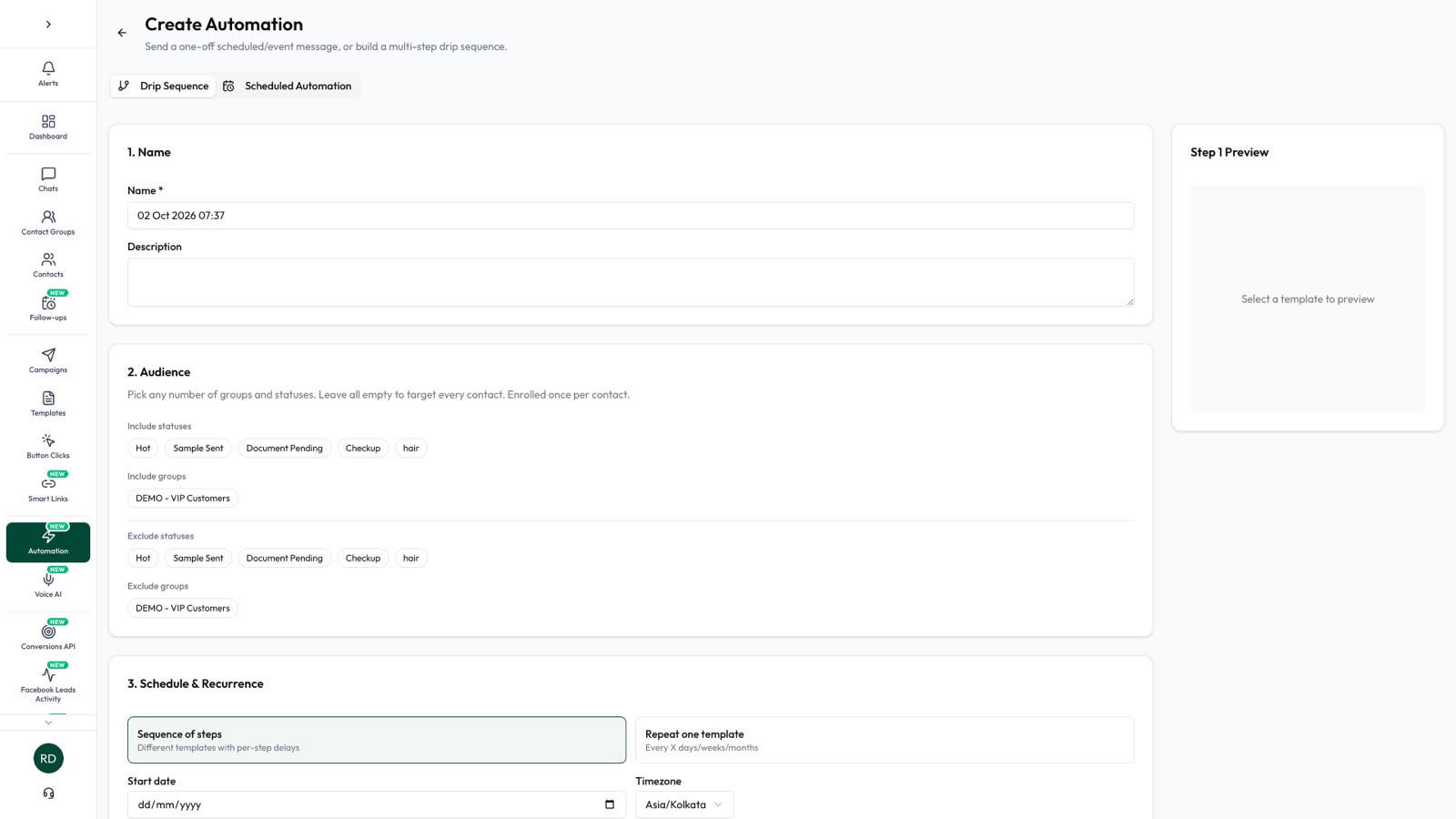
- Campaigns and drip sequences from approved templates.
- Reporting and export, plus an API and webhooks.
Capturing leads automatically
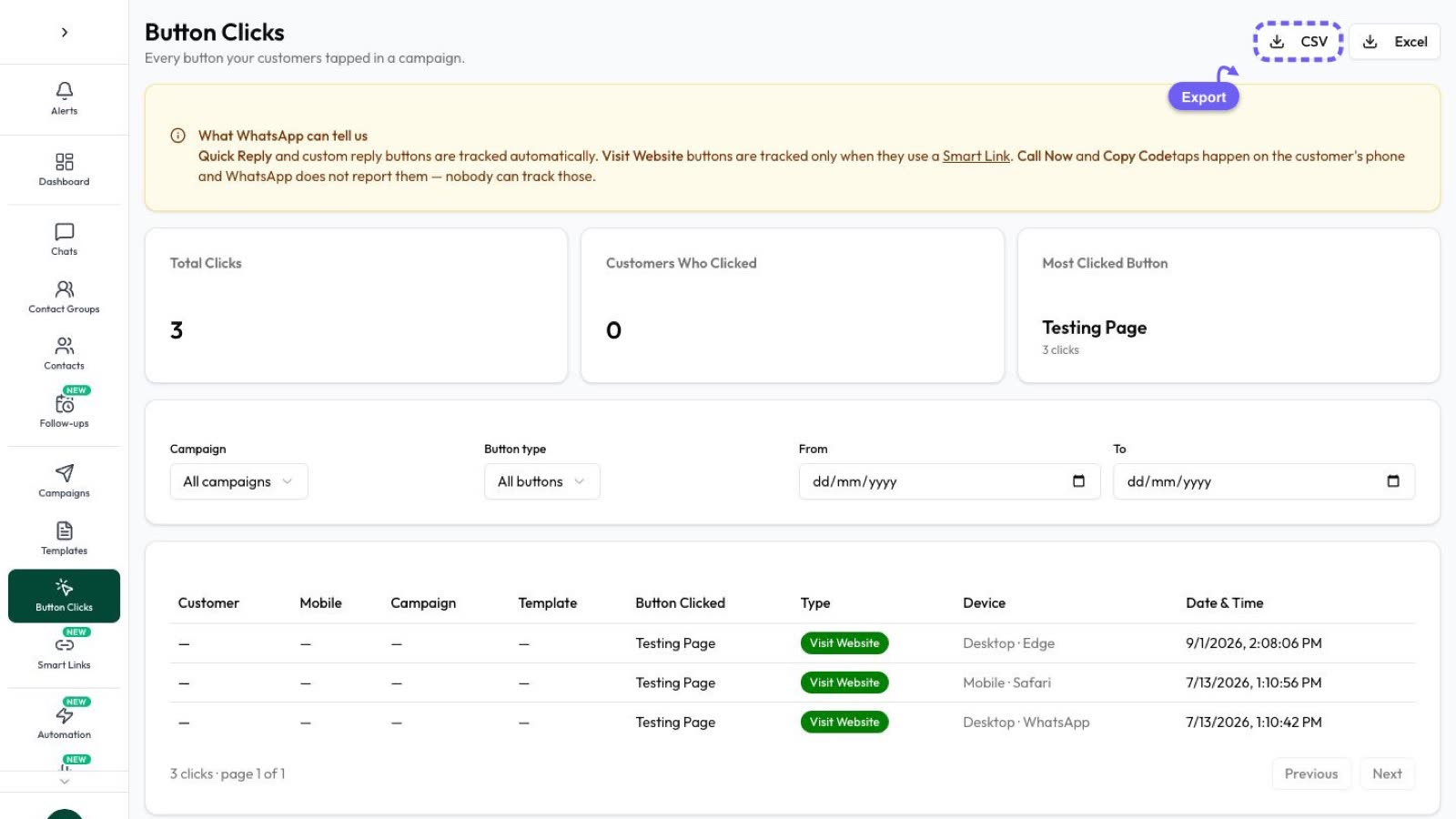
The best CRM is the one nobody has to type into. Connect your lead sources so every new enquiry lands in the inbox with its source recorded: Click-to-WhatsApp ads, Facebook lead forms, website forms, and Indian marketplaces such as IndiaMART and JustDial. Then a welcome message or chatbot can qualify the lead straight away. See our lead generation guide.
Lead scoring on WhatsApp: which signals matter
What a customer says in the chat is the best buying signal you have: asking for a quotation, a delivery date, a demo slot or bulk pricing usually means they’re close; “just browsing” means they aren’t. AI can read the conversation and score each lead, so your team calls the hottest ones first.
AI Sales Center in Automate AI (a plan add-on) scores each lead from 0 to 100 from what the customer actually said, shows the reason, suggests the next best action, flags chats that need a person and creates follow-up tasks for your team. The AI never sends follow-ups to customers on its own.
Follow-ups inside and outside the 24-hour window
- Within 24 hours of the customer’s last message: reply freely, in any format.
- After 24 hours: send an approved template, and only to contacts who opted in.
- Stop following up when the contact replies or asks you to stop.
Drip sequences can automate a series of follow-ups and stop on reply; see WhatsApp automation and drip campaigns.
Data, privacy and Meta’s terms
- Meta’s terms for the WhatsApp Business Platform don’t allow using platform data to track or build profiles of individual users, except the content of your own message threads. Scoring leads from your own chats falls under that exception; have your legal team review your setup.
- Don’t share platform data with third parties other than your solution provider.
- WhatsApp is rolling out usernames and business-scoped user IDs in 2026. A user who adopts a username may not show their phone number, so a CRM must be able to store these IDs.
- Indian data-protection law (the DPDP Act 2023) applies to the personal data you store.
A one-week setup for a sales team
- Day 1: connect your number and invite your team.
- Day 2: define statuses (New, Interested, Site visit, Quotation sent, Won, Lost) and groups.
- Day 3: import existing contacts with their opt-in status; connect ads and website forms.
- Day 4: set auto-assignment and business hours.
- Day 5: add a welcome chatbot that asks two qualifying questions.
- Day 6: create follow-up templates and a drip sequence that stops on reply.
- Day 7: review response times and the pipeline with the team.
Questions to ask a WhatsApp CRM vendor
- Is it built on the official WhatsApp Business Platform?
- How many agents and numbers are included?
- Are Meta’s message charges passed through at cost?
- Can it score leads and remind my team to follow up?
- Does it support usernames and business-scoped user IDs?
- Can I export my data and use an API?
Frequently asked questions
Does WhatsApp have a built-in CRM?
No. The WhatsApp Business app has labels and quick replies; CRMs connect through the WhatsApp Business Platform API.
Can several agents share one WhatsApp number?
Yes, through a shared inbox on the WhatsApp Business API. The Business app only supports a few linked devices.
Can I keep my WhatsApp Business app number?
Yes, if your provider supports Meta’s coexistence onboarding, which keeps the app working on the same number.
Are WhatsApp Web CRM extensions allowed?
WhatsApp prohibits unauthorised third-party tools. The WhatsApp Business Platform API is the supported way to connect a CRM.
Sources
- Meta Business Help: WhatsApp Business Platform vs app
- Meta Terms for WhatsApp Business Platform
- Meta: Business-scoped user IDs
- Meta: Onboarding WhatsApp Business app users (coexistence)
- WhatsApp Business Messaging Policy
WhatsApp rules and prices change. We check these guides against Meta’s documentation, but always confirm current terms with Meta before you rely on them. Questions? Message us on WhatsApp at +91 79000 03693.