WhatsApp Customer Service: A Playbook for Support Teams
How to run customer support on WhatsApp: the 24-hour window and what replies cost, business hours and away messages, a shared inbox workflow, bots and AI vs people, handover, CSAT, privacy rules and the metrics to track.
Good WhatsApp customer service comes down to three things: answer inside the 24-hour customer service window, which opens every time a customer messages you; give every chat a clear owner; and always offer a way to reach a person. Inside that window you can reply freely, and each business number gets 1,000 free service messages a month before Meta charges ₹0.1150 per reply in India.
This playbook is for support teams moving from one shared phone to a proper setup. It covers the rules, setting expectations with business hours, a shared inbox workflow, where bots and AI help and where they don’t, handover, measuring satisfaction, privacy and the numbers worth watching, as of October 2026.
Key takeaways
- A customer’s message opens a 24-hour window for free-form replies; after it closes, you can only send approved templates.
- Customers never pay to message you. Each business number gets 1,000 free service messages a month; after that, replies cost ₹0.1150 each in India (from 1 October 2026).
- WhatsApp’s policy allows automation inside the window but requires prompt, clear and direct escalation paths, such as handover to a person.
- Never ask for full card numbers, financial account numbers or ID numbers in chat.
- One owner per chat, internal notes, tags and quick replies keep a team consistent.
The rules: the 24-hour window and what replies cost
When a customer messages or calls your business on WhatsApp, a 24-hour customer service window starts. While it is open you can send any message: text, images, documents. Once it closes, you can only reach that customer with an approved template message, and only if they opted in.
| Message | When you can send it | Meta charge in India (from 1 Oct 2026) |
|---|---|---|
| Customer’s message to you | Any time | Free |
| Your free-form reply (service message) | Inside the 24-hour window | First 1,000 per number per month free, then ₹0.1150 |
| Utility template (e.g. a ticket update) | Any time, to opted-in customers | ₹0.1150, also inside the window since October 2026 |
| Marketing template | Any time, to opted-in customers | ₹0.8631 |
Free service messages don’t roll over, and once the free tier is used up, service messages are delivered only if your account has a payment method. Rates exclude 18% GST. See WhatsApp API pricing in India for the full picture.
Set expectations: business hours, away messages and your profile
Customers forgive a wait they were told about. Decide your support hours and say them out loud:
- Business hours: publish them in your WhatsApp profile and on your website.
- Away message: an automatic reply outside hours that says when you’ll answer and where urgent issues should go.
- Profile: WhatsApp’s policy asks businesses to keep a WhatsApp Business profile with customer support contact information.
- Response target: pick one you can keep, for example “within 2 hours during business hours”, and measure it.
An away message sent in reply to a customer is a service message, so it sits inside the window the customer just opened.
A shared inbox workflow for support teams
One phone passed around a team loses chats. On the WhatsApp Business API, everyone works from the same number in a shared inbox, each with their own login. A simple workflow:
- Triage: new chats land in Unassigned. Auto-assignment (or a lead) gives each one an owner.
- Own it: the assigned agent replies, using quick replies for common answers so the team says the same thing.
- Note it: internal notes record context the customer never sees (“refund approved by Priya, 12 Oct”).
- Tag it: tags and statuses (for example “Refund”, “Delivery issue”, “Waiting on customer”) make cases easy to find and count.
- Follow up: set a follow-up when you promised to come back.
- Close it: close the chat when the issue is solved. If the customer writes again, it reopens.
Service levels (SLAs) that fit WhatsApp
| Measure | Suggested target to start with |
|---|---|
| First reply during business hours | Within your published response target |
| Unassigned chats at any moment | Close to zero |
| Open chats past 20 hours with no reply | Zero: answer before the window closes |
| Chats reopened within 48 hours of closing | Track it; a high number means issues aren’t really solved |
These targets are starting points, not industry benchmarks. Set your own after a month of data.
Bots and AI vs people: who should answer what
WhatsApp’s Business Messaging Policy says you may use automation when responding during the 24-hour window, but you must also have prompt, clear and direct escalation paths. The policy lists options such as in-chat human agent transfer, a phone number, email, web support, a store visit or a support form.
| Good for automation | Better with a person |
|---|---|
| Order status, opening hours, prices, policies | Complaints and angry customers |
| Collecting an order number before handover | Refund exceptions and goodwill gestures |
| Answers that live in your documents or website | Anything the bot or AI got wrong twice |
| Routing to the right department | Medical, legal or financial specifics |
A menu-driven chatbot is predictable and good for routing. An AI assistant can answer open questions from your own content. Both should step aside the moment a person is needed.
Handover and escalation done right
- Clear triggers: the customer types “agent” or “human”, the bot can’t answer, or the topic is on your “people only” list.
- Warm handover: tell the customer a person is joining and roughly when, then alert the team.
- Context travels: the agent reads the bot conversation and notes instead of asking the customer to repeat everything.
- Escalation tiers: agent → team lead → specialist department, with a note at each step.
- Don’t hand back too soon: keep automation off in that chat until the case is closed.
Measuring satisfaction (CSAT) on WhatsApp
The simplest CSAT question works best: “How did we do today? Reply 1 (poor) to 5 (great).” How you send it matters:
- Inside the window: ask in a normal message right after you close the case. It is a service message.
- Outside the window: use a template. Meta allows feedback requests as utility only when they relate to a specific order, transaction or interaction; a general or generic survey won’t be approved as utility, and a survey with promotional content is marketing.
- Keep it short: one question, with an optional “tell us more”. Long surveys get ignored.
Example utility wording (sample data): “Hi {{1}}, your support request #{{2}} was closed today. Was your issue solved?” [Yes] [No, I still need help]
Privacy: what never to ask for in chat
WhatsApp’s Business Messaging Policy says not to share, or ask people to share, full-length payment card numbers, financial account numbers, personal ID card numbers or other sensitive identifiers.
- Take payments and identity checks on a secure page or in person, not in the chat.
- Ask for an order number or the last few digits of a reference instead of full identifiers.
- Train agents to stop customers who start typing card details and point them to the secure option.
- Clinics and finance teams should keep health details and account specifics out of chat; see the guardrails in our AI agent guide.
Metrics to review every week
- First response time during business hours.
- Resolution time from first message to closed.
- Chats that hit the end of the 24-hour window without a reply.
- Handover rate from bot or AI to people, and the reasons.
- Reopen rate within 48 hours.
- CSAT average and the comments behind low scores.
- Service messages used against the 1,000 free per number per month.
Turn the top three reasons customers write into quick replies, chatbot options or knowledge-base answers, then check the numbers again a month later.
Customer service in Automate AI
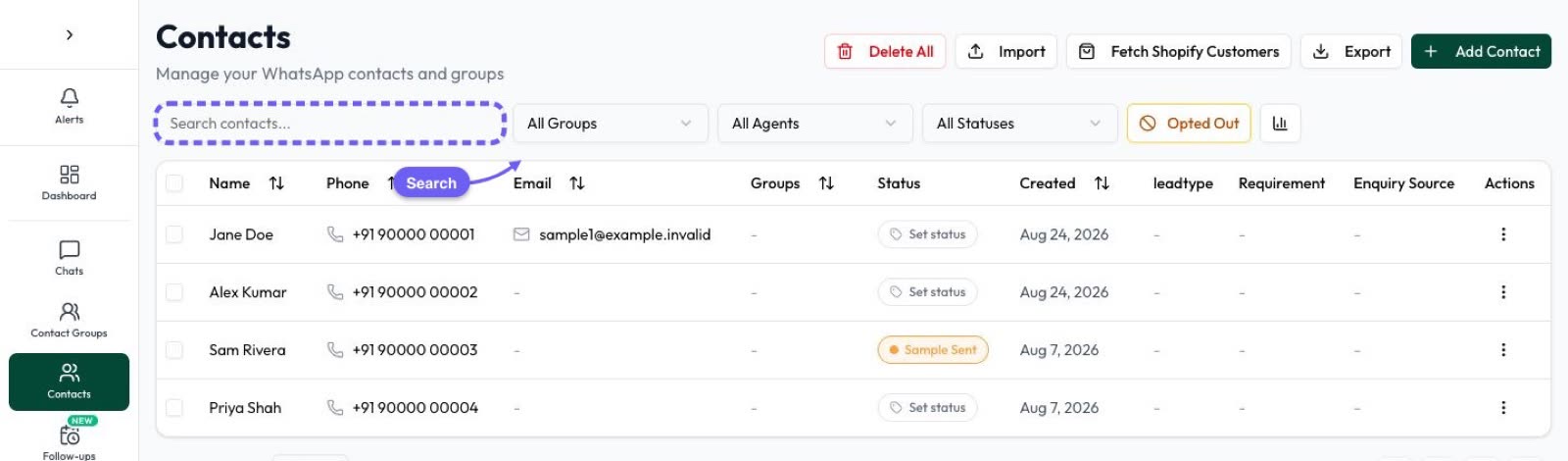
Automate AI’s Shared Team Inbox puts every WhatsApp chat in one place:
- Chats tabs: All, Unread, Unassigned, Open, Closed and Archived.
- Ownership: assign and unassign chats, or switch on round-robin auto-assignment, which also reassigns a closed chat when the customer writes again. Roles are owner, manager and agent, and you can set up departments.
- Context: internal notes, an activity log, contact tags and statuses, and follow-ups.
- Speed: quick replies, and business hours with an away message or template.
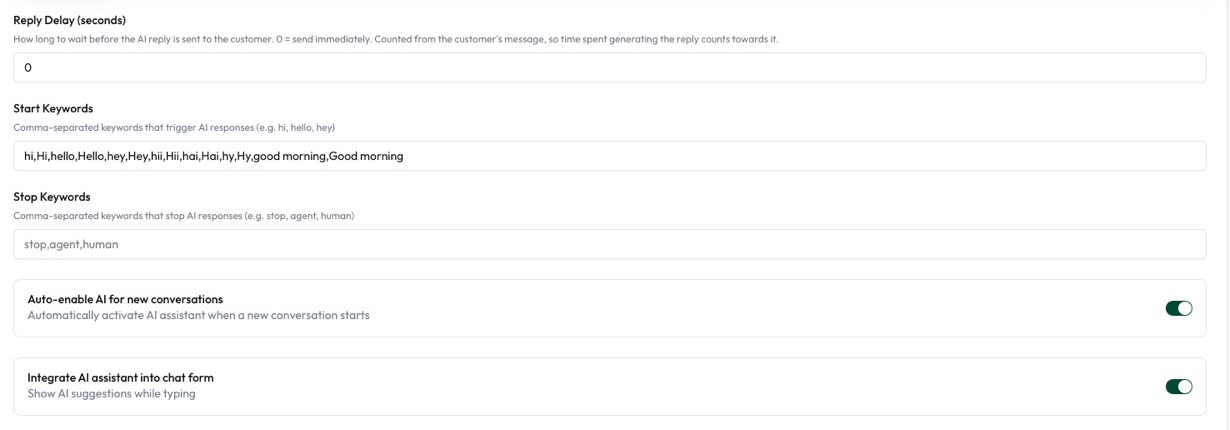
- AI: the AI Assistant answers from your uploaded documents or website, can be switched on or off per chat, and hands over to a person with alerts.
- Automation: flow-builder chatbots for menus and routing.
Automate AI is an installable web app (PWA), so agents can add it to their home screen; there is no separate native app.
Frequently asked questions
Are WhatsApp customer service replies free?
Messages customers send you are free. Each business number gets 1,000 free service messages a month; after that, replies inside the 24-hour window cost ₹0.1150 each in India from 1 October 2026, plus GST.
What is the 24-hour customer service window?
A 24-hour period that starts when a customer messages or calls your business. Inside it you can send free-form replies; outside it, only approved templates.
Can a chatbot handle all my WhatsApp support?
No. WhatsApp’s policy allows automation inside the window but requires clear escalation paths, such as transfer to a human agent.
How do I send a CSAT survey on WhatsApp?
Inside the window, ask in a normal message. Outside it, use a utility template tied to the specific order or support case; generic surveys aren’t approved as utility.
Can customers send card details on WhatsApp?
You must not ask for full card numbers, financial account numbers or ID numbers. Use a secure payment page instead.
Can several agents answer from one WhatsApp number?
Yes, on the WhatsApp Business API with a shared inbox, where each agent has their own login.
Sources
- Meta: Pricing on the WhatsApp Business Platform (customer service window, service messages)
- WhatsApp Business Messaging Policy
- Meta: Template categorization (feedback surveys)
WhatsApp rules and prices change. We check these guides against Meta’s documentation, but always confirm current terms with Meta before you rely on them. Questions? Message us on WhatsApp at +91 836 977 8812.