
Shopify WhatsApp Integration: Order Updates and Abandoned-Cart Recovery
How to connect Shopify to WhatsApp: which order events to message, why order updates are utility and cart reminders are marketing, opt-in at checkout, reminder timing, template examples and how to measure recovered revenue.
A Shopify WhatsApp integration sends a WhatsApp message when something happens in your store: an order is placed, paid, shipped or cancelled, or a shopper leaves without finishing checkout. Order updates go out as utility templates, which cost ₹0.1150 each in India; cart reminders are marketing templates at ₹0.8631, and both need the customer’s opt-in.
The setup is simple: connect your store, approve one template per event, decide when cart reminders go out, and watch how many carts come back. This guide covers which events are worth a message, how Meta categorises them, collecting WhatsApp opt-in at Shopify checkout, timing, sample templates and how to measure recovery, as of October 2026.
Key takeaways
- Message the events customers actually wait for: order placed, payment confirmed, shipped and cancelled.
- A plain order update is utility; an abandoned-cart reminder is marketing, because Meta treats retargeting as marketing even when the customer asked for it.
- Shopify’s checkout can show a WhatsApp marketing sign-up checkbox, by region; the preference is saved only when the customer submits the checkout.
- Space cart reminders out and save any discount for a later reminder, not the first.
- Judge recovery by recovered orders and revenue, not by messages sent.
Which Shopify events deserve a WhatsApp message
Customers check their phones when they are waiting for something. The most useful messages answer “did my order go through?” and “where is it?”, and nothing more. Each event below gets its own template, so the wording always fits the moment.
| Shopify event | Why it’s worth a message | Meta category |
|---|---|---|
| Order placed | Confirms the order number and what was bought | Utility |
| Payment confirmed | Reassures the customer that the payment went through | Utility |
| Order shipped (fulfilled) | Shares that the parcel is on its way, ideally with a tracking link | Utility |
| Order cancelled | Explains the cancellation and what happens to the money | Utility |
| Abandoned cart or checkout | Brings back a shopper who left before paying | Marketing |
Resist the urge to message every status change. Too many messages lead to blocks and reports, which lower your quality rating and can get templates paused. See WhatsApp template messages for how quality works.
Utility or marketing: how Meta categorises order updates and cart reminders
Meta’s template guidelines list order management as a utility use: confirming, updating or cancelling an order or transaction. Meta’s own examples are an order confirmation and a “your package is on its way” update. These messages must not promote, recommend, upsell or cross-sell, and must not include offers.
An abandoned-cart reminder is different. Meta classes retargeting, messaging people who visited your website or engaged with you, as marketing “even if requested by users”, and its retargeting example is a reminder about items left in a cart. So budget for cart reminders at the marketing rate.
| Message | Category | Meta list rate in India (from 1 Oct 2026) |
|---|---|---|
| Order confirmation, payment, shipping, cancellation | Utility | ₹0.1150 per delivered message |
| Abandoned-cart reminder | Marketing | ₹0.8631 per delivered message |
| Order update with a coupon for the next order | Marketing (mixed content) | ₹0.8631 per delivered message |
Rates exclude 18% GST and your provider’s fees. Full details are in WhatsApp API pricing in India.
Collecting WhatsApp opt-in at Shopify checkout
WhatsApp’s Business Messaging Policy says you may only message people who gave you their number and opted in to receive messages from you, and that you must respect opt-out requests made on or off WhatsApp. Checkout is the natural place to ask.
What Shopify’s checkout settings offer
- In Settings › Checkout › Marketing opt-in, Shopify lets you add an SMS or WhatsApp marketing sign-up checkbox to checkout.
- If both SMS and WhatsApp are switched on, you choose which regions see the WhatsApp checkbox instead of the SMS one.
- You can choose whether the checkbox is preselected, and in which regions; customers can still untick it.
- For the WhatsApp or SMS preference to be saved, the customer has to submit the checkout.
- To collect a phone number at all, set the shipping-address phone number to optional or required.
Shopify notes that its consent settings are not a substitute for legal advice and that you are responsible for compliance with the laws that apply to you. A clear, unticked box that names WhatsApp is the safest wording.
When to send abandoned-cart reminders
Shopify treats a checkout as abandoned when it stays incomplete for more than ten minutes after the customer has entered their email. Shopify’s own recovery emails let you choose the delay yourself; it doesn’t prescribe one, and neither does Meta.
A sensible starting cadence, which you can adjust once you see results:
- About 1 hour later: a short, helpful nudge with the cart link. Many shoppers were simply interrupted.
- About 24 hours later: a reminder for people who meant to come back and didn’t.
- A few days later (optional): the last reminder, and the only one where a discount code might make sense.
Every reminder is a paid marketing message, so more reminders are not automatically better. Stop the moment the customer buys, and drop a step if it recovers almost nothing.
Template examples you can adapt
All examples use sample names, numbers and a fictional store. Variables appear as {{1}}, {{2}} and so on.
Order placed (utility)
“Hi {{1}}, thanks for your order #{{2}} at Example Store. We’ll message you again when it ships.” [View order]
Payment confirmed (utility)
“Hi {{1}}, we’ve received your payment of ₹{{2}} for order #{{3}}.”
Order shipped (utility)
“Good news, {{1}}! Order #{{2}} has shipped and should reach you by {{3}}.” [Track order]
Order cancelled (utility)
“Hi {{1}}, order #{{2}} has been cancelled. If you paid online, the refund will follow our refund policy.” [Contact us]
Abandoned cart (marketing)
“Hi {{1}}, you left a few things in your cart at {{2}}. They’re saved for you here: {{3}}. Use code {{4}} if you’d like to finish today.” [Complete order] [Stop promotions]
Measuring recovery and cost
The numbers that matter are the ones that end in money:
- Abandoned carts: how many checkouts were left unfinished.
- Reminders sent and delivered: what you paid Meta for.
- Recovered orders: carts that turned into orders after a reminder.
- Revenue recovered: the value of those orders, compared with what the reminders cost.
| Example (Meta fees only, Indian numbers) | Meta fee | 18% GST | Total |
|---|---|---|---|
| 1,000 cart reminders delivered | 1,000 × ₹0.8631 = ₹863.10 | ₹155.36 | ₹1,018.46 |
| 1,000 orders × 3 updates (placed, paid, shipped) | 3,000 × ₹0.1150 = ₹345.00 | ₹62.10 | ₹407.10 |
If a reminder step costs more than the orders it brings back, change the wording or drop the step. Compare one week with reminders against a similar week without them before drawing conclusions.
Shopify and WhatsApp in Automate AI
Automate AI’s Shopify integration is a plan add-on. Here is what it does:
- Connect: create a custom app for your store and paste its Admin API access token, or enter its API key and secret.
- Order events: order placed, payment confirmed, order shipped (fulfilled) and order cancelled, each with its own approved template.
- Cart recovery: reminders at 1 hour, 6 hours, 24 hours and 3 days, each switched on or off. They share one template with the customer’s name, your store name, the cart link and an optional discount code.
- Stats: abandoned carts, messages sent, recovered orders and revenue recovered.
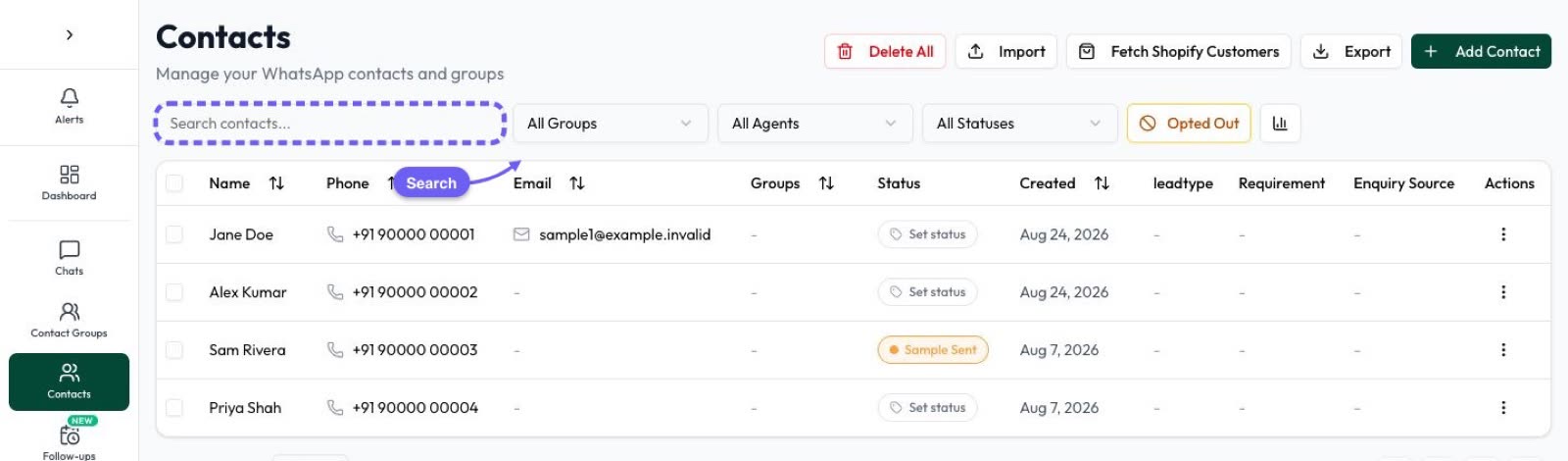
- Customers: import your Shopify customers into Contacts.
There is no “delivered” event and no cash-on-delivery confirmation flow. If you sell without Shopify, see Automate AI’s Online Store.
Common mistakes to avoid
- Hiding offers in order updates. It turns them into marketing and can lead to restrictions.
- Reminding people who never opted in. Blocks and reports hurt your quality rating.
- Sending every reminder at once. Space them out and stop once the customer buys.
- Leading with a discount. Shoppers learn to abandon carts to get one.
- Not checking recovered revenue. Without it you can’t tell whether reminders pay for themselves.
For longer follow-up sequences beyond cart recovery, see WhatsApp automation.
Frequently asked questions
Are Shopify order updates on WhatsApp charged as marketing?
No. A plain update about a specific order is a utility message, ₹0.1150 per delivered message in India from 1 October 2026. Add a promotion and it becomes marketing.
Is an abandoned-cart reminder a utility message?
No. Meta treats retargeting, including cart reminders, as marketing even if the customer asked for it, so it is charged at the marketing rate (₹0.8631 in India).
Can Shopify collect WhatsApp opt-in at checkout?
Yes. Shopify’s Marketing opt-in settings can show a WhatsApp sign-up checkbox, by region. The preference is saved when the customer submits the checkout.
When should I send an abandoned-cart reminder?
Neither Shopify nor Meta sets a time. A common start is one reminder about an hour later and one the next day, with any discount kept for a final reminder.
Which Shopify events can Automate AI message?
Order placed, payment confirmed, order shipped (fulfilled) and order cancelled, each with its own template, plus abandoned-cart reminders at 1 hour, 6 hours, 24 hours and 3 days.
Can I import my Shopify customers?
Yes. Automate AI can fetch your Shopify customers into Contacts.
Sources
- Meta: Template categorization
- Meta: Pricing on the WhatsApp Business Platform
- WhatsApp Business Messaging Policy
- Shopify Help: Collecting customer contact information (marketing opt-in)
- Shopify Help: Abandoned checkouts
- Shopify Help: About apps (custom apps)
WhatsApp rules and prices change. We check these guides against Meta’s documentation, but always confirm current terms with Meta before you rely on them. Questions? Message us on WhatsApp at +91 836 977 8812.
