WhatsApp Catalogue for Business: Set Up, Share and Take Orders
How the WhatsApp catalogue works for businesses: the free WhatsApp Business app catalogue (up to 500 items), catalogue and product messages on the WhatsApp Business API, carts and orders, in-chat payments in India, the rules on what you can sell, and when a WhatsApp-linked online store is the better fit.
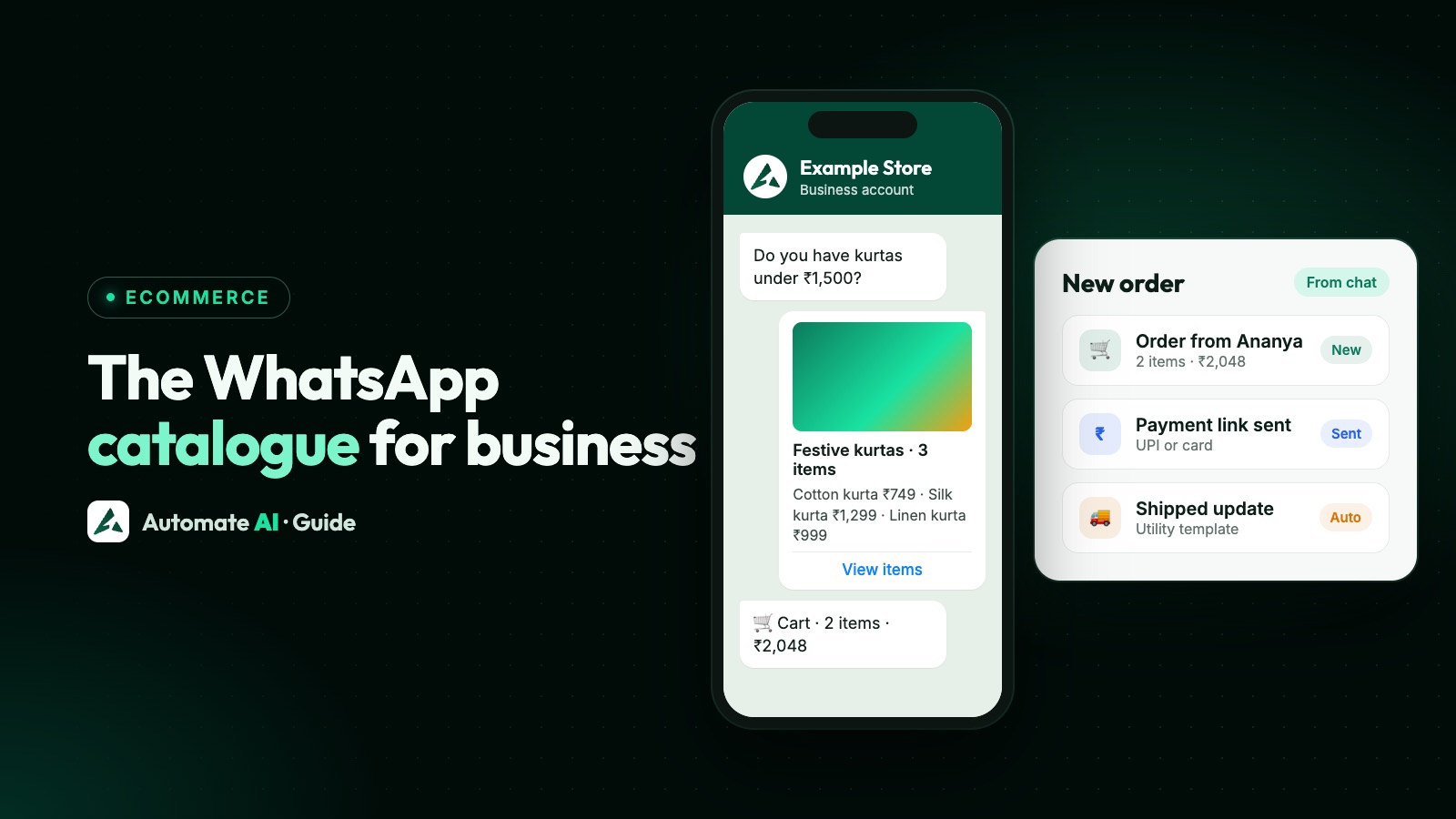
A WhatsApp catalogue lets customers browse your products inside the chat, add them to a cart and send you the order as a message. On the free WhatsApp Business app you can list up to 500 items; on the WhatsApp Business API you connect a Meta catalogue and send product messages, including to customers outside an open chat using approved templates.
This guide covers both versions, how orders and carts work, how payments fit in for Indian businesses, what you can’t sell, and when a proper online store linked to WhatsApp is the better choice.
Key takeaways
- WhatsApp Business app: up to 500 items, each with up to 10 photos or videos; items are reviewed before they show.
- WhatsApp API: one Meta catalogue per WhatsApp account, shared by all its numbers, set up in Commerce Manager.
- Product messages show up to 30 products in up to 10 sections; carousels show 2–10 cards.
- Customers send a cart as an order message; you confirm it and collect payment.
- Catalogues must follow WhatsApp’s Commerce Policy: no alcohol, tobacco, medicines, firearms and other restricted goods.
The catalogue on the WhatsApp Business app
Every WhatsApp Business app account can build a catalogue for free: Business tools → Catalogue → Add new item. Each item needs a name and the country of origin, and can have a price, description, website link, product code and up to 10 photos or videos. You can list up to 500 items, group them into collections and hide items that are out of stock. WhatsApp reviews each item, and it appears once approved.
Customers open the catalogue from your profile or a link you share, add items to a cart and send the cart to you as a message. You then confirm availability, delivery and payment in the chat.
Catalogues on the WhatsApp Business API
On the API, products live in a Meta catalogue that you create in Commerce Manager (or sync from a product feed) and connect to your WhatsApp Business Account. There’s one catalogue per account, shared by all its phone numbers, and you can turn the cart and the catalogue icon on or off.
Message types
| Message | What the customer sees | Limits |
|---|---|---|
| Catalogue message | Your catalogue with a “View catalogue” button | — |
| Single-product message | One product with details and Add to cart | Replies only, not notifications |
| Multi-product message | A list of products in sections | Up to 30 products, 10 sections |
| Product carousel | Swipeable product cards | 2–10 cards |
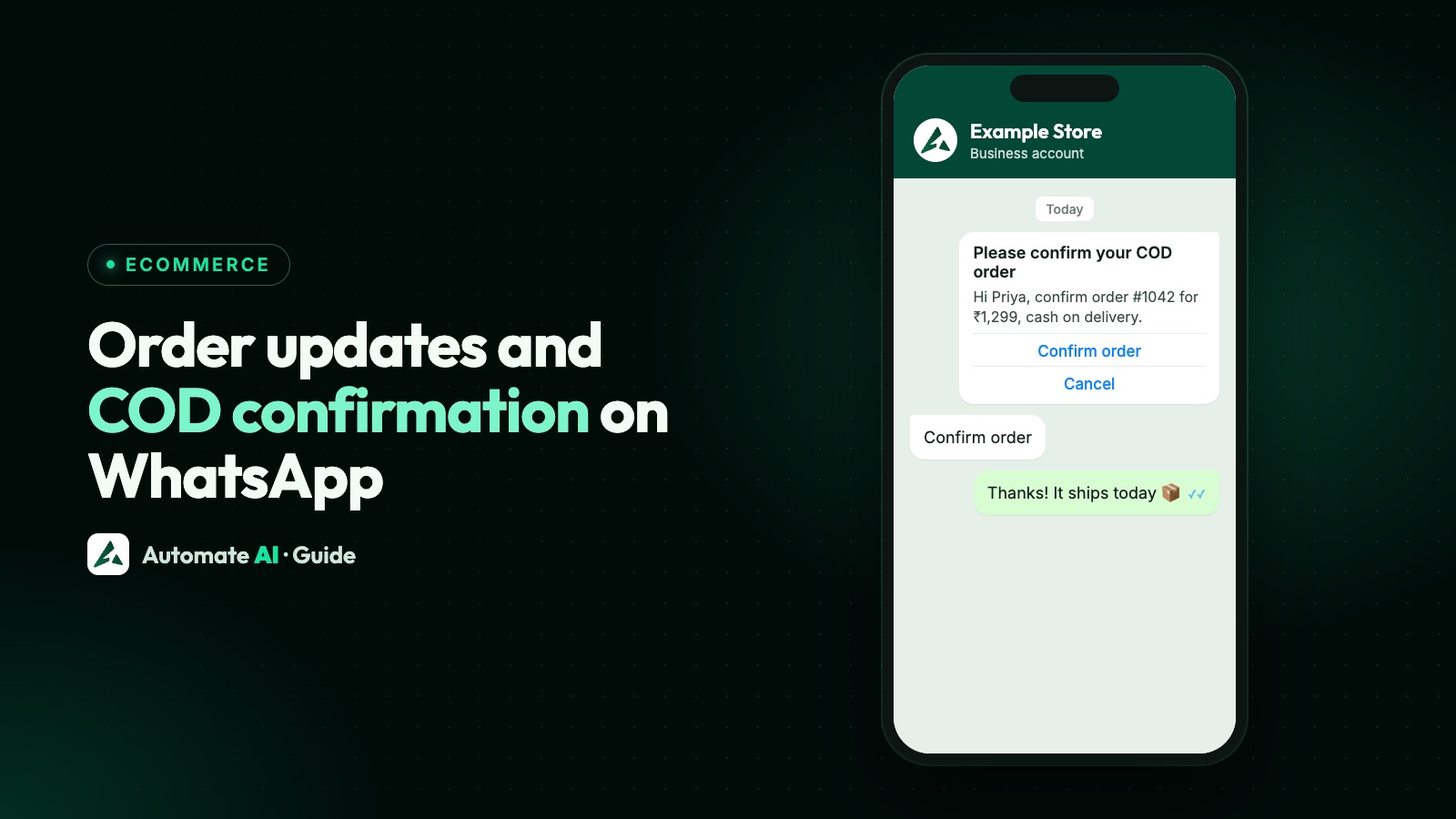
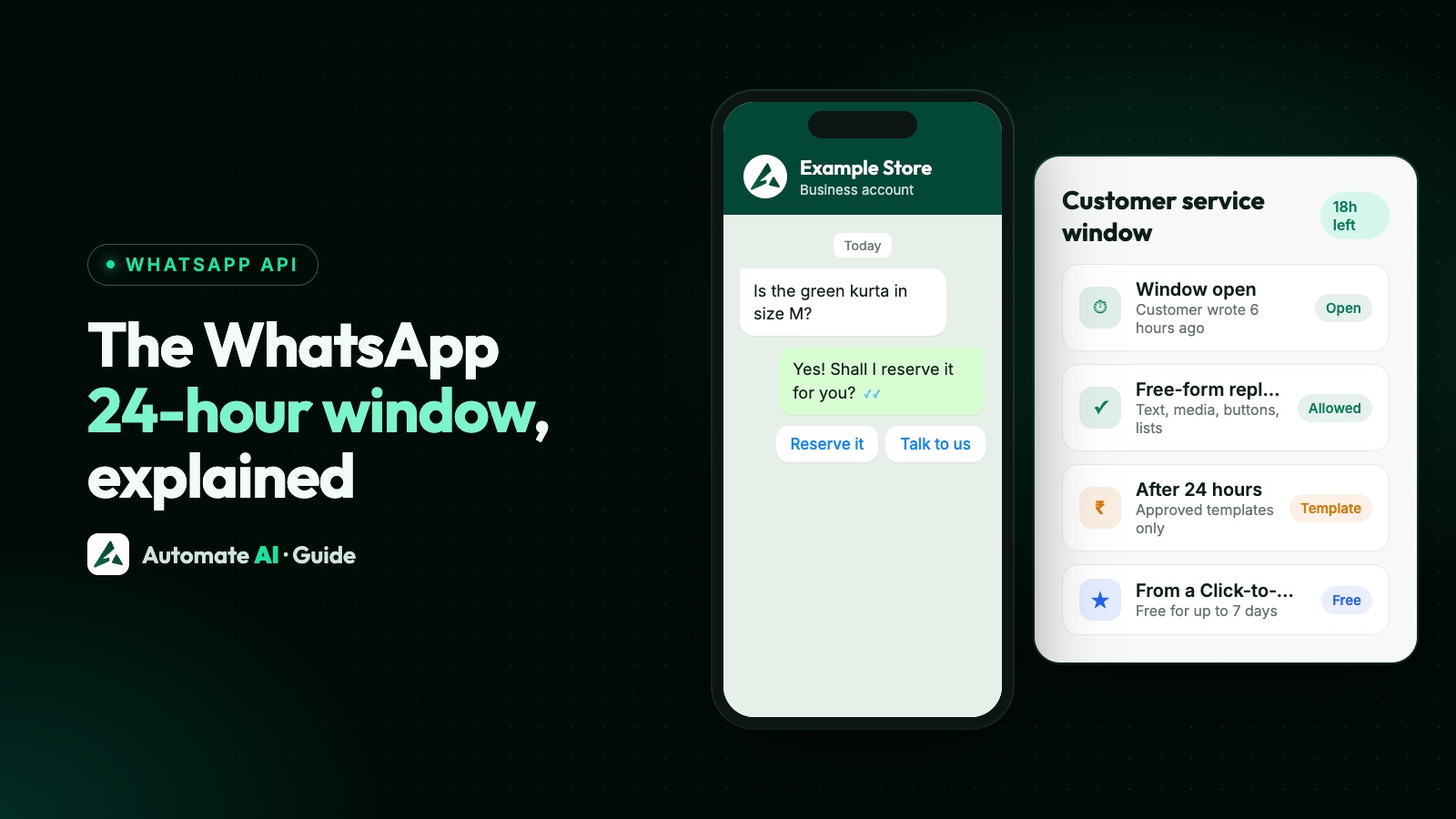
Inside an open 24-hour window you can send these as normal messages. To reach customers outside it, Meta offers approved marketing templates for catalogues, multi-product lists, single products and product carousels.
Carts and orders
- Customers can add up to 99 units of each item and as many different items as they like.
- When they send the cart, it arrives as an order message with each product, quantity and price.
- A sent cart can’t be edited; the customer sends a new one to change it.
- Businesses can’t send a cart; you reply to confirm the order, delivery and payment.
On the API, your software receives the order through a webhook, so it can save the order, notify your team and reply automatically.
Payments inside WhatsApp in India
In India, the API supports an order details message (a utility template) that shows the order summary and lets the customer pay without leaving the chat. Meta supports UPI apps and payment links, and deeper integrations with payment gateways such as Razorpay, PayU, BillDesk and Zaakpay. UPI payments are capped at ₹5 lakh, so higher amounts use web checkout. Some options are limited-access and need a verified business; your gateway and provider decide what you can use.
What you can’t sell
Catalogues and product messages must follow WhatsApp’s Commerce Policy. It bans, among others: alcohol, tobacco and vaping products, drugs and medicines, medical and healthcare products, firearms and weapons, adult products, gambling, multi-level marketing and payday loans. See businesses and products WhatsApp doesn’t allow.
Catalogue or online store?
| WhatsApp catalogue | Online store linked to WhatsApp | |
|---|---|---|
| Where customers browse | Inside WhatsApp | A store web page opened from the chat |
| Checkout | Cart sent as a message; payment arranged in chat | Full checkout with payment or cash on delivery |
| Variants and add-ons | Limited | Categories, products and add-ons |
| Order updates | Manual on the app; automated on the API | Automatic WhatsApp message at each step |
| Best for | Small ranges, chat-led selling | Larger ranges, repeat orders, prepaid orders |
Many businesses use both: product messages to answer “do you have…?” in the chat, and a store link for checkout. For order updates and cash-on-delivery confirmation, see WhatsApp API for ecommerce.
Selling on WhatsApp with Automate AI
Automate AI’s Online Store gives you your own store page with categories, products and add-ons, payments through Razorpay or cash on delivery, and an automatic WhatsApp message at every order step. Share the store link in chats and campaigns, let the AI Assistant answer product questions, and handle every order conversation in the shared inbox. Online Store is included in Series 2, 3 and 4; see Online Store and pricing.
Frequently asked questions
How do I create a catalogue on WhatsApp Business?
In the WhatsApp Business app, go to Business tools → Catalogue → Add new item, add a name, country of origin, photos, price and description, and save. Items appear after WhatsApp reviews them.
How many products can I add to a WhatsApp catalogue?
Up to 500 items on the WhatsApp Business app, each with up to 10 photos or videos.
Can I use a catalogue with the WhatsApp Business API?
Yes. Connect a Meta catalogue from Commerce Manager to your WhatsApp Business Account and send catalogue, single-product, multi-product or carousel messages.
Can customers pay inside WhatsApp in India?
Yes, with the API’s order details messages, using UPI or payment links through supported gateways such as Razorpay or PayU. Availability depends on your gateway and provider.
How many products can a WhatsApp multi-product message show?
Up to 30 products, organised in up to 10 sections.
Sources
- WhatsApp Business: Catalog resources (500 items)
- WhatsApp Help: How to add products to your catalog
- Meta: Catalogs overview
- Meta: Multi-product messages
- Meta: Payments in India
- WhatsApp Business Messaging and Commerce Policy
WhatsApp rules and prices change. We check these guides against Meta’s documentation, but always confirm current terms with Meta before you rely on them. Questions? Message us on WhatsApp at +91 836 977 8812.