WhatsApp Buttons, List Messages and Carousels: Limits and Examples
How WhatsApp interactive messages work: reply buttons (up to 3), list messages (up to 10 rows), call-to-action URL buttons, location requests and carousels, plus template buttons (up to 10), the 24-hour rule and examples for Indian businesses.
WhatsApp has two families of buttons. Interactive messages (reply buttons, lists, a URL button, a location request, media carousels) can be sent only while a customer’s 24-hour window is open. Template buttons (quick replies, website, call, copy code) are part of an approved template, so they also work when you message someone first.
The limits are strict: 3 reply buttons, 10 list rows, 10 template buttons, and button labels of 20 to 25 characters. This guide lists every limit from Meta’s documentation as of October 2026, shows when to use which, and gives examples you can adapt.
Key takeaways
- Reply-button messages: up to 3 buttons, 20 characters each. Lists: up to 10 rows in up to 10 sections.
- Interactive messages only work inside the 24-hour window. To start a conversation with buttons, use a template.
- Templates can have up to 10 buttons: up to 10 quick replies, 2 URL buttons, 1 phone button and 1 copy-code button.
- With more than 3 template buttons, WhatsApp shows 2 and hides the rest behind “See all options”.
- Carousels: 2 to 10 cards, each with an image or video and up to 2 buttons; carousel templates are marketing only.
Interactive messages vs template buttons
| Interactive messages | Template buttons | |
|---|---|---|
| When you can send | Only within 24 hours of the customer’s last message | Any time, to opted-in contacts |
| Approval | None needed | The template is reviewed by Meta |
| Types | Reply buttons, list, CTA URL, location request, media carousel, Flows | Quick reply, URL, phone number, copy code, OTP, Flow, catalog |
| Typical use | Chatbot menus and answers | Campaigns, reminders, order updates |
| Cost | Part of a free service reply (first 1,000 a month per number) | Charged as marketing, utility or authentication |
Meta’s rule is simple: after the customer service window closes, “you can only send pre-approved template messages”. So a chatbot menu uses interactive messages, while a campaign or reminder that opens a conversation uses a template.
Reply buttons: up to 3 quick answers
- Up to 3 buttons, each title up to 20 characters and unique.
- Optional header: text, image, video or document. Body up to 1,024 characters, footer up to 60.
- When tapped, the button title comes back to you as the customer’s reply, with the button ID you set.
Example (clinic): “Your appointment is on Thursday at 11 AM. Do you want to keep it?” [Confirm] [Reschedule] [Talk to us]
List messages: a menu of up to 10 options
- Up to 10 rows in total, grouped in up to 10 sections.
- Row title up to 24 characters, row description up to 72; section titles up to 24.
- One menu button with text up to 20 characters, such as “See options”.
- Header is text only (60 characters); body up to 4,096 characters.
Example (coaching institute): “Which course are you interested in?” [See courses] → Class 10 Science · Class 12 Maths · JEE Foundation · NEET Crash Course. Use a list when you have 4 to 10 choices; for 2 or 3, reply buttons are faster to tap.
Other interactive types
| Type | What it does | Limits |
|---|---|---|
| CTA URL | One button that opens a link | Label 20 characters; header text, image, video or document |
| Location request | Asks the customer to share their location | Body up to 1,024 characters |
| Media carousel | Swipeable cards with images or videos | 2 to 10 cards, 160 characters per card, matching buttons on every card |
| Product and multi-product | Show items from your WhatsApp catalog | Up to 30 products; only in an existing chat |
| Flow | Opens a multi-screen form inside WhatsApp | See WhatsApp Flows |
Template buttons: what you can add
| Button | How many | Label | Notes |
|---|---|---|---|
| Quick reply | Up to 10 | 25 characters | Keep them together, all before or all after other buttons |
| Visit website (URL) | Up to 2 | 25 characters | One variable allowed at the end of the URL, for example an order ID |
| Call phone number | 1 | 25 characters | Number up to 20 characters |
| Copy code | 1 | Fixed | For coupon codes up to 20 characters |
| Total per template | Up to 10 | More than 3 shows 2 plus “See all options” |
A popular combination for offers is a URL button to the product page and a “Stop promotions” quick reply, which gives people an easy way to opt out. See WhatsApp opt-in.
Carousel templates
- Marketing templates only, with 2 to 10 cards fixed when you create the template.
- Each card has an image or video header and up to 2 buttons (quick reply, URL or phone); every card must use the same button types.
- Card text up to 160 characters; the message above the cards up to 1,024.
Example (fashion store): “New festive arrivals are here” with four cards: Silk sarees · Kurtas · Lehengas · Accessories, each with [Shop now] and [Stop promotions].
Writing good buttons
- Start with a verb: “Book a slot”, “Track order”, “Talk to us”.
- Stay under the limit with room to spare; long labels get cut on small phones.
- Always give a way to a person in chatbot menus. WhatsApp’s policy requires a clear path to a human in automated chats.
- Use button IDs you can read in your reports, such as
confirm_appt, not “button1”. - Measure taps. If nobody taps an option, remove it.
Buttons and lists in Automate AI
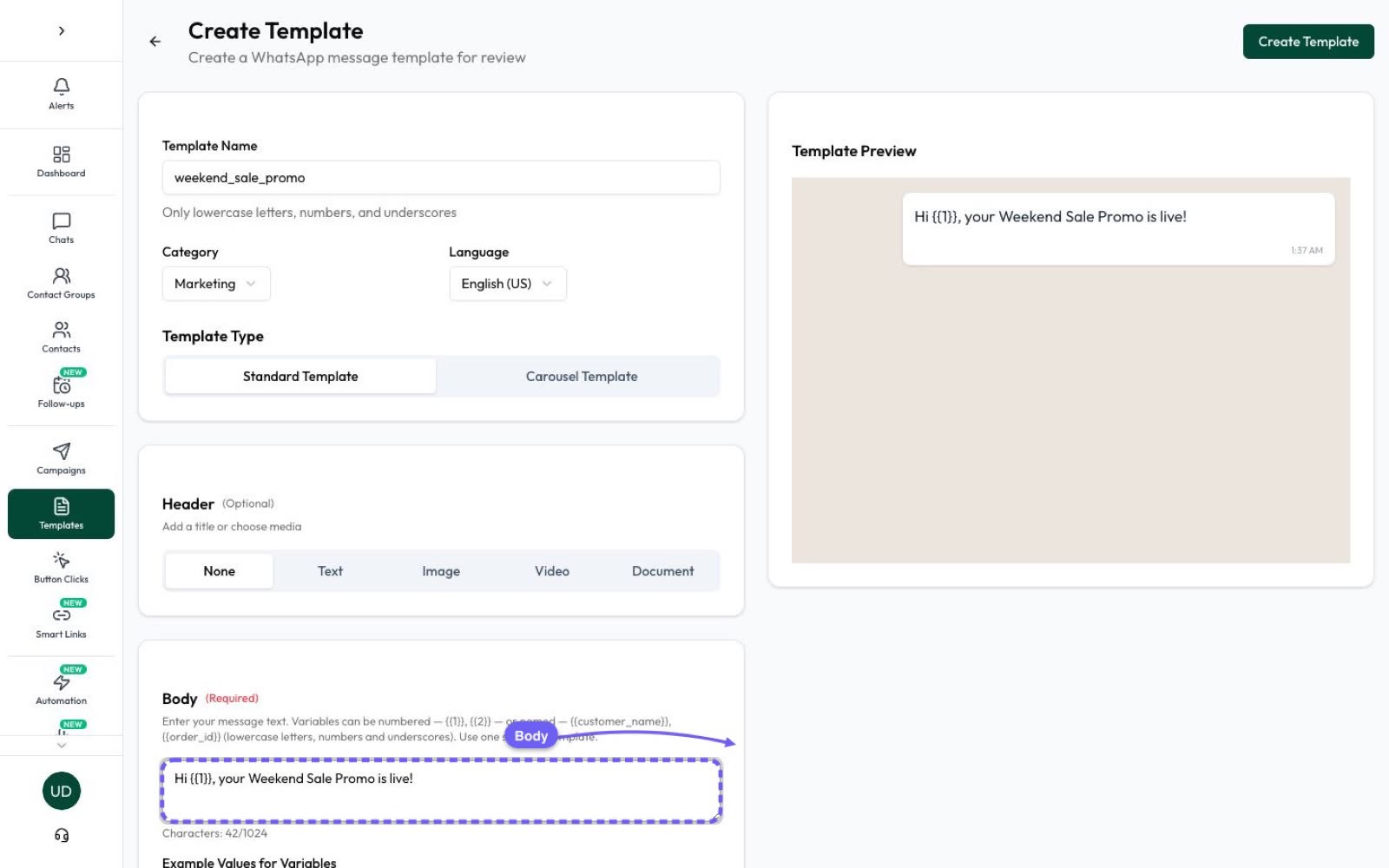
- Templates: add quick-reply, website, call and copy-code buttons, or build carousels, with a live preview and Meta’s approval status. See WhatsApp marketing.
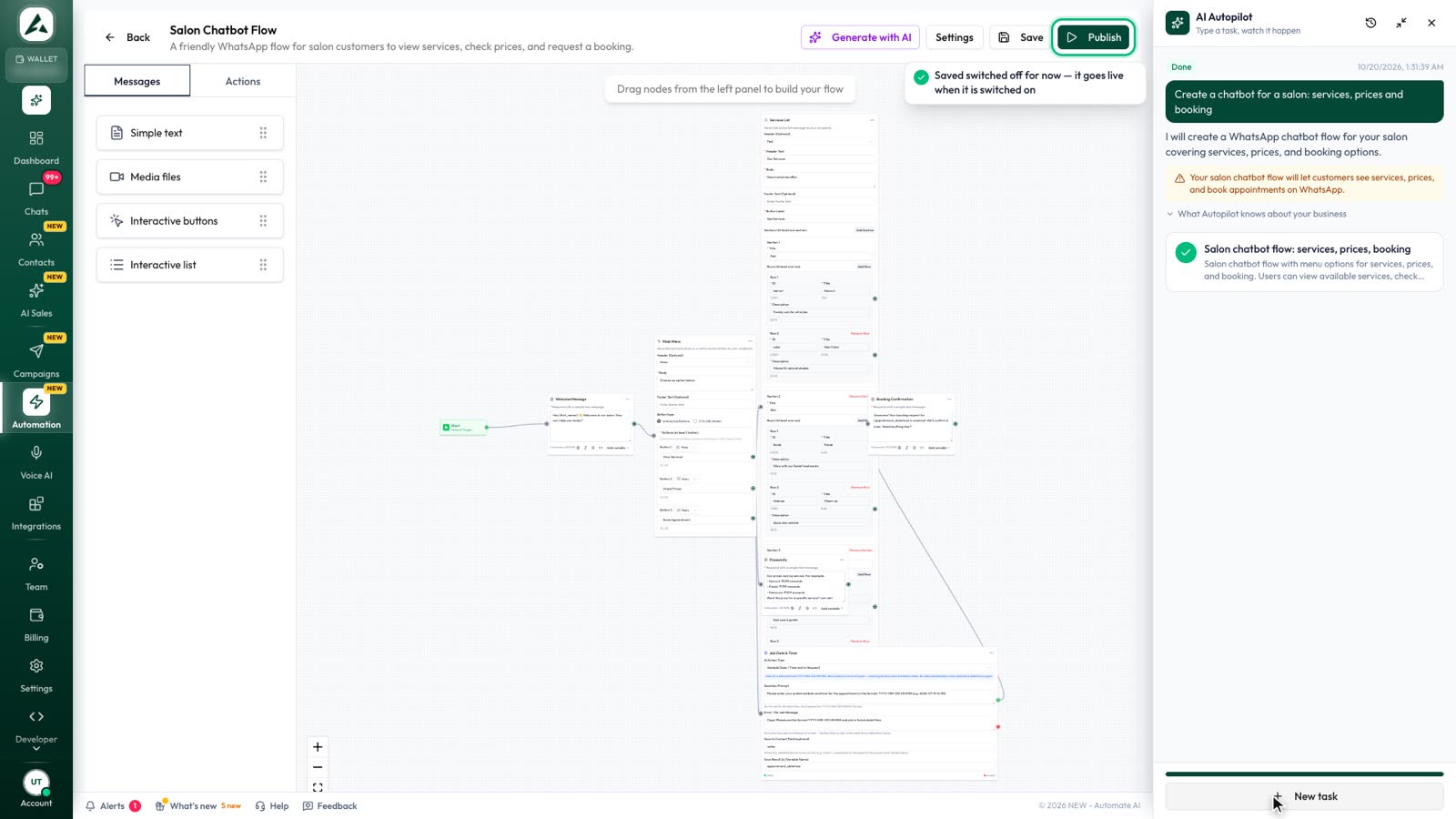
- Chatbots: the flow builder sends reply buttons and lists and branches on the option a customer picks.
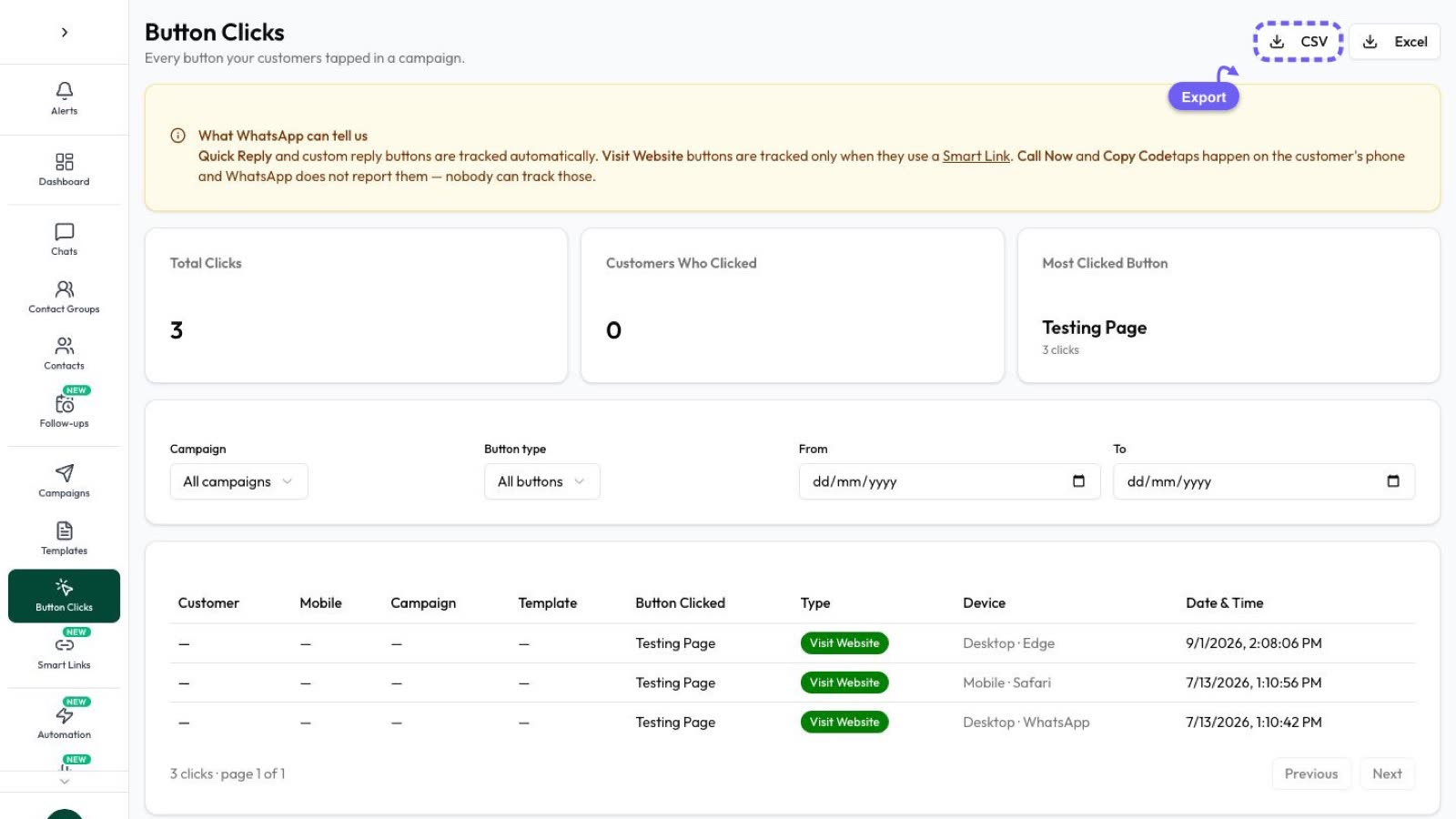
- Button Clicks: see who tapped which template button and URL, and send a follow-up to just those people.
Frequently asked questions
How many buttons can a WhatsApp message have?
An interactive reply-button message can have up to 3 buttons. A template can have up to 10 buttons in total, but WhatsApp shows only 2 and puts the rest behind “See all options” when there are more than 3.
How many options can a WhatsApp list message have?
Up to 10 rows in total, which you can split into up to 10 sections. Each row has a title of up to 24 characters and an optional description of up to 72.
Can I send buttons to someone who hasn’t messaged me?
Only inside an approved template. Interactive messages such as reply buttons and lists work only within 24 hours of the customer’s last message.
Do WhatsApp buttons work on WhatsApp Web?
Most do, but Meta says templates with 4 or more buttons, or with quick replies mixed with other button types, can’t be viewed on desktop.
Can a URL button include an order number?
Yes. A template URL button can have one variable at the end of the URL, so each customer gets their own link, such as a tracking page for their order.
Sources
- Meta: Send messages (customer service window)
- Meta: Interactive reply buttons messages
- Meta: Interactive list messages
- Meta: Interactive CTA URL messages
- Meta: Location request messages
- Meta: Interactive media carousel messages
- Meta: Template components (buttons)
- Meta: Media card carousel templates
- WhatsApp Business Messaging Policy
WhatsApp rules and prices change. We check these guides against Meta’s documentation, but always confirm current terms with Meta before you rely on them. Questions? Message us on WhatsApp at +91 836 977 8812.