WhatsApp Cloud API Webhooks: Payloads, Statuses and Security
How WhatsApp Cloud API webhooks work: verifying your endpoint, the payload for incoming messages and status updates (sent, delivered, read, failed), the pricing object, signature checks with X-Hub-Signature-256, retries for 7 days, duplicates, subscribing a WhatsApp account and per-number callback overrides.
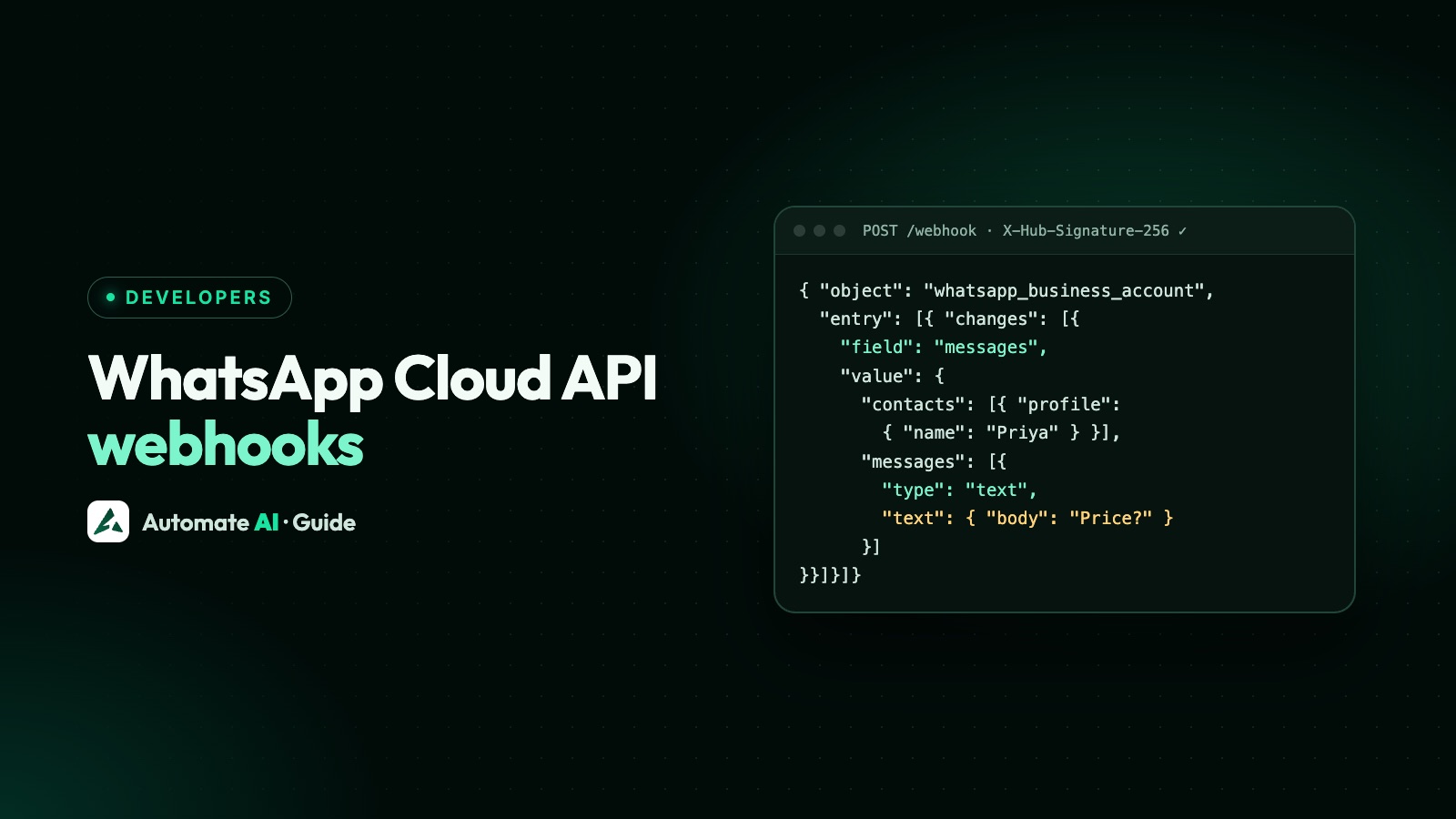
Webhooks are how the WhatsApp Cloud API talks back to you: every incoming message and every status change of a message you sent (sent, delivered, read, failed) arrives as an HTTPS POST to your server. You verify the endpoint once, check each request’s `X-Hub-Signature-256` signature, reply 200 quickly, and process the event in the background.
Meta retries failed deliveries for up to 7 days, may send duplicates, and doesn’t guarantee order, so your handler must be idempotent. This guide shows the payloads and the rules, based on Meta’s webhook reference (updated mid-2026).
Key takeaways
- Verification: answer Meta’s GET with
hub.challengewhenhub.verify_tokenmatches yours. - Security: check
X-Hub-Signature-256, an HMAC-SHA256 of the raw body with your app secret. - The
messagesfield carries both incoming messages and statuses of messages you sent. - Retries for up to 7 days on any non-200 response; duplicates are possible, so de-duplicate by message ID and status.
- Subscribe your app to each WhatsApp account with
POST /<WABA_ID>/subscribed_apps.
Step 1: verify your webhook endpoint
When you save a callback URL in your Meta app, Meta sends a GET request with three query parameters: hub.mode=subscribe, hub.verify_token (the string you typed in the dashboard) and hub.challenge. If the token matches, respond with HTTP 200 and the hub.challenge value as the body. Any other response fails verification.
- The endpoint must use HTTPS with a valid certificate; self-signed certificates aren’t supported.
- For extra protection Meta supports mutual TLS; IP allow-listing is possible but Meta’s IPs change.
Step 2: check the signature on every event
Each event POST has a header X-Hub-Signature-256: sha256=<hash>. Compute an HMAC-SHA256 of the raw request body with your app secret and compare it with the part after sha256=, using a constant-time comparison. Reject anything that doesn’t match.
| Step | In Node.js |
|---|---|
| Keep the raw body | express.raw({ type: "application/json" }) |
| Compute | crypto.createHmac("sha256", APP_SECRET).update(rawBody).digest("hex") |
| Compare | crypto.timingSafeEqual(Buffer.from(hash), Buffer.from(header.slice(7))) |
| Answer | res.sendStatus(200) first, then process |
The payload for an incoming message
Every event has the same envelope: object: "whatsapp_business_account", then entry[] (the account ID) and changes[] with field: "messages". Inside value you get:
| Field | What it holds |
|---|---|
metadata.phone_number_id | Which of your numbers received it (use this to route) |
metadata.display_phone_number | That number in readable form |
contacts[].profile.name, contacts[].wa_id | The customer’s WhatsApp name and ID |
messages[].id | The message ID (wamid…), unique; use it to de-duplicate |
messages[].from, timestamp, type | Sender, Unix time, and type: text, image, button, interactive, location… |
messages[].text.body | The text, for type text |
messages[].referral | Present when the chat came from a Click-to-WhatsApp ad: source URL, ad ID, ctwa_clid |
messages[].context | Replies and forwards: the message being replied to |
Button taps arrive as their own types: a template quick reply as button with the payload you set, a reply-button or list choice as interactive with the option’s ID. See WhatsApp buttons and list messages.
Status updates: sent, delivered, read, failed
| Status | Meaning |
|---|---|
sent | Meta sent the message |
delivered | It reached the customer’s phone (may be skipped if delivered and read at the same moment) |
read | The customer opened it (only if they have read receipts on) |
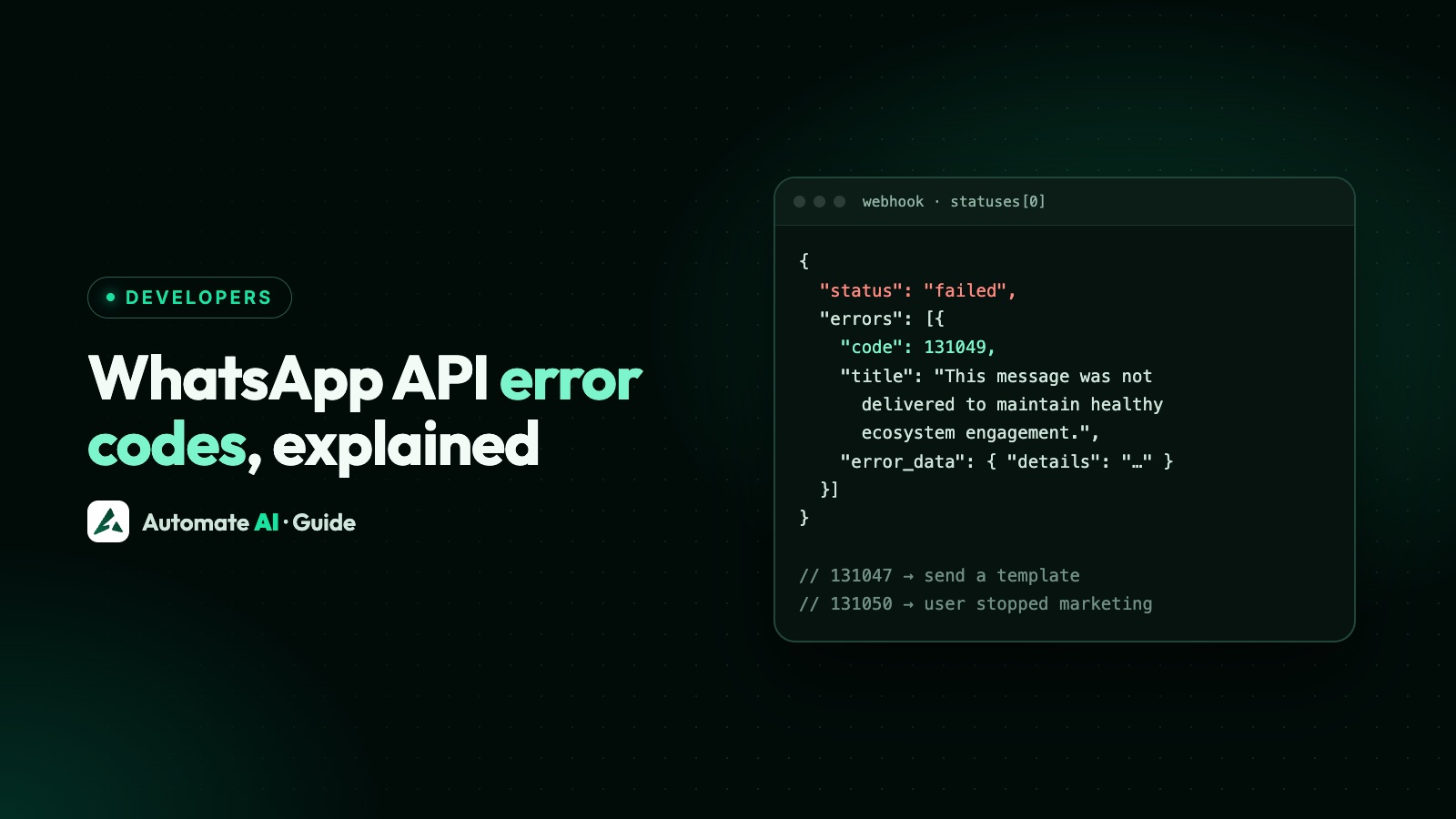
failed | Delivery failed; see errors[] and WhatsApp API error codes |
played | First play of a voice message |
Each status carries id (your message’s ID), recipient_id, timestamp and, on sent and the first of delivered or read, a `pricing` object: pricing_model: "PMP" (per-message pricing), category (marketing, utility, authentication, service…) and type (regular, free_customer_service, free_entry_point). Meta is deprecating the old billable flag and, from Graph API v24.0, omits the conversation object except for free entry point chats.
Retries, duplicates and order
- Retries: any non-200 response, or a timeout, makes Meta retry with decreasing frequency for up to 7 days; after that the event is dropped, and there’s no API to fetch missed webhooks.
- Duplicates: retries can deliver the same event twice. Store message IDs and status changes and ignore repeats.
- Order: messages aren’t guaranteed to arrive in the order you sent them; if order matters, wait for
deliveredbefore sending the next. - Batching: one POST can hold up to 1,000 updates, but don’t rely on it; payloads are up to 3 MB.
- Speed: acknowledge first, then put the event on a queue. Slow handlers cause retries and duplicates.
Subscribing and routing
| Task | How |
|---|---|
| Subscribe your app to a WhatsApp account | POST /<WABA_ID>/subscribed_apps; GET lists, DELETE removes |
| Fields to enable | messages (needs whatsapp_business_messaging); template, quality and account fields (need whatsapp_business_management) |
| Different URL for one account | POST /<WABA_ID>/subscribed_apps with override_callback_uri and verify_token |
| Different URL for one number | POST /<PHONE_NUMBER_ID> with webhook_configuration.override_callback_uri |
| Which wins | Phone number override, then account override, then the app’s URL |
Useful non-message fields: message_template_status_update (approved, rejected, paused), message_template_quality_update, phone_number_quality_update, account_update, and user_preferences (marketing opt-outs).
Webhooks with Automate AI
If you use Automate AI, Meta’s webhooks come to us: we verify, de-duplicate and store them, update the inbox and campaign reports live, and handle template and quality updates. You can still receive events in your own systems through Automate AI’s developer webhooks (for example message received or status changed) and act through the REST API, without hosting the WhatsApp side yourself. New to the Cloud API? Start with the WhatsApp Cloud API setup guide.
Frequently asked questions
How do I verify a WhatsApp webhook?
Meta sends a GET with hub.mode=subscribe, hub.verify_token and hub.challenge. If the verify token matches the one you set in the app dashboard, respond 200 with the hub.challenge value.
How do I check the X-Hub-Signature-256 header?
Compute an HMAC-SHA256 of the raw request body using your app secret, and compare it in constant time with the value after “sha256=” in the header.
Why am I getting duplicate WhatsApp webhooks?
Meta retries events that didn’t get a quick 200 response, for up to 7 days, and retries can create duplicates. Respond fast and de-duplicate by message ID and status.
Where do message delivery statuses come from?
From the same messages webhook field: value.statuses[] with status sent, delivered, read, failed or played, plus pricing details.
Can different phone numbers use different webhook URLs?
Yes. Set an override callback URL on a WhatsApp account or on a single phone number; the number’s override wins.
Sources
- Meta: Webhooks overview
- Meta: Create a webhook endpoint
- Meta: Text message webhook reference
- Meta: Status webhook reference
- Meta: Manage webhooks (subscribed apps)
- Meta: Webhook overrides
WhatsApp rules and prices change. We check these guides against Meta’s documentation, but always confirm current terms with Meta before you rely on them. Questions? Message us on WhatsApp at +91 836 977 8812.