WhatsApp API Error Codes: What They Mean and How to Fix Them
A practical list of WhatsApp Cloud API error codes with meanings and fixes: 131026 undeliverable, 131047 outside the 24-hour window, 131049 per-user marketing limit, 131050 user stopped marketing, 130429 rate limit, 132xxx template errors, 133xxx registration errors and token errors.
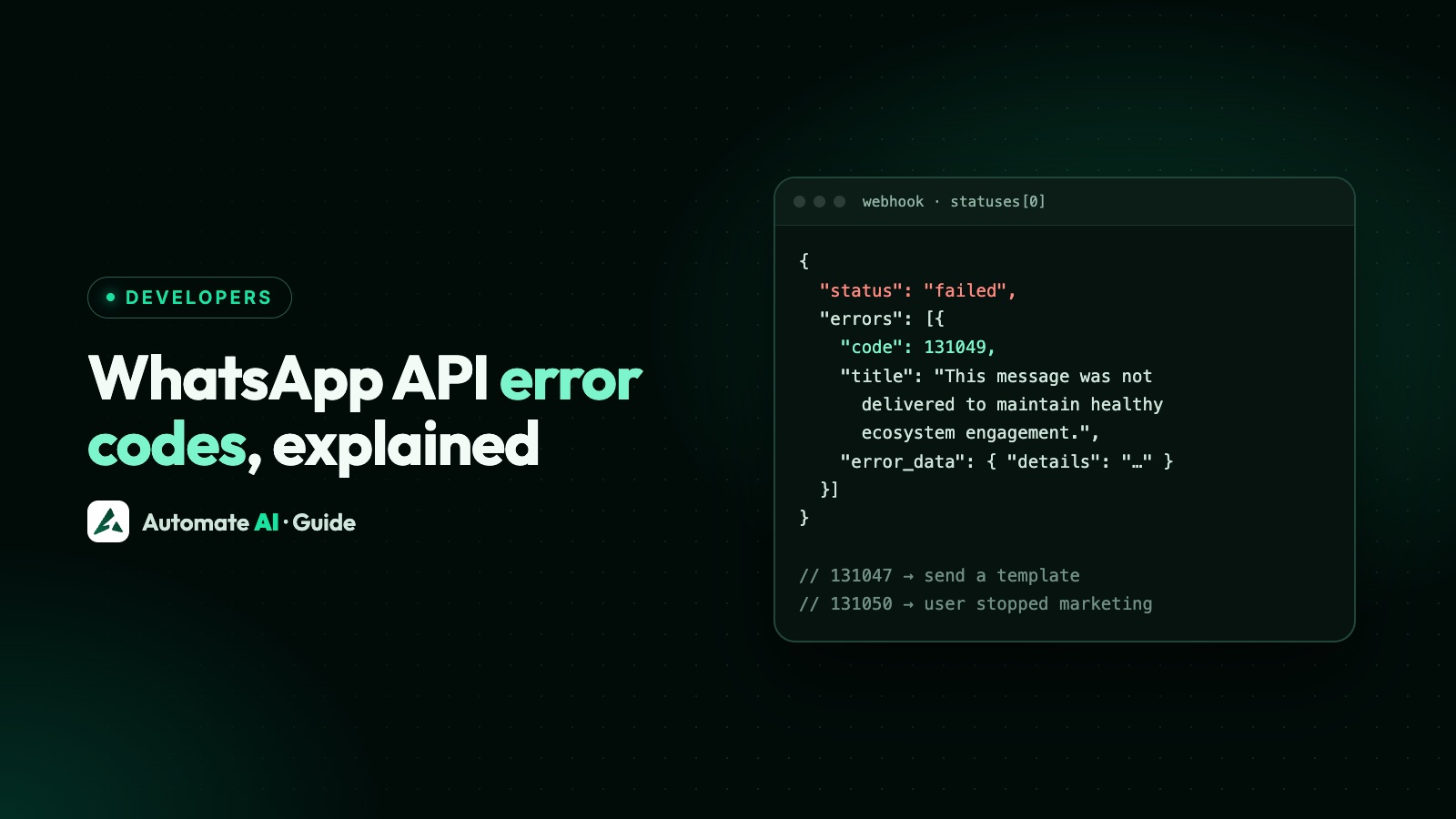
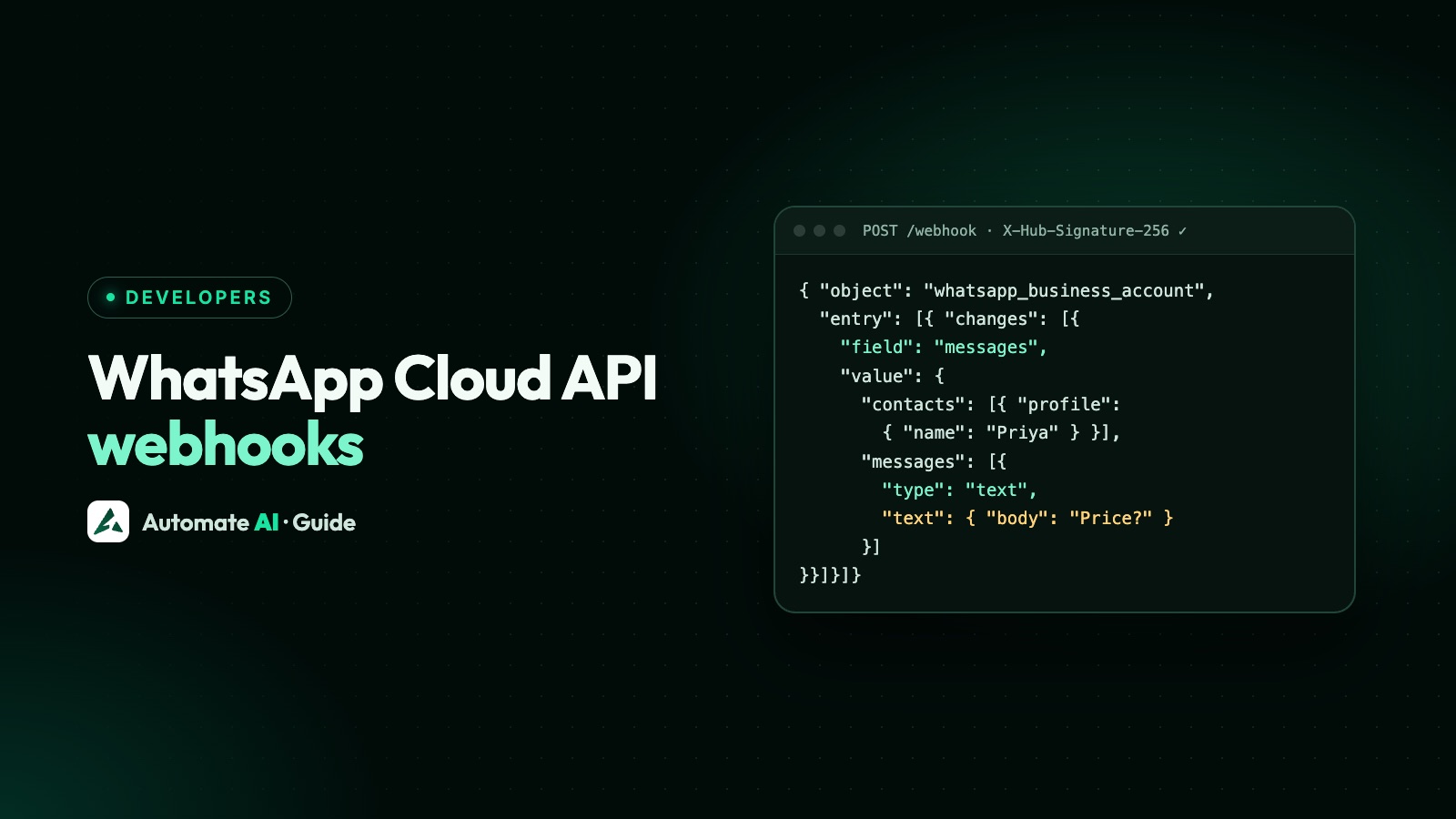
WhatsApp Cloud API errors come back in two places: straight away in the API response (for problems with the request, token or account) and later in a status webhook marked failed (for messages Meta accepted but couldn’t deliver). Handle both, and build your logic on the numeric code and error_data.details, which Meta says to rely on rather than titles or HTTP status.
Below are the codes Indian businesses run into most, grouped by cause, with what each means and what to do, from Meta’s error code reference (updated June 2026).
Key takeaways
- 131047: more than 24 hours since the customer last wrote. Send an approved template instead.
- 131049: not delivered to protect “healthy ecosystem engagement” (per-person marketing limit). Wait at least 24 hours.
- 131050: the person stopped your marketing messages. Don’t retry.
- 131026: undeliverable, usually not on WhatsApp or an old app version. Check the number another way.
- 130429 and 131056: you’re sending too fast. Slow down and retry with backoff.
Where WhatsApp API errors appear
| Where | When | Shape |
|---|---|---|
| API response | The request itself fails: bad token, wrong parameter, rate limit, account restricted | { error: { message, type, code, error_data: { details }, fbtrace_id } } |
| Status webhook | Meta accepted the message but delivery failed | statuses[].status: "failed" with errors[] (code, title, message, error_data.details) |
| Other webhooks | Account or app problems, or an unsupported incoming message | value.errors or messages[].errors |
Delivery errors (the ones marketers see)
| Code | Meaning | What to do |
|---|---|---|
| 131026 | Message undeliverable: not a WhatsApp number, the person hasn’t accepted WhatsApp’s latest terms, or their app is too old | Confirm the number through another channel; don’t keep resending |
| 131047 | More than 24 hours since the customer last replied | Send an approved template |
| 131049 | Not delivered “to maintain healthy ecosystem engagement”: the per-user marketing limit | Wait at least 24 hours before trying again; send fewer, better offers |
| 131050 | The person stopped marketing messages from you | Don’t retry; mark them opted out (Meta’s user_preferences webhook tells you) |
| 130472 | Held back by a Meta marketing message experiment | Nothing to fix; a small share of messages is held back in experiments |
| 131048 | Spam rate limit: too many of your messages were blocked or flagged | Check quality in WhatsApp Manager and pause the campaign |
| 130497 | Your account can’t message users in that country | Check the Business Messaging Policy for the destination |
If 131049 and 131050 are common in your campaign reports, you’re sending too much marketing to the same people. More in WhatsApp broadcast limits and WhatsApp quality rating.
Rate limit errors
| Code | Meaning | What to do |
|---|---|---|
| 130429 | Throughput reached for your number (80 messages per second by default) | Queue and retry with exponential backoff |
| 131056 | Pair rate limit: too many messages to the same person too quickly | Wait before messaging that person again; others aren’t affected |
| 131057 | Account in maintenance mode, for example during a throughput upgrade | Retry after a short wait |
Template errors (132xxx)
| Code | Meaning | What to do |
|---|---|---|
| 132000 | Number of parameters doesn’t match the template | Send exactly the variables the template has |
| 132001 | Template doesn’t exist in that language, or isn’t approved | Check the name, language code and status |
| 132005 | Text too long after filling in variables | Shorten the variable values |
| 132007 | Template content breaks policy | Edit the content and resubmit |
| 132012 | Parameter in the wrong format | Match the type: text, currency, date, media |
| 132015 | Template paused for low quality | Edit it to improve quality, or wait for the pause to end |
| 132016 | Template paused too many times and permanently disabled | Create a new template |
| 132068 / 132069 | WhatsApp Flow blocked, or throttled | Fix the Flow, or wait |
Token, permission and account errors
| Code | Meaning | What to do |
|---|---|---|
| 190 | Access token expired | Use a permanent system-user token |
| 0 / 3 / 10 / 200–299 | Authentication or permission problem | Check the token in Meta’s access token debugger and the app’s permissions |
| 100 | Invalid or misspelled parameter | Check the request against the endpoint reference |
| 131008 / 131009 | Required parameter missing, or value invalid | Fix the request body |
| 131021 | Sender and recipient are the same number | Send to a different number |
| 131031 | Account locked, for example for a policy breach or a wrong two-step PIN | See the policy enforcement notice and health status |
| 131042 | Payment problem: no payment method, credit line issue, account suspended | Fix billing in Meta Business Suite or with your provider |
| 368 | Account restricted or disabled for a policy violation | See WhatsApp account restricted or banned |
| 131000 / 131016 | Unknown error, or service temporarily unavailable | Retry; check Meta’s status page |
Phone number and media errors
| Code | Meaning | What to do |
|---|---|---|
| 131045 / 133010 | Number not registered on the platform | Register it |
| 133005 | Wrong two-step verification PIN | Reset the PIN in WhatsApp Manager |
| 133006 | Number must be verified before registering | Request and enter a verification code |
| 133016 | Too many register or deregister attempts (10 per 72 hours) | Wait until the block lifts |
| 131052 | Couldn’t download media the customer sent | Ask them to send it again or another way |
| 131053 | Couldn’t upload your media | Check the file type and size |
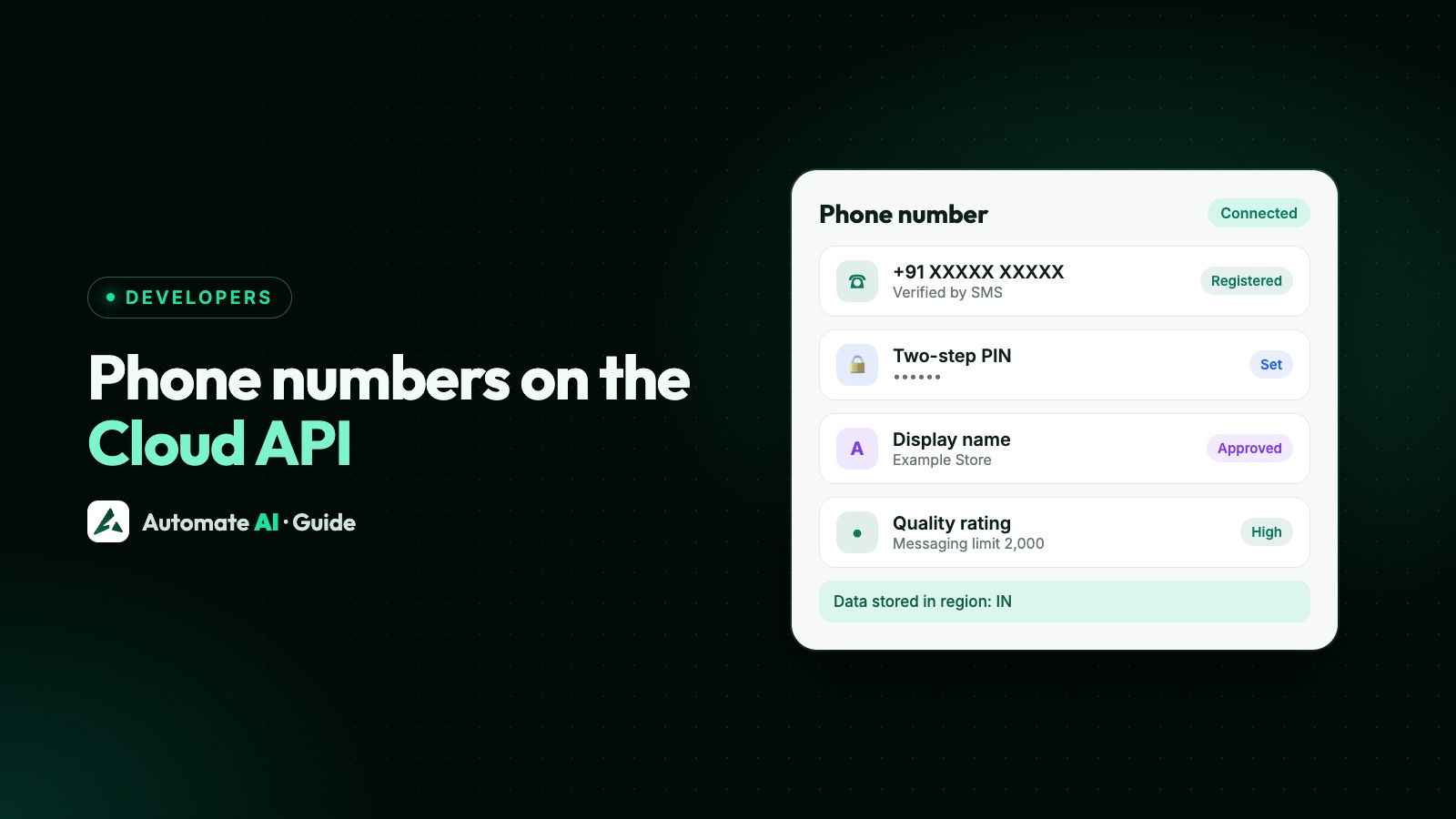
Registration and PINs are covered in WhatsApp Cloud API phone numbers.
Handling errors well
- Log the code, details and `fbtrace_id` for every failure; Meta support asks for the trace ID.
- Retry only what can succeed: 130429, 131056, 131000 and 131016 with backoff; never 131050 or 132016.
- Respect people: treat 131050 as an opt-out and 131049 as “too much marketing”.
- Watch failure rates per template; a jump often means a pause or a quality problem.
- Alert on account-level codes (368, 131031, 131042): they stop all sending.
Error reports in Automate AI
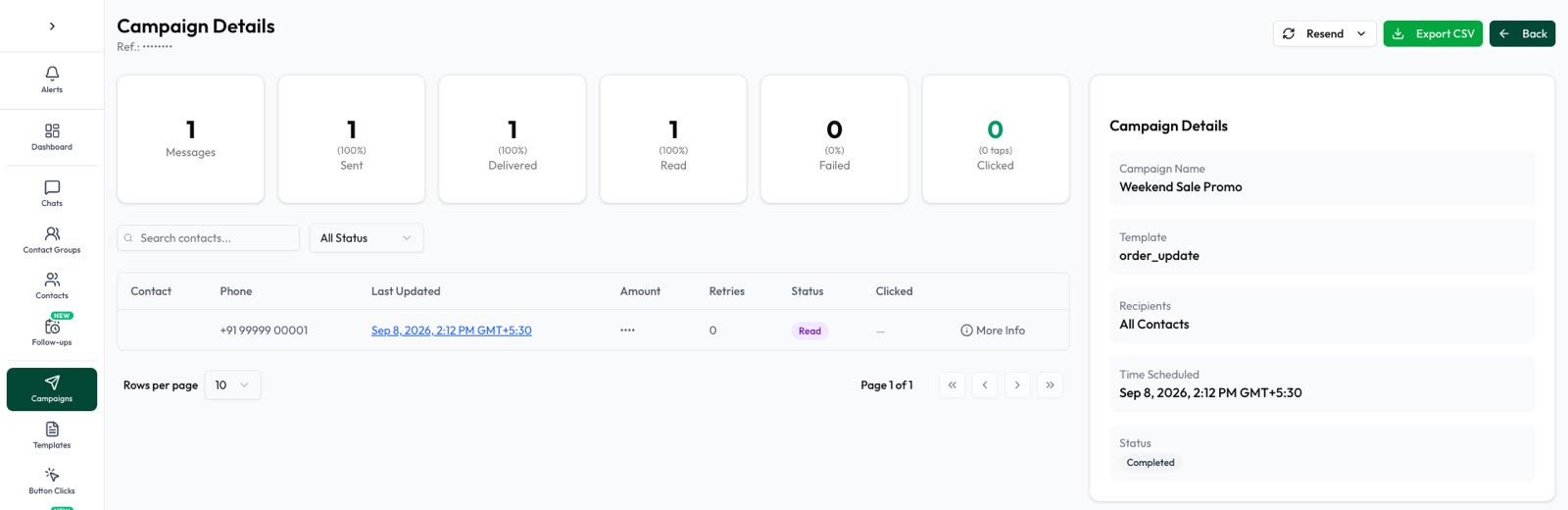
Automate AI records the delivery status of every message. Campaign reports show sent, delivered, read and failed counts, and you can resend to failed numbers once the cause is fixed, or retarget people by what happened to the last message. Templates show Meta’s approval status, and opted-out contacts can be kept out of campaigns. See WhatsApp marketing.
Frequently asked questions
What does WhatsApp error 131049 mean?
The message wasn’t delivered “to maintain healthy ecosystem engagement”: the person reached WhatsApp’s per-user limit for marketing messages. Meta advises waiting at least 24 hours before trying again.
What does WhatsApp error 131026 mean?
The message couldn’t be delivered, usually because the number isn’t on WhatsApp, the person hasn’t accepted WhatsApp’s latest terms, or their WhatsApp is very old.
How do I fix WhatsApp error 131047?
It means more than 24 hours have passed since the customer last messaged you. Send an approved template; free-form messages only work inside the 24-hour window.
What is WhatsApp error 130429?
You’ve hit your number’s throughput limit (80 messages per second by default). Queue messages and retry with backoff.
What does WhatsApp error 131050 mean?
The person has stopped marketing messages from your business. Don’t retry; mark them as opted out of marketing.
Sources
- Meta: Error codes (WhatsApp Business Platform)
- Meta: Status webhooks reference
- Meta: Per-user marketing template limits
- Meta: Throughput
WhatsApp rules and prices change. We check these guides against Meta’s documentation, but always confirm current terms with Meta before you rely on them. Questions? Message us on WhatsApp at +91 836 977 8812.