Phone Numbers on the WhatsApp Cloud API: Add, Verify and Register
How phone numbers work on the WhatsApp Cloud API: which numbers you can use, adding and verifying by SMS or call, registering with a two-step PIN, data localisation in India, number limits, deregistering, deleting, using a number that’s already on WhatsApp, and Meta’s new account model.
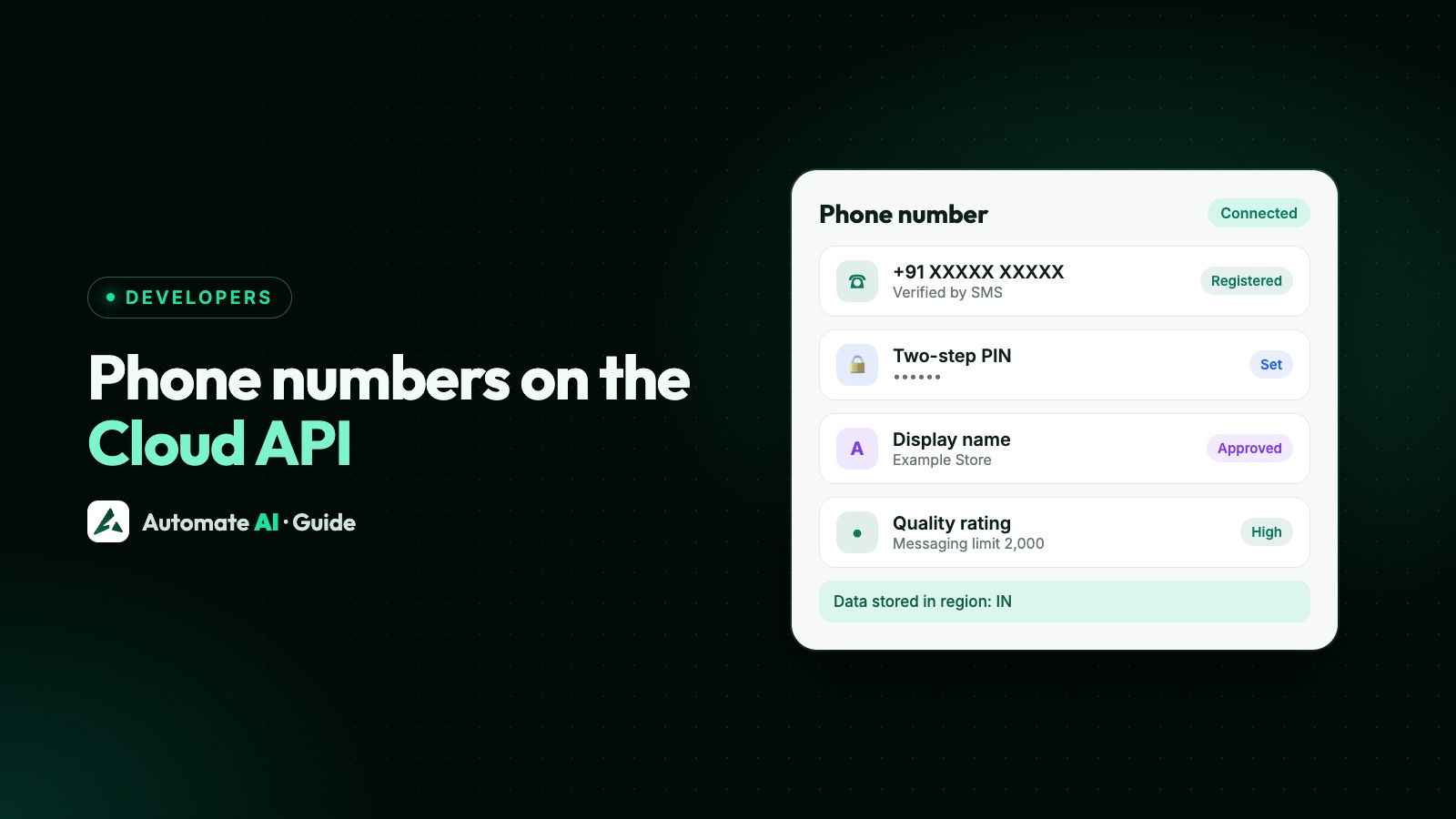
To use a number on the WhatsApp Cloud API you add it to your WhatsApp account, verify it with a code sent by SMS or voice call, and register it with a 6-digit two-step verification PIN. The number must be one you own, with a country code, able to receive the code, and not active on WhatsApp, unless you connect a Business app number through coexistence.
This guide covers each step, the API calls behind them, the limits (2 numbers to start, up to 20 after verification) and the mistakes that lock numbers, from Meta’s phone number docs updated in 2026.
Key takeaways
- Any number you own with a country code works: mobile or landline, if it can receive an SMS or call. Short codes don’t.
- A number already on WhatsApp must be deleted from the app first (losing its history), unless you use coexistence.
- Register with
POST /<PHONE_NUMBER_ID>/registerand a 6-digit PIN; at most 10 register attempts per 72 hours. - In India you can ask Meta to store data locally with
data_localization_region: "IN". - New business portfolios start with 2 numbers, rising to 20 after verification or reaching the 2,000 messaging limit.
Which numbers can you use?
- You own it and can receive an SMS or a voice call on it for the verification code.
- It has a country and area code: Indian mobile numbers and landlines both work. Short codes don’t.
- IVR and toll-free numbers need extra steps, because they can’t receive a normal code.
- Not active on WhatsApp: a number used on WhatsApp or the WhatsApp Business app must be deleted there first. It can take a few minutes to become free, and the chat history isn’t moved.
Step by step: add, verify, register
| Step | Where | API call |
|---|---|---|
| 1. Add the number | WhatsApp Manager, App Dashboard › API Setup, or your provider’s Embedded Signup | — |
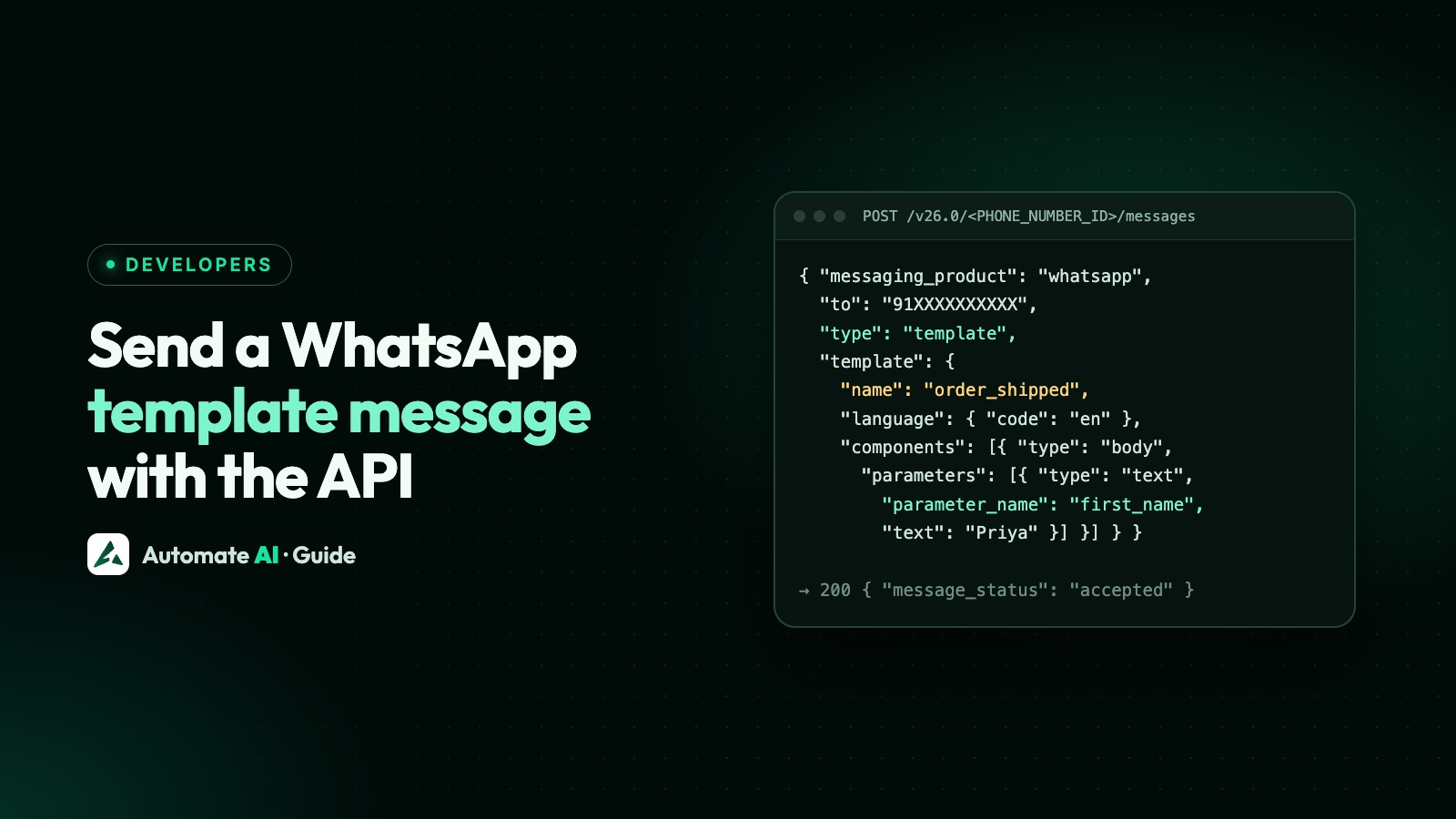
| 2. Request a code | SMS or voice call | POST /<PHONE_NUMBER_ID>/request_code with code_method (SMS or VOICE) and language |
| 3. Verify | Enter the 6-digit code | POST /<PHONE_NUMBER_ID>/verify_code with code |
| 4. Register | API only | POST /<PHONE_NUMBER_ID>/register with messaging_product: "whatsapp" and a 6-digit pin |
| 5. Set display name and profile | WhatsApp Manager or your provider | See display name rules and business profile |
Adding a number doesn’t register it: until step 4, it can’t send or receive messages. Requesting a code for a number that’s already verified returns an error.
The two-step verification PIN
- You set a 6-digit PIN when you register; change it with
POST /<PHONE_NUMBER_ID>and{ "pin": "123456" }(use your own). - Turning two-step verification off is done in WhatsApp Manager through an email link, not the API.
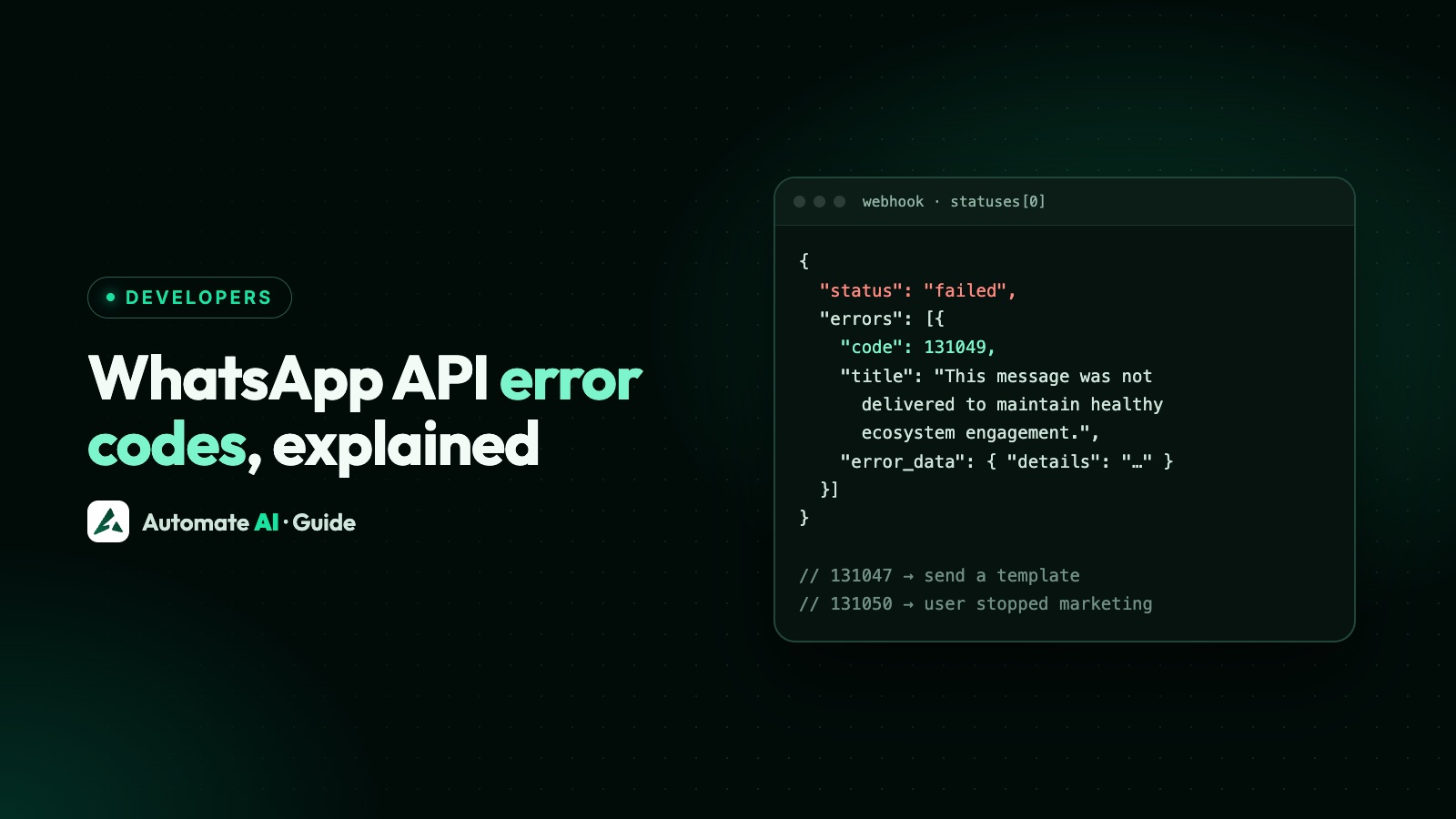
- Wrong PINs return error 133005; too many guesses lock attempts for a while (133008).
- Meta is phasing out the PIN for eligible numbers. Once yours is eligible, the PIN tab disappears and Meta ignores the PIN at registration, but you should still send a valid 6-digit
pin.
Data localisation in India
When registering, you can add data_localization_region to ask Meta to store message content at rest in a specific country. India (IN) is one of the supported regions, alongside others such as Singapore, Japan, Germany and the UK. It’s optional, and it matters most for regulated sectors with data residency requirements. Deregistering a number turns local storage off.
How many numbers can you have?
| Situation | Registered numbers |
|---|---|
| New business portfolio | 2 |
| After business verification, or reaching the 2,000 messaging limit | Up to 20, raised automatically |
| Test number from the developer dashboard | Created automatically, with relaxed limits and no payment method |
Messaging limits are shared across all numbers in your business portfolio; adding numbers doesn’t add capacity. See WhatsApp broadcast limits.
Deregistering and deleting
- Deregister (
POST /<PHONE_NUMBER_ID>/deregister) stops the number working on the API without deleting its history. It shares the 10-per-72-hours limit with registering (error 133016 when exceeded) and can’t be used on coexistence numbers. - Delete is done by a business portfolio admin in WhatsApp Manager, not through the API, and not within 30 days of a paid message.
Meta’s new account model (2026)
Meta is splitting the old WhatsApp Business Account in two: a WhatsApp account that holds one phone number (with its quality rating and conversation history), and a Messaging account that holds templates, billing and webhooks and keeps the old account ID. The rollout started on 23 September 2026; new IDs in API paths follow in 2027 and 2028.
- Moving a number between business accounts the old way is no longer supported; instead the WhatsApp account is shared with a provider (up to 5 Solution Partners) or linked to another Messaging account in the same portfolio.
- Templates belong to the Messaging account. Copying them to another with Meta’s Template Migration API resets their quality and pacing for a few weeks.
If you’re choosing or changing providers, see how to choose a WhatsApp Business API provider.
Phone numbers with Automate AI
Automate AI connects your number through Meta’s Embedded Signup: you sign in with Facebook, pick or create your business portfolio, verify the number by SMS or call and choose a display name, and we register it for you. You can also connect an existing WhatsApp Business app number with coexistence. Settings then shows the number, display name, messaging limit and quality rating.

Frequently asked questions
Can I use my existing WhatsApp number for the WhatsApp Business API?
Yes. Either delete it from WhatsApp first (its chat history isn’t moved), or, if it’s on the WhatsApp Business app, connect it with coexistence and keep using the app.
Can I use a landline for the WhatsApp Business API?
Yes, if it has an area code and can receive the verification code by voice call.
What is the WhatsApp two-step verification PIN?
A 6-digit PIN you set when registering the number on the Cloud API. Meta is phasing it out for eligible numbers, but you should still send a valid PIN when registering.
How many phone numbers can I add to the WhatsApp Business API?
New business portfolios can register 2 numbers. Meta raises this to 20 automatically after business verification or when you reach the 2,000 messaging limit.
Why does registration fail with error 133016?
Too many register or deregister requests: the limit is 10 per number in 72 hours. Wait until the block lifts.
Sources
- Meta: Phone numbers
- Meta: Registration
- Meta: Two-step verification
- Meta: Account model evolution
- Meta: Template migration
- Meta: Migrate an existing WhatsApp number to a business account
WhatsApp rules and prices change. We check these guides against Meta’s documentation, but always confirm current terms with Meta before you rely on them. Questions? Message us on WhatsApp at +91 836 977 8812.