Coexistence or Full Migration? Moving Your WhatsApp Business Number to the API
Two ways to bring a WhatsApp Business app number to the WhatsApp Business API: coexistence (keep the app, sync 6 months of chats) or full migration (delete the app account, lose history). What you keep, what you lose, limits, costs and how to decide.
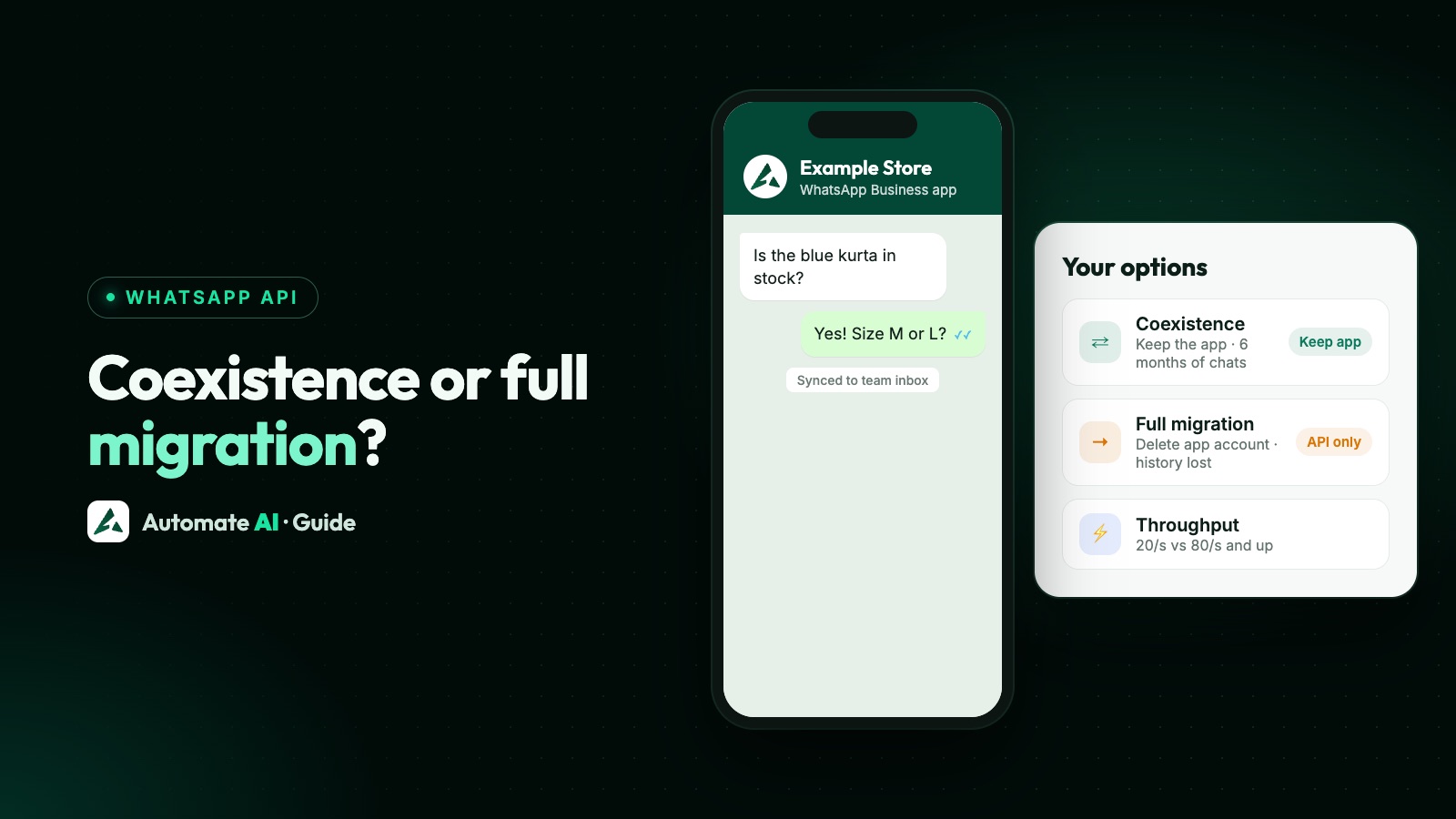
If your business number is on the WhatsApp Business app, there are two ways to put it on the API. With coexistence, you keep the app on your phone, up to 6 months of chats sync to your provider, and both work on the same number. With full migration, you delete the WhatsApp account in the app first, lose the chat history, and the number then works only through the API.
Coexistence has been available for Indian (+91) numbers since May 2025. It suits most small and growing businesses; full migration suits high-volume senders and teams that don’t need the app. This guide compares the two side by side.
Key takeaways
- Coexistence: app keeps working, contacts and up to 6 months of 1:1 chats sync, messages sent from the app stay free.
- Full migration: delete the app account first; chat history is lost; full API throughput.
- Coexistence numbers are fixed at 20 messages per second; some app features switch off (disappearing messages, view once, live location, new broadcast lists).
- Messages sent from the app don’t open or extend the API’s 24-hour window.
- Either way, you need a provider (or your own Cloud API setup), approved templates and opt-in for messages you send first.
The two options side by side
| Coexistence | Full migration | |
|---|---|---|
| WhatsApp Business app | Keeps working on your phone | Must be deleted first |
| Chat history | Up to 6 months of 1:1 chats sync to your provider (groups don’t) | Lost; back it up before deleting |
| Contacts | Synced | Import them yourself |
| Throughput | Fixed at 20 messages per second | 80 per second, up to 1,000 for eligible numbers |
| Messages sent from the app | Free; don’t affect API windows or pricing | — |
| Linked devices on the app | Up to 4 (not WhatsApp for Windows or WearOS) | — |
| Business profile, quick replies, labels | Stay in the app; not managed through the API | Managed through the API or your provider |
| Going back to the app only | Disconnect from the app’s settings | Deregister from the API first |
How coexistence works
- Update the WhatsApp Business app to version 2.24.17 or later.
- Start your provider’s WhatsApp signup and choose to connect your existing Business app number.
- Confirm in the app, and choose whether to share your chat history.
- Your provider syncs contacts and up to 6 months of 1:1 chats; it has 24 hours to do so, and each sync runs only once.
- Re-link your companion devices if you use them.
After that, messages you send from the app show up in the team inbox too, and customers see one business. Full requirements and what syncs are in WhatsApp coexistence.
How full migration works
- Back up anything you need from your chats.
- In the WhatsApp Business app: Settings → Account → Delete my account. The number can take a few minutes to become free.
- Add and verify the number with your provider or in WhatsApp Manager, then register it on the API.
- Import your contacts (with their opt-in) and create your templates.
Step-by-step registration is in phone numbers on the WhatsApp Cloud API.
Which should you choose?
| If you… | Choose |
|---|---|
| Still sell or chat from your phone every day | Coexistence |
| Want to keep your chat history | Coexistence |
| Send large campaigns or OTPs that need more than 20 messages a second | Full migration |
| Have a team working only in a shared inbox | Either; full migration removes app limits |
| Use disappearing messages or broadcast lists in the app | Know these change with coexistence |
| Are setting up a brand-new number | Neither: register it straight on the API |
Most Indian small businesses start with coexistence: the owner keeps the app, the team works in the inbox, and automation runs on the API. You can move to full migration later.
Costs
With coexistence, messages you send from the app stay free, as they are today. Messages sent through the API (campaigns, templates, chatbot replies) follow API pricing: per delivered template by category, and the first 1,000 service replies per number each month free. An API conversation window opens only when a customer messages you after you’ve connected. Rates are in WhatsApp API pricing in India and on our pricing page.
Coexistence and migration with Automate AI
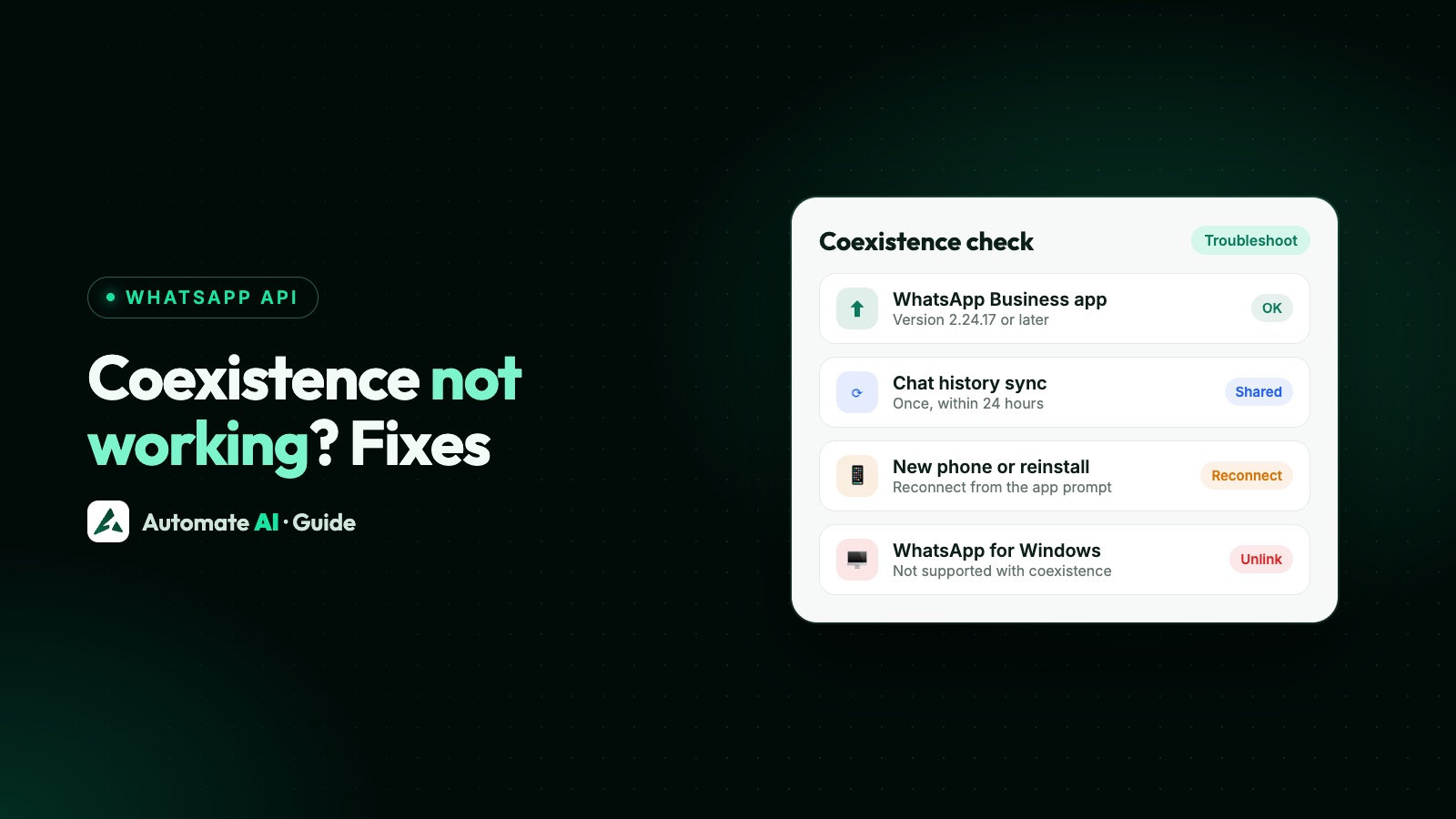
In Automate AI, Connect WhatsApp lets you choose a new number or Use my Business app number (coexistence). Your chats sync into the shared inbox, your team gets their own logins, and chatbots, AI and campaigns run on the API while you keep the app. If you prefer a full migration, our team will help you plan it. More on the WhatsApp coexistence page. Hit a problem? See coexistence not working: fixes.
Frequently asked questions
Can I move my WhatsApp Business app number to the API without losing chats?
Yes, with coexistence: up to 6 months of 1:1 chats sync to your provider and you keep using the app. A full migration requires deleting the app account, which loses the history.
Do I have to delete WhatsApp Business to use the API?
Not with coexistence. Without it, yes: the number must be deleted from the app before it can be registered on the API.
Is coexistence available in India?
Yes. Meta added support for Indian (+91) numbers in May 2025.
Is there a downside to coexistence?
Throughput is fixed at 20 messages per second, some app features switch off (disappearing messages, view once, live location, new broadcast lists), and WhatsApp for Windows and WearOS can’t be linked.
Can I switch from coexistence to full migration later?
Yes. Disconnect coexistence, then delete the app account and register the number on the API, keeping in mind that the app’s history is lost at that point.
Sources
- Meta: Onboarding WhatsApp Business app users (coexistence)
- Meta: Migrate an existing WhatsApp number to a business account
- Meta: WhatsApp Business Platform changelog
- Meta: Pricing on the WhatsApp Business Platform
- WhatsApp Help Center: Business Platform numbers and the app
WhatsApp rules and prices change. We check these guides against Meta’s documentation, but always confirm current terms with Meta before you rely on them. Questions? Message us on WhatsApp at +91 836 977 8812.