WhatsApp Coexistence Not Working? Common Problems and Fixes
Fixes for common WhatsApp coexistence problems: the option doesn’t appear, chat history didn’t sync, the number disconnected after a phone change, messages from the app missing, WhatsApp for Windows not working, error 131060, and how to disconnect or reconnect.
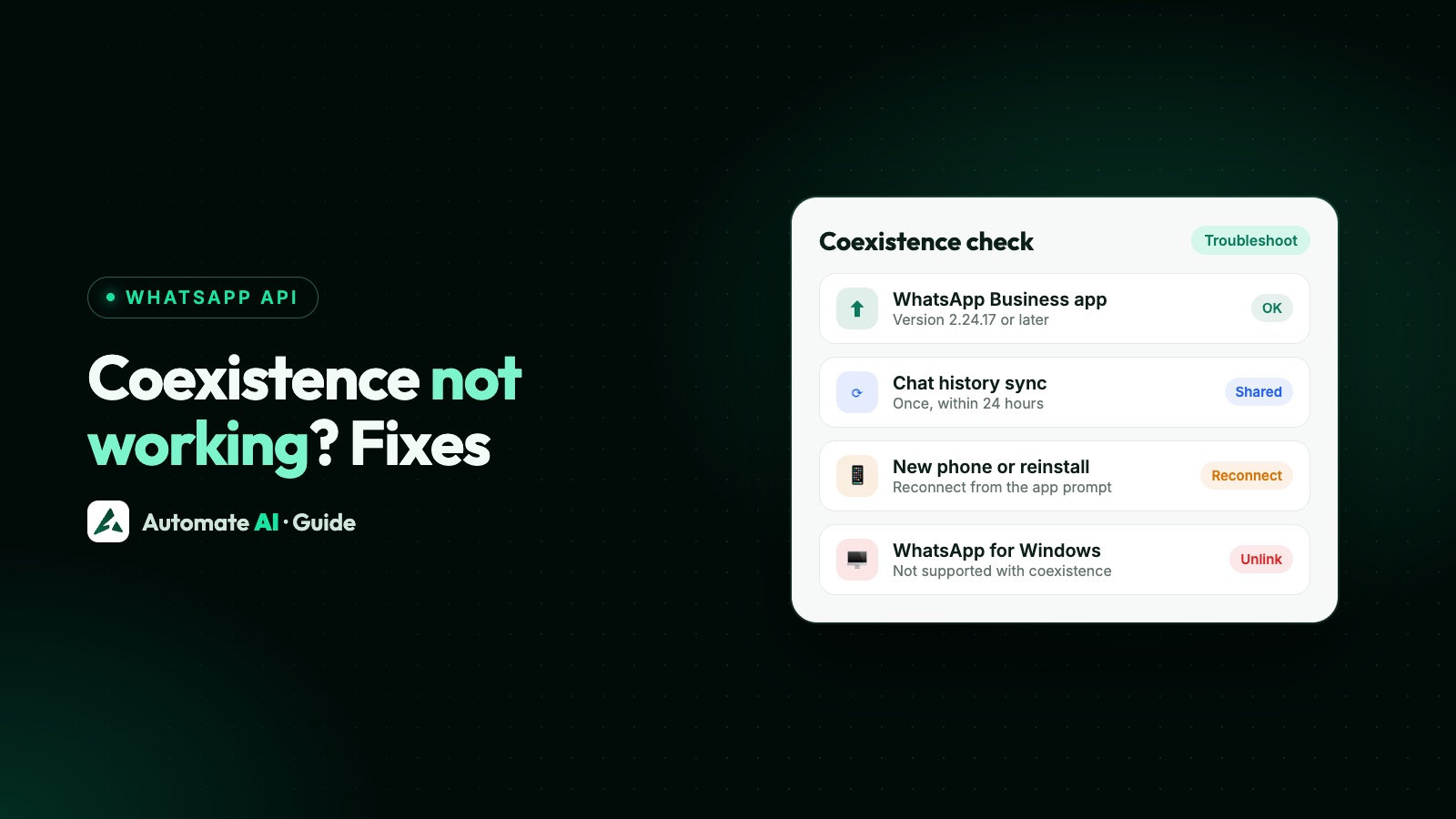
Most coexistence problems come from a handful of causes: an old WhatsApp Business app (you need 2.24.17 or later), declining the chat history prompt, changing phones or reinstalling the app (which disconnects the API automatically), and unsupported companion devices such as WhatsApp for Windows.
Below, each symptom with its cause and fix, based on Meta’s coexistence and webhook documentation. If you’re still deciding whether to use coexistence at all, read coexistence vs full migration first.
Key takeaways
- Update the WhatsApp Business app to 2.24.17 or later before connecting.
- Chat history syncs once, within 24 hours of connecting, and only if you agree to share it in the app.
- New phone or reinstall disconnects the API; reconnect from the prompt in the app.
- WhatsApp for Windows and WearOS aren’t supported on coexistence numbers.
- The phone must stay in use: about 14 days without the main phone disconnects coexistence.
Problems when connecting
| Symptom | Likely cause | Fix |
|---|---|---|
| No option to use your Business app number | Old app version, or the provider’s signup doesn’t offer coexistence | Update WhatsApp Business to 2.24.17+; ask your provider |
| The confirmation never arrives in the app | Wrong number entered, or the app isn’t on that phone | Check the number and open WhatsApp Business on the phone that uses it |
| Error about a credit line when switching providers | Your account still shares the previous provider’s credit line | Ask the previous provider to remove it, or contact Meta support |
| Number is on regular WhatsApp, not WhatsApp Business | Coexistence is for the Business app only | Move the number to WhatsApp Business first |
Chat history or contacts didn’t sync
- You declined sharing chat history in the app prompt. The sync can’t be repeated later.
- The sync window passed: the provider has 24 hours after connecting to sync; after that you must disconnect and connect again.
- Only 1:1 chats sync, up to the last 6 months; group chats don’t.
- Older media doesn’t come across: media IDs are shared only for the 14 days before connecting.
- Contacts and history each sync only once.
The connection dropped
Meta disconnects coexistence in these situations. Your provider receives the reason in an account update.
| What happened | What to do |
|---|---|
| You changed phone or reinstalled WhatsApp Business | Accept the reconnect prompt in the app; messaging through the API pauses until you do, and chats from that gap don’t sync |
| Main phone unused for about 14 days | Use the app regularly; reconnect through your provider |
| A companion device unused for about 30 days | Re-link it |
| You registered the number on regular WhatsApp, or changed number | Reconnect with the Business app number |
| Your account was restricted or deleted | Check for a policy notice; see WhatsApp account restricted or banned |
| Someone tapped Disconnect in the app | Connect again through your provider |
Messages or features behaving oddly
| Symptom | Why | Fix |
|---|---|---|
| Customer messages from WhatsApp for Windows or WearOS don’t reach the inbox | These companion devices aren’t supported with coexistence | Use WhatsApp Web, Mac, iPad or Android tablet instead |
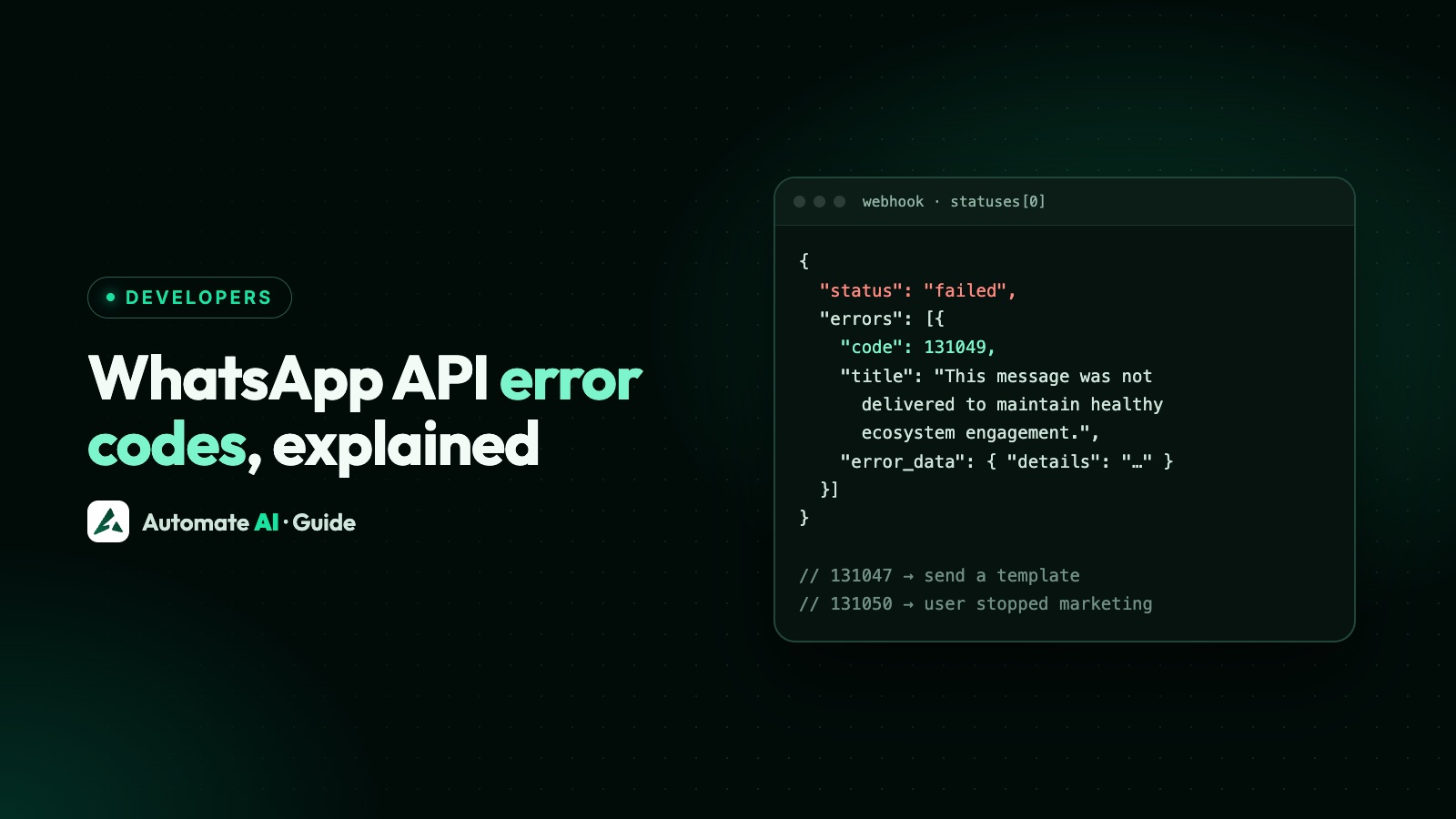
| A first message from a new customer shows error 131060 | Expected for some first messages, especially from Click-to-WhatsApp ads | Usually clears within seconds |
| Can’t create a broadcast list in the app | New broadcast lists are turned off; existing ones are read-only | Send campaigns through the API |
| Disappearing messages, view once or live location gone | Turned off for 1:1 chats on coexistence numbers | Expected behaviour |
| Replying from the app didn’t reopen the 24-hour window | App messages don’t open or extend API windows | Wait for the customer to message, or send a template |
| Greeting or away message not sent through the API | Those are app features; they still work in the app | Use keyword replies or a chatbot in your provider for API automation |
How to disconnect coexistence
- Open WhatsApp Business: Settings → Account → Business Platform → Disconnect account.
- Your provider is notified and stops sending from the number.
- The app keeps working as before. You can connect again later through a provider.
Providers can’t deregister a coexistence number through the API; the disconnect happens from the app.
Getting help
Your provider sees the disconnection reasons and sync errors, so start there. Meta also takes support requests for coexistence onboarding through Direct Support. If you use Automate AI, message our team on WhatsApp with your number and what you see; we can check the connection status and walk you through reconnecting. Background: WhatsApp coexistence and the coexistence page.
Frequently asked questions
Why can’t I connect my WhatsApp Business app number with coexistence?
Most often the app is older than version 2.24.17, the number is on regular WhatsApp rather than WhatsApp Business, or your provider’s signup doesn’t offer coexistence.
Why didn’t my chat history sync?
Either you declined to share history in the app, or the provider didn’t sync within 24 hours of connecting. History syncs only once, covers up to 6 months of 1:1 chats, and doesn’t include groups.
Why did coexistence disconnect after I changed my phone?
Changing phone or reinstalling WhatsApp Business disconnects the API automatically. Accept the reconnect prompt in the app; messages in the gap aren’t synced.
Does WhatsApp for Windows work with coexistence?
No. WhatsApp for Windows and WearOS aren’t supported as companion devices on coexistence numbers.
How do I turn off coexistence?
In WhatsApp Business go to Settings → Account → Business Platform → Disconnect account. The app keeps working.
Sources
- Meta: Onboarding WhatsApp Business app users (coexistence)
- Meta: Reconnect offboarded coexistence clients
- Meta: account_update webhook reference
- Meta: Error codes
WhatsApp rules and prices change. We check these guides against Meta’s documentation, but always confirm current terms with Meta before you rely on them. Questions? Message us on WhatsApp at +91 836 977 8812.