Click-to-WhatsApp Ad Rejected or Ad Account Restricted? How to Fix It
Why Meta rejects ads that click to WhatsApp, where to find the reason, when to edit the ad, create a new one or request another review, how ad account restrictions and failed payments differ from a rejected ad, WhatsApp connection problems, and a prevention checklist.
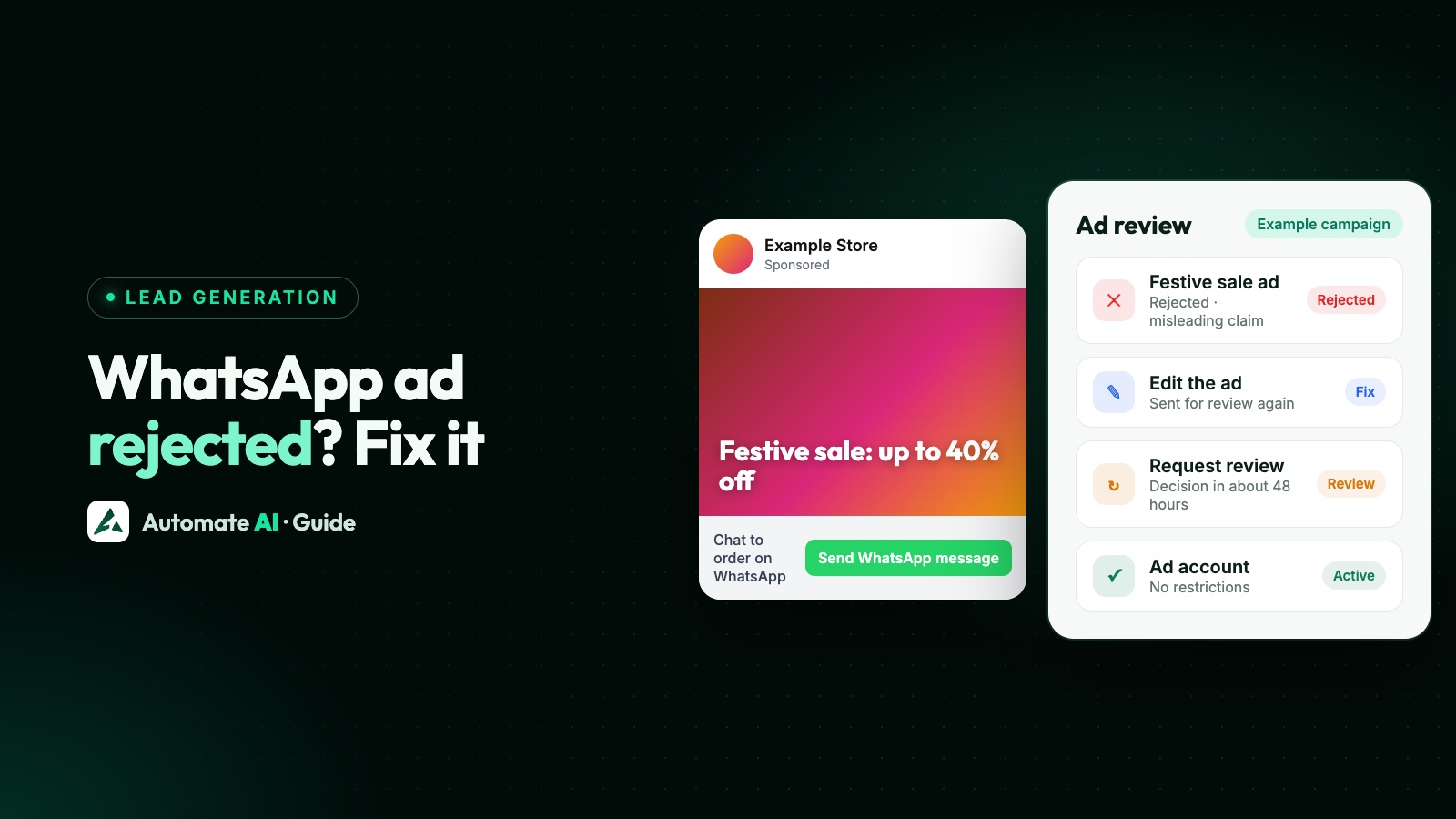
A rejected Click-to-WhatsApp ad is usually fixable: Meta tells you which policy it broke, and you can edit the ad, create a new one, or request another review if you think Meta got it wrong. Ads that open a WhatsApp chat go through the same review as every other Meta ad, which can check the image, video, text, targeting and the ad’s destination against Meta’s Advertising Standards.
An ad account restriction is a bigger problem: it stops you advertising until it’s lifted, and it can follow severe or repeated violations, unusual activity or failed payments. This guide shows how to tell which one you have, where Meta shows the reason, the review steps from Meta’s Help Centre at the time of writing, and how to keep your next ad from being rejected.
Key takeaways
- A rejected ad affects one ad; a restriction on your business portfolio, ad account, Page or profile stops advertising until it’s lifted.
- The rejection email links to Meta Business Support Home, which shows the reason and has the Request review button.
- Editing an ad resubmits it automatically. Deleting a rejected ad can cost you the chance to request a review.
- Meta aims to decide a requested review within 48 hours; if the same ad is rejected again, that decision stands.
- A failed payment pauses your ads and disables the ad account until the amount due is paid.
- Choose the right Special Ad Category, keep claims accurate, and make the WhatsApp chat match the ad.
Rejected ad, restricted account or a WhatsApp problem?
These look similar in Ads Manager but have different fixes:
| What you see | What it means | What to do |
|---|---|---|
| Ad status “Rejected” | That ad broke an advertising policy | Read the reason; edit, create a new ad or request another review |
| An approved ad is later rejected | Meta reviewed a running ad again, for example after people hid, blocked or reported it | Treat it like any rejected ad |
| Business portfolio, ad account, Page or profile restricted | Severe or repeated violations, unusual activity or a security concern | Follow the steps in Business Support Home; request a review if it’s wrong |
| Ads paused, balance unsettled, account disabled | Your payment method failed | Pay the amount due or add funds |
| WhatsApp missing under message destinations | Your Facebook Page isn’t connected to the WhatsApp number | Connect the Page and number (see below) |
| The ad runs but your WhatsApp replies fail | A WhatsApp account issue, not an ad issue | See WhatsApp account restricted or banned |
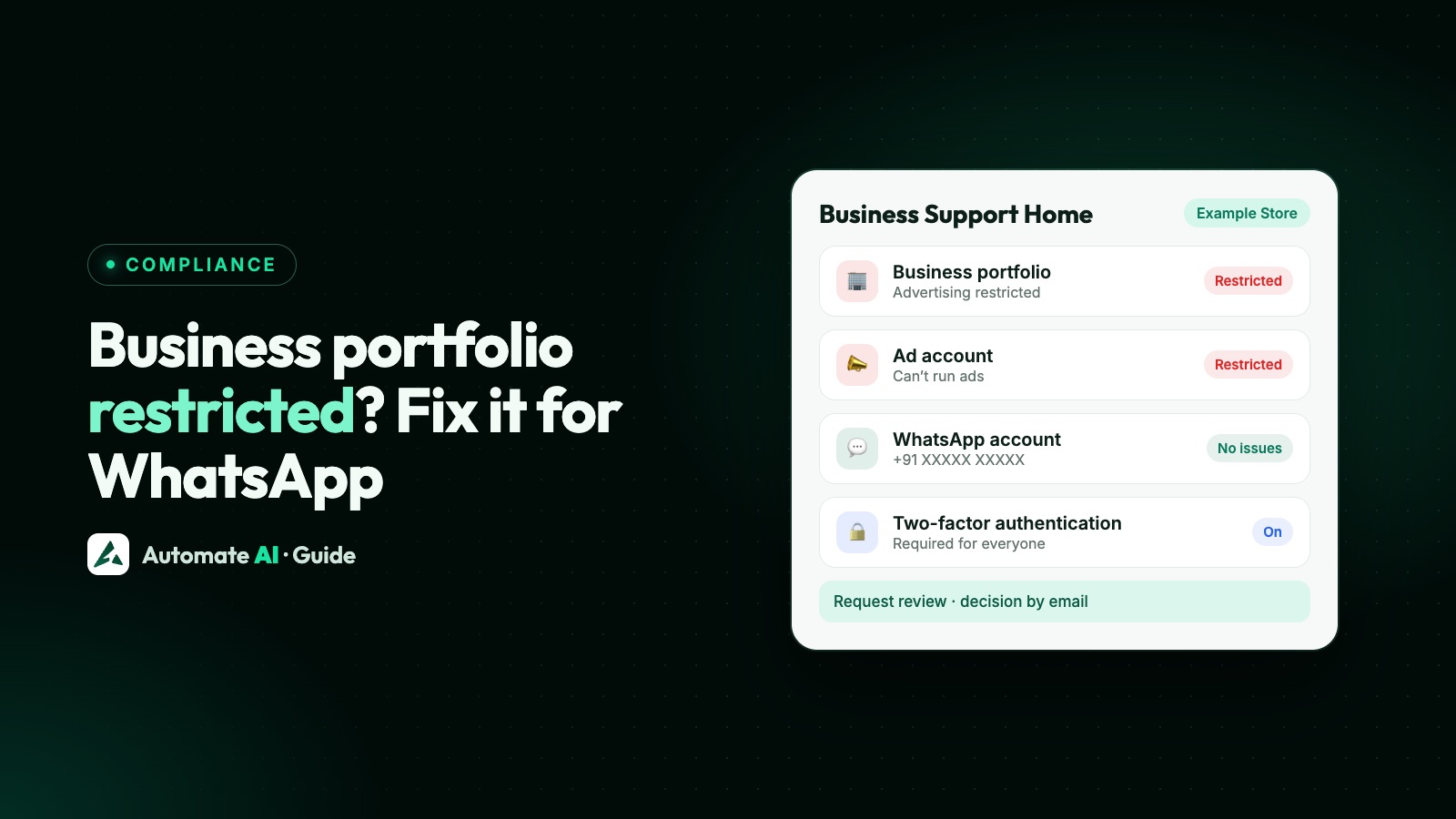
If your whole business portfolio is restricted, read Meta business portfolio restricted as well.
Why Meta rejects Click-to-WhatsApp ads
Meta’s Help Centre lists four broad reasons for rejecting an ad: it doesn’t comply with the laws where the advertiser is based; it discriminates against a group; it uses deceptive or misleading practices to get people’s money or personal information; or the advertiser doesn’t follow the Community Standards, Advertising Standards, Commerce Policies or other terms. In practice, these are the areas to check first:
- Restricted goods and services. The Advertising Standards have their own rules for alcohol, dating, online gambling and games, financial and insurance products, cryptocurrency, health and wellness (including weight-loss products), drugs and pharmaceuticals, tobacco and weapons. Read the policy for your category before you write the ad.
- Misleading claims. The Prohibited Commercial Practices policy covers ads that use deceptive tactics. Inflated discounts, “guaranteed” results and fake deadlines invite rejection.
- Appearance and personal attributes. Meta’s own guidance says ads for weight-loss or cosmetic products must not contain statements of inferiority about physical appearance, and it names privacy violations and personal attributes as one of the most misunderstood policy areas.
- Special Ad Categories. Ads about housing, employment, financial products and services, or social issues, elections or politics have extra requirements. Choosing the correct category when you create the campaign is part of following the standards.
- Discrimination. Meta’s example: don’t promote housing or job opportunities based on personal attributes.
- The destination. Meta’s review can include an ad’s “associated landing page or other destinations”. For a Click-to-WhatsApp ad, make sure the WhatsApp side, meaning your business name, profile and the greeting people see, matches what the ad promises.
How to find the exact reason
- Open the email Meta sends when an ad is rejected. It links to Meta Business Support Home.
- In Business Support Home, select the ad account with the rejected ad and open it to see which policy it broke.
- Read that policy in the Advertising Standards on Meta’s Transparency Centre, which explains what is and isn’t allowed.
- Check each part the policy could apply to: the image or video, the text, the targeting and the destination.
Meta says it may not share every detail of how its review systems work, so expect a policy name rather than the exact word or image that triggered it.
Edit, create a new ad, or request another review
| Option | When to use it | What to know |
|---|---|---|
| Edit the ad | The reason is clear and fixable | Publishing the edit sends it for review again automatically |
| Create a new ad | The ad type can’t be edited, or you’d rather start fresh | Deleting the rejected ad may lose your chance to request a review |
| Request another review | You believe the ad complies | Meta aims to decide within 48 hours and relies more on human reviewers here |
Steps to request another review
- Go to Business Support Home.
- Select the account or catalogue with the rejected ads.
- Select the ads, ad sets or campaigns you believe were wrongly rejected.
- Click Request review, then Submit.
- Track the status in Business Support Home.
If Meta reverses its decision and your campaign is active, the ad starts delivering again, and an overturned rejection doesn’t count as a violation. If it’s rejected again, it stays rejected and you can’t request another review of the same ad. Meta says that asking for a review won’t hurt your standing.
Ad account restricted: what it means and how to appeal
Meta may restrict advertisers who don’t follow its policies, whose accounts may have been hacked, who don’t meet its two-factor authentication requirements, or whose payment or account activity looks unusual, such as high rates of failed or disputed payments. A restriction can mean:
- A lower daily spending limit or payment threshold.
- Losing some payment or advertising features.
- Losing the ability to advertise on Meta at all.
It can apply to the business portfolio, the ad account, the Page or the personal profile of someone who runs ads. If only one person’s profile is restricted, other members of the portfolio, ad account or Page may still be able to advertise.
Request a review of a restriction
- In Business Support Home, choose Account status overview in the left menu.
- Select the restricted account.
- In What you can do, follow the steps shown. Meta may ask you to confirm your identity, complete verification, secure the account or request a review.
- Select Request review and complete the on-screen steps. Only an admin of the account can do this.
Meta says these reviews are typically completed in 48 hours, though some take longer. You can request a restriction review only a limited number of times, and once a review is complete the decision is final. If the restriction is lifted, ads that were running before don’t restart automatically: turn them back on in Ads Manager.
Failed payments and disabled ad accounts
When the payment method for your ads fails, Meta pauses your ads and disables the ad account until the amount due is paid. Check the basics first:
- The payment method is supported in India and enabled for online transactions. Meta notes that American Express cards aren’t supported in India.
- The card has a CVV, hasn’t expired and has enough funds.
- You can receive the OTP on the phone number linked to the card.
- The same payment method isn’t already on too many ad accounts; Meta says one method can typically be added to up to ten.
To pay, go to Billing and payments, select the ad account, click Payment methods, then Pay now (automatic billing) or Add funds (prepaid). Meta notes that advertisers in India may not be able to use Pay now or Add funds once the account is disabled; if the payment keeps failing, use Contact support in Business Support Home. After you pay, Meta resumes active and scheduled ads. Adding a backup payment method helps prevent a repeat.
WhatsApp connection problems that stop the ad
A Click-to-WhatsApp ad needs your Facebook Page connected to your WhatsApp number. If WhatsApp doesn’t appear under message destinations, or the chat opens on the wrong number, check the connection:
- WhatsApp Business app numbers: connect from your Page’s Settings › Linked accounts › WhatsApp, from Ads Manager (at the ad set level, under Message destinations, Connect account), or from the WhatsApp Business app, and confirm with the code WhatsApp sends.
- WhatsApp Business Platform (API) numbers: the Page sends a connection request to the business that owns the number. If you joined through embedded sign-up, that’s your own business, and an admin approves it from the Requests tab in Settings.
- “WhatsApp number is linked to another Facebook business”: the number is already an asset of another business and must be removed from it first.
If the ad is fine but the WhatsApp number itself has a problem, fix that first: see WhatsApp phone number status and WhatsApp account restricted or banned.
How to keep your next ad from being rejected
- Read the policy for your category before you write the ad, especially for restricted goods and services.
- Pick the right Special Ad Category for housing, jobs, credit and other financial products.
- Be specific and accurate. Real prices, real offers, no promises you can’t keep. WhatsApp’s own advice for these ads is to make sure the content matches what your business actually offers.
- Use clean creative: nothing shocking or sensational, and nothing that criticises how people look.
- Make the chat match the ad: the same business name and offer, and a greeting that answers the question the ad raises.
- Treat the people who message you well. WhatsApp warns against sending unsolicited messages or spam once the chat opens; ask before you send them offers later. See WhatsApp opt-in.
- Keep your accounts secure: two-factor authentication on, only current admins, and a backup payment method.
Click-to-WhatsApp ads with Automate AI
Owners and managers can create Click-to-WhatsApp ads from the app under Campaigns › Meta Ads. Meta reviews them under the same Advertising Standards, so everything above applies, and rejections, restrictions and billing are handled in Meta’s own tools. Chats from the ad arrive on your connected WhatsApp number, where your team picks them up in the shared inbox with assignment, notes and quick replies, or a chatbot flow answers first. If you’re stuck on a rejection, our team can talk it through on a call or with remote support (+91 836 977 8812). More on the feature: Click-to-WhatsApp Ads, and the basics in our Click-to-WhatsApp ads guide.
Frequently asked questions
Why was my Click-to-WhatsApp ad rejected?
Meta’s review found something against its Advertising Standards in the image, video, text, targeting or destination, for example a restricted product, a misleading claim or a missing Special Ad Category. The rejection email links to Business Support Home, which names the policy.
How long does a review of a rejected ad take?
Meta aims to decide a requested review within 48 hours. The first review of a new or edited ad is typically completed within 24 hours, though it can take longer.
Can I request a review more than once?
Not for the same ad: if it’s rejected again after a review, it stays rejected. For account restrictions, Meta allows a limited number of review requests, and the decision after a review is final.
Should I delete a rejected ad?
Not until you’ve decided whether to appeal. Meta says deleting it may lose your ability to request another review, and deleting or editing it doesn’t remove the violation from your account.
My ad account is restricted. Can I just open a new one?
No. Meta treats creating new accounts to repeat violations as evading enforcement, which can lead to more restrictions. Request a review in Business Support Home instead.
Does a rejected ad affect my WhatsApp number?
They’re handled separately: ads under Meta’s Advertising Standards in Business Support Home, and WhatsApp messaging under its own policy, quality ratings and enforcement. Check both, because an ad can be fine while the number has a problem, or the other way round.
Sources
- Meta Transparency Centre: Advertising Standards
- Meta Business Help: How to troubleshoot a rejected ad
- Meta Business Help: Why some ads are approved, then rejected
- Meta Business Help: About the enforcement of Meta Advertising Standards
- Meta Business Help: About advertising restrictions
- Meta Business Help: Request a review if you are restricted from advertising
- Meta Business Help: Troubleshoot a disabled or restricted account
- Meta Business Help: Common examples of Meta advertising policy violations
- Meta Business Help: Fix a failed payment issue on Meta
- Meta Business Help: Connect or disconnect your Page and WhatsApp
- Meta Business Help: Connect your Page to a WhatsApp Business Platform number
- Meta for Business: Resolve your ad rejection
- WhatsApp Business: How to create successful ads that click to WhatsApp
WhatsApp rules and prices change. We check these guides against Meta’s documentation, but always confirm current terms with Meta before you rely on them. Questions? Message us on WhatsApp at +91 836 977 8812.