WhatsApp Appointment Reminders: Templates, Timing and Rules
Cut no-shows with WhatsApp appointment reminders. When to send them, why they’re utility templates, what not to include for clinics, 20 ready-to-adapt templates for clinics, salons, services and classes, and how to automate confirm and reschedule replies.
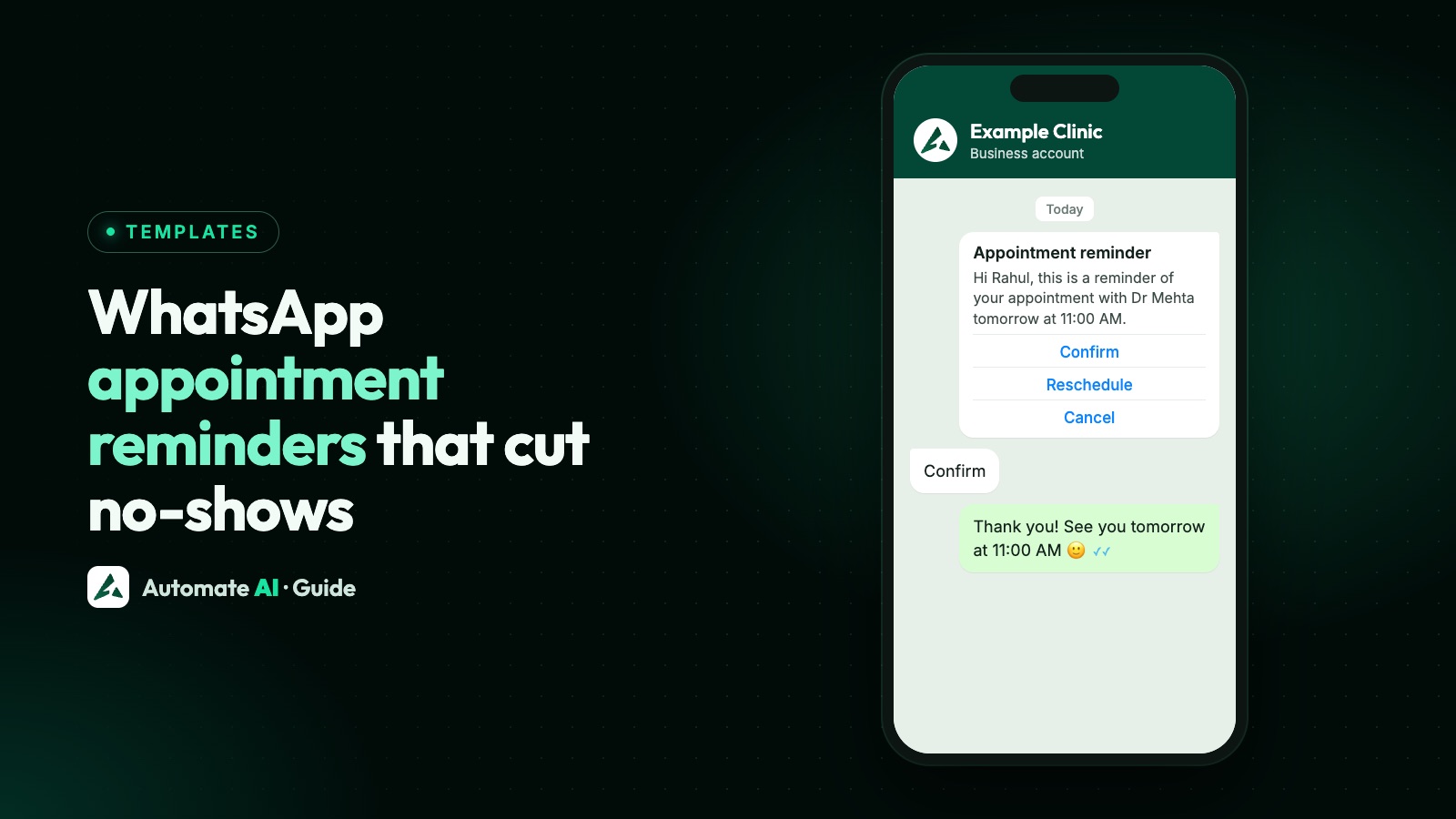
A WhatsApp reminder the day before an appointment, with Confirm and Reschedule buttons, is one of the simplest ways to cut no-shows. Customers read it, tap a button, and you know who is coming and which slots to fill.
On the WhatsApp Business API, reminders are utility templates: approved messages about something the customer already booked. This guide covers when to send them, what to include (and what clinics should leave out), 20 templates you can adapt, and how to automate the replies.
Key takeaways
- Appointment confirmations and reminders are utility templates, as long as they contain no promotion.
- A good rhythm: confirm at booking, remind 24 hours before, and optionally a few hours before.
- Add quick-reply buttons (Confirm, Reschedule, Cancel); a tap opens a 24-hour window for free-form replies.
- Clinics: keep reminders to the time, place and doctor; leave out diagnoses, test results and medicines.
- Only message people who gave you their number for this purpose and agreed to WhatsApp updates.
Why reminders are utility templates
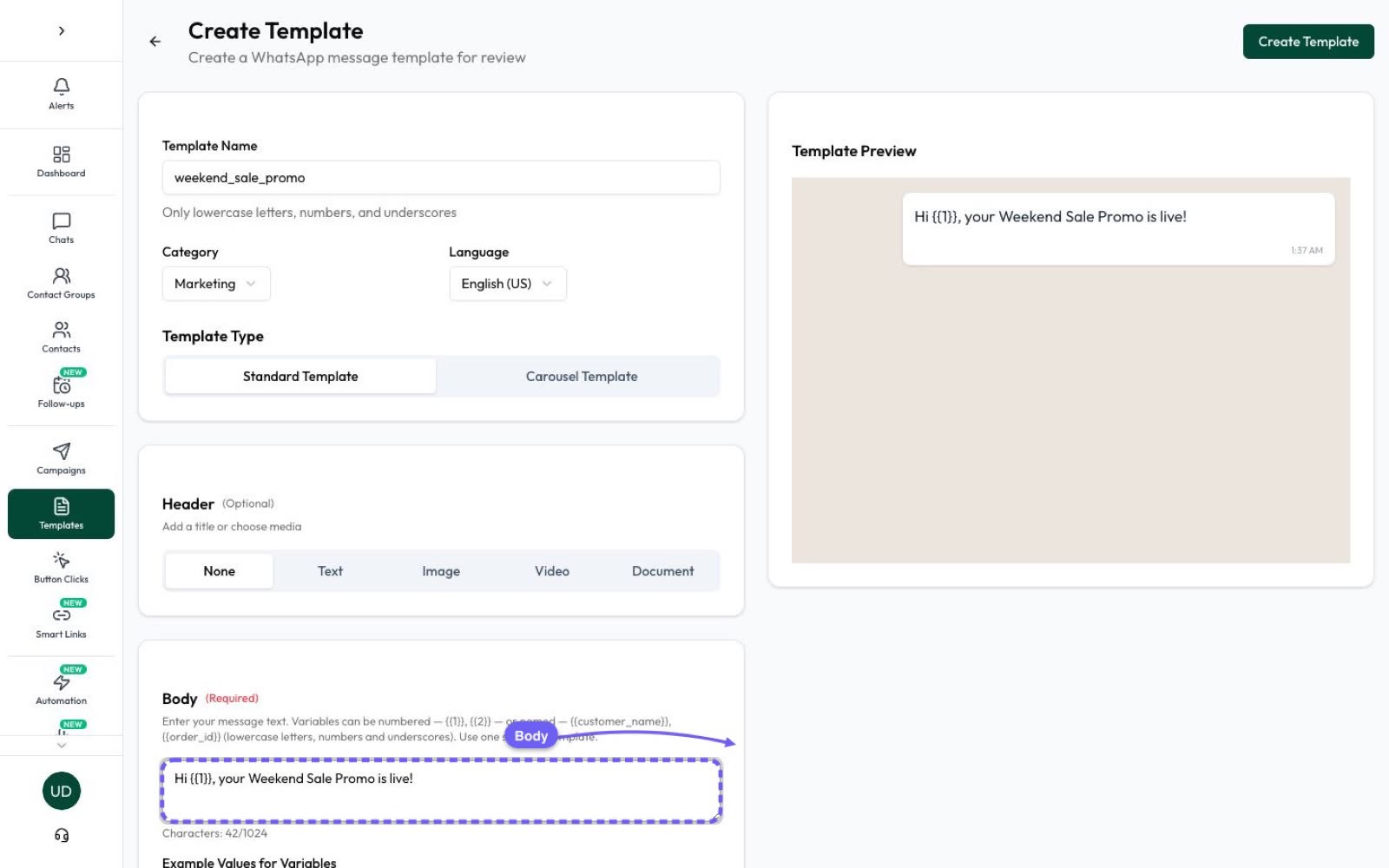
Meta sorts templates into marketing, utility and authentication. A utility template is about a specific transaction or booking the customer started, such as an appointment confirmation, reminder or change. Utility templates are charged at a lower rate than marketing in India.
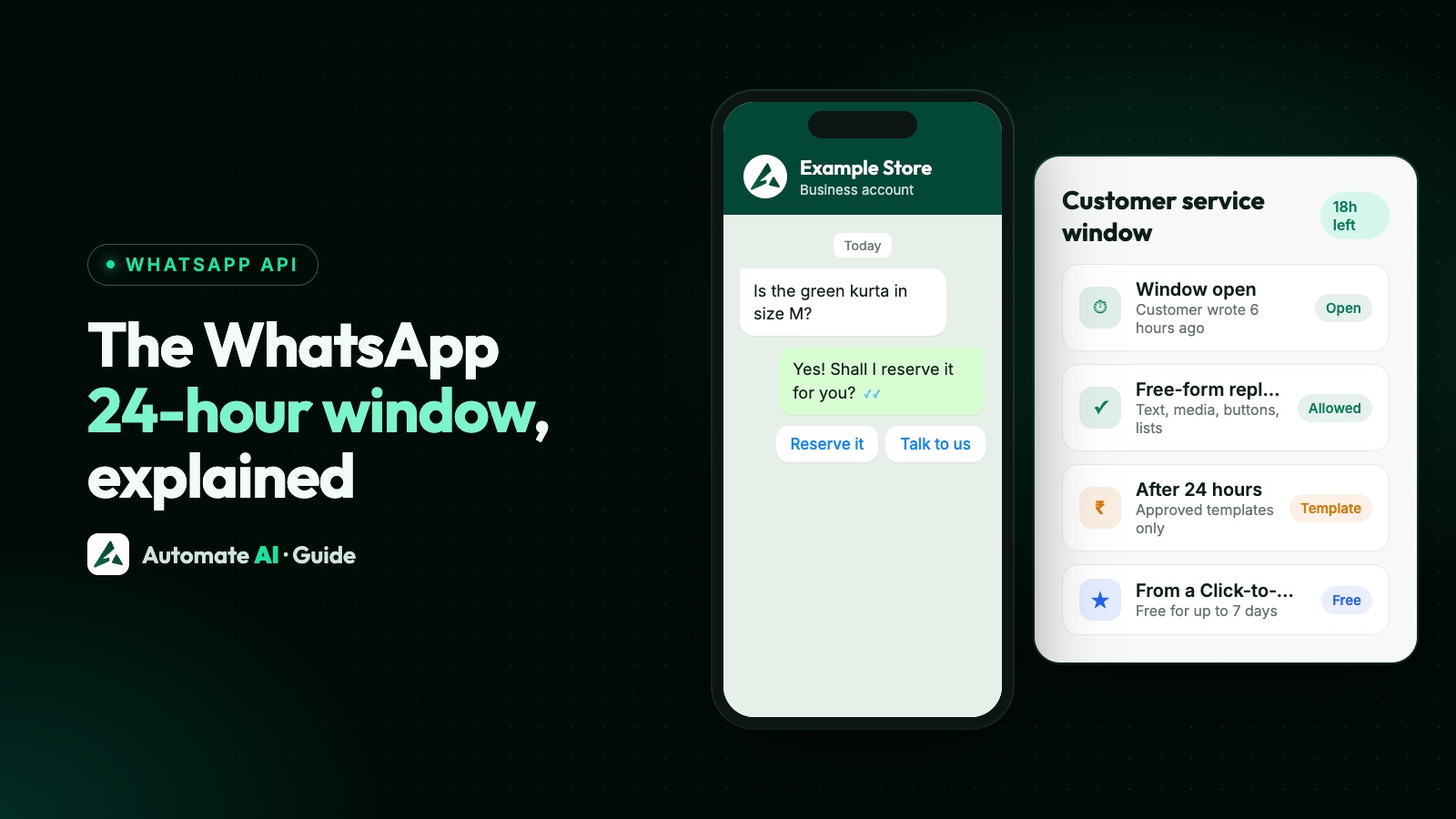
Because reminders usually go out more than 24 hours after the customer last wrote to you, they must be templates. See the WhatsApp 24-hour window.
When to send them
| Message | When | Buttons |
|---|---|---|
| Booking confirmation | Right after booking | Add to calendar, Reschedule |
| Reminder | 24 hours before | Confirm, Reschedule, Cancel |
| Same-day reminder (optional) | 2–3 hours before | I’m on my way, Running late |
| Missed appointment | After a no-show | Book a new slot |
| Follow-up | After the visit (if you have consent) | Book follow-up |
One reminder 24 hours ahead is enough for most businesses. A second, same-day reminder helps for long or expensive appointments, but more than two feels like nagging.
What to include, and what clinics should leave out
Include: the customer’s name, the date and time, the place (with a map link), who they’re seeing or what service, what to bring, and how to change the booking.
Leave out (clinics, labs, therapists): diagnoses, symptoms, test names or results, medicines and anything else about the person’s health. A message can be read on a locked screen or by someone else in the family. Keep it to “your appointment with Dr Mehta”, and share reports through your secure portal or in person.
Appointment reminder templates
Placeholders: {{1}} name, {{2}} date, {{3}} time. Add Confirm / Reschedule / Cancel quick-reply buttons where it makes sense.
Clinics and doctors
- Hi {{1}}, this is a reminder of your appointment with Dr Mehta on {{2}} at {{3}} at Example Clinic, Baner. Please arrive 10 minutes early.
- Hi {{1}}, your appointment is confirmed for {{2}} at {{3}}. Need to change it? Tap Reschedule.
- Hi {{1}}, we missed you at your appointment today. Tap below to book a new time.
- Hi {{1}}, your follow-up visit with Dr Mehta is due. Tap below to choose a slot.
- Hi {{1}}, a reminder that Example Clinic is closed on {{2}}. Your appointment has been moved to {{3}}. Tap Reschedule if this doesn’t suit you.
Salons, spas and fitness
- Hi {{1}}, see you tomorrow at {{3}} for your haircut with Priya at Example Salon. Tap Confirm or Reschedule.
- Hi {{1}}, your spa booking is on {{2}} at {{3}}. Please arrive 15 minutes early to relax before your session.
- Hi {{1}}, your personal training session is today at {{3}}. Running late? Let us know below.
- Hi {{1}}, your booking for {{2}} at {{3}} is confirmed. You can reschedule up to 4 hours before.
- Hi {{1}}, your class pass has 2 sessions left. Book your next class below.
Home services, auto and consultants
- Hi {{1}}, our technician will visit on {{2}} between {{3}}. Please keep the area accessible.
- Hi {{1}}, your car service is booked for {{2}} at {{3}} at Example Motors. Tap Confirm or Reschedule.
- Hi {{1}}, your consultation with our CA is on {{2}} at {{3}}. Please keep your documents ready. Join link: {{4}}
- Hi {{1}}, your site visit is scheduled for {{2}} at {{3}}. Our executive Rahul will meet you at the gate.
- Hi {{1}}, your pest control service is due on {{2}}. Tap Confirm to keep the slot.
Classes and coaching
- Hi {{1}}, your demo class is on {{2}} at {{3}}. Here’s the joining link: {{4}}
- Hi {{1}}, the parent-teacher meeting is on {{2}} at {{3}} in Room 4.
- Hi {{1}}, your counselling session is on {{2}} at {{3}}. Tap Reschedule if you can’t make it.
- Hi {{1}}, your interview with Example Academy is on {{2}} at {{3}}. Please bring your ID and certificates.
- Hi {{1}}, tomorrow’s batch starts at {{3}} instead of the usual time.
More templates for schools and coaching in WhatsApp messages for tuition classes.
Handle Confirm, Reschedule and Cancel automatically
When a customer taps a quick-reply button, it arrives as a message and opens a 24-hour window. A chatbot can then do the rest:
- Confirm: thank them, mark the booking as confirmed and tag the contact.
- Reschedule: send your booking link or a list of free slots, and assign the chat to the front desk.
- Cancel: confirm the cancellation and free the slot for someone on the waiting list.
See how to build this in WhatsApp chatbot for business and WhatsApp buttons and list messages.
Appointment reminders with Automate AI
- Calendly: connect it in Integrations, paste your booking links into chats, templates and flows, and each booking or cancellation is added to the right contact as a chat note, with an optional status and a follow-up at the meeting time.
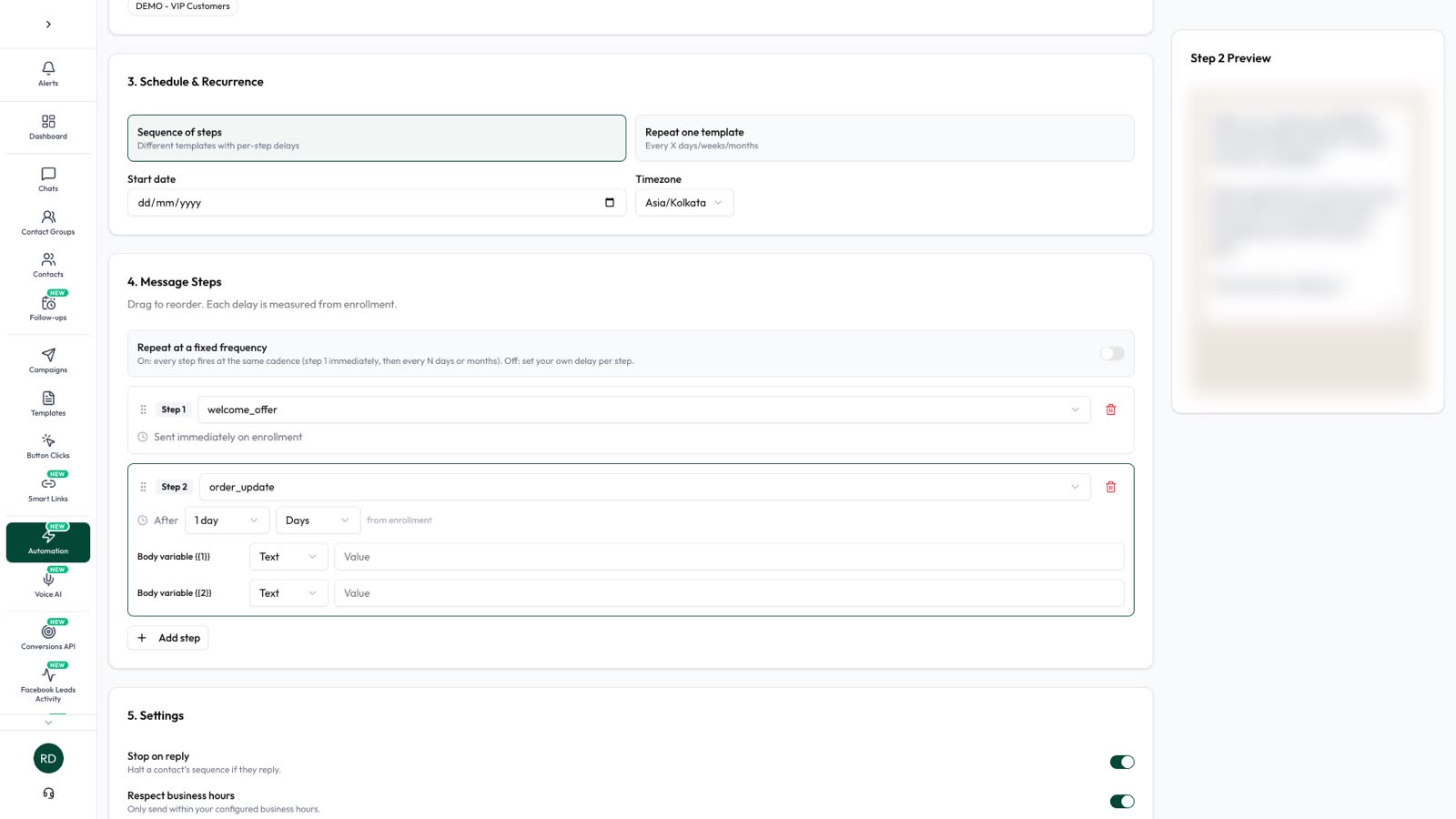
- Date-based reminders: a scheduled automation can send a template a set number of days before a date saved on the contact, such as the appointment date.
- Exact-time reminders: if your clinic or booking software knows the slot, it can call the Automate AI REST API to send the reminder 24 hours or 2 hours before.
- Replies: the chatbot handles Confirm, Reschedule and Cancel, and the shared inbox puts anything else in front of your team.
Utility messages in India start at ₹0.15 per delivered message on Series 4; see pricing.
Frequently asked questions
Can I send appointment reminders on WhatsApp?
Yes. On the WhatsApp Business API, appointment confirmations and reminders are sent as approved utility templates to customers who gave you their number and agreed to receive updates.
Is an appointment reminder a utility or marketing template?
Utility, as long as it only covers the booking. Adding a promotion or upsell makes it a marketing template.
How long before the appointment should I send a WhatsApp reminder?
Usually 24 hours before, with an optional second reminder 2–3 hours before for long or high-value appointments.
Can clinics send WhatsApp reminders?
Yes, keep them to the date, time, place and doctor. Leave out diagnoses, test results and medicines, and share medical information through a secure channel.
How do I let patients confirm or reschedule on WhatsApp?
Add quick-reply buttons such as Confirm, Reschedule and Cancel to the template, and let a chatbot handle each reply.
Sources
- Meta: Template categorization
- WhatsApp Business Messaging Policy
- Meta: Pricing on the WhatsApp Business Platform
- Digital Personal Data Protection Act, 2023 (MeitY)
WhatsApp rules and prices change. We check these guides against Meta’s documentation, but always confirm current terms with Meta before you rely on them. Questions? Message us on WhatsApp at +91 836 977 8812.