How to Add WhatsApp to Your Instagram Profile
Add WhatsApp to your Instagram profile: link the WhatsApp Business app for a contact button, or add a wa.me link. Exact steps, fixes and what API users can do.
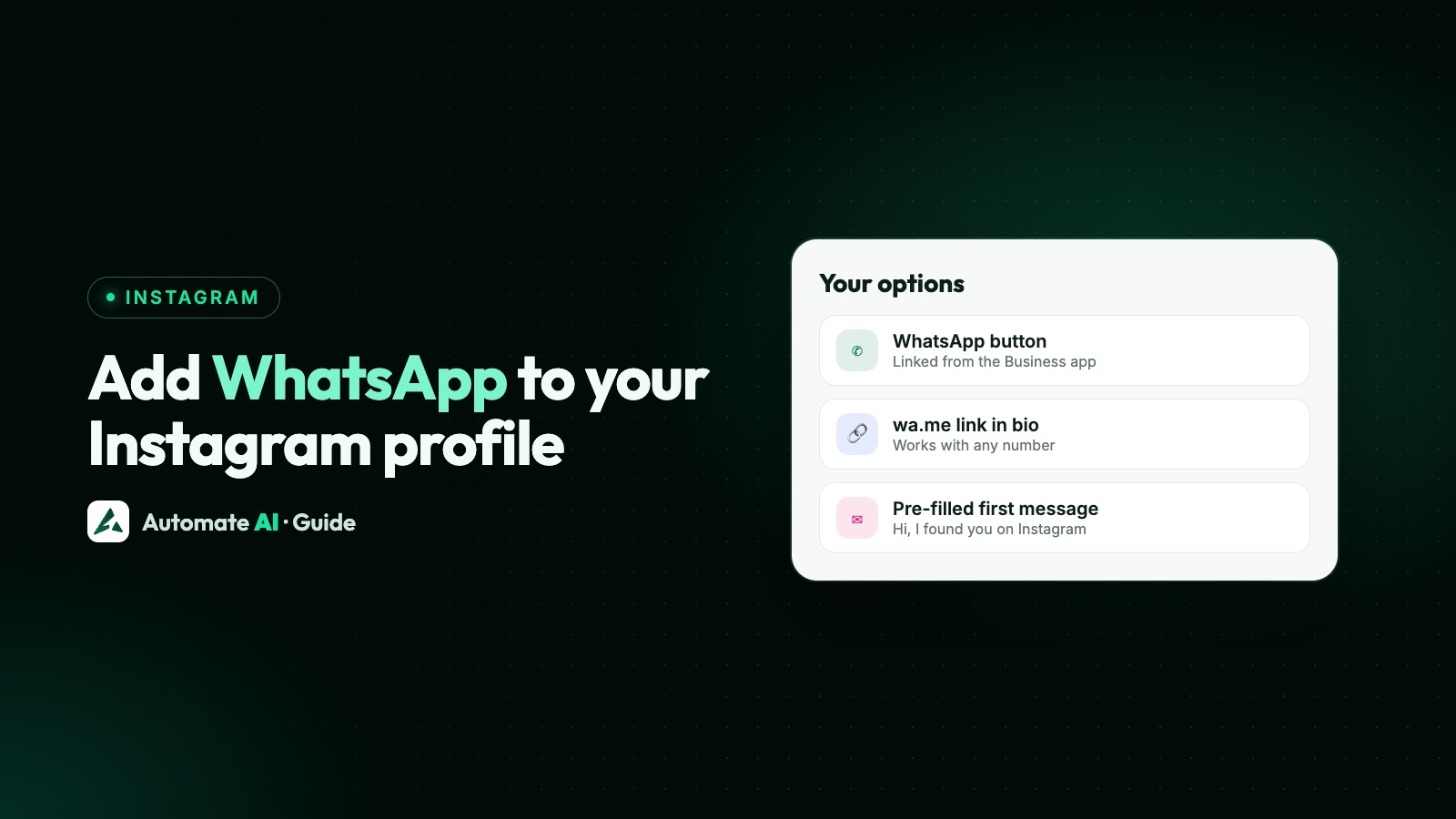
To add a WhatsApp button to Instagram, link your Instagram professional account from the WhatsApp Business app: open Tools, tap Facebook & Instagram, tap Instagram, then log in. WhatsApp says this enables a Click to WhatsApp button on your Instagram profile.
If you don’t use the WhatsApp Business app, or your number runs on the WhatsApp Business Platform (API), add a wa.me link to your profile instead. It takes a minute, and it works with any active WhatsApp number. This guide gives the exact steps for each way, how to fix the usual problems and what to do once people tap. Menu wording changes between app versions, so yours may differ slightly.
Key takeaways
- The contact button needs an Instagram professional account and the WhatsApp Business app, on the latest versions of both.
- Link them from the WhatsApp Business app: Tools › Facebook & Instagram › Instagram.
- A wa.me link works for any setup, including API numbers. Instagram profiles take up to 5 links.
- If the button doesn’t show, check the contact option in your WhatsApp Business profile, and update both apps.
- On the API, including through Automate AI, a customer who messages you opens a 24-hour window, but that isn’t agreement to marketing.
Which way should you use?
| Way | What visitors see | What you need | Good for |
|---|---|---|---|
| Contact button | A WhatsApp button on your profile | A professional Instagram account and the WhatsApp Business app | Businesses using the Business app |
| Instagram’s WhatsApp link | A WhatsApp link on your profile | The option in your Edit profile screen, which isn’t offered in every country | Anyone who sees the option |
| wa.me link | A link in your profile’s links | Only an active WhatsApp number | API numbers, and adding a ready-typed first message |
You can use the button and a wa.me link together. The link has one extra use: it can type a first message for the customer, which tells you they came from Instagram.
Add the WhatsApp button from the WhatsApp Business app
WhatsApp’s Help Center lists three requirements: a professional Instagram account for your business, an account on the WhatsApp Business app, and the latest versions of the mobile apps. Then:
- Open the WhatsApp Business app and go to the Tools tab.
- Tap Facebook & Instagram.
- Tap Instagram, then Continue. Instagram’s login page opens.
- Enter your Instagram login and tap Log In, or tap Continue with Facebook.
- If your account isn’t professional yet, tap Next, choose Business or Creator, and keep tapping Next.
- Confirm your account information, then tap Add and Back to WhatsApp.
Your linked account now shows at the top of the Facebook & Instagram screen. Open your Instagram profile from another phone or account to check that the button appears and opens the right chat.
When you link, WhatsApp uses your WhatsApp Business phone number so customers can reach you from Instagram. If you have no professional Instagram account yet, your WhatsApp business category is used to set the Instagram one.
Show or hide the button
Linking gives you the option of a contact button; it doesn’t have to be on show. WhatsApp names the first place below; the second covers contact details generally:
- In Instagram: Instagram’s article doesn’t mention the WhatsApp button, but it’s worth checking: tap Edit profile, then Profile display under Public business information. This chooses whether your category label and contact information appear.
- In the WhatsApp Business app: WhatsApp says you can show or hide this contact option through your WhatsApp Business profile. On Android, the Show on profile switch under Facebook & Instagram controls whether your Instagram links and posts appear on that profile.
Instagram’s Public business information section also holds your business contact details, and it’s only there on a professional account.
Use Instagram’s own WhatsApp link
Instagram has a help article called “Add or remove your WhatsApp link on Instagram”, but the feature isn’t available in every country, and where it isn’t, the article itself says so. Look in Edit profile for a WhatsApp option. If you don’t see one, use a wa.me link, which doesn’t depend on it.
Add a wa.me link to your profile
This is the way most searches for “WhatsApp link in Instagram bio” end up. First build the link: https://wa.me/ followed by your full international number, with no plus sign, leading zeros, brackets or dashes. Then add it:
- Go to your Instagram profile and tap Edit profile.
- Tap Links, then Add link.
- Paste your wa.me link as the URL.
- Tap Done, then tap the link yourself to test it.
You can add up to 5 links, and you can reorder them, so put WhatsApp first if chats matter most. Anyone can see your links, on or off Instagram.
| What you want | Example link |
|---|---|
| Open a chat | https://wa.me/91XXXXXXXXXX |
| Open a chat with “Hi, I found you on Instagram” typed in | https://wa.me/91XXXXXXXXXX?text=Hi%2C%20I%20found%20you%20on%20Instagram |
Replace the Xs with your own number. Our free WhatsApp link generator encodes the message for you, and the WhatsApp link and QR code guide covers the format in full.
If your number is on the WhatsApp API
Meta’s steps for the button are written for the WhatsApp Business app, so they don’t help if your number only runs on the WhatsApp Business Platform. Use a wa.me link instead. Click to chat works with any active WhatsApp number, and the customer sees the same thing: a tap that opens a chat.
If you use coexistence, your number is on both the app and the API. Meta’s page doesn’t cover this case, so try the app steps and check the result, and keep the wa.me link as your fallback.
With your number connected to Automate AI, chats from your Instagram link land in the shared team inbox, and your team replies from there. Instagram DMs are separate: they don’t appear in that inbox.
Get people to tap it
A link nobody notices does nothing. A few places to point people towards WhatsApp:
- Your bio: say what happens on WhatsApp, such as “Prices and orders on WhatsApp. Tap the link below.” That’s clearer than “Contact us”.
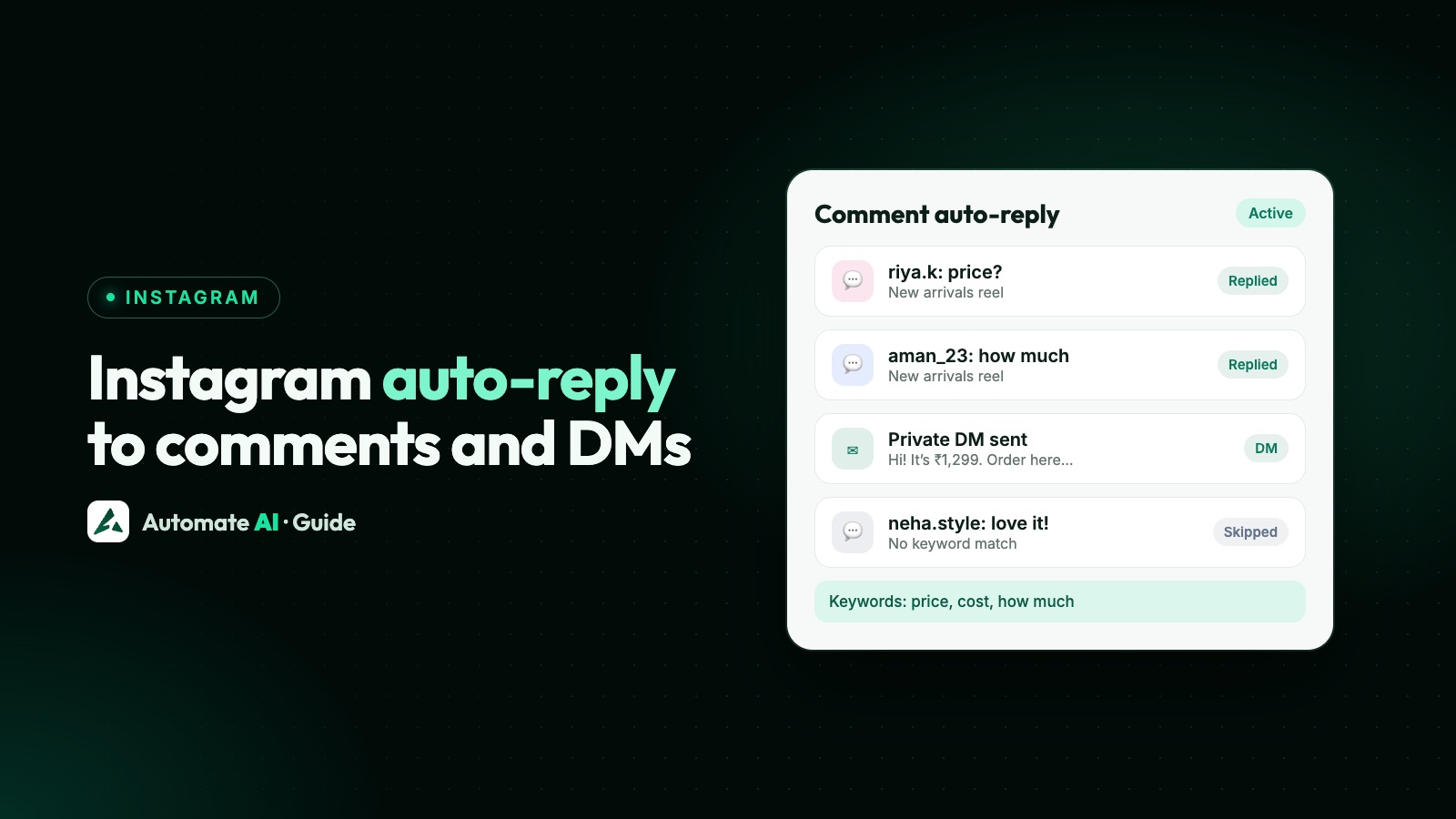
- Comments and DMs: when someone asks for a price, reply with your link. On Series 2, 3 and 4, Instagram auto-replies can send a private DM on a keyword, with your WhatsApp link in it. Our Instagram auto-reply guide has the rules.
- Paid reach: Click-to-WhatsApp ads show a button that opens a WhatsApp chat to people who don’t follow you yet, and Instagram placements are included.
What happens after someone taps
Nothing reaches you until the customer sends the message. If your number is on the WhatsApp Business Platform (API), including through Automate AI, a 24-hour customer service window opens once they do, and you can reply without a template. After it closes, you need an approved template message.
A customer who asks about one product hasn’t agreed to regular offers. Meta’s opt-in rules say you must clearly state that the person is opting in to messages from your business, and name the business. Ask before adding anyone to campaigns. See WhatsApp opt-in.
Common problems and fixes
| Problem | Likely cause | Fix |
|---|---|---|
| No business options in Edit profile | It’s a personal account | Switch to a professional account; the linking steps offer this |
| “Your Instagram business category isn’t supported on WhatsApp” | Your category doesn’t fit the WhatsApp Commerce Policy | Change your Instagram business category so it complies, then link again |
| Linked, but no button shows | The contact option is off, or an app is out of date | Check your WhatsApp Business profile, then update both apps. Profile display in Instagram may also be worth checking |
| Linking fails | Number, permissions or Business Manager setup | Use the number tied to the account, be an admin on Business Manager, keep Instagram and your catalogue on the same Business Manager, have Manage Page and Manage Catalog permissions, and use the correct registration code |
| Can’t find Facebook & Instagram in Tools | You’re in regular WhatsApp, or an old version | Use the WhatsApp Business app, on the latest version |
| Link doesn’t open the right chat | Number not in the international format | Rebuild it as wa.me/ + country code + number |
| No WhatsApp option in Edit profile | It isn’t available everywhere | Add a wa.me link under Links |
Frequently asked questions
How do I add a WhatsApp button to my Instagram bio?
Link your Instagram professional account from the WhatsApp Business app under Tools › Facebook & Instagram. If you don’t use that app, add a wa.me link under Edit profile › Links.
Do I need a business account on Instagram?
For the contact button, yes: WhatsApp asks for a professional Instagram account, which can be Business or Creator. A wa.me link is just a website link in your profile.
Can I link regular WhatsApp to Instagram?
WhatsApp’s steps for the contact button use the WhatsApp Business app. With regular WhatsApp, add a wa.me link, or Instagram’s own WhatsApp link option if you see one.
Can I show the WhatsApp button with a WhatsApp API number?
Meta’s steps are for the WhatsApp Business app. On the API, use a wa.me link in your profile, which opens a chat with your number in the same way. Instagram may offer its own connection option, so check Edit profile too.
How many links can I add to my Instagram profile?
Up to 5, and you can reorder them under Edit profile › Links.
Can I add a ready-made message to my Instagram WhatsApp link?
Yes. Add ?text= and your URL-encoded message to the wa.me link. The customer can edit it before sending. WhatsApp’s button steps don’t mention a pre-typed message.
Sources
- WhatsApp Help Center: How to add a WhatsApp Business account to an Instagram profile
- WhatsApp Help Center: About linking WhatsApp Business with Facebook and Instagram
- Instagram Help Centre: Add or remove your WhatsApp link on Instagram
- Instagram Help Centre: Add a website to your Instagram profile
- Instagram Help Centre: How to edit your business information
- WhatsApp Help Center: How to use click to chat
- Meta: Getting opt-in
WhatsApp rules and prices change. We check these guides against Meta’s documentation, but always confirm current terms with Meta before you rely on them. Questions? Message us on WhatsApp at +91 836 977 8812.