WhatsApp Business Number Banned? Why It Happens and How to Get It Back
Why WhatsApp bans or restricts Business app numbers (bulk and automated messaging, unofficial apps, too many reports), the difference between a restriction, a temporary ban and a permanent ban, how to request a review in the app, how long it takes, and how to avoid it with the official API.
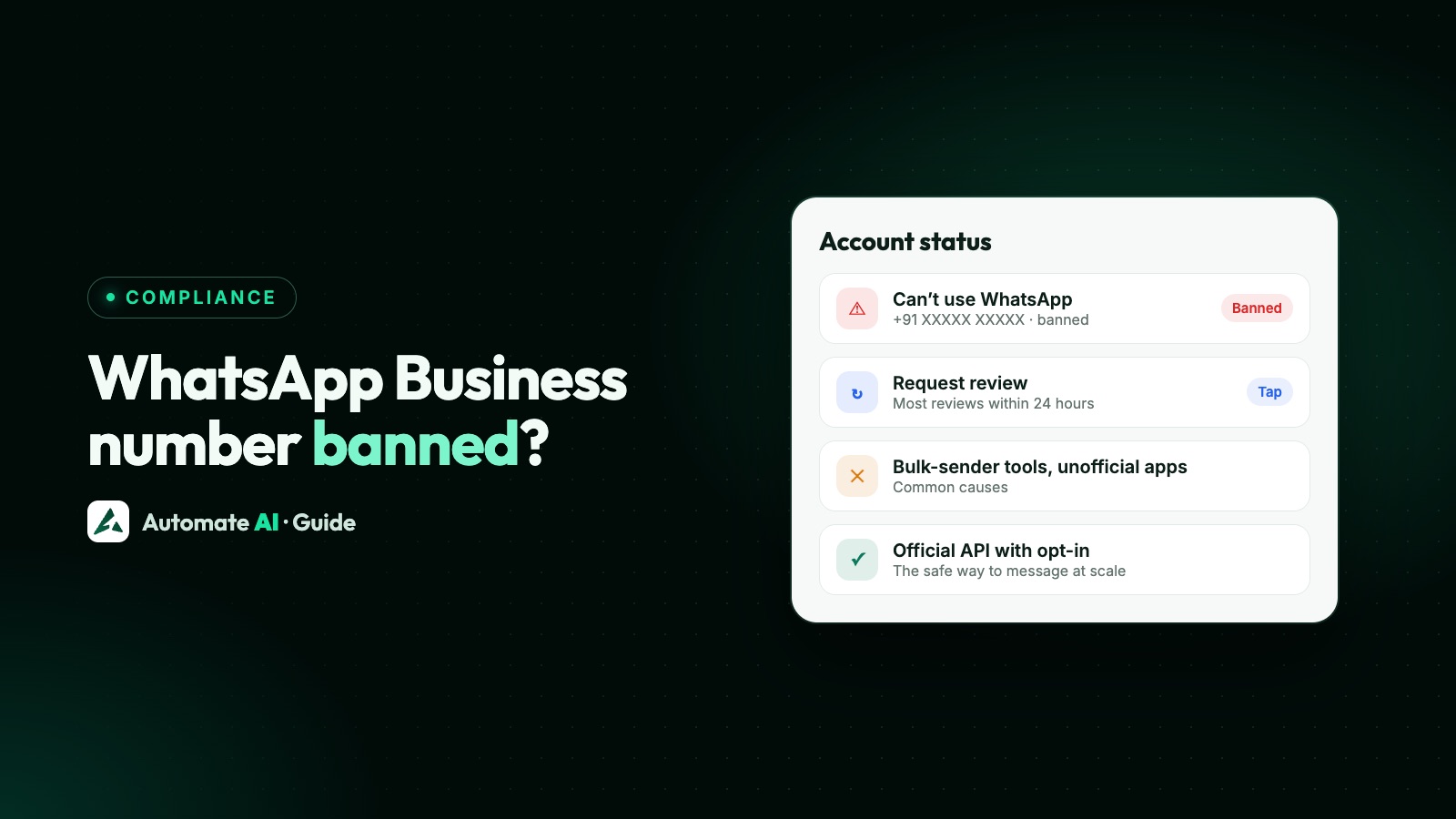
If WhatsApp shows “This phone number can’t use WhatsApp”, your number has been banned for breaking WhatsApp’s Terms of Service, most often for bulk or automated messaging, using an unofficial WhatsApp app, or being reported by many people. Tap Request review in the app; WhatsApp says most reviews are completed within 24 hours. If there’s no Request review option, the ban is final.
This guide covers the WhatsApp and WhatsApp Business apps. Numbers on the WhatsApp Business API follow a separate enforcement process, explained in WhatsApp Business API account restricted or banned.
Key takeaways
- Restricted: time-limited; you can’t start new chats, create groups or use linked devices, and it ends on its own.
- Temporarily banned: usually for an unofficial app; switch to the official app or it can become permanent.
- Banned: request a review in the app; most finish within 24 hours. No Request review button means the decision is final.
- Only WhatsApp can lift a ban; contacting support another way doesn’t speed it up, and paid “unban” services can’t help.
- For bulk messaging, use the official WhatsApp Business API with opted-in contacts.
Restricted, temporarily banned or banned?
| Message or state | What it means | What to do |
|---|---|---|
| “Your account may be restricted soon” | A warning: you’re close to a limit, usually for messaging many people who don’t know you | Stop bulk messaging new contacts now |
| “Your account is restricted right now” | For a set time you can’t start new chats, create groups or use linked devices | Wait; it ends automatically. Keep replying to existing chats normally |
| Temporarily banned | Usually for an unofficial or modified WhatsApp app, or scraping | Move to the official app before the timer ends, or the ban can become permanent |
| “This phone number can’t use WhatsApp” | Banned for a Terms of Service breach | Tap Request review in the app |
Why WhatsApp bans business numbers
- Bulk or automated messaging. WhatsApp’s Terms prohibit bulk messaging, auto-messaging and auto-dialling from the apps. Scheduler extensions, “bulk sender” software and WhatsApp Web automation are common causes.
- Unofficial apps. Modified or third-party versions of WhatsApp break the Terms and lead to temporary and then permanent bans.
- Messaging people who didn’t ask. Bought lists and cold outreach get blocked and reported; enough reports lead to a ban.
- Scraping contact information or using automated account creation.
- Selling restricted goods, such as alcohol, tobacco, drugs or real-money gambling, on WhatsApp. See businesses and products WhatsApp doesn’t allow.
How to request a review
- Open WhatsApp Business on the banned number.
- Tap Request review and follow the steps; add a short, honest explanation if asked.
- Wait for the result in the app. WhatsApp says most reviews are completed within 24 hours.
- If the ban is reversed, change whatever caused it before you start messaging again.
How to avoid a ban
- Use only the official WhatsApp or WhatsApp Business app from the Play Store or App Store.
- Never use bulk-sender tools or browser extensions on WhatsApp Web.
- Message people who gave you their number and expect to hear from you; see WhatsApp opt-in.
- Grow slowly: don’t message hundreds of new contacts in a day.
- Make it easy to stop: honour every “stop” at once.
- Move volume to the API: campaigns to large lists belong on the WhatsApp Business API, with approved templates and opt-in.
The safe way to message at scale
The WhatsApp Business API is built for businesses that message many customers: approved templates, messaging limits that grow with good quality, a shared inbox for the team, and automation that WhatsApp allows. You can even keep the Business app on the same number with coexistence. Compare the app and the API in WhatsApp Business app limitations, and see how bulk sending works in WhatsApp broadcast limits.
Automate AI runs on the official Cloud API, with opt-out tracking, segments and campaign reports to keep your number healthy. Explore WhatsApp marketing.
Frequently asked questions
What does “This phone number can’t use WhatsApp” mean?
The number has been banned for breaking WhatsApp’s Terms of Service. Tap Request review in the app; if that option isn’t there, the ban is final.
How long does a WhatsApp ban review take?
WhatsApp says most reviews are completed within 24 hours.
Can I get my banned WhatsApp Business number back?
Only if WhatsApp reverses the ban after a review. No other channel or paid service can unban a number.
Why was my WhatsApp temporarily banned?
Usually because of an unofficial or modified WhatsApp app, or scraping. Switch to the official app; otherwise the ban can become permanent.
How do I send bulk WhatsApp messages without getting banned?
Use the official WhatsApp Business API with approved templates and opted-in contacts, not bulk-sender tools on the app.
Sources
- WhatsApp Help Center: Banned accounts
- WhatsApp Help Center: Requesting a review
- WhatsApp Help Center: Temporarily banned
- WhatsApp Help Center: Unofficial apps
- WhatsApp Help Center: Restricted accounts
- WhatsApp Terms of Service
WhatsApp rules and prices change. We check these guides against Meta’s documentation, but always confirm current terms with Meta before you rely on them. Questions? Message us on WhatsApp at +91 836 977 8812.