WhatsApp Business Usernames: How to Reserve and Use One
How to reserve a WhatsApp business username: what’s live and what’s still rolling out, Meta’s naming rules, change limits, ideas and what customers see.
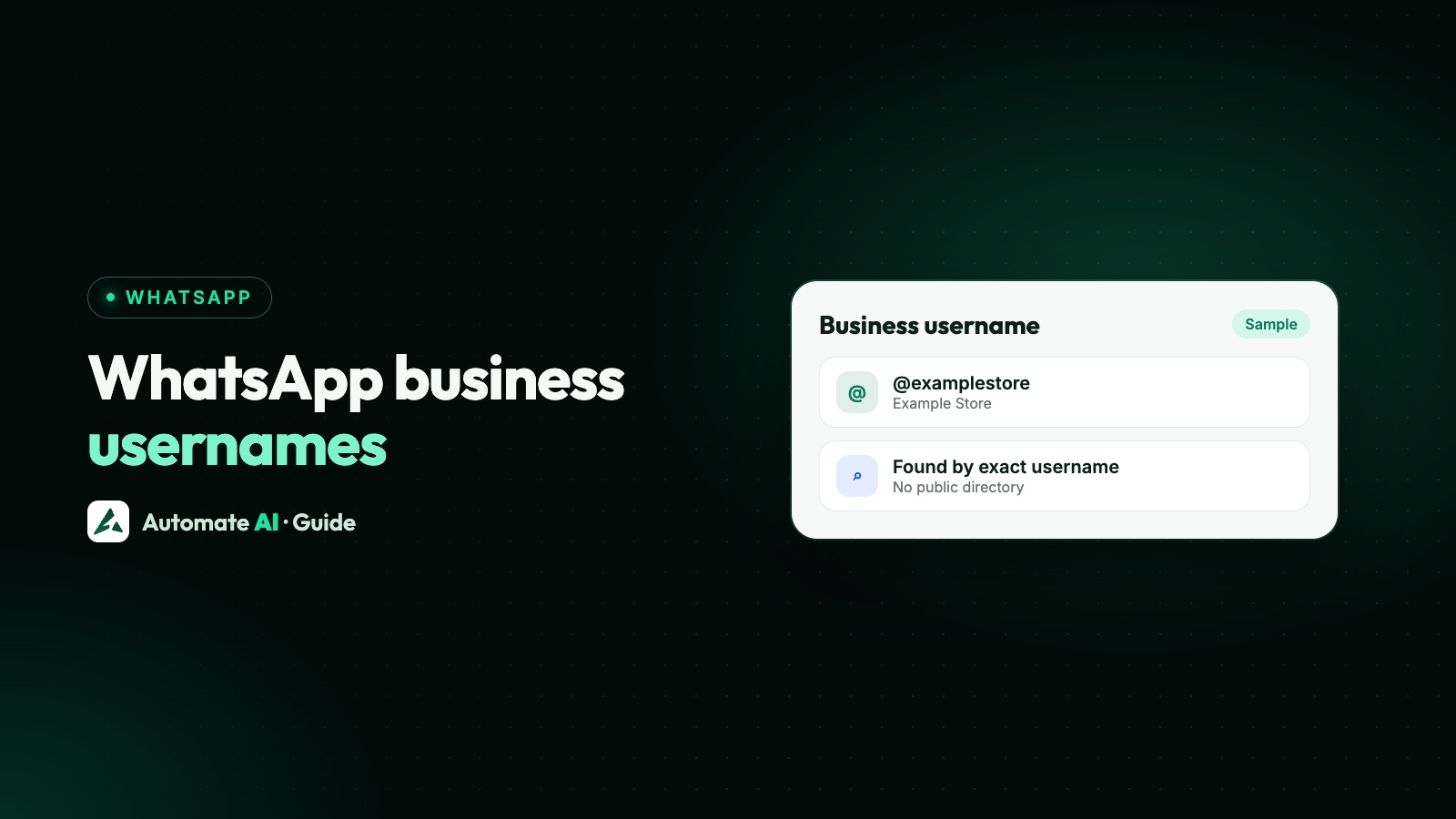
A WhatsApp business username is an optional, unique @handle for your business number, and since 29 June 2026 you can reserve one in WhatsApp Manager, Meta Business Suite or the WhatsApp Business app. Usernames themselves are still rolling out gradually, so a reserved name stays on hold until WhatsApp switches the feature on in your country.
This guide sets out what’s live, what’s rolling out and what’s only announced, with the dates Meta gives. It covers the naming rules, the reservation steps, how often you can change a username, some username ideas, and what changes for your customers and your team.
Key takeaways
- Reserving is live (from 29 June 2026). Usernames working in chats is rolling out gradually, country by country.
- Rules: 3 to 35 characters, English letters, digits, periods and underscores, and at least one letter.
- A business username doesn’t hide your phone number. Customers still see it.
- You can change a username 2 times in any rolling 14 days (10 for a reserved one), and an old one is held for you for 60 days.
- On the API, a business needs a higher messaging limit to request a username.
What a business username is
Your business has three names on WhatsApp, and they do different jobs. A username is the only one that must be unique.
| Display name | Username | Phone number | |
|---|---|---|---|
| What it is | The name customers see as the sender | A unique @handle, such as @sharmasweets | The number your account is registered on |
| Unique? | No, several numbers can share one | Yes, one username per number, across all of WhatsApp | Yes |
| Checked by Meta? | Yes, it’s reviewed | Yes, it needs Meta’s OK | No |
| Shown to customers? | Yes; a verified or Official Business Account name shows ahead of the username | Yes, on your profile once active | Yes, it isn’t hidden |
Meta lists the order a chat window shows: the customer’s saved contact name first, then a verified business name or Official Business Account name, then the username, and the phone number last. So a customer who has saved you as “Sharma Sweets Shop” keeps seeing that.
Display name rules and approvals are in WhatsApp display name rules, and your description, address and website in WhatsApp Business profile.
What’s live, what’s rolling out and what’s announced
Meta and WhatsApp give these dates. As of early November 2026, WhatsApp’s Help Center still says business usernames are rolling out gradually “over the next few months” and might not be available to you yet.
| What | Status | Date Meta gives |
|---|---|---|
| Reserving a business username | Live | From 29 June 2026 |
| Username API (set, check, suggest, delete) | Live for reserving and managing | Documented by Meta, with changes up to 23 October 2026 |
| Usernames active in chats | Rolling out gradually | Gradually in 2026, country by country |
| Customers finding you by exact username | When your username is active | Once usernames reach your country |
WhatsApp says it will tell you in the app when usernames are available in your country, and a reserved username becomes active then. Until that point, nobody can message you by your username.
Username rules
Meta’s developer documentation sets these rules for business usernames:
- 3 to 35 characters.
- English letters, digits, periods (.) and underscores (_) only. Letters with accents, such as é or ñ, aren’t supported.
- At least one English letter. A username of only digits won’t work.
- No period at the start or end, and no two periods in a row.
- No “www.” at the start, and no domain ending such as .com or .org.
- Case doesn’t matter, but punctuation does. “SharmaSweets” and “sharmasweets” are the same; “sharma.sweets” and “sharma_sweets” are different usernames.
WhatsApp also holds some names back. Existing Instagram and Facebook usernames are reserved for their owners, well-known names and close variations are held for public figures, government bodies and Meta Verified accounts, and words often used in scams, such as “bank”, “government”, “police” and “verified”, are blocked. WhatsApp says it revokes usernames that impersonate others.
How to reserve a business username
WhatsApp automatically reserves some usernames so the right business can claim them, but most are first come, first served. Changes made in WhatsApp Manager show in Meta Business Suite too, and the other way round.
In WhatsApp Manager (API numbers)
- Open WhatsApp Manager.
- Click Phone number in the left menu, then click your number.
- Click Profile and scroll to Username.
- Click Create, then type a username or pick one under Suggested.
- Click Save, then Close.
In Meta Business Suite
- Open WhatsApp accounts from the left menu.
- Choose the phone number and click the edit (pencil) icon.
- Scroll to Username, click Create and type a name or choose a suggestion.
- Click Save, then Close.
Meta says reserved usernames, the ones it suggests for your portfolio, have a higher chance of approval. If you want the same name as your Facebook Page or Instagram account, link your business phone number to that Page or account first; you need full control, or partial access with the manage phone permission.
Through the API
Developers can use Meta’s Username API on the business phone number: POST /username to set one, GET /username to read it and its status, GET /username_suggestions for the names reserved for you, and DELETE /username to remove it. Subscribe to the business_username_updates webhook to hear when the status changes, including when Meta revokes a name.
Reserved, approved, active: what each status means
| Status | Meaning |
|---|---|
| Reserved | Approved for you, but not yet visible to WhatsApp users. It turns visible once the feature is available to everyone. |
| Approved | Approved, and visible to users once the feature is available. |
| Active | Live in your country: shown on your business profile, and customers can find you by typing the exact username. |
There’s no directory. WhatsApp says people can’t search for a username they don’t already know, so a username only helps when customers have seen it somewhere: on your website, packaging, shop sign or ads.
Changing or deleting a username
Usernames aren’t locked in, but Meta limits how often they change:
- 2 changes in any rolling 14-day period for each business phone number, or 10 if the username you’re setting is one reserved for you. Deleting a username doesn’t reset the count.
- Your old username is held for 60 days after you change or delete it, so you can claim it back and nobody else can take it.
- One username per number. A business with several numbers needs a username for each, though they can share a display name.
- Moving a username between your own numbers: on the API, a username already used by another number in the same portfolio is refused unless you ask to transfer it.
To change one in WhatsApp Manager, go to Phone number › Profile › Username › Edit, type the new name and save. To delete it, choose Edit, then Delete.
Username ideas for a business
Pick the name customers will type without thinking. These are made-up examples for a sweet shop called Sharma Sweets:
| Pattern | Example | When it suits |
|---|---|---|
| Brand name | sharmasweets | First choice if it’s free |
| Brand with an underscore | sharma_sweets | When the plain name is taken |
| Brand and city | sharmasweets_pune | A local shop, or one of several branches |
| Brand and what you sell | sharma.mithai | When the brand alone is common |
| Matching your Instagram handle | Your existing handle | Customers already know it |
- Keep it short and spoken-friendly. “sharmasweets” is easier to say over the phone than “sharma_sweets_official_2026”.
- Say it out loud. Since “sharma.sweets” and “sharma_sweets” are different usernames, pick the one people will type when they hear it.
- Don’t use blocked words such as “verified”, and don’t imitate another brand.
- Plan for branches. Each number needs its own username, so a city or area suffix keeps them tidy.
What changes for customers and for your team
Two different things are called usernames. Your business username doesn’t hide your number: WhatsApp says businesses’ phone numbers stay visible. A customer can also adopt a username, and once usernames launch, WhatsApp says a business they message for the first time won’t see their number.
For API users, Meta has added a business-scoped user ID for each customer. If a customer has a username, the webhook may leave out their phone number, unless one of these is true for that business number:
- You messaged or called their number in the last 30 days.
- They messaged or called you from their number in the last 30 days.
- They’re in your Meta-hosted contact book.
Meta recommends you keep sending to phone numbers where you can, so they keep arriving in webhooks, and offers a request contact info button for asking a customer to share their number. More on why this matters for lead tracking is in WhatsApp CRM.
Usernames and Automate AI
Automate AI connects your number to the WhatsApp Business Platform. You don’t set the username in Automate AI: reserve or change it in WhatsApp Manager or Meta Business Suite with the steps above. Contacts in Automate AI are saved by phone number.
Once your username is active, put it wherever customers see your brand, next to your WhatsApp link and QR code. Your display name, number, messaging limit and quality rating are under Settings › WhatsApp, and campaigns still go to opted-in contacts with approved templates, as before.
Frequently asked questions
Are WhatsApp business usernames live yet?
Reserving is live, from 29 June 2026. Usernames working in chats are rolling out gradually, country by country, and WhatsApp says it will tell you in the app when they reach yours.
How do I reserve a WhatsApp business username?
In WhatsApp Manager, open Phone number, click your number, go to Profile, scroll to Username and click Create. In Meta Business Suite, open WhatsApp accounts, edit the number and create it under Username. The Business app has the option on your phone, not on WhatsApp Web.
What characters can a WhatsApp username have?
English letters, digits, periods and underscores, 3 to 35 characters, with at least one letter. It can’t start or end with a period, start with www. or end with a domain such as .com.
How often can I change my WhatsApp business username?
Twice in any rolling 14 days per business number, or 10 times if you’re setting a username reserved for you. Your previous username is held for you for 60 days.
Does a business username hide my phone number?
No. Meta says business usernames aren’t a privacy feature, and your number is still shown to customers.
Can customers search for my business by username?
Only by the exact username, once it’s active in their country. There’s no directory or suggestions, so share your username where customers will see it.
Sources
- Meta: Business-scoped user IDs and usernames
- WhatsApp Help Center: Reserve and manage usernames on the WhatsApp Business Platform
- WhatsApp Help Center: Create and manage your business username
- WhatsApp: Usernames FAQ
- WhatsApp Blog: It’s time to reserve your WhatsApp username (29 June 2026)
WhatsApp rules and prices change. We check these guides against Meta’s documentation, but always confirm current terms with Meta before you rely on them. Questions? Message us on WhatsApp at +91 836 977 8812.