Click-to-WhatsApp Ads vs Website vs Facebook Lead Forms: Which Gets More Conversions?
Click-to-WhatsApp ads, a website or Facebook lead forms? How each works, where each loses people, what it costs, and how to find your cost per qualified lead.
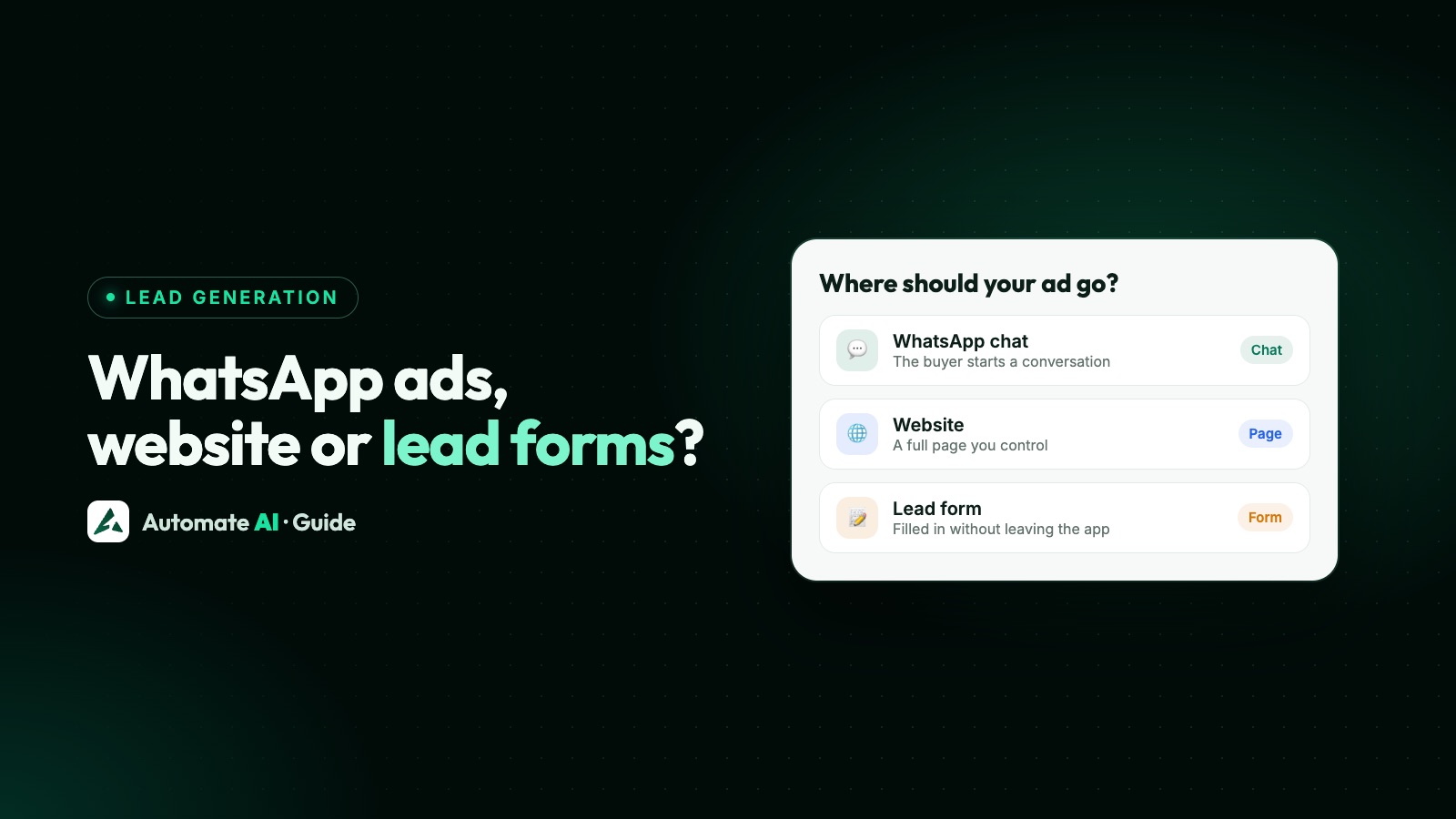
No route wins for everyone: Click-to-WhatsApp ads usually suit products people want to ask about, a website suits people ready to read or buy, and Facebook lead forms suit teams that contact every lead themselves. Which gets you more conversions depends on your product, your price, how fast you reply and what you count as a conversion.
We know of no official benchmark that compares all three, so be careful with anyone quoting one universal conversion rate. This guide explains how each route works, where each loses or qualifies people, what each costs, which to choose for your business, and how to settle it with your own numbers using cost per qualified lead.
Key takeaways
- There’s no universal winner: the best route depends on your product, price and reply speed.
- Click-to-WhatsApp ads start a conversation, and messages can be free for up to 7 days if you reply within 24 hours.
- A website suits people who want to read, compare or buy without talking to anyone.
- Lead forms ask for the least effort, but you have to make the first move, with an approved template on WhatsApp.
- Judge every route on cost per qualified lead and cost per sale, not clicks or cost per lead.
- Agree what “qualified” means before you spend, and change only one thing in each test.
How each route works
All three start the same way: someone sees your ad on Facebook or Instagram and taps it. What happens next is the difference.
| Click-to-WhatsApp ad | Website | Lead form | |
|---|---|---|---|
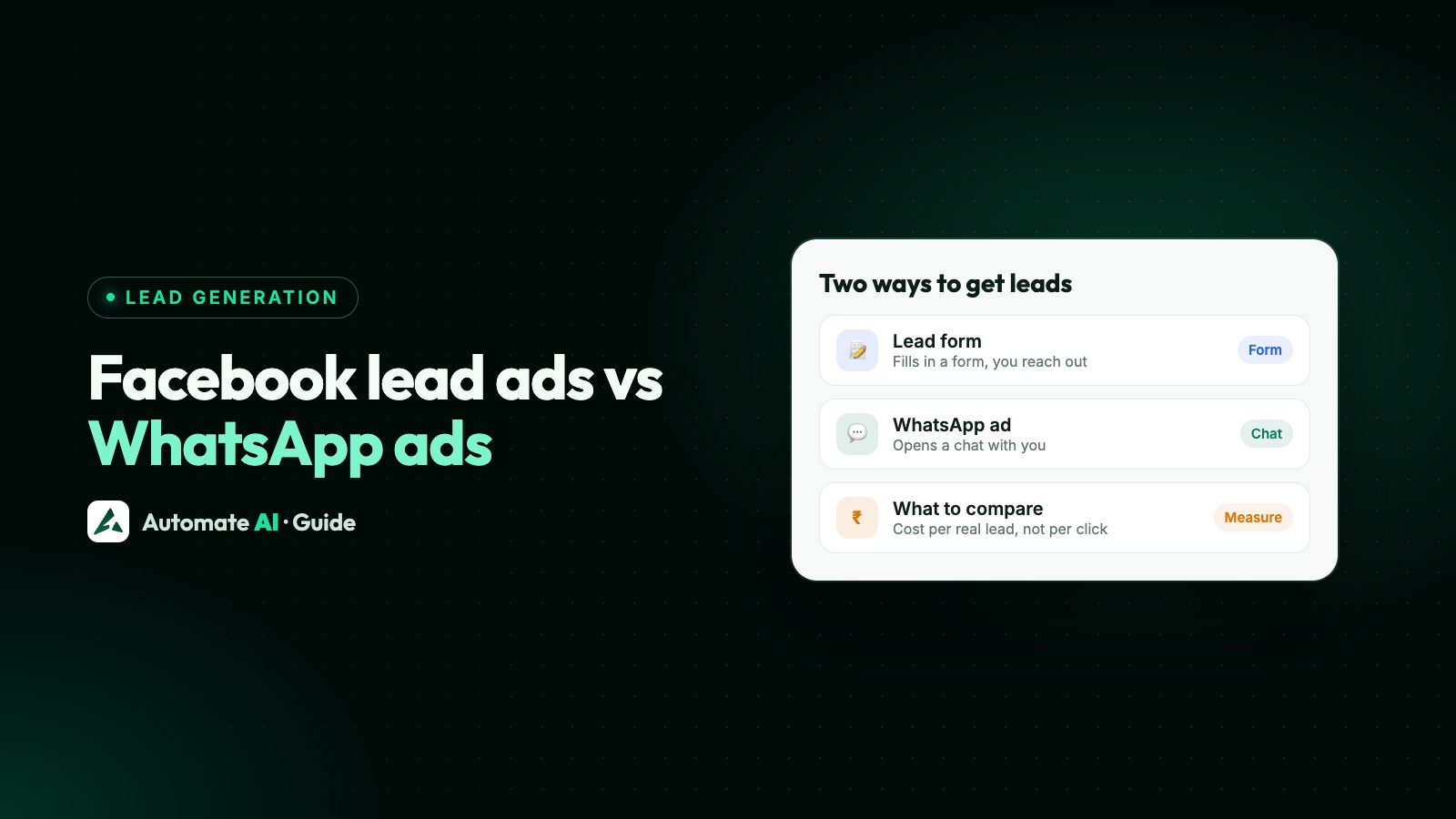
| After the tap | WhatsApp opens with a message already typed; they press send | Your page opens in a browser | A form opens inside Facebook or Instagram |
| What you get | A live chat | A visit, then perhaps an enquiry or an order | Their answers, using details they’ve already shared with Facebook |
| Next move | Theirs, by sending the message | Theirs, if the page convinces them | Yours |
| What you need | A WhatsApp number connected to your Facebook Page | A fast page that matches the ad, plus tracking | A form, and a quick way to get leads out of it |
Meta aims lead ads at businesses that sell services or have longer buying cycles, and its click-to-message ads take people straight into a conversation. Treat that as a starting point, not a verdict. New to these ads? Read our Click-to-WhatsApp ads guide first.
Where each route loses people, and where it qualifies them
| Route | Where you lose people | What qualifies them |
|---|---|---|
| Click-to-WhatsApp ad | They tap but never press send. They don’t want to chat, or don’t use WhatsApp. Nobody replies in time. | They started the conversation themselves, and your questions in the chat sort them further. |
| Website | The page is slow or doesn’t match the ad. They read, leave and don’t return. A long form or checkout puts them off. | They chose to read your details and prices, so people who aren’t a fit can rule themselves out. |
| Lead form | It takes so little effort that some forget they did it. The saved number may be old. They don’t recognise you when you make contact. | Your custom questions sort them before you reach out, and a higher-intent form adds a review step. |
The pattern is simple. The less effort a route asks for, the more people get through it, and the less each person has shown you about how serious they are.
Lead quality vs volume
You’d expect a pre-filled form to bring more leads than a chat for the same money, because it asks for less. Whether those leads become customers is a separate question, and it’s the one that matters.
You can move each route along the line between volume and quality:
- Lead forms: add a custom question, or use a higher-intent form, which adds a step where people review and confirm their answers. Meta also lists verification tools, such as a passcode sent to the phone number.
- Click-to-WhatsApp ads: put the price or area in the ad, and ask one qualifying question in the greeting. See how to get quality leads from WhatsApp ads.
- Website: show prices and who the product is for, so people rule themselves out before they enquire. Fewer form fields usually bring more enquiries; more fields bring fewer, more serious ones.
Every filter loses some good people along with the weak ones, so judge a change by sales, not by lead counts alone.
Follow-up speed
A slow reply wastes the ad on any route: people lose interest and forget who you are. What differs is how much you have to build to reply quickly.
- Click-to-WhatsApp: the chat is already open, so a chatbot or the AI Assistant can answer in seconds and a person can take over. You can send normal messages for 24 hours after their last message.
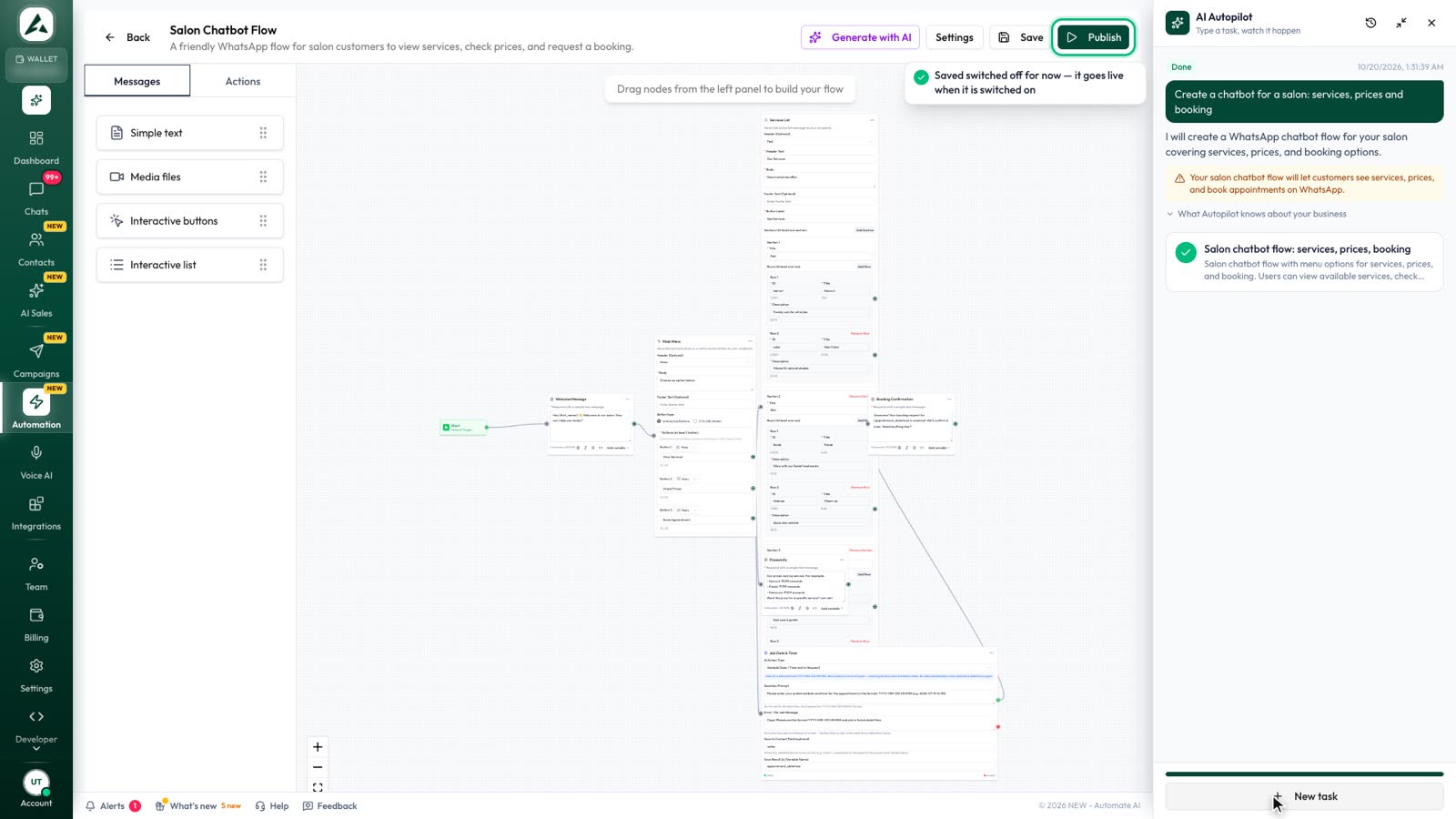
- Lead forms: you need a link between the form and your messaging, or leads sit in a download. With Facebook Lead Ads connected, each lead is saved as a contact and can get an approved template straight away. See how to send lead ads to WhatsApp.
- Website: an enquiry form needs the same kind of link. A WhatsApp button lets the visitor start the chat themselves, and an online order only needs a confirmation.
The costs that apply
| Cost | Click-to-WhatsApp ad | Website | Lead form |
|---|---|---|---|
| Ad spend | Paid to Meta | Paid to Meta | Paid to Meta |
| Page or form | None | Building and running the page | None; the form is part of the ad |
| First WhatsApp message | Free if you reply within the 24-hour window | A reply to their chat is a service message; a template you start with is charged | An approved template, charged when delivered |
| Later WhatsApp messages | Free for up to 7 days after that reply, then normal charges | Normal charges | Normal charges |
| Team time | Chats the bot can’t finish | Enquiries from the page | Reaching out to every lead |
The free window applies when someone messages you from the ad on WhatsApp’s Android or iOS app, and Meta Business Agent messages are still charged. “Normal charges” means each template is charged when delivered, by category and country, and each number gets 1,000 free service messages a month. Rates are in WhatsApp API pricing by country.
As an example, Meta’s list rates for Indian numbers are ₹0.8631 per marketing template and ₹0.1150 per utility template, before 18% GST and your provider’s fees.
Which to choose for which business
| Your situation | Start with | Why |
|---|---|---|
| People ask questions before buying: clinics, courses, property, local services | Click-to-WhatsApp ads | The question is the start of the sale |
| A low-priced product with a simple checkout | Website | Each extra step between ad and payment can lose the sale |
| A sales team that calls every lead | Lead forms | You get a list to work through, with answers up front |
| A product that needs explaining, or buyers who compare at a desk | Website | A page holds the detail and they can read at their own pace |
| Nobody free to reply for much of the day | Lead forms or a website, or add a chatbot first | An unanswered chat wastes the click |
| Customers mainly in the US | Website or lead forms, with email or phone follow-up | WhatsApp doesn’t currently deliver marketing templates to US numbers |
Many businesses end up running two routes for different audiences. Start with one, and add the second once you can measure both.
How to work out cost per qualified lead
First, decide what “qualified” means. Write one line using things you can check, such as: in our area, has a real budget, wants to buy within 30 days and answers when contacted. Use the same line for every route.
Then do the sums. Cost per qualified lead = total cost ÷ qualified leads. Total cost means ad spend plus message charges and any page costs. Carry on to cost per sale = total cost ÷ sales.
The numbers below are made up to show the sums. They are not a benchmark, and they could be in any currency.
| Made-up example | Click-to-WhatsApp | Website | Lead form |
|---|---|---|---|
| Ad spend | 10,000 | 10,000 | 10,000 |
| Other costs | 0 | 1,000 | 500 |
| Leads or enquiries | 200 | 100 | 400 |
| Cost per lead | 50 | 110 | 26.25 |
| Qualified leads | 50 | 30 | 40 |
| Cost per qualified lead | 200 | 367 | 263 |
| Sales | 8 | 9 | 5 |
| Cost per sale | 1,250 | 1,222 | 2,100 |
In this made-up case, each measure crowns a different winner: the form on cost per lead, Click-to-WhatsApp on cost per qualified lead and the website on cost per sale. That’s why you must choose your measure before you look at the results. If a sale is what pays you, cost per sale decides.
How to test it with your own numbers
- Pick one offer and one audience, and write down your definition of qualified.
- Change only the destination. Keep the creative, budget and dates as close as you can.
- Split the audience properly. Meta’s A/B testing divides people into groups that don’t overlap. Meta warns that running campaigns side by side without it isn’t a true experiment. If the tool can’t compare your set-up, run the routes one after the other in similar weeks and treat the result as a rough guide.
- Give every route the same follow-up: the same team, hours and speed. Otherwise you’re testing your response time, not the route.
- Record each lead’s source and outcome in one place, with a status for each stage: reached, qualified, sold.
- Give it long enough. WhatsApp’s guide suggests at least seven days for these ads, and you need more time for sales to close. If a sale takes a month, a one-week test only shows early signs.
- Compare cost per qualified lead and cost per sale, keep the winner and test the next idea.
Running these routes in Automate AI
Click-to-WhatsApp ads can be created under Campaigns › Meta Ads on every plan, by owners and managers, with spend, chats started and new contacts shown for each ad. The Facebook Lead Ads integration, in Series 2, 3 and 4, saves each form lead as a contact and can send a template at once.
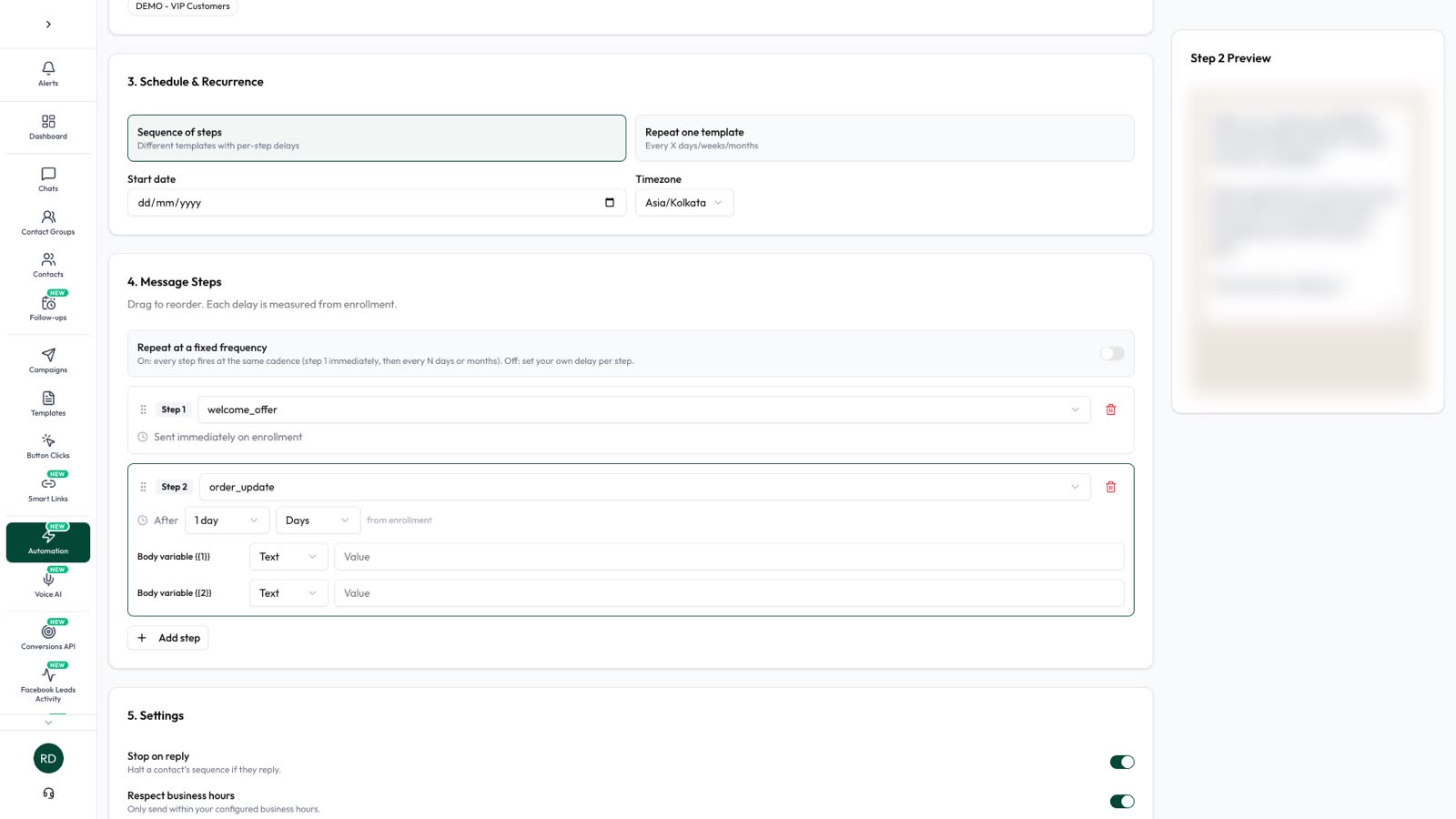
Leads from both routes arrive as contacts, so a status for each stage gives you the numbers for the sums above. A drip sequence can then follow up people who go quiet and stop when they reply. To compare the two ad types on price alone, read Facebook lead ads vs WhatsApp ads.
Frequently asked questions
Do Click-to-WhatsApp ads convert better than a website?
Sometimes. They often suit products people want to ask about, while a website often suits people ready to read or buy. Only a test with your own offer can tell you which wins for you.
Are Facebook lead forms good quality?
They can be. A pre-filled form is easy to submit, so some people aren’t serious. Custom questions, a higher-intent form and a fast first message all help.
What is a good cost per qualified lead?
There’s no universal figure. It depends on what a customer is worth to you. Work out the most you can afford to spend to win a sale, then compare routes against that.
Do chats from my website get the free WhatsApp window?
No. The free entry point window is for people who message you from an ad that clicks to WhatsApp. A chat from a website button gets the normal 24-hour customer service window.
How long should I run a test?
At least a week, plus enough time for sales to close. A longer sales cycle needs a longer test, and too few results can mislead you.
Do I have to choose just one route?
No. Many businesses use two. It’s easier to start with one, measure it properly and then add another.
Sources
- Meta: Pricing on the WhatsApp Business Platform (free entry point window)
- Meta for Business: Lead ads
- Meta Marketing API: Create lead ads (higher-intent forms)
- Meta for Business: Click-to-message ads
- WhatsApp Business: Create ads that click to WhatsApp
- Meta for Business: A/B testing
- Meta: Get opt-in for WhatsApp
- Meta: Per-user marketing template limits (US numbers)
WhatsApp rules and prices change. We check these guides against Meta’s documentation, but always confirm current terms with Meta before you rely on them. Questions? Message us on WhatsApp at +91 836 977 8812.