WhatsApp Green Tick vs Blue Tick: What’s Changed and What Each One Means
The WhatsApp green tick is now a blue checkmark. What changed, how businesses get the badge, and why two blue ticks mean read, with how to turn them off.
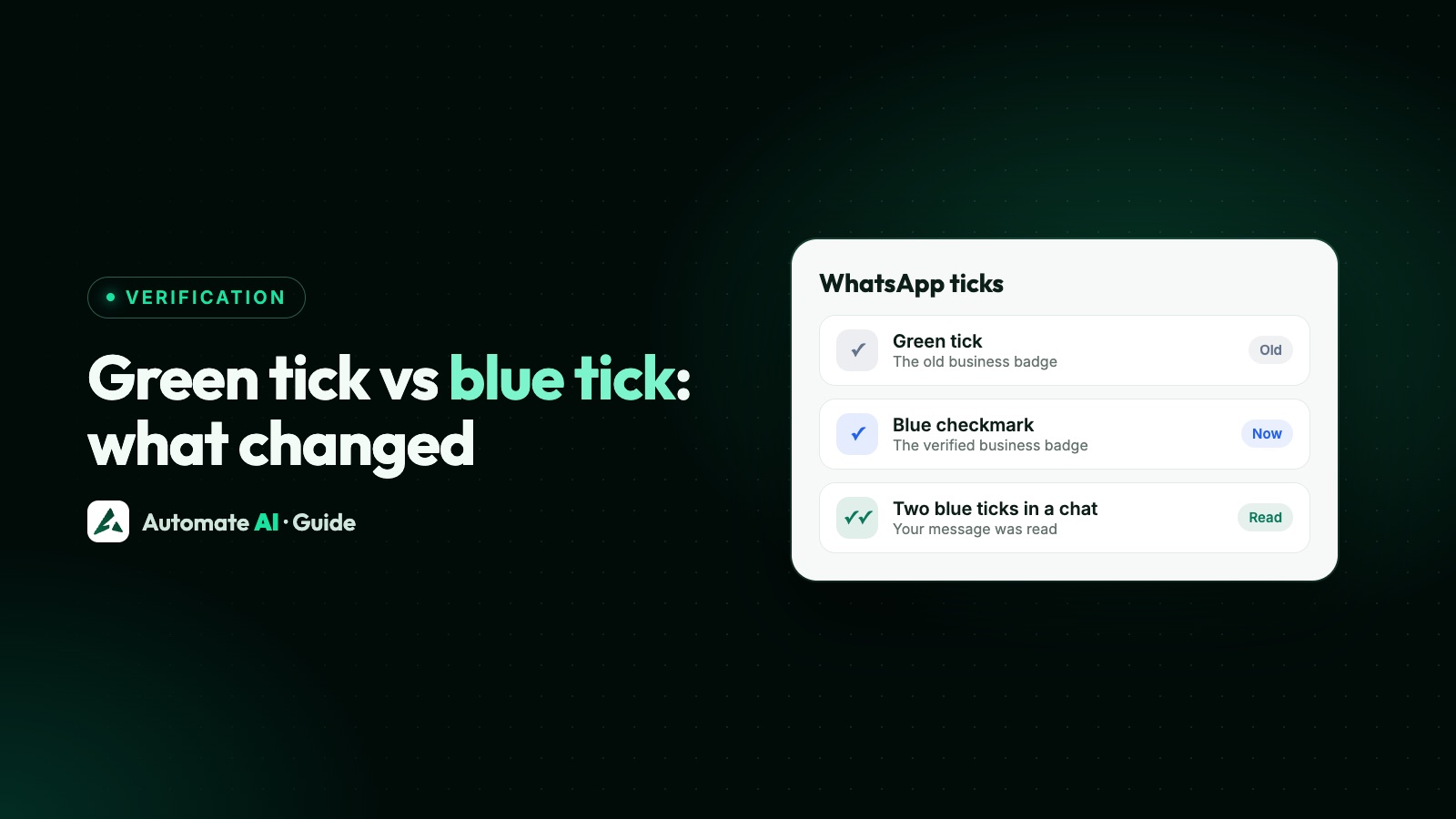
The WhatsApp green tick is now a blue tick. The verified badge beside a business name used to be green, and Meta now describes it as a blue checkmark. The two blue ticks under a message are something else: they’re read receipts, and they mean the message has been read.
Because both get called “the blue tick”, advice online often mixes them up. This guide explains what each tick means, what has changed for businesses, how to turn off read receipts, and where to go if you want the badge.
Key takeaways
- The verified badge is a blue checkmark beside a name. Older guides call it the green tick.
- Two blue ticks on a message mean it was read. One grey tick means sent; two grey ticks mean delivered.
- To turn off read receipts, go to Settings › Privacy › Read receipts. Group chats and voice message play receipts stay on.
- Turning them off also means you can’t see other people’s read receipts.
- Businesses get the badge through an Official Business Account on the API, or a paid subscription on the Business app.
- The badge doesn’t change your messaging limits or message prices.
Which tick are you looking at?
| What you see | Where | What it means |
|---|---|---|
| One blue checkmark | Beside a name, such as a business in your chats | The verified badge |
| A green tick | Old screenshots and older guides | The same badge, before it changed colour |
| One grey tick | Under a message you sent | Sent |
| Two grey ticks | Under a message you sent | Delivered to their phone or a linked device |
| Two blue ticks | Under a message you sent | Read |
So “how do I get the blue tick?” and “how do I turn off the blue tick?” are about two different things. The first is about verification, and the second is about privacy.
WhatsApp says verified badges can appear in places such as the business profile and context cards, so that’s where to look if you’re checking a business.
Green tick vs blue tick: what’s changed
- The colour. Meta’s developer documentation says Official Business Account numbers have a blue checkmark beside their name, and Meta’s help pages call the verified badge a blue tick on Instagram, Facebook and WhatsApp. It’s now one look across Meta’s apps.
- The routes. Businesses on the API request an Official Business Account. Businesses on the WhatsApp Business app can subscribe to Meta Verified, which Meta first announced for businesses in September 2023.
- Meta One. On 15 September 2026 Meta announced Meta One, a subscription across its apps. Its Essential business bundle includes a verified badge and a verified channel in the WhatsApp Business app, pending successful verification. Meta says plans and availability vary by region, app and account.
- Existing badges. WhatsApp says that if you already have a verified badge, you keep your verified status and don’t need to do anything.
What hasn’t changed is the badge’s job. An Official Business Account is a number Meta has verified as belonging to an authentic business. Meta says it isn’t given to employees of a business, test accounts or WhatsApp Business app numbers, which is why the app has its own subscription route.
What the blue ticks on messages mean
WhatsApp shows ticks beside every message you send. Two grey ticks turn into two blue ticks once the other person has read it.
To check one message, open Message info for it. It shows when the message was delivered, and when it was read or seen. For a voice message, it also shows when it was played.
None of this has anything to do with verification. Anyone’s messages can show two blue ticks, verified or not.
How to turn off the blue ticks (read receipts)
- Open WhatsApp and go to Settings.
- Open Privacy. On some versions it sits under Account.
- Turn off Read receipts.
Before you do, know what this changes:
| With read receipts off | |
|---|---|
| People you chat with one-to-one | They don’t see blue ticks on messages you’ve read |
| Other people’s read receipts | You can’t see them either |
| Group chats | Read receipts stay on; WhatsApp says you can’t turn them off |
| Voice messages | Play receipts stay on; you can’t turn those off either |
| Status | It may affect whether others can see when you view their status |
If you handle sales or support from the app, think before you turn them off. You’ll also lose the blue ticks that show a customer has read your reply.
Why blue ticks might not appear
Grey ticks don’t prove that someone is ignoring you. WhatsApp lists these reasons:
- You or the other person turned off read receipts.
- They’ve blocked you.
- They haven’t opened the conversation.
- One of you has a connection problem.
- It’s the first time they’ve received a message from you, so a read receipt may not be sent.
- The date or time is wrong on one of the phones.
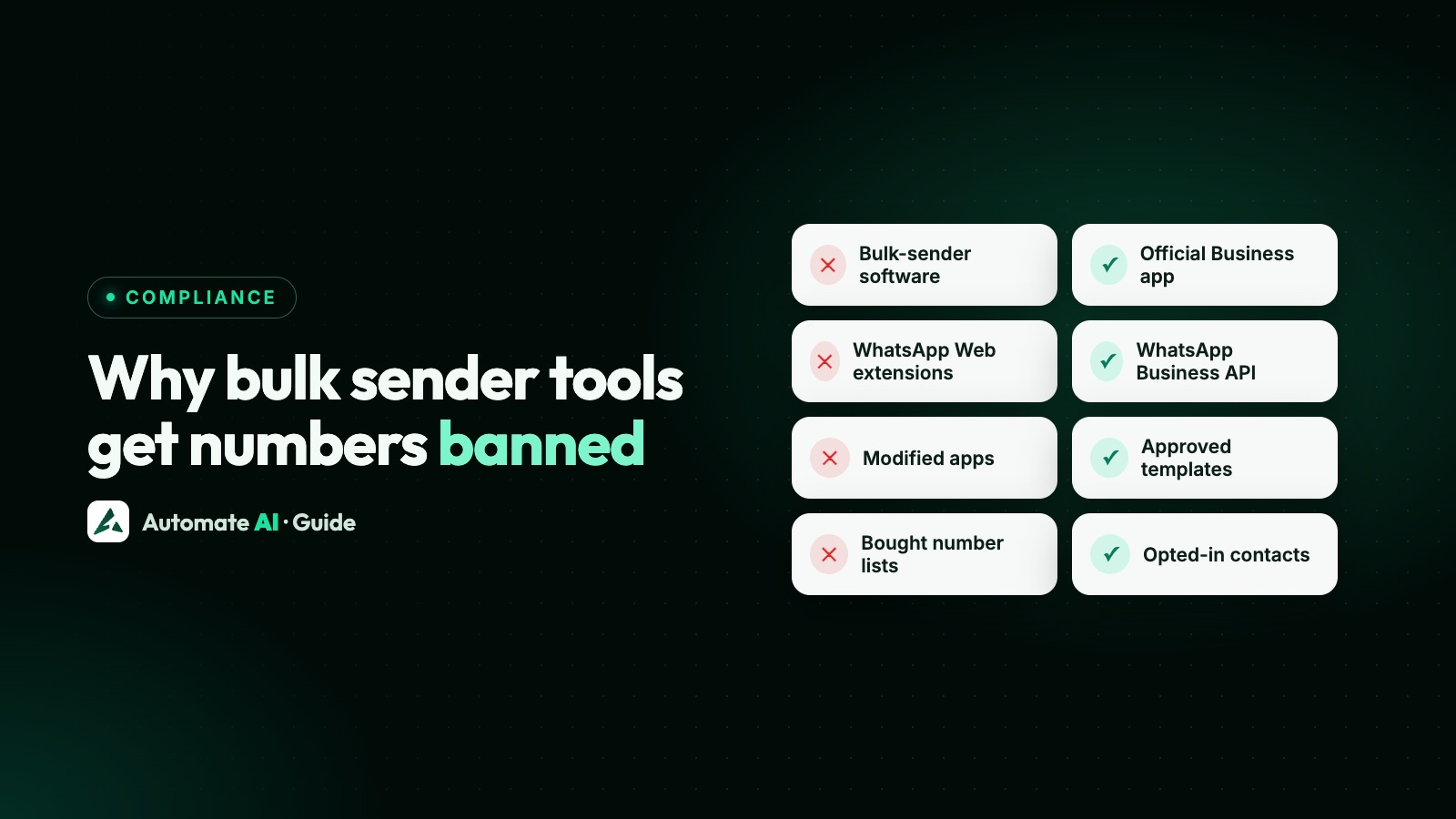
How businesses get the verified badge today
| WhatsApp Business app | WhatsApp Business API | |
|---|---|---|
| Route | A paid subscription: Meta Verified, or Meta One where it’s offered | An Official Business Account request |
| Fee | Monthly subscription | No fee for the request |
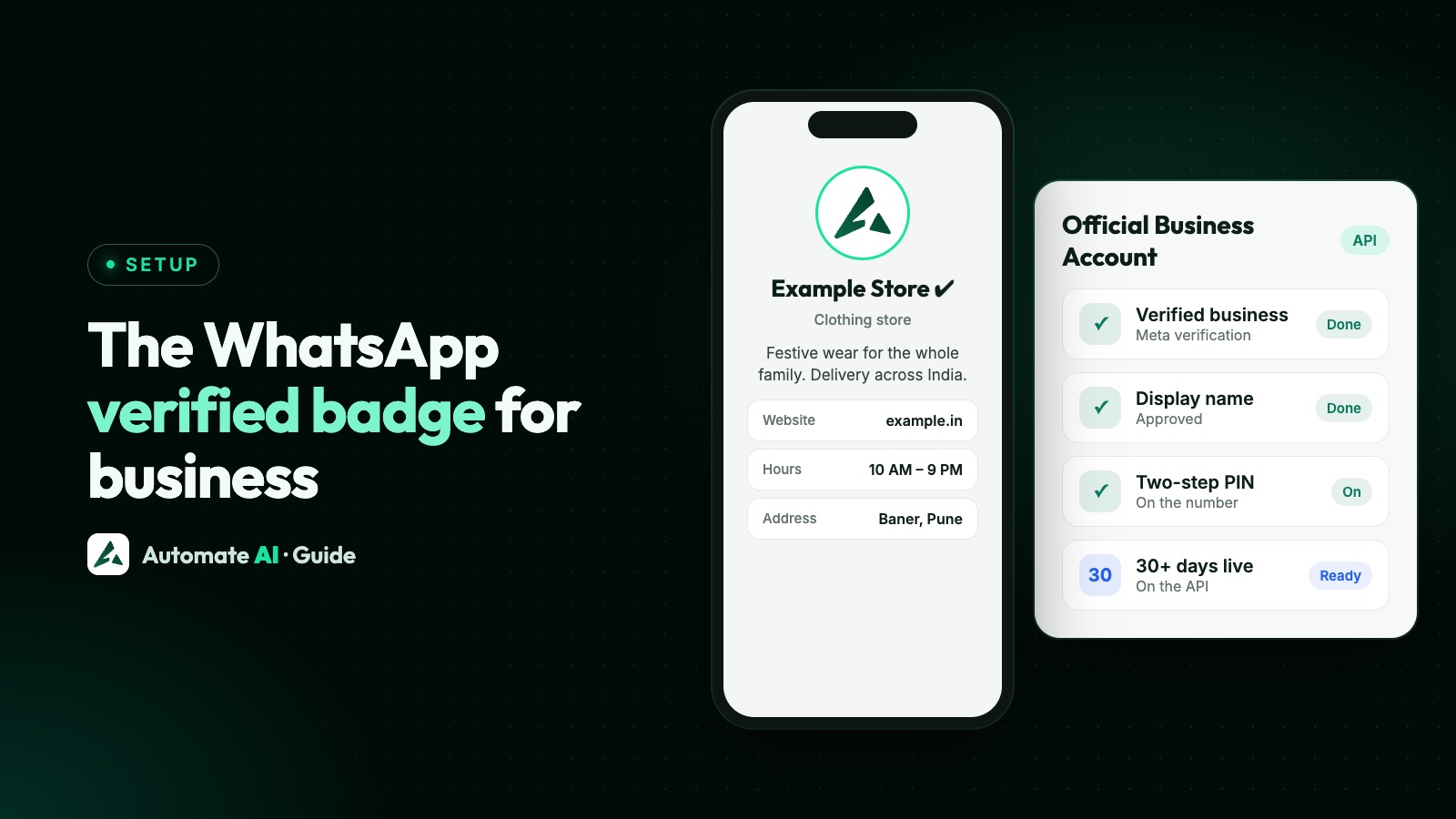
| Main conditions | Eligible account in a supported location, then a review by Meta | Business verification, approved display name, two-step verification, 30 days on the platform, policy compliance |
| If it’s refused | If Meta can’t verify you, the payment is refunded | Apply again after 30 days |
Full steps, eligibility and India pricing are in how to get the WhatsApp verified badge. Display name rules are in WhatsApp display name.

What the badge doesn’t do
- It doesn’t raise messaging limits. Business verification, quality and usage decide those. See WhatsApp broadcast limits.
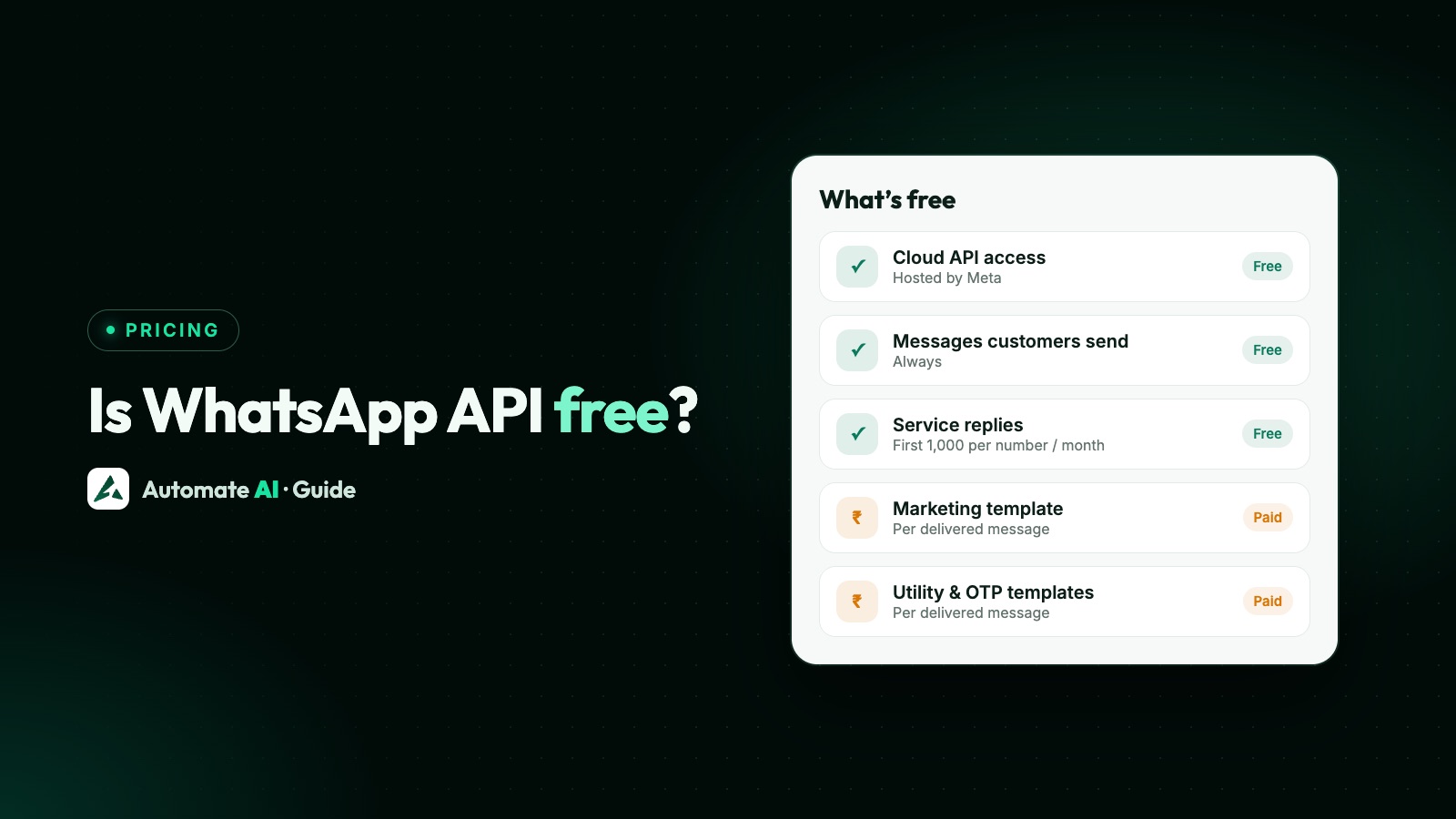
- It doesn’t lower message prices. Pricing depends on the message category and the country.
- It doesn’t approve templates. Meta reviews each template on its own.
- It isn’t the same as business verification. Meta business verification is one of the conditions for the badge, not the badge itself.
Is the badge worth getting?
For most businesses it’s a useful extra rather than a first priority. It helps people trust that they’re talking to the real you, but it won’t get more messages delivered. A rough guide:
| Your situation | What to do |
|---|---|
| New to the API and still building your list | Focus on opt-in, templates and quality first |
| Copycat accounts are using your name | Worth getting. Meta Verified on the app also adds impersonation protection |
| You want WhatsApp Groups on the API | You need it: groups require an Official Business Account |
| You use in-chat payment options in India | Check them, as some require a verified business with the checkmark |
| You have a strong brand, a real website and a press presence | Request an Official Business Account once you meet the conditions |
The groundwork is worth doing either way. A verified business and an approved display name help with more than the badge, and Automate AI’s team helps with both when you connect your number.
Read status and your WhatsApp campaigns
If you send campaigns, “read” is one of the numbers to watch. Meta says low read rates can lower a template’s quality rating, which can lead to pacing and pausing. See WhatsApp quality rating.
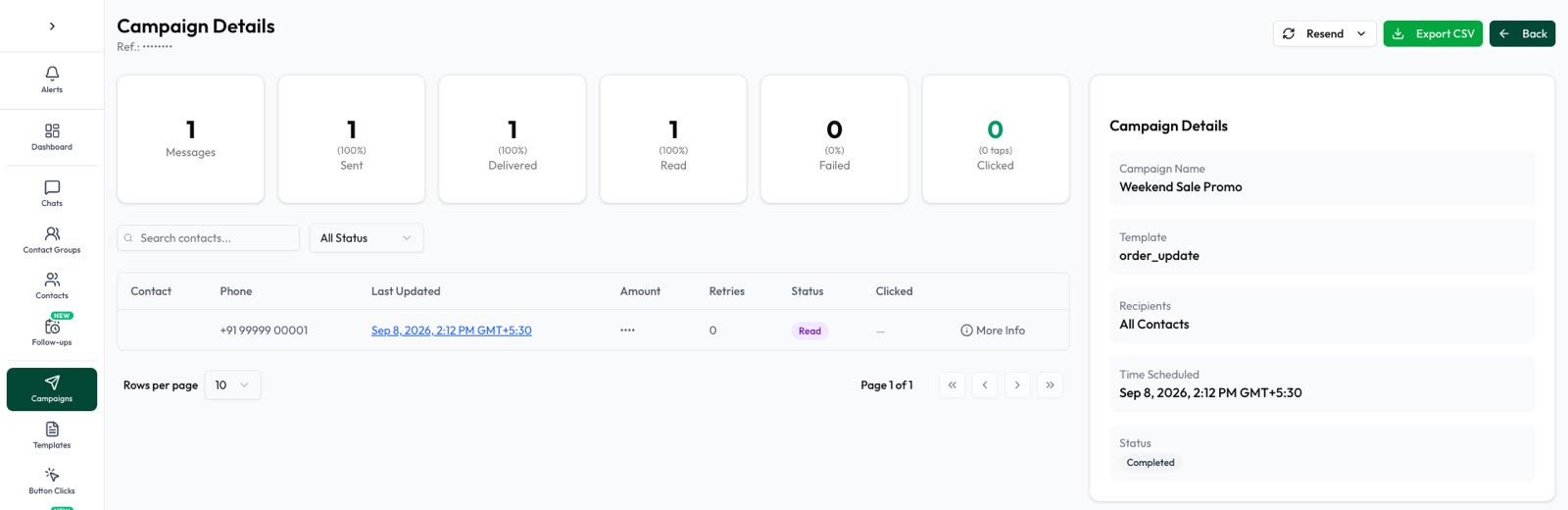
In Automate AI campaigns, reports show sent, delivered, read and failed counts, and you can resend to people who received a message but didn’t read it.
Frequently asked questions
Is the WhatsApp green tick still available?
The badge is, but Meta now describes it as a blue checkmark. Businesses get it through an Official Business Account on the API, or a paid subscription on the WhatsApp Business app.
What is the difference between the green tick and the blue tick on WhatsApp?
For businesses they’re the same verified badge: green was the old colour and blue is the current one. The two blue ticks under a message are different, and mean it has been read.
How do I turn off the blue tick in WhatsApp?
Go to Settings, then Privacy, and turn off Read receipts. On some versions Privacy sits under Account. Group chats and voice message play receipts stay on.
If I turn off read receipts, can I still see when others read my messages?
No. WhatsApp says that if you turn them off, you can’t see read receipts from other people.
Why does my message have grey ticks and not blue?
Either person may have turned off read receipts, they may not have opened the chat, they may have blocked you, or there may be a connection problem.
Does a blue checkmark mean a business is safe?
It means Meta has verified the number as belonging to an authentic business. It doesn’t tell you about the quality of what the business sells, so use normal care.
Can I get the blue tick on a WhatsApp API number?
Yes, through an Official Business Account request in WhatsApp Manager, once you meet Meta’s conditions. Approval is Meta’s decision.
Sources
- Meta: Official Business Accounts
- Meta Help: About the verified badge for Meta One subscribers
- WhatsApp Help Center: About Meta Verified for Business on WhatsApp
- WhatsApp Help Center: How to check read receipts
- Meta: Introducing Meta One (September 2026)
- Meta: Expanding Meta Verified to Businesses
- Android Police: WhatsApp verification checkmark changing from green to blue (September 2023)
WhatsApp rules and prices change. We check these guides against Meta’s documentation, but always confirm current terms with Meta before you rely on them. Questions? Message us on WhatsApp at +91 836 977 8812.