WhatsApp Web API: Is There One? Official vs Unofficial Options
There is no official WhatsApp Web API. What people mean by it, how tools like whatsapp-web.js, Baileys, OpenWA and Evolution API work, the ban risk, and the official way to build.
There is no official WhatsApp Web API. WhatsApp Web is the browser version of the app, for people chatting from a computer, and Meta doesn’t offer it as a programming interface. The official way to connect software to WhatsApp is the WhatsApp Business Platform, and in practice its Cloud API.
When people search for a “WhatsApp Web API” they usually mean unofficial tools such as whatsapp-web.js, Baileys, OpenWA or the WhatsApp Web mode of Evolution API, which automate WhatsApp Web behind the scenes. This guide explains how they work, what WhatsApp’s rules say about them, and what to use instead.
Key takeaways
- Meta’s official API is the WhatsApp Business Platform (Cloud API). WhatsApp Web has no public API.
- Unofficial libraries log in like a linked device, usually by QR code, and control WhatsApp Web through code.
- WhatsApp’s Terms ban automated access, reverse engineering, bulk messaging and auto-messaging, and non-personal use unless authorised.
- The projects themselves say they are unofficial; whatsapp-web.js warns you may be blocked.
- Evolution API has two modes: WhatsApp Web through Baileys (unofficial) and Meta’s Cloud API (official).
What “WhatsApp Web API” usually means
The phrase mixes up two very different things:
- The official API. The WhatsApp Business Platform lets software send and receive messages through Meta’s servers, with a verified business, approved templates and opted-in customers. The Cloud API is the version in use today; the self-hosted On-Premises API reached end of life on 23 October 2025.
- Unofficial automation. Community projects drive a normal WhatsApp account through the same connection WhatsApp Web uses. They’re often called an “API” because they expose one to your code, but Meta didn’t make them and doesn’t support them.
If you’re comparing the two, what matters is who authorised the connection, not what the tool is called.
How unofficial WhatsApp Web tools work
You scan a QR code to link your number, as you would on WhatsApp Web, and the tool then acts on that session from your server.
| Tool | How it connects | What the project says |
|---|---|---|
| whatsapp-web.js | Runs WhatsApp Web in a browser controlled by Puppeteer | Not affiliated with WhatsApp; warns you may be blocked |
| OpenWA (wa-automate) | Drives WhatsApp Web through browser drivers such as Puppeteer or Playwright | Unofficial, not affiliated with WhatsApp or Meta; use at your own risk |
| Baileys | Connects to WhatsApp Web’s protocol directly, without a browser | A community library, not a Meta product |
| Evolution API (Baileys mode) | A REST API on top of Baileys | Relies on the web version of WhatsApp and may have limits compared with official APIs |
| Evolution API (Cloud API mode) | Meta’s official Cloud API | Official route; Meta’s policies and per-message costs apply |
What WhatsApp’s rules say
WhatsApp’s Terms of Service don’t mention any tool by name, but they cover what these tools do. You agree not to:
- Reverse engineer, modify or extract code from WhatsApp’s services.
- Access or use the services through automated means that aren’t authorised.
- Send bulk messages, auto-messages or auto-dialled calls.
- Use the services for non-personal purposes, unless WhatsApp has authorised it.
WhatsApp’s Help Center also says unofficial apps can lead to temporary or permanent bans. The whatsapp-web.js project gives the same warning in its own disclaimer: it is “not guaranteed you will not be blocked”.
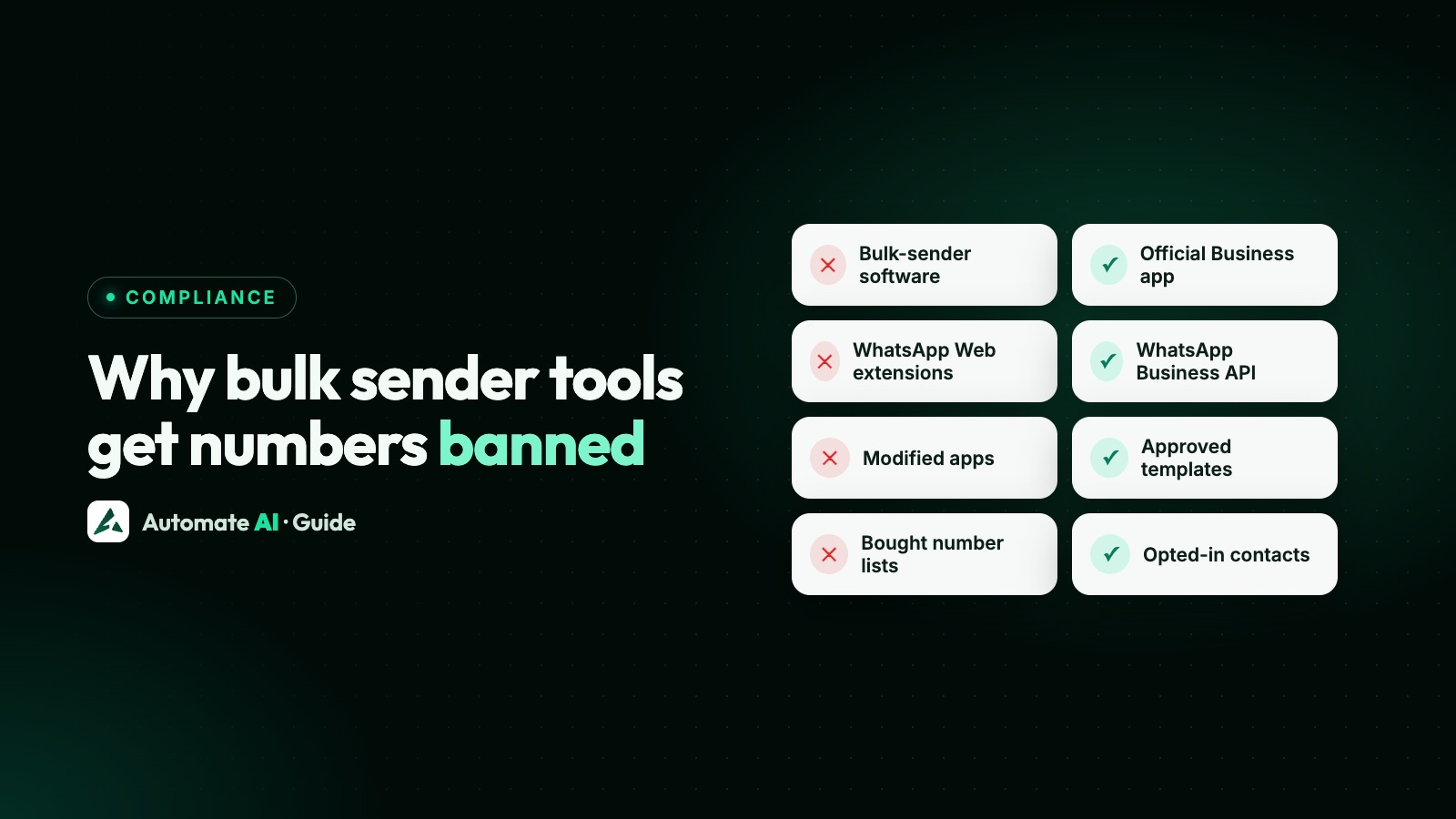
A ban affects the phone number, and the business behind it. See why bulk WhatsApp sender tools get numbers banned and what to do if your account is banned.
Official API vs unofficial tools
| Official Cloud API | Unofficial WhatsApp Web tools | |
|---|---|---|
| Made by | Meta | Community projects |
| Allowed by WhatsApp’s terms | Yes, within Meta’s policies | Automation of this kind is prohibited |
| Risk to your number | Only for breaking policy | Can be restricted or banned |
| Starting a conversation | Approved templates to opted-in contacts | Free-form messages, which is what gets accounts flagged |
| Reliability | Meta’s hosted servers, with documented webhooks | Can break when WhatsApp Web changes |
| Team inbox, reporting | Through a platform or your own build | Build it yourself |
| Cost | Per delivered template; no access fee from Meta | Free software, but the risk sits with your number |
| Support | Meta, and your provider | Community only |
Why people reach for unofficial tools, and the official answer
| The reason | What to do instead |
|---|---|
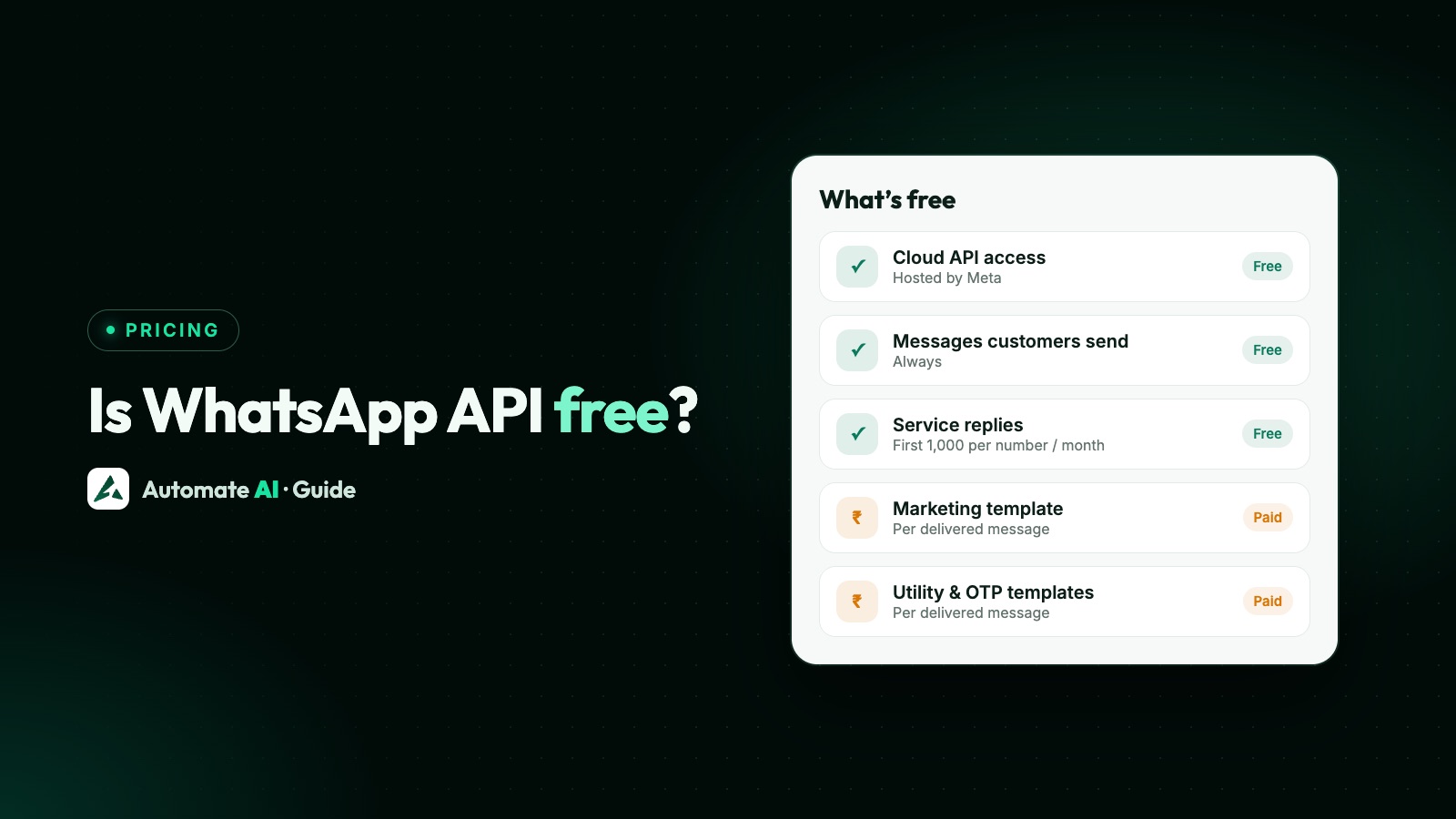
| “It’s free” | Cloud API access has no fee from Meta, and the first 1,000 service replies per number each month are free. See what’s free on the WhatsApp API. |
| “I just want to test an idea” | Meta gives developers a test number with no payment method needed. Start with the Cloud API setup guide. |
| “I want to keep using my phone” | With coexistence, the same number works in the WhatsApp Business app and on the API. |
| “I want to send to everyone” | Use opted-in lists and approved templates. See broadcast limits. |
| “I need it to connect to my system” | The Cloud API has webhooks, and platforms add a REST API on top. |
Moving to the official API
- Stop sending from the unofficial tool, and unlink it from your number.
- Decide how to connect: keep the app with coexistence, or move the number fully.
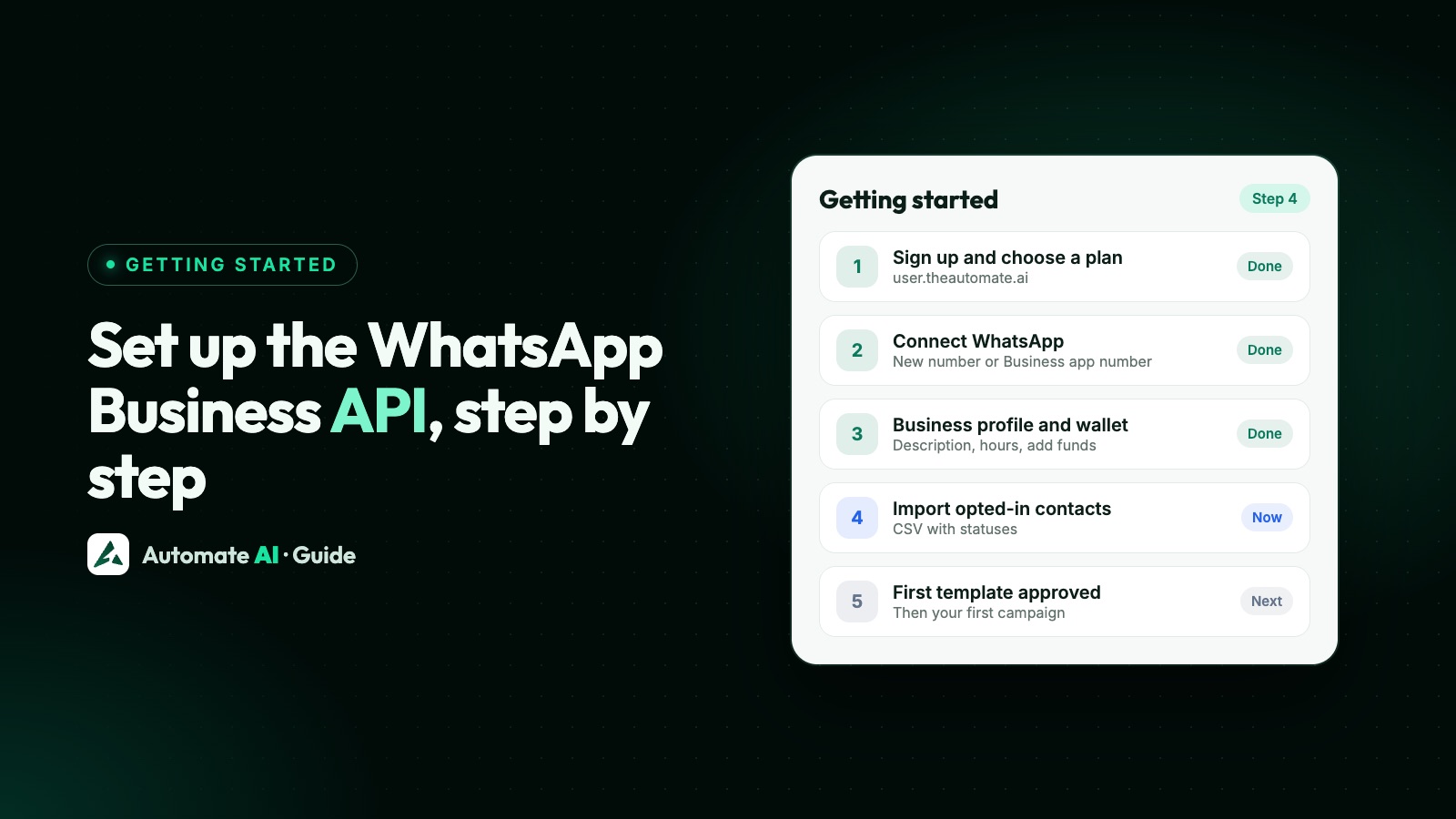
- Connect through Meta’s signup, verify your business and get your display name approved.
- Rebuild your audience around opt-in, and turn your messages into approved templates.
- Rebuild bots as chatbot flows, and send your first campaign to your most engaged contacts.
If you’d rather not build it yourself, Automate AI runs on the official API, with a shared inbox, campaigns, chatbots and AI, and message rates for every country.

Frequently asked questions
Is there an official WhatsApp Web API?
No. WhatsApp Web is a browser version of the app, and Meta doesn’t offer it as an API. The official route is the WhatsApp Business Platform, through the Cloud API.
What is the official WhatsApp API?
The WhatsApp Business Platform, usually called the WhatsApp Business API. Its current version is the Cloud API, which Meta hosts.
Is whatsapp-web.js safe to use?
Not for a business number. It’s an unofficial library, and its own disclaimer says you may be blocked because WhatsApp doesn’t allow bots or unofficial clients.
Is Evolution API official?
No. It’s an open-source project, not a Meta product. It can connect in two ways: through Baileys, which relies on WhatsApp Web, or through Meta’s official Cloud API.
What is OpenWA?
OpenWA (wa-automate) is an unofficial Node.js toolkit that automates WhatsApp Web through a browser. The project says it isn’t affiliated with WhatsApp or Meta.
Can my number get banned for using an unofficial WhatsApp API?
Yes. WhatsApp’s Terms prohibit automated access and bulk messaging, and WhatsApp says unofficial apps can lead to temporary or permanent bans.
Is there a free official way to test the WhatsApp API?
Yes. Meta gives developers a test number, and access to the Cloud API has no fee. Delivered template messages are charged per message once you go live.
Sources
- WhatsApp Terms of Service
- WhatsApp Help Center: About unofficial apps
- WhatsApp Help Center: About account bans for unofficial apps
- Meta: WhatsApp Cloud API
- whatsapp-web.js on GitHub
- open-wa/wa-automate-nodejs on GitHub
- Evolution API on GitHub
WhatsApp rules and prices change. We check these guides against Meta’s documentation, but always confirm current terms with Meta before you rely on them. Questions? Message us on WhatsApp at +91 836 977 8812.