Why Bulk WhatsApp Sender Tools Get Numbers Banned
Why bulk WhatsApp sender software, WhatsApp Web automation extensions and modified apps such as GB WhatsApp get numbers restricted and banned, what WhatsApp’s Terms and Help Center say, what happens next, how to request a review, and the official way to message customers at scale.
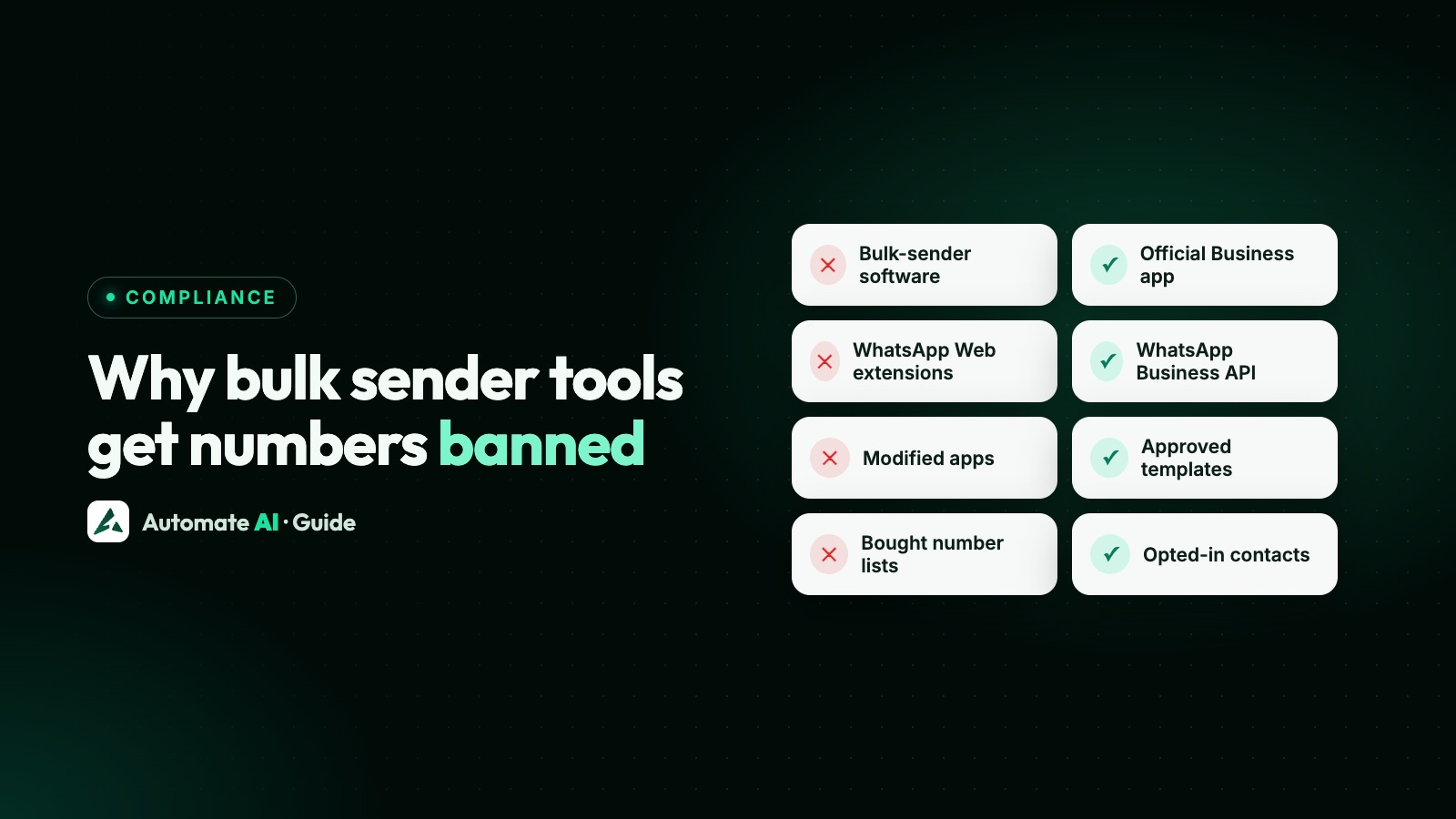
Bulk WhatsApp sender tools get numbers banned because they do exactly what WhatsApp’s Terms of Service forbid: bulk messaging, auto-messaging and automation on apps built for personal conversations. WhatsApp says it uses machine learning and reports from users to detect and ban accounts that send unwanted automated messages, and modified apps such as GB WhatsApp break the Terms on their own.
However a tool is set up, with delays, schedules or several numbers, the Terms make no exception for it. This guide explains the kinds of tools involved, what WhatsApp’s rules say, what happens to numbers that use them, what to do if yours is hit, and the official way to message thousands of customers.
Key takeaways
- WhatsApp’s Terms prohibit bulk messaging, auto-messaging and auto-dialling, and creating accounts through unauthorised or automated means.
- Unofficial apps, including GB WhatsApp (WhatsApp’s own example), violate the Terms and can lead to temporary or permanent bans.
- Outcomes range from a restriction (no new chats for a while) to a temporary ban to a ban with an in-app Request review option.
- Only WhatsApp can ban or unban an account; third-party services can’t remove a ban.
- The compliant way to message at scale is the WhatsApp Business Platform (API) with opt-in, approved templates and messaging limits.
What counts as a bulk sender tool
| Tool | What it does | Why it’s a problem |
|---|---|---|
| Bulk-sender software | Sends the same message to a list of numbers from your WhatsApp or WhatsApp Business account | Bulk and automated messaging from the apps breaks the Terms |
| Browser extensions on WhatsApp Web | Automate sending, scheduling or contact extraction in your browser session | Auto-messaging and scraping break the Terms |
| Modified apps (for example GB WhatsApp) | Unofficial versions of WhatsApp with extra features | Using them, or linking your account to them, breaks the Terms |
| Bought or scraped number lists | Give you numbers of people who never asked to hear from you | Messaging people who didn’t ask leads to blocks, reports and bans |
The official options are the WhatsApp and WhatsApp Business apps from official app stores or WhatsApp’s website, and the WhatsApp Business Platform, which businesses use directly or through a partner. See what the WhatsApp Business API is.
What WhatsApp’s rules say
Terms of Service
The acceptable use section prohibits using WhatsApp in ways that involve “sending illegal or impermissible communications such as bulk messaging, auto-messaging, auto-dialing, and the like”. It also prohibits creating accounts through unauthorised or automated means and collecting information about users in an impermissible or unauthorised way.
WhatsApp Help Center
- Automated or bulk messages: “Don’t bulk message, auto-message, or auto-dial using WhatsApp.” WhatsApp says it uses machine learning and user reports to detect and ban accounts that send unwanted automated messages, and adds: don’t use modified versions of WhatsApp.
- Known contacts: only message people who contacted you first or asked you to contact them.
- Broadcast lists: frequent broadcasts may lead people to report you, and WhatsApp bans accounts reported multiple times.
- Unofficial apps: fake WhatsApp apps built by third parties. WhatsApp names GB WhatsApp among its examples and says using them can get your account temporarily or permanently banned, or restricted, including the ability to link devices.
Messaging Guidelines and Business Messaging Policy
WhatsApp’s Messaging Guidelines (updated 23 September 2026) prohibit using bulk messaging, auto-messaging, auto-dialling or automation to harm WhatsApp or its users, as well as unofficial clients, scraping and repeated unwanted contact. The WhatsApp Business Messaging Policy says WhatsApp can limit or remove access for businesses that message people at scale in an unauthorised manner.
Why these tools get caught
WhatsApp doesn’t publish how its detection works, and “safe mode” delays or rotating numbers don’t make a tool allowed. What it does say is that it combines machine learning with user reports. Bulk sends to people who don’t know you produce exactly the reports and blocks that trigger action: when someone reports an account, WhatsApp receives up to five of the last messages that account sent them.
What happens: restriction, temporary ban or ban
| What you see | What it means | What to do |
|---|---|---|
| “Your account may be restricted soon” | A warning about spam, automated or bulk messaging | Stop the tool and any bulk sends now |
| “Your account is restricted right now” | For a set time you can’t start chats with new contacts, create groups, add members or use linked devices | Wait; it ends automatically. Existing chats still work |
| “Temporarily banned” | Usually an unofficial app or scraping | Switch to the official app or stop scraping, or the ban can become permanent |
| “This phone number can’t use WhatsApp” | Banned for breaking the Terms of Service | Tap Request review in the app |
While banned, you can’t open your chat history or backups. On the WhatsApp Business app, a banned account also loses its Meta Verified subscription. WhatsApp also notes it can ban an account again if the activity that broke its Terms continues.
If your number has been hit
- Stop the tool and uninstall any extension or bulk-sender software.
- Remove unofficial apps and install the official WhatsApp or WhatsApp Business app from WhatsApp’s website or an official app store. WhatsApp can’t guarantee that chat history backed up on an unofficial app will transfer.
- If banned, tap Request review in the app. WhatsApp says most reviews are completed within 24 hours; if there’s no Request review option, the ban is final.
- Don’t chase it elsewhere. WhatsApp says contacting it outside the review process won’t speed things up, and third-party services can’t remove a ban.
- Change how you message before you start again, or the same thing will happen.
Full steps for app numbers are in WhatsApp Business number banned. Numbers on the API have a separate process; see WhatsApp account restricted or banned.
The official way to message at scale
WhatsApp’s answer to bulk messaging is the WhatsApp Business Platform: approved templates, automated flows and AI tools that, in WhatsApp’s words, let you message at scale, with rules that keep it sustainable:
| Bulk-sender tool on the app | WhatsApp Business Platform (API) | |
|---|---|---|
| Allowed by WhatsApp | No: bulk and automated messaging break the Terms | Yes, within the Business Messaging Policy |
| Who you can message | Whoever is on your list | People who opted in to hear from your business |
| What you send | Anything | Approved templates outside the 24-hour window; free-form replies inside it |
| Volume | Until the number is restricted or banned | Messaging limits: 250 unique people per 24 hours to start, then 2,000, 10,000, 100,000 and unlimited |
| Cost | The tool’s fee | Meta’s fee per delivered template, e.g. ₹0.8631 marketing and ₹0.1150 utility in India from 1 October 2026 |
| If people complain | Blocks and reports lead to bans | Quality ratings and template pausing warn you first; serious breaches lead to policy enforcement |
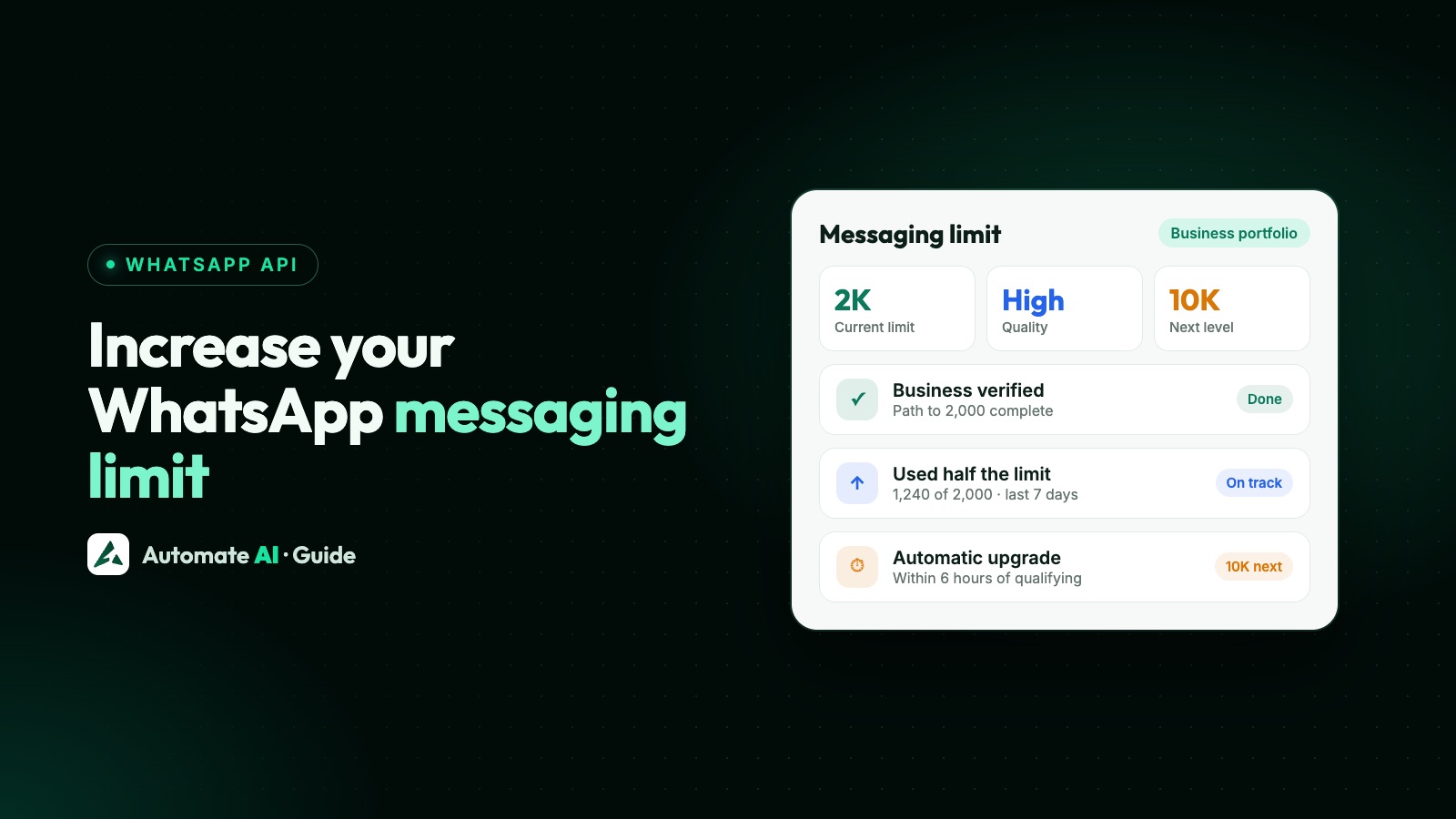
You reach 2,000 by verifying your business, or by delivering 2,000 messages to unique people in 30 days using high-quality templates, and higher limits come automatically when you send high-quality messages and use at least half your limit over seven days. See WhatsApp broadcast limits and WhatsApp API pricing in India.
Moving from a bulk sender to the API
- Stop using the tool on every number, today.
- Sort out consent. Keep contacts who gave you their number and agreed to hear from you; drop bought or scraped lists. See WhatsApp opt-in.
- Choose your number. Use a new number, or connect your existing WhatsApp Business app number and keep using the app alongside the API with coexistence.
- Connect through embedded sign-up with a provider, and verify your business to raise your limit. See Meta business verification.
- Create templates for your regular messages and get them approved. See WhatsApp template messages.
- Start with engaged customers, add a “Stop promotions” button, and grow as your quality allows. See how to reduce WhatsApp blocks and spam reports.
Messaging at scale with Automate AI
Automate AI is a WhatsApp Business API platform. You sign up at user.theautomate.ai and connect your own WhatsApp number through Meta’s embedded sign-up. You create templates and submit them to Meta in the app, then send approved templates, with images, videos, documents, buttons or carousels, to the contacts or groups you choose, now or scheduled. Campaign reports show sent, delivered, read, failed and clicked counts live with the failure reason, and campaigns skip contacts marked as opted out. Replies land in a shared inbox for your team. If you’re moving off a bulk sender, our team can help you get set up by phone or remote support (+91 836 977 8812). See WhatsApp campaigns or talk to us.
Frequently asked questions
Are bulk WhatsApp sender tools allowed?
No. WhatsApp’s Terms of Service prohibit bulk messaging, auto-messaging and auto-dialling, and its Help Center says it uses machine learning and user reports to detect and ban accounts that send unwanted automated messages.
Is GB WhatsApp safe for business?
No. WhatsApp lists GB WhatsApp among unofficial apps that violate its Terms of Service, says it can’t validate their security, and warns that using them can get your account temporarily or permanently banned.
Do delays and “safe mode” settings stop a ban?
WhatsApp doesn’t make exceptions for slower automation. Bulk and automated messaging from the apps breaks the Terms whatever the speed, and messages to people who didn’t ask still get reported.
Can a provider or agency unban my number?
No. WhatsApp says only WhatsApp can ban or unban an account. Use Request review in the app if the option appears.
How long does a WhatsApp restriction last?
A restriction ends automatically after a set time, and WhatsApp notifies you when it does. Tap New Chat and pick a contact you haven’t chatted with to see the time remaining.
What’s the safe way to send WhatsApp messages to thousands of customers?
Use the WhatsApp Business Platform (API) through a provider, with opted-in contacts, approved templates and messaging limits that grow as your quality stays high.
Sources
- WhatsApp Terms of Service
- WhatsApp Messaging Guidelines
- WhatsApp Business Messaging Policy
- WhatsApp Help Center: How to use WhatsApp responsibly
- WhatsApp Help Center: About unofficial apps
- WhatsApp Help Center: About account bans for unofficial apps
- WhatsApp Help Center: About temporarily banned accounts
- WhatsApp Help Center: About restricted accounts
- WhatsApp Help Center: About account bans
- WhatsApp Help Center: About account bans on the WhatsApp Business app
- WhatsApp Business: Business Platform
- Meta: Messaging limits
WhatsApp rules and prices change. We check these guides against Meta’s documentation, but always confirm current terms with Meta before you rely on them. Questions? Message us on WhatsApp at +91 836 977 8812.