WhatsApp Landing Page: What to Put on It, With a Template
What a WhatsApp landing page needs: seven sections, sample copy to adapt, wa.me buttons with pre-filled text, free ways to build it, and when an ad beats it.
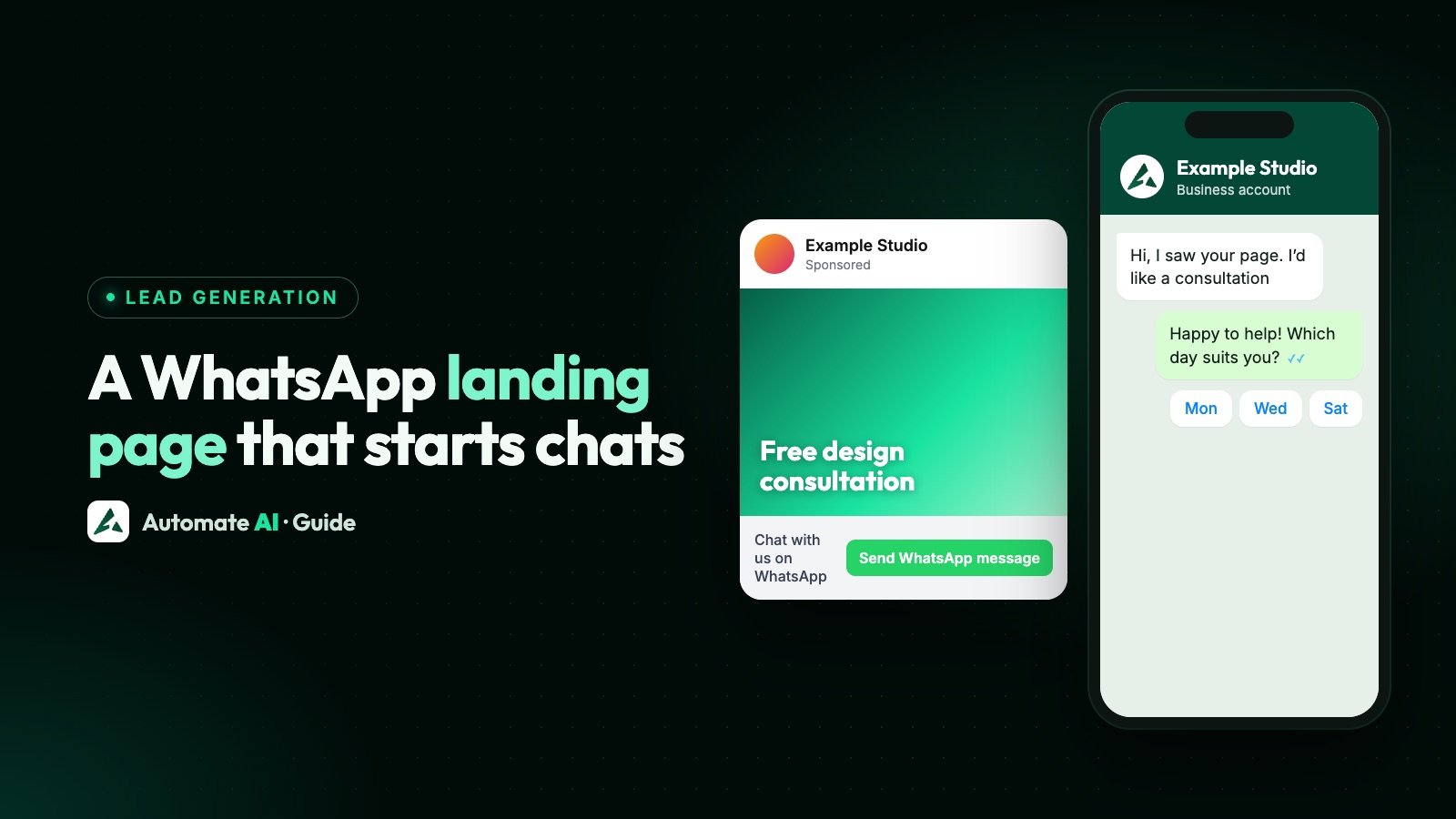
A WhatsApp landing page is a single page built around one offer, where every button opens a WhatsApp chat with your business and a question already typed in. It needs seven parts: a headline that names the offer, the key facts, what happens after the tap, real proof, short answers to common doubts, a final button, and your business details.
Below is a template you can copy section by section, with sample copy for a made-up business, the exact wa.me link format from WhatsApp’s own help page, free ways to publish it, and the cases where a Click-to-WhatsApp ad does the job better and you don’t need a page at all.
Key takeaways
- One page, one offer, one action: every button opens the same chat with a pre-filled message about that offer.
- The button is a wa.me link: your number in international format, then ?text= and a URL-encoded message.
- Tell visitors what happens after the tap (who replies, how fast, what you’ll ask), because that’s what stops people hesitating.
- You can publish one for free: a page on your own site, or the WhatsApp Business app’s short link page as a minimal start.
- If the traffic comes from Facebook or Instagram ads, a Click-to-WhatsApp ad skips the page and can open Meta’s free entry point window.
What a WhatsApp landing page is for
Most websites put a small chat button in the corner of every page; our chat widget guide covers that. A landing page is different: the whole page exists to get one kind of visitor to start one kind of conversation, so the chat button is the main event, not an extra.
You need one when people arrive from somewhere that can’t open WhatsApp directly with enough context:
- Search ads and search results, where people expect a page before they talk to anyone.
- Email, SMS and newsletters, where a page can explain the offer before the chat.
- Print, packaging and posters, through a QR code that opens the page.
- Influencer and partner posts, where each partner gets their own page and pre-filled message.
- Offers that need explaining: prices, what’s included, who it’s for, before someone is ready to ask.
If the visitor already knows what they want and is coming from a Meta ad, you may not need the page at all. That case is at the end.
The seven sections, and the job of each
Keep it to one screen on a phone for the first section, and short below that. Each part answers a question the visitor has before they’ll tap.
| Section | Question it answers | What to put there |
|---|---|---|
| 1. Hero | What is this, and is it for me? | A headline naming the offer, one line on who it’s for, the WhatsApp button |
| 2. Key facts | What do I get, and for how much? | Three to five bullets: price or starting price, what’s included, where, when |
| 3. What happens after you tap | Will I be stuck in a sales chat? | Who replies, when, and the one or two questions you’ll ask |
| 4. Proof | Are they real? | Real photos of your work or premises, real reviews quoted with permission, your address |
| 5. Short answers | What about…? | Four or five quick answers to the doubts people raise in chats |
| 6. Final button | OK, how do I start? | The same WhatsApp button again, with the same pre-filled message |
| 7. Business details | Who am I talking to? | Business name, address, opening hours, privacy policy link |
A WhatsApp landing page template with sample copy
Here is the template filled in for a made-up business, Example Kitchens, Pune, selling a free design visit for modular kitchens. Swap in your own offer; the structure stays the same.
1. Hero
- Headline: A new modular kitchen, designed in your home in one visit
- Subline: For flats and villas in Pune. Our designer measures, shows samples and gives a fixed quote.
- Button: Message us on WhatsApp
- Small print under the button: Opens WhatsApp with your question ready. You choose whether to send it.
2. Key facts
- Design visit at your home: no charge, about 45 minutes
- Kitchens from ₹1,80,000 (sample price), including fitting
- Fixed quote within 2 days of the visit
- Visits Monday to Saturday, 10 am to 7 pm
3. What happens after you tap
“Your message comes to our design team, who reply within an hour in opening hours. We’ll ask two things: your area, and whether it’s a new kitchen or a replacement. Then we offer you visit slots.”
4. Proof
Three photos of finished kitchens you actually fitted, with the area named (“3 BHK, Baner”), plus your showroom address and a map link. Add reviews only if they’re real and the customer agreed to you using them.
5. Short answers
- Do I have to buy after the visit? No. The quote is yours to keep.
- Can you work with my existing layout? Yes, the designer plans around your plumbing and electrics.
- How long does fitting take? Usually a few days after the parts arrive; we confirm dates in the quote.
- Will you message me offers? Only if you ask us to. Reply STOP at any time.
6. Final button
“Ready to see what your kitchen could look like? Message us on WhatsApp.” Use exactly the same link as the hero button.
7. Business details
Example Kitchens, Example Road, Pune. Open Monday to Saturday. A link to your privacy policy, plus your phone number for anyone who’d rather call.
The WhatsApp button: wa.me links with pre-filled text
WhatsApp’s Help Center calls this click to chat, and it works on the phone app and on WhatsApp Web. The link is https://wa.me/ followed by your full number in international format, with any zeros, brackets and dashes left out. To type a message for the visitor, add ?text= and the message, URL-encoded. WhatsApp says the message then appears in the text field of the chat, so the visitor still decides whether to send it.
| Button on the page | Pre-filled message (sample) | Link (91 + number, encoded) |
|---|---|---|
| Hero and final button | Hi, I would like a kitchen design visit. | https://wa.me/91XXXXXXXXXX?text=Hi%2C%20I%20would%20like%20a%20kitchen%20design%20visit. |
| “See prices” link in key facts | Hi, please send kitchen prices. | https://wa.me/91XXXXXXXXXX?text=Hi%2C%20please%20send%20kitchen%20prices. |
| Partner page for an interior designer | Hi, Example Design Studio sent me (EDS). | https://wa.me/91XXXXXXXXXX?text=Hi%2C%20Example%20Design%20Studio%20sent%20me%20(EDS). |
Our free WhatsApp link generator does the encoding for you. Number rules, QR codes and more examples are in how to create a WhatsApp link and QR code.
In the page’s HTML, the button is an ordinary link, so it needs no script: <a href="https://wa.me/91XXXXXXXXXX?text=..." rel="noopener">Message us on WhatsApp</a>. Write “WhatsApp” with a capital W and A, and if you use the logo, use WhatsApp’s own files without changing their colours, as its brand page asks. WhatsApp also offers an official “Chat on WhatsApp” button you can use as it is.
Add a form when you need to message first
A chat button only works if the visitor sends the message. If you also want people who prefer to leave a number, add a short form with name, phone and one question, and say clearly that you’ll reply on WhatsApp.
Meta’s opt-in rules say the person must understand they’re agreeing to receive messages, and from which business. Sample wording under the form: “By submitting, you agree that Example Kitchens can contact you on WhatsApp about your kitchen enquiry.” Because those leads haven’t written to you, your first WhatsApp message to them must be an approved template; see WhatsApp opt-in for the full rules.
In Automate AI, the Lead capture feature saves website form leads as contacts automatically (AI + Automation Plan and Series 4), so they sit in the same list as people who tapped the button.
Free ways to build a WhatsApp landing page
You don’t need a paid landing page tool. Free options, from least to most effort:
- The WhatsApp Business app’s short link. Under Tools › Short link, the app gives you a link with an optional default message. WhatsApp says that when someone opens it in a web browser, they see a page with your business information and a Continue to chat button. It’s a basic landing page with nothing to build, though you can’t add your own sections.
- A new page on the website you already have. Most website builders and WordPress let you add a page and hide it from the menu. Paste the sections above and use the wa.me link for each button.
- A one-file HTML page on your existing hosting, if you’re comfortable with code. The link is the only “integration” you need.
Whichever you choose, check it on a phone: most people will open WhatsApp on the same device, so the page must read well and load quickly on a small screen.
When a Click-to-WhatsApp ad beats a landing page
If you’re paying for Facebook or Instagram ads, a Click-to-WhatsApp ad opens the chat straight from the ad, with your greeting and pre-filled message. There’s no page in between, so there’s one less step where people drop off.
| Your situation | Better choice | Why |
|---|---|---|
| Traffic from Facebook or Instagram ads, offer explained in the ad | Click-to-WhatsApp ad | No extra step, and Meta’s free entry point window can apply |
| Traffic from search, email, print or partners | Landing page | Those channels can’t open a chat with a greeting from Meta |
| People need detail before they’ll ask (plans, comparisons, specs) | Landing page | The page holds the detail; the chat starts better informed |
| You want Meta to optimise for chats started | Click-to-WhatsApp ad | The ad’s results are counted in chats, not page visits |
| Nobody can reply for much of the day | Landing page with a form, or add a chatbot first | An unanswered chat wastes the click |
The money point matters. Meta’s pricing page says that when someone messages you from an ad that clicks to WhatsApp on its Android or iOS app and you reply within 24 hours, a free entry point window opens that can last up to 7 days. A chat from a landing page button gets the normal 24-hour customer service window instead: replies are service messages (each number gets 1,000 free a month), and templates sent later are charged.
For a full comparison of ads to a chat, a website or a lead form, with a cost per qualified lead method, read Click-to-WhatsApp vs website vs lead forms.
After the tap: answering chats from the page
The page’s promise in section 3 (“we reply within an hour”) has to come true, or the page has done its job for nothing. In Automate AI:
- Tag chats from the page. In Settings › Lead Sources, add a phrase from the page’s pre-filled message, such as “kitchen design visit”, with a source name like “Landing page: kitchens”. New contacts whose first message matches are tagged in the chat list.
- Answer the first question automatically. A chatbot can ask for the area and offer visit slots with buttons, then hand the chat to your team (AI + Automation Plan and Series 4).
- Run ads to the chat too. Click-to-WhatsApp ads can be made under Meta Ads in the main menu on every plan, and their chats land in the same inbox as the page’s.
Count the chats that start with the page’s message, and then the ones that became customers. That tells you whether the page is worth keeping, far better than visits alone.
Frequently asked questions
What is a WhatsApp landing page?
A single web page about one offer, where the main button opens a WhatsApp chat with your business and a pre-filled question. It suits traffic from search, email, print and partners.
Is there a free WhatsApp landing page template?
Yes, the seven-section template in this guide: hero, key facts, what happens after you tap, proof, short answers, final button and business details. Paste it into any page on your own website.
How do I make the WhatsApp button open with a message?
Use https://wa.me/ plus your number in international format without zeros, brackets or dashes, then ?text= and your message, URL-encoded. The message appears in the chat box and the visitor chooses whether to send it.
Can I build a WhatsApp landing page for free?
Yes. Add a page to your existing website, or use the WhatsApp Business app’s short link, which opens a simple page with your business information and a Continue to chat button.
Do chats from my landing page get the free entry point window?
No. Meta gives that window to chats started from an ad that clicks to WhatsApp. Chats from a page button open the normal 24-hour customer service window.
Should I send Facebook ads to a landing page or straight to WhatsApp?
If the ad explains the offer, a Click-to-WhatsApp ad is usually simpler because it skips the page. Use a landing page when people need more detail first, then compare cost per customer.
Sources
- WhatsApp Help Center: How to use click to chat
- WhatsApp Help Center: How to use your short link (WhatsApp Business app)
- Meta: Get opt-in for WhatsApp
- Meta: Pricing on the WhatsApp Business Platform (free entry point window)
- Meta for Developers: Click-to-WhatsApp ads
- Meta brand resources: WhatsApp brand guidelines
WhatsApp rules and prices change. We check these guides against Meta’s documentation, but always confirm current terms with Meta before you rely on them. Questions? Message us on WhatsApp at +91 836 977 8812.