How a Meta ad campaign is built
Every Meta ad sits in three levels in Ads Manager. Getting them right is most of the work:
- Campaign: the objective, the overall result you want.
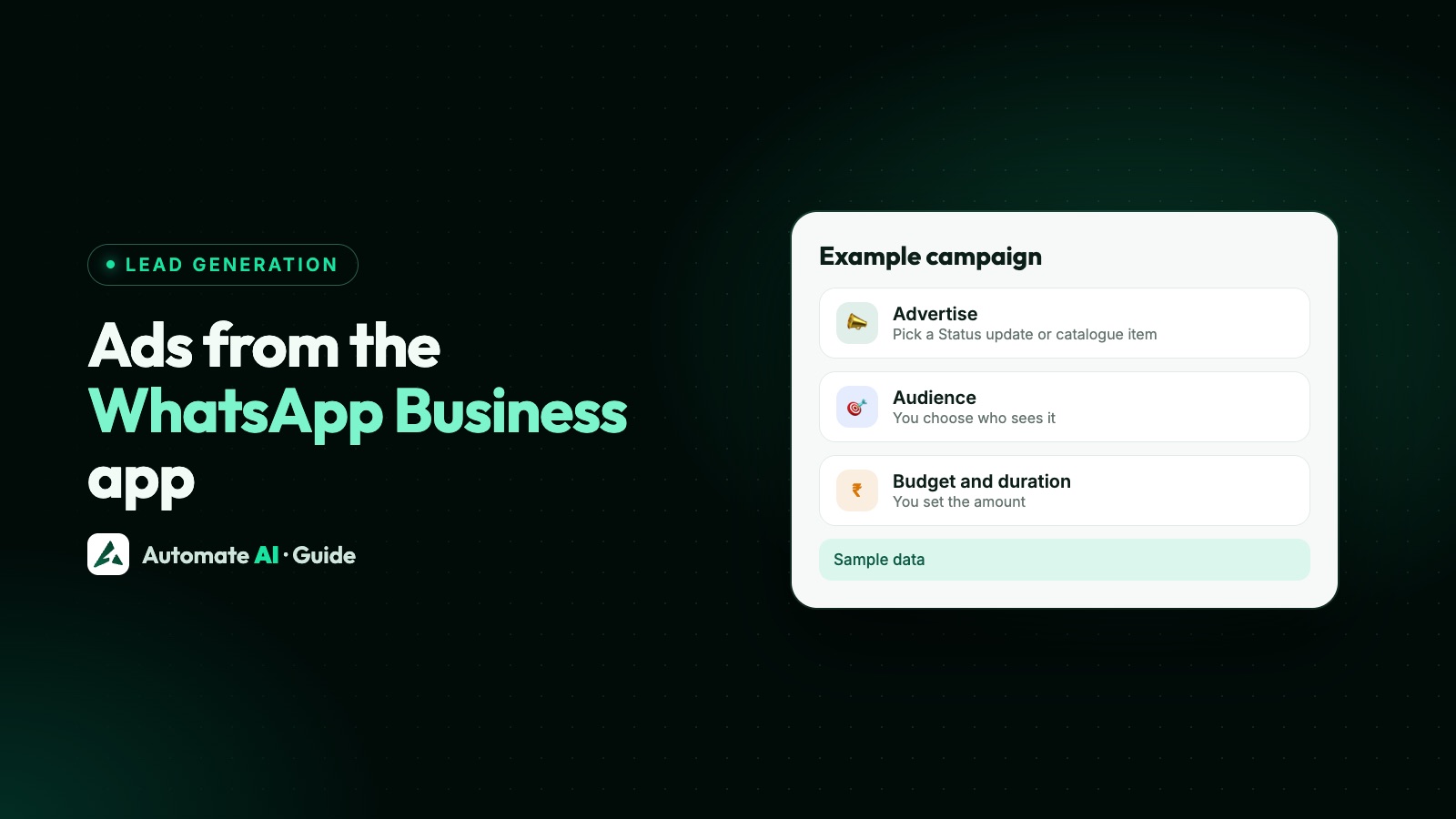
- Ad set: the audience, placements and schedule, the conversion location (where people take action, such as your website or a messaging app), the performance goal Ads Manager optimises delivery for, and the budget, unless you set one for the whole campaign.
- Ad: the image or video, the text, the call to action and the destination.
If you’ve created ads from Facebook Ad Center, Meta Business Suite or Instagram, their “ad goals” set the objective, conversion location and performance goal for you. In Ads Manager you choose them yourself.
The six objectives, and which one to pick
Meta groups every campaign under six objectives. Pick the one that matches the action you actually want (Meta’s objective guide):
| Objective | Use it to | Example |
|---|---|---|
| Awareness | Reach the most people likely to remember your ad | A new shop or a new name in town |
| Traffic | Send people to a website, app, Page or chat | Visits to a sale page |
| Engagement | Get messages, video views or other actions on your ad or Page | Chats from people interested in a product |
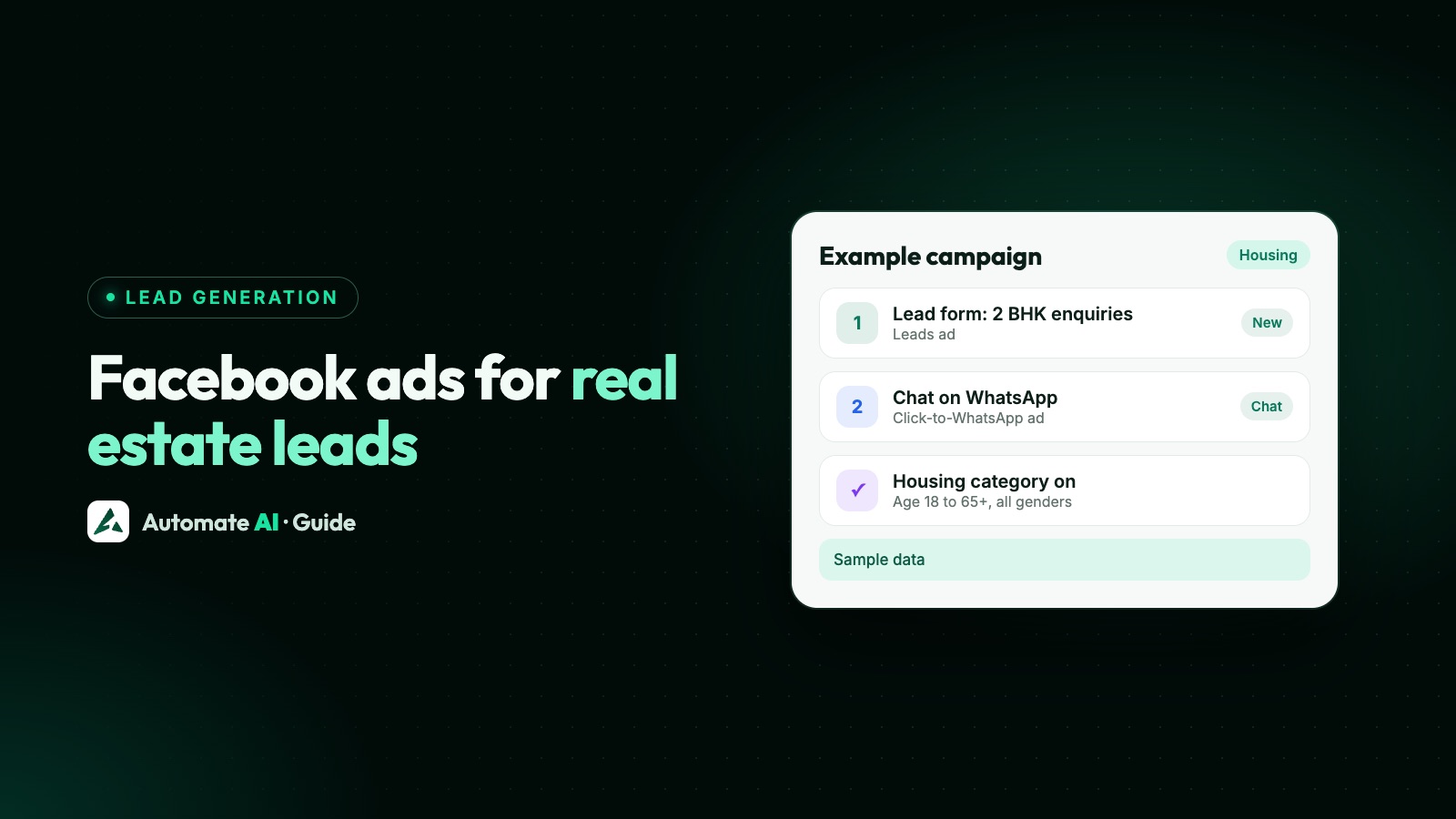
| Leads | Collect leads through messages, calls or sign-up forms | Enquiries for a course or a property |
| App promotion | Get app installs or actions in your app | Installs of a delivery app |
| Sales | Find people likely to buy | Orders on an online store |
For ads that open a WhatsApp chat, Meta’s guide lists WhatsApp as a conversion location under the Traffic, Engagement and Sales objectives. Ads Manager only shows the options that fit your choices, so if WhatsApp is missing, check your objective and connect a WhatsApp number to your Page first (why Meta asks for a WhatsApp number).
Where an ad can send people
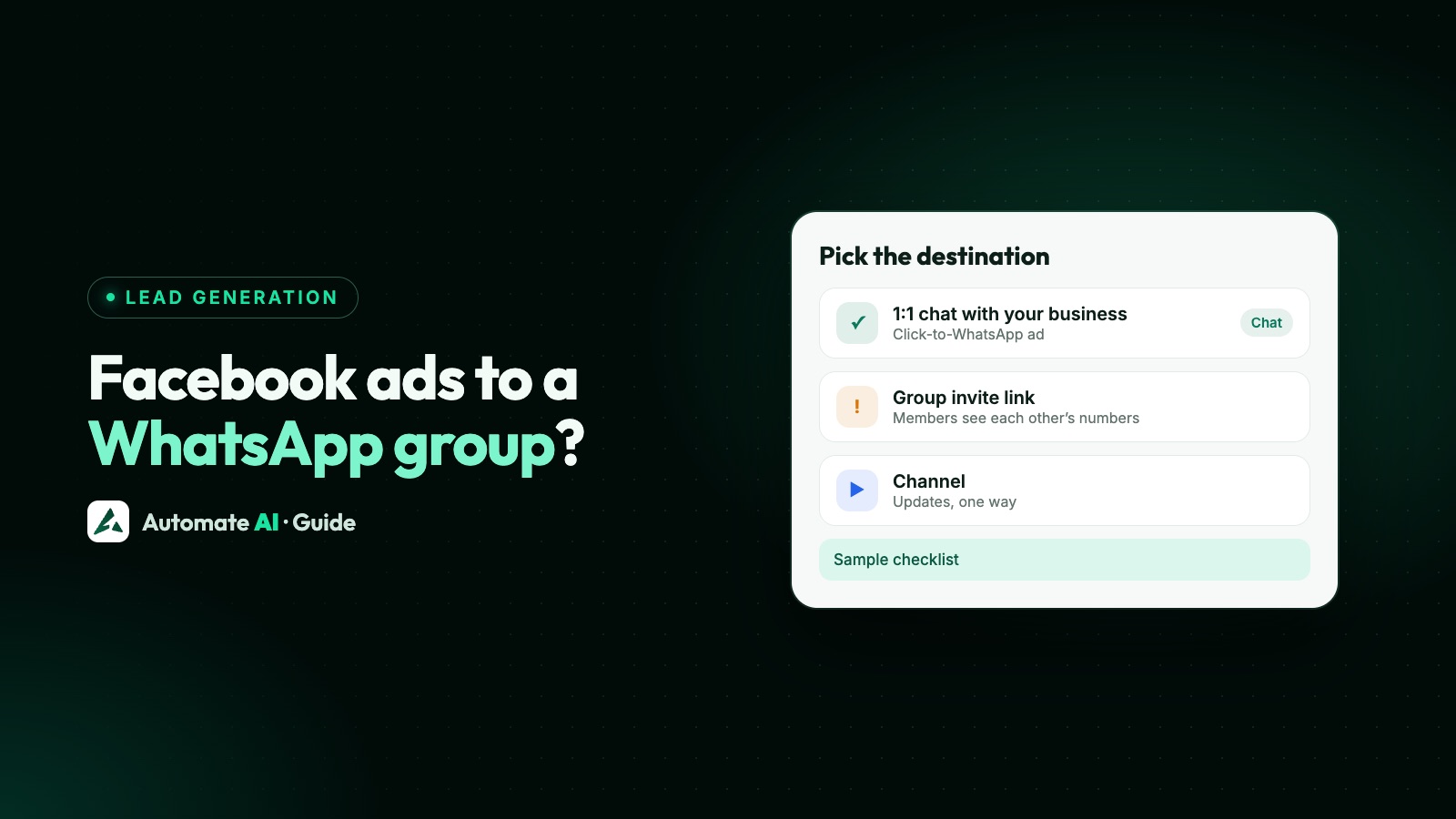
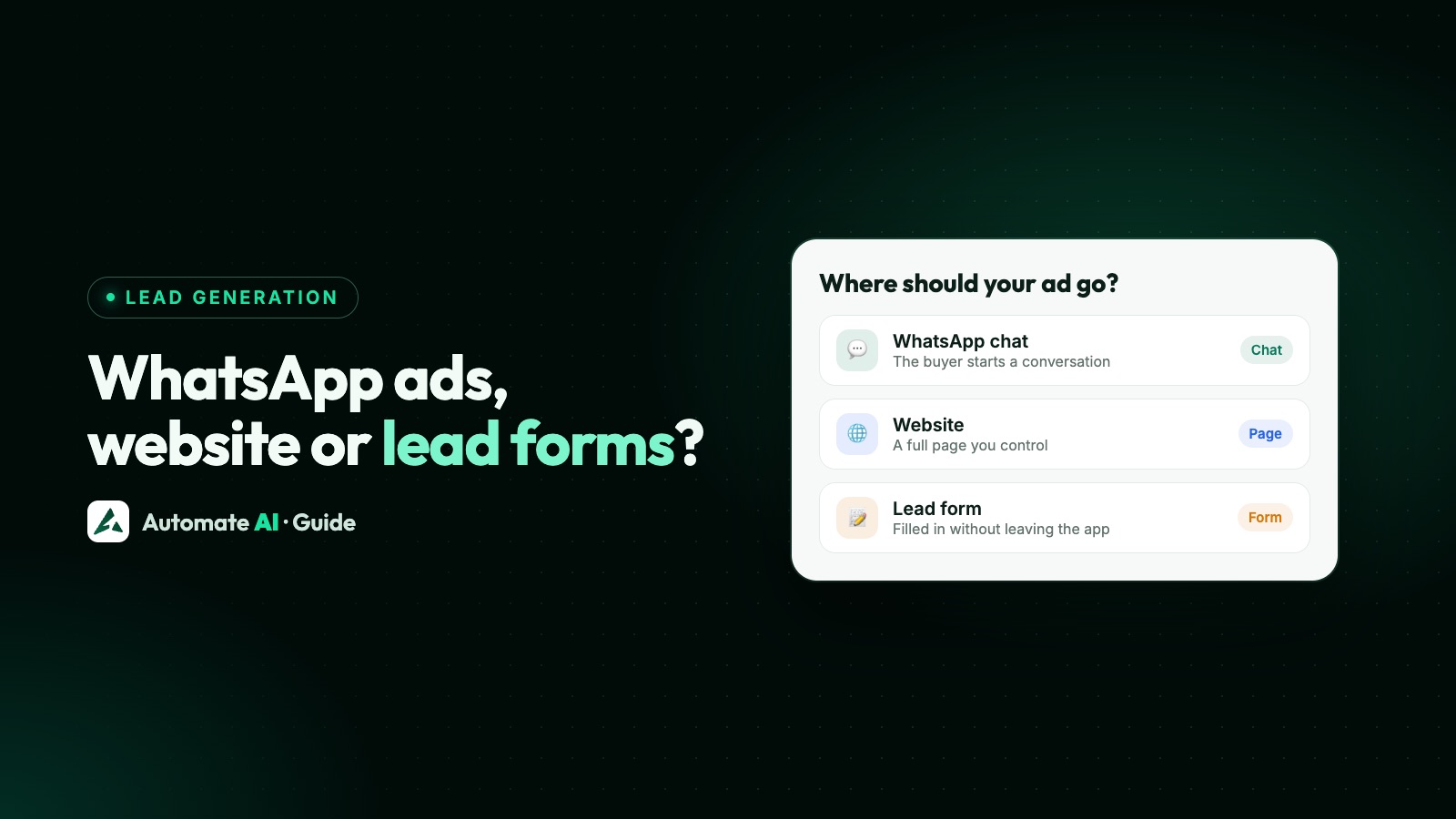
The destination is where someone lands after tapping your ad. Meta’s options include a website, an app, a phone call, messaging apps, an Instagram profile, a Facebook Page, an Instant Experience or a Facebook event (Meta’s destinations page). For businesses that want leads, three matter most:
| Destination | Good for | Our guide |
|---|---|---|
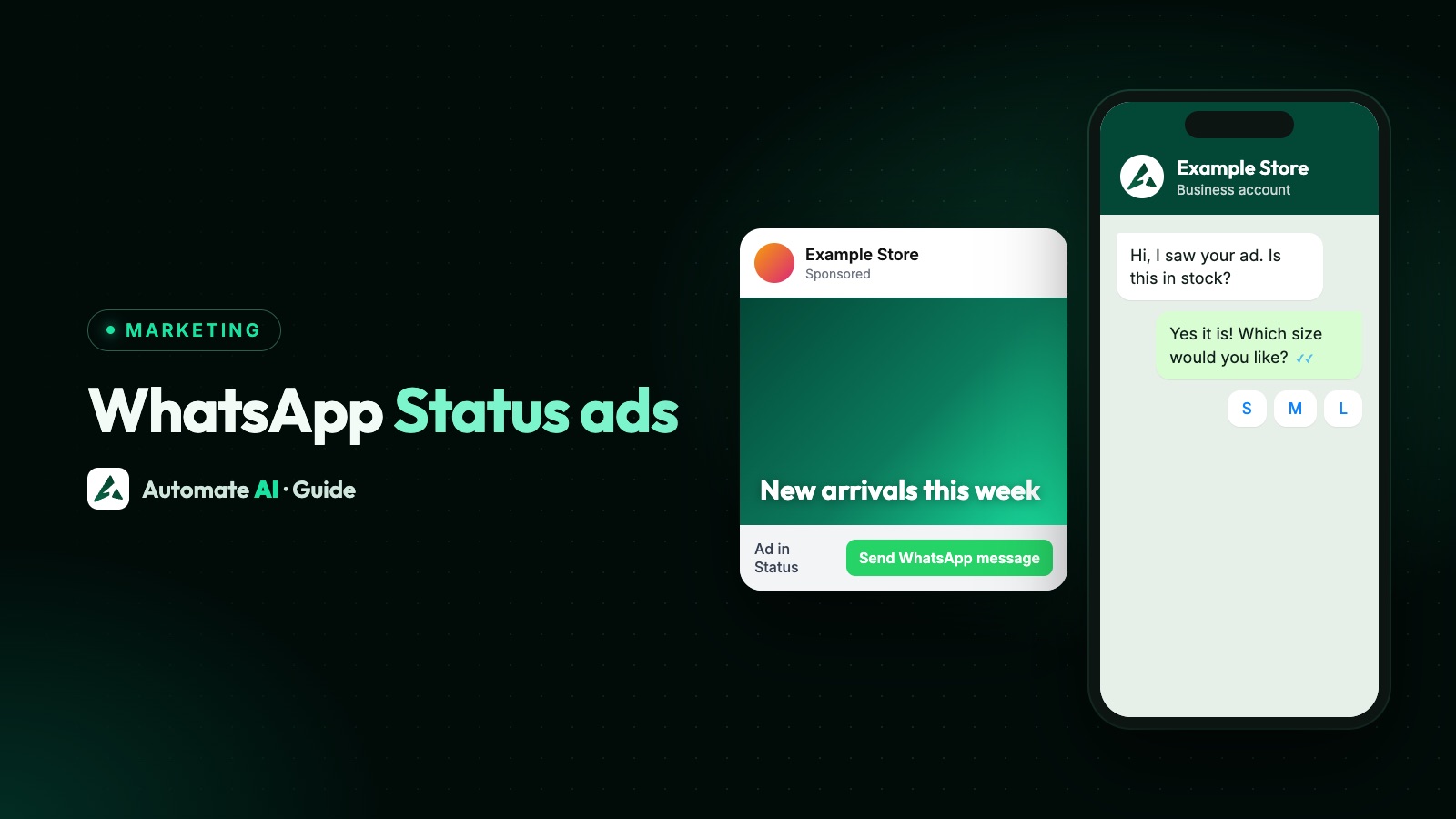
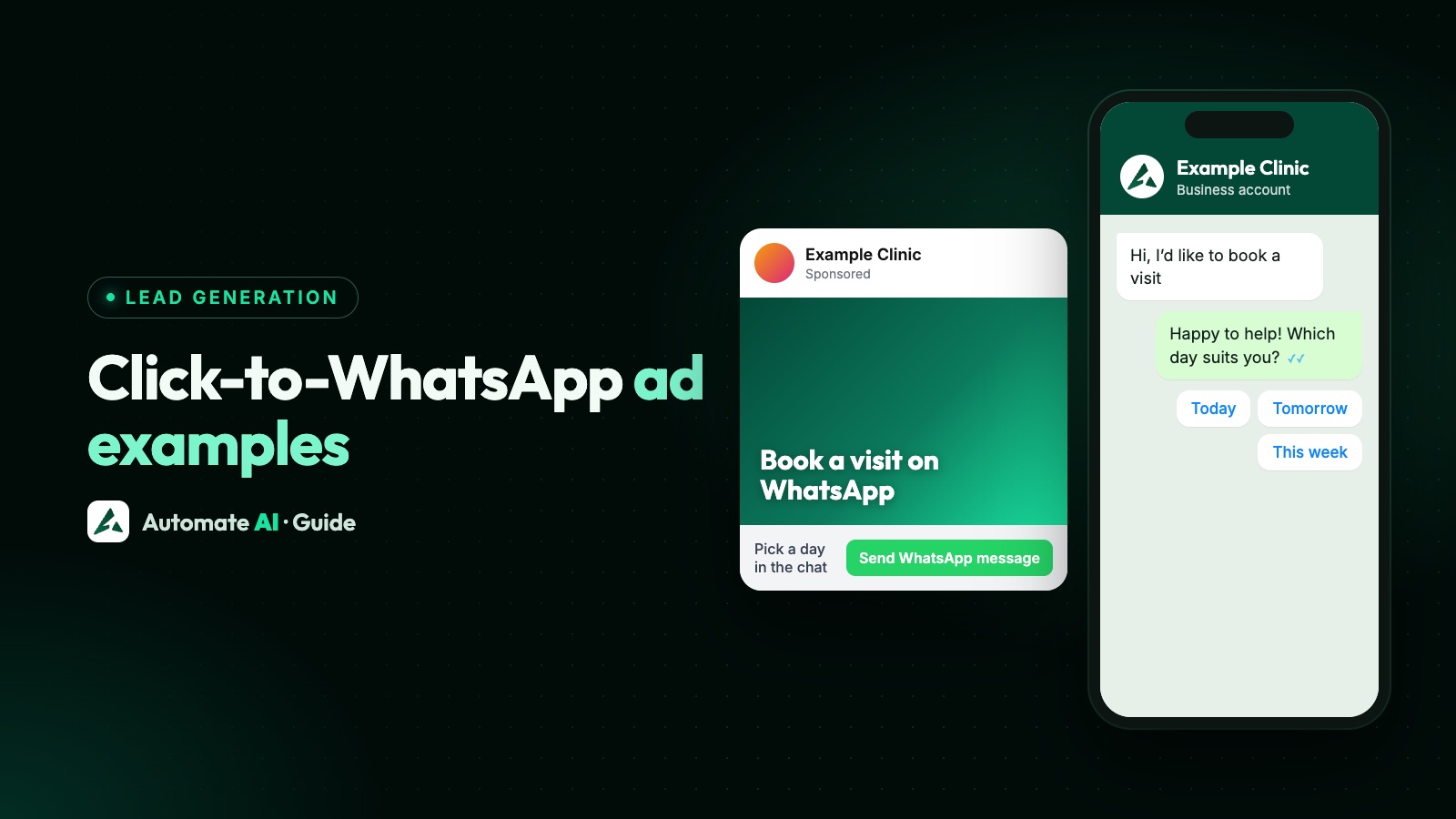
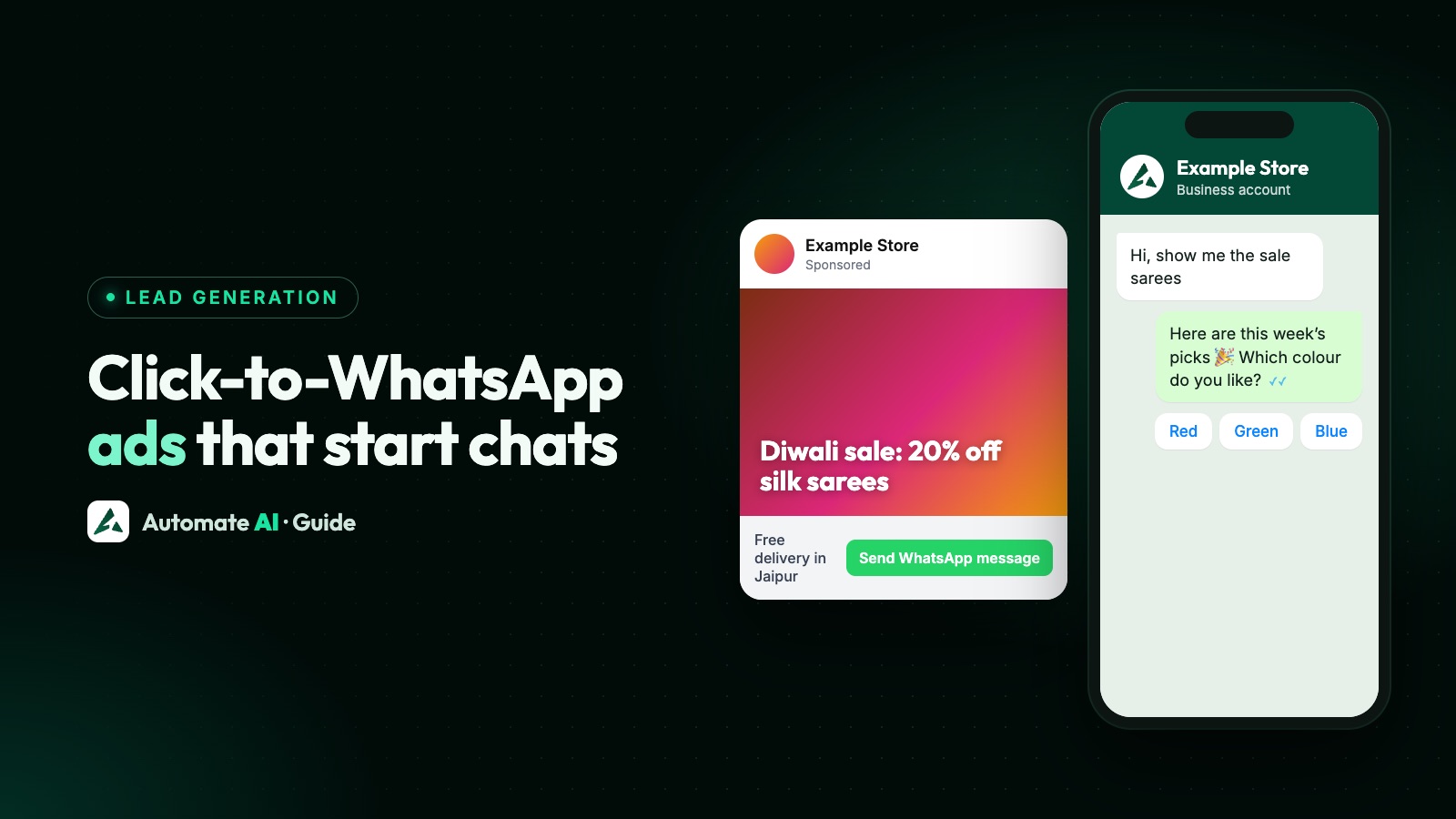
| A chat on WhatsApp | Questions before buying, local services, anything sold in conversation | Click-to-WhatsApp ads |
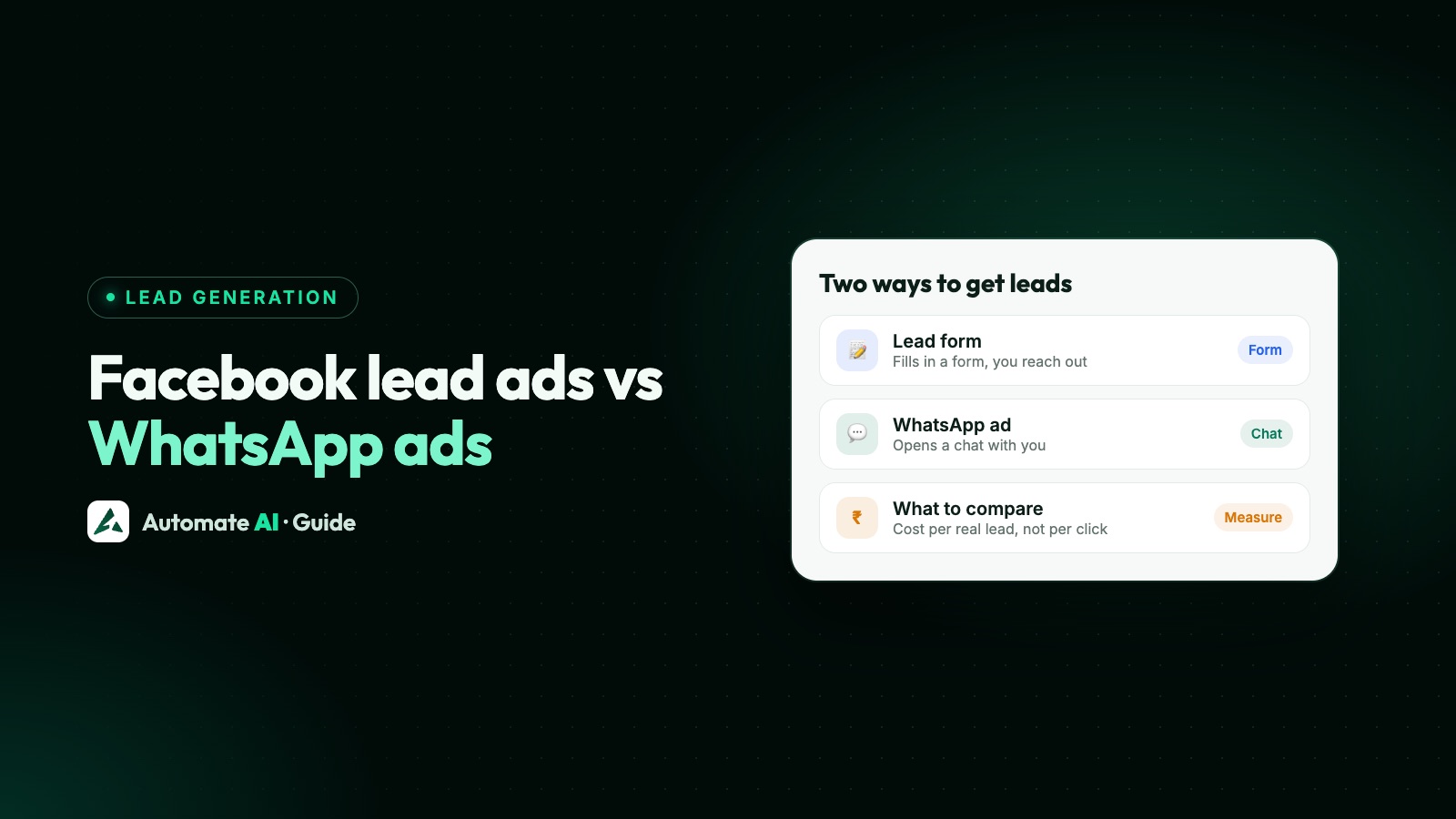
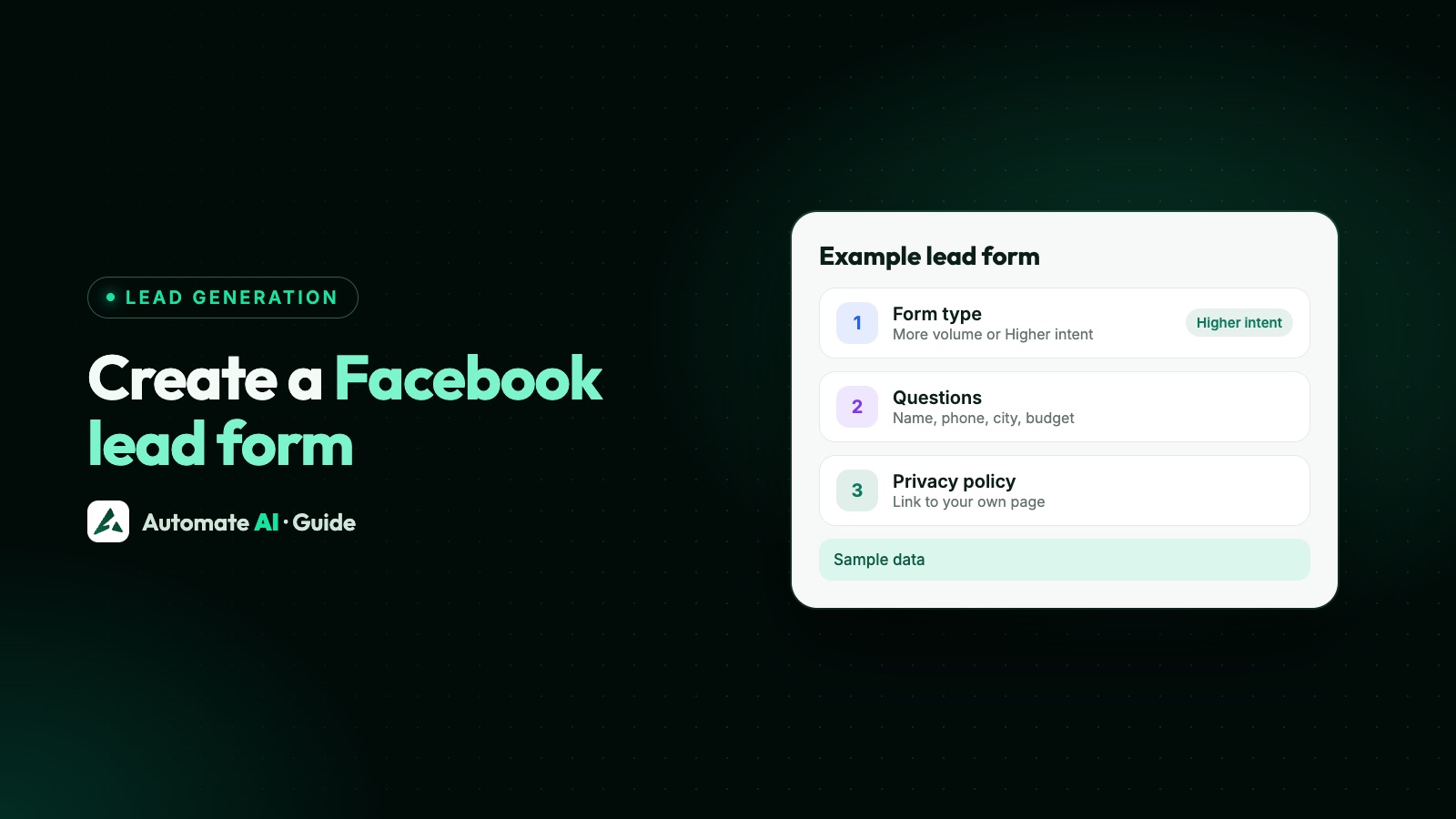
| An instant form (lead ad) | Collecting names and numbers to call back | Create a Facebook lead form |
| Your website | Online orders and long product pages | Chat, form or website: which to use |
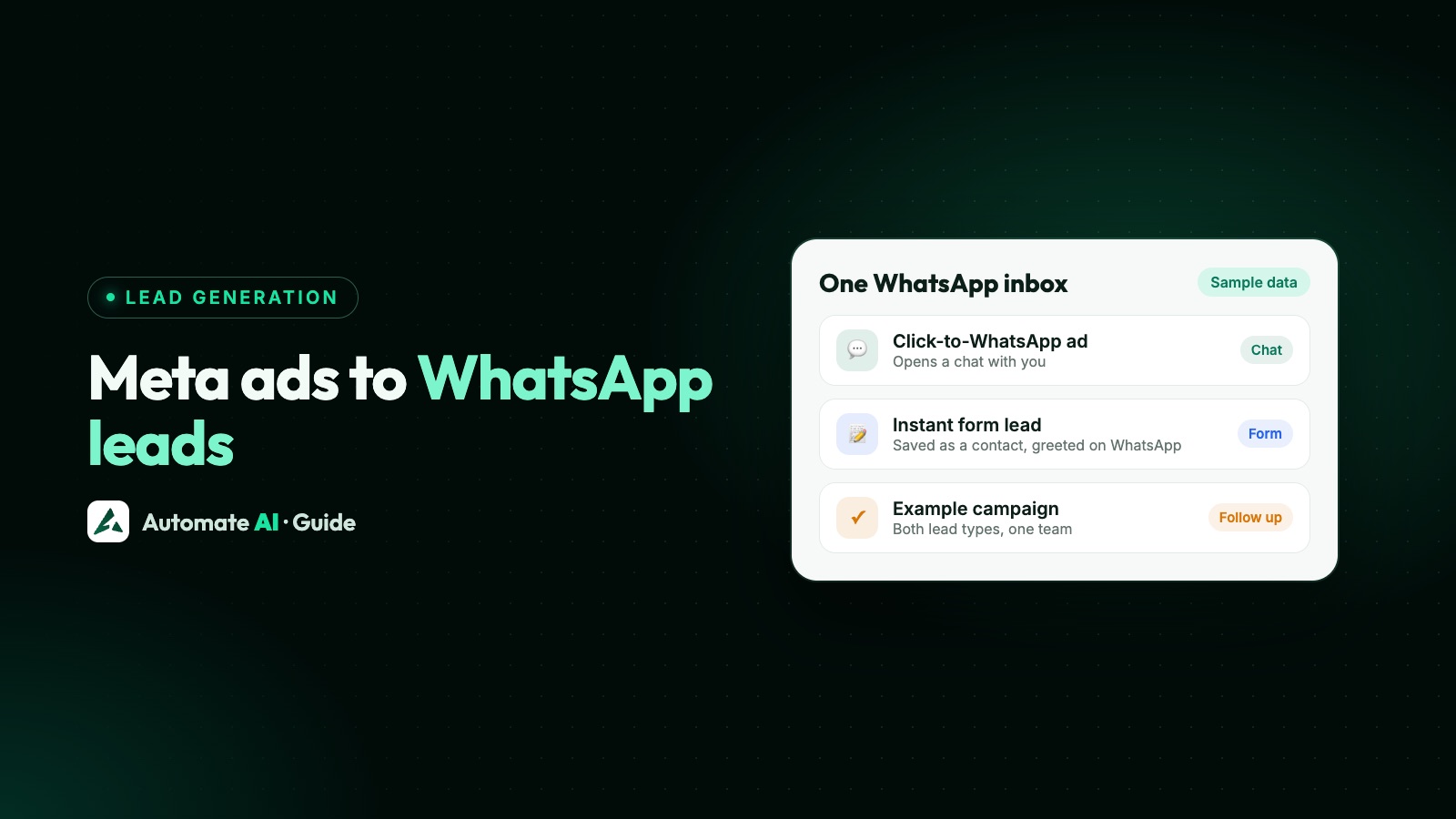
Chat ads and lead forms work well together: see how to get Meta Ads leads on WhatsApp, and send Facebook lead ad leads to WhatsApp automatically.
What Meta ads cost
Meta sells ads in an auction, so the same budget buys different results for different businesses. Meta says cost depends on your objective, your ad’s quality, your bid strategy and performance goal, and whether you use a daily or lifetime budget (Meta’s ads pricing page).
- Daily budget: the average you’re willing to spend a day. Meta may spend up to 75% more than it on a day, but no more than 7 times it in a calendar week.
- Lifetime budget: a total for the whole run; daily spend moves around, but the total stays within it.
- Starting out: Meta suggests at least $5 and a run of more than six days, so delivery has time to settle.
- India: Meta ads for businesses in India are sold by Meta India and billed in rupees, and GST and TDS are added when you’re charged. Add your GSTIN in Payment settings to claim input tax credit (Meta’s GST page).
Measure what the ads earn
- Cost per result in Ads Manager tells you what a click, chat or lead cost, not whether it became a sale.
- Website sales: the Meta Pixel and the Conversions API report purchases back to Meta.
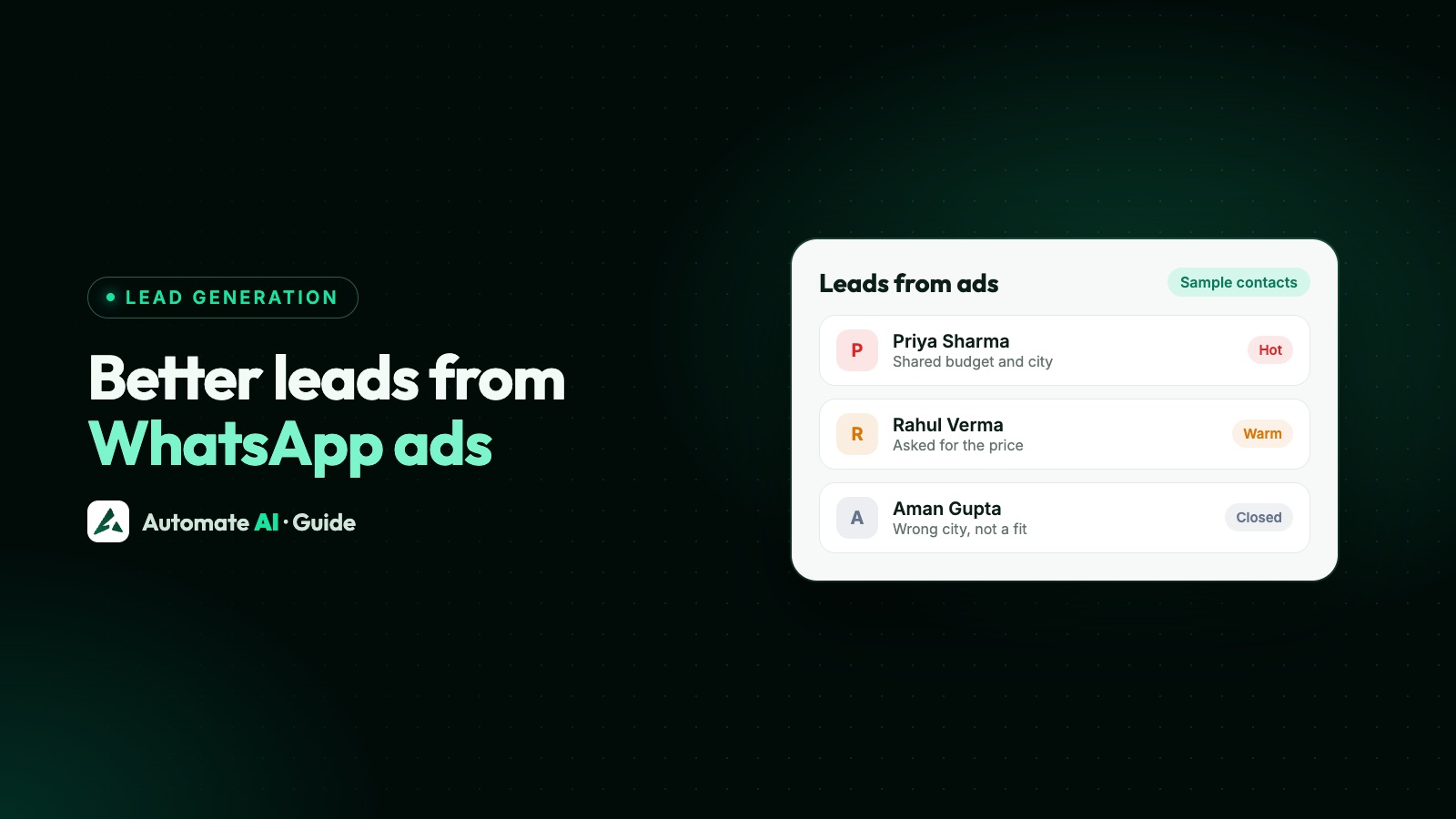
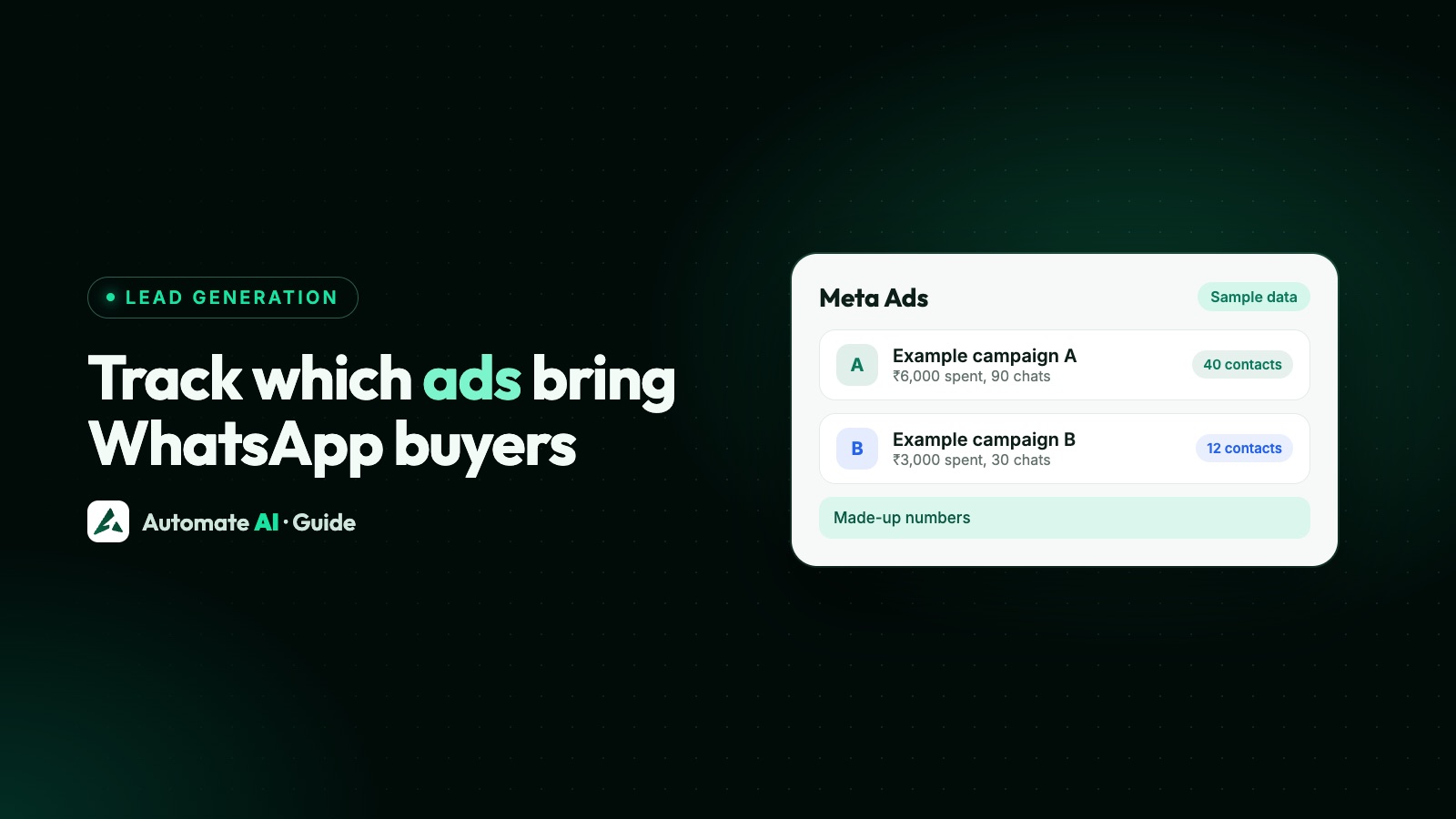
- WhatsApp sales: a chat ad brings the ad’s details into the chat, so you can tie chats and orders to ads. See how to track which ads bring WhatsApp buyers and how to get better-quality leads from WhatsApp ads.
When something goes wrong
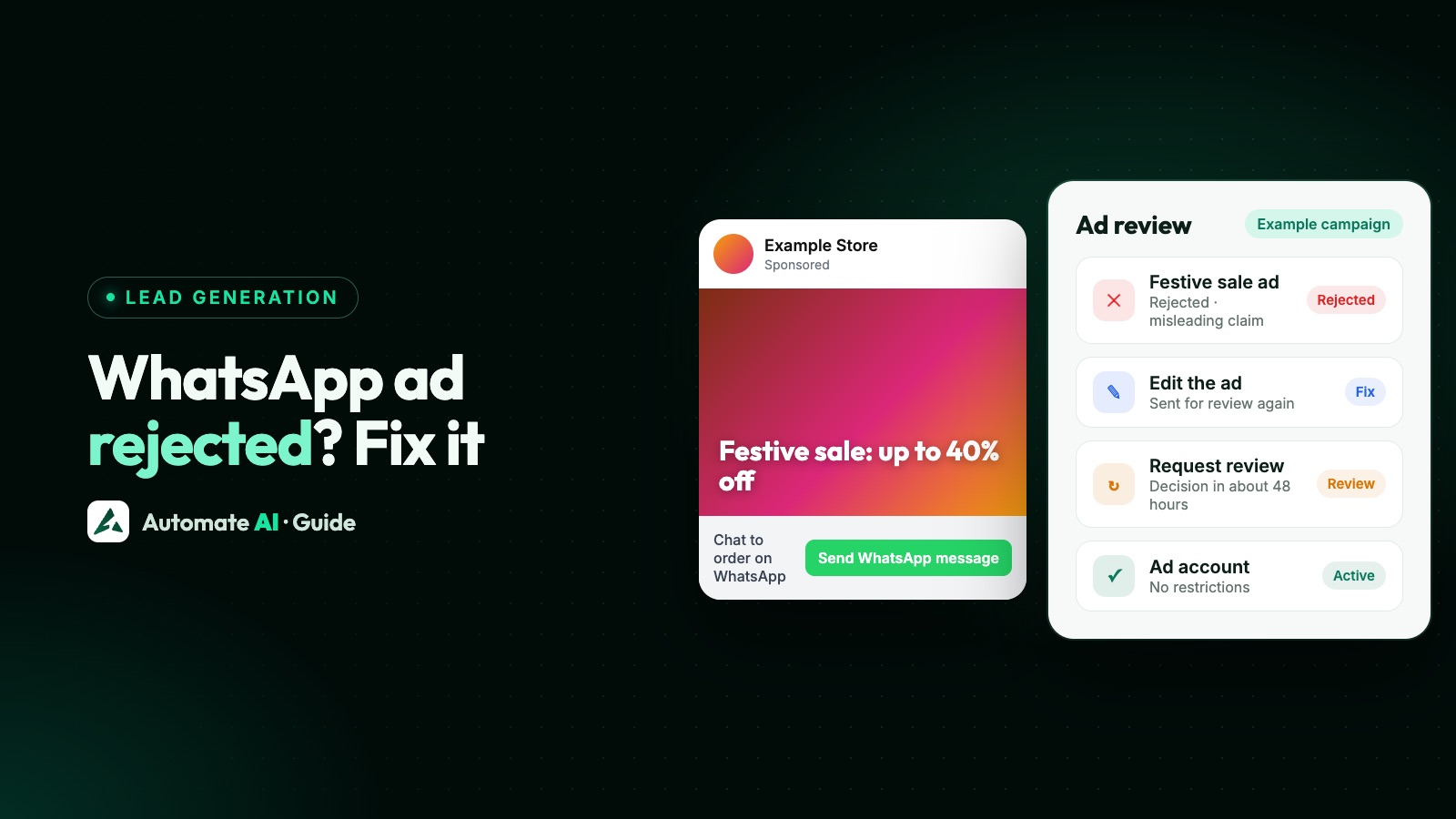
- An ad rejected, an ad account restricted or a payment failed: Click-to-WhatsApp ad rejected or account restricted.
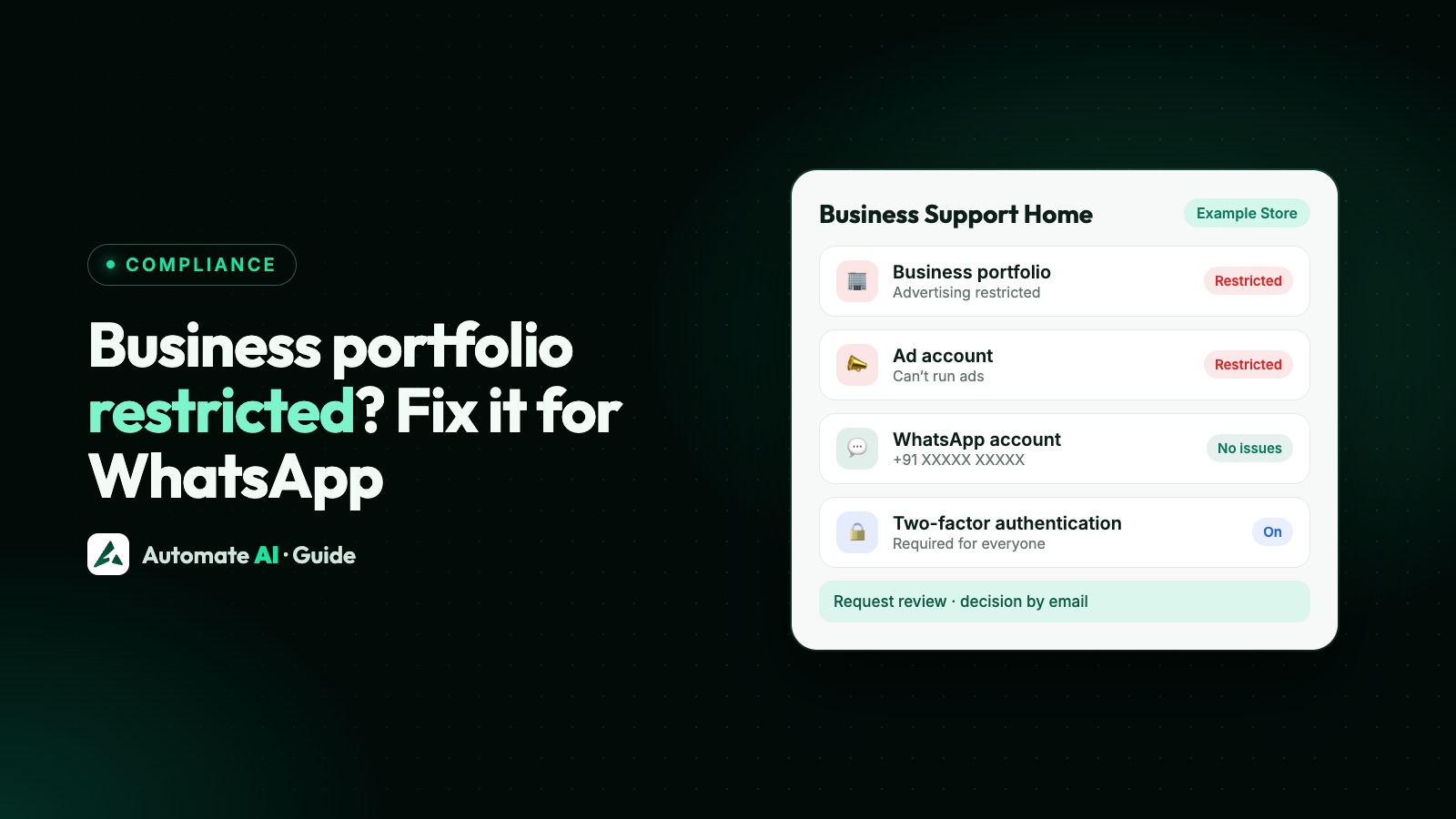
- The whole business portfolio restricted: Meta business portfolio restricted.
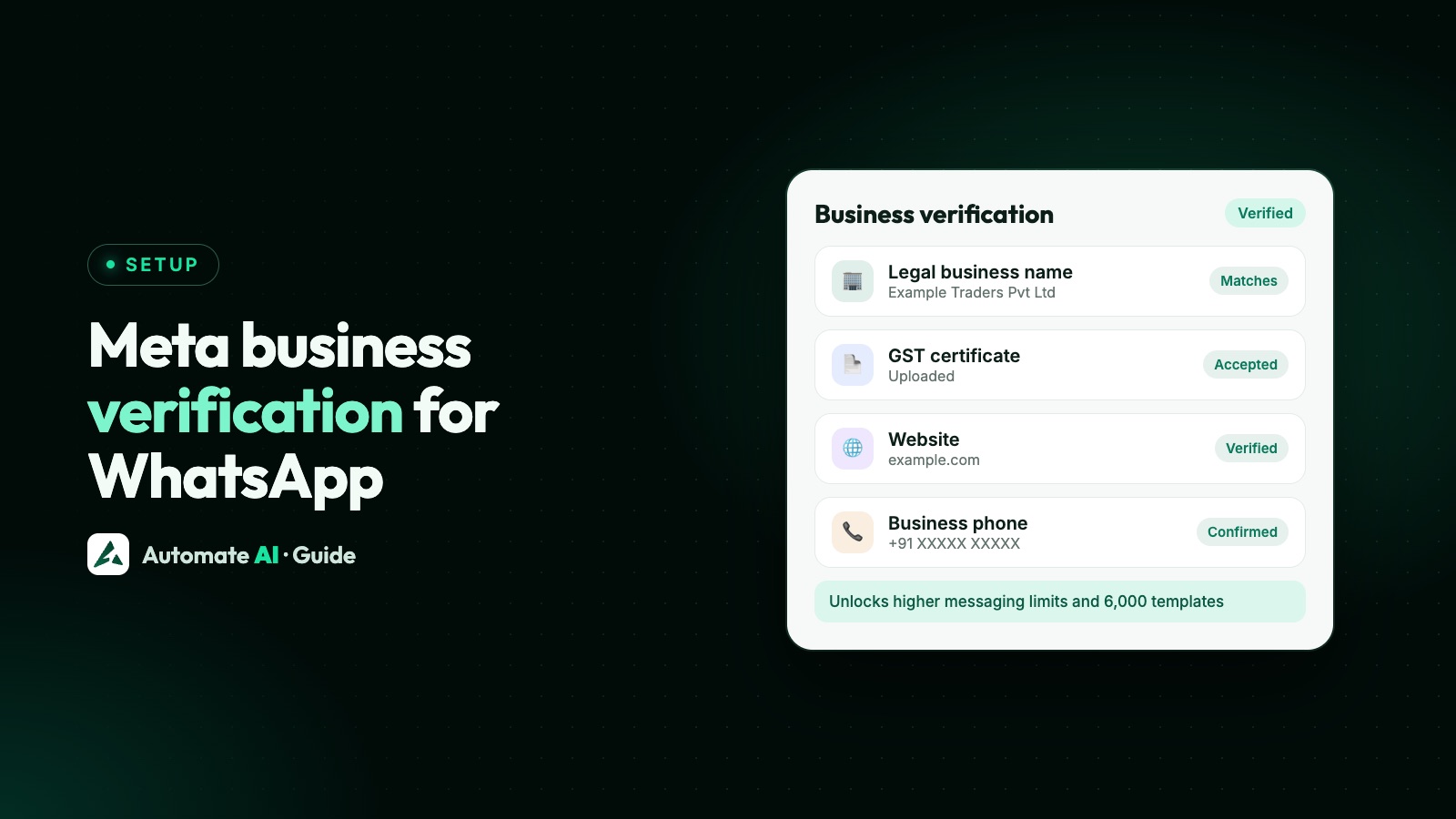
- Meta asks for business verification: Meta business verification.
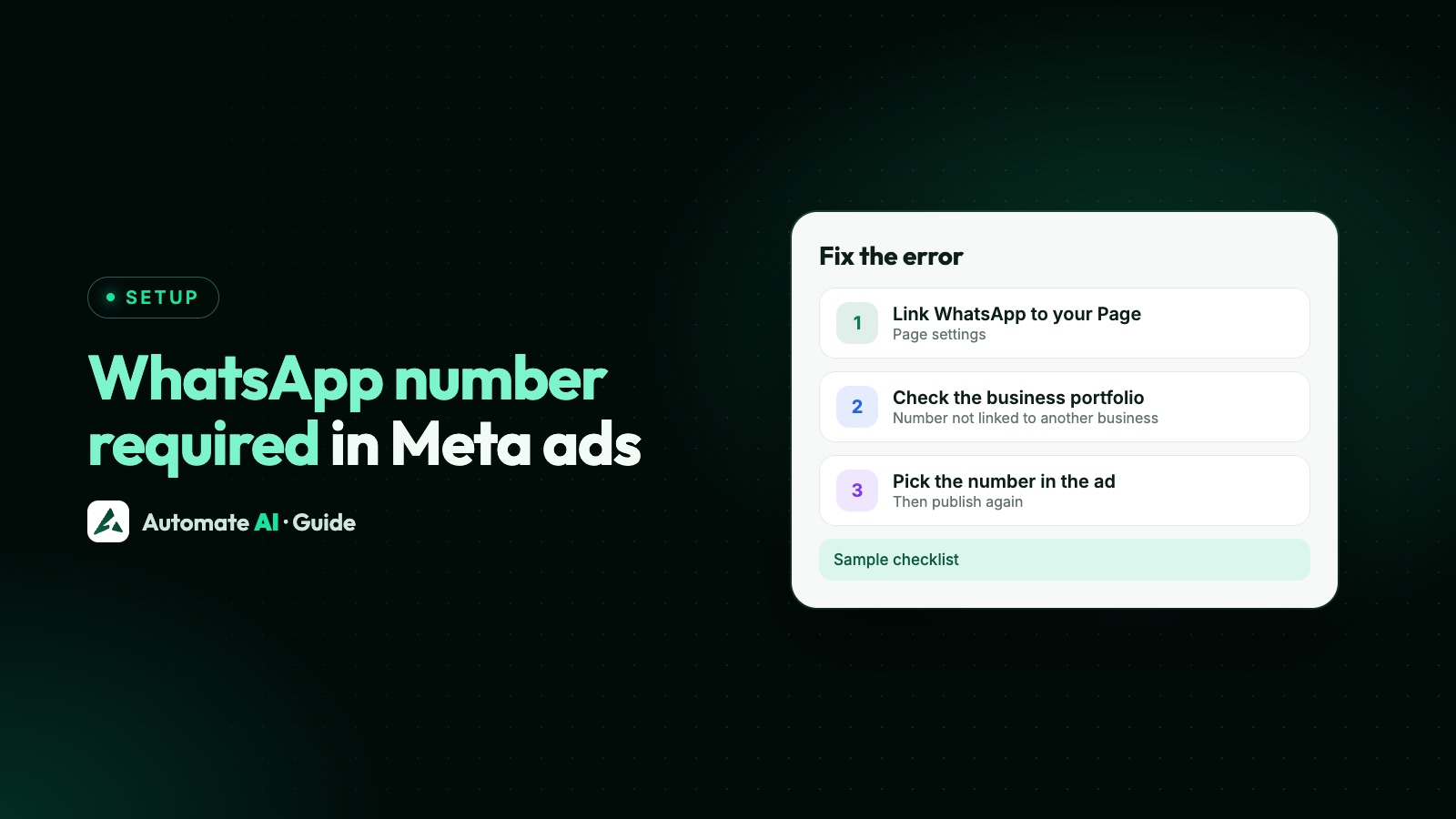
- Ads Manager asks for a WhatsApp number: why Meta asks for a WhatsApp number.
- Testing lead forms before launch: Facebook Lead Ads Testing Tool.
Meta ads with Automate AI
Automate AI handles the part after the click. From Meta Ads in the main menu, describe your offer and AI writes a Click-to-WhatsApp ad, its audience and the greeting; you publish, pause and track spend and chats from Automate AI. It’s on every plan, for owners and managers.
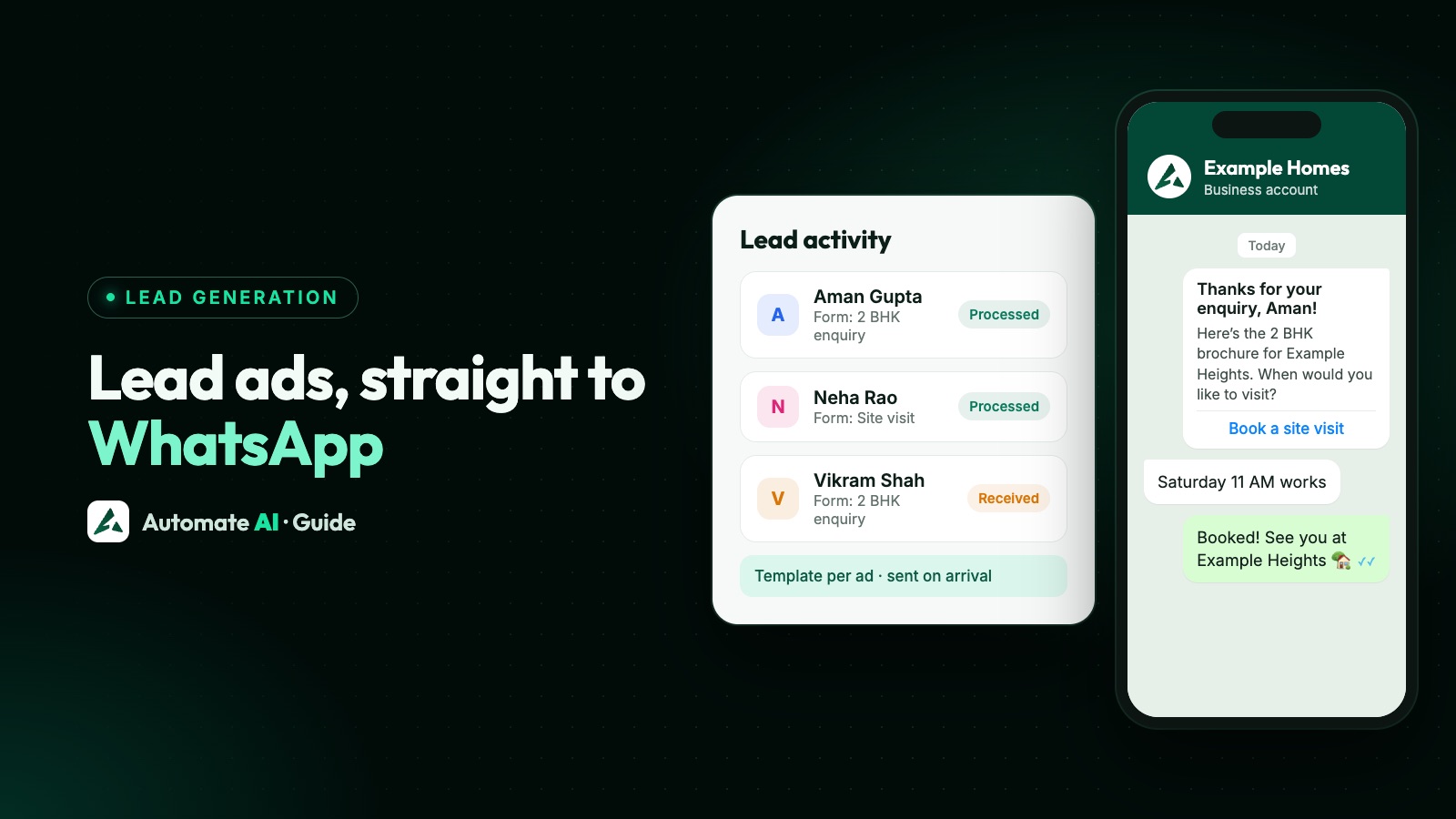
Chats from the ads land in the shared inbox, where a chatbot or the AI Assistant can answer at once, and leads from Facebook lead forms can get a WhatsApp message automatically (Facebook Lead Ads integration). More on the feature: Click-to-WhatsApp ads.