Facebook Ads for Real Estate Leads: Lead Forms, WhatsApp and Housing Rules
Get real estate leads from Facebook ads: pair a WhatsApp chat ad with a lead form, write the right form questions, and follow Meta’s Housing ad category rules.
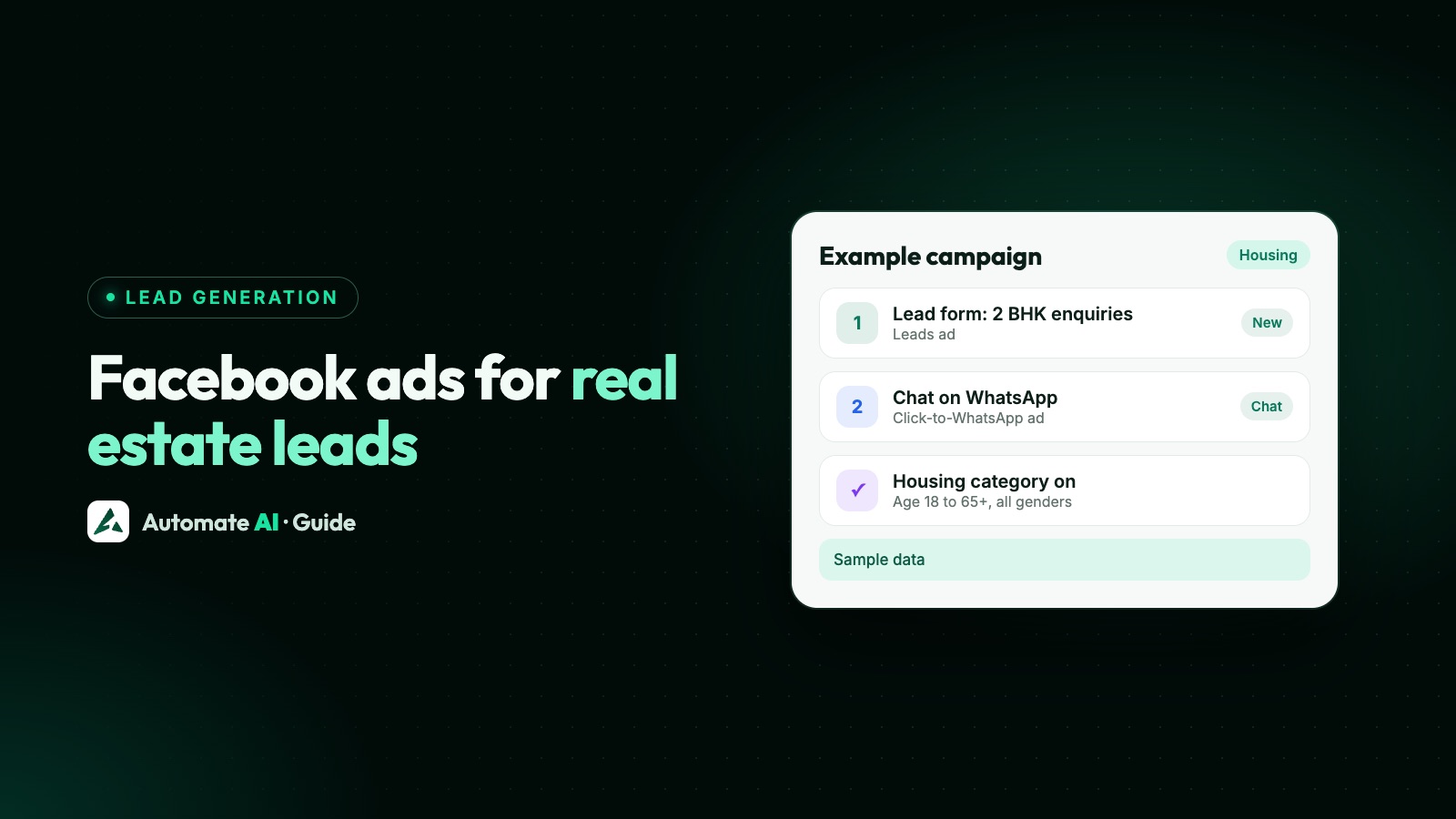
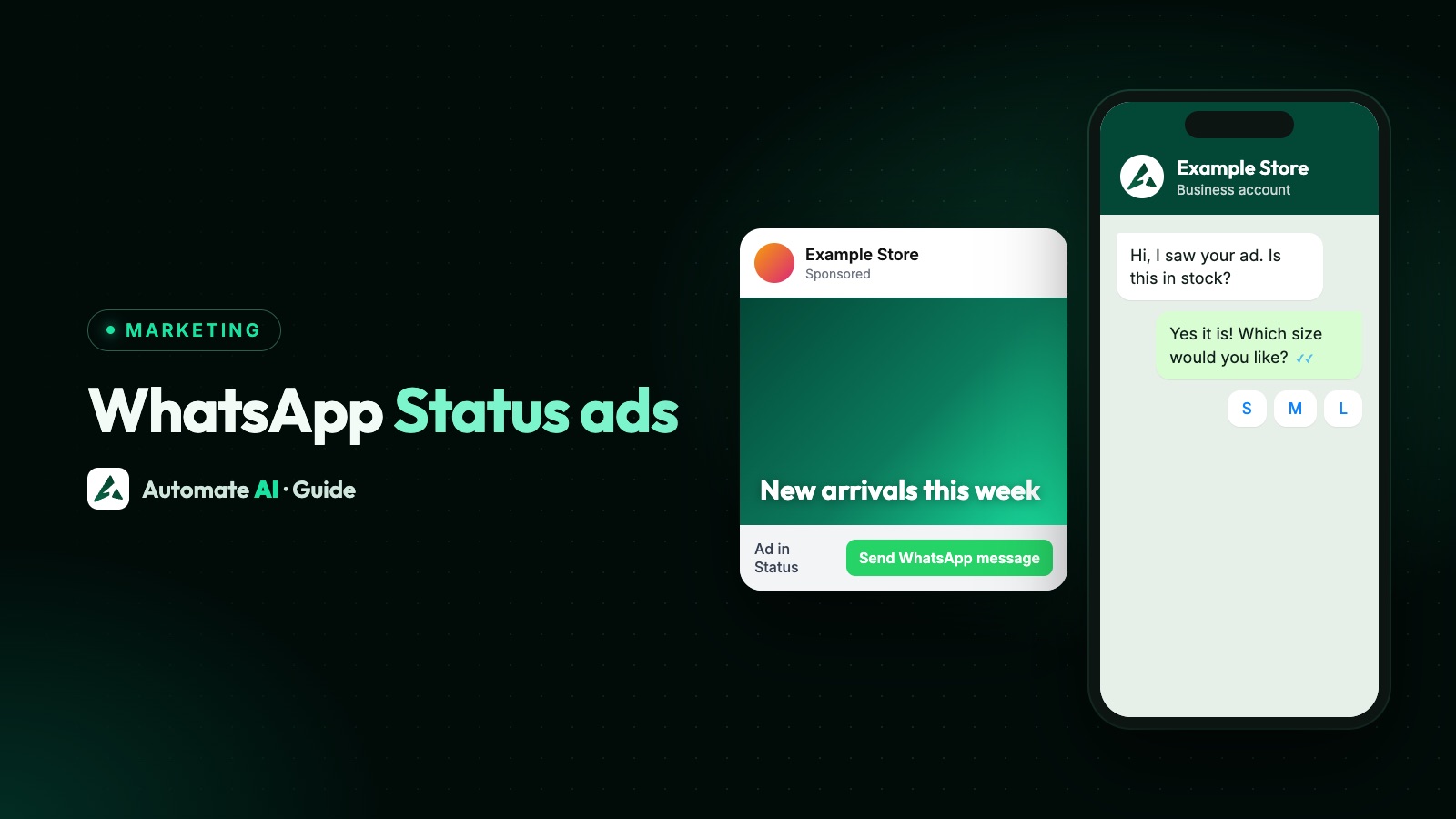
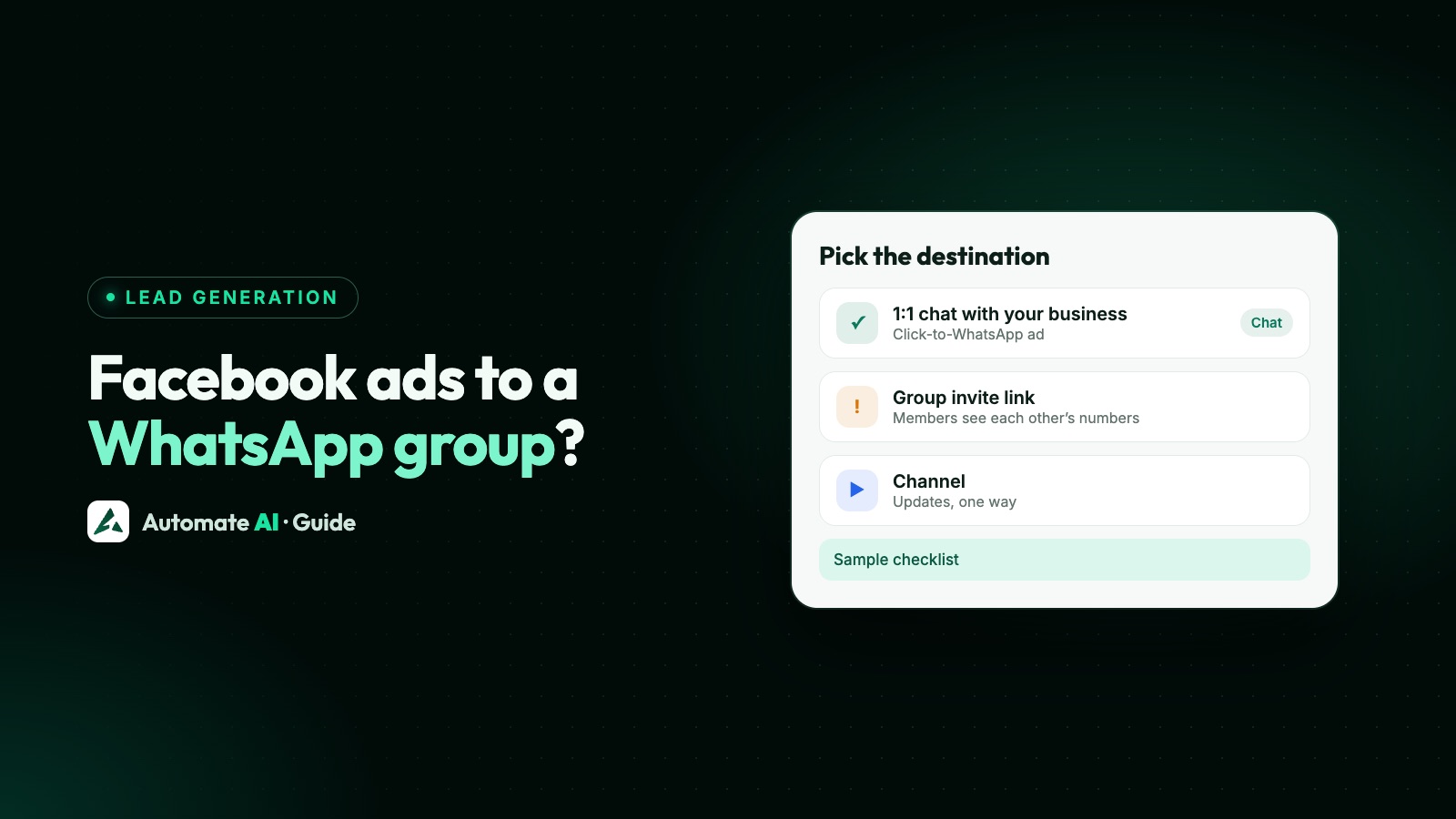
The most useful way to get real estate leads from Facebook ads is to run two ads for each project: a Click-to-WhatsApp ad for buyers who want to ask a question now, and a lead form ad for those who would rather leave their details. Both reach Facebook and Instagram, and both can end in the same WhatsApp conversation.
Property ads come with extra rules. In the US, Canada and much of Europe, Meta requires the Housing Special Ad Category, which limits targeting by age, gender, postcode and more. This guide covers those rules as Meta states them, the lead form questions worth asking, and how to run both ad types from Automate AI’s Meta Ads menu with one follow-up.
Key takeaways
- Run a Click-to-WhatsApp ad and a lead form ad for the same project, and make both lead to the same next question.
- The Housing Special Ad Category applies to advertisers in the US and to ads reaching the US, Canada and listed European countries. It fixes ages at 18 to 65+, includes all genders and removes postcode and lookalike targeting.
- In Automate AI, choosing Housing or property applies those limits wherever you advertise: all ages and genders, at least 25 km around each city, and interests switched off.
- Ask three to five form questions about the home, not the person’s finances. Meta’s rules bar questions on income, credit scores or debt without its permission.
- Chat leads get Meta’s free entry point window if you reply within 24 hours; form leads start with an approved template.
Two ad types for every project
Some buyers want to ask “what’s the price of the 2 BHK?” straight away; others want a brochure and a call back. Give each project a pair of ads.
| Click-to-WhatsApp ad | Lead form ad | |
|---|---|---|
| What the buyer does | Taps the ad and sends a ready-written WhatsApp message | Fills in a short form inside Facebook or Instagram |
| Suits | Ready buyers, price questions, rentals, resale listings | Early researchers, brochure requests, new launches |
| What you learn first | Their question, in their words | Your form answers: configuration, timing, area |
| First message from you | Any reply, inside the 24-hour window | An approved WhatsApp template |
| Messaging cost after the ad | Free in Meta’s entry point window if you reply in time | Template charges until the lead replies |
The general case for running both, for any business, is in Meta ads leads on WhatsApp. The rest of this guide is about what changes for property.
Meta’s Housing Special Ad Category
Meta’s Help Centre says that when you create a campaign you must say whether it promotes a Special Ad Category, and that housing ads have limited audience options “to help protect people from unlawful discrimination”. Those limits apply to:
- Advertisers based in the US or US territories, wherever they advertise.
- Advertisers showing ads to people in the US or US territories, Canada, and certain European countries and territories, including the UK, Ireland, Germany, France, Spain, Italy, the Netherlands, Switzerland and the Nordic countries.
Meta’s developer documentation adds that businesses outside the US reaching people outside the US, Canada and Europe still have to answer the category question, and can choose to opt in to the housing limits or answer “none”. Meta’s Advertising Standards forbid using targeting to discriminate everywhere, whichever you choose.
What changes in a housing campaign
| Targeting option | In the Housing category (Meta Business Help Centre) |
|---|---|
| Location | Country, region, county, town or city, but not postcode, and you can’t exclude locations |
| City, address or pin | Expanded to a 15-mile (25 km) radius in the US and Canada; Meta’s developer docs give 15 km in the listed European countries |
| Age | Generally fixed at 18 to 65+ |
| Gender | All genders, and you can’t edit it |
| Detailed targeting | Some demographic, behaviour and interest options unavailable; no detailed targeting exclusions |
| Lookalikes | Advantage+ lookalike unavailable |
| Saved audiences | Updated to fit the housing limits |
To set it up in Ads Manager, Meta’s steps are: open the campaign, select Special Ad Categories, choose the category under Categories and the countries under Countries. Meta says the same limits apply to Advantage+ catalogue ads, so a home listings catalogue is covered too.
Finding buyers inside the rules
With age, gender, postcode and lookalikes gone, your creative and your form do the filtering:
- Name the project, area and configuration in the first line, such as “2 and 3 BHK near Example Metro Station”.
- Show the starting price where you’re allowed to, so people outside the band skip the ad.
- One ad per configuration or price band, so each chat or form starts with a known interest.
- Pick cities, not neighbourhoods. The radius widens anyway, so expect buyers from the wider area.
Never write copy that hints at who may or may not live somewhere. Meta’s Advertising Standards say ads must not discriminate based on personal attributes, and why Click-to-WhatsApp ads get rejected covers other common reasons ads fail review.
Real estate lead form questions
Every question costs submissions, so ask what your sales team needs for the first call and nothing more. Our own sample sets, with made-up answer options:
| Goal | Questions (sample) |
|---|---|
| New launch, buyers | Which home are you looking for? (2 BHK / 3 BHK / 4 BHK) · When do you plan to buy? (Within 3 months / 3 to 6 months / Just exploring) · Is it to live in or to invest? |
| Ready-to-move flats | Which configuration? (1 / 2 / 3 BHK) · Would you like a site visit? (This weekend / Next weekend / Not yet) |
| Rentals | Furnished or unfurnished? · When do you want to move in? (This month / Next month / Later) · Which area do you work in? (short answer) |
| Plots and villas | Which plot size interests you? (Under 1,500 sq ft / 1,500 to 2,400 sq ft / Larger) · Price band for the plot? (three ranges you set) |
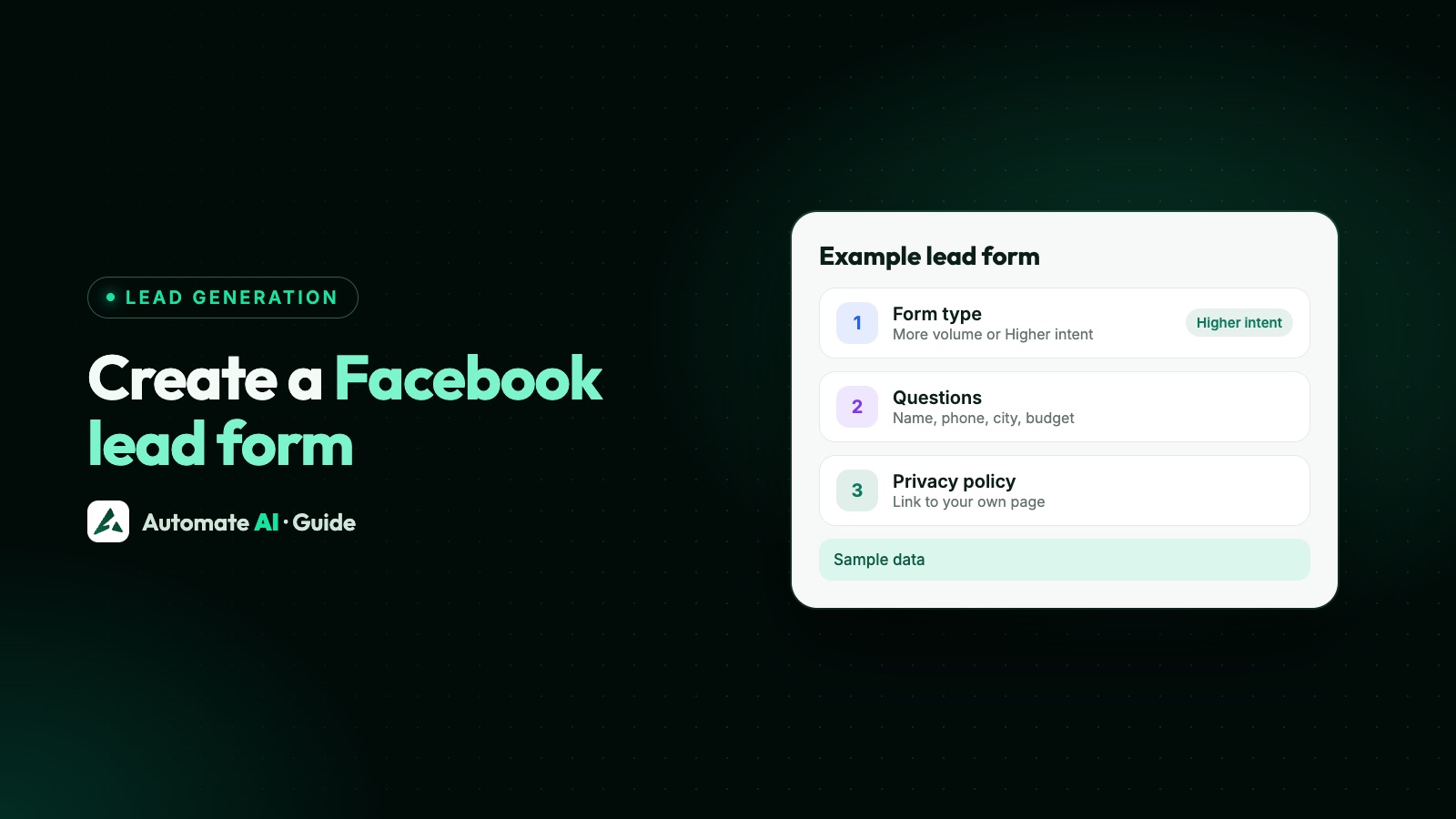
Keep the phone number as a prefill question and make it required, because that’s what turns a form lead into a WhatsApp contact. The full form setup, including the higher-intent option and the privacy policy link, is in how to create a Facebook lead form.
Questions you can’t ask
Meta’s Advertising Standards say lead ad questions must not ask for these without Meta’s prior written permission: account numbers, criminal history, financial information, government-issued identifiers, health information, insurance information, political affiliation, race or ethnicity, religion, sexual orientation, trade union membership, and usernames or passwords. Meta’s examples of financial information include income, credit scores, net worth and how much debt someone has.
The Click-to-WhatsApp side: greeting and first message
A chat ad has two pieces of text people see in WhatsApp: the message they send to start the chat, and the greeting your business shows. Make the sent message name the project, so your team knows at a glance which ad it came from.
| Ad (sample data) | Message the buyer sends | Greeting |
|---|---|---|
| 2 BHK at Example Heights | Hi, please share details of the 2 BHK at Example Heights. | Thanks for asking! Is it for you to live in or to invest? |
| Plots at Example Meadows | Hi, I’d like the plot sizes at Example Meadows. | Happy to help. Which plot size are you looking at? |
| Rentals by Example Realty | Hi, I’m looking for a flat to rent. | Great! Which area, and when do you want to move in? |
Ask the same question your lead form asks. Then both routes arrive at one next step, and one chatbot or one salesperson can handle both. What to send after that, including RERA details and site-visit reminders, is in WhatsApp marketing for real estate.
Running both from Automate AI’s Meta Ads menu
Meta Ads is on every Automate AI plan, for account owners and managers, and Meta bills the ad spend to your own ad account. From the app’s ad builder:
- Connect your ad account. Open Meta Ads in the main menu, choose Continue with Facebook and pick the ad account and Page.
- Choose the ad type: a WhatsApp chat ad, or a lead form ad with one of your existing lead forms (make the form first in Meta Business Suite › Instant forms).
- Describe the offer in a line, for example “2 BHK at Example Heights near the metro, site visits every weekend”. AI drafts the headline, text, greeting and the message the buyer sends. Edit anything, and add a photo.
- In the Review step, check the special category is Housing or property (the AI may already have set it from your description). Automate AI then sends Meta ages 18 to 65+ and all genders, switches interests off, and puts at least a 25 km radius around every city you pick. It does this wherever you advertise, including countries where Meta lets you choose.
- Set the daily budget and an end date if you want one, check the preview and publish. Meta reviews the ad before it runs.
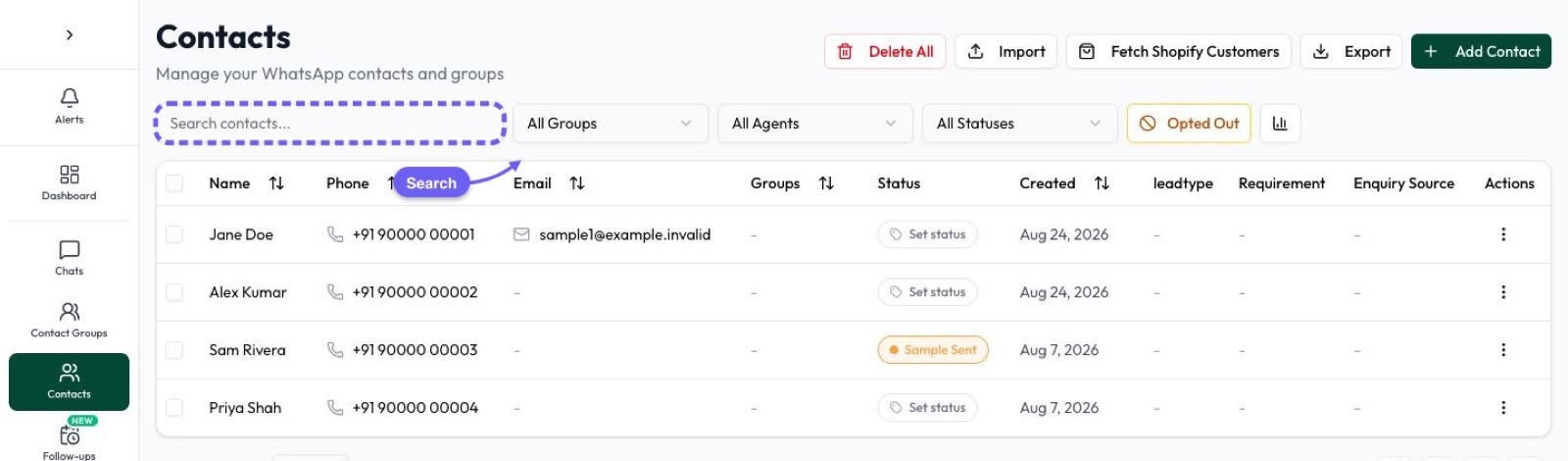
Then connect the form side under Integrations › Facebook Leads (AI + Automation Plan and Series 4): tick the Page that runs the form ads and choose an approved template as the first message. Each ad can have its own template, so the Example Heights form gets the Example Heights brochure. Each lead with a phone number becomes a contact; if the number is already saved, that contact is updated rather than duplicated.
For the chat side, add a rule in Settings › Lead Sources for each project, such as the words “Example Heights” with the source “FB chat ad: Example Heights”. New contacts whose first message matches are tagged in the chat list. More on the feature in Click-to-WhatsApp Ads and the Facebook Lead Ads integration.
One follow-up for both routes
- Reply in minutes. See speed to lead.
- Qualify with a chatbot that picks up the shared question (live or invest, which configuration) and offers a site-visit slot. Chatbots are in the AI + Automation Plan and Series 4.
- Score the hottest buyers with AI Sales Center, which scores each lead from 0 to 100 from the conversation, in the AI + Automation Plan and Series 4.
- Use the free window on chat leads. Meta’s pricing page says replying within 24 hours to a chat from an ad that clicks to WhatsApp opens a free entry point window of up to 7 days, enough for the brochure, floor plan and visit reminder.
- Keep form-lead follow-ups few. They’re charged templates until the buyer replies; a drip sequence that stops on reply keeps them in check.
Marketing follow-ups need opt-in, and in Automate AI a typed STOP opts a contact out; a button tap doesn’t. A sample nudge for a quiet lead, with made-up details: “Hi Aman, Example Heights has two 2 BHK units left on the 9th floor. Would Saturday or Sunday suit a visit? Reply STOP to opt out.”
Measuring cost per qualified lead
Compare the two routes by qualified leads and site visits, not raw leads.
| Where to look | Chat ads | Form ads |
|---|---|---|
| Meta Ads in Automate AI | Spend, clicks, chats started, cost per chat and the contacts each ad brought | Spend, views and clicks |
| Facebook Leads › Lead activity | Not used | Each lead with its Page and form name |
| Contact statuses | Statuses you set up, e.g. Qualified, Site visit, Won | Statuses you set up, e.g. Qualified, Site visit, Won |
A worked example with made-up numbers: one week, ₹10,000 on each route. The chat ad brings 40 chats, 12 qualified; the form ad brings 90 leads, 15 qualified, plus ₹600 of templates. That’s about ₹833 per qualified chat lead and ₹707 per qualified form lead, so here the form wins, until you count site visits. Run your own test for two to four weeks before moving budget. A fair method is in Facebook lead ads vs WhatsApp ads.
For chat-ad contacts, Automate AI can also report leads and sales back to Meta through Integrations › Conversions API.
Frequently asked questions
How do I get real estate leads on Facebook?
Run a Click-to-WhatsApp ad and a lead form ad for each project, in the Housing Special Ad Category where Meta requires it, and reply to every lead within minutes on WhatsApp.
Do real estate ads have to use the Housing Special Ad Category?
Meta requires it for advertisers based in the US and for ads reaching the US, Canada and listed European countries. Elsewhere, Meta’s developer documentation says businesses can opt in or choose none.
What targeting can I use for housing ads?
Locations down to city level (no postcodes or exclusions), with a widened radius around cities, ages 18 to 65+, all genders, and only some interests. Lookalike audiences aren’t available.
What questions should a real estate lead form ask?
Three to five about the home: configuration, when they plan to buy, live or invest, and site-visit preference. Don’t ask about income, credit scores or debt; Meta needs written permission for those.
Are chats from property ads free on WhatsApp?
Chats started from a Click-to-WhatsApp ad on the WhatsApp mobile app get Meta’s free entry point window of up to 7 days if you reply within 24 hours. Form leads start with a charged template.
Can I create housing ads in Automate AI?
Yes. In Meta Ads, choose Housing or property as the special category, and Automate AI applies Meta’s audience limits before publishing to your own ad account.
Sources
- Meta Business Help Centre: About audiences for housing, employment and financial ads
- Meta Business Help Centre: How to choose a Special Ad Category
- Meta for Developers: Special Ad Categories
- Meta Transparency Center: Advertising Standards (Special Ad Categories, Discriminatory Practices, Lead Ads)
- Meta: Pricing on the WhatsApp Business Platform
WhatsApp rules and prices change. We check these guides against Meta’s documentation, but always confirm current terms with Meta before you rely on them. Questions? Message us on WhatsApp at +91 836 977 8812.