WhatsApp Ad Sizes: Image and Video Specs for Click-to-WhatsApp Ads
Click-to-WhatsApp ad sizes from Meta’s Ads Guide: ratio, resolution, file type, file size and text length for Facebook and Instagram feeds, Stories and Reels.
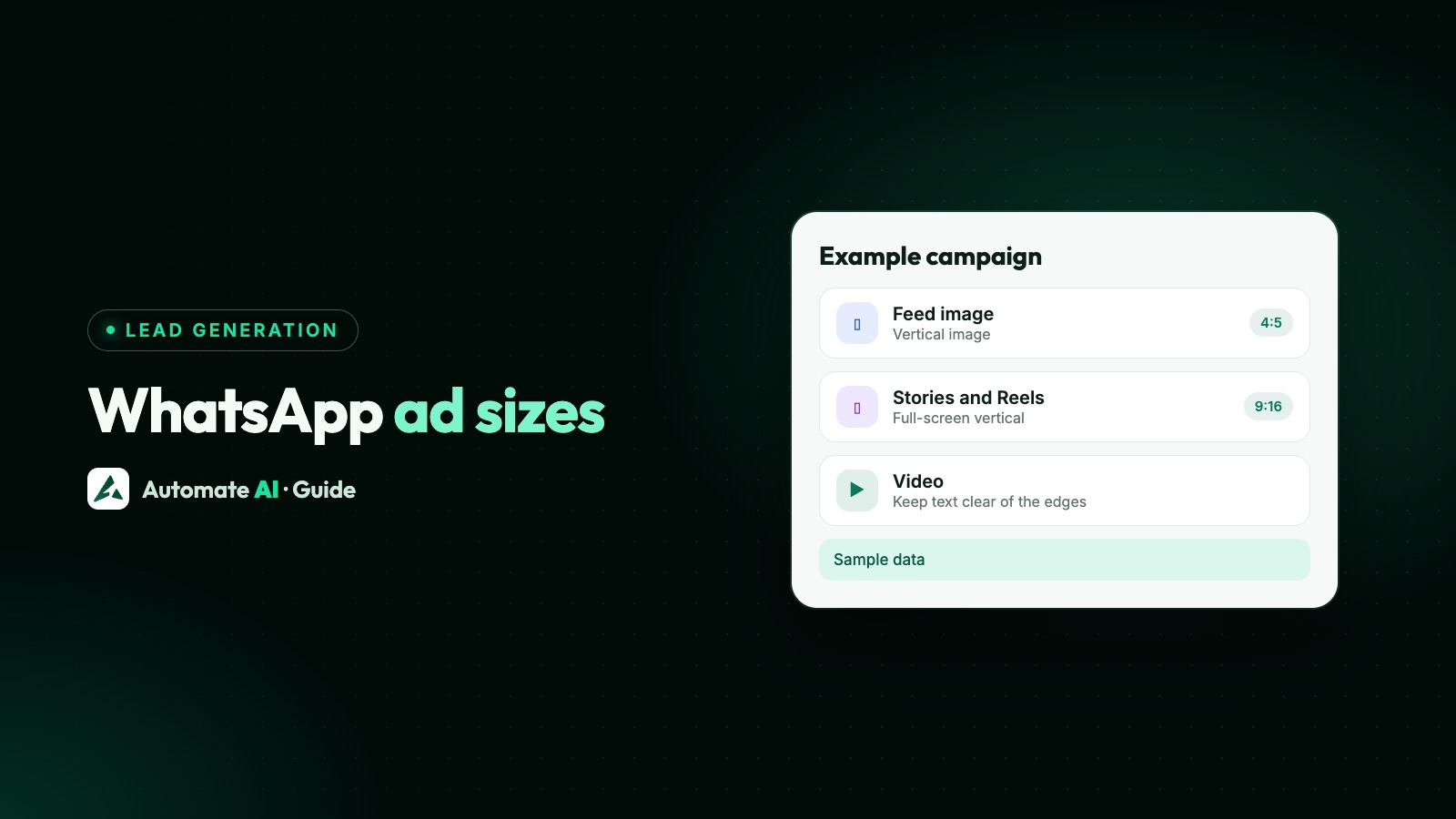
For a Click-to-WhatsApp ad, use 4:5 at 1440 × 1800 pixels for feed images and Facebook Feed video, 9:16 at 1080 × 1920 for Instagram Feed video, and 9:16 at 1440 × 2560 pixels for Stories and Reels. Images should be JPG or PNG up to 30 MB; videos MP4 or MOV up to 4 GB. Those are the recommendations in Meta’s Ads Guide, with the same specs for ads that open WhatsApp as for other ads.
There’s no separate “WhatsApp ad size”: the ad runs on Facebook and Instagram, and only the button opens WhatsApp. Below are Meta’s numbers for each placement, the safe zones and carousel rules, and a plan for one set of files that fits everywhere. Meta updates its guide, so check the linked pages before a big campaign.
Key takeaways
- Use 4:5 (1440 × 1800) for feed images and Facebook Feed video, and 9:16 for Instagram Feed video (1080 × 1920), Stories and Reels (1440 × 2560).
- Images: JPG or PNG, up to 30 MB. Videos: MP4 or MOV, up to 4 GB, H.264 with AAC audio.
- In Stories and Reels, keep about 14% at the top, 35% at the bottom and 6% at each side free of text and logos.
- Meta’s text tips are short: a 27-character headline in Facebook Feed and 44 characters of primary text in Instagram Reels.
- Carousels need 2 to 10 cards; a carousel with videos on Instagram Feed is 1:1 only for now.
WhatsApp ad sizes at a glance
A Click-to-WhatsApp ad is an ordinary Facebook or Instagram ad whose button starts a WhatsApp chat (see our Click-to-WhatsApp ads guide for how they work). So the size depends on where the ad shows, not on WhatsApp. Meta’s Marketing API guide says these ads can use an image, a video, a carousel or a slideshow.
| Placement | Ratio | Recommended resolution | Image file | Video file |
|---|---|---|---|---|
| Facebook Feed | 4:5 | 1440 × 1800 px | JPG or PNG, max 30 MB | MP4, MOV or GIF, max 4 GB |
| Instagram Feed (image) | 4:5 | 1440 × 1800 px | JPG or PNG, max 30 MB | See the next row |
| Instagram Feed (video) | 9:16 | 1080 × 1920 px | n/a | MP4, MOV or GIF, max 4 GB |
| Facebook Stories | 9:16 | 1440 × 2560 px | JPG or PNG, max 30 MB | MP4, MOV or GIF, max 4 GB |
| Instagram Stories | 9:16 | 1440 × 2560 px | JPG or PNG, max 30 MB | MP4, MOV or GIF, max 4 GB |
| Instagram Reels | 9:16 | 1440 × 2560 px | JPG or PNG, max 30 MB | MP4 or MOV, max 4 GB |
Note that Meta now recommends 4:5, not square, for feed images, and that its Instagram Feed video page recommends 9:16 while the image page recommends 4:5. Both are as Meta states them.
Facebook Feed specs
Facebook Feed is where most ads get seen first. Meta’s Ads Guide lists:
| Spec | Image | Video |
|---|---|---|
| File type | JPG or PNG | MP4, MOV or GIF |
| Ratio | 4:5 | 4:5 |
| Recommended resolution | 1440 × 1800 px | 1440 × 1800 px |
| Maximum file size | 30 MB | 4 GB |
| Minimum size | 600 px wide; 750 px high at 4:5 | 120 × 120 px |
| Aspect ratio tolerance | 3% | Not stated |
| Video length | n/a | 1 second to 241 minutes |
| Primary text | 50 to 150 characters | 50 to 150 characters |
| Headline | 27 characters | 27 characters |
For video, Meta recommends H.264 compression, square pixels, a fixed frame rate, progressive scan and stereo AAC audio at 128 kbps or more, and says files shouldn’t contain edit lists or special boxes in the container. Captions and sound are optional but recommended.
Instagram Feed specs
| Spec | Image | Video |
|---|---|---|
| File type | JPG or PNG | MP4, MOV or GIF |
| Ratio | 4:5 | 9:16 |
| Recommended resolution | 1440 × 1800 px | 1080 × 1920 px |
| Maximum file size | 30 MB | 4 GB |
| Minimum width | 500 px | 250 px |
| Ratio range | From 4:5 (400 × 500) to 1.91:1 (191 × 100) | Not stated |
| Aspect ratio tolerance | 1% | 1% |
| Video length | n/a | 1 second to 60 minutes |
| Primary text | 125 characters | 125 characters |
| Headline | 40 characters | Not stated |
| Hashtags | Up to 30 | Up to 30 |
Any image from a tall 4:5 to a wide 1.91:1 is accepted, so square works, but 4:5 fills more of the screen. Instagram’s 1% tolerance is tighter than Facebook’s 3%, so crop to the exact ratio.
Stories specs and safe zones
Stories ads fill the screen between people’s Stories. Both Facebook and Instagram recommend 9:16 at 1440 × 2560 pixels:
| Spec | Facebook Stories | Instagram Stories |
|---|---|---|
| Image file | JPG or PNG, max 30 MB | JPG or PNG, max 30 MB |
| Video file | MP4, MOV or GIF, max 4 GB | MP4, MOV or GIF, max 4 GB |
| Minimum width | 500 px (image), 250 px (video) | 500 px (image), 250 px (video) |
| Aspect ratio tolerance | 1% | 1% |
| Video length | 1 second to 3 minutes | 1 second to 60 minutes |
| How long an image shows | 8 seconds or until the viewer swipes | 5 to 16 seconds or until the viewer swipes |
| Primary text | 125 characters | 125 characters |
| Headline | 40 characters | Not stated |
Longer videos get split. Facebook plays Stories videos of 15 seconds or less in full and splits longer ones into separate cards. Instagram plays videos under 16 seconds in full and may split longer ones. If your offer and the call to message you have to land, put them in the first 15 seconds.
Safe zones for Stories and Reels
The profile icon sits at the top and the button and text sit at the bottom, so Meta suggests leaving roughly 14% at the top, 35% at the bottom and 6% on each side free of text, logos and other key elements. On a 1440 × 2560 image that’s about:
- Top: about 358 px clear
- Bottom: about 896 px clear
- Sides: about 86 px clear on each side
- Safe area for your text: between 358 px from the top and 896 px from the bottom, 1268 px wide
Those pixel figures are our own arithmetic from Meta’s percentages. The bottom zone matters most, because that’s where the button that opens the chat sits.
Instagram Reels specs
| Spec | Image | Video |
|---|---|---|
| File type | JPG or PNG | MP4 or MOV |
| Ratio and resolution | 9:16, 1440 × 2560 px | 9:16, 1440 × 2560 px |
| Maximum file size | 30 MB | 4 GB |
| Minimum width | 500 px | 250 px under 30 seconds; 500 px at 30 seconds or longer |
| Video length | n/a | 0 seconds to 15 minutes |
| Primary text | 44 characters | 44 characters |
| Sound | n/a | Optional, but strongly recommended |
Meta lists things a Reels ad should not contain: Reels published before 15 October 2021, licensed music (it suggests original audio or the Meta Sound Collection instead), face or camera effects, a GIF, product tags, and videos with edit lists or special boxes in the file. GIF files are accepted in Stories and feeds, but not here.
With only 44 characters of primary text recommended, the video itself has to show the offer and that tapping opens a WhatsApp chat.
Carousel ads that click to WhatsApp
A carousel lets people swipe through several products before they message you. Meta’s Ads Guide gives these specs:
| Spec | Facebook Feed | Instagram Feed |
|---|---|---|
| Cards | 2 to 10 | 2 to 10 |
| Ratio | 1:1 | 4:5 for images only; 1:1 if any card is a video |
| Resolution | At least 1080 × 1080 px | At least 1080 × 1080 px |
| Image file | JPG or PNG, max 30 MB | JPG or PNG, max 30 MB |
| Video file | MP4, MOV or GIF, max 4 GB | MP4, MOV or GIF, max 4 GB |
| Video length | 1 second to 240 minutes | 1 second to 2 minutes |
| Primary text | 80 characters | 125 characters |
| Headline | 20 characters | Not stated |
| Description | 18 characters | Not stated |
| Aspect ratio tolerance | 3% | 1% |
Keep every card the same shape, and put the price on the card image: a 20-character headline goes quickly. These aren’t the same as WhatsApp template carousels sent inside a chat, which have their own limits: see WhatsApp template image and carousel card sizes.
Text lengths, and the parts that show inside WhatsApp
The character counts in the tables above are Meta’s text recommendations, not hard limits. The tightest are a 27-character headline in Facebook Feed, 44 characters of primary text in Reels and a 20-character carousel headline, so write to those and the ad reads well everywhere.
A Click-to-WhatsApp ad also has two pieces of text that appear in WhatsApp, not in the ad: the pre-filled message the customer sends, and the greeting your business shows. Meta’s Marketing API guide says its default greeting message is “Hello! Can I get more info on this?” unless you customise it; the pre-filled message is set separately. Write both yourself, so you know which ad and product the chat is about. Our Click-to-WhatsApp ad examples have sample wording for ten kinds of business.
If you create the ad in Automate AI, the form allows a headline of up to 60 characters, primary text up to 600, a greeting up to 300 and a pre-filled message up to 120. Those are the app’s own limits; for the ad itself, Meta’s shorter text recommendations above are the ones to write to.
One set of files for every placement
You don’t need a file for every row above. This routine covers feeds, Stories and Reels with two crops:
- Shoot or design at 9:16, 1440 × 2560. Keep the product, price and any words inside the Stories and Reels safe area.
- Make a 4:5 crop at 1440 × 1800 of the same design for feed images and Facebook Feed video. For Instagram Feed video, Meta recommends 9:16, so the original works there.
- Export images as JPG or PNG and videos as MP4 with H.264 and AAC audio. Remove edit lists by exporting a fresh file rather than trimming in a phone app.
- Put the offer in the first 15 seconds of a video, so it survives Stories splitting.
- Write a headline of 27 characters or less and primary text that makes sense in its first 44 characters, so it works in Facebook Feed and Reels.
- Say it opens WhatsApp. Meta’s best practices for ads that click to message suggest making clear in the creative that tapping opens a chat with your business.
- Preview every placement in Ads Manager before you publish, and fix anything the button or profile icon covers.
Keep any text on the image short and large. If an ad is rejected for its creative or wording, see Click-to-WhatsApp ad rejected? How to fix it.
Making the ad in Automate AI
Automate AI can create and publish Click-to-WhatsApp ads under Meta Ads on every plan. The ads it creates are image ads: upload a JPG or PNG under 8 MB, which is well inside Meta’s 30 MB limit, so use the 4:5 file from the routine above at full resolution. AI drafts the headline, text, audience and greeting from one line about your offer, and you check each one before publishing. Meta bills the ad spend to your own ad account.
Video and carousel ads you build in Ads Manager still appear on the Meta Ads page, with spend, chats started and cost per chat. Chats from any of them land in the shared inbox as new contacts. For better leads, read how to get quality leads from WhatsApp ads.
Frequently asked questions
What is the best WhatsApp ad image size?
Meta recommends 1440 × 1800 pixels at 4:5 for Facebook and Instagram feeds, and 1440 × 2560 pixels at 9:16 for Stories and Reels. Use JPG or PNG files up to 30 MB.
Is there a special size for ads that open WhatsApp?
No. The ad runs on Facebook or Instagram, so it uses that placement’s specs. The Ads Guide pages we compared list the same specs with WhatsApp as the destination as for other ads in each placement.
Can I still use a square 1080 × 1080 image?
For a single image on Instagram Feed, yes: it accepts ratios from 4:5 to 1.91:1, though Meta recommends 4:5. Square is Meta’s stated ratio only for Facebook Feed carousels and Instagram carousels that contain video; Instagram image-only carousels are 4:5, with a 1% tolerance.
How long can a WhatsApp video ad be?
Instagram Reels allows up to 15 minutes, Facebook Stories 3 minutes and Instagram Stories 60 minutes. Stories split longer videos, so show your offer in the first 15 seconds.
What is the safe zone for Stories and Reels ads?
Meta suggests keeping about 14% at the top, 35% at the bottom and 6% on each side free of text and logos, so the profile icon and the button don’t cover them.
Sources
- Meta Ads Guide: image specs on Facebook Feed (Messaging apps – WhatsApp)
- Meta Ads Guide: image specs on Instagram Feed (Messaging apps – WhatsApp)
- Meta Ads Guide: image specs on Instagram Stories (Messaging apps – WhatsApp)
- Meta Ads Guide: video specs on Facebook Feed (Messaging apps – WhatsApp)
- Meta Ads Guide: video specs on Instagram Reels (Messaging apps – WhatsApp)
- Meta Ads Guide: carousel specs on Instagram Feed (Messaging apps – WhatsApp)
- Meta for Developers: Ads that click to WhatsApp (Marketing API)
- Meta Business Help Centre: Best practices for ads that click to message
WhatsApp rules and prices change. We check these guides against Meta’s documentation, but always confirm current terms with Meta before you rely on them. Questions? Message us on WhatsApp at +91 836 977 8812.