WhatsApp Template Header Image and Carousel Card Sizes
What Meta actually states about WhatsApp template header images and carousel card media: file limits, pixel limits, cropping, video format and GIF headers.
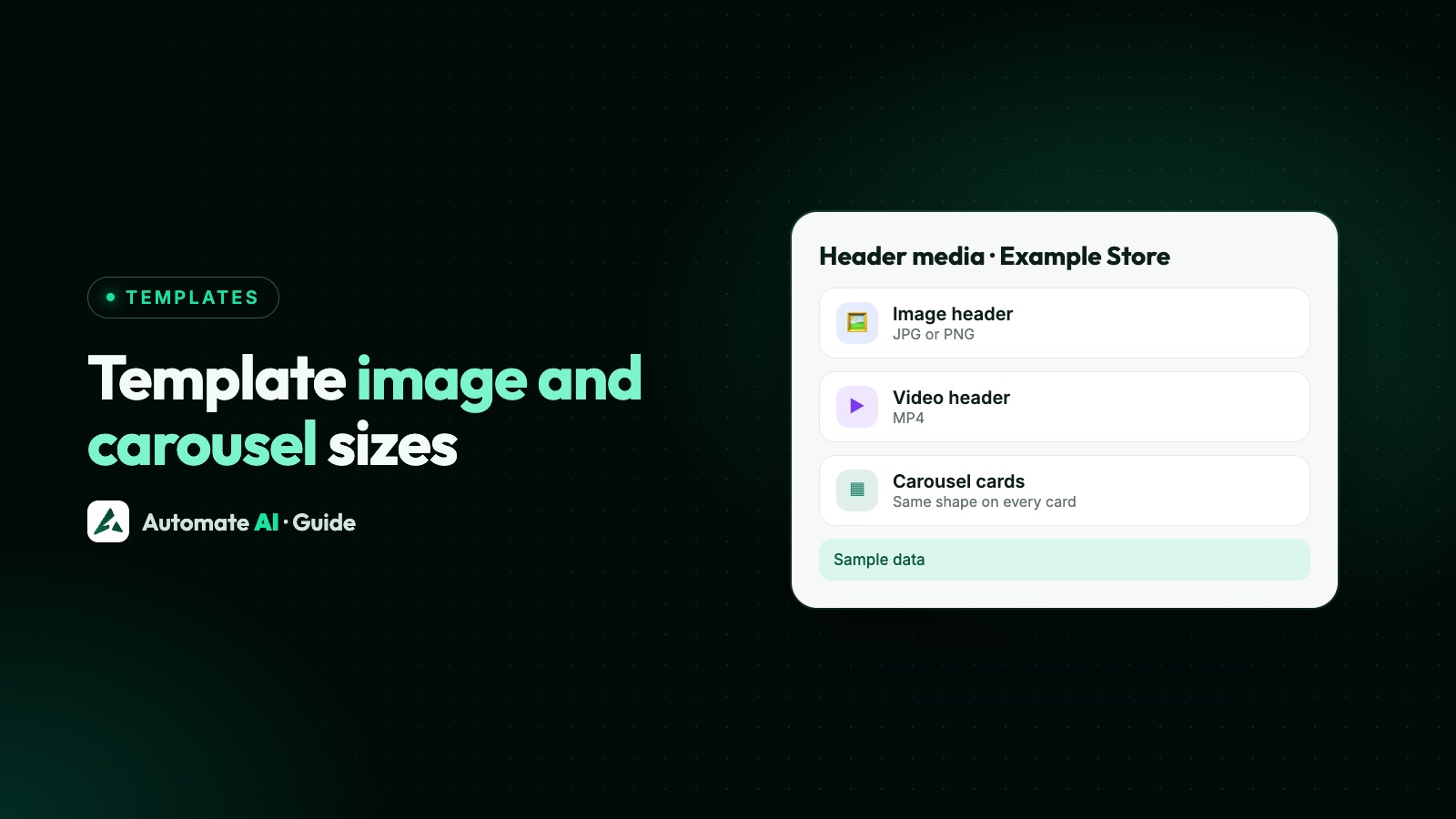
Meta doesn’t publish a recommended pixel size or aspect ratio for WhatsApp template header images or carousel cards. What it does state is the file rules: a header image must be a JPEG or PNG of up to 5 MB, in 8-bit RGB or RGBA, and Meta’s image messages page says images over 4,096 pixels on an edge are rejected. For carousel templates, Meta says card media is automatically cropped to a wide ratio based on the customer’s device.
So the right question isn’t “what size does WhatsApp want?” but “how do I make one image that looks right on every phone?” This guide lists every limit Meta states for each header type, explains carousel cropping, shows where the popular figures like 800 × 418 come from, and gives you a checklist to run before you submit a template.
Key takeaways
- There is no official pixel size for template header images or carousel cards on any Meta page we checked.
- Image headers: JPEG or PNG, up to 5 MB, 8-bit RGB or RGBA, no edge over 4,096 pixels.
- Carousel cards: 2 to 10 cards, each with an image or video, and Meta crops the media to a wide ratio depending on the device.
- Video headers: MP4 or 3GPP up to 16 MB, H.264 video and AAC audio. The codec catches out more people than the file size.
- Keep the important part of the picture in the centre and put prices and offers in the message text, not only in the image.
Is there an official WhatsApp template image size?
No. We read Meta’s pages on template components, carousel templates, supported media, image messages and template review, and none of them gives a pixel size or an aspect ratio for header images. Here is everything Meta does state about the picture itself:
| Rule | What Meta states | Where |
|---|---|---|
| File types | JPEG and PNG (static WebP is accepted in image messages and turned into JPEG) | Supported media types |
| File size | Up to 5 MB | Supported media types |
| Colour | Images must be 8-bit, RGB or RGBA | Image messages |
| Pixel limit | Images over 4,096 pixels on an edge are rejected | Image messages |
| Carousel cropping | Card media is automatically cropped to a wide ratio based on the user’s device | Media card carousel templates |
| Uploading | Media for a new template must be uploaded with the Resumable Upload API to get an asset handle | Template components |
That 4,096 pixel limit is a ceiling, not a target. A header image doesn’t need to be anywhere near that big to look sharp on a phone, and a smaller file uploads and downloads faster.
Header limits for every header type
A template header can be text, an image, a video, a document or, through one route only, a GIF. Each has its own rules:
| Header type | Formats | Maximum size | Other rules Meta states |
|---|---|---|---|
| Text | Plain text | 60 characters | No media file |
| Image | JPEG, PNG | 5 MB | 8-bit RGB or RGBA; no edge over 4,096 pixels |
| Video | MP4, 3GPP | 16 MB | H.264 video and AAC audio; one audio stream or none |
| Document | PDF is the usual choice | 100 MB | Meta’s media list also includes Word, Excel, PowerPoint and plain text files |
| GIF | MP4 file | 3.5 MB | Only on the Marketing Messages API for WhatsApp; larger files show as a video |
The rest of the template has its own limits: a body of up to 1,024 characters, a footer of up to 60 characters and button labels of up to 25 characters. The WhatsApp templates guide covers those in full.
GIF headers are worth a note because people search for them. Meta’s components page says GIF headers are only available on the Marketing Messages API for WhatsApp, and its feature table lists them as not available on the standard Cloud API. If your provider sends through the Cloud API, use a short video header instead.
Carousel card images and videos
A carousel template is a marketing template with a message body and a row of cards the customer swipes through. Meta’s rules for the media on those cards:
- 2 to 10 cards, and the number is fixed when you create the template. An approved carousel can only be sent with that same number of cards.
- Each card has an image or video header. Other header types aren’t allowed on cards.
- All cards in a template must have the same components, so plan one layout and repeat it.
- Card media is automatically cropped to a wide ratio based on the customer’s device. Meta doesn’t say which ratio, and it can differ from phone to phone.
- Each card can have body text of up to 160 characters and up to two buttons. If one card has body text, every card needs it.
- Carousel templates are marketing only.
Inside an open 24-hour window you can also send a carousel as an interactive message, without a template. Meta’s rules there are similar: 2 to 10 cards, each with an image or video header, and card text of up to 160 characters.
The cropping rule is the one that matters for design. Because you don’t control the final shape, a card image with a product right at the edge, or a price in a corner, can lose part of it on some phones. The safest card image, whatever its shape, is one where the subject sits in the middle with room around it.
Sizes you’ll see quoted elsewhere
Search for this topic and you’ll find confident numbers: 800 × 418 pixels, a 1.91:1 ratio for headers, 1:1 or 800 × 800 for carousel cards, even 3:1 or 12:7. These come from software providers’ help pages and blogs, and they don’t agree with each other. We couldn’t find any of them on a current Meta or WhatsApp page, so we don’t repeat them as rules.
That doesn’t make them wrong as a starting point. A landscape image of around those shapes usually looks fine. But no shape is certain, because WhatsApp fits the image to the phone, and Meta doesn’t promise how.
Two other Meta sizes get mixed into this topic, and neither is about templates:
| What it is | What WhatsApp or Meta states | Applies to templates? |
|---|---|---|
| Status ads | A 9:16 ratio for images and videos, and a minimum recommended image resolution of 500 × 320 pixels | No, this is for ads shown in Status |
| Business profile picture | No official pixel size (see profile picture sizes) | No |
If “WhatsApp campaign creative” means an ad in Status, design for 9:16. If it means a template you send to customers, the header rules above apply.
How to design a header image that survives cropping
Since Meta gives no exact shape, design for the safe middle of the picture. These are our suggestions, not Meta rules:
- Pick one shape and stick to it. A landscape or square image both work. For carousels, use the same shape on every card.
- Keep the subject centred. Leave a clear margin around the product, face or logo so a crop on any side doesn’t cut it.
- Keep text on the image short. A small line like “New season” is fine. Put the price, dates and terms in the body text, where they can’t be cropped and screen readers can read them.
- Export a sensible file. A JPEG well under 5 MB and well under 4,096 pixels on its longest edge. Save in RGB, not CMYK, which print files often use.
- Check it on a real phone. Send the approved template to your own number on both an Android phone and an iPhone before you send a campaign.
A worked example, with made-up details: a shoe shop’s carousel has four cards, each a photo of one shoe on a plain background with the shoe in the middle third. The card text says the name and price, and the buttons say “Shop now” and “Ask a question”. If a phone crops the top and bottom, the shoe is still whole.
Sample body text for that carousel: “Hi {{1}}, our winter range is in. Swipe to see four favourites, each with free delivery this week. Reply STOP to opt out”
Header videos: the format matters more than the size
Most phone videos are well under 16 MB for a short clip, so size is rarely the problem. The format is. Meta states that only H.264 video with AAC audio is supported, with one audio stream or none.
Meta also warns that videos encoded with the H.264 High profile and B-frames aren’t supported by Android WhatsApp clients. It recommends the Main profile without B-frames, or the Baseline profile. If a header video plays on iPhone but not on Android, this is the first thing to check.
Keep header videos short. A few seconds that show the product moving says more than a long clip, and a smaller file is quicker for customers on mobile data.
Before you submit: a checklist
Meta reviews every template, and a media header needs a sample file with the submission. In WhatsApp Manager the preview shows the sample media you provide. Run through this before you press submit:
- The image is a JPEG or PNG under 5 MB, in RGB, with no edge over 4,096 pixels.
- A video is MP4 under 16 MB, H.264 with AAC audio, and plays on Android.
- The subject is centred, with nothing important near the edges.
- For a carousel, every card has the same header type, size and layout, and you’ve set the exact number of cards you’ll send.
- Offers, prices and dates are in the body text as well as or instead of the picture.
- The sample image is the kind of image you’ll really send, so the reviewer sees what customers will see.
If a template comes back rejected, why WhatsApp templates get rejected lists the common reasons. The common reasons Meta lists are about variables, policy, length and duplicates, not image dimensions.
Header images and videos in Automate AI
In Automate AI you create templates under WhatsApp marketing, choose Standard or Carousel, and add a text, image, video or document header. Here is how header files are handled:
- Pictures: JPG, PNG or WebP. A JPG or PNG up to 5 MB is sent to WhatsApp exactly as it is. A larger picture, or a WebP, is converted to a JPEG of 5 MB or less, keeping as much quality as the limit allows.
- Videos: MP4, MOV or 3GP. A video within 16 MB that already uses H.264 video and AAC audio is used in full quality (an MP4 as it is, a MOV or 3GP just repackaged as MP4). Otherwise it’s converted to an MP4 of 16 MB or less.
- Video profile: the app doesn’t change a video’s H.264 profile, so Meta’s tip about the High profile and B-frames on Android still applies to videos you upload.
- Carousel cards: every card needs its media before you can submit, and the card files go through the same checks.
- Media Library: wherever you add a header picture, video or document (templates, carousel cards, campaigns and follow-up steps), you can upload a file or choose one from your Media Library.
- Preview: the template preview shows pictures, videos, PDFs and swipeable carousel cards the way the message is laid out on a phone.
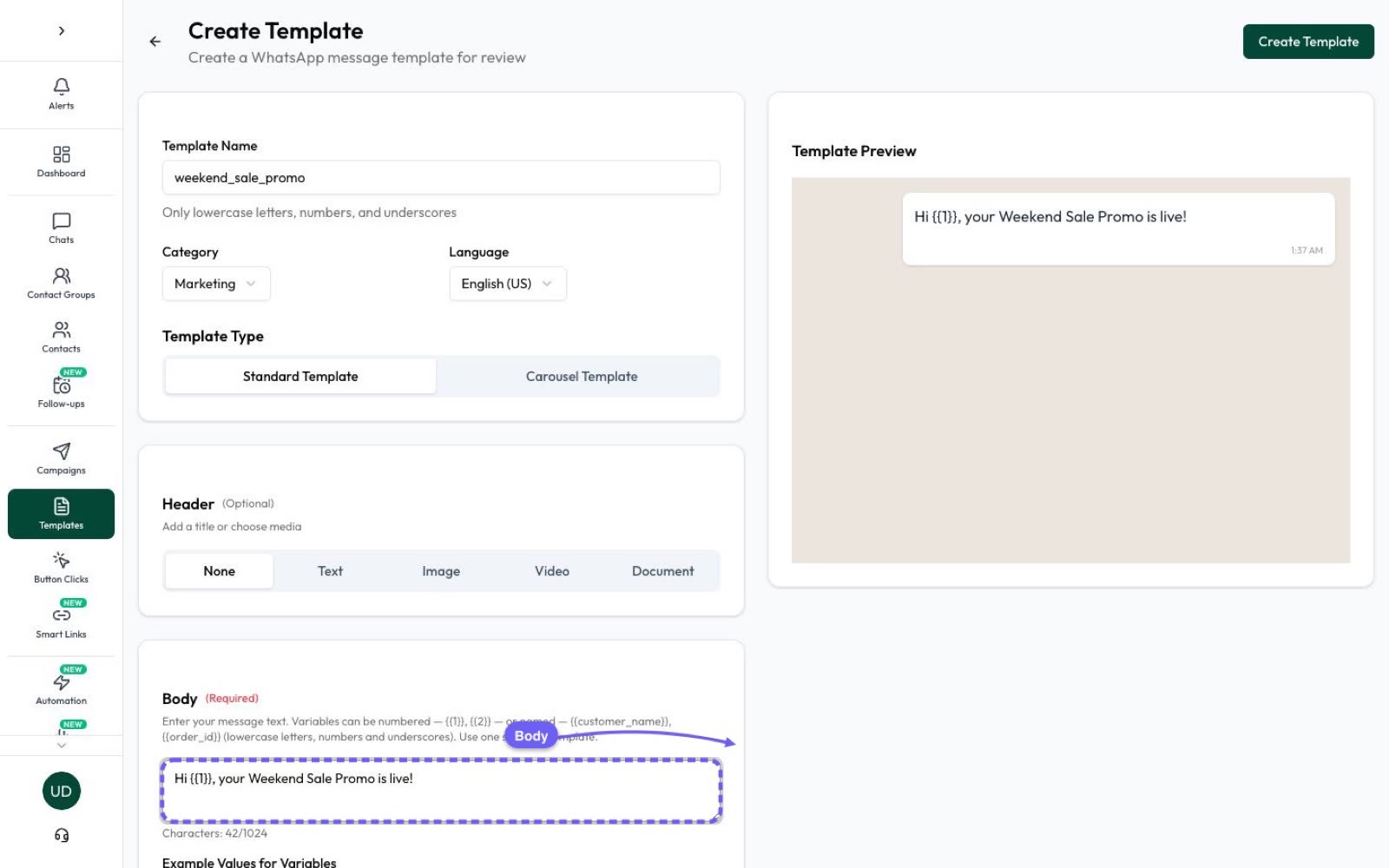
The app doesn’t change the shape of your picture, so the cropping advice above still applies. The preview is a guide; a real test on a phone is the final check. For ready-made wording to pair with your images, see our template library.
Frequently asked questions
What is the WhatsApp template header image size?
Meta doesn’t publish a pixel size or aspect ratio. It states that header images must be JPEG or PNG, up to 5 MB, 8-bit RGB or RGBA, with no edge over 4,096 pixels. Use a clear image with the subject in the centre.
What size should carousel card images be?
Meta gives no pixel size. It says card media is automatically cropped to a wide ratio based on the customer’s device. Use the same shape for every card and keep the product in the middle so a crop doesn’t cut it.
Is 800 × 418 the official WhatsApp header size?
No. That figure and the 1.91:1 ratio appear on providers’ help pages, but we couldn’t find them on any current Meta or WhatsApp page. They’re a reasonable starting point, not a rule.
What is the maximum video size for a template header?
16 MB, as an MP4 or 3GPP file with H.264 video and AAC audio. For Android, Meta recommends the H.264 Main profile without B-frames, or the Baseline profile.
Can I use a GIF in a WhatsApp template header?
Only through the Marketing Messages API for WhatsApp, where a GIF header is an MP4 file of up to 3.5 MB. It isn’t available on the standard Cloud API, so use a short video header there.
Can a carousel mix images and videos?
Each card has an image or video header, and Meta says all cards in a template must have the same components. Plan one layout and use it on every card.
Sources
- Meta: Template components (header, body, footer, buttons)
- Meta: Media card carousel templates
- Meta: Supported media types
- Meta: Image messages
- Meta: Interactive media carousel messages
- Meta: Marketing Messages API for WhatsApp features
- Meta: Template review
- WhatsApp Help Center: Troubleshoot image quality in status ads
WhatsApp rules and prices change. We check these guides against Meta’s documentation, but always confirm current terms with Meta before you rely on them. Questions? Message us on WhatsApp at +91 836 977 8812.