New Year WhatsApp Messages for Customers (Samples)
New Year WhatsApp messages for customers: thank-you greetings, year-in-review notes, renewals and January win-backs, and why a mass midnight send backfires.
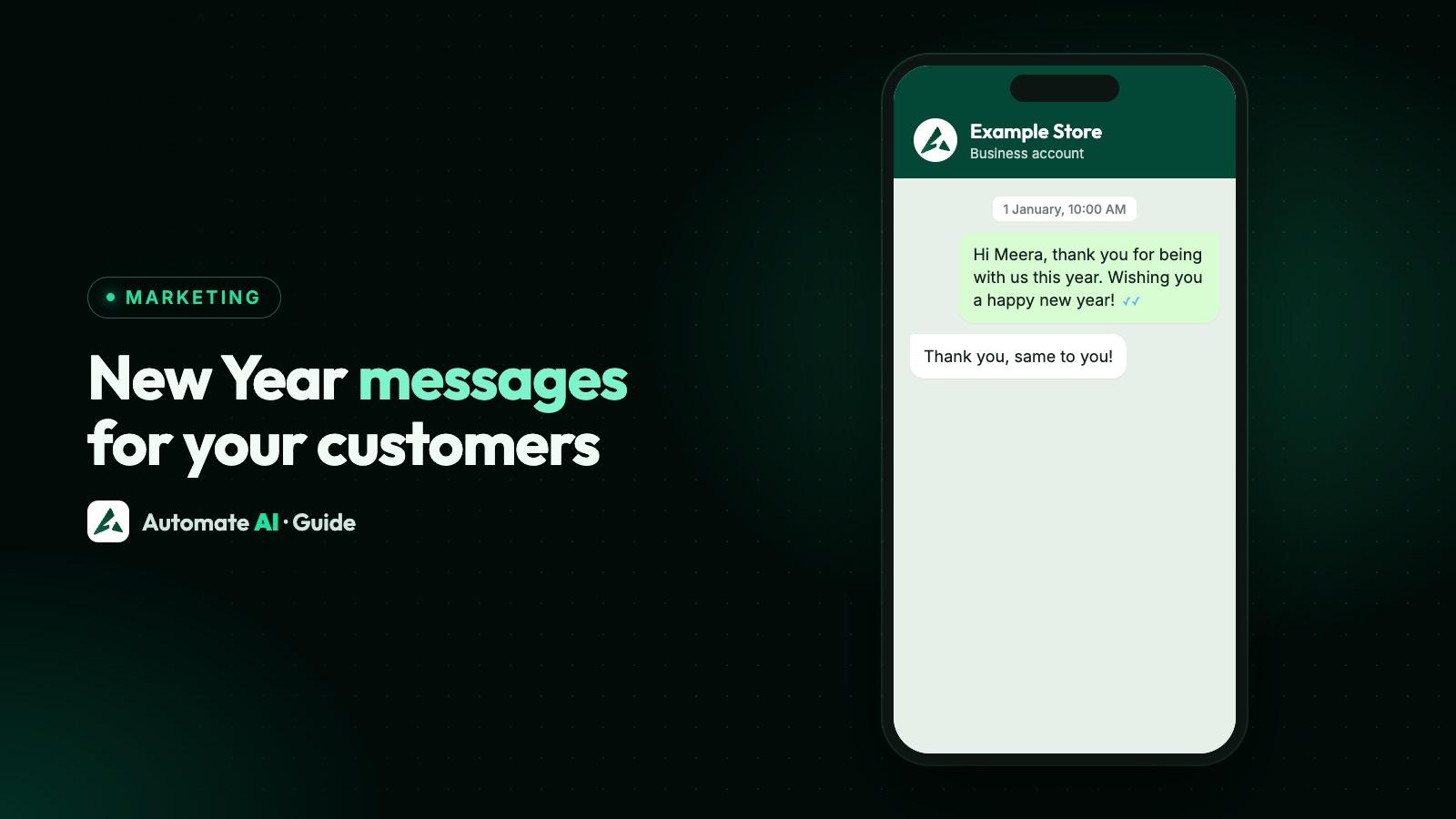
The best New Year WhatsApp message for customers is a short, sincere thank-you, sent in their morning on 1 January, not at midnight. For example: “Happy New Year, Sara! Thank you for being with Example Store this year. Wishing you a healthy and happy 2027. Reply STOP to opt out”
Below you’ll find thank-you greetings you can adapt, how to send them across time zones, year-in-review notes built from your own records, and what to do with January’s two practical jobs: renewals and winning back quiet customers.
Key takeaways
- Lead with thanks, not an offer. Save selling for later in January.
- Avoid a mass midnight send. Midnight isn’t one moment, and it’s when your message is least likely to be noticed.
- Aim for mid-morning local time, with one campaign per country or time zone.
- A year-in-review only works with true, personal details from your own records.
- A plain billing notice can be utility. A discount to renew is marketing.
- New Year greetings need a marketing template and opt-in, and they don’t reach US numbers.
Thank-you greetings for customers
Thanks is what makes a New Year message different from every other one that week. Mention one true thing about the relationship, then stop. All of these are marketing templates, because Meta has no greeting category and treats broad content as marketing.
For shops and online stores
- Happy New Year, {{1}}! Thank you for shopping with Example Store this year. Wishing you a healthy and happy 2027. Reply STOP to opt out
- Hi {{1}}, thank you for every order this year. It means a great deal to a small team like ours. Happy New Year from all of us. Reply STOP to opt out
For clients and service businesses
- Hi {{1}}, it’s been a pleasure working with you this year. Thank you for your trust, and happy New Year from everyone at Example Agency. Reply STOP to opt out
- Happy New Year, {{1}}. Thank you for letting Example Home Services into your home this year. We wish you a calm and happy 2027. Reply STOP to opt out
For clinics, schools and gyms
- Hi {{1}}, wishing you and your family good health in the New Year. Thank you for trusting Example Clinic. Reply STOP to opt out
- Happy New Year, {{1}}! Thank you for being part of Example Academy this year. We’re looking forward to seeing you back on {{2}}. Reply STOP to opt out
- Hi {{1}}, you showed up for yourself this year, and we’re proud of you. Happy New Year from the team at Example Fitness. Reply STOP to opt out
Why a mass midnight send is a bad idea
It’s tempting to schedule the greeting for 12:00 AM on 1 January. It feels like the right moment, but it’s a poor choice for a business:
- Midnight isn’t one moment. The earliest time zone, UTC+14, reaches New Year more than a day before the last places on Earth. One send can land at midnight for some customers, mid-afternoon for others and breakfast for the rest.
- You’re competing with family and friends. It’s when people’s phones fill up with personal messages, and yours will be buried or swiped away unread.
- The per-person limit can bite. WhatsApp’s cap on marketing templates takes into account how many messages someone already has from friends, family and businesses, so a greeting can fail with error 131049.
- It may not arrive at midnight anyway. Meta can hold part of a large send while it gathers feedback, particularly for a new template. Your midnight greeting may reach people later and in batches.
- You can wake people up. Anyone asleep with sound on gets a business notification at midnight. That’s how a friendly gesture ends in a block or a report.
- Nobody’s there to answer. Greetings get replies, and some will be real questions. A reply left unanswered through a holiday isn’t a good start to the year.
A personal “Happy New Year” to a small group of close clients is different: send that by hand, from a person, whenever feels right. This warning is about bulk campaigns.
When to send: 10 AM local time
There’s no official best time, so use common sense: late enough that people are awake, and before the day’s plans begin. 1 January 2027 is a Friday. If your customers are mostly businesses, Monday 4 January may suit them better, when people are back at work.
Here’s when 10 AM on 1 January happens around the world, using the UTC offsets those places use at that time of year:
| Customers in | UTC offset in January | 10 AM local on 1 January is |
|---|---|---|
| Sydney | UTC+11 | 23:00 UTC on 31 December |
| Singapore | UTC+8 | 02:00 UTC |
| India | UTC+5:30 | 04:30 UTC |
| Dubai | UTC+4 | 06:00 UTC |
| London | UTC+0 | 10:00 UTC |
| São Paulo | UTC-3 | 13:00 UTC |
| Toronto | UTC-5 | 15:00 UTC |
How to set it up in Automate AI
- Check the time zone on your own computer. The time you pick for a campaign is read in your browser’s time zone, not the one in Settings.
- Create one campaign per country using the Country filter in the audience step. It reads each contact’s saved Country field, so fill that in first or use tags. Contacts with a blank Country won’t appear.
- Work out each country’s 10 AM in your own device’s time zone, and schedule each campaign for that time.
- For a country with several time zones, pick a time that’s reasonable in all of them, or use tags if you know the customer’s city.
- Leave US numbers out of your audience, using the Country field or tags. Meta doesn’t deliver marketing templates to them, so any left in will fail.
Submit your greeting template by mid December, because review can take up to 24 hours and your team may be away. See how to schedule WhatsApp messages for the wider rules.
Year-in-review messages
A small personal fact makes a message feel like it was written for one customer. Keep it to one detail, and use only things you actually hold about their dealings with you. In Automate AI, you can store a figure in a custom contact field and use it to fill a template variable.
| Business | One useful detail | Avoid |
|---|---|---|
| Coffee shop or restaurant | Visits this year | What they ordered, if it’s personal |
| Online store | Their favourite category | How much they spent |
| Gym or studio | Classes attended | Weight or any body measurement |
| Agency or B2B service | A project finished together | Client results you can’t back up |
| Clinic | Nothing personal: a general thank-you only | Visits, treatments or any health detail |
Check that the figures are right and every contact has one, because a blank variable or a wrong number spoils the message. Send it only to customers with enough history to make it true.
- Hi {{1}}, you joined us for {{2}} classes this year, and we loved having you. Happy New Year from Example Fitness. Reply STOP to opt out
- Hi {{1}}, you stopped by {{2}} times this year, and we always enjoy seeing you. Here’s to more good coffee in 2027. Reply STOP to opt out
- Hi {{1}}, thank you for working with us on {{2}} this year. We’re looking forward to what comes next. Happy New Year from Example Agency. Reply STOP to opt out
Renewals: utility or marketing?
Many memberships, subscriptions and contracts run to the calendar year, so January is renewal season. Getting the category right matters, because Meta decides by the content of the message. It lists an informational payment reminder as a utility account alert, and a discount to renew as marketing.
| Message | Likely category | Why |
|---|---|---|
| “Your plan renews on 15 January for {{2}}.” | Utility | Informs about an existing account |
| “Your membership ends on 31 January.” | Utility, if purely informational | Specific to the customer, with no persuasion |
| “Renew by Friday and save 10%.” | Marketing | Offers a discount to secure a renewal |
| “Don’t miss out! Stay with us in 2027.” | Marketing | Persuasive, even with no discount |
Meta makes the final decision on a template’s category, and it can change it. Our marketing vs utility guide explains how. Keep to one job per template:
- Hi {{1}}, your {{2}} plan renews on {{3}}. The amount due is {{4}}. Reply here if you’d like to change anything before then.
- Hi {{1}}, thank you for staying with us this year. Renew your {{2}} membership by {{3}} and get {{4}} off the year ahead. Reply STOP to opt out
To send these automatically, set up a scheduled automation in Automate AI on a custom date, such as a renewal date field holding a full date, with a number of days before it. It matches the month and day, so keep the date up to date. A drip sequence suits a series of reminders, and by default it stops when someone types a reply (a button tap doesn’t stop it).
January re-engagement messages
Wait until the holidays have ended, from about 5 January in most places. Customers who went quiet last year are worth one honest message: a fresh start is a natural reason to get back in touch.
- Choose the group. Past buyers who’ve been quiet for several months, and who opted in. Leave out anyone who’s been silent for years, because they’re likely to report you.
- Give a reason to reply. A new year goal, a new range, or a simple question. Replies are valuable because they open a 24-hour window.
- Send once. If they don’t respond, leave them alone, and consider removing them from marketing. Our campaign retargeting guide explains how to handle a follow-up.
- Hi {{1}}, it’s been a while, and we’ve missed you at Example Salon. If a fresh start is on your list this year, reply here and we’ll find you a time. Reply STOP to opt out
- Hi {{1}}, new year, new goals? Tell us what you’d like to work on in 2027, and a coach will suggest a plan. Just reply to this message. Reply STOP to opt out
- Hi {{1}}, we’ve added a lot at Example Store since your last order. Would you like to see what’s new? Tap below to take a look. Reply STOP to opt out
A short survey fits January too: ask what you could do better this year. If you need a sample for a follow-up, our template library has many more, and how to reduce blocks and reports is worth reading before any win-back.
Other new years, and running it in Automate AI
Not every customer’s main new year is on 1 January. Lunar New Year falls on 6 February 2027, for example, and many cultures have their own. If you know a customer marks one, a message that day will stand out more than one on 1 January. Don’t guess: use what they’ve told you, as our Christmas guide explains.
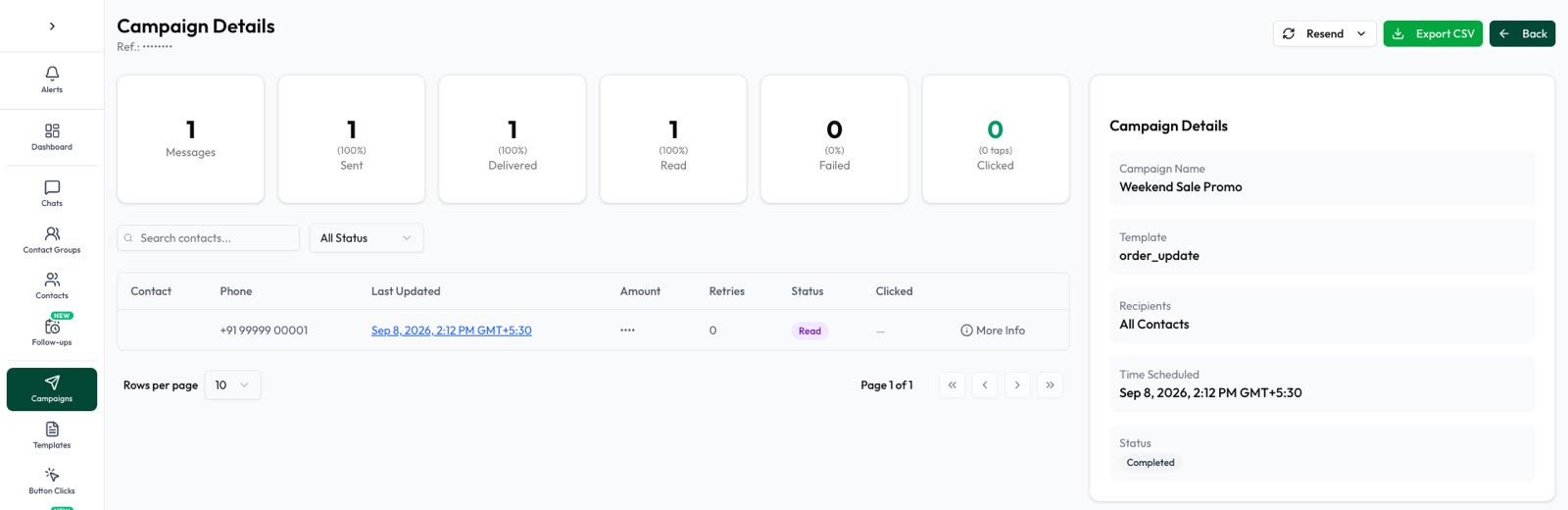
In Automate AI, create your greeting as a marketing template, build your audience from each contact’s saved Country field or from tags, and schedule a campaign for each time zone. Contacts who opted out are skipped automatically, including anyone who typed STOP. Then watch delivered, read and replied counts, and keep someone on the team inbox or a chatbot for replies. More in WhatsApp campaigns.
Frequently asked questions
What is a good New Year message for customers?
A short thank-you with one true detail: “Happy New Year, Sara! Thank you for being with us this year. Wishing you a healthy and happy 2027. Reply STOP to opt out” Sign it with your business name, and leave offers for another day.
Should I send New Year WhatsApp messages at midnight?
Not as a bulk campaign. Midnight comes at different times across your customers, phones are full of personal messages, large sends can be paced, and nobody’s available to reply. Mid-morning local time on 1 January is safer.
Is a New Year greeting a marketing message on WhatsApp?
Treat it as marketing. Utility templates are for specific, non-promotional updates such as an order or a bill. A greeting needs a marketing template and opt-in, and Meta charges for it per delivery.
Can I send New Year messages to all my WhatsApp contacts?
Only to people who agreed to hear from your business. Leave out anyone who opted out. Marketing templates aren’t delivered to US numbers at all.
Is a renewal reminder a utility or marketing message?
A purely informational notice about an upcoming payment can be utility. A message offering a discount or trying to persuade someone to renew is marketing.
When should I send a January win-back message?
After the holidays, from about 5 January in most places. Send it once, to past customers who opted in, and give them a simple reason to reply.
Sources
- Meta: Template categorization
- Meta: Per-user marketing template limits (including US numbers)
- Meta: Template pacing
- Meta: Template review
- WhatsApp Business Messaging Policy
- Wikipedia: UTC+14:00 (earliest time zone)
- Public Holidays Global: Lunar New Year dates
WhatsApp rules and prices change. We check these guides against Meta’s documentation, but always confirm current terms with Meta before you rely on them. Questions? Message us on WhatsApp at +91 836 977 8812.