Meta Ad Scheduling: How to Run Ads at Set Hours (and Why It’s Greyed Out)
How Meta ad scheduling works: run ads at set hours, why the option is greyed out, how budget scheduling differs, and when WhatsApp ads should follow your hours.
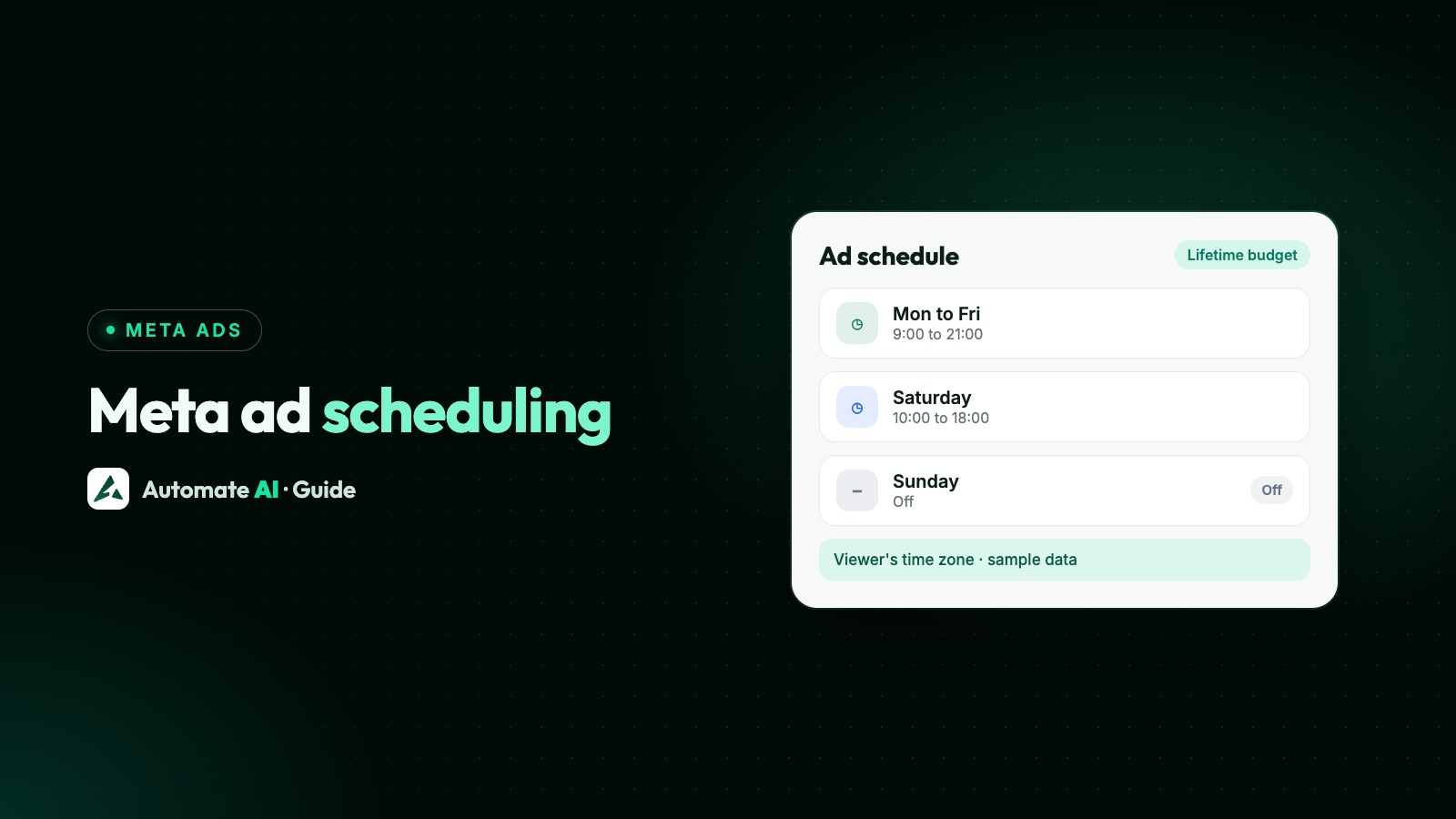
Meta ad scheduling (also called dayparting) lets an ad set run only on the days and hours you pick, and it only works with a lifetime budget. If “Run ads on a schedule” is greyed out, your ad set or campaign is almost always on a daily budget: switch to a lifetime budget with an end date and the option opens. To spend more at busy times on a daily budget instead, Meta has a separate tool called budget scheduling.
This guide covers the difference between the two, the exact reasons the schedule option is unavailable, how to set one in Ads Manager, how time zones work, and whether a Click-to-WhatsApp ad should stop when your team goes home. The basics of daily and lifetime budgets are in Meta ads budget per day, so they aren’t repeated here.
Key takeaways
- Ad scheduling controls when ads are delivered and, per Meta’s budget and developer pages, needs a lifetime budget.
- Budget scheduling raises a daily budget for set periods (at least 3 hours, up to 50 periods) and Meta says it doesn’t restart the learning phase.
- Schedules normally run in the viewer’s time zone, in whole hours, with at least one hour per slot.
- A “Scheduled” status only means the ad set starts at a future date. It isn’t an error.
- For WhatsApp ads, stopping at closing time only makes sense if nobody answers after hours. An away message or the AI Assistant may be the better fix.
Three things Meta calls “schedule”
Searches for “Meta ads scheduling” mix up three different settings. Here they are side by side, in Meta’s words:
| Ad scheduling (dayparting) | Budget scheduling | Start and end dates | |
|---|---|---|---|
| What it does | Shows ads only on chosen days and hours of the week | Adds extra budget during “high demand periods” you choose | Sets when the ad set starts and stops |
| Budget type | Lifetime budget | Daily budget only | Any (a lifetime budget needs an end date) |
| Smallest unit | Whole hours, at least one hour | At least 3 hours per period | A date and time |
| Where in Ads Manager | Ad set, Budget & schedule, Delivery scheduling | Ad set budget, or campaign budget with Advantage+ campaign budget on | Ad set, Budget & schedule |
| Typical use | A breakfast offer only in the morning | A festival weekend or sale day | A one-week offer |
And “Scheduled” in the Delivery column is a status, not a setting. Meta defines it as an ad set that is scheduled to run at a future date, shown with the pending icon. It turns Active on the start date, after review. If you want it to run now, edit the ad set and change the start date. “Completed” is the other end: the scheduled end date has passed.
Why “Run ads on a schedule” is greyed out
Meta’s budget scheduling page says plainly that ad scheduling can only be used with lifetime budgets, and Meta’s developer guide to pacing says the same: “Only use ad scheduling with lifetime budgets.” Work through these checks in order:
- Look at the budget type. If the ad set says Daily budget, the schedule option stays unavailable. Change it to Lifetime budget.
- Check where the budget lives. With Advantage+ campaign budget on, the budget is set on the campaign, not the ad set. Meta says a schedule is available there when the campaign budget is a lifetime budget, so switch the campaign budget to lifetime, then set the hours in each ad set.
- Add an end date. A lifetime budget can’t be set without one, so the schedule can’t be either.
- Remove budget scheduling. Budget increases (high demand periods) only work with daily budgets, so an ad set can’t have both.
How to set an ad schedule in Ads Manager
These steps follow Meta’s help page, for a new or existing ad set with a lifetime budget:
- In Ads Manager, create an ad set or select the one you want to schedule.
- Click Edit.
- In Budget & schedule, make sure the budget is a lifetime budget with a start and end date.
- Under Delivery scheduling, choose Scheduled. Meta also describes this as choosing to run ads on a schedule.
- Select the hours you want on each day. Each slot must be at least one hour.
- If Meta offers it, use Insert ad to choose which ads appear in each slot.
- Click Review and publish.
Meta suggests looking at Page insights first to see when your audience is most active, and using scheduling for timely offers, such as a breakfast brand in the morning or an evening show just before it starts.
Schedules are a narrowing, so they cost delivery. Meta’s troubleshooting page for ad sets that don’t spend tells you to check scheduling and to relax restrictive hours. If a scheduled ad set barely delivers, widen the hours before you raise the budget. More causes are in Meta ads not delivering.
Time zones, and why someone sees your ad after hours
Normally an ad schedule follows the viewer’s time zone: Meta’s developer guide calls this the “user” setting, and the help page says your ad appears in your audience’s time zone. The alternative is your ad account’s time zone. If you advertise in one country with one time zone, the two are the same. If your audience covers several time zones, Meta suggests a separate campaign for each one so you can read the results per zone.
A schedule controls delivery, not viewing. Meta’s own example: the schedule ends at 5 pm, the ad is placed in someone’s feed at 4:58 pm, and they scroll down to it at 5:08 pm. So a small number of people will always see a scheduled ad a little outside its hours, and some of them will message you.
Also remember review. Meta says review typically takes up to 24 hours. A schedule that starts tomorrow morning may start later if the ad is still in review.
Budget scheduling: spend more at busy times
Budget scheduling is the daily-budget answer to “I want more ads on Saturday”. Instead of switching ads off, you schedule budget increases for high demand periods. Meta’s rules:
- Daily budgets only, on the ad set budget, or on the campaign when Advantage+ campaign budget is on.
- Up to 50 high demand periods per campaign or ad set. They can’t overlap, and you can delete completed ones to add more.
- Each period lasts at least 3 hours.
- You raise the budget by an amount or a percentage, and the total can’t exceed 8 times the daily budget. Meta’s example: a $100 daily budget allows up to $800 in a high demand period.
- Meta says a scheduled increase doesn’t send the ad set back into the learning phase, unlike a large manual budget edit. (What restarts learning is covered in Meta ads learning phase.)
To set it up, open Budget & schedule, set the daily budget, click Edit next to budget scheduling, choose Increase your budget during specific time periods, enter the period and the increase, and publish. Good uses are festival days, sale weekends, a launch, or regular busy days you can see in your own sales.
Made-up example numbers: a sweet shop runs a ₹500 daily budget and adds ₹1,500 extra for the three days before Diwali. On those days the budget is ₹2,000, inside Meta’s 8x limit, and it falls back to ₹500 afterwards without anyone remembering to change it.
Should a WhatsApp ad run only in business hours?
With a website ad, a click at 2 am is fine: the page is always open. A Click-to-WhatsApp ad starts a conversation, and a chat nobody answers until morning is a lead going cold. So the real question is whether anyone, or anything, replies after hours.
| Your situation | Better setting |
|---|---|
| People answer chats only 10 am to 7 pm, and nothing replies outside that | Lifetime budget with a schedule a little inside your hours, so late taps still reach someone |
| A chatbot or AI answers common questions at any hour | No schedule: let Meta deliver all day, and let the bot qualify night-time leads |
| Most enquiries can wait for a morning reply | No schedule, plus an away message that says when you’ll reply |
| You want more ads on busy days, not fewer at night | Daily budget with budget scheduling |
| A one-off event with a fixed spend | Lifetime budget, end date, and a schedule only if timing matters |
A schedule also narrows delivery, so test it. Run the same ad with and without hours for a week each and compare cost per conversation and how many chats turned into customers, not just the number of chats.
In Automate AI, Settings › Business Hours sets your open hours. When a customer writes outside them and no chatbot or AI answers, the app sends your away message, at most once every 12 hours. A sample after-hours reply with demo details:
“Hi! Thanks for messaging Example Sweets. We’re closed right now and open again at 10 am. Leave your order or question here and we’ll reply first thing.”
The shared inbox page covers business hours and hand-over from AI to a person, and Click-to-WhatsApp ads covers what happens when someone taps the ad.
Scheduling in Automate AI’s Meta Ads
When you make an ad in Meta Ads in Automate AI, the Budget step has two choices, Per day and Total for the whole run, plus an optional start date and time and a last day. The app follows the same rules as Meta:
- Show only on some days and hours appears only with Total for the whole run. With Per day, the app tells you a total budget is needed for a schedule. When you turn it on, it starts at Monday to Saturday, 9 am to 9 pm, which you can change.
- Schedules use whole hours, in each person’s own time, with up to 14 time slots, and two slots can’t overlap on the same day.
- A cost per result goal isn’t offered with a schedule; Most results for the budget (Meta’s Highest volume) or a bid cap still works. (Bid strategies are explained in Meta ads bid strategy.)
- Bigger budget on chosen days is the app’s name for budget scheduling. It works with Per day budgets: each boost lasts at least 3 hours, starts and ends on the hour or at :15, :30 or :45 (India time), and adds at most 7 times the daily budget, which matches Meta’s 8x total. Up to 10 boosts per ad, not with an A/B test.
- You can add a boost to a running campaign or ad set too, including ones made in Ads Manager, and anything that can spend more asks you first.
An ad set with a future start shows Scheduled in the app, just as it does in Ads Manager. The builder itself is described on Click-to-WhatsApp ads, and objectives, costs and taxes are on our Meta Ads guide.
Frequently asked questions
Why can’t I schedule my Meta ads by hour?
Because the ad set or campaign is on a daily budget. Meta’s ad scheduling works with lifetime budgets: switch to a lifetime budget with an end date and the schedule option appears under Delivery scheduling.
What does “Scheduled” mean in Meta Ads Manager?
The ad set is set to start at a future date. It isn’t an error. It turns Active on its start date once review is done; edit the start date if you want it to run sooner.
What is the difference between ad scheduling and budget scheduling?
Ad scheduling decides when ads are delivered and needs a lifetime budget. Budget scheduling keeps ads running but raises a daily budget during periods you choose, of at least 3 hours.
Does Meta dayparting use my time zone or the viewer’s?
Normally the viewer’s, so 9 am means 9 am where each person is. Meta also allows the ad account’s time zone. For audiences in several time zones, Meta suggests a campaign per time zone.
Does budget scheduling reset the learning phase?
Meta says no: a scheduled increase in a high demand period doesn’t send the ad set back into learning, which is why it suits sale days better than editing the budget by hand.
Should I stop Click-to-WhatsApp ads at night?
Only if nobody replies at night. If a chatbot, the AI Assistant or an away message answers, letting the ad run all day usually gives Meta more room to find people. Test both.
Can I schedule ads by hour in Automate AI?
Yes. Choose Total for the whole run, then Show only on some days and hours, in whole hours. With a Per day budget you can add a bigger budget on chosen days instead.
Sources
- Meta Business Help Centre: About budget scheduling
- Meta Business Help Centre: How to set up budget scheduling in Meta Ads Manager
- Meta Business Help Centre: Frequently asked questions about high demand periods in budget scheduling
- Meta Business Help Centre: Schedule an ad set in Meta Ads Manager
- Meta Business Help Centre: About scheduling ads
- Meta Business Help Centre: View campaign, ad set or ad delivery status in Meta Ads Manager
- Meta Business Help Centre: About Advantage+ campaign budget
- Meta for Developers: Pacing and scheduling
WhatsApp rules and prices change. We check these guides against Meta’s documentation, but always confirm current terms with Meta before you rely on them. Questions? Message us on WhatsApp at +91 836 977 8812.