Meta Ads Learning Phase: How Long It Lasts and How to Get Out of It
What the Meta ads learning phase is, how long it lasts (about 50 results in 7 days), why ad sets get stuck in Learning limited, and how to fix it step by step.
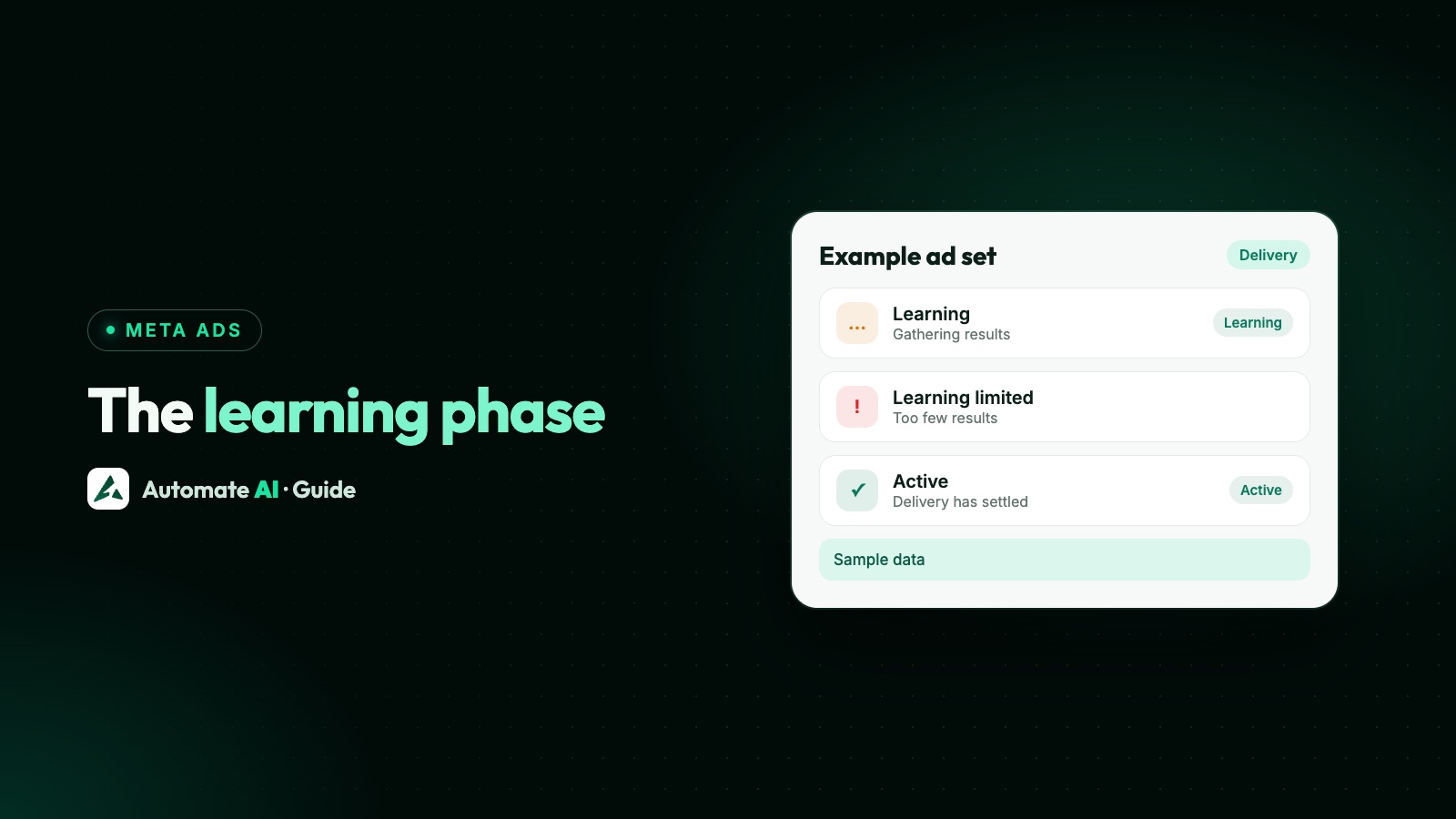
The Meta ads learning phase is the period after you launch or significantly edit an ad set, while Meta’s delivery system works out who to show it to. Meta’s guidance is that it settles after about 50 optimisation events in 7 days, so it lasts as long as your ad set takes to get there. There’s no fixed number of days: a busy ad set can be out in a few days, and a small one may never get there.
This guide explains what learning means for your results, how to check where an ad set stands, why ad sets get stuck in Learning limited, which changes send them back, and what to do about it, including for Click-to-WhatsApp ads that optimise for conversations.
Key takeaways
- Learning happens per ad set, and Meta says delivery may be less stable while it lasts.
- Meta’s benchmark is about 50 optimisation events over 7 days since the ad set’s last significant edit.
- Learning limited means the ad set isn’t getting enough results to finish learning. It’s a signal to change the setup.
- Changes to an ad set can restart learning. Batch your edits and keep later adjustments small.
- Fixes: fewer, larger ad sets, a budget sized for about 7 results a day, a wider audience or a more frequent optimisation event.
What the learning phase is
When you choose a performance goal, such as conversations, leads or link clicks, Meta’s delivery system has to learn which people, placements and times bring that result for your ad. Meta’s guides say learning happens at the ad set level, not per ad or per campaign.
Meta’s Marketing API reference says delivery performance can be unstable while an ad set is learning. In practice that means cost per result can swing from day to day, and early numbers are a poor guide to what the ad set will do once it settles.
Every new ad set starts in learning, whether you use Advantage+ settings or set things up by hand. So do ad sets that come back after a significant edit.
How long the learning phase lasts
Meta’s campaign guidance says learning stabilises with a minimum of 50 events over a 7-day period, and that you should structure ad sets and budgets to get there. The “event” is whatever the ad set is optimised for: a conversation started, a lead form submitted, a purchase.
Meta’s API counts these results since the ad set’s last significant edit, and records the time of that edit. So the clock restarts after a significant change, not only at launch.
| Made-up example numbers | Results a day | Results in 7 days | Likely outcome |
|---|---|---|---|
| Ad set A | 12 | 84 | Out of learning within the week |
| Ad set B | 7 | 49 | Right on the line; may need a little longer |
| Ad set C | 2 | 14 | Unlikely to finish: expect Learning limited |
How to check where an ad set stands
- Open Ads Manager and go to the ad set.
- Check its delivery status for Learning or Learning limited.
- Note the date of its last significant edit (see History), so you know when the 7-day count started.
- Count the results since then against the benchmark of about 50.
- Judge results only after learning ends, or after at least 7 days if it never does.
Behind the scenes, Meta’s API reports three learning states for an ad set: still learning, exited learning, and “isn’t generating enough results to exit the learning phase”. The last one corresponds to what Ads Manager calls Learning limited.
Learning limited: why ad sets get stuck
“Stuck in the learning phase” nearly always means one thing: the ad set isn’t getting enough of its optimisation event to reach the benchmark. The usual causes:
| Cause | What it looks like | What to try |
|---|---|---|
| Budget too small for the cost per result | Two or three results a day, every day | Raise the budget towards target cost × 7 a day |
| Too many ad sets splitting one budget | Several ad sets with similar audiences, each with a few results | Merge them into one or two |
| Audience too narrow | High frequency, the same people seeing the ad again and again | Add cities, widen age, drop extra interests |
| A rare optimisation event | Optimising for purchases when you only get a few a week | Optimise for an earlier, more frequent step |
| A manual bid set too low | Fewer results than the budget should buy | Raise the bid or remove it |
| Frequent edits | Status keeps going back to Learning | Batch changes and leave the ad set alone for a week |
Meta’s guidance points at most of these directly: too many ad sets with overlapping targeting can cannibalise data collection, an audience that’s too narrow can raise costs and tire people of your creative, and a bid that’s too low can stop an ad set collecting the 50 events it needs.
Changes that send an ad set back into learning
Meta says making changes to an ad set can trigger a new learning period, which you may not want once it has built up useful learning. Meta keeps a full list of significant edits in its Business Help Centre. Its advice:
- Keep adjustments minor once an ad set is performing, and avoid significant edits.
- Make several changes at once so the ad set goes through one learning period, not one per change. The trade-off: it’s harder to tell which change made the difference.
- Use the History and Charts views in Ads Manager to see which edits happened and when.
- Moving a campaign into Advantage+ puts it back into learning; Meta’s developer documentation says there’s no workaround for that.
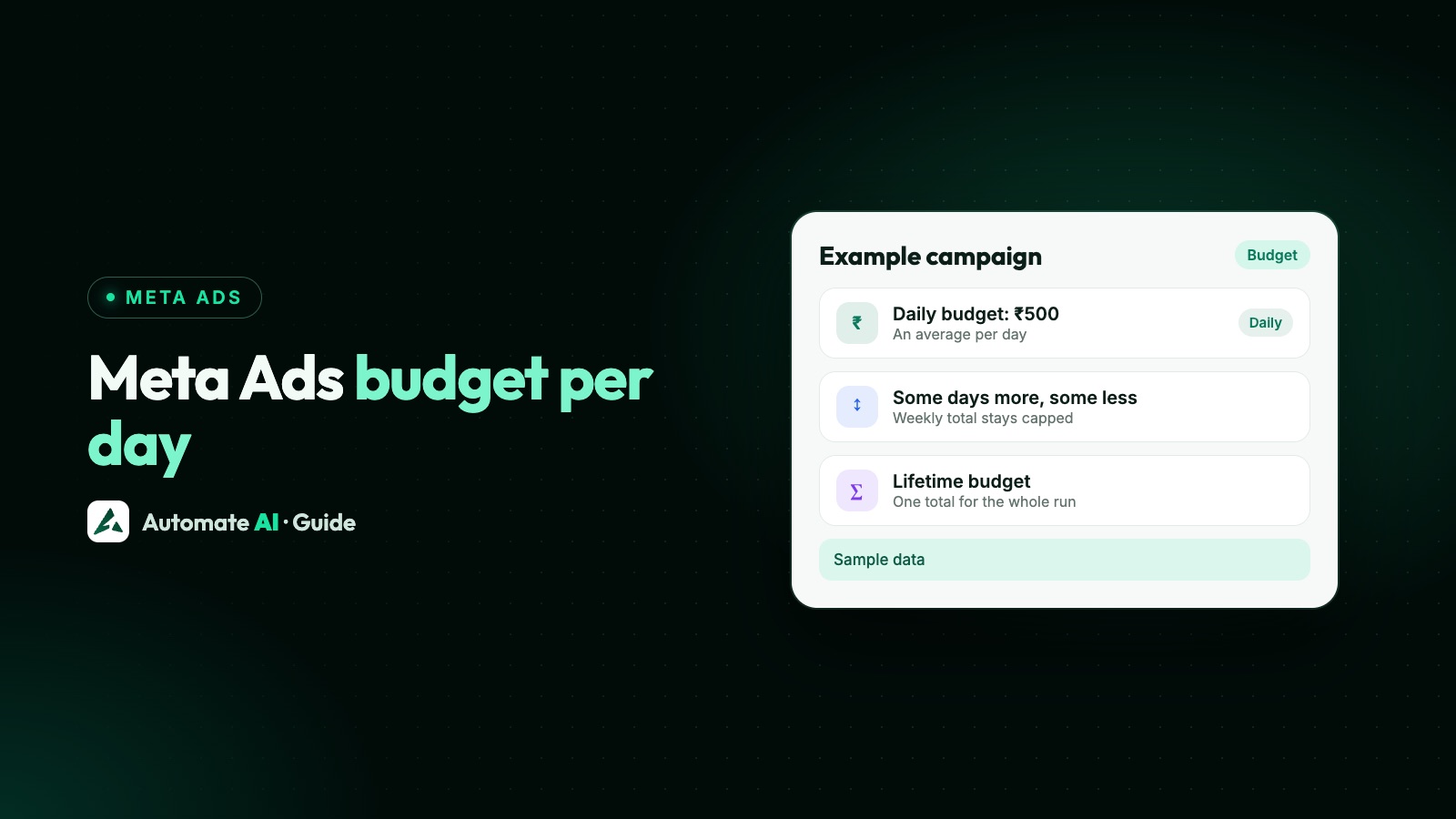
Budget increases are the edit people make most. Raising in steps, and waiting a few days between them, keeps the risk small. How budgets pace and how to size one is in Meta Ads budget: how much to spend per day.
How to get out of the learning phase
- Consolidate. Meta’s example: rather than several ad sets with the same targeting, create one ad set so it reaches 50 events sooner. One ad set with three ads usually learns faster than three ad sets with one ad each.
- Size the budget to the benchmark. Take your real cost per result and multiply by 7 or a little more for a daily budget (50 results in 7 days is just over 7 a day). Meta’s worked example for Meta Horizon Store app installs rounds up: installs averaging $10 call for roughly an $80 daily budget.
- Widen the audience. Broader targeting gives the system more people to find results among. Meta suggests using Advantage+ to expand your audience.
- Pick an event that happens often enough. If you get five purchases a week, optimising for purchases may never finish learning. A conversation or a lead happens more often.
- Stop editing for 7 days. Let the count run. Plan changes, then make them together.
- Don’t chase the label. If cost per result is already within your target and sales follow, the status matters less than the numbers.
Use our Meta Ads budget and ROAS calculator to check whether the cost per result you’re seeing still makes money once your close rate and margin are taken into account.
Learning for Click-to-WhatsApp ads
A Click-to-WhatsApp ad optimised for conversations is shown to people Meta thinks are more likely to have a conversation with the business, so its optimisation event is a chat started. That has two consequences:
- Chats usually come more often than sales, so a conversations ad set can reach 50 events on a smaller budget than one optimised for purchases.
- Meta learns what a chat looks like, not whether it bought. Learning can finish while chat quality is still poor. Track which chats turn into customers: see how to track which ads bring WhatsApp buyers and how to get better-quality leads from WhatsApp ads.
If you need details before anyone can help, a lead form optimised for leads is the other route, and it learns from form submissions instead. Our Meta Ads guide compares the destinations.
Running learning-friendly ads from Automate AI
Click-to-WhatsApp ads created from Meta Ads in Automate AI’s main menu are set up in a way that suits learning:
- One campaign, one ad set, one budget per ad. Each ad you create gets its own campaign and ad set with a daily budget. Several ads for the same offer and audience means several ad sets learning separately, so fewer, better-funded ads learn faster.
- Optimised for conversations, with Meta’s lowest-cost bidding and no cap, so a cap can’t hold delivery back.
- Exactly the audience you choose. New ads use exactly the cities, age and gender you set, with Advantage+ audience off. If an ad set is Learning limited, widen the targeting, or turn on Advantage+ audience when you edit the ad (not available for special ad categories).
- Cost per chat for every ad in your connected account, including ads made in Ads Manager, so you can see whether a learning ad set is heading for your target.
- Edits ask before spending more. Budget, dates, audience and placements can be changed from Automate AI, and anything that can spend more asks you first.
The chats land in the shared inbox, and leads from Facebook lead forms can get a WhatsApp message automatically through the Facebook Lead Ads integration. See Click-to-WhatsApp ads in Automate AI for the full feature.
Frequently asked questions
How long does the Meta ads learning phase take?
There’s no fixed number of days. Meta’s benchmark is about 50 optimisation events in the 7 days after launch or the last significant edit, so it takes as long as the ad set needs to get those results.
What does Learning limited mean on Meta ads?
The ad set isn’t getting enough results to finish learning. Fix it by merging ad sets, raising the budget, widening the audience or optimising for a more frequent event.
Should I edit my ads during the learning phase?
As little as possible. Meta says changes to an ad set can start a new learning period. If you must change things, make the changes together so the ad set only goes through one more learning period.
Does increasing the budget reset the learning phase?
It can. Meta says changes to an ad set can start a new learning period and advises keeping adjustments minor once an ad set is performing. Raise budgets in steps.
Can I judge results during the learning phase?
Not reliably. Meta says delivery can be unstable while an ad set is learning, so wait until it ends, or at least 7 days, before deciding.
Do Click-to-WhatsApp ads have a learning phase?
Yes. Ad sets optimised for conversations learn from chats started, which usually happen more often than purchases, so they can finish learning on a smaller budget.
Sources
- Meta ad guide for Meta Horizon Store app developers: Launching your first ad campaign (learning phase, 50 events)
- Meta ad guide for Meta Horizon Store app developers: Understanding and optimizing your ad campaign
- Meta for Developers: Ad set learning stage info
- Meta for Developers: Ad set reference (optimisation goals)
- Meta for Developers: Advantage+ campaigns
- Meta: Facebook and Instagram ads pricing
WhatsApp rules and prices change. We check these guides against Meta’s documentation, but always confirm current terms with Meta before you rely on them. Questions? Message us on WhatsApp at +91 836 977 8812.