Meta Ads Manager for Beginners: Your First Campaign, Step by Step
Facebook ads for beginners, step by step: set up your Page, ad account and payment, choose an objective, budget, audience and placements, and read week one.
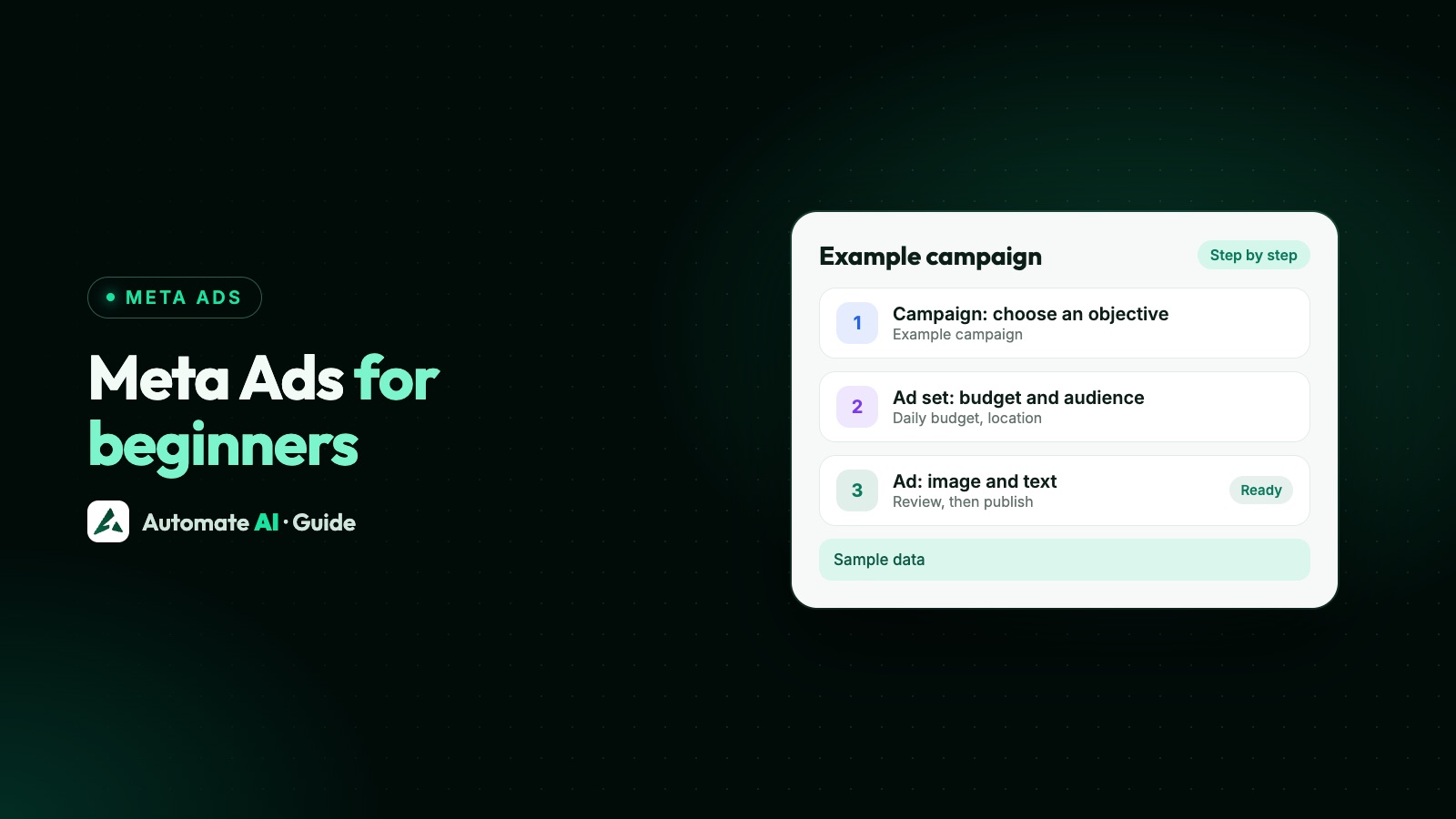
To run your first Facebook ad, set up a Facebook Page, an ad account with a payment method and (ideally) a business portfolio, then in Meta Ads Manager click Create, pick one of six objectives, set a budget and audience, keep Advantage+ placements on, add a photo or video, and publish. Meta reviews the ad, usually within 24 hours.
The same campaign runs on Facebook, Instagram and Meta’s other apps, so “Facebook ads” and “Meta ads” mean the same thing. This guide takes a small business through every step in order, with the choices a beginner actually has to make and what to look at in the first week. If you want the ad to open a WhatsApp chat, the steps are nearly the same; the differences are in our Click-to-WhatsApp ads guide.
Key takeaways
- You need a Facebook Page, an ad account with a payment method, and a business portfolio to hold them.
- A campaign has three levels: the campaign (objective), the ad set (budget, audience, placements) and the ad (creative).
- Meta suggests starting with at least $5 and letting the ad run at least seven days, so delivery has time to learn.
- Start broad with your audience and keep Advantage+ placements on unless you have a reason not to.
- In week one, judge the ad on cost per result and real enquiries, not on likes, and avoid big edits that send it back to review.
What you need before your first ad
Most beginners get stuck before Ads Manager even opens. Get these four things in place first:
| What | Why you need it | Where to set it up |
|---|---|---|
| A Facebook Page | Ads Manager campaigns run from a Page (an Instagram professional account can boost a post without one) | Facebook, from your personal profile |
| A business portfolio | Owns your Pages, ad accounts and WhatsApp accounts, and lets you add staff or an agency | Meta Business Suite or Business settings (business.facebook.com); portfolios were formerly called Business Manager |
| An ad account | Holds your campaigns, spend and billing | Inside the business portfolio, or created when you first open Ads Manager |
| A payment method | Meta charges your ad spend to it | The ad account’s payment settings |
You can advertise with just a Page and a personal ad account, but a business portfolio makes life easier later: it keeps the assets in the business’s name rather than one person’s, and it’s where business verification and your WhatsApp accounts live. If Meta ever asks you to verify, see Meta business verification.
Set up your Page, portfolio and payment
- Finish your Facebook Page. Add a profile picture, cover, a short description, your category, location and contact details. People tap through to it from the ad, and Meta’s review looks at the business behind the ad as well as the ad itself.
- Create a business portfolio in Meta Business Suite and add the Page to it. Give a second trusted person admin access so you’re never locked out.
- Create an ad account in the portfolio. Choose the country, currency and time zone carefully: they’re what your budget and reports use.
- Add a payment method in the ad account’s payment settings. For businesses in India, Meta ads are sold by Meta India and billed in rupees, and GST and TDS are added when you’re charged; add your GSTIN in Payment settings to claim input tax credit (facts as on our Meta Ads hub).
- Turn on two-factor authentication for everyone with access. A hacked account that runs someone else’s ads can get the whole portfolio restricted (what to do if that happens).
Campaign, ad set and ad: what goes where
Open Ads Manager and click Create. Everything you set falls into one of three levels, and knowing which is which makes the screens far less confusing:
| Level | What you decide here | Beginner choice |
|---|---|---|
| Campaign | The objective; optionally a budget for the whole campaign | One objective that matches the action you want |
| Ad set | Conversion location, performance goal, budget and schedule, audience, placements | One ad set, a daily budget, a broad audience, Advantage+ placements |
| Ad | Format, image or video, text, headline, button and destination | Two or three versions of the ad in the same ad set |
Keep your first campaign simple: one campaign, one ad set, two or three ads. Splitting a small budget across several ad sets leaves each one with too few results to read.
Choose your objective
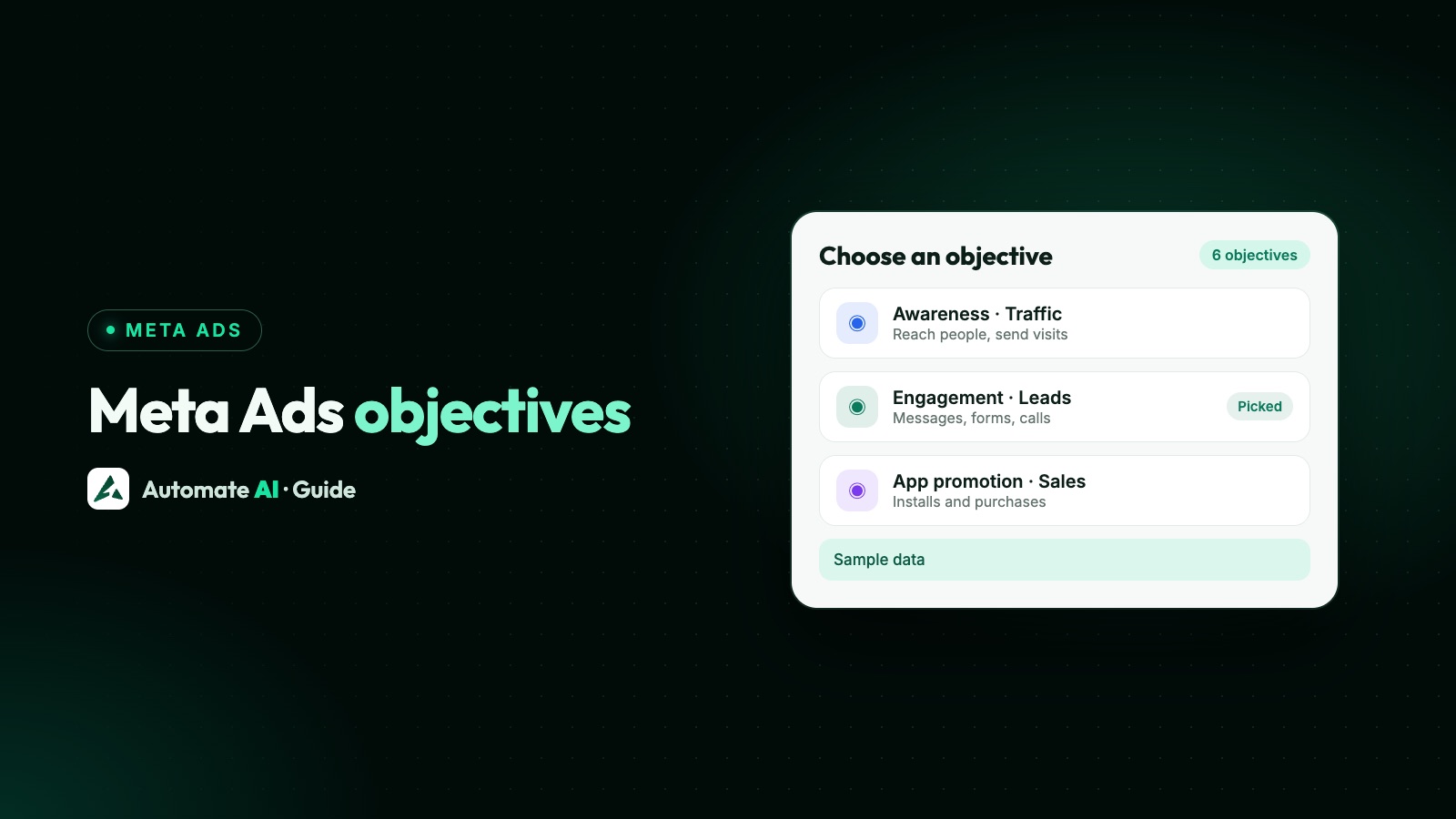
Meta has six objectives: Awareness, Traffic, Engagement, Leads, App promotion and Sales. The objective tells Meta what to optimise for, so it changes who sees your ad. Pick by the action you want, not by the one that sounds most ambitious:
- People visiting your website or shop page: Traffic.
- Enquiries you’ll follow up by phone or chat: Leads, or Engagement with a messaging app as the conversion location.
- Online orders you can track with the Meta Pixel: Sales.
- Just getting your name known locally: Awareness.
Next you choose the conversion location (website, instant form, calls, a messaging app and so on) and the performance goal, such as link clicks or leads. Ads Manager only shows the options that fit your objective. Each objective, what it optimises for and which ones can open WhatsApp is explained in Meta ads objectives explained.
Set your budget and schedule
Meta’s pricing page gives the rules for the two budget types:
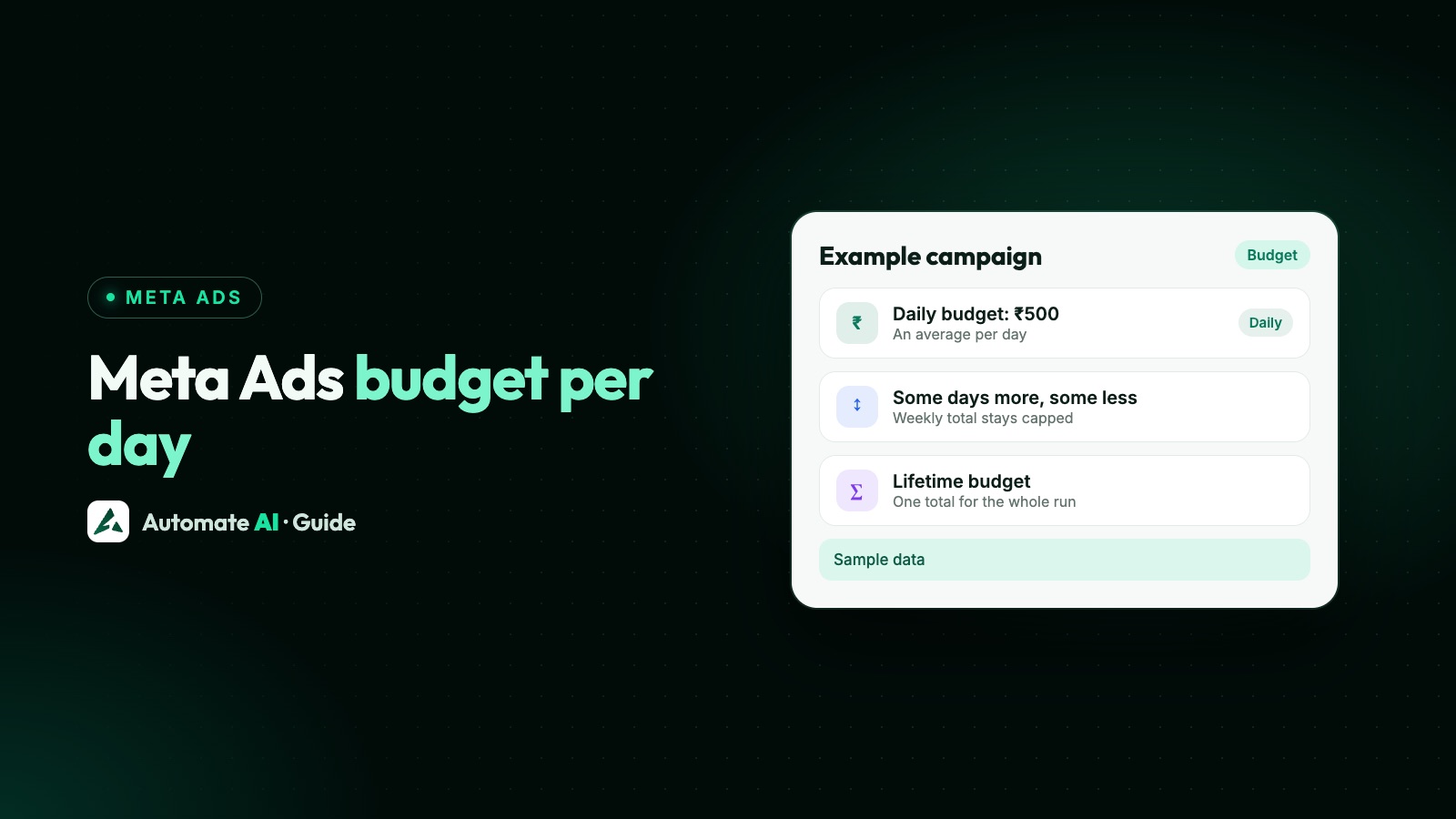
- Daily budget: the average you’re willing to spend a day. Meta may spend up to 75% more than it on some days, but no more than seven times it in a calendar week. More in Meta ads budget per day.
- Lifetime budget: one total for the whole run. Daily spend moves around, but the total stays within it.
Meta suggests starting with at least $5 and running the ad for at least seven days so its system has time to learn. A daily budget with no end date is the easiest to control at first: you can pause it at any time.
How big should the budget be? Meta publishes no average cost per click or per lead, and real costs vary widely by country, audience and ad, so don’t trust anyone quoting a “normal” figure. Work it out from the result you want. For example (made-up numbers): if you want 20 enquiries in a week and your test week shows each enquiry costing ₹150, you need about ₹3,000 for the week. The Meta Ads budget calculator does this sum, and the return on ad spend, from your own numbers.
Audience and placements
Set the location, age and gender that make sense for your business, and then resist the urge to narrow it much further. Meta’s targeting guidance says to start broad: its delivery system works best when the audience is between 2 and 10 million people, and it recommends interest targeting only when the audience is at least 2 million. Once the ad runs, Meta learns who responds and finds more people like them.
A local business can’t always reach millions. That’s fine: set the area you can serve and leave the rest open, rather than stacking interests on top.
Placements are where the ad appears: Facebook (feed, stories, reels, Marketplace and more), Instagram (feed, stories, reels, explore), Messenger, Threads, Meta’s Audience Network of other apps, and WhatsApp Status, which Meta is introducing gradually. Advantage+ placements lets Meta show your ad wherever it expects the best results. Choose manual placements only for a clear reason, such as a vertical video made just for stories and reels. More on the newest placement: WhatsApp Status ads.
Make the ad, then review and publish
At the ad level you choose a format (a single photo or video, a carousel or a slideshow) and write the text. A beginner’s checklist:
- Pick the Page (and Instagram account) the ad runs from.
- Use a real photo or a short video of your product, place or team. Show the offer in the first second; most people scroll past.
- Write the primary text in the customer’s words: what it is, who it’s for, the price or offer, and what to do next.
- Add a short headline and the button that matches the action, such as Learn more, Shop now, Sign up or Send message.
- Set the destination: your website link, an instant form, a phone number or a messaging app, depending on your objective.
- Make two or three versions with different images or opening lines, so Meta can show more of the one that works.
- Check the preview on each placement, then click Publish.
Meta’s Advertising Standards say review is typically completed within 24 hours, though it can take longer. It checks the images, video, text, targeting and the landing page or other destination. If an ad is rejected, the reason is in Business Support Home: you can edit the ad, make a new one, or request another review if you think the decision was wrong. Common causes and fixes are in ad rejected or account restricted.
Your first week: what to watch and what to leave alone
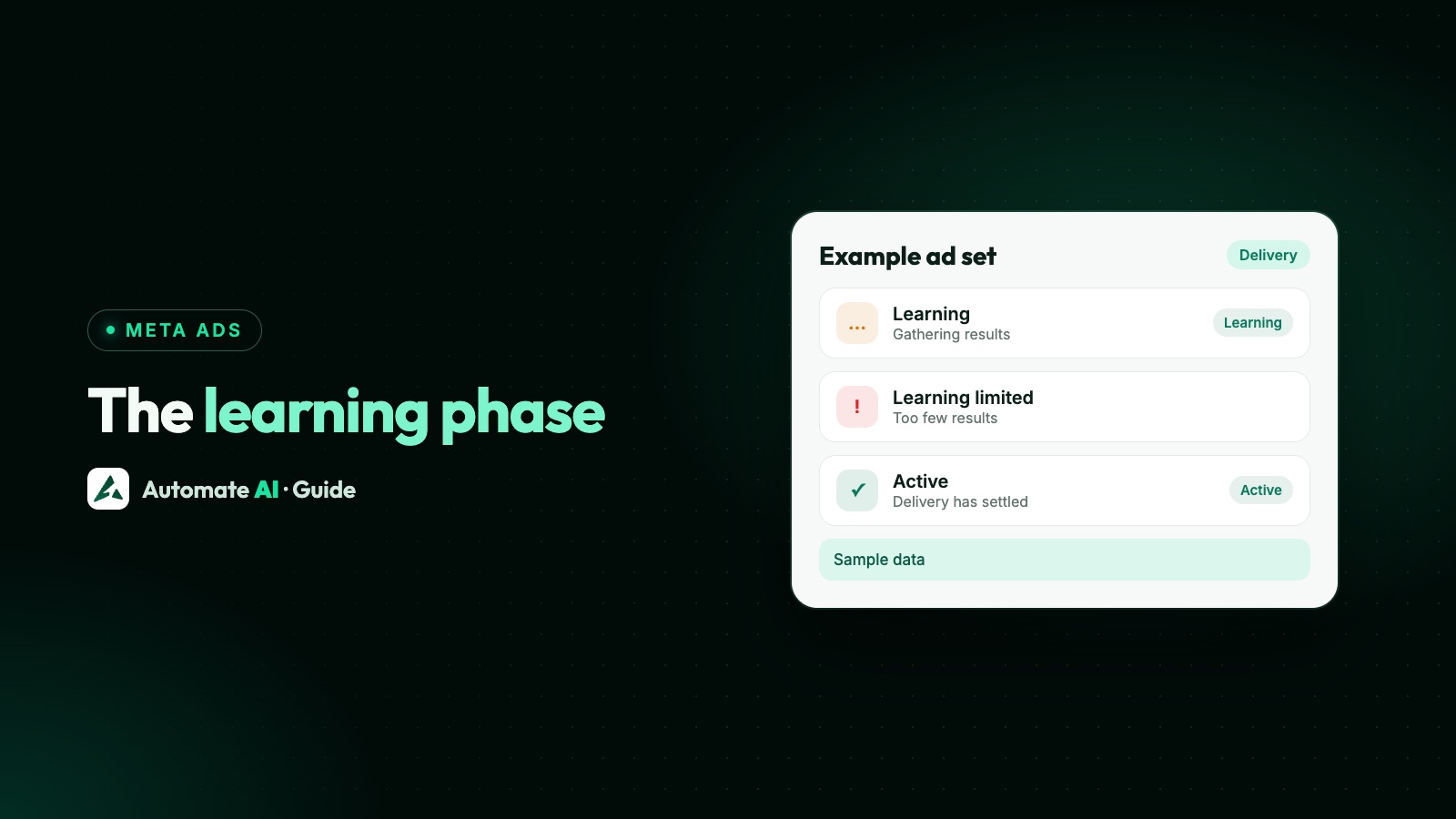
The first days are noisy. Meta’s ad set documentation notes that while delivery is still learning, performance may be unstable, so a bad first day isn’t a verdict (see the Meta ads learning phase). Here’s what to look at, and when:
| When | Look at | What to do |
|---|---|---|
| Day 1 | Status (In review, Active, Rejected), whether it’s spending | Fix rejections; if it isn’t spending, check payment and audience size |
| Days 2 to 4 | Results and cost per result for each ad | Reply to every enquiry fast; don’t judge the ad yet |
| Days 5 to 7 | Which ad gets the lowest cost per result, and which results turn into real customers | Pause the clearly weakest ad; keep the rest running |
| After week 1 | Cost per customer, not just per click or lead | Raise the budget gradually on what works, or test a new image or offer |
- Don’t edit every day. Edits to targeting, creative, optimisation or billing can send the ad back to review, and every change makes the numbers harder to compare.
- Likes aren’t the goal. Judge the ad on the result you chose and, above all, on whether those people buy.
- Answer fast. A lead who waits hours for a reply has often moved on, and the money is already spent.
- Write down what you changed and when, so next month’s campaign starts from what you learned.
Sending people to WhatsApp instead
For many small businesses the best “landing page” is a conversation. An ad can open a WhatsApp chat with your number, so people ask their question and you reply in seconds. The setup is the same as above, with WhatsApp chosen as the conversion location: see Click-to-WhatsApp ads, and if you’re choosing between a chat, a form and your website, this comparison.
If Ads Manager feels like a lot, Automate AI has Meta Ads in its main menu, on every plan, for owners and managers. Connect your ad account with Continue with Facebook, describe your offer in a line, and AI drafts the headline, text, audience and the greeting people see when the chat opens. You add a photo, set a daily budget and end date, check it and publish; nothing is spent until you do. You can see spend, clicks, chats started and cost per chat for every ad in the account, including ones made in Ads Manager, and pause any time. It also creates ads for website visits, lead forms, calls, reach and website sales. Details: Click-to-WhatsApp ads in Automate AI.
Running instant-form lead ads instead? The Facebook Lead Ads integration saves each new lead as a contact and can send them a WhatsApp message straight away, so form leads land in the same inbox as chats.
Frequently asked questions
How do I start Facebook ads as a beginner?
Set up a Facebook Page, a business portfolio and an ad account with a payment method. In Ads Manager click Create, choose an objective, set a daily budget, a broad audience and Advantage+ placements, add a photo or video and text, and publish.
How much should I spend on my first Facebook ad?
Meta suggests at least $5 and a run of at least seven days. There’s no average cost Meta publishes, so start small, see what one result costs you in the first week, and set the budget from that.
Is Meta Ads Manager free to use?
Yes, Ads Manager itself is free. You pay only for the ads you run, charged to your ad account’s payment method. In India, GST and TDS are added to what you’re charged.
Do I need a business portfolio to run Facebook ads?
Not strictly, but it’s worth it. A business portfolio keeps your Page, ad accounts and WhatsApp accounts in the business’s name and lets you give staff or an agency access safely.
How long does Facebook take to approve an ad?
Meta says review is typically completed within 24 hours, though it can take longer. Ads can also be reviewed again after they go live, and edits can trigger a new review.
Which objective should a small business choose?
Choose by the action you want: Traffic for website visits, Leads or a messaging conversion location for enquiries, Sales for tracked online orders and Awareness to get known locally.
Sources
- Meta for Business: Start advertising (step-by-step overview)
- Meta for Business: Ads pricing and budgets
- Meta for Business: Ad targeting
- Meta for Business: Ads review policy
- Meta Transparency Centre: Advertising Standards (ad review)
- Meta Marketing API: Placement targeting
- Meta Marketing API: Ad set reference (learning stage)
- Meta Marketing API: Special ad categories
WhatsApp rules and prices change. We check these guides against Meta’s documentation, but always confirm current terms with Meta before you rely on them. Questions? Message us on WhatsApp at +91 836 977 8812.