Meta Ads Bid Strategies: Highest Volume, Cost per Result Goal, Bid Cap and ROAS Goal
Meta ads bid strategies explained: highest volume, cost per result goal, bid cap, ROAS goal and highest value, with a table for picking one for WhatsApp ads.
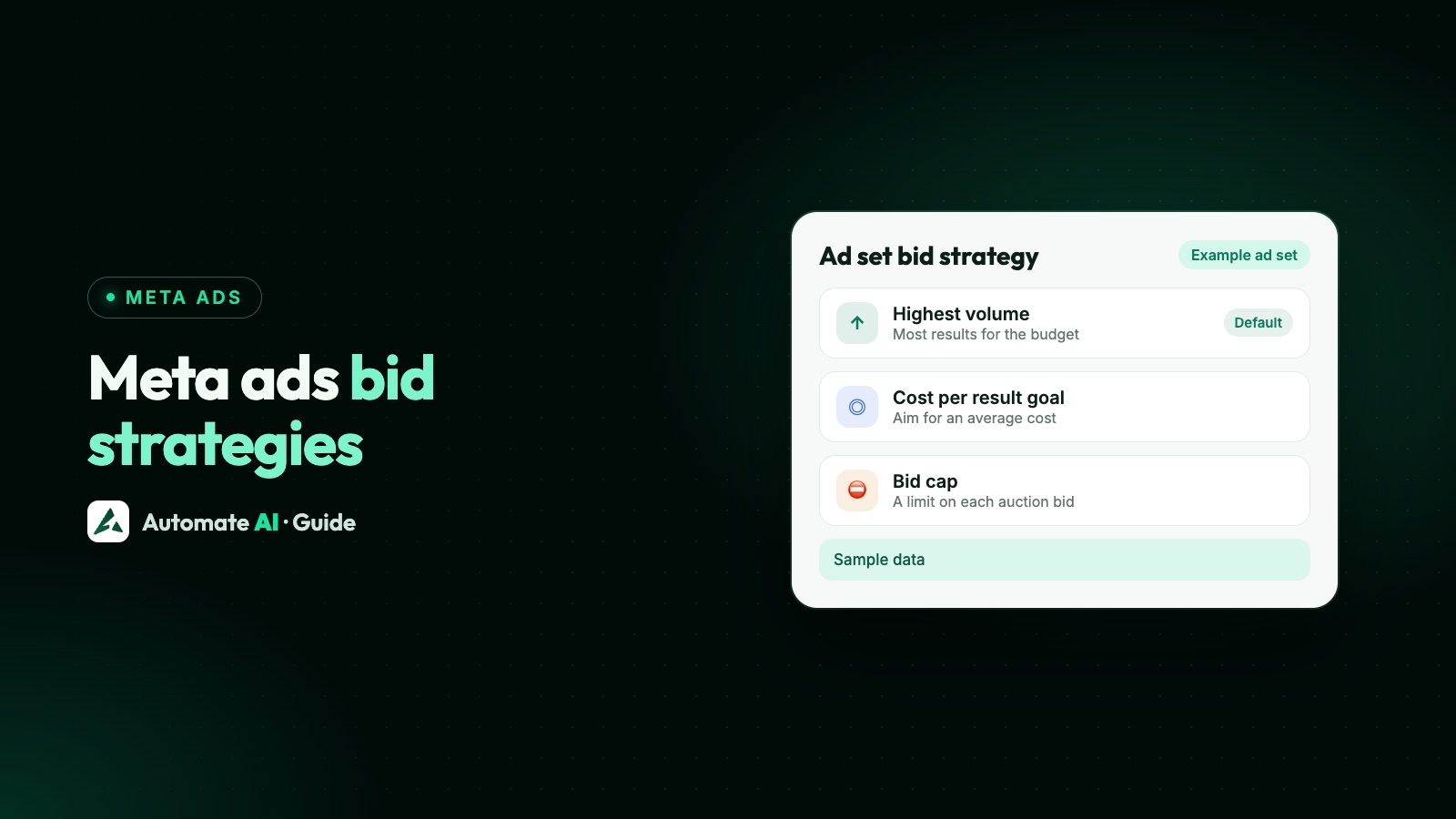
A Meta ads bid strategy tells Meta how to bid for you in the ad auction. Start with Highest volume, which gets the most results from your budget; switch to Cost per result goal once you know the most you can pay per lead or chat; and leave Bid cap to advertisers who can predict their conversion rates. ROAS goal and Highest value are for ads that track purchase value.
Meta renamed its options recently, so older guides talk about “lowest cost”, “cost cap” and “minimum ROAS”. This guide explains each strategy in Meta’s current words, how to set one in Ads Manager, which suits WhatsApp message ads, and what Automate AI’s Meta Ads menu lets you change.
Key takeaways
- Meta has three kinds of bidding: spend-based (Highest volume, Highest value), goal-based (Cost per result goal, ROAS goal) and manual (Bid cap).
- Old names: lowest cost is now Highest volume, cost cap is Cost per result goal, and minimum ROAS is ROAS goal.
- If you don’t enter a cost or bid amount on an ad set, Meta uses Highest volume.
- Goal-based strategies aim for a weekly average and work best with 50 to 100 or more conversions a week. They may spend less than your budget.
- A bid cap limits each auction bid, not the cost you see in reporting. Set too low, it shows Bid limited and holds delivery back.
- Automate AI creates Click-to-WhatsApp ads on Highest volume, and lets you switch an ad set with its own budget to Cost per result goal or Bid cap.
What a bid strategy does
Every time someone could see an ad, Meta runs an auction. Your bid strategy tells Meta’s system how to bid on your behalf, weighing your budget against any cost or return target you set. It sits on the ad set, or on the campaign if you use Advantage+ campaign budget.
Meta groups its strategies into three types:
- Spend-based: get the most results, or the most value, by spending your full budget.
- Goal-based: get as many results as possible while keeping the average cost, or the return on ad spend, near a target you set.
- Manual: cap the highest price Meta may bid in every single auction.
Meta is rolling out new names for some of them, so you may still see the old ones in your account:
| Previous name | New name |
|---|---|
| Lowest cost | Highest volume |
| Cost cap | Cost per result goal |
| Minimum ROAS | ROAS goal |
| Highest value | Highest value (unchanged) |
| Bid cap | Bid cap (unchanged) |
The five Meta ads bid strategies compared
| Strategy | Type | What you set | Spends full budget? | Best when |
|---|---|---|---|---|
| Highest volume | Spend-based | Nothing beyond the budget | Yes, that’s its priority | You want as many results as the budget buys |
| Highest value | Spend-based | Nothing beyond the budget | Yes | You sell online and want the most purchase value |
| Cost per result goal | Goal-based | A target average cost per result | Not always: it may underspend to protect the target | You know the most you can pay per lead, chat or sale |
| ROAS goal | Goal-based | A target return on ad spend, such as 1.5 | Not always | You track purchase value and need a minimum return |
| Bid cap | Manual | The maximum bid per auction | Only if the cap is high enough | You can predict conversion rates and calculate the bid |
Highest volume: the default
Highest volume asks Meta for the most results it can get from your budget. Meta’s example is an event planner who wants as many people as possible at a festival and doesn’t mind the cost per attendee.
It bids at the lowest price for current market conditions, prioritises spending your full budget, and doesn’t promise any particular cost per result when the auction gets competitive. In Ads Manager, if you don’t enter a control amount on an ad set, Meta uses Highest volume.
It’s also the starting point Meta recommends for the other strategies: run Highest volume (or Highest value) first, see what results really cost, then use that as the baseline for any target.
Cost per result goal (formerly cost cap)
With a cost per result goal you set the average cost per result you want, such as per lead, purchase or other optimisation event, and Meta bids higher or lower in each auction to get as many results as it can while keeping the weekly average near that number.
- Judge it weekly. Day-to-day costs move around; Meta says to look at weekly averages and wait at least 7 days after a change before judging it.
- It needs volume. It works best with 50 to 100 or more conversions a week per ad set. Below that, Meta suggests broadening the audience, raising the budget or raising the goal.
- It can underspend. When the market is competitive it may spend less than your budget to protect the target. Highest volume would spend it instead.
- Set the goal honestly. Meta advises setting it to the most your business can afford per result, not a hopeful low number. Its example starting point is 10% to 20% above your recent average cost per result.
Made-up example numbers: if your chat ads have averaged ₹100 per conversation over the last few weeks on Highest volume, a cost per result goal of about ₹110 to ₹120 follows Meta’s 10% to 20% advice. Setting ₹60 would most likely hold delivery back and leave much of your budget unspent.
Use your own numbers to work out the target. Our Meta Ads budget and ROAS calculator forecasts your cost per lead, cost per customer, profit and break-even ROAS from your close rate, sale value and margin, so you can see what a lead is worth to you.
Bid cap: a ceiling on every auction
A bid cap sets the maximum Meta may bid in each auction, rather than letting it bid dynamically towards a cost or return goal. Meta is clear that this controls the bid, not the cost you pay or see in reporting, and that it’s meant for advertisers who understand how their maximum bid relates to results.
In the auction, Meta works out a bid per impression from a bid per estimated action and the estimated action rate. A bid cap limits the bid per estimated action. Meta may bid lower than the cap if it would otherwise spend your budget too quickly.
- Too low a cap limits delivery. Ads Manager shows Bid limited when a low bid is holding the ad set back.
- Can’t spend your budget? Meta says the cap may be too low: raise or remove it, or broaden the audience or improve the creative.
- Want to control cost? Meta itself suggests Cost per result goal as the better option, because it does more of the maths for you.
ROAS goal and Highest value: for purchase value
These two optimise for the value of conversions, not the number. Highest value spends your budget to get the most purchase value. ROAS goal keeps your return on ad spend near a target over the campaign.
- Requirements: ROAS goal is only available when the ad set’s performance goal is Maximise value of conversions, and Meta says you need a working Meta Pixel or Meta SDK tracking conversion events.
- How to write it: a number from 0.001 to 1000. 1.00 is break-even; 1.15 means about ₹115 of purchases for every ₹100 spent.
- Where to start: Meta suggests a goal 10% to 20% below your average ROAS, or two weeks on Highest value first if you have no history.
- Give it time: Meta suggests running a ROAS goal campaign for at least 3 weeks before scaling, and changing bids only after a week.
For most businesses taking enquiries on WhatsApp these don’t apply, because the sale happens later in a chat, not on a website the Pixel can see. If you do sell online, see our Meta Pixel guide.
Which bid strategy for WhatsApp message ads?
A Click-to-WhatsApp ad usually optimises for conversations, so the result is a chat started. With that in mind:
| Your situation | Use | Why |
|---|---|---|
| First campaign, no cost history | Highest volume | You need real cost-per-chat data before setting any target |
| Ad set getting few chats a week | Highest volume | Goal-based bidding needs 50 to 100+ conversions a week to work well |
| Steady chats, cost per chat creeping up | Cost per result goal | Keeps the weekly average near what a chat is worth to you |
| Small budget you must spend in full | Highest volume | A goal may underspend when competition rises |
| A sale period where volume matters most | Highest volume | Spending the full budget is the priority |
| You know your chat-to-sale rate very well | Bid cap, carefully | Only if you can calculate a bid that won’t stall delivery |
| You want a minimum return on ad spend | ROAS goal, only with website purchases tracked | It needs the value performance goal and a Pixel or SDK |
Whatever you pick, the strategy works with your budget, not instead of it. How budgets pace and how much to spend per day are in Meta ads budget per day, and choosing the right objective in the first place is in Meta ads objectives.
How to set a bid strategy in Meta Ads Manager
Where you set it depends on where the budget is:
- With Advantage+ campaign budget: pick Cost per result goal, ROAS goal or Bid cap as the campaign’s bid strategy when you create the campaign. Then set the amount inside each ad set, in the Performance goal section.
- With ad set budgets: in the ad set’s Performance goal section, enter a cost control amount. Meta selects Cost per result goal automatically. To use Bid cap instead, select Show more options.
- Leave the amount empty and the ad set uses Highest volume.
- Check the dates. If you use Cost per result goal or ROAS goal and your ads reach people on iOS 14.5 or later, Meta says the ad set should run for at least 3 full days.
- Wait a week before judging the result or changing the amount again.
With Advantage+ campaign budget, one campaign uses one bid strategy: Meta says you can’t mix strategies across its ad sets, so make a separate campaign to test another one. Meta also says significant edits to an ad set can start a new learning period, so keep edits few and small; see Meta Ads learning phase.
Bid strategies in Automate AI’s Meta Ads menu
If you create Click-to-WhatsApp ads from Meta Ads in Automate AI’s main menu, here’s how bidding works, from the app itself:
- New ads start on Highest volume, with no cap, optimised for conversations, so a cap can’t hold a new ad back while it learns.
- Change it later in the ad set’s edit window, under How Meta bids: Highest volume, Cost per result goal or Bid cap, with the amount in your account currency. This shows on any ad set that has its own budget, including ones made in Ads Manager.
- Campaign budgets stay in Ads Manager. If the budget is on the campaign, set the cost or bid amount for each ad set in Meta Ads Manager; there’s a link in the window.
- ROAS goal can’t be switched here. Automate AI doesn’t change an ad set away from a ROAS goal, so make a copy in Ads Manager instead.
- Spending more needs your OK. Removing a cap or raising one asks you to confirm before anything changes.
Each ad shows spend, chats started and cost per chat, so you can compare the real weekly cost per chat with the goal you set. More on the builder: Click-to-WhatsApp ads in Automate AI. If you run lead forms instead, the Facebook Lead Ads integration, in the AI + Automation Plan and Series 4, saves every lead as a contact and can send a WhatsApp template straight away, so a lower cost per lead isn’t wasted on a slow reply.
Frequently asked questions
What is the best bid strategy for Meta ads?
For most new campaigns, Highest volume: it gets the most results from your budget and gives you real cost data. Move to Cost per result goal once you know the most you can afford per result and the ad set gets 50 or more results a week.
What is the difference between cost per result goal and bid cap?
A cost per result goal targets the average cost you see in reporting, over a week. A bid cap limits the bid in each auction, which isn’t the same as the cost you pay, and can stop delivery if it’s too low.
What happened to lowest cost and cost cap?
Meta renamed them. Lowest cost is now Highest volume, cost cap is Cost per result goal, and minimum ROAS is ROAS goal. Highest value and Bid cap kept their names.
Why is my ad set bid limited?
Your bid cap is too low to win enough auctions. Meta suggests raising or removing the cap, broadening the audience, or improving the ad.
Can I use ROAS goal for WhatsApp ads?
ROAS goal needs the Maximise value of conversions performance goal and a working Pixel or SDK tracking conversions, which suits website sales. An ad optimised for WhatsApp conversations usually uses Highest volume or a Cost per result goal.
Can I change the bid strategy in Automate AI?
Yes, on an ad set with its own budget: open it in Meta Ads and choose Highest volume, Cost per result goal or Bid cap under How Meta bids. New ads made in Automate AI start on Highest volume.
Sources
- Meta Business Help Centre: About bid strategies
- Meta Business Help Centre: Changes to bid strategy options
- Meta Business Help Centre: About cost per result goal
- Meta Business Help Centre: About bid cap
- Meta Business Help Centre: Best practices for bid cap
- Meta Business Help Centre: About ROAS goal
- Meta Business Help Centre: Best practices for ROAS goal
- Meta Business Help Centre: About cost and bid controls
WhatsApp rules and prices change. We check these guides against Meta’s documentation, but always confirm current terms with Meta before you rely on them. Questions? Message us on WhatsApp at +91 836 977 8812.