How to Use the Meta Ad Library to Research Ads
How to use the Meta Ads Library: search by keyword or Page, use filters, what it shows for each ad type and region, Instagram ads, login and downloads.
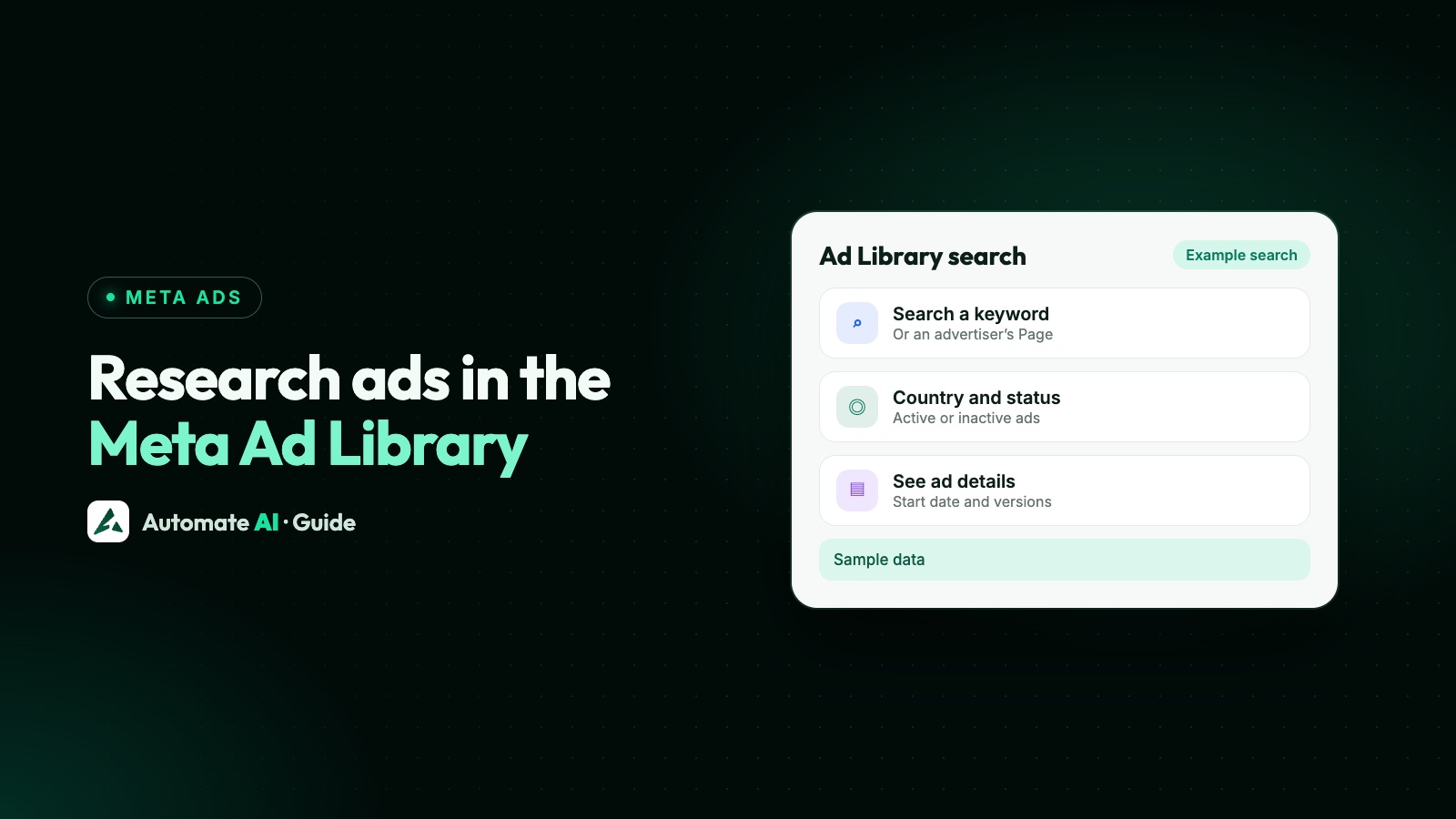
The Meta Ad Library is Meta’s free, public database of the ads running across its apps, including Facebook and Instagram. Anyone can search it by keyword, advertiser or Page name, pick a country, and open “See ad details” on any ad, with no login needed to look. Ordinary ads show only while they’re active; ads about social issues, elections or politics, and ads shown in the EU or UK, carry extra details and stay archived.
This guide covers how to search it, which filters exist, what it shows for each type of ad and region, how Instagram ads and branded content appear, when you need to log in, and how to turn what you learn into an ad of your own.
Key takeaways
- The library holds all active ads across Meta technologies, plus active branded content with a paid partnership label.
- Search any word, name or Page. Ads containing the term, or run by Pages whose name contains it, may appear. Use the country selector to see ads for one country.
- For most commercial ads outside the EU and UK you see the creative, the Page and the start date, but no spend or reach, and the ad drops out when it stops.
- Political and social issue ads show spend and impression ranges, reach by age and gender, and who paid, and are kept for 7 years. Ads shown in the EU or UK are kept for 1 year after their last impression.
- Viewing is open to everyone. Downloading searches needs a Facebook login and agreeing to Meta’s terms.
What the Meta Ad Library is
Meta calls the Ad Library a hub for ad transparency: a place where people can find out more about the ads they see across Meta’s apps. It contains every active ad running on Meta technologies, so Facebook, Instagram, Messenger and the rest, and also active, public branded content on Facebook and Instagram that carries a paid partnership label.
It isn’t an ads tool and it doesn’t show anyone’s results. You won’t find clicks, leads or sales there. What it does well is show you, for any business, which ads are live right now, what they say and how long they’ve been running. That’s useful for three jobs:
- Checking your own ads are live and look right to the public.
- Researching formats and offers in your category before you write your first ad.
- Checking an advertiser before you trust an offer, for example whether a Page that’s messaging you really runs the ads it claims.
How to search the Meta Ad Library, step by step
- Open facebook.com/ads/library in a browser. You don’t need to log in to search.
- Use the country selector to choose where the ads were shown, for example India, or all countries.
- Type a keyword, a business name or a Page name in the search box. Meta says any ads that include the term, or ads run by Pages whose name includes it, may appear.
- To see one business’s ads, pick its Page from the suggestions. You’ll see the active ads from that Page with their creative and text.
- Click See ad details on an ad for more: the date it started, whether it’s still running, details from the Page’s About section, and for a lead ad, more about its lead form.
- Use the filters to narrow the results (see the next section), and the Page view to check context such as when the Page was created and its name changes.
Two habits make searches more useful. Search in the language of the ads you want: Meta’s Ad Library API documentation notes that keyword searches aren’t translated, so it’s wise to search in each language in the library too. And search the words people would put in an ad, such as “site visit” or “free demo”, as well as business names.
Ad Library filters and what they do
Meta’s Help Centre lists the fullest set of filters for ads about social issues, elections or politics. Ordinary commercial ads have fewer details to filter on, and the options you see can vary by country and ad type. The filters Meta describes:
| Filter | What it narrows | Notes |
|---|---|---|
| Country | Where the ad was shown | Set with the country selector before or after you search |
| Status | Active or inactive ads | Inactive ordinary ads outside the EU and UK aren’t kept, so this matters most for political, EU and UK ads |
| Platform | Facebook, Instagram, Messenger and other Meta placements | Handy for Instagram-only research |
| Media type | Images, videos and other formats | Useful to see how others use video |
| Language | The language of the ad | Searches aren’t translated, so pair this with search words in that language |
| Impressions by date | Ads that ran in a date range | Listed by Meta for political and issue ads |
| Delivery by region, disclaimer, estimated audience size | Political and issue ads only | These details exist only for those ads |
What the library shows for each type of ad and region
How much you can see depends on what the ad is about and where it was shown. This is Meta’s own breakdown, simplified:
| Ordinary ads (not political, not shown in the EU or UK) | Social issues, elections or politics | Shown in the EU or associated territories | Shown in the UK | |
|---|---|---|---|---|
| Ad creative and Page | Yes | Yes | Yes | Yes |
| Dates | Start date only | Yes | Yes | Yes |
| Kept after it stops | No | 7 years | 1 year after last impression | 1 year after last impression |
| Amount spent and impressions | No | Ranges, not exact figures | No | No |
| Reach and breakdowns | No | Percentage by age, gender and location | Total reach, and reach by targeted location, age and gender | Total reach, and reach by targeted location, age and gender |
| Targeting selections | No | Page-level totals for 7, 30 or 90 days | Ad-level age, gender and location | Ad-level age, gender and location |
| Advertiser and payer | No | Disclaimer (who paid), not shown for ads classed as political after they ran | Yes | No |
Meta keeps EU-delivered ads because of the EU Digital Services Act, and UK ads as part of a commitment to more transparency there. Page transparency details, such as the Page’s history and the countries it’s managed from, show for every type. If an ad is about housing, employment or financial products and services, its special ad category also appears. Note that Meta no longer accepts ads about elections, social issues and politics for delivery in the European Union, so you won’t find new ones there.
Meta ads library in India
Choose India in the country selector. For a normal commercial ad shown in India, you’ll see the creative, the Page and the date it started, only while it’s active, with no spend or reach. If the same ad also reached people in the EU or UK, the extra EU or UK details apply to it too.
Instagram ads and branded content in the Ad Library
There’s no separate Instagram ad library. Ads that run on Instagram are in the same Meta Ad Library, because it covers all Meta technologies. To see only Instagram ads, use the platform filter where it’s offered, or search the business and check where each ad appears.
Paid partnerships with creators are a separate search. Meta’s branded content database holds public, active posts on Facebook and Instagram tagged with a paid partnership label, created on or after 17 August 2023. You search it by Page or Instagram profile, choose Facebook or Instagram and a date range, and see:
- The date the branded content was created.
- The creator and the brand partner.
- The type of post, such as a video or reel, and a link to it.
Ad Library login, downloads, the report and the API
People search “meta ads library login” because they expect to need an account. You don’t, to view and search. You do need to be logged in to Facebook and accept Meta’s terms to download Ad Library searches. Logging in also shows creative for age-restricted ads if you’re an adult.
| Tool | What it gives you | Who it suits |
|---|---|---|
| Ad Library (search) | Live ads, ad details, Page transparency | Everyone |
| Ad Library Report | A downloadable summary of political and issue ad spending in a country over a period | Journalists, researchers, campaigners; only in countries that require authorisation for these ads |
| Ad Library API | Programmatic search of political and issue ads, and ads delivered to the EU | Developers and researchers; Meta says it’s for authorised users |
Developers should note the API’s limits from Meta’s reference: up to 100 characters of search terms, a space means AND, an exact-phrase option, up to 10 Page IDs per search, and ads that reached no EU location are returned only if they’re about social issues, elections or politics. So the API can’t list an Indian advertiser’s ordinary commercial ads unless they also reached the EU.
How to research ads without copying them
The library is a good way to learn what kinds of ad run in your category. It isn’t a source of creative to reuse: other businesses’ images, videos and words belong to them, and Meta’s advertising standards apply to every ad you run. Look for patterns, then make your own. A simple research sheet:
| Note down | Why it helps |
|---|---|
| How long ads have been running | An ad live for weeks is more likely worth learning from than one that started yesterday |
| Format: image, video or carousel | Shows what’s common in your category |
| Button and destination | Whether ads send people to a website, a lead form or a chat |
| The offer and first line | What problem the ad opens with |
| Placements | Whether they run on Instagram, Facebook or both |
| Questions it leaves open | Gaps your own ad can answer, such as price or delivery time |
Then decide your own angle and test it. Running two versions of your own ad tells you far more than anyone else’s ads can; see Meta ads A/B testing, and for choosing who sees it, Meta ads targeting.
From research to your own Click-to-WhatsApp ad
If what you saw suggests chats work in your category, you can make an ad that opens a WhatsApp chat straight from Automate AI. Under Meta Ads in the main menu (every plan, for owners and managers), connect your ad account, describe your offer in a line and AI drafts the headline, text, audience and chat greeting for you to edit. Every ad is created paused, so nothing is spent until you publish it, and Meta then reviews it. See Click-to-WhatsApp Ads.
Prefer a form? The same menu makes lead form ads using one of your Page’s instant forms, and the Facebook Lead Ads integration saves each new lead as a contact and can send them a WhatsApp message straight away.
Once your ad is live, search your own Page in the Ad Library to see it as the public does. More Meta ads guides are on the Meta Ads hub.
Frequently asked questions
What is the Meta Ads Library?
A free public database from Meta of the active ads running across its apps, including Facebook and Instagram. You can search it by keyword or Page and see each ad’s creative and details.
Do I need to log in to use the Meta Ad Library?
No, not to view or search. You need to be logged in to Facebook and accept Meta’s terms to download searches, and creative for some age-restricted ads only shows to logged-in adults.
Can I see how much a business spends on its ads?
Only for ads about social issues, elections or politics, which show spend as a range. Ordinary commercial ads show no spend, impressions or results.
Does the Ad Library show Instagram ads?
Yes. It covers ads on all Meta technologies, including Instagram. Use the platform filter, where offered, to see Instagram only. Paid partnership posts are in its branded content search.
Why can’t I find an ad I saw last month?
Ordinary ads outside the EU and UK are only shown while active. Once they stop they leave the library. Ads shown in the EU or UK stay for a year after their last impression.
How do I see ads for India only?
Choose India in the country selector, then search a keyword or Page. You’ll see active ads shown in India with their creative, Page and start date.
Sources
- Meta Business Help Centre: About the Meta Ad Library
- Meta Transparency Centre: Meta Ad Library tools
- Meta for Developers: Ad Library API (ads_archive) reference
- Meta Business Help Centre: Comply with local laws governing ads about social issues, elections or politics
WhatsApp rules and prices change. We check these guides against Meta’s documentation, but always confirm current terms with Meta before you rely on them. Questions? Message us on WhatsApp at +91 836 977 8812.