How to A/B Test Meta Ads in Ads Manager
What A/B testing means in Meta ads, how to set up a test in Ads Manager, how long to run it, how Meta picks a winner, and how to test Click-to-WhatsApp ads.
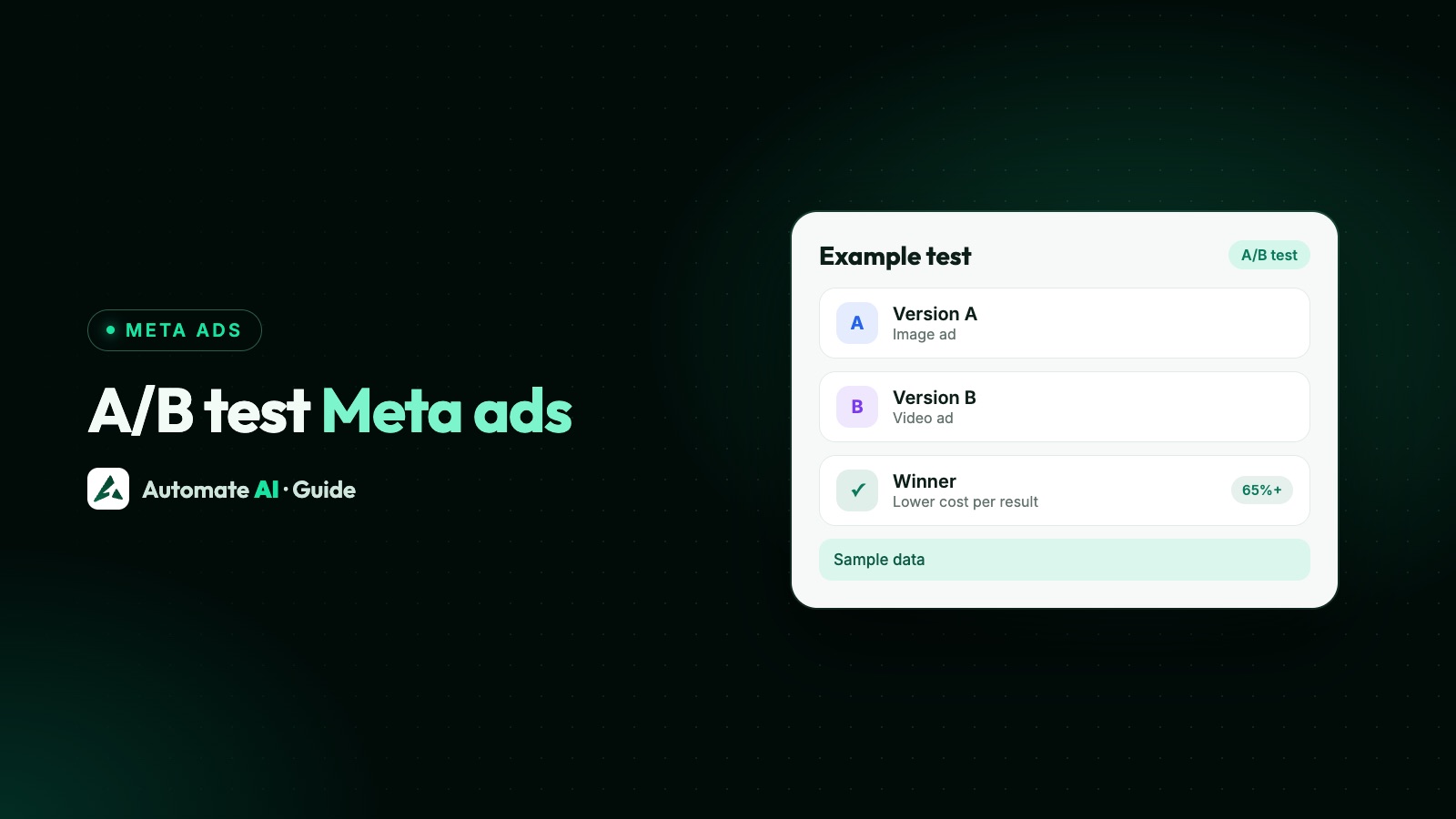
A Meta ads A/B test splits your audience into separate groups, shows each group a version of your ad that differs in one thing, such as the image, the audience or the placement, and tells you which version got your result at a lower cost. You start one from the A/B test button in the Ads Manager toolbar, using an existing campaign or ad set as the template.
This guide explains what A/B testing means in Meta ads, how to set up a test step by step, how long and how big it should be, how Meta decides a winner, and how to test ads that open a WhatsApp chat so the result reflects customers, not just clicks.
Key takeaways
- An A/B test shows each version to a different, non-overlapping group, so nobody sees both. That’s what makes it fairer than running two ads side by side.
- Test one variable at a time: creative, audience or placement. A custom test can change several, but the result is harder to read.
- Meta recommends running tests for at least 7 days. You can schedule 1 to 30 days.
- Give both versions the same budget, and don’t use the test audience in any other campaign at the same time.
- For an A/B test, Meta treats a confidence of 65% or more as a winning result.
What A/B testing means in Meta ads
In Meta’s words, an A/B test compares two versions of an ad strategy by changing a variable such as the image, text, audience or placement. Each version is shown to a segment of your audience, nobody sees both, and the test reports which version performed best on a cost per result basis.
The point is the split. If you simply run two ad sets at the same time, Meta’s delivery system decides who sees which, the audiences overlap, and one version often gets most of the budget. Meta says it doesn’t recommend testing informally, for example by switching ad sets on and off by hand, because it leads to inefficient delivery and unreliable results. The A/B test tool keeps the groups evenly split and statistically comparable.
Meta’s A/B testing page says you can compare up to five versions, and that the tool is open to all advertisers.
What you can test
Meta groups the variables into four kinds. Here is each one, with an example for a business whose ads open a WhatsApp chat:
| Variable | Set at | Example for a WhatsApp chat ad |
|---|---|---|
| Creative | Ad level | A product photo against a 15-second video of the product in use, same text and greeting |
| Audience | Ad set level | An uploaded customer list lookalike against broad targeting in the same cities |
| Placements | Ad set level | Advantage+ placements against Instagram feed and stories only |
| Custom | Campaign, ad set or ad | Two complete strategies, for example a chat ad against a lead form ad |
Meta’s own examples include a slideshow video against an image carousel, the same image with different ad text, a custom audience of recent website visitors against a lookalike, feed-only against stories-only placements, and automatic placements against your current business-as-usual setup. If you’re new to testing, Meta recommends starting with a single variable.
Start with a hypothesis, not just two ads. Meta’s example moves from a vague question (“do I get better results when I change my performance goal?”) to a specific one (“my cost per result will be lower when I optimise for landing page views”). A clear hypothesis tells you what to do when the test ends.
How to set up an A/B test in Ads Manager
Meta’s recommended method uses the Ads Manager toolbar, with an existing campaign or ad set as the template:
- Go to the Ads Manager main table.
- Tick the box next to the campaign or ad set you want to test. Campaigns and ad sets already in another test can’t be used.
- Click A/B test in the toolbar.
- Choose Make a copy of this ad to change one variable in a new version, or Select two existing ads to compare campaigns or ad sets you already have.
- If you make a copy, choose the variable to change and follow the on-screen steps, then choose which ad set to copy.
- Name the test and choose how to decide the winner, such as cost per result. You can add extra metrics to watch.
- Set the test’s start and end dates. These are separate from the campaigns’ own dates, but should cover them, or at least long enough for reliable results.
- Review everything and click Publish test.
If you make a copy of a campaign, its budget is copied too. If you compare existing ad sets, their current budgets are used, so check they match before you publish. When the test finishes, the results are in the Experiments tool.
Other ways to start a test
- From Experiments: useful when you want to fine-tune campaigns before the test starts, or compare several existing campaigns.
- While creating a new campaign: Meta notes this option may not be available to everyone at the moment.
- By duplicating a campaign, ad set or ad and choosing the variable to change (Meta says this may not be available to everyone yet).
- From a prompt: Meta sometimes suggests a test and walks you through it in Experiments.
How long to run it and how much to spend
| Setting | What Meta says |
|---|---|
| Length | At least 7 days for reliable results; up to 30 days. Shorter tests may be inconclusive. |
| Schedule | 1 to 30 days in Ads Manager |
| Slow buyers | If customers usually take more than 7 days to convert, run longer, such as 10 days |
| Budget | Enough to produce enough results to pick a winner with confidence; the same for both versions |
| Audience | Large enough for the test, and not used in any other campaign at the same time |
Meta doesn’t publish a minimum amount, and neither do we: it depends on what a result costs you. A rough way to think about it is that each version needs enough results to compare. If you expect only a handful of chats per version over the test, the test is too small, and a longer schedule or a bigger budget is worth more than a quicker answer.
How Meta picks a winner
The test compares the versions on the metric you chose, usually cost per result, and shows a confidence percentage: the chance that you’d get the same winner if you ran the test again under the same conditions.
- 65% or more: Meta treats this as a winning result for an A/B test.
- Below that: there’s no clear winner. That’s still useful: the change you tested probably doesn’t matter much, so keep the cheaper or simpler option and test something bigger next.
- 90% or more: the bar Meta uses for lift tests, which are a different tool.
An A/B test tells you which version did better. A Conversion Lift test measures how many results happened only because of your ads, using a holdout group. Meta positions A/B testing for quick, tactical choices and Conversion Lift for bigger decisions such as where to put more budget.
A/B testing Click-to-WhatsApp ads
Ads that open a WhatsApp chat can be tested like any other, but a few points are specific to them:
- Pick a result that means a conversation. Judge the test on conversations started, or on Lead or Purchase events if you send them, rather than link clicks. A tap that never sends a message isn’t worth much.
- Test the start of the chat too. Meta’s best practices for click-to-message ads suggest testing different creative and post-click experiences, so the greeting and the first message are fair things to test, one at a time.
- Run for at least 7 days. Meta recommends this for click-to-message campaigns generally, to allow for weekly ups and downs.
- Expect no WhatsApp Status delivery. Meta lists A/B tests among the features that stop an ad from showing in WhatsApp Status, so leave Status out of the comparison.
- Make sure you can answer both. A test that brings in more chats than your team can reply to quickly will judge the slower replies, not the ads.
Then look past the test’s own winner. The version with cheaper chats isn’t always the one that brings buyers. Compare how many chats from each version turned into customers, using the Lead and Purchase events you send to Meta or your own records. More in how to track which ads bring WhatsApp buyers, and greeting ideas in quality leads from WhatsApp ads.
Mistakes that spoil a test
- Changing more than one thing. If the image and the text both change, you won’t know which made the difference.
- Testing by hand. Two ad sets running side by side, or switched on and off in turns, isn’t a true test, because the audiences overlap.
- Using dynamic creative instead. It reports all combinations together, so Meta doesn’t recommend it as a substitute for a split test.
- Editing a version mid-test. Any change after the start means you’re no longer testing just one variable.
- Stopping on day two. Early numbers swing. Wait for the schedule to finish and the result to be final.
- Reusing the test audience elsewhere. Meta warns that overlapping audiences can cause delivery problems and contaminate results.
Testing ads you made in Automate AI
Automate AI’s Meta Ads menu (every plan, for owners and managers) creates Click-to-WhatsApp ads (AI can draft them from a one-line description if you’ve added your own AI key in Settings) and shows every ad in your connected ad account, including ones made in Ads Manager, with spend, clicks, chats started and cost per chat. It doesn’t run A/B tests itself.
Its Duplicate option copies a campaign, ad set or ad, and copies start switched off. That’s handy for preparing a second version, but two copies switched on together are the informal kind of test Meta warns about. For a proper test:
- Create your WhatsApp ad in Automate AI and let it run as your existing version.
- In Ads Manager, select its campaign or ad set, click A/B test and change one variable, such as the image.
- Choose the winner metric and a schedule of at least 7 days, then publish the test.
- While it runs, watch chats started and cost per chat for both versions in Automate AI, and the replies they bring in the shared inbox.
- When the test ends, keep the winner, switch off the loser and plan the next test.
The Conversions API option sends Lead and Purchase events from chats that started on an ad back to Meta, which gives you a deeper result to test on than chats alone. If you test a chat ad against a lead form ad, the Facebook Lead Ads integration (AI + Automation Plan and Series 4) saves each form lead as a contact and can send a WhatsApp template at once, so both routes get the same fast follow-up. Which route tends to suit which business is covered in Facebook lead ads vs WhatsApp ads, and the feature itself in Click-to-WhatsApp ads.
Frequently asked questions
What does A/B testing mean in Meta ads?
Comparing two or more versions of an ad strategy that differ in one thing, such as the image, audience or placement. Meta shows each version to a separate group, so nobody sees both, and reports which got your result at a lower cost.
How do I create an A/B test in Meta Ads Manager?
In the main table, tick a campaign or ad set, click A/B test in the toolbar, choose to copy it and change one variable or compare two existing ones, pick how the winner is decided, set the dates and publish.
How long should a Meta A/B test run?
Meta recommends at least 7 days, and you can schedule 1 to 30 days. Run longer if your customers usually take more than a week to buy.
What confidence level means a winner?
For an A/B test, Meta treats a confidence of 65% or more as a winning result. Below that, there’s no clear winner.
How many versions can I test at once?
Meta’s A/B testing page says up to five. Two versions give the clearest result and need the least budget.
Can I A/B test Click-to-WhatsApp ads?
Yes. Judge them on conversations started or on Lead and Purchase events, not clicks. Note that A/B tests aren’t delivered to WhatsApp Status.
Is duplicating an ad the same as an A/B test?
Not on its own. Two copies running side by side reach overlapping audiences. Use the A/B test tool, which splits people into separate groups.
Sources
- Meta Business Help Centre: About A/B testing for Meta ads
- Meta Business Help Centre: About lift and holdouts in Facebook advertising tests
- Meta Business Help Centre: Create an A/B test by duplicating an ad set
- Meta Business Help Centre: Create an A/B test in Ads Manager
- Meta Business Help Centre: Ways to create an A/B test in Meta Ads Manager and Experiments
- Meta Business Help Centre: Best practices for A/B tests in Meta Ads Manager
- Meta Business Help Centre: Selecting a variable for your A/B test
- Meta Business Help Centre: About confidence in your tests and experiments
- Meta for Business: A/B testing
- Meta Business Help Centre: Best practices for ads that click to message
WhatsApp rules and prices change. We check these guides against Meta’s documentation, but always confirm current terms with Meta before you rely on them. Questions? Message us on WhatsApp at +91 836 977 8812.