Meta Retargeting Ads: How to Set Up a Retargeting Campaign
How Meta ads retargeting works: the custom audiences you can retarget, campaign setup in Ads Manager, dynamic product ads and sending warm leads to WhatsApp.
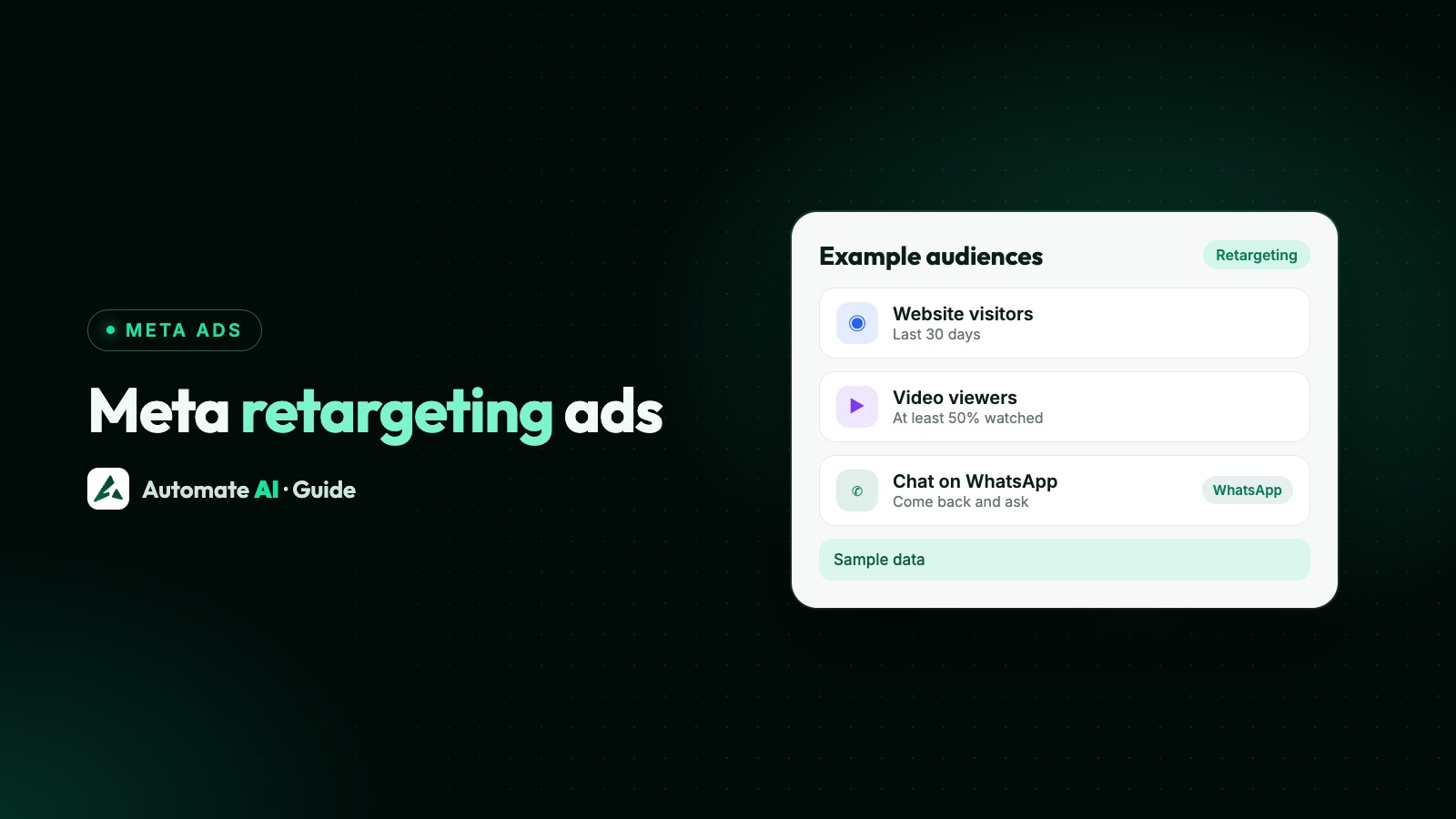
Meta ads retargeting means showing ads to people who already interacted with your business, such as visitors to your website, people who watched your videos or opened your lead form, using a custom audience in Ads Manager. You build the audience under Audiences › Create audience › Custom audience, then pick it in the ad set of a new campaign. Remarketing is the same idea under another name.
This guide covers which audiences you can retarget and how long people stay in them, how to set up a retargeting campaign step by step, how dynamic product retargeting works, and how to send warm people into a WhatsApp chat instead of back to a page they already left.
Key takeaways
- Retargeting runs on custom audiences: website visitors (through the Meta Pixel), video viewers, Page and Instagram engagers, lead form openers, shop visitors and customer lists.
- Website audiences can look back up to 180 days (2 years for purchase events). Facebook Page audiences can look back up to 365 days.
- Engagement audiences refresh themselves: people join when they engage and drop out when the time window passes.
- Always exclude recent buyers, and keep Advantage+ audience off when you want the ad shown only to your warm audience.
- Meta’s list of engagement audiences has no source for people who chatted on WhatsApp. Export those contacts and upload them as a customer list instead.
What retargeting means in Meta Ads
Most people don’t buy or message the first time they see a business. Retargeting gives you a second chance with the people who showed some interest: they visited a product page, watched half a video or opened your form and closed it. Because they already know you, the ad can skip the introduction and go straight to an offer, an answer to a common doubt or a simple “ask us on WhatsApp”.
Meta’s own help pages describe three common uses of a website audience, and they apply to the other audience types too:
- Retargeting: reach people who visited in the last 30 days but haven’t converted yet.
- Prospecting: use the audience as the source for a lookalike, to find new people like them.
- Upselling and cross-selling: show related products to people who already bought.
Audiences you can retarget, and how long people stay in them
Meta lets you create up to 500 custom audiences per ad account. These are the types that matter for retargeting:
| Audience | Who is in it | Look-back limit |
|---|---|---|
| Website | People who visited your site or triggered a Pixel event, such as ViewContent or AddToCart | Up to 180 days (2 years for Purchase) |
| Video | All viewers (3 seconds), engaged viewers (10 seconds) or highly engaged viewers (50%) | Set by you when you create it |
| Lead form | People who opened or submitted one of your instant forms | Set by you when you create it |
| Facebook Page | People who engaged with your Page | Up to 365 days |
| Customer list | People from your own file of emails or phone numbers | Meta marks it outdated after 30 days without an update, which may affect delivery |
Meta also offers Instagram account, events, Instant Experience, shopping and catalogue audiences, the last of which powers the dynamic product ads covered below.
Engagement and website audiences keep themselves up to date. Meta’s example: with a 30-day window, someone who engaged 29 days ago is in the audience, and drops out the next day unless they engage again. You only edit the audience to change the window or the type of engagement.
Since October 2026, video audiences offer three options: all video viewers (at least 3 seconds), engaged video viewers (at least 10 seconds) and highly engaged video viewers (at least 50%). You can pick up to 200 videos for one audience, from your Page, your Instagram account, a campaign or by video ID.
Audience options are limited for audiences that include people under 18 (older in some countries), and you can’t use audiences based on a Facebook Page that has been deleted.
Can you retarget people who messaged you on WhatsApp?
Not as an engagement audience. The sources Meta lists for engagement custom audiences are video, lead form, Instant Experience, shopping, Instagram account, events and Facebook Page. None of them is “people who chatted with your WhatsApp number”, so don’t plan a campaign around one.
What you can do is upload them. If customers reached you on WhatsApp, their numbers are already in your WhatsApp platform. Export the ones you have a lawful basis to use for ads, remove anyone who opted out, and upload the file as a customer list custom audience. The full steps, Meta’s formatting rules and the consent checks are in Meta custom audiences from your customer list.
How to set up a retargeting campaign in Ads Manager
Here is the order that works, using a website audience as the example. Swap in a video, lead form or Page audience at step 2 if that’s your warm group.
- Check your data source. For website retargeting, the Meta Pixel must be installed and tracking standard events, custom events or custom conversions. Confirm the Pixel is active before you build the audience.
- Create the audience. In Ads Manager, open Audiences, choose Create audience › Custom audience, pick Website and choose your Pixel. Select who to include, for example people who triggered ViewContent, and set the retention in days. Name it clearly, such as “Viewed product, 30 days”.
- Create an exclusion audience. Make a second website audience of people who triggered Purchase in, say, the last 30 days, so you stop paying to reach people who already bought.
- Create the campaign. Choose the objective for the result you want: Sales for purchases on the site, or Engagement for chats. See Meta ads objectives if you’re unsure.
- Set the audience in the ad set. Add your retargeting audience under Custom audiences, and add the buyers audience under Exclude. Leave Advantage+ audience off, because Meta says it isn’t recommended for retargeting: with it on, your audience is only a suggestion.
- Write an ad for people who already know you. Name the product they looked at, answer the usual doubt (price, delivery, sizing) and give one clear action.
- Publish and wait. Warm audiences are small, so give the ad set time and a budget it can spend before you judge it.
You can combine up to 5 rule sections in one website audience, at least one of which must include people. That lets you build, for example, “visited the pricing page in 14 days, but not the thank-you page”.
Split your warm audience by how recent it is
Meta’s retargeting tips suggest segmenting by time since the last action, with one ad set per segment, so you can set different bids and see results for each group. Someone who looked at a product yesterday is usually closer to buying than someone who looked two weeks ago. A simple structure you can adapt:
| Ad set | Include | Exclude | Message idea |
|---|---|---|---|
| Hot | Added to cart or opened the form, last 7 days | Purchased, last 30 days | “Still deciding? Ask us anything on WhatsApp.” |
| Warm | Viewed a product page, last 30 days | Hot ad set audience, purchasers | A reason to come back, such as a size guide or delivery date |
| Cool | Engaged video viewers, last 90 days | Website visitors, purchasers | A short demo and a chat button |
Excluding the hotter group from the cooler ad sets keeps people from seeing all three ads at once and stops your ad sets competing for the same people. If your audiences are too small for three ad sets, start with one, include the whole warm group and exclude buyers.
Dynamic retargeting with your product catalogue
Dynamic retargeting is what Meta now calls ads showing product media (previously Advantage+ catalog ads). Instead of one fixed image, Meta shows each person the products from your catalogue they viewed or added to cart, or similar ones, using events from your Pixel, app SDK or Meta’s own signals.
- What you need: a product catalogue, plus events from your Meta Pixel or app SDK so Meta knows who looked at what.
- Objectives: Sales, Traffic, Engagement, Leads or App promotion, by choosing product media as the creative source when you set up the ad.
- Audience: Meta’s tips are to include a catalog custom audience of people who viewed or added to cart, and exclude people who bought recently.
- Window: if the audience is too small, Meta suggests extending the retention to 30 or 90 days.
- Cross-sell: show related products to people who already bought, to raise order value.
Dynamic ads suit shops with many products. A service business with three packages usually does better with a plain retargeting ad that answers the main question and opens a chat.
Send warm audiences to a WhatsApp chat
People in a retargeting audience already left your website or closed your form once. Sending them back to the same page often gets the same result. A Click-to-WhatsApp ad gives them a different next step: ask a question and get an answer, which is often what stopped them in the first place. Some pairings that make sense:
| Warm audience | Ad | Why it fits |
|---|---|---|
| Opened your lead form but didn’t submit | Click-to-WhatsApp ad: “Prefer to chat? Ask us here.” | Some people won’t fill a form but will send one message |
| Viewed a product but didn’t buy | Click-to-WhatsApp ad naming the product | Questions about size, delivery or price get answered in the chat |
| Engaged video viewers | Click-to-WhatsApp ad with a short offer | They’ve seen the demo; the ad gives the next step |
| Past customers (uploaded list) | Click-to-WhatsApp ad with a repeat offer | Reorders are easier in a chat they already know |
When the chat starts from the ad and you reply within 24 hours, Meta’s pricing documentation says a free entry point window opens and can stay open for up to 7 days, during which your WhatsApp messages to that person are free from Meta, Meta Business Agent messages excepted (you still pay for the ad, and providers set their own rates: Automate AI charges its normal rates from the wallet). More on that in Click-to-WhatsApp ads.
Retargeting with Automate AI’s Meta Ads menu
Automate AI’s Meta Ads menu (every plan, for owners and managers) creates Click-to-WhatsApp ads, drafted by AI from a one-line description of your offer if you’ve added your own AI key in Settings, and shows every ad in your connected ad account with its spend, clicks, chats started and cost per chat. It doesn’t create custom audiences, so a retargeting setup works like this:
- Build the retargeting and exclusion audiences in Ads Manager, as above.
- Create the WhatsApp ad in Automate AI, or in Ads Manager if you prefer.
- Open the ad set in Ads Manager and add the custom audiences under include and exclude. If you later edit the ad set’s budget, dates or audience in Automate AI, custom audiences set in Ads Manager are kept as they are.
- Watch chats started and cost per chat for that ad in Automate AI, next to your other ads.
Chats from the ad arrive in the shared inbox as contacts, ready for your team, a chatbot or the AI Assistant. The Conversions API option sends Lead and Purchase events from those chats back to Meta, so you can judge the retargeting ad on customers rather than chats (how to track which ads bring WhatsApp buyers).
If your retargeting ad uses a lead form instead, the Facebook Lead Ads integration (AI + Automation Plan and Series 4) saves each lead as a contact and can send an approved WhatsApp template straight away, so the person who finally submitted hears from you in seconds.
Frequently asked questions
What is retargeting in Meta Ads?
Showing ads to people who already interacted with your business, such as website visitors, video viewers, Page engagers or people who opened your lead form. You do it with a custom audience chosen in the ad set.
Is remarketing the same as retargeting on Meta?
Yes, in practice. Both mean reaching people who already showed interest. Meta’s help pages use the word retargeting, and the tool is the same: custom audiences.
How do I create a retargeting audience in Meta Ads Manager?
Open Audiences, choose Create audience and Custom audience, then pick the source, such as Website, Video, Lead form or Facebook Page. Choose who to include, set the number of days and create it.
How far back can Meta retarget website visitors?
Up to 180 days for website visitors and most Pixel events, and up to 2 years for purchase events. A new website audience fills from the day you create it and doesn’t backfill earlier visits. Facebook Page engagement audiences can go back up to 365 days.
Should I use Advantage+ audience for retargeting?
No, if you want the ad shown only to your warm audience. Meta says Advantage+ audience isn’t recommended for retargeting, because with it on your custom audience is only a suggestion. Exclusions stay strict either way.
Can I retarget people who messaged my WhatsApp number?
Meta doesn’t offer an engagement audience for WhatsApp chats. Export those contacts, remove anyone who opted out, and upload them as a customer list custom audience, if you have a lawful basis to use them for ads.
What are Meta dynamic retargeting ads?
Ads showing product media, previously called Advantage+ catalog ads. They show each person products from your catalogue that they viewed or added to cart, or similar ones, using your Pixel or app events.
Sources
- Meta Business Help Centre: About custom audiences
- Meta Business Help Centre: About website custom audiences
- Meta Business Help Centre: How to create a website custom audience in Meta Ads Manager
- Meta Business Help Centre: Options to create a website custom audience
- Meta Business Help Centre: About engagement custom audiences
- Meta Business Help Centre: How to create a video engagement custom audience
- Meta Business Help Centre: About ads showing product media
- Meta Business Help Centre: Tips for retargeting with ads showing product media
WhatsApp rules and prices change. We check these guides against Meta’s documentation, but always confirm current terms with Meta before you rely on them. Questions? Message us on WhatsApp at +91 836 977 8812.