Meta Ads Targeting in 2026: Location, Interests, Broad and Advantage+ Audience
Meta ads targeting options explained: locations and radius, age and gender, interests, broad targeting and Advantage+ audience, with a setup for WhatsApp ads.
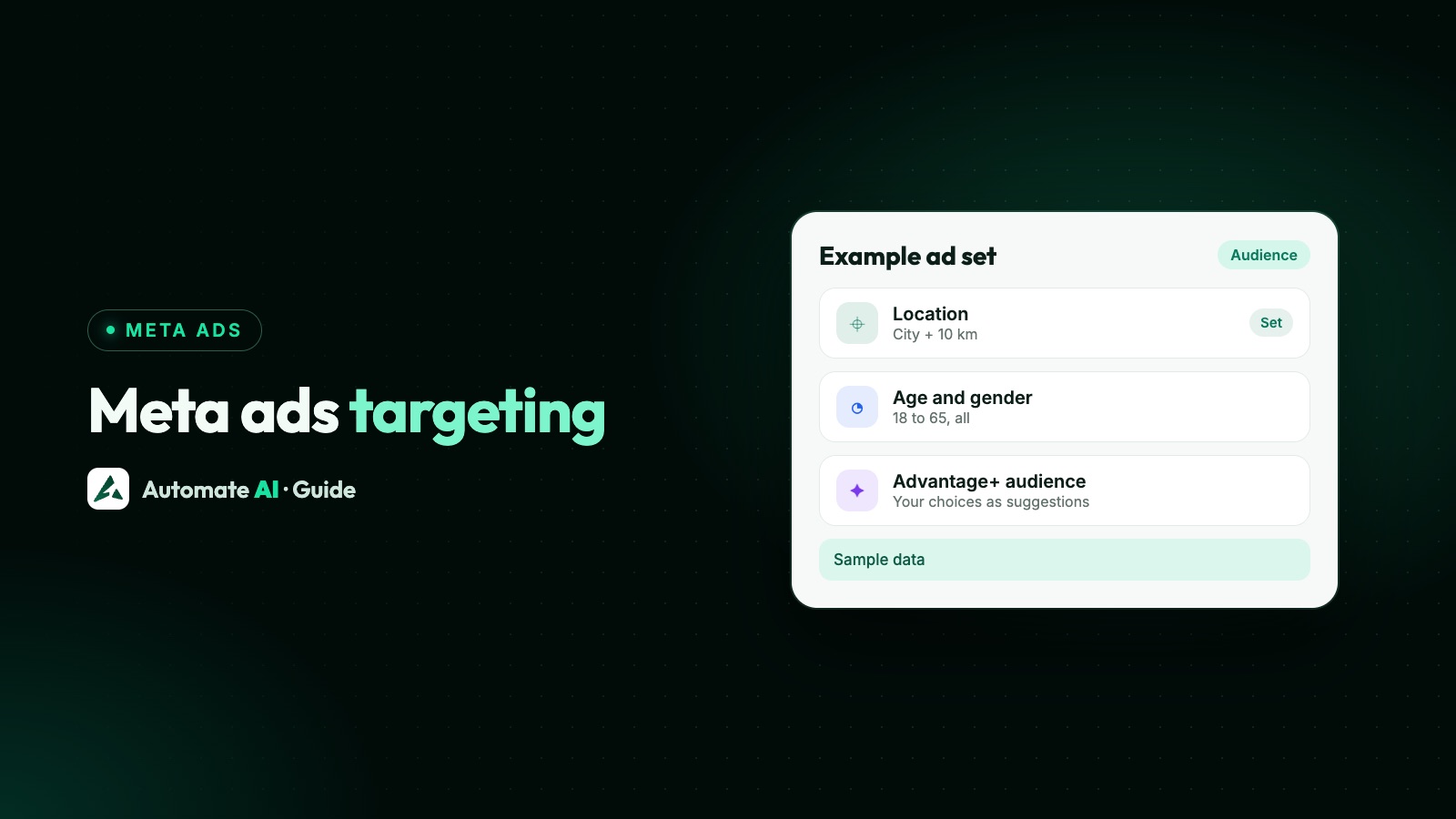
Meta ads targeting in 2026 comes down to two layers: audience controls, which are hard limits such as location and minimum age that Meta never goes beyond, and audience suggestions, such as interests, age range and gender, which Meta can look past when it expects better results. With Advantage+ audience on, which is the default in Ads Manager, most of what you pick is a suggestion.
This guide lists every targeting option in an ad set, explains which ones are controls and which are suggestions, how to set locations and radius, when interests help, how big an audience should be, and a simple targeting setup for ads that open a WhatsApp chat.
Key takeaways
- Locations are a control. Meta won’t go beyond them unless you tick “reach more people likely to respond to your ads”.
- With Advantage+ audience on, age, gender, interests and custom audiences you add are suggestions by default.
- Meta says delivery works best with an audience of 2 to 10 million people, and recommends interests only above 2 million.
- Meta’s help says detailed targeting isn’t currently available for ads that click to WhatsApp, so location does most of the work there.
- Automate AI creates ads with Advantage+ audience off, so the cities, ages and gender you choose are respected as set.
Meta ads targeting options at a glance
Every option sits in the Audience section of the ad set. This is the full list, and how Meta treats each one when Advantage+ audience is on:
| Option | What it does | With Advantage+ audience |
|---|---|---|
| Locations | Countries, regions, cities, postcodes, with a radius around cities | Control |
| Minimum age | The youngest age that can see the ad | Control |
| Languages | People who use a language you pick | Control |
| Exclude custom audiences | Keep a list of people out, such as current customers | Control |
| Age range and gender | Who you’d prefer to reach | Suggestion |
| Detailed targeting | Interests, behaviours and demographics | Suggestion |
| Include custom or lookalike audiences | Your own lists, or people similar to them | Suggestion |
Suggestions can be turned into hard limits. Choose Further limit your audience (or Further limit the reach of your ads), make your choices and untick Use as a suggestion where it appears. Meta says this is also how you turn Advantage+ audience off.
Location targeting and radius
Meta shows ads to people who live in, have recently been in, or often visit the places you choose. You can enter up to 25 countries, up to 250 cities and up to 50,000 postcodes, plus states, provinces and broad areas such as a region or worldwide, depending on the objective.
- Radius. When you pick a city or drop a pin, Meta sets a default radius you can change with the slider. Radius isn’t possible for postcodes, states, regions or countries; those cover the whole area. A radius never crosses into another country.
- “Current city only”. For a city, you can limit the ad to the city itself instead of a radius.
- “Reach more people likely to respond”. Meta may tick this by default for a city or region, and it then shows ads to people interested in travelling to or buying in that place. Untick it if you can only serve people who are there.
- Excluding places. Meta checks both home and current location. Someone who lives in an included city can still see the ad while visiting an excluded one.
Location targeting isn’t exact: Meta says some impressions, messages or leads can come from outside your area. For a business that serves only one town, plan a polite reply for out-of-area chats.
Age, gender and language
With Advantage+ audience on, the minimum age is a hard limit, for example 21 for something people under 21 can’t legally buy. The age range and gender you add on top are suggestions: Meta’s example is that if you suggest women, the ad may still reach men it expects to respond.
If a limit truly matters, such as a women-only gym class, set age and gender as controls with Further limit your audience. Languages are also a control, which helps a business that only answers chats in one or two languages.
Interest targeting (detailed targeting)
Detailed targeting reaches people by interests, behaviours and demographics, such as the interest “blues music”, the behaviour “frequent travellers” or the demographic “in college”. Meta builds them from things like the ads people click, the Pages they engage with, the groups and events they join and the apps they use.
- In the ad set, under Suggest an audience, choose Show settings, then Detailed targeting.
- Search or browse, or describe your customer in a sentence and let Meta suggest options. Meta asks you not to describe sensitive topics such as race or health.
- Remember that options are OR, not AND: adding movies, books and TV reaches people who match any one of them.
- Use Narrow audience if people must also match something else, such as yoga and one of the first three.
Meta’s own advice is careful here. Its targeting page recommends interests only when the audience is at least 2 million people. When you optimise for link clicks, landing page views, conversations, conversions, app events, installs or value, Advantage+ detailed targeting is applied automatically with no opt-out, so Meta may reach people outside your interests anyway.
Broad targeting and audience size
“Broad targeting” means giving Meta little more than a location, age and gender and letting its delivery system find the people most likely to act. Meta’s ad targeting page says to start broad: a bigger audience gives the auction more chances to deliver, observe and optimise, and delivery works best with an audience of 2 to 10 million people.
Use the audience meter in the ad set to see whether your audience is too specific, too broad or about right. Two things to know about the number:
- It’s an estimate, and when Advantage+ products widen the audience, Meta says the estimate may not reflect everyone who meets your choices.
- A small service area is fine. If you serve one town, its audience is what it is. Mark the area, keep age and gender open unless they decide who buys, and let delivery learn inside that boundary.
Narrow targeting also costs you learning: a small audience can struggle to get enough results each week. See the Meta ads learning phase and how much to spend per day.
Advantage+ audience: when to use it
Advantage+ audience lets Meta’s AI choose who sees the ad, using signals such as past conversions, Meta Pixel data and how people interacted with earlier ads. In Ads Manager it’s applied automatically when it’s available.
| Situation | Suggested approach |
|---|---|
| Finding new customers, with a clear service area | Advantage+ audience on, locations as the control |
| You have good conversion data (Pixel or Conversions API) | Advantage+ audience on, add your best customer list as a suggestion |
| Showing ads only to past customers (retargeting) | Off. Meta says it isn’t recommended for retargeting |
| Strict age or gender limit for legal or business reasons | Off, or set them under Further limit your audience |
| Housing, jobs, credit or politics ads | Not available for special ad categories |
Meta recommends A/B testing Advantage+ audience against your own targeting. Run both with the same budget and creative, and compare cost per chat or per customer from your own results rather than any general average.
For audiences built from your own customer list or lookalikes, see Meta custom audiences and lookalikes.
A targeting setup for WhatsApp ads
For a Click-to-WhatsApp ad, every tap becomes a conversation someone on your team (or a chatbot) has to answer, so targeting should match who you can actually serve. A starting point you can adapt:
- Location: the cities you deliver to, with a radius you can reach, or the whole country if you ship everywhere. Untick “reach more people likely to respond” if you can’t serve visitors.
- Age: the legal minimum for what you sell, and otherwise wide.
- Gender: everyone, unless the offer is for one group only.
- Language: the languages your team replies in.
- Interests: none for WhatsApp chat ads.
- Exclusions: your current customer list, if the ad is for new customers only.
- Placements: automatic, unless you made a creative for one placement.
Then let it run without changes for a few days, and judge it on chats that turn into customers, not on clicks. Our guide to quality leads from WhatsApp ads covers greetings and first questions that filter out poor fits.
Targeting in Automate AI’s Meta Ads menu
If you create ads from Meta Ads in Automate AI’s main menu (every plan, for owners and managers), the audience step offers:
- Countries or cities: up to 10 countries, or up to 10 cities found through Meta’s location search. New cities start with a 10 km radius, and the edit window lets you pick 1, 5, 10, 17, 25, 40 or 80 km for each city (at least 25 km for special-category ads).
- Age from 18 to 65, and gender: everyone, women or men.
- Interests (optional), searched from Meta’s own list with an approximate audience size next to each. Leave them empty for WhatsApp chat ads; they suit ad types such as website visits or lead forms.
- Placements: automatic (recommended) or the ones you pick.
- A special category question for jobs, housing, credit or politics, which applies Meta’s limits for you.
When AI drafts the ad from your one-line description, it keeps the audience broad (18 to 65, everyone, the whole country) unless you name places or ages. Ads made in Automate AI start with Advantage+ audience off, so Meta keeps to your choices. To let Meta widen the audience, open the ad set’s audience in the edit window and switch Advantage+ audience on; Meta then takes a youngest age of 18 to 25 and no oldest age. When you edit an ad set in Automate AI, targeting set in Ads Manager, such as custom audiences, regions or behaviours, is kept as it is.
Every chat lands in the shared inbox as a contact. Lead form ads can feed the Facebook Lead Ads integration (AI + Automation Plan and Series 4), and results for every ad, including those made in Ads Manager, show spend, chats started and cost per chat. More: Click-to-WhatsApp ads and the Meta ads hub.
Frequently asked questions
What targeting options does Meta Ads have?
Locations, age, gender, languages, detailed targeting (interests, behaviours and demographics), custom audiences and lookalike audiences. With Advantage+ audience on, locations, minimum age, languages and exclusions are hard limits, and the rest are suggestions.
Is broad targeting better on Meta ads?
Meta recommends starting broad, and says its delivery works best with an audience of 2 to 10 million people. Test it against your own targeting rather than assuming, and keep the location to places you serve.
How small can a Meta ads audience be?
Meta doesn’t set one minimum in its targeting advice, but it recommends interest targeting only when the audience is at least 2 million. Local businesses often run smaller audiences; set the area you serve and avoid narrowing further.
Can I use interest targeting for Click-to-WhatsApp ads?
Meta’s help page on detailed targeting currently says it isn’t available for ads that click to WhatsApp. Use location, age, gender and language instead.
How do I turn off Advantage+ audience?
In the ad set, choose Further limit your audience or Further limit the reach of your ads, make your selections and untick Use as a suggestion where you see it.
Why did my ad reach people outside my location?
Meta says location targeting isn’t exact, and “reach more people likely to respond to your ads” can show ads to people interested in visiting the place. Untick that option if you only want people there.
Sources
- Meta Business Help Centre: How to choose locations for your ad
- Meta Business Help Centre: About location selection in Meta Ads Manager
- Meta Business Help Centre: About detailed targeting
- Meta Business Help Centre: Use detailed targeting
- Meta Business Help Centre: About Advantage+ audience
- Meta Business Help Centre: About audience controls and audience suggestions in Advantage+ audience
- Meta Business Help Centre: How to create a campaign using Advantage+ audience
- Meta for Business: Ad targeting
WhatsApp rules and prices change. We check these guides against Meta’s documentation, but always confirm current terms with Meta before you rely on them. Questions? Message us on WhatsApp at +91 836 977 8812.