Facebook Ads Cost per Lead: Work Out Yours and Bring It Down
How to work out your Facebook ads cost per lead from Ads Manager, split it into the parts you can fix, and compare lead forms with Click-to-WhatsApp ads fairly.
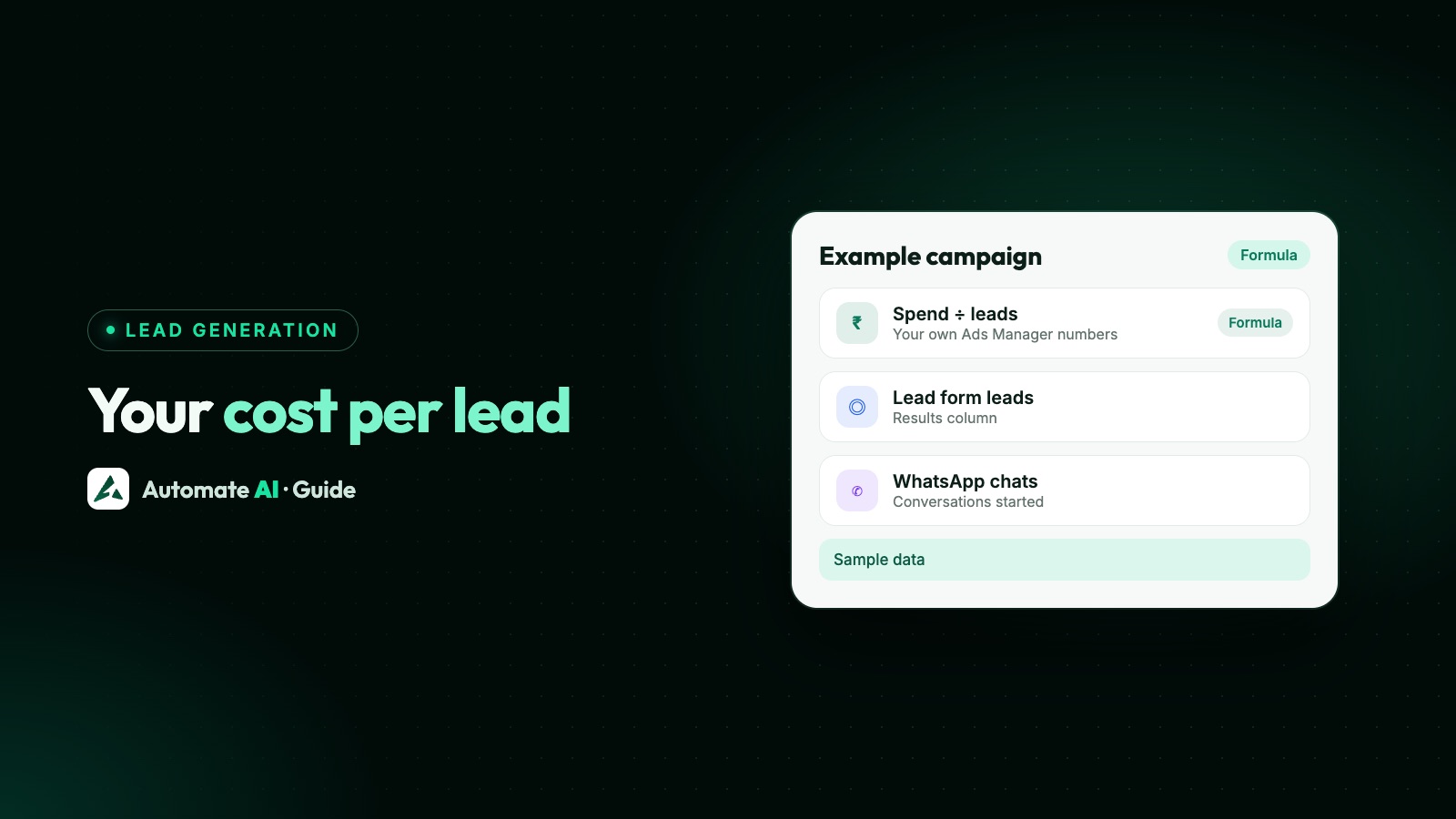
Your Facebook ads cost per lead is the amount you spent divided by the leads that spend brought in, for the same ads and the same dates. Ads Manager shows it as Cost per result when the campaign’s result is leads or conversations started.
There’s no “normal” figure to aim for: Meta doesn’t publish average costs, and they vary by country, audience, offer and ad. So this guide shows how to work out your own, split it into the three parts that drive it, decide what you can afford, and bring it down, for lead forms and for Click-to-WhatsApp ads.
Key takeaways
- Cost per lead = amount spent ÷ leads, for the same ads and the same date range.
- It breaks into three parts: what impressions cost, how many people tap, and how many of them become leads. Fix the weakest one.
- Set a target from your own sale value and close rate, not from figures online. Our Meta Ads calculator does the sums.
- A form lead and a WhatsApp chat aren’t the same thing, so compare them on cost per qualified lead, after follow-up costs.
- In Automate AI you can run Click-to-WhatsApp ads from Meta Ads and message form leads on WhatsApp through the Facebook Lead Ads integration.
What cost per lead means on Facebook
A “lead” is whatever your campaign counts as a result. That depends on where the ad sends people:
| Ad type | What counts as a lead | Where you see it |
|---|---|---|
| Lead ads (instant forms) | A submitted form | Results and Cost per result in Ads Manager |
| Click-to-WhatsApp ads | A conversation started in WhatsApp | Results and Cost per result, when the goal is conversations |
| Website lead forms | A form on your site, reported by the Pixel or Conversions API | Results, if the event is set up |
So before you compare numbers, check that you’re comparing the same kind of result. A campaign optimised for link clicks will show a cost per click, not a cost per lead, even if some of those clicks became leads.
How to work out your cost per lead
- Open Ads Manager and pick the date range you want. Use at least a full week, because daily numbers jump around.
- Go to the Campaigns, Ad sets or Ads tab, depending on what you’re judging.
- Read three columns: Amount spent, Results and Cost per result. If you can’t see them, customise the columns.
- Check the sum yourself: amount spent ÷ results should give the cost per result.
- Add the leads Ads Manager can’t see, such as people who called or walked in after seeing the ad, only if you record where they came from.
- Write it down each week for each ad, so you can see trends rather than one-off spikes.
The three parts of cost per lead
Cost per lead comes from three numbers. Splitting it shows you which one to fix:
Cost per lead = CPM ÷ (1,000 × click-through rate × lead rate)
- CPM is what you pay for 1,000 impressions. It’s set by the auction: your audience, placements, time of year and ad quality.
- Click-through rate (link CTR) is the share of people who saw the ad and tapped it. It’s mostly your creative and offer.
- Lead rate is the share of people who tapped and then submitted the form or sent the first message. It’s the form or the chat opening.
Here is a worked example. These are made-up example numbers to show the sums, not figures to aim for:
| Number (made-up example) | Value | How it’s worked out |
|---|---|---|
| Amount spent | ₹10,000 | From Ads Manager |
| Impressions | 50,000 | From Ads Manager |
| CPM | ₹200 | ₹10,000 ÷ 50,000 × 1,000 |
| Link clicks | 750 | From Ads Manager |
| Link CTR | 1.5% | 750 ÷ 50,000 |
| Leads | 75 | Forms submitted or chats started |
| Lead rate | 10% | 75 ÷ 750 |
| Cost per lead | ₹133 | ₹10,000 ÷ 75, or ₹200 ÷ (1,000 × 0.015 × 0.10) |
Now you can ask useful questions. If the lead rate doubled, cost per lead would halve, with no change to the budget. If CPM rose by a quarter, cost per lead would rise by a quarter too.
What cost per lead can you afford?
A lead is only cheap or expensive next to what it’s worth to you. Work back from your own numbers:
- Average profit per sale: sale value × your gross margin.
- Your close rate: of 100 leads, how many buy? Use your sales records, not a guess.
- Break-even cost per lead = profit per sale × close rate. With a made-up profit of ₹6,000 and 5 sales per 100 leads, that’s ₹300.
- Target cost per lead: pick a figure below break-even that leaves the profit you want.
The Meta Ads budget and ROAS calculator takes your budget, CPM, click-through rate, lead rate, close rate, sale value and margin, and shows the cost per lead, customers, profit and break-even ROAS that budget could bring. For how much to spend each day once you have a target, see Meta ads budget per day.
Go one step further when you can and track cost per qualified lead and cost per customer. In the made-up example, if 30 of the 75 leads were worth a call and 6 bought, that’s ₹333 per qualified lead and about ₹1,667 per customer. Those are the numbers that tell you whether the ads pay.
Lead forms vs Click-to-WhatsApp ads: compare them fairly
Lead forms often look cheaper per lead, because a pre-filled form takes less effort than starting a chat. But the two “leads” aren’t the same, so compare them as a method, on your own numbers:
| Step | Lead form ads | Click-to-WhatsApp ads |
|---|---|---|
| 1. Cost per result | Spend ÷ forms submitted | Spend ÷ conversations started |
| 2. Contact cost | Add the first WhatsApp template, charged when delivered, plus any calls | Replies within 24 hours open a free entry point window of up to 7 days |
| 3. Reach rate | Share of leads who answer your first message or call | Already talking to you |
| 4. Qualified | Share who pass your test for a real lead | Same test |
| 5. Compare | Total cost ÷ qualified leads | Total cost ÷ qualified leads |
The free entry point window applies when someone messages you from the ad on WhatsApp’s Android or iOS app and you reply within the 24-hour window; Meta then doesn’t charge for your messages while it’s open (except Meta Business Agent messages). Form leads haven’t messaged you, so your first message has to be an approved template.
Which wins depends on your product, how fast you reply and how your customers like to talk. The reasons each one wins, and how to run a clean A/B test, are in Facebook lead ads vs WhatsApp ads.
How to bring your cost per lead down
Work on the weakest of the three parts first. Compare each ad with your other ads over the same weeks, not with numbers from elsewhere:
| If this is weak | What to try |
|---|---|
| CPM is high | Widen the audience and use Advantage+ placements (the default for Leads campaigns), use Advantage+ campaign budget, and avoid tiny budgets that can’t leave learning |
| Link CTR is low | A clearer offer in the first line, a real photo or short video of the product, a price or a reason to tap now |
| Form lead rate is low | Fewer questions, only the ones you need; say what happens next and how you’ll contact them |
| Chat lead rate is low | A specific pre-filled message and a greeting that asks one easy question |
| Leads are cheap but weak | Add a qualifying question, use higher-intent options such as phone verification, and send Meta the leads that turn into sales |
Meta’s pricing page lists the things that affect what you pay: your objective, budget, bid strategy, performance goal and ad quality. Its lead ads page also says optimising for lead quality, which is available for instant forms and website forms, can lower the cost per quality lead.
For the chat side in detail, from the offer to qualifying questions, see how to generate quality leads with WhatsApp ads.
Run both in Automate AI and count every lead
If WhatsApp is where you close sales, you can feed it from both ad types and judge them side by side:
- Click-to-WhatsApp ads: create them under Meta Ads in the main menu, on every plan. Each ad in your connected account shows spend, clicks, chats started, cost per chat and new contacts, including ads made in Ads Manager. See Click-to-WhatsApp Ads.
- Lead form ads: Meta Ads can create lead form ads too, using an instant form you’ve made in Meta Business Suite. The Facebook Lead Ads integration, part of the AI + Automation Plan and Series 4, saves each form lead as a contact and can send an approved WhatsApp template straight away, with a different one for each ad if you like. Say on the form that you’ll contact people on WhatsApp, because they need to opt in.
- One inbox: chats from both routes land in the shared inbox, so the same team and the same qualifying questions handle every lead.
- Tell Meta what worked: the Conversions API, under Integrations, sends Lead and Purchase events from those chats back to Meta to improve your ads.
Then add your qualified leads and sales to the weekly sheet for each ad, and divide total cost by them. Reply speed matters for both routes; our speed to lead guide covers why.
A weekly cost per lead routine
- Pull the week’s numbers for each ad: amount spent, impressions, link clicks and results.
- Work out the three parts: CPM, link CTR and lead rate.
- Add your own counts: leads reached, qualified leads and sales.
- Find the weakest part of the worst ad and change one thing only.
- Leave the change for about a week before you judge it, so delivery can settle.
- Move budget towards the ads with the lowest cost per qualified lead.
Frequently asked questions
How do I calculate cost per lead on Facebook ads?
Divide the amount spent by the number of leads for the same ads and dates. Ads Manager shows it as Cost per result when the campaign’s result is leads or conversations started.
What is a good cost per lead for Facebook ads?
One that is below what a lead is worth to you: your profit per sale multiplied by your close rate. Meta doesn’t publish averages, and costs vary by country, audience and offer, so use your own numbers.
Why is my Facebook cost per lead so high?
Split it into CPM, link click-through rate and lead rate, and compare each with your other ads. High CPM points to audience, placements or budget; low click-through to the creative or offer; a low lead rate to the form or chat opening.
Are Click-to-WhatsApp ads cheaper than lead forms?
Not always. Forms can show a lower cost per lead, but form leads need a paid template to start the conversation and some never answer. Compare both on cost per qualified lead after follow-up costs.
Does Meta charge for WhatsApp messages after a Click-to-WhatsApp ad?
If the customer messages you from the ad on WhatsApp’s Android or iOS app and you reply within 24 hours, a free entry point window of up to 7 days opens, and Meta doesn’t charge for your messages while it’s open, except Meta Business Agent messages. You still pay for the ad.
Can I see cost per chat in Automate AI?
Yes. Meta Ads in Automate AI shows spend, clicks, chats started, cost per chat and new contacts for every ad in your connected ad account.
Sources
- Meta: Facebook and Instagram ads pricing
- Meta for Business: Lead ads
- Meta: Pricing on the WhatsApp Business Platform (free entry point window)
- Meta Marketing API: Lead ads
WhatsApp rules and prices change. We check these guides against Meta’s documentation, but always confirm current terms with Meta before you rely on them. Questions? Message us on WhatsApp at +91 836 977 8812.