Meta Partnership Ads: How to Run Ads With Creators (and Send Them to WhatsApp)
How Meta partnership ads work: creator permissions, ad codes, setup in Ads Manager, branded content rules, and how to send a creator’s ad to a WhatsApp chat.
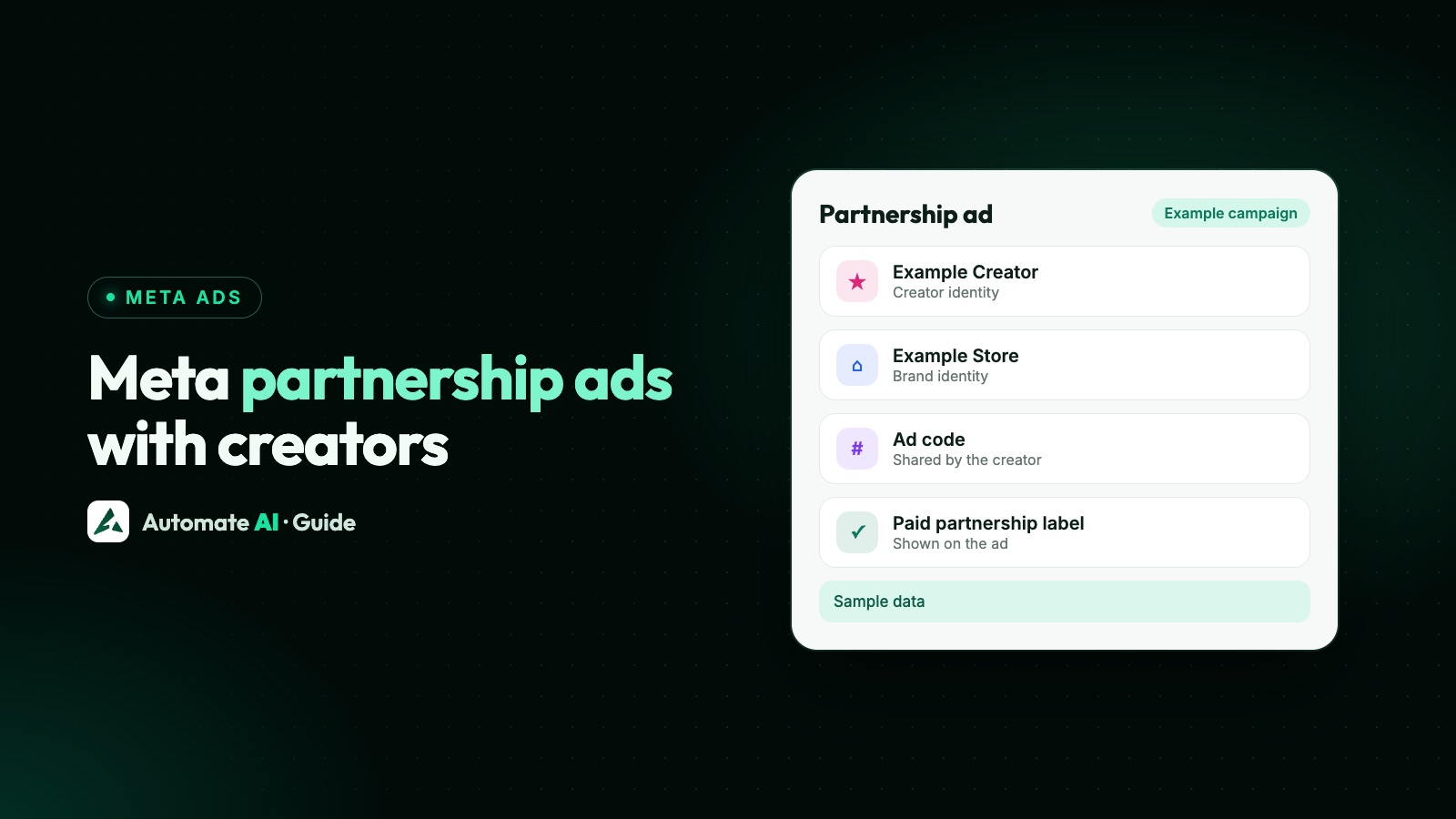
A Meta partnership ad is an ad that runs from both your account and a creator’s (or another brand’s) account, with both names in the header. You get permission from the creator, either for their whole account or for one post with a partnership ad code, then turn on the Partnership ad toggle at the ad level in Ads Manager. Meta renamed branded content ads to partnership ads, so older guides use the old name.
This guide covers what you need before you start, the two kinds of permission, the setup steps, Meta’s branded content rules, and a question most guides skip: whether a partnership ad can open a WhatsApp chat. (It can, for most objectives.)
Key takeaways
- Partnership ads show both identities in the header and, Meta says, use signals from both accounts.
- You need the partner’s permission: account-level (sent from Creator Marketing in Meta Business Suite) or content-level (an ad code, or “Allow brand partner to boost”).
- In Ads Manager you build the campaign as usual, then turn on Partnership ad at the ad level and paste the code, post ID or URL.
- WhatsApp works as a conversion location for awareness, traffic, engagement and sales partnership ads, and partnership ads can run in WhatsApp Status. Leads and call ads can’t use it.
- The creator must follow Meta’s branded content policies, including the paid partnership label and the list of banned and age-restricted products.
What partnership ads are
Meta describes partnership ads as ads you run with partners: creators, brands and other businesses. The partner’s account, yours, or both appear in the ad’s header, and Meta says the ads use signals from both accounts to help improve performance. To the viewer it looks like the creator’s post, labelled as an ad, with your brand alongside.
There are two ways a partnership ad starts:
- From the creator’s content. The creator posts a reel, post or story about you (branded content), and you boost it as an ad.
- From your content, under their name. With account-level permission you can upload new creative and run it from the creator’s handle, without a post on their profile.
Meta’s other features for advertisers: insights in Ads Manager, and suggested posts, which offer approved, eligible branded content about you from the last 60 days to add to new or existing campaigns. The partnership ad itself doesn’t appear on the creator’s profile, but it is listed in the Meta Ad Library, like other ads.
What you need before you start
| Who | What they need |
|---|---|
| You (the advertiser) | A Facebook Page or a professional Instagram account, an ad account, and Meta recommends linking your Instagram and Facebook accounts |
| The creator or partner | A professional Instagram account, or a Facebook Page or profile in professional mode, and they must meet Meta’s eligibility requirements for partnership ads and branded content |
| The content | An eligible format. Instagram shows the creator a screen if a post can’t be used |
| An agency, if you use one | Permissions on your Instagram account, Facebook Page and ad account |
Meta also points out that partnership ads aren’t the same as organic branded content. If you want a creator to tag you with the paid partnership label in their normal posts, that’s a separate permission from the one that lets you run ads.
Agree the commercial terms in writing first: what the creator will post, whether you may run it as an ad, for how long, and who answers the messages. Meta’s tools handle the permission, not the deal.
Getting permission: account-level or content-level
| Account-level permission | Content-level permission | |
|---|---|---|
| How you get it | Send a request from Creator Marketing in Meta Business Suite; the creator accepts in Instagram, Facebook or the hub | The creator shares a partnership ad code, or turns on “Allow brand partner to boost” on a post that tags you |
| What you can boost | Any of their posts, stories or reels that tag you (on Instagram: paid partnership label, mentions, people or product tags, or collabs; on Facebook: the paid partnership label), including archived ones | That one post, story or reel |
| Ads without a post | Yes, from their handle with new creative | No |
| Extras | Include or exclude the creator’s custom audience | An ad code can be used by up to 2 partners at a time |
| If the creator withdraws | Running ads are paused | Turning a code off stops new ads; active ones keep running until the creator stops them |
To send an account-level request, Meta’s steps are:
- In Meta Business Suite, click Creator marketing in the left menu.
- Under the Creators tab, click Manage permissions.
- Click Add partnership, search for the partner’s username and select their account.
- Click Next, choose the account you’ll partner with, click Done, then Send request.
Until they accept, the partner shows “Request sent”. You can use Get link to send them straight to the screen where they accept in Instagram, or Notify to remind them. A creator making an ad code taps Partnership label & ads on the post, story or reel and turns on Get partnership ad code. One catch: archived Facebook content can’t be boosted into a partnership ad, though archived Instagram content can.
How to create a partnership ad in Ads Manager
- In Ads Manager, click + Create and pick an objective that partnership ads support (see the table below).
- Set the conversion location, budget, schedule and audience as for any campaign, then click Next.
- At the ad level, turn on the Partnership ad toggle.
- With a code: click Enter ad code or post info and paste the ad code, post ID or post URL. This sets the first identity and uses that post’s media. Then pick the second identity.
- Without a code (account-level permission): go to Identities, click Edit, then choose Use existing post to pick the creator’s content, or Create ad to upload new creative.
- Choose how the header shows identities: both, the first only, or dynamic identity, which is on by default and picks the option predicted to perform best.
- Finish the ad and click Publish. Meta reviews it and tells you when it’s approved.
Two things to know once it’s live: you can’t manage or delete likes and comments on the boosted post until the ad is live, and Meta says dynamic and single identity only apply on Facebook Feed and Reels. Other placements show both names. For campaign set-up in general, see Meta ads campaign structure.
Can partnership ads open a WhatsApp chat?
Yes, for most objectives. Meta’s page of supported objectives lists “Messaging apps (including Messenger, Instagram and WhatsApp)” as a conversion location for partnership ads:
| Objective | Messaging apps (incl. WhatsApp) | Calls |
|---|---|---|
| Awareness | Supported | Not listed |
| Traffic | Supported | Not supported |
| Engagement | Supported | Not supported |
| Leads | Not supported (only website, instant forms and app) | Not supported |
| Sales | Supported | Not supported |
| App promotion | Not offered (app only) | Not offered |
So if you want a creator’s reel to start WhatsApp conversations, use Engagement or Sales with WhatsApp as the conversion location, not Leads. Meta ads objectives explains which objective suits which goal.
WhatsApp as a destination isn’t the same as the WhatsApp Status placement. Meta says partnership ads can be created for the Status placement since September 2026. In Status the header always shows both identities, and when the ad clicks to a WhatsApp chat it can use your WhatsApp Business account identity. Status ads have their own limits, covered in WhatsApp Status ads.
Meta’s branded content rules
Meta defines branded content as a creator’s or publisher’s content that features or is influenced by a business partner in exchange for something of value, such as money or free gifts. Its branded content policies say:
- Branded content may only be posted using Meta’s branded content tool, and the creator must tag the business partner, with the partner’s prior permission. It shows as “Paid partnership with [your name]”. Once boosted, an Ad label appears too.
- Content with an affiliate link should carry the paid partnership label, even without a tagged partner.
- Creators can’t accept anything of value to post content that doesn’t feature them or that they weren’t involved in making.
- Banned from branded content, among others: tobacco and vapes, drugs, unsafe supplements, weapons and fireworks, adult products (except family planning), payday loans and bail bonds, multilevel marketing, initial coin offerings, and state lotteries.
- Restricted: branded content about credit cards, loans or insurance must be shown to people 18 or over, and alcohol is age-gated by country and banned in some, India among them. Dating, real-money gambling, pharmacies, prescription drugs and crypto need Meta’s written permission first.
- Politicians, parties and political committees can’t use branded content (with a US exception for authorised advertisers).
Meta also says you must follow local laws, including any disclosure rules for commercial content. That’s a matter for your own advice; this post reports Meta’s rules and isn’t legal advice. Partnership ads are still ads, so Meta’s Advertising Standards and any special ad category apply as well.
Creator ads that start WhatsApp chats, with Automate AI
Automate AI’s Meta Ads menu doesn’t create partnership ads: there’s no partnership toggle or ad code field. Make the partnership ad in Ads Manager, with WhatsApp as the conversion location and your connected number, and Automate AI handles what happens next:
- Each chat from the ad arrives in your shared inbox, ready for your team, a chatbot or the AI Assistant to reply.
- Meta Ads in Automate AI shows every ad in your connected ad account, including ones made in Ads Manager, with spend, chats started and cost per chat. Run one ad per creator and you can compare creators by chats and cost per chat, not just likes.
- You can pause an ad, give it more budget or run it longer from there, and anything that can spend more asks you first.
Set a greeting that continues the creator’s video, so people who tap don’t land on a generic “Hi”. A sample with demo details:
“Hi! You came from Riya’s reel about our weekend cake classes. Want the next dates and fees? Reply 1 for Pune, 2 for Mumbai.”
More on writing these openers is in Click-to-WhatsApp ads, and the builder for your own (non-creator) ads is on the Click-to-WhatsApp ads feature page.
Frequently asked questions
What are partnership ads on Meta?
Ads you run with a creator, brand or other business, showing one or both accounts in the header. They used to be called branded content ads. You need the partner’s permission to run one.
Where is the partnership ad option in Ads Manager?
At the ad level. Build the campaign and ad set as usual, then turn on the Partnership ad toggle when you create the ad, and enter the ad code, post ID or URL, or choose identities.
What is a partnership ad code?
A code a creator generates for one post, story or reel and shares with you. It lets you boost that content as a partnership ad. Up to 2 partners can use a code at a time.
Can a partnership ad send people to WhatsApp?
Yes, with the Awareness, Traffic, Engagement or Sales objective and messaging apps as the conversion location. Meta doesn’t support it for the Leads objective, and partnership ads can’t use calls.
Can I run a partnership ad without the creator posting?
Yes, if they’ve given you account-level permission. You can then create an ad from their handle with new creative, without a post on their profile.
What happens if the creator removes my permission?
If they remove account-level access, your running partnership ads from their handle are paused. If they only turn off an ad code, new ads can’t use it, but active ones keep running.
Can I make partnership ads in Automate AI?
Not in its Meta Ads menu. Create them in Ads Manager with WhatsApp as the destination; the chats arrive in Automate AI and the ad’s spend and chats show in Meta Ads.
Sources
- Meta Business Help Centre: About partnership ads
- Meta Business Help Centre: How to create a partnership ad
- Instagram Help Centre: Supported objectives and placements for partnership ads
- Meta Business Help Centre: Manage account-level permissions for partnership ads in Creator Marketing hub
- Meta Business Help Centre: Manage content-level permissions for partnership ads
- Instagram Help Centre: Create a partnership ad code to share with partners
- Instagram Help Centre: Stop an advertiser from running partnership ads
- Instagram Help Centre: Branded content policies
WhatsApp rules and prices change. We check these guides against Meta’s documentation, but always confirm current terms with Meta before you rely on them. Questions? Message us on WhatsApp at +91 836 977 8812.