Meta Ads Campaign Structure for WhatsApp Leads: Campaigns, Ad Sets and Ads
How to structure Meta ads campaigns, ad sets and ads for WhatsApp leads: what goes at each level, how many to run, sample setups and a naming convention.
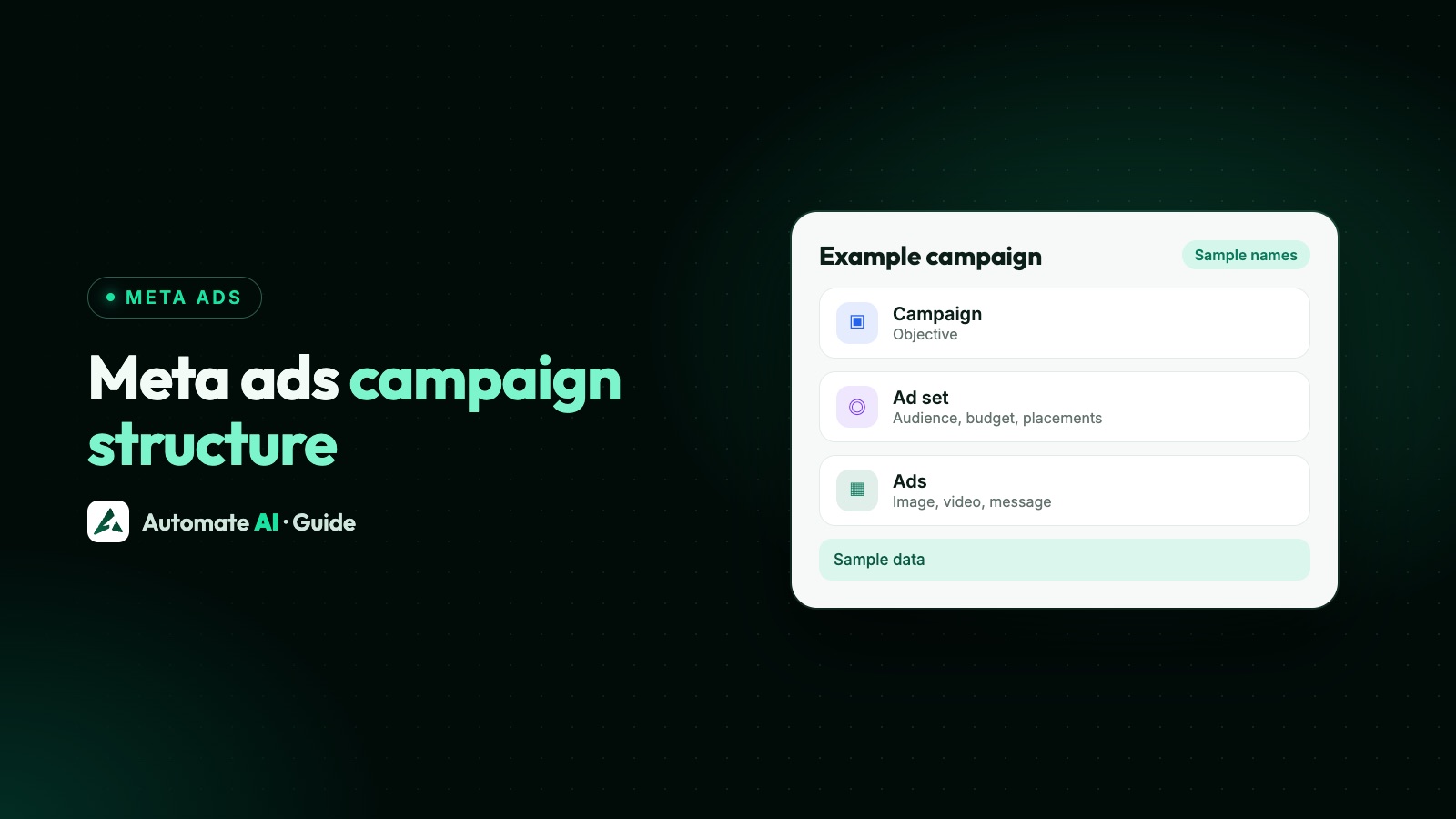
Every Meta ad sits in a three-level structure: the campaign holds the objective, the ad set holds the audience, budget, schedule and placements, and the ad holds the creative people see. For WhatsApp leads, the best structure is usually the simplest one that still answers your business questions: one campaign per goal and offer, as few ad sets as genuinely different audiences need, and a handful of ads in each.
This guide covers what belongs at each level, how many of each Meta’s guidance points to, three sample structures for chat leads, and a naming convention for Ads Manager’s name templates. Objectives, budgets and Advantage+ have their own guides, linked below.
Key takeaways
- Campaign = why (objective), ad set = who, where, when and how much, ad = what people see.
- Meta advises combining similar ad sets: too many splits the audience, slows learning and makes your ads compete in the same auctions.
- Use breakdowns to report by age, region or placement instead of building an ad set for each.
- Pages spending under US$100,000 in their highest month can have 250 ads running or in review at once, across every account.
- A naming convention with fixed fields and separators makes reports, exports and your WhatsApp lead list readable at a glance.
The three levels of a Meta ads campaign
Meta calls this the campaign structure. A campaign can hold several ad sets, and an ad set can hold several ads. Each setting lives at one level only, which is why the structure matters:
| Level | What you set there | The question it answers |
|---|---|---|
| Campaign | The objective (Leads, Engagement, Sales and so on), special ad category, and optionally a campaign budget | Why am I advertising? |
| Ad set | Audience and location, budget (unless the campaign holds it), schedule, placements, optional bid control, and the conversion location such as WhatsApp | Who sees it, where, when, and for how much? |
| Ad | Images or video, primary text, headline, button, and for chat ads the greeting and pre-filled message | What do people see and tap? |
You can switch each level on and off, and Meta reports results at all three. Because the objective is fixed per campaign, the first decision is the one in Meta ads objectives explained. Whether the budget sits on the campaign or the ad set is covered in how Meta ads budgets work.
How many campaigns, ad sets and ads?
Meta’s delivery system learns from every impression, so it does best when results aren’t spread thinly:
- Fewer ad sets learn faster. When too many ad sets run at once, each one gets fewer chances to learn, stays longer in the learning phase and spends more before results settle.
- Split audiences can hurt. Meta’s example: three ad sets for people interested in dogs, dog toys and dog collars would usually do better as one ad set with all three interests.
- Overlapping ad sets compete. When two of your ads enter the same auction, Meta lets only the stronger one compete, so the other may underspend. More on that in Meta ads not delivering.
- Fewer ads, more variety inside each. Meta suggests fewer ads per ad set while keeping varied creative: one ad can carry up to 10 creative assets, and several text options in one ad usually beat several near-identical ads.
There’s also a hard limit. Each Facebook Page has a cap on ads that are running or in review, shared by every ad account that advertises for it:
| Page’s spend in its highest month | Ads running or in review at once |
|---|---|
| Under US$100,000 | 250 |
| Under US$1 million | 1,000 |
| Under US$10 million | 5,000 |
| US$10 million or more | 20,000 |
Scheduled ads don’t count until they start, and a dynamic creative or Advantage+ placements ad counts as one ad however many assets it uses. If you reach the limit you can’t publish new ads or edits, other than switching ads off, until you’re back under it.
When a new ad set is worth it, and when it isn’t
Make a new ad set only when the people, the budget or the timing genuinely need to be different. Meta’s ad volume guidance gives the common cases where one ad set does the job:
| You want to… | Separate ad sets? | Do this instead |
|---|---|---|
| See results by age, gender or region | No | One ad set, then use breakdowns in Ads Manager reporting |
| Advertise in several nearby small towns | No | One ad set with all the areas, so results add up |
| Show different creative per placement | No | Advantage+ placements with asset customisation in one ad |
| Reach speakers of two languages | Usually no | One ad set with both languages selected |
| Serve two cities with different staff, prices or opening hours | Yes | One ad set per city, each with its own budget |
| Treat past customers differently from new people | Yes | A separate ad set or campaign, and exclude customers from the cold one |
| Fairly compare two audiences | Yes | Separate ad sets inside a proper A/B test, not two ad sets left running side by side |
See Meta retargeting ads, how to exclude audiences and how to A/B test Meta ads.
Three sample structures for WhatsApp leads
These are made-up businesses with example budgets in their own currency, to show the shape, not a recommended spend.
1. One shop, one offer
- Campaign: Engagement or Leads objective, the offer in the name.
- One ad set: the area you serve, broad ages, Advantage+ placements, conversion location WhatsApp, one daily budget.
- Two or three ads: for example a photo, a short video and a carousel, all opening the same WhatsApp chat.
2. A business in two cities
- Campaign: one for the offer, with the budget on the campaign so Meta can move money to the city that does better, or on each ad set if each city must get a fixed amount.
- Two ad sets: one per city, because the sales teams and prices differ.
- The same two or three ads in each, with the city named in the text and the pre-filled message, so your team knows which branch a chat belongs to.
3. New enquiries and past customers
- Prospecting campaign: one broad ad set that excludes your customer list, with ads that introduce the business.
- Customer campaign: one ad set for your customer list or people who messaged you before, with ads for a repeat offer or a new product.
- Separate campaigns keep the budgets apart and each cost per chat easy to read.
Sample ad text for many industries is in Click-to-WhatsApp ad examples.
A Meta ads campaign naming convention
A good convention puts the same fields in the same order at each level, with one separator between fields and another inside a field. One you can copy:
| Level | Pattern | Example |
|---|---|---|
| Campaign | Year-month | objective-destination | offer | market | 2026-12 | LEADS-WA | Winter-Sale | IN |
| Ad set | Audience | location | age | budget type | Broad | Pune+Mumbai | 25-55 | Daily |
| Ad set (warm) | Audience | days | exclusions | Customers | 180d | Excl-Buyers-30d |
| Ad | Format | concept | language | version | Video | Chef-Tour | HI | v2 |
- Field separator:
|between fields (or the character you pick in the template’s dropdown; the examples here add spaces for reading). Item separator:+for lists inside a field, such as two cities. - Fixed codes: for example LEADS, ENG, SALES for objectives and WA, WEB, FORM for destinations. Never invent new spellings.
- Start with the date so campaigns sort in order, then the offer, which is what you’ll search for.
- Keep it short. Long names are hard to scan in narrow report columns and on a phone.
Use the same offer word in the ad’s pre-filled WhatsApp message, for example “Hi, I’d like the Winter Sale price”. Then the name in Ads Manager, the chat your team reads and your weekly report all point to the same thing. A simple report built on these names is in Meta ads reporting.
Set up name templates in Ads Manager
A name template fills in names from each item’s settings, and anyone in the ad account can use it:
- Open Name templates in Meta Ads Manager.
- Under campaign name, ad set name or ad name, choose Create (or Edit if one exists).
- Select Add component and add fields in order: campaign fields that fill in automatically (such as objective or ad format), an open text field you type each time, or a custom field with your own dropdown list, for example your offers or cities.
- Choose a field separator and a different item separator, then save.
- When you create or edit an item, switch the template toggle on beside its name, fill in the dropdowns and text, and check the preview.
- You get one template per level (campaign, ad set, ad) per ad account.
- Edits to a template apply only to future items; existing names are kept.
Campaign structure in Automate AI’s Meta Ads menu
Automate AI’s Meta Ads menu creates Click-to-WhatsApp and other Meta ads from inside the app, and it builds the three levels for you. From the app’s code:
| You do this in Automate AI | What appears in your Meta ad account |
|---|---|
| Create an ad and give it a name | A campaign and an ad with that name, and an ad set named after it plus “audience”. Everything starts paused until you confirm |
| Add up to 4 more audiences (5 in all) with “Add an audience” | One ad set per audience, named after the ad plus the audience’s name. Meta shares one campaign budget between them, or you run an A/B test that splits it evenly (needs a last day, up to 30 days) |
| Add up to 4 more versions of a picture ad (5 in all) | More ads in the same ad set, named after the ad plus “version 2” and so on, sharing its audience and budget |
- Name it with your convention. The name you give the ad becomes the campaign name (up to 100 characters), and audience names (up to 40) become part of the ad set names, so
2026-12 | LEADS-WA | Winter-Sale | INwith audiences calledPuneandMumbaicomes out tidy in Ads Manager. - Browse it like Ads Manager. The Campaigns, Ad sets and Ads tabs show counts; click a campaign to see only its ad sets, then an ad set to see its ads, with a path at the top. Search by name and sort by spend, chats or cost per chat.
- Every ad in the account shows, including ones made in Ads Manager, with spend, chats started and the contacts each ad brought.
- Tidy up later. Each campaign, ad set and ad has Edit (including the name), Duplicate (copies start switched off) and Delete, and you can pause or start many at once after checking the names.
Meta Ads is on every plan, for account owners and managers, and Meta bills the ad spend to your own ad account. The chats land in your shared inbox. More on our Meta Ads page.
A structure checklist before you publish
- One campaign per goal and offer. If two campaigns have the same objective and audience, merge them.
- Each ad set has a reason to exist: a different audience, city budget, schedule or test. If the only reason is reporting, use breakdowns.
- No two active ad sets aim at the same people, or they’ll meet in the same auctions.
- Two to five ads per ad set, with real variety in picture, video or message, not five copies with a word changed.
- Every name follows the convention, at all three levels, and the offer word matches the pre-filled WhatsApp message.
Then let it run: big edits send ad sets back into learning. What happens after the click is in how to get Meta ads leads on WhatsApp.
Frequently asked questions
What is the campaign structure in Meta ads?
Three levels: the campaign sets the objective, the ad set sets the audience, budget, schedule and placements, and the ad holds the creative. A campaign can contain several ad sets and an ad set several ads.
How many ad sets should a Meta campaign have?
As few as your genuinely different audiences, budgets or tests need, often one or two for a small business. Meta advises combining similar ad sets, because splitting audiences slows learning and can make your own ads compete.
How many ads should be in one ad set?
Meta doesn’t give a fixed number. It suggests fewer ads per ad set with varied creative, using several assets or text options in one ad instead of many near-identical ads. Two to five distinct ads is a practical range.
Is there a limit on how many ads I can run?
Yes, per Facebook Page. A Page that spent under US$100,000 in its highest month can have 250 ads running or in review at once, shared by every ad account advertising for it. Higher-spending Pages get 1,000, 5,000 or 20,000.
What is a good Meta ads naming convention?
The same fields in the same order at every level, separated by one character, such as date, objective, offer and market for campaigns; audience, location and age for ad sets; and format, concept, language and version for ads. Ads Manager’s name templates can fill it in for you.
Should I use a campaign budget or ad set budgets?
A campaign budget when you value the ad sets equally and want Meta to move money between them; ad set budgets when each must get a set amount.
Sources
- Meta Business Help Centre: About campaigns, ad sets and ads in Meta Ads Manager
- Meta Business Help Centre: Specifications for ad performance
- Meta Business Help Centre: Combine ad sets and campaigns to reduce audience fragmentation
- Meta Business Help Centre: About managing ad volume
- Meta Business Help Centre: Ad limits per Page
- Meta Business Help Centre: About name templates in Meta Ads Manager
- Meta Business Help Centre: Create a name template in Meta Ads Manager
- Meta Business Help Centre: About campaign budgets and ad set budgets
WhatsApp rules and prices change. We check these guides against Meta’s documentation, but always confirm current terms with Meta before you rely on them. Questions? Message us on WhatsApp at +91 836 977 8812.