Meta Ads Reporting: Build a Simple Weekly Report (Template)
How Meta Ads Reporting works: custom reports, breakdowns, export and scheduled emails, plus a weekly report template that includes WhatsApp chats and sales.
Meta Ads Reporting is the free reporting tool inside Ads Manager: you build a custom report from the metrics and breakdowns you choose, save it, then export it, share it as a link or have it emailed on a schedule. For a small business, one saved weekly report, plus a few numbers from your own WhatsApp inbox, is usually all the reporting you need.
This guide shows where Ads Reporting is, how to build and schedule the report step by step, which breakdowns are worth adding, and a weekly template you can copy, with columns for WhatsApp chats and the sales that follow. What each metric means is explained in Meta ads metrics, so we don’t repeat the definitions here.
Key takeaways
- Open Ads Reporting from the main menu under Analyze and report, or from the Reports menu in Ads Manager › Create custom report.
- Build the report with breakdowns (level, time, demographics, delivery, actions) and metrics, then save it so it opens the same way every week.
- Export as .xlsx or .csv, share a link (with an expiry for people outside your business), or schedule an email. Scheduling works for single-account reports only.
- Meta can’t see what happens in your WhatsApp chats, so add qualified leads and sales from your own records to the weekly sheet.
- In Automate AI, the Meta Ads page shows spend, clicks, chats and cost per chat for every ad, for periods from today to all time, plus an all-time count of contacts each ad brought.
Ads Manager table or Ads Reporting?
Meta gives you two places to read results, and they suit different jobs:
| Ads Manager table | Ads Reporting | |
|---|---|---|
| Best for | Day-to-day checks and changes | A saved report you read every week or send to someone |
| Layout | One row per campaign, ad set or ad | Pivot table, trend chart or bar chart |
| Breakdowns | Available in the table | Combine breakdowns from different categories, save custom ones |
| Sharing | Mainly for people working in the ad account | Export, a link, or a scheduled email |
To open Ads Reporting, Meta gives two routes: the main menu under Analyze and report, then Reports; or the Reports dropdown in Ads Manager, then Create custom report. Before you start, check the ad account at the top left and the date range at the top right. You need admin, advertiser or analyst access to the ad account to export or schedule.
Build a custom weekly report, step by step
- Go to Ads Reporting and click Reports. Choose Create custom report, or start from one of Meta’s templates in the right-hand panel (Meta lists engagement, common performance metrics, an ROI snapshot, and reach and frequency).
- Set the date range to last week, Monday to Sunday or whatever week you use.
- Add breakdowns. Under Level, pick Ad name; under Time, pick Week. Breakdowns from different categories can be combined; two from the same category can’t.
- Add metrics from the metrics list: amount spent, impressions, reach, link clicks, your result (for WhatsApp ads, messaging conversations started) and cost per result.
- Check the filter. By default Meta selects Had delivery, which shows only ads with at least one impression. That leaves out ads with no impressions in your date range.
- Name and save the report, such as “Weekly: all ads”, so it opens with the same layout next time.
If one of Meta’s templates is close to what you want, pin it on the Ads Reporting main page. Templates you never use can be archived.
Breakdowns worth adding
Breakdowns split the same numbers into rows. Meta groups them into categories; these are the ones a small advertiser uses most:
| Category | Examples Meta lists | Question it answers |
|---|---|---|
| Level | Campaign, ad set, ad | Which ad is doing the work? |
| Time | Day, week, 2 weeks, month | Is cost rising week by week? |
| Demographics | Age, gender, age and gender | Who is starting chats? |
| Geography | Country, region | Which countries or regions respond? |
| Delivery | Placement, platform, device, time of day | Facebook, Instagram or WhatsApp Status? Mornings or evenings? |
| Actions | Carousel card, video view type, video sound | Which carousel card gets the taps? |
A good weekly set is Ad name × Week, with a second tab for Placement once a month. Meta also lets you create custom breakdowns that group campaigns or ads by your own filters, such as an objective plus a keyword in the name, and share them with everyone in your business. That works well if you name ads consistently, for example “WA_kitchens_video”.
A weekly Meta ads report template
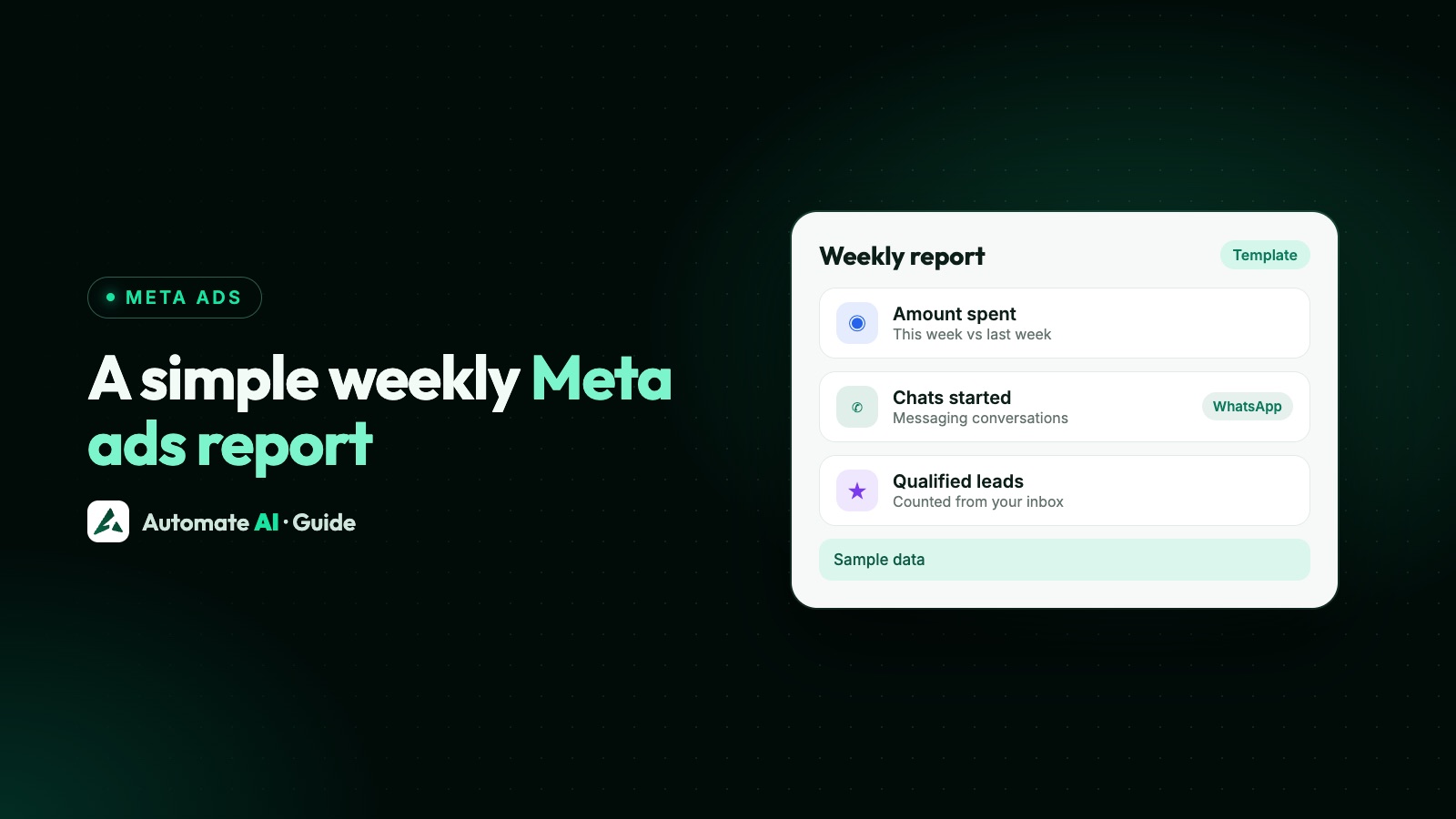
Here’s a template you can copy into a sheet, one row per ad. The first columns come from Ads Reporting; the last ones come from your WhatsApp inbox, because Meta never sees what happens in the chat. The figures are made-up example numbers, not averages or targets.
| Column | Where it comes from | Example: “WA_kitchens_video” |
|---|---|---|
| Week | Your date range | 10 to 16 Nov |
| Amount spent | Ads Reporting | ₹7,000 |
| Reach / impressions | Ads Reporting | 38,000 / 95,000 |
| Link clicks | Ads Reporting | 640 |
| Messaging conversations started | Ads Reporting (or Automate AI: Chats) | 140 |
| Cost per conversation | Amount spent ÷ conversations | ₹50 |
| New contacts from the ad | Automate AI: the ad’s contact list, people who first messaged this week | 112 |
| Qualified leads | Your contact statuses | 28 |
| Sales and value | Your order list or “Won” status | 6 sales, ₹54,000 |
| Cost per sale | Amount spent ÷ sales | ₹1,167 |
| What changed this week | Your notes | New video on Tuesday |
Below the table, write three short lines every week: what went up or down, why you think it did, and what you’ll change. That turns a table into a decision. If an ad isn’t spending at all, see Meta ads not delivering before you compare it.
For lead form ads
Swap the messaging columns for leads and cost per lead, and take qualified leads from the statuses of the contacts the form created. Tips on judging lead quality are in how to get quality leads from WhatsApp ads.
Export, share or schedule the report
Once the report is saved, Meta offers three ways to get it to other people:
| Option | How | Good to know |
|---|---|---|
| Export | Tick the report and click Export, or open it and click Export | .xlsx or .csv. The longest reporting window is 37 months |
| Share a link | Tick the report and click Share | People outside your business can view but not edit, and you can set an expiry date |
| Scheduled email | Open the report, then the link under its name or the cog icon, turn on Schedule email, add subscribers and save | Single-account reports only; cross-account reports can’t be scheduled |
Meta notes that only people with permissions on the ad account can open a scheduled report. To send results to someone without giving them access, such as a client or a partner, export the file and send that instead.
Turn it into a simple dashboard
Ads Reporting can show a report as a chart instead of a table, which is often enough of a “dashboard” for a small team:
- Pivot table: the weekly template above, with breakdowns as rows.
- Trend chart: up to two metrics over day, week or month, with up to 10 lines. Try cost per conversation by week, one line per ad.
- Bar chart: up to three metrics per chart and up to 10 bar groups. Try spend and conversations by placement.
Charts can be shared as a link (only for people with access to your ad account) or exported as xlsx, csv or a PNG image, which is handy for a monthly summary. You don’t need a paid reporting tool to start; add one only when you manage many accounts and the manual sheet takes too long.
What Automate AI’s Meta Ads page shows
If you run Click-to-WhatsApp ads, the Meta Ads page in Automate AI’s main menu (every plan, account owners and managers) reads Meta’s results for every ad in your connected ad account, including ones made in Ads Manager:
| What you can do | Details |
|---|---|
| Pick a period | Today, Last 7 days, Last 30 days (the default), This month, Last 90 days or All time |
| See the numbers | Totals for spent, clicks and chats started; spent, views, clicks and chats for each campaign and ad set; and for each ad also reach, CTR, cost per click and cost per chat |
| See who came in | The contacts who messaged you from each ad, one click away |
| Narrow the list | Campaigns, Ad sets and Ads tabs; filter to active, paused or WhatsApp ads only; search by name |
| Sort | Most spent, most chats, lowest cost per chat, or name |
| Update | “Refresh from Meta” fetches the latest numbers |
It doesn’t export reports or show breakdowns, frequency or ROAS, so use it for the WhatsApp columns of your weekly sheet (chats, cost per chat and contacts per ad) and Ads Reporting for the rest. The contacts count on each ad covers all time, not the period you pick. “Contacts” counts people whose message carried that ad’s ID, so existing customers who tap the ad count too.
For the qualified leads and sales columns, set contact statuses your team actually uses, such as Qualified and Won. If you also want Meta’s own reports to show results beyond the chat, the Conversions API integration can send those status changes back to Meta as events; how that works is in how to track which ads bring WhatsApp buyers.
A 20-minute weekly reporting routine
- Same day, same week. Every Monday, report on the previous Monday to Sunday.
- Open the saved report in Ads Reporting (or read the scheduled email) and copy the Meta columns into your sheet.
- Open Meta Ads in Automate AI with Last 7 days and note chats per ad. The contacts count on each ad covers all time, so for the week count the people in the ad’s contact list who first messaged this week. Its periods are Meta’s presets, not your own Monday to Sunday, so use them to compare ads rather than to match the sheet exactly.
- Count qualified leads and sales per ad from your contact statuses or order list.
- Write the three lines: what moved, why, what you’ll change.
- Change one thing at a time, and leave new ads alone for a while; see the learning phase.
To plan next month’s budget from these numbers, the Meta Ads calculator works out cost per lead and ROAS from your own figures. More guides are on the Meta ads hub.
Frequently asked questions
What is Meta Ads Reporting?
A tool inside Meta’s ads tools for creating, customising, exporting, sharing and scheduling reports on your campaigns, ad sets and ads, with breakdowns, filters and charts.
How do I create a custom report in Meta Ads Manager?
Open the Reports dropdown in Ads Manager and choose Create custom report, or go to Analyze and report › Ads Reporting. Add breakdowns and metrics, set the date range and save.
Can I schedule Meta ads reports by email?
Yes. Open a saved report, turn on Schedule email from the link under its name or the cog icon, add subscribers and save. It works for single-account reports, not cross-account ones.
How do I export a Meta ads report?
Tick the saved report and click Export, or open it and click Export. Reports export as .xlsx or .csv, and charts can also be saved as PNG.
Is there a free Meta ads report template?
Meta offers templates in Ads Reporting, such as an ROI snapshot and reach and frequency. For WhatsApp ads, add your own columns for qualified leads and sales, as in the template above.
Do I need a paid Meta ads reporting tool?
Not for one ad account. Ads Reporting is included with Ads Manager. A paid tool helps mainly when you report on many accounts or combine several ad platforms.
Why don’t my WhatsApp sales show in Meta’s reports?
Meta sees the chat start, not what happens after. Count sales yourself, or send them back to Meta as events through the Conversions API.
Sources
- Meta Business Help Centre: About Meta Ads Reporting
- Meta Business Help Centre: About breakdowns, metrics and filtering in Meta Ads Reporting
- Meta Business Help Centre: Create custom breakdowns in Meta Ads Reporting
- Meta Business Help Centre: Create a report using templates in Meta Ads Reporting
- Meta Business Help Centre: Export and share reports in Meta Ads Reporting
- Meta Business Help Centre: Run a recurring report and send it to different email addresses
- Meta Business Help Centre: Create a visualization in Ads Reporting
WhatsApp rules and prices change. We check these guides against Meta’s documentation, but always confirm current terms with Meta before you rely on them. Questions? Message us on WhatsApp at +91 836 977 8812.