How to Exclude Audiences in Meta Ads: Customers, Followers and Places
What you can still exclude in Meta ads: custom audiences of customers or followers, locations and account-level controls, and why interest exclusions are gone.
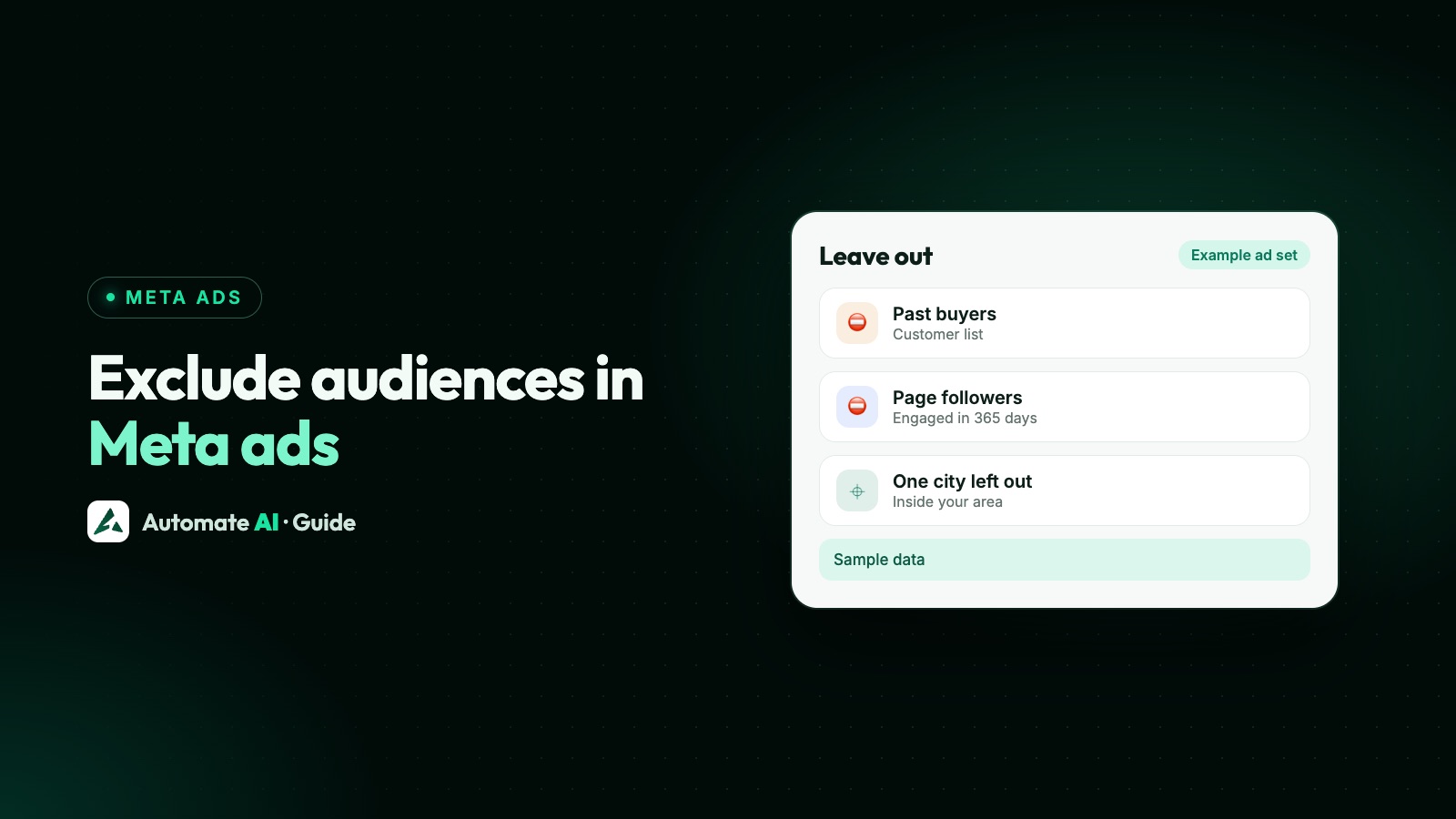
In Meta ads you exclude people with a custom audience, and places with location exclusions, both set in the ad set’s audience section. To leave out customers, upload a customer list; to leave out followers or people who engaged, build a Facebook Page or Instagram engagement audience; to leave out a city or region, exclude it under Locations.
What you can no longer do is exclude interests, behaviours or demographics: Meta removed detailed targeting exclusions in 2025. This guide covers each exclusion that still works, how it behaves with Advantage+ audience, the account-wide controls, and how to set exclusions on WhatsApp ads made in Automate AI.
Key takeaways
- Custom audience exclusions are the main tool: customer lists, website visitors, and people who engaged with your Page or Instagram.
- Detailed targeting exclusions are gone: removed in Ads Manager from 31 March 2025 and in boosted posts from 10 June 2025.
- With Advantage+ audience, excluded custom audiences, locations, minimum age and languages stay strict controls.
- Account controls in Advertising settings can block places, ages, a brand-protection list and your own employees for every campaign.
- Housing, employment and financial ads have limited exclusions: no exclusion-only lists, and in many countries no location exclusions.
What you can still exclude in Meta ads
| Exclusion | Where you set it | Still available? |
|---|---|---|
| Custom audiences (customers, visitors, engagers) | Ad set › Audience | Yes, and always a strict control |
| Cities, regions or postcodes inside your area | Ad set › Audience › Locations | Yes, except housing, job and financial ads in the US, Canada and much of Europe |
| Interests, behaviours, demographics | Ad set › Detailed targeting | No: removed in 2025 |
| Places, ages, brand-protection list, own employees | Advertising settings › Audience controls | Yes, for the whole ad account |
| Placements such as Audience Network or Marketplace | Ad set placements, or Advertising settings › Placement controls | Yes |
For targeting in general (locations, ages, interests and Advantage+ audience), see our Meta ads targeting guide.
Exclude your existing customers
The usual reason to exclude is to stop paying to reach people who already bought. Build a customer list custom audience and add it under Exclude in the ad set:
- In Ads Manager, open Audiences and choose Create audience › Custom audience › Customer list.
- Prepare the file with phone numbers and emails, following Meta’s formatting steps.
- Choose what the list is for: inclusions or exclusions, or only exclusions.
- Accept the Custom Audience terms, map the identifiers and create the audience.
- In your ad set’s audience section, add the list under Exclude.
Only exclusions is for people who must never see your ads, such as those who opted out of marketing. Once chosen it can’t be changed, the list can’t be used to include people or to make a lookalike, and it isn’t available for housing, employment or financial ads.
Uploading, formatting and lookalikes are covered step by step in Meta custom audiences and lookalikes.
Exclude followers and people who engaged
There’s no separate “exclude followers” button. You build an engagement custom audience and exclude it. Meta counts following a Facebook Page among the engagement actions, and its Instagram audience covers people who started following or engaged with your professional account.
| Source | Who it holds | Days kept (most) |
|---|---|---|
| Facebook Page | People who engaged with your Page; “everyone who engaged” is the default event | 365 |
| Instagram account | People who followed or engaged with your Instagram professional account (not a personal one) | 365 |
| Website (Meta pixel) | Visitors, or visitors to pages you choose | Set when you create it |
| Lead form, video and more | People who opened your form, watched a video, and so on | Set when you create it |
Meta’s own example of a Page audience is to exclude everyone who engaged with your Page in a prospecting campaign. The audience refreshes by itself: someone who stops engaging drops out after the number of days you chose.
Inside one audience you can add rules to include or exclude people, and an exclusion rule beats an inclusion rule. Meta allows up to 4 extra rules in a Page audience.
Warm audiences are also how you retarget, so the same audiences work in both directions. See Meta retargeting ads.
Exclude locations
You exclude places inside the area you’re targeting. In the ad set’s Locations, hover over the country or region you chose, click the … menu and choose to exclude cities. You can also exclude cities in a population range, exclude a country from a country group you target (such as Oceania without New Zealand), and reuse location lists you’ve saved.
- Home and current location both count. Someone who lives in an included place can still see the ad while visiting an excluded one. Only when both their home and current location are excluded will they never see it.
- “Reach more people likely to respond” may be ticked when you choose a city or region. Untick it if you can serve only people who are there.
- Not exact. Meta says location targeting can’t be completely accurate, so you may still get the odd chat from outside your area.
- Special ad categories: in the US, Canada and many European countries, housing, employment and financial ads can’t exclude locations or target postcodes.
Exclusions and Advantage+ audience
With Advantage+ audience, most choices become suggestions that Meta can go beyond. Exclusions don’t. Meta lists four audience controls that always hold:
| Setting | With Advantage+ audience |
|---|---|
| Locations | Control (unless “reach more people likely to respond” is ticked) |
| Minimum age | Control |
| Languages | Control |
| Custom audiences to exclude | Control, even if “Use as a suggestion” is ticked |
| Age, gender, detailed targeting, custom audiences to include | Suggestions, unless you use “Further limit the reach of your ads” |
So you can switch Advantage+ audience on for a prospecting ad and still be sure your customer list stays excluded. With the Sales, Leads or App promotion objective, the audience section starts with Advantage+ on, and the custom audience exclusion sits under Show more controls.
Exclusions for the whole ad account
If some people should never see any of your ads, set it once in Advertising settings › Audience controls (Meta is rolling this out gradually, so you may not have it yet). The options are:
- Only advertise in specific locations: include or exclude countries or country groups.
- Age-restricted goods or services: a minimum age for every ad.
- Brand protection: exclude people who match a short list of options Meta offers for brand safety, not the full detailed targeting list.
- Your own employees: exclude people by employer.
Placement controls on the same page let you exclude placements such as Audience Network, Facebook Marketplace or the Facebook right column for every campaign. Account controls apply to new and existing campaigns, changes can take up to 48 hours, and they don’t apply to housing, employment, financial or political ads.
Detailed targeting exclusions: what changed
Meta stopped allowing detailed targeting exclusions (leaving out people by interest, behaviour or demographic) in Ads Manager from 31 March 2025 and in boosted posts from 10 June 2025. In practice:
- New ad sets can’t use them.
- Ad sets that had them show a warning banner. Edit them, remove the exclusions and publish again.
- You can’t duplicate and edit an ad set, or use a saved or draft audience, until its detailed targeting exclusions are removed.
Meta points to custom audience exclusions and account controls as the alternatives. If you used to exclude an interest such as “job seekers” to avoid the wrong enquiries, write the ad so it speaks clearly to the right people, and let a chatbot or your first reply sort the enquiries.
Exclusions in Automate AI’s Meta Ads menu
If you create Click-to-WhatsApp and other ads from Meta Ads in Automate AI (every plan, for owners and managers), you can set exclusions without opening Ads Manager:
- Make the audience once. Under Audiences on the Meta Ads page, choose New audience and pick your contacts (all, a group or a status), website visitors from your Meta pixel, people who engaged with your Facebook Page or Instagram, or a lookalike. Phone numbers and emails are scrambled (hashed) before they go to Meta, and contacts who opted out are left out.
- Leave it out of any ad. When you create an ad or boost a post, add the audience under Leave out in Saved audiences, for example a “Customers” status so buyers don’t see a new-customer offer.
- Leave out places. Choose Leave out a city, state or PIN code. In India you can also pick PIN-code areas on a map and switch to Leave out to tap the ones to skip. PIN codes can’t be left out for jobs, housing, loans or political ads.
- Advantage+ audience is your choice. It starts off. If you switch it on, your places, languages and left-out contact, visitor and engager audiences still apply. Meta doesn’t let you exclude a lookalike with Advantage+ audience.
Meta needs about 100 matched people before an audience can be used, and the first time it may ask you to accept its Custom Audience terms; Automate AI shows the link. Results for every ad, including spend, chats started and cost per chat, are on the same page. More on the Click-to-WhatsApp ads feature and in the Meta ads hub.
A starter exclusion setup for WhatsApp ads
A simple pattern that suits most small businesses running ads that open a WhatsApp chat:
| Ad | Include | Exclude |
|---|---|---|
| New-customer offer | Your area, broad ages | Customer list or “Customers” status; recent buyers from the pixel |
| Retargeting | Page and Instagram engagers, website visitors (30 days) | Customers, and people who already enquired |
| Win-back for past buyers | Customers who haven’t bought lately | Anyone who opted out of marketing (exclusion-only list) |
| Local service | A radius around your shop | Nearby areas you don’t serve |
Refresh customer lists regularly: Meta marks a list as outdated when it hasn’t been updated for more than 30 days, which may affect delivery. Messages a person sends you on WhatsApp after the ad still need opt-in before you send them marketing templates; see Click-to-WhatsApp ads.
Frequently asked questions
How do I exclude an audience in Meta ads?
Create a custom audience (a customer list, website visitors or Page and Instagram engagers), then add it under Exclude in the ad set’s audience section.
Can I exclude people who follow my Page?
Yes, with a Facebook Page or Instagram engagement custom audience. Meta counts following a Page as engagement, and its Instagram audience includes people who started following your professional account.
Can I still exclude interests in Meta ads?
No. Meta removed detailed targeting exclusions in Ads Manager from 31 March 2025 and in boosted posts from 10 June 2025. Use custom audience exclusions or account controls instead.
How do I exclude a location in Meta ads?
In the ad set’s Locations, hover over the country or region, click the … menu and exclude cities. Someone whose home is in an included place can still see the ad while visiting an excluded one.
Does Advantage+ audience ignore my exclusions?
No. Excluded custom audiences, locations, minimum age and languages stay controls, and Meta won’t show the ad outside them, unless you tick “Reach more people likely to respond” for a city or region. One limit: you can’t exclude a lookalike audience with Advantage+ audience.
Can housing, job or loan ads use exclusions?
Only partly. They can’t use exclusion-only lists, and in the US, Canada and many European countries they can’t exclude locations or detailed targeting either.
Can I set exclusions in Automate AI?
Yes. Under Audiences on the Meta Ads page, make an audience from your contacts, website visitors or Page and Instagram engagers, then leave it out of any ad or boost. You can also leave out cities, states and PIN codes.
Sources
- Meta Business Help: Updates to detailed targeting
- Meta Business Help: About exclusion-only custom audiences
- Meta Business Help: How to create a customer list custom audience in Ads Manager
- Meta Business Help: About engagement custom audiences
- Meta Business Help: How to create a Facebook Page engagement custom audience
- Meta Business Help: Create an Instagram account custom audience
- Meta Business Help: How to choose locations for your ad
- Meta Business Help: About audience controls and audience suggestions in Advantage+ audience
WhatsApp rules and prices change. We check these guides against Meta’s documentation, but always confirm current terms with Meta before you rely on them. Questions? Message us on WhatsApp at +91 836 977 8812.