Meta Instant Experience Ads: What They Are and When to Use One
What a Meta Instant Experience is: objectives, placements, templates, components, image sizes, how to build one, and when a WhatsApp chat ad suits better.
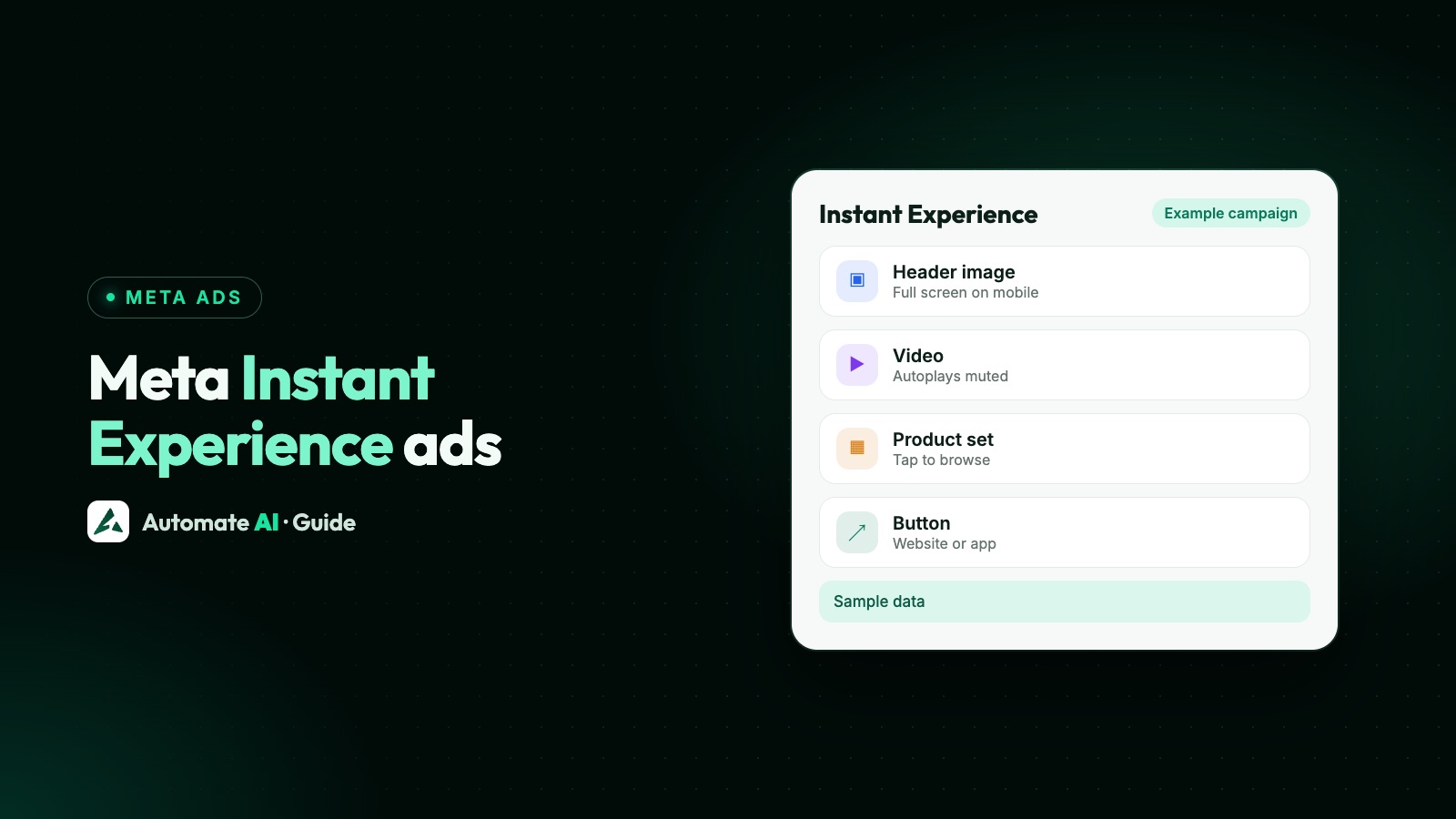
A Meta Instant Experience is a full-screen page that opens inside Facebook or Instagram when someone taps your ad on a phone. You build it in Ads Manager from photos, videos, carousels, text, buttons and products, or start from a template, and it works with single image, video, carousel and collection ads. It used to be called Canvas.
It suits brands with a story to tell or a catalogue to browse before people visit a website. It isn’t a way to start a WhatsApp chat: the Meta pages we read list websites, app stores and other Instant Experiences as its destinations, not WhatsApp. Below is how it works, its rules and sizes, how to build one, and when to pick something else.
Key takeaways
- An Instant Experience opens full screen on mobile only, and it must be attached to an ad, not an organic post.
- It works with the Awareness, Traffic, Engagement, Leads, App promotion and Sales objectives; for Leads, only with a website or app conversion location.
- There are ready-made templates (Storefront, Lookbook, Customer acquisition, Storytelling, Sell products) or a custom builder with components.
- Once you click Finish, it can’t be edited. A custom one can be duplicated and the copy edited; one made from a template can’t, so build a new one.
- Meta’s pages don’t list WhatsApp as a destination, so for chats use a Click-to-WhatsApp ad instead.
- Since June 2025, opening an Instant Experience no longer counts as a landing page view.
What an Instant Experience is
Picture a normal feed ad. Someone taps it and, instead of a website loading in a browser, a full-screen page opens straight away inside the app. They can watch videos, swipe through a carousel, browse products from your catalogue, look at images with tagged products, and tap buttons that go to your website. That page is the Instant Experience.
A few rules frame everything else:
- Mobile only. Meta says ads with an Instant Experience appear on mobile devices, not on desktop computers.
- Ads only. You can’t add one to an organic post on your Page.
- Any main format. It works with single image, video, carousel and collection ads. A collection ad always opens one.
- Linking. You can link two or more Instant Experiences together for more content. Meta says linked ones show only on Facebook, not Instagram.
- Landing page views. From June 2025, Meta stopped counting an Instant Experience as a landing page view. Landing page views now come from a website loaded inside it, with your Meta Pixel installed.
Objectives and placements
Meta supports Instant Experiences with these objectives. The one you choose also changes which templates you see:
| Objective | What the Instant Experience is for |
|---|---|
| Awareness | Making your business, brand or service known |
| Traffic | Getting more people to open it; taps to open count as link clicks |
| Engagement | Reaching people likely to like, comment, share or claim offers |
| Leads | Only with a website or app as the conversion location |
| App promotion | Sending people to the app store |
| Sales | Actions on your website, app or catalogue, such as add to cart or purchase |
Placements depend on the ad format you pair it with:
| Ad format | Placements Meta lists |
|---|---|
| Single image or video | Facebook Feed, Marketplace, group feed, Stories and search results; Instagram Explore, Feed and Stories |
| Carousel | Facebook Feed, Marketplace, Stories and search results; Instagram Feed and Explore |
| Collection | Facebook Feed and Marketplace; Instagram Feed and Explore |
Our Meta ads placements guide explains each of these placements and when to leave them on.
Instant Experience templates
Templates are pre-designed layouts that need few creative assets, and sometimes none. Meta offers these:
| Template | What it does | Needs |
|---|---|---|
| Storefront | Products from your catalogue in a grid, then on to your website or app to buy | Collection format, an ecommerce catalogue, Traffic or Sales |
| Lookbook | Lifestyle images with tagged products that show details and a buy link | Collection format, an ecommerce catalogue, Traffic or Sales; relies on product tagging, which Meta lists as unsupported on Instagram |
| Customer acquisition | A short landing page that takes people to sign-up, subscription or purchase | Any format; every objective except App promotion |
| Storytelling | Images or videos that tell a story, then send people to your site or app | Any format except collection; every objective except App promotion |
| Sell products (without catalogue) | A product grid from details you upload | Any format except collection; every objective except App promotion |
With collection ads, Meta also lists a Digital circular template for offers that drive people to local stores (not on Instagram Reels) and an AR experience template that imports a camera effect. A collection needs at least 4 products or images in its Instant Experience.
Building a custom Instant Experience
If no template fits, build your own from components. These are the ones Meta describes:
| Component | What it is | Works on Instagram? |
|---|---|---|
| Header | One fixed image, logo or text line at the top | Yes |
| Photo | A single image, linkable when set to fit to width | Yes |
| Video | A single video that autoplays muted and loops | Yes |
| Button | A link to your website, an app store or another Instant Experience | Yes, for links off Facebook |
| Carousel | 2 to 10 swipeable image cards, each with an optional link | Not in Meta’s Instagram list |
| Text block | Anything from a headline to whole paragraphs | Yes |
| Product set | Products from your catalogue, ordered by predicted sales, up to 50 | Yes |
| Store locator | Directions to your nearest store, fixed at the end | No |
Meta also lists product tagging and offers as not supported on Instagram, and says tilt to pan, tap to expand, 360 photos or videos and app store links don’t work there either. If your ad runs on both apps, design for the Instagram list.
Steps in Ads Manager
- Click + Create and pick an objective that supports Instant Experiences.
- In Ad setup, choose single image or video, carousel or collection. If collection isn’t shown, look under Format display options in Ad creative.
- In the Destination section, select Instant Experience, then + Create new and Custom Instant Experience. (Collection skips this step.)
- Name it and add components in the order you want. The header stays at the top and a store locator at the bottom.
- Click Save, then use Mobile preview to see it on Facebook and Instagram on your own phone.
- Click Finish only when you’re sure, then finish the ad and publish.
Image and video sizes inside an Instant Experience
The ad itself follows the normal specs for its format and placement (see WhatsApp ad sizes and Meta carousel ads). Inside the Instant Experience, Meta gives these layout options:
| Layout | How it shows | Meta’s recommended size |
|---|---|---|
| Photo: fit to width (linkable) | Screen width; can carry a link | 1080 px wide |
| Photo: fit to width (tap to expand) | Screen width; a tap shows the full image, tilt to pan | At least 1080 px high |
| Photo: fit to height (tilt to pan) | Full screen height; tilt to see the sides | 1920 px high |
| Video: fit to width | Screen width | 720 px wide |
| Video: fit to height (tilt to pan) | Full screen height; tilt to see the sides | Not stated |
Videos must be MP4 or MOV. Meta recommends keeping them under 2 minutes, adding captions because they start muted, and never putting two videos on one screen, since only the first plays.
Can an Instant Experience lead to WhatsApp?
Not as far as Meta’s own pages show. We checked the help articles on components, objectives and templates, and found:
- Buttons send people to a website, an app store or another Instant Experience.
- The Leads objective supports an Instant Experience only with a website or app as the conversion location.
- Templates send people to a website, an app, a purchase page or a local store.
- WhatsApp Status ads don’t run with an Instant Experience, as covered in our WhatsApp Status ads guide.
None of them mentions a WhatsApp chat, so we don’t suggest building one for chats. If you want people to message you, a Click-to-WhatsApp ad does it in one tap: the button opens the chat with your greeting and a pre-filled message, and there’s no page in between to lose people on.
When to use an Instant Experience, and when not to
| Your goal | Good choice |
|---|---|
| Show a big catalogue and send buyers to your online store | Collection ad with a Storefront Instant Experience |
| Tell a brand or product story with video and photos | Storytelling or custom Instant Experience |
| Get sign-ups on a slow or basic website | Customer acquisition template, linking to the sign-up page |
| Start WhatsApp conversations with buyers | Click-to-WhatsApp ad (image, video or carousel) |
| Collect names and numbers inside Facebook | An instant form (Leads objective), see Facebook Lead Ads to WhatsApp |
| Reach desktop users too | Not an Instant Experience: it shows on mobile only |
Meta’s best practices if you go ahead:
- Open strong, so people tap the ad in the first place.
- Show your logo or name on the first screen, ideally in the header.
- Put your main point early and repeat it, because many people won’t reach the end.
- Mix images, videos and text. Meta says experiences with 5 to 7 components tend to get more attention than ones with a single image or video.
- Give every screen a button or linked image, so there’s always a next step.
- Keep videos and carousels short, and reuse creative you already have.
Measuring an Instant Experience
Ads Manager has metrics just for Instant Experiences. Add them from Columns › Customize columns › Engagement › Media:
| Metric | What it counts |
|---|---|
| Instant Experience view time | Average seconds people spent, including linked Instant Experiences |
| Instant Experience view percentage | Average share of the first Instant Experience people saw, by components viewed |
| Link clicks | Clicks on links to destinations or other Instant Experiences |
| Outbound clicks | Clicks that take people off Meta’s apps |
| Landing page views | Times your website loaded from it with your Meta Pixel firing |
You can also break results down by component (Breakdown › By action › Instant Experience component). Rename components while building so the report is easy to read. Meta says these component values are estimated. More on what to watch in Meta ads metrics.
Instant Experiences and Automate AI
Automate AI’s Meta Ads menu creates picture, video and carousel ads that open WhatsApp chats, plus ads for websites, lead forms, calls and more. It doesn’t build Instant Experiences, so make those in Meta Ads Manager.
Ads you make in Ads Manager, including ones with an Instant Experience, still appear in the app’s ad list with spend, views and clicks, so you can compare them with your chat ads. When a campaign’s job is conversations, build it as a Click-to-WhatsApp ad and the chats land in the shared inbox as new contacts. Meta bills ad spend to your own ad account. See all the Meta Ads tools at Meta Ads with Automate AI.
Frequently asked questions
What is an Instant Experience in Meta ads?
A full-screen page that opens inside Facebook or Instagram when someone taps your ad on a phone. You build it from photos, videos, carousels, text, buttons and products, or from a template. It used to be called Canvas.
Do Instant Experience ads show on desktop?
No. Meta says ads with an Instant Experience appear only on mobile devices.
Can an Instant Experience open WhatsApp?
Meta’s pages list a website, an app store or another Instant Experience as button destinations, and a website or app for the Leads objective. They don’t mention WhatsApp, so use a Click-to-WhatsApp ad to start chats.
Can I edit an Instant Experience after publishing?
Not after you click Finish. If it’s a custom one, duplicate it, edit the copy and add that to your ad. One made from a template can’t be duplicated, so build a new one.
Is an Instant Experience the same as a collection ad?
No. Collection is an ad format with a cover image or video and products below it. Tapping it opens an Instant Experience. You can also add an Instant Experience to single image, video and carousel ads.
Does an Instant Experience count as a landing page view?
Not since June 2025. A landing page view is counted when your website loads from inside the Instant Experience and your Meta Pixel fires.
Sources
- Meta Business Help Centre: About Instant Experience
- Meta Business Help Centre: Supported objectives and placement options for Instant Experience
- Meta Business Help Centre: About Instant Experience templates
- Meta Business Help Centre: Add components to your Instant Experience
- Meta Business Help Centre: Create a custom Instant Experience
- Meta Business Help Centre: Instant Experience image and video layout options
- Meta Business Help Centre: Best practices for Instant Experience
- Meta Business Help Centre: About Instant Experience metrics
WhatsApp rules and prices change. We check these guides against Meta’s documentation, but always confirm current terms with Meta before you rely on them. Questions? Message us on WhatsApp at +91 836 977 8812.