Meta Ads Placements: The Full List and Which to Use for WhatsApp Ads
Every Meta ads placement on Facebook, Instagram, WhatsApp, Threads and Audience Network, and which ones work for ads that open a WhatsApp chat.
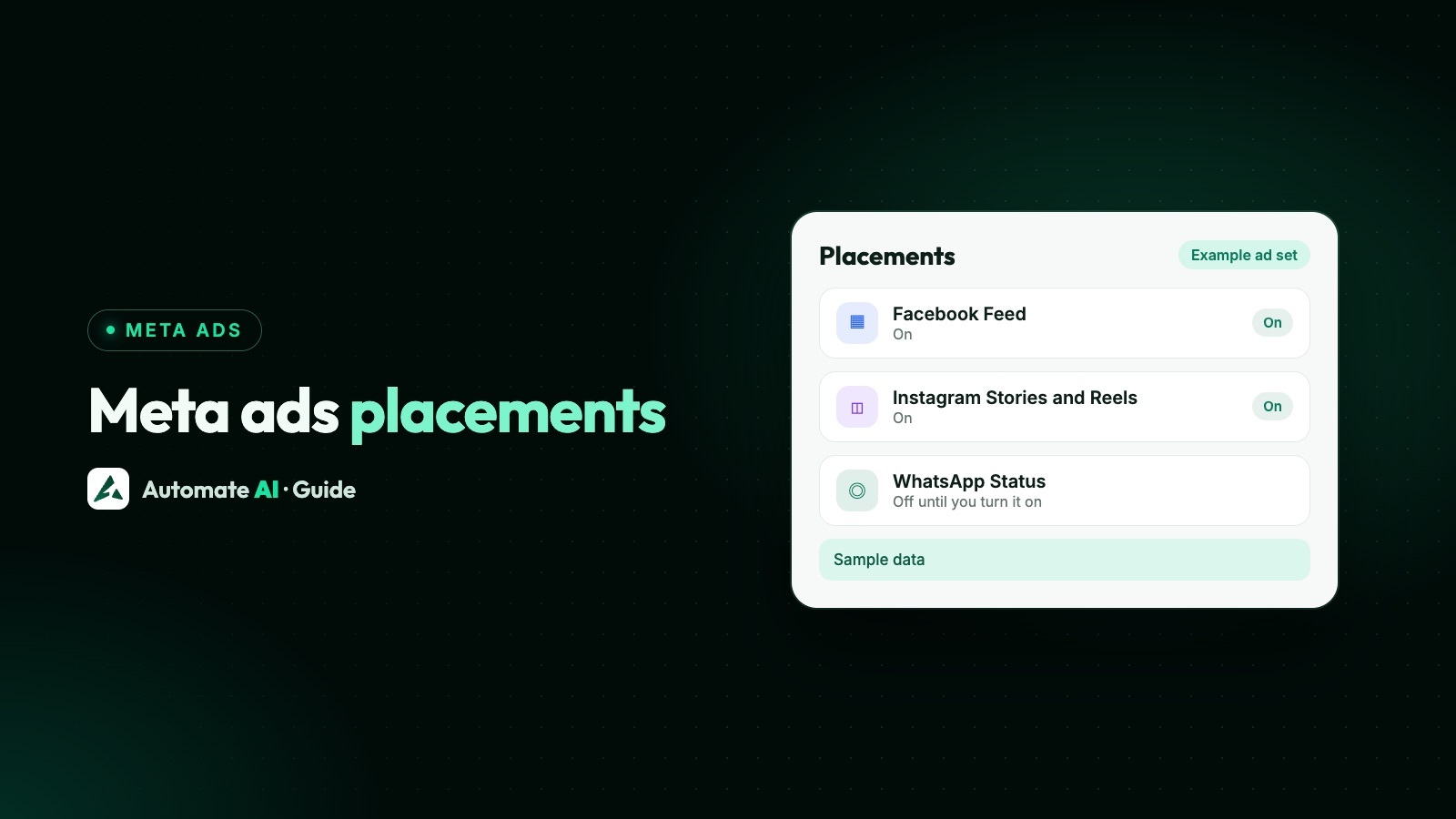
Meta ads placements are the places your ad can appear: feeds, stories, Status and reels, in-stream reels, search results, and apps and sites, across Facebook, Instagram, WhatsApp, Threads and Audience Network. Meta recommends Advantage+ placements, which lets its system choose among them, and you can also pick them by hand.
For an ad that opens a WhatsApp chat, the useful set is smaller: Facebook and Instagram feeds, stories and reels, plus WhatsApp Status, which has its own rules. This guide gives Meta’s full list, the placements that suit WhatsApp ads, example picks for common goals, and how to read results by placement. Image sizes are in our WhatsApp ad size guide.
Key takeaways
- Meta groups placements into feeds; stories, Status and reels; in-stream reels; search; and apps and sites.
- Meta recommends Advantage+ placements, and says adding placements doesn’t increase the cost of your ad.
- Ads that open WhatsApp run on Facebook and Instagram; Meta’s Ads Guide lists feeds, stories and Instagram Reels for them.
- WhatsApp Status only runs together with Instagram Stories, and not in the EU, the UK and a few other countries.
- Judge placements in the Placement breakdown by chats started, not by clicks alone.
The full list of Meta ad placements
Meta’s Business Help Centre groups placements by how people experience them. This is its current list:
| Group | Placement | Where the ad shows |
|---|---|---|
| Feeds | Facebook Feed | The main feed on the app, mobile web and desktop; from March 2026 it includes the Friends tab |
| Feeds | Facebook profile feed | The feed view of profiles; available once you’ve consistently run ads that follow Meta’s policies |
| Feeds | Facebook Marketplace | The Marketplace home page and while people browse it |
| Feeds | Facebook right column | Beside the feed, on computers only |
| Feeds | Facebook notifications | In the notifications tab |
| Feeds | Facebook Business Explore | When someone taps a business post’s header or comments |
| Feeds | Instagram Feed | The home feed in the app and on the web |
| Feeds | Instagram profile feed | The feed view of public profiles of people aged 18 and over |
| Feeds | Instagram Explore home | A tile in the Explore grid; check the preview, as some formats are square (1:1) only |
| Feeds | Threads feed | The feed in the Threads app |
| Stories, Status and reels | Facebook Stories, Instagram Stories (Meta retired Messenger Stories on 27 Oct 2026, though some help pages still list it) | Between people’s stories |
| Stories, Status and reels | Facebook Reels, Instagram Reels | In the Reels tab |
| Stories, Status and reels | WhatsApp Status | Between Status updates in WhatsApp’s Updates tab |
| In-stream ads for reels | Facebook in-stream reels, Ads on Facebook Reels | Inside videos and reels, as video or banner ads |
| Search | Facebook search results, Instagram search results | Next to search results; Instagram only when you choose placements at ad set level |
| Apps and sites | Audience Network native, banner and interstitial; rewarded videos | In other companies’ apps |
Not every placement is offered for every objective, format or destination. Meta says placements are shown when its API supports them, and some are still being rolled out by country. If a placement has no tick box in your ad set, your ad can’t use it.
Advantage+ or manual placements?
With Advantage+ placements, Meta spreads your budget across all eligible placements and moves it to where it expects the best results. Meta recommends it, and its help page says adding more placements doesn’t raise the cost of your ad; it just gives the system more room. Manual placements let you tick the ones you want.
| Choose | When |
|---|---|
| Advantage+ placements | Your default, especially with a new campaign and one creative that has 4:5 and vertical (9:16) versions |
| Manual placements | Your creative only fits some placements, such as a vertical video with no 4:5 version |
| Manual placements | You must control where the brand appears, or you want WhatsApp Status on or off deliberately |
| Manual placements | A test shows one placement brings chats that never turn into customers, and you want to drop it |
The steps to switch, the “limited spend to excluded placements” setting and how the Leads and Sales objectives are changing are in Meta Advantage+ explained. Here we focus on which placements matter for WhatsApp.
Which placements a Click-to-WhatsApp ad can use
An ad that opens a WhatsApp chat is still a Facebook or Instagram ad; only the button opens WhatsApp. Meta’s Ads Guide pages for the Engagement objective with WhatsApp as the destination list these placements (we checked them for our ad size guide):
| Format | Placements in Meta’s Ads Guide |
|---|---|
| Single image | Facebook Feed, Instagram Feed, Facebook Stories, Instagram Stories, Instagram Reels |
| Single video | Facebook Feed, Instagram Feed, Facebook Stories, Instagram Stories, Instagram Reels |
| Carousel | Facebook Feed, Instagram Feed |
| Image, video or carousel, with extra rules | WhatsApp Status, together with Instagram Stories (from Meta’s Marketing API page on Status ads, not the Ads Guide; next section) |
- Meta’s placement-by-objective tables note that Facebook right column, Facebook Business Explore and Facebook Reels aren’t available when “messaging apps” is the conversion location in some objectives.
- Threads and Audience Network aren’t in the Ads Guide’s list for WhatsApp-destination ads, and Automate AI keeps chat ads to Facebook and Instagram.
- Meta says the placements on offer depend on your ad type and settings, so the list you see in an ad set can be shorter than the full list above.
Meta’s Marketing API guide says ads that click to WhatsApp support an image, a video, a carousel or a slideshow. The setup itself is in how to create Click-to-WhatsApp ads.
WhatsApp Status: the placement inside WhatsApp
WhatsApp Status is the only placement that shows an ad inside WhatsApp itself. Meta’s Marketing API page on ads in WhatsApp Status sets these rules:
| Rule | What Meta says |
|---|---|
| Partner placement | Status only runs when Instagram Stories is selected too; Status on its own isn’t supported |
| Destinations | A WhatsApp chat, a website or an Instant Form, with app destinations only in some cases |
| Not allowed | Special ad categories (finance, employment, housing, social issues, elections or politics); pharma, healthcare and some other sensitive verticals are also excluded |
| Countries | Everywhere except the EU, the UK, Iran, Cuba, Syria, Russia and North Korea |
| Formats | Single image, single video and carousel; not collection or flexible format |
| Not compatible | A/B tests, dynamic creative, Reach and Frequency buying and Advantage+ creative tools |
Status is full-screen and vertical, so it pairs naturally with your Stories creative. Setup steps, eligibility checks and why the placement may be missing are in how to run WhatsApp Status ads.
Meta ad placement examples for WhatsApp ads
These are starting points, not results: every account is different, so test and check the breakdown before you cut anything.
| Goal | Placements to start with | Why |
|---|---|---|
| A local salon wants booking chats | Advantage+ placements | Let Meta find where chats come from, then review the breakdown |
| A shop with one vertical product video | Facebook and Instagram Stories, Instagram Reels, WhatsApp Status | All full-screen and vertical, so the video fits without cropping |
| A coaching class showing several courses | Facebook Feed and Instagram Feed with a carousel | Carousels for chat ads run in feeds |
| A furniture store in India targeting its own city | Advantage+ placements with Status allowed | Status adds reach inside WhatsApp, where the chat will happen |
| A clinic advertising health services | Facebook and Instagram feeds and stories, without Status | Meta excludes healthcare from Status delivery |
| A business advertising in Germany or the UK | Facebook and Instagram placements only | Status ads aren’t shown in the EU or the UK |
If you run the same message everywhere, make one 4:5 and one vertical (9:16) version, and let each placement use the one that fits. Sample ads and openers are in Click-to-WhatsApp ad examples.
Fit the creative to each placement
A placement only works if the ad looks native there. Meta’s asset customisation for placements lets you change the image or video, crop, primary text and headline for a single placement or a group, and its aspect-ratios view shows every size your ad needs in one place.
- Upload a 4:5 image or video for feeds and a vertical (9:16) one for stories, reels and Status.
- In the ad’s media section, hover over a placement group and choose Edit to swap in the version that fits.
- Check the preview for every placement before publishing, especially where the profile name or button sits.
Pixel sizes, safe zones and text lengths for each placement are in WhatsApp ad size, so we don’t repeat them here.
Read results by placement
In Ads Manager or Ads Reporting, add the Placement breakdown (one of the delivery breakdowns) to see each placement’s spend and results side by side. For WhatsApp ads, compare messaging conversations started and what happened after the chat, not clicks alone: a cheap click that never becomes a conversation isn’t a bargain.
- Give a new ad set time to leave the learning phase before judging; see the Meta ads learning phase.
- Compare the same date range for every placement, and allow for placements with very little spend, where a few chats either way change the picture.
- If you drop a placement, change one thing at a time so you can tell what made the difference.
How to build a weekly report, including a placement tab, is in Meta ads reporting.
Placements in Automate AI’s Meta Ads menu
Automate AI’s Meta Ads menu creates Click-to-WhatsApp ads from inside the app, so the chats land in your shared inbox. Its Placements step works like this:
- Automatic placements (recommended) is on by default, and Meta shows the ad where it’s likely to do best.
- Turn it off to choose by hand. For Facebook: Feed, Stories, Reels, Marketplace, Search results and Profile feed. For Instagram: Feed, Stories, Reels, Explore and Profile feed. It starts with Facebook Feed, Instagram Feed, Instagram Stories and Instagram Reels ticked.
- For ads that open WhatsApp, Threads and Audience Network are greyed out: these ads show on Facebook and Instagram only, plus WhatsApp Status if you turn it on.
- WhatsApp Status is a separate switch, off for every ad until you turn it on. It adds Instagram Stories with it and keeps it ticked, because Meta only runs Status ads together with Stories.
- Status is offered for ads that open a WhatsApp chat or a website, and for sales and awareness ads. It isn’t allowed for jobs, housing, loans or politics, or in the EU, the UK, Iran, Cuba, Syria, Russia or North Korea, and carousels don’t show in Status.
- You can change placements on a live ad set later, and break an ad’s results down by Placement to see where chats come from.
Meta Ads is on every plan for owners and managers. More on the hub at Meta ads for WhatsApp, and plans on the pricing page.
Frequently asked questions
What are placements in Meta ads?
They’re the places your ad can appear: feeds, stories, Status, reels, in-stream reels, search results and Audience Network apps, across Facebook, Instagram, WhatsApp and Threads.
Should I use Advantage+ placements or manual placements?
Start with Advantage+ placements, which Meta recommends. Use manual placements when your creative only fits some placements, you need control over where the brand appears, or a test shows a placement isn’t working for you.
Which placements work for Click-to-WhatsApp ads?
Meta’s Ads Guide lists Facebook Feed, Instagram Feed, Facebook Stories, Instagram Stories and Instagram Reels for image and video ads, and the two feeds for carousels. WhatsApp Status can be added with Instagram Stories.
Can I run an ad only in WhatsApp Status?
No. Meta only runs Status ads when Instagram Stories is selected too, so the ad also shows in Stories.
Do more placements make my ads more expensive?
Meta says adding placements doesn’t increase the cost of your ad. It gives the delivery system more places to find results within the same budget.
Why can’t I see a placement in Ads Manager?
It may not support your objective, format or destination, it may not be available in your country yet, or, for WhatsApp Status, Instagram Stories may be unticked or your ad may be in a category Status doesn’t allow.
Sources
- Meta Business Help Centre: About ad placements across Meta technologies
- Meta Business Help Centre: Available ad placements and formats by ad objective
- Meta Business Help Centre: How to create ads that click to WhatsApp in Ads Manager
- Meta Business Help Centre: Creative tools for customising placements
- Meta Marketing API: Ads in WhatsApp Status
- Meta Marketing API: Click-to-WhatsApp ads
WhatsApp rules and prices change. We check these guides against Meta’s documentation, but always confirm current terms with Meta before you rely on them. Questions? Message us on WhatsApp at +91 836 977 8812.