RCS vs WhatsApp for Business: What Is the Difference?
RCS vs WhatsApp for business: what RCS messaging is, where it works, verified senders, rich cards, pricing, opt-in, SMS fallback, and when to use which or both.
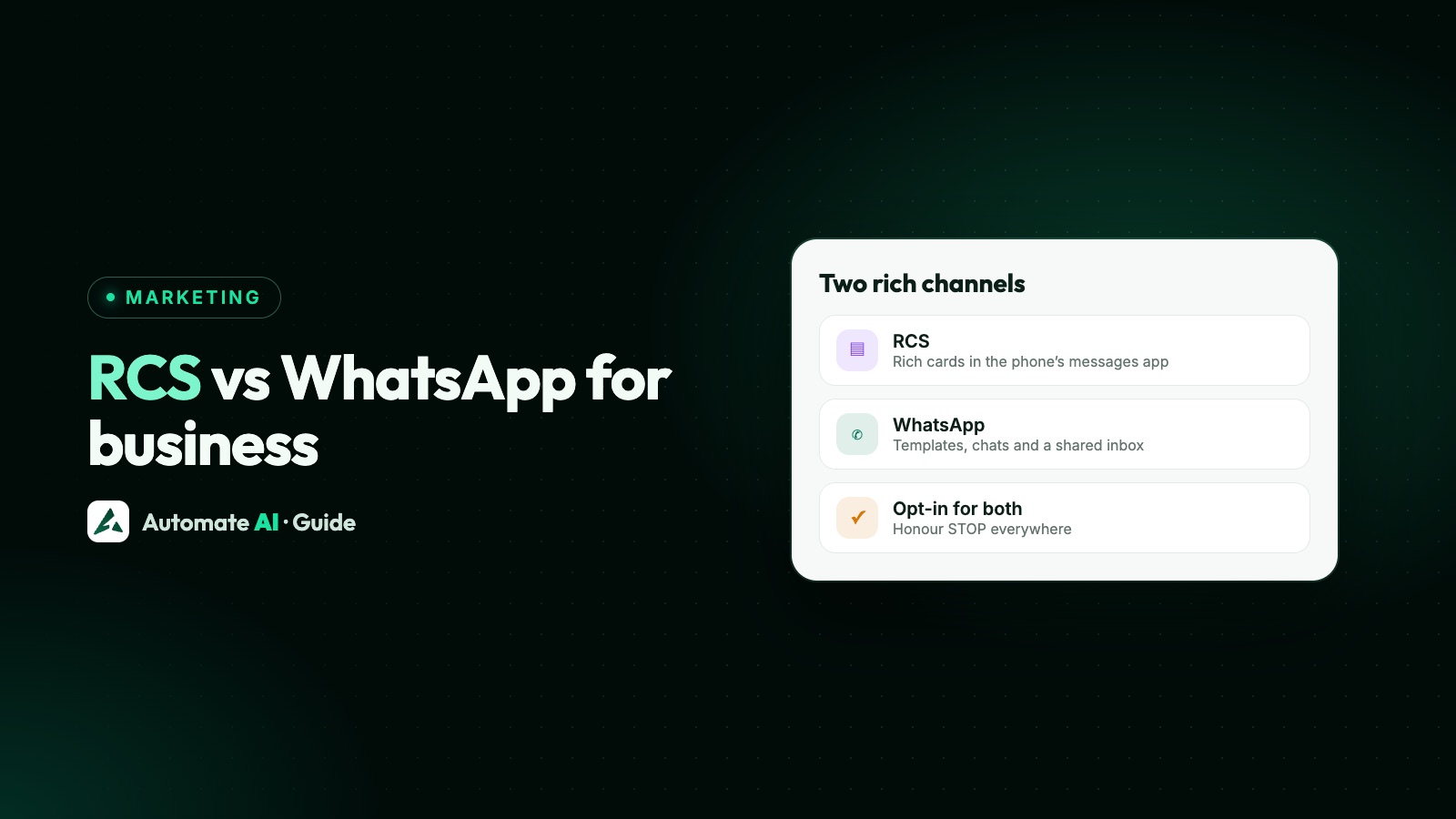
RCS is the upgrade to SMS that lives in a phone’s built-in messaging app; WhatsApp is a separate app with its own Business Platform. Both let a business send branded, rich messages with images and buttons. The big difference is where they arrive: RCS reaches phones whose messaging app and carrier support it, with no app to install, while WhatsApp reaches people who use WhatsApp.
The rules differ too. RCS for Business approves your sender (called an agent) once, and carriers set prices. WhatsApp reviews every template, limits free-form messages to a 24-hour window and charges per delivered message. This guide compares them point by point and shows when to use which, or both.
Key takeaways
- RCS shows rich messages in the phone’s default messaging app, on supported Android phones and on iPhones with iOS 18 and a supporting carrier.
- An RCS sender goes through brand verification and launch approval, and gets a Verified label. WhatsApp reviews each template.
- RCS has no built-in SMS fallback: if a phone can’t get RCS, your system has to send something else.
- Both need opt-in, and RCS senders must honour STOP.
- Automate AI includes RCS in Series 2, 3 and 4: text, media or rich-card campaigns, a reachability check, and replies in the inbox.
What RCS business messaging is
RCS (Rich Communication Services) is the carrier messaging standard that sits where SMS used to. Apple calls it “a carrier-provided service”. For businesses, Google runs RCS for Business (also called RCS Business Messaging, or RBM), which lets a brand send messages to the default messaging app on a customer’s phone.
Google’s documentation lists what an RCS sender, called an agent, can send:
- Text up to 3,072 characters.
- Media and PDF files (PDFs inside rich cards only in some markets).
- Rich cards: a card with an image, title, description and up to 4 suggested replies or actions.
- Carousels of 2 to 10 rich cards.
- Suggested replies and actions, with labels of up to 25 characters.
Delivery and read events come back to the sender, and Google says businesses can measure engagement with read receipts.
Where RCS works: Android, iPhone and carriers
Google says RCS for Business reaches customers on Android and iOS. Two things decide whether a given number gets your message:
- The phone and carrier. On iPhone, Apple says RCS needs iOS 18 and a plan from a carrier that supports RCS on iPhone. On any phone, RCS has to be turned on.
- Your agent’s launch. An agent reaches RCS users only on the carrier networks where it has been approved.
Before sending, a sender can run a capability check to see whether a number can receive RCS. If it can’t, Google’s API returns an error and the message isn’t delivered over RCS.
RCS vs WhatsApp, side by side
| RCS for Business | WhatsApp Business Platform (API) | |
|---|---|---|
| Where it arrives | The phone’s default messaging app | The WhatsApp app |
| Who can receive | RCS-enabled phones on networks where your agent is launched | People who use WhatsApp |
| Sender identity | Brand verification, launch approval, a Verified label | Business profile; Official Business Account blue tick on request |
| Message approval | The agent is approved at launch | Each template is reviewed by Meta |
| Rich content | Media, rich cards, carousels, suggested replies and actions | Media, buttons, lists, carousels, Flows |
| Starting a conversation | The business can message first, with opt-in | Only with an approved template, with opt-in |
| Free-form replies | Within the agent’s rules; a reply opens a 24-hour conversation for billing | Only inside the 24-hour customer service window |
| Pricing | Set by carriers, per message or per conversation | Meta charges per delivered message, by category and country |
| Receipts | Delivered and read events | Sent, delivered and read webhooks |
| Fallback | None built in; your system sends SMS if needed | None; use another channel |
Verified senders, opt-in and opt-out
RCS. In launch approval, Google, the carrier, or both approve the agent, and it includes brand verification, in which an authorised person at the brand confirms the agent’s details and its right to send for them. Google says it brings trust through a Verified icon. To launch, an agent needs a working website, a privacy policy and terms of service.
Google’s Acceptable Use Policy says you may message only people who have explicitly opted in, and treats unsolicited promotional content as spam. An agent must honour opt-out requests such as STOP, and a brand must honour an opt-out across all its promotional agents.
WhatsApp. You may message people only if they gave you their number and opted in, and the opt-in must name your business. Meta reviews every template before you can send it. See WhatsApp opt-in and WhatsApp templates.
A sample RCS rich card for a marketing message, with demo data:
Templates, the 24-hour window and pricing
WhatsApp has a clear structure. When a customer messages you, a 24-hour customer service window opens and you can reply freely. Outside it, you can send only approved templates in three categories: marketing, utility and authentication. Since 1 July 2025 Meta charges per delivered message, by category and the recipient’s country. Free-form replies are free up to 1,000 per business number each month, and charged after that from 1 October 2026. More in the 24-hour window.
RCS pricing is set by carriers, and Google’s billing documentation describes the categories they use:
- Non-conversational: each message delivered is billed. This category replaced the older “basic” and “single” message categories from 20 November 2025.
- A2P conversation: starts when a person replies to a business message within 24 hours, and lasts 24 hours.
- P2A conversation: starts when the business replies to a person’s message within 24 hours. Carriers decide whether and how it’s charged.
Ask your provider for the rates in your country rather than comparing headline prices.
Encryption and privacy
Keep claims here to what each company documents. Apple says end-to-end encrypted RCS on iPhone needs iOS 26.5, is in beta and rolling out over time, and works only when every participant’s carrier supports it. Encrypted chats show a lock labelled “Encrypted”.
For business messages on any channel, assume your provider and its systems can read what you send, and never ask for full card numbers, bank account numbers, ID numbers or passwords in a chat.
SMS fallback and using both
Google’s API doesn’t send SMS for you. If a number can’t receive RCS, Google says you can try the fallback methods in your own setup. In practice, a sensible order looks like this:
- Check reachability for RCS before a campaign.
- Send WhatsApp templates to customers who opted in on WhatsApp.
- Send RCS to opted-in customers whose phones support it, for rich messages in the default app.
- Fall back to SMS through your SMS provider for anyone else, within local SMS rules. In India that means DLT; see WhatsApp vs SMS marketing.
- Bring replies into one place, so your team answers every channel.
When to use RCS, WhatsApp or both
| If you want to | Use |
|---|---|
| Hold a two-way conversation, with a team inbox and chatbots | |
| Send order, delivery or appointment updates | WhatsApp utility templates, with RCS or SMS for others |
| Reach customers in their default messaging app, without an extra app | RCS |
| Send a rich offer to opted-in customers who don’t use WhatsApp | RCS, then SMS if the phone can’t get RCS |
| Reach everyone with a critical alert | More than one channel |
Most businesses don’t have to choose. Lead with the channel each customer actually uses, and keep the others as backups.
RCS and WhatsApp in Automate AI
Automate AI runs WhatsApp campaigns, templates, chatbots and a shared inbox on Meta’s API. RCS messaging is included in Series 2, 3 and 4 (not Series 1), from the same campaigns screen. See pricing.
- Open Campaigns, create a campaign and choose RCS as the channel.
- Pick Text, Media or Rich Card. Text can use
{{name}},{{first_name}},{{last_name}}and{{phone}}. Media is a public link to an image, video or PDF. A rich card has a title, an optional description and an optional image. - For a pasted list of numbers, use Check RCS reachability to see how many can receive RCS.
- Start the campaign. Contacts that can’t receive RCS are skipped automatically.
Things to know: RCS campaigns don’t use WhatsApp templates, so there’s no template approval in the app. RCS messages are charged from your wallet when they’re sent. Delivered and read statuses are recorded, and when a customer replies, the chat appears in the inbox with an RCS label, where your team can reply in text. There’s no separate RCS sign-up in your account, because RCS is connected for the whole platform. Automate AI doesn’t send SMS, so keep your SMS provider for fallback.
Frequently asked questions
What is the difference between RCS and WhatsApp?
RCS messages arrive in the phone’s built-in messaging app and depend on the device and carrier. WhatsApp messages arrive in the WhatsApp app. Both support rich content, but WhatsApp reviews each template and limits free-form messages to a 24-hour window, while RCS approves the sender at launch.
Does RCS work on iPhone?
Apple says RCS needs iOS 18 and a plan from a carrier that supports RCS on iPhone. Google says RCS for Business reaches customers on Android and iOS.
Does RCS fall back to SMS automatically?
Not through Google’s API. If a number can’t receive RCS, the message isn’t delivered over RCS, and your own setup has to send an SMS or use another channel.
Do I need opt-in for RCS messages?
Yes. Google’s Acceptable Use Policy says to message only people who explicitly opted in, and agents must support STOP and stop messaging anyone who opts out.
Is RCS cheaper than WhatsApp?
There’s no single answer. RCS prices are set by carriers and vary by country and category, and WhatsApp charges per delivered message by category and country. Compare quotes for your own countries and message types.
Does Automate AI support RCS?
Yes, in Series 2, 3 and 4. You can send text, media or rich-card RCS campaigns, check which numbers can receive RCS, and reply to customers in the inbox.
Sources
- Google: Check RCS capability
- Google: Send messages (RCS for Business)
- Google: RCS for Business Acceptable Use Policy
- Google: Launch approval
- Google: Standard billing FAQ (RCS for Business)
- Apple: Message types on iPhone (iMessage, RCS, SMS)
- Meta: WhatsApp pricing
- Meta: Send messages (customer service window)
WhatsApp rules and prices change. We check these guides against Meta’s documentation, but always confirm current terms with Meta before you rely on them. Questions? Message us on WhatsApp at +91 836 977 8812.