WhatsApp Catalogue Limits: Products, Images and Collections
Every WhatsApp catalogue limit Meta publishes: 500 items in the Business app, 10 photos per item, 30 products per message, product data limits and cart rules.
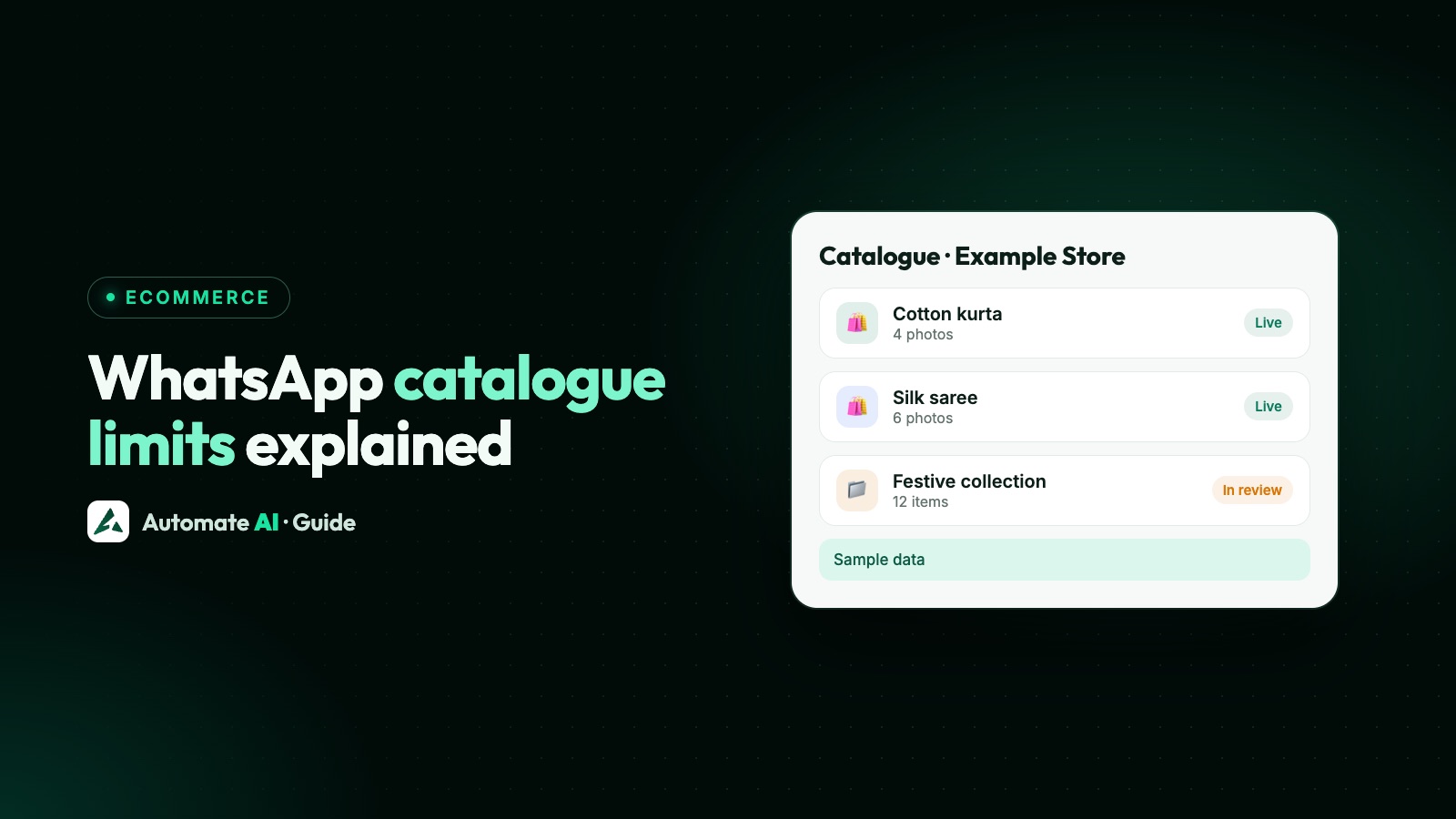
The WhatsApp Business app catalogue holds up to 500 items, each with up to 10 photos or videos, and a video can be up to 50 MB. On the WhatsApp Business API the catalogue lives in Meta Commerce Manager instead, where WhatsApp doesn’t publish the same 500 cap, and the limits that matter are on the messages: up to 30 products in one multi-product message and up to 10 cards in a product carousel.
This page collects every catalogue limit Meta and WhatsApp state on their own pages, in one place, with what to do when you hit each one. Where Meta doesn’t publish a number, we say so rather than guess.
Key takeaways
- Business app: 500 items, up to 10 photos or videos per item, videos up to 50 MB.
- API: one catalogue per WhatsApp account, managed in Commerce Manager.
- Messages: 30 products in up to 10 sections per multi-product message; 2 to 10 cards in a product carousel.
- Product data: titles up to 200 characters (65 recommended), descriptions up to 9,999, images at least 500 × 500 pixels and up to 8 MB.
- Carts: up to 99 of each item, no limit on different items, and no edits once the cart is sent.
WhatsApp catalogue limits at a glance
| Limit | Number | Applies to |
|---|---|---|
| Items in the catalogue | 500 | WhatsApp Business app |
| Photos or videos per item | 10 | WhatsApp Business app |
| Video size | 50 MB | WhatsApp Business app |
| Collection review time | Up to 24 hours | WhatsApp Business app |
| Catalogues per WhatsApp account | 1 | WhatsApp Business API |
| Products in a multi-product message | 30, in up to 10 sections | API messages and templates |
| Cards in a product carousel | 2 to 10 | API messages and templates |
| Units of one item in a cart | 99 | Both |
| Different items in a cart | No limit | Both |
| Image size | At least 500 × 500 px, up to 8 MB, JPEG or PNG | Commerce Manager catalogues |
Not on the list because WhatsApp doesn’t publish them: a maximum number of collections, a maximum number of items in one collection, or character limits for item names in the Business app.
Limits in the WhatsApp Business app catalogue
The free Business app has its own catalogue, built on the phone under Business tools. WhatsApp’s own pages give these limits:
- 500 items. WhatsApp’s catalogue page says you can upload up to 500 items for customers to browse without leaving the app.
- 10 photos or videos per item. You can mix them, up to 10 in total.
- 50 MB per video. WhatsApp’s Help Center gives this as the size limit for a catalogue video.
- Country of origin is required for every item you add or edit.
- Review. Items and collections are reviewed before they show. WhatsApp says a collection’s review should take no more than 24 hours.
Collections group items, such as “Gift boxes” or “New in”, and can be shared in a chat. WhatsApp doesn’t state a limit on how many you can create, so the practical limit is what a customer can scan on a phone screen.
Limits for catalogues on the WhatsApp Business API
With the API, you don’t build the catalogue in WhatsApp. You create an ecommerce catalogue in Meta Commerce Manager, add products, and connect it to your WhatsApp Business Account. Meta’s rules here are:
- One catalogue per WhatsApp account. Meta says you can only upload one catalogue per WhatsApp account hierarchy, so all your numbers on that account share it.
- No published item cap for WhatsApp. Meta’s WhatsApp pages don’t give a maximum number of products in the connected catalogue.
- Images only on product pages. When a customer opens a product from a multi-product message, WhatsApp shows its images. Meta says videos and GIFs added to the product aren’t displayed there.
Setting up and connecting the catalogue is covered in WhatsApp catalogue for business.
Product data limits in Commerce Manager
Each product in a Commerce Manager catalogue is a set of fields. These are the limits from Meta’s catalogue field reference that most often trip people up:
| Field | Limit | Tip |
|---|---|---|
| ID (your SKU) | 100 characters | This is what you use to pick the product in a message, so keep it stable |
| Title | 200 characters, 65 or fewer recommended | Put the key words first |
| Description | 9,999 characters | Lead with size, material or what’s included |
| Brand | 100 characters | |
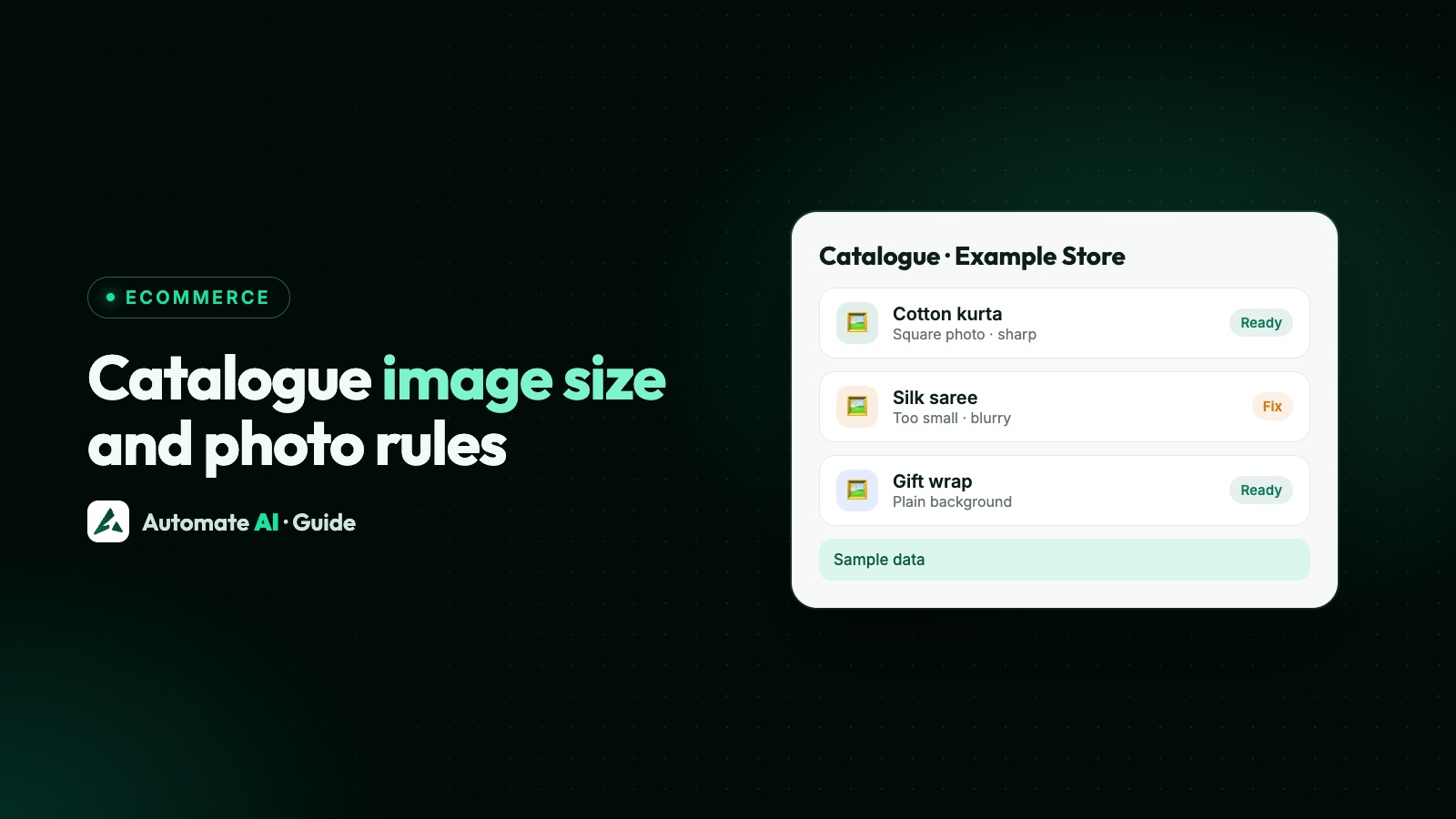
| Main image | JPEG or PNG, at least 500 × 500 px, up to 8 MB | Square works best |
| Extra images | Up to 50 more | WhatsApp shows images on product pages |
| Videos | Up to 20, each up to 200 MB | Not shown on WhatsApp product pages |
| Sale price | Must be lower than the full price |
For photo sizes and fixing blurry images, see WhatsApp catalogue image size.
How many products you can send in one message
On the API you show products by sending them in messages. Each type has its own limits, from Meta’s developer docs:
| Message type | Products | Text limits | Needs an open 24-hour chat? |
|---|---|---|---|
| Catalogue message | Opens the whole catalogue | Body 1,024, footer 60 characters | Yes |
| Single-product message | 1 | Optional body and footer | Yes |
| Multi-product message | Up to 30, in up to 10 sections | Header text required | Yes |
| Product carousel | 2 to 10 cards, same catalogue | Body 1,024 characters | Yes |
| Catalogue template | Opens the whole catalogue | Body 1,024, footer 60 characters | No (approved marketing template) |
| Multi-product template | Up to 30, in up to 10 sections | Header 60, body 1,024, footer 60; section titles 24 | No (approved marketing template) |
| Single-product template | 1 | Body 160, footer 60 characters | No (approved marketing template) |
| Product carousel template | Up to 10 cards | Body 1,024 characters | No (approved marketing template) |
Two details worth knowing. A product carousel template approved with two cards can be sent with up to 10. And if some products in a multi-product message don’t match your catalogue, Meta drops the unmatched ones and sends the rest; if none match, the message isn’t sent. More on the buttons these templates use is in WhatsApp template buttons.
Cart limits
Customers who open your catalogue or a product message can build a cart and send it to you as an order. Meta sets these rules:
- 99 units of any single item.
- No limit on the number of different items.
- One cart per chat, per device. Carts don’t move between a customer’s phone and their linked devices.
- No expiry. The cart stays until it’s sent, then it’s cleared.
- No edits after sending. A customer who wants to change an order has to send a new cart, so confirm orders before you pack them.
Meta also notes that messages sent through the Cloud API don’t show a cart icon in the chat header, so tell customers how to view and send their cart.
App version limits
Product messages need a recent WhatsApp app. Meta lists these minimums:
| Message type | Minimum WhatsApp version |
|---|---|
| Multi-product message | iOS 2.21.100, Android 2.21.9.15; WhatsApp Web supported |
| Single-product and multi-product templates | 2.22.24 |
If a customer’s app is too old, they get a note saying the message couldn’t be shown, and you get a failure for that message. It’s worth checking when one customer says they “can’t see the products”.
Catalogue limits in Automate AI
Automate AI works with the catalogue connected to your WhatsApp Business Account in Commerce Manager, so Meta’s limits above apply as they are. What you can do with it:
- Show the catalogue and allow the cart. In Settings › WhatsApp › WhatsApp Shop, an owner or manager can show the catalogue on your WhatsApp profile, let customers use the cart, and turn on product sharing.
- Share products in a chat: the whole catalogue, one product, or up to 30 products you pick, within the 24-hour window. Customers’ carts show in the chat with items and total.
- Send products in a chatbot with the Products step, also within 24 hours of the customer’s last message.
- Send product templates in campaigns. Approved catalogue and multi-product templates can be sent from campaigns, picking the products each time, once Share products is turned on in WhatsApp Shop (it’s off by default).
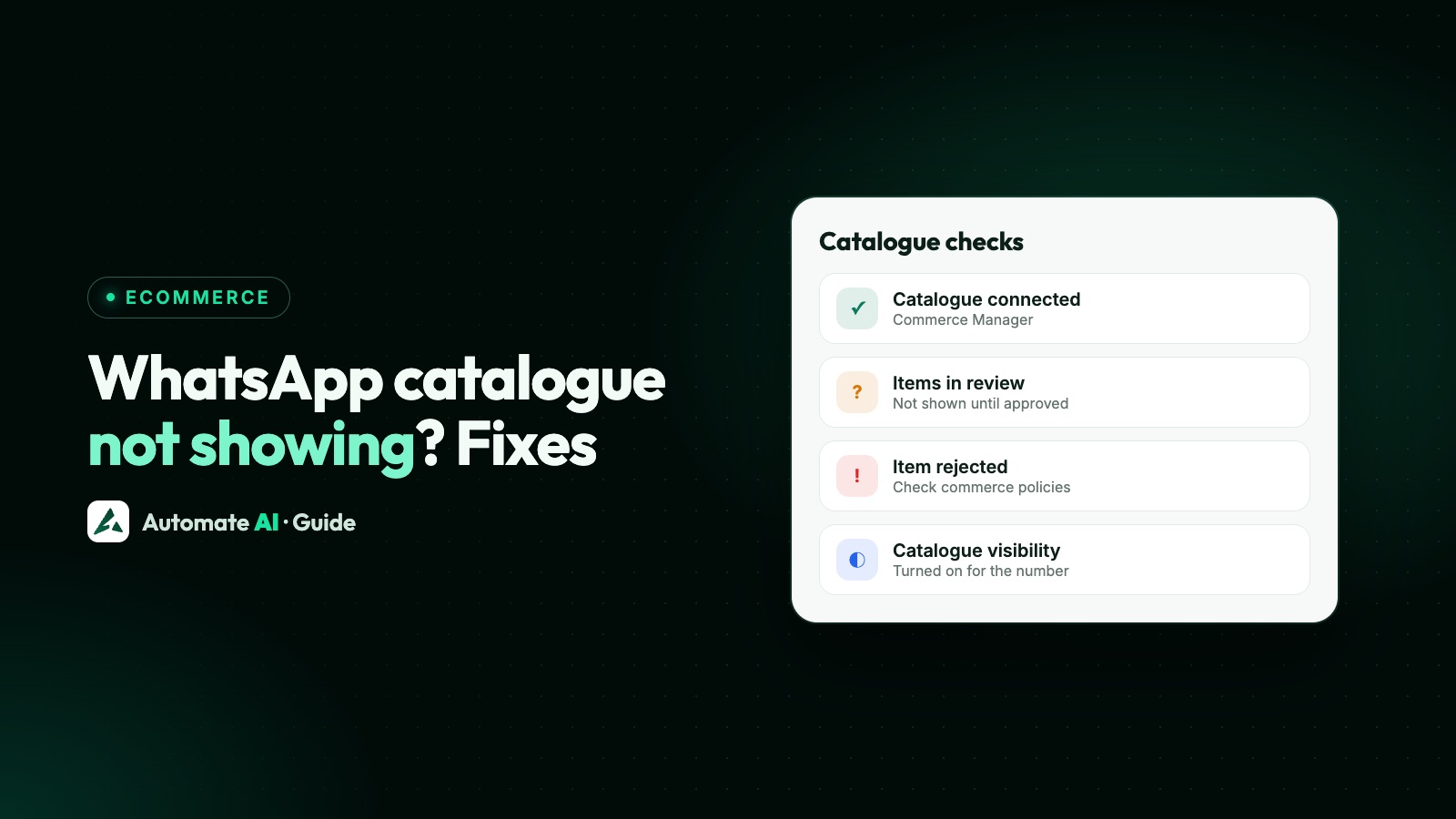
If you’d rather not manage a Meta catalogue, Automate AI’s own Online Store gives you a store page with categories and products, and customers can send their cart to you on WhatsApp. It’s included in the AI + Automation Plan and Series 4; see Online Store. If your catalogue isn’t appearing at all, start with WhatsApp catalogue not showing.
Frequently asked questions
How many products can I add to a WhatsApp catalogue?
Up to 500 items in the WhatsApp Business app. For the WhatsApp Business API, the catalogue is in Meta Commerce Manager, and Meta’s WhatsApp pages don’t give a maximum.
How many images can a WhatsApp catalogue item have?
Up to 10 photos or videos per item in the WhatsApp Business app. In Commerce Manager, a product can have a main image plus up to 50 more.
What is the video size limit in a WhatsApp catalogue?
WhatsApp’s Help Center gives 50 MB for a catalogue video in the Business app. On the API, product pages opened from product messages show images only.
How many products can I send in one WhatsApp message?
Up to 30 in a multi-product message, organised in up to 10 sections. A product carousel shows 2 to 10 cards.
Is there a limit on WhatsApp catalogue collections?
WhatsApp doesn’t publish a maximum number of collections or items per collection. It says a new collection should be reviewed within 24 hours.
Can I have more than one catalogue on the WhatsApp Business API?
No. Meta allows one catalogue per WhatsApp Business Account, shared by all the numbers on that account.
How many items can a customer add to a WhatsApp cart?
Up to 99 units of each item, with no limit on the number of different items.
Sources
- WhatsApp Business: Catalog (500 items, 10 photos or videos)
- WhatsApp Help Center: How to create and maintain a catalog
- WhatsApp Help Center: How to create and manage a collection
- Meta: Catalogs overview (carts)
- Meta: Upload inventory (one catalogue per account)
- Meta: Multi-product messages
- Meta: Multi-product template messages
- Meta for Developers: Catalog fields
WhatsApp rules and prices change. We check these guides against Meta’s documentation, but always confirm current terms with Meta before you rely on them. Questions? Message us on WhatsApp at +91 836 977 8812.