How to Delete a WhatsApp Business Account
How to permanently delete a WhatsApp Business app account, and how to remove an API number or WhatsApp account in Meta’s tools. What you lose and the rules.
To delete a WhatsApp Business app account, open the app on your main phone and go to Settings › Account › Delete my account, enter your number in full international format and confirm. It can’t be undone: your chats, groups and backup go with it. If your number is on the WhatsApp Business API instead, there’s no delete button in the app. A business portfolio admin removes the number in WhatsApp Manager, and Meta blocks that for 30 days after a paid message.
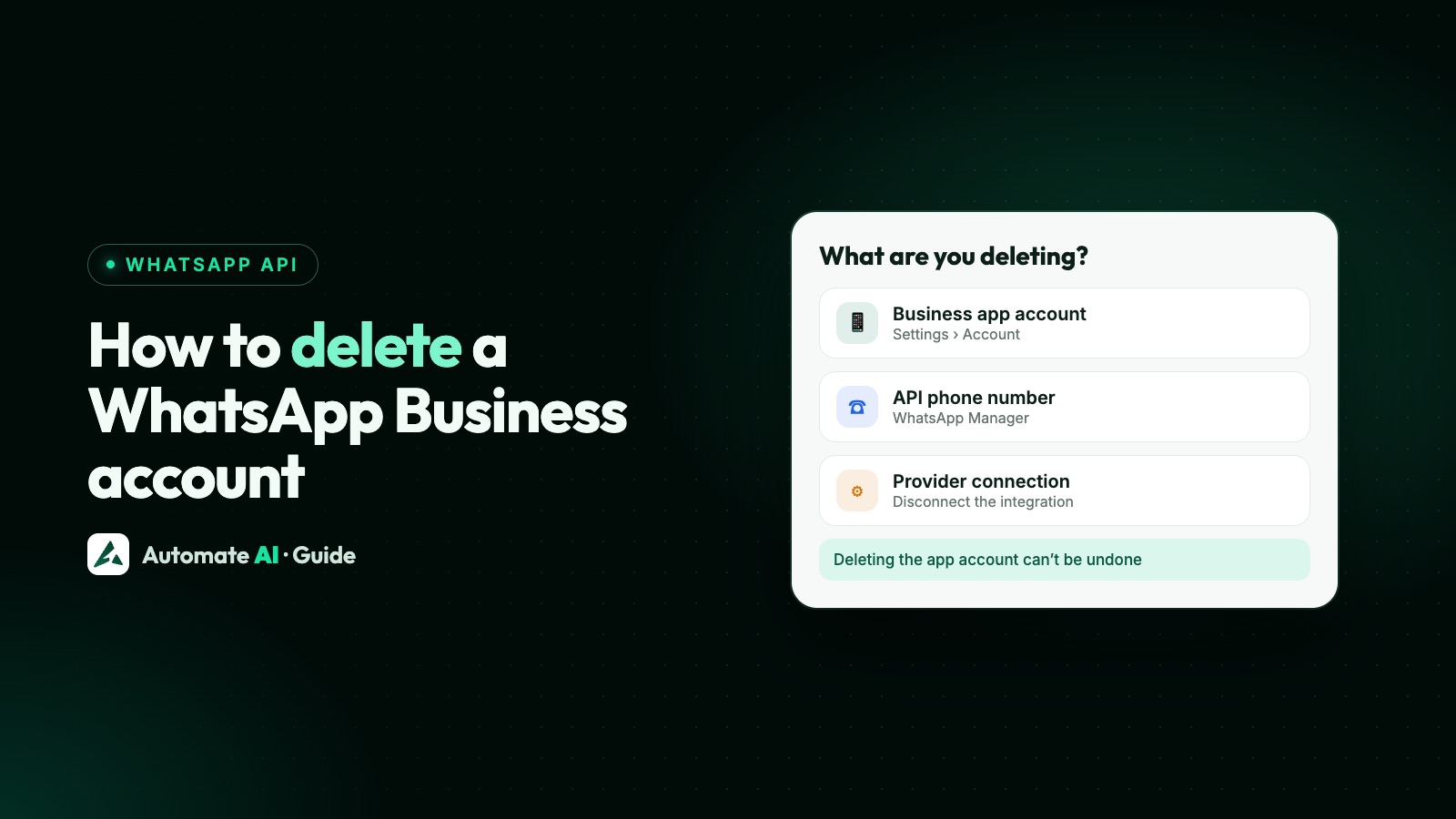
People use “WhatsApp Business account” for four different things, and each is removed in its own way. This guide covers the app, the API number, the Meta-side WhatsApp account and your provider, with what you lose at each step.
Key takeaways
- App accounts are deleted in the app, from the primary phone, under Settings › Account › Delete my account.
- Deleting erases message history, removes you from groups and, on Android, deletes your Google Account backup. WhatsApp can’t restore it.
- API numbers are deleted by a portfolio admin in WhatsApp Manager, not through the API, and not within 30 days of a paid message.
- Moving to the API? You may not need to delete anything: coexistence keeps the app working on the same number.
- Leaving a provider is separate: remove its access in Meta Business Suite › Settings › Partners and close your account with it.
First: which account do you want to delete?
| What you have | Where you remove it | Section |
|---|---|---|
| The WhatsApp Business app on your phone | In the app | Deleting the app account |
| A number on the WhatsApp Business API (Cloud API) | WhatsApp Manager, by a portfolio admin | Removing an API number |
| The WhatsApp account or Messaging account in Meta’s tools | Meta Business Suite | Removing the account and partners |
| Your account with an API provider | The provider’s app and its policies | Leaving Automate AI |
Not sure? If you chat with customers in the WhatsApp Business app and nothing else, it’s the first row. If messages go through a platform or a developer’s system, your number is on the API. If you use both on one number, that’s coexistence, covered below.
Deleting the WhatsApp Business app account
WhatsApp’s Help Center gives these steps (the Android version; the iPhone menus are similar). You must be logged in on the primary device; linked devices such as WhatsApp Web can’t delete the account.
- Open WhatsApp Business on your main phone.
- On Android, tap the menu, then Settings › Account › Delete my account. On iPhone, open Settings › Account › Delete my account.
- Enter your phone number in full international format and tap Delete account.
- Pick a reason from the list.
- Tap Delete account again to confirm.
What deleting does
- Deletes the account from WhatsApp and all your devices.
- Erases your message history and, on Android, deletes your Google Account backup.
- Removes you from all your WhatsApp groups.
- Removes you as a channel admin or follower, and deletes channels you created if no one else is an admin.
What it doesn’t do
- It doesn’t delete customers’ copies of messages you sent them.
- It isn’t instant behind the scenes: WhatsApp says removing your information can take up to 90 days from the start, with copies possibly kept longer in disaster-recovery backups.
- It can’t be reversed, even if you deleted by mistake.
Before you delete the app account
- Export what you need. WhatsApp can’t restore chats, media, backups or call history from a deleted account. Save important chats and your catalogue details first.
- Hand over channels. Add another admin first if the channel should live on.
- Tell regular customers where to reach you next, and update links and QR codes; see wa.me links and QR codes.
- Moving to the API? You don’t have to delete. Connect the app number with coexistence and keep the app. If you do delete and register the number on the Cloud API, Meta says your existing messaging history will be lost.
If you can’t delete because you’ve lost the phone or number, WhatsApp removes the account itself: deactivated accounts are deleted 30 days after deactivation if not registered again, and inactive accounts generally after 120 days (365 days in the US).
Removing a number from the WhatsApp Business API
On the API, the app’s delete button doesn’t exist. Meta’s rules for deleting a business phone number are:
- Only business portfolio admins can delete a business phone number.
- WhatsApp Manager only: Meta says you can’t delete a business phone number via the API. It’s under Account tools › Phone numbers.
- The 30-day rule: numbers can’t be deleted if they sent paid messages in the last 30 days. WhatsApp Manager points you to Insights to see when the last one went out.
- PIN: a number with Connected status needs its two-step verification PIN to delete. If you connected through Automate AI, the app set the PIN for you, so contact us, or turn off two-step verification in WhatsApp Manager (Meta emails a link to the portfolio’s address). More in the two-step PIN guide.
If you only want the number to stop working on the API, for example to move it back to the app, deregistering is enough. The difference between deregistering and deleting, and the limits on both, are in phone numbers on the WhatsApp Cloud API.
Coexistence numbers are different again: providers can’t deregister them. You disconnect from the Business app under Settings › Account › Business Platform › Disconnect Account.
Removing the WhatsApp account and partners in Meta Business Suite
Under Meta’s 2026 account model, a WhatsApp account holds one number and its profile, and a Messaging account holds templates and billing details. Removing a number doesn’t remove those containers. Two things to know:
- Spare accounts count against limits. Meta’s own fix for “maximum number of WhatsApp Business accounts” is to delete an existing one in Meta Business Suite.
- Templates live in the Messaging account, so they go with it. Keep a copy of any wording you want to reuse; see WhatsApp templates.
To stop a provider or agency reaching your assets, Meta Business Help gives these steps for someone with full control of the portfolio:
- Go to Settings in Meta Business Suite for your business portfolio.
- Click Partners in the left menu. If you can’t see it, you may not have full control.
- Click Options in the top right, then Remove from business portfolio.
- Click Remove partner.
Panel names in WhatsApp Manager change from time to time; our WhatsApp Manager guide lists the ones Meta’s docs use.
Leaving Automate AI
Removing the number from Automate AI, closing your plan and deleting your data are three separate steps:
| Step | How | What happens |
|---|---|---|
| Disconnect WhatsApp | Settings › WhatsApp › Danger Zone › Delete Integration (owners and managers) | Your WhatsApp settings are removed and webhooks unsubscribed; contacts and messages stay. The number stays on Meta until you delete it there. |
| Stop renewing your plan | Ask our team to cancel your subscription | Our refund policy says you can cancel at any time, and cancelling only prevents future renewals |
| Delete your data | Follow the Data Deletion page | Email from your account email with the subject “Delete my data”, your business name and WhatsApp number; deleted within 30 days, except records kept by law, such as invoices |
Check your wallet first. Under the refund policy, wallet balances aren’t refundable, and unused balance stays valid for 7 calendar days after your subscription ends.
If you connected Facebook for Meta Ads or Facebook Leads, disconnect those inside Automate AI too, and remove Automate AI under Settings & privacy › Settings › Business integrations on Facebook, as the Data Deletion page explains. Questions before you go? Contact us.
A safe order if you’re closing everything
- Export contacts, chats and template wording you want to keep.
- Tell customers where to reach you next, from the number they know.
- Disconnect the number in your provider’s app, and cancel your plan with them.
- Wait 30 days after the last paid message, then delete the number in WhatsApp Manager (have its PIN ready, or turn off two-step verification first).
- Delete any spare WhatsApp accounts in Meta Business Suite and remove partners you no longer use.
- If you also had the Business app on the number, delete that account from the primary phone.
- Ask each provider to delete your data under its own data deletion process.
Frequently asked questions
How do I permanently delete my WhatsApp Business account?
In the app on your main phone, go to Settings › Account › Delete my account, enter your number in full international format and confirm. WhatsApp says it can’t be reversed, and removing your information can take up to 90 days.
Can I recover a deleted WhatsApp Business account?
No. WhatsApp can’t restore chats, media, backups or call history from a deleted account. You can register the number again, but it starts empty.
How do I delete a WhatsApp Business API number?
A business portfolio admin deletes it in WhatsApp Manager under Account tools › Phone numbers. It can’t be done through the API, and not within 30 days of a paid message from that number.
Why can’t I delete my number in WhatsApp Manager?
Usually because it sent a paid message in the last 30 days, you aren’t a portfolio admin, or a Connected number needs its two-step PIN. WhatsApp Manager shows the date of the last paid message in Insights.
Do I need to delete my WhatsApp Business app account to use the API?
Not always. With coexistence you connect the app number to the API and keep the app. If you delete it and register the number on the Cloud API instead, Meta says the existing message history is lost.
Does deleting the Automate AI integration delete my number from Meta?
No. Delete Integration removes the connection and WhatsApp settings in Automate AI, while contacts and messages stay. The number stays registered with Meta until you delete it in WhatsApp Manager.
Sources
- WhatsApp Help Center: How to delete your account
- Meta: Phone numbers (deleting a number)
- Meta: Migrate an existing WhatsApp number to a business account
- Meta: WhatsApp accounts and Messaging accounts
- Meta: Account model evolution
- Meta: Embedded Signup errors
- Meta Business Help: Remove partners from your business portfolio
- Automate AI: Data Deletion
WhatsApp rules and prices change. We check these guides against Meta’s documentation, but always confirm current terms with Meta before you rely on them. Questions? Message us on WhatsApp at +91 836 977 8812.