How to Send Google Ads Clicks to WhatsApp
Two ways to send Google Ads clicks to WhatsApp: message assets and a landing page button. Setup steps, Google’s rules, conversion tracking and sample messages.
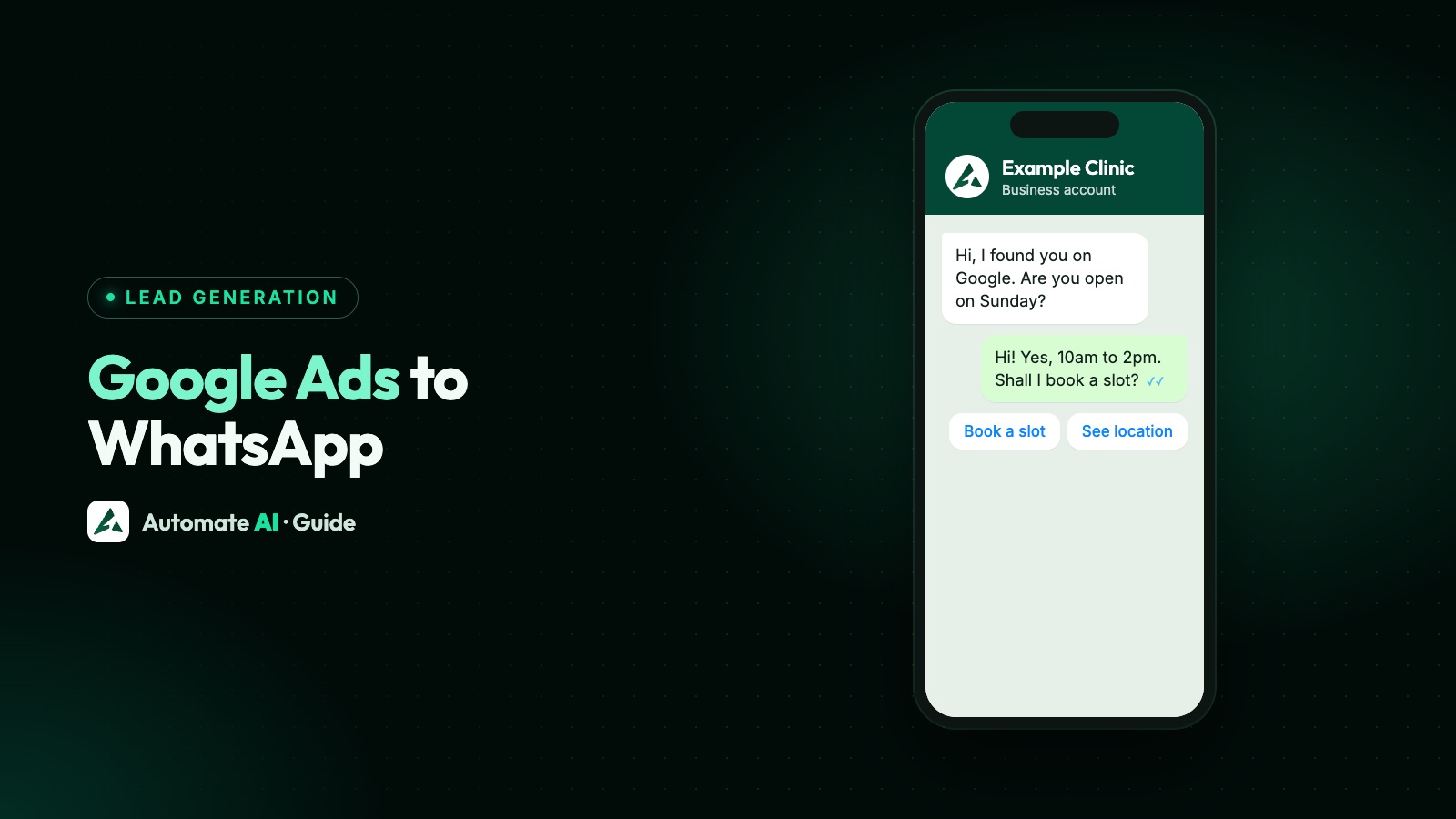
You can send Google Ads clicks to WhatsApp in two documented ways: add a message asset with your WhatsApp Business number to a Search or Performance Max campaign, or send the ad to a page on your own website that has a WhatsApp button. The message asset puts a chat button on the ad itself; the landing page route works for every campaign type.
This guide covers both, with Google’s setup steps, the rules that get ads disapproved, how to count chats as conversions, and what to do once the chat arrives. Google’s message assets are in beta, so check your account before you plan around them.
Key takeaways
- Message assets add a button to Search and Performance Max ads that opens a chat with your WhatsApp Business number. They’re in beta, so not every account has them.
- Google must verify the number: show your WhatsApp link on the website in your ad, or prove you own the domain.
- Google doesn’t document wa.me as a final URL. Its rules say the final URL must share the display URL’s domain and can’t redirect elsewhere, so use a page on your site with a WhatsApp button.
- Count chats with the Leads from messages goal for message assets, or a click conversion on your website button.
- Chats from Google don’t open Meta’s free entry point window. Reply within 24 hours, and ask for opt-in before you send offers later.
Two ways to get from a Google ad to a WhatsApp chat
| Message asset | Landing page with a WhatsApp button | |
|---|---|---|
| Where the button is | On the ad, next to your headlines | On your web page, after the click |
| Campaign types | Search and Performance Max | Any campaign that sends people to a website |
| Availability | Beta, not every account | Every account |
| Number needed | An active WhatsApp Business number | Any WhatsApp number your team answers |
| How you count chats | Leads from messages goal | A click conversion on the button |
| Visitor sees your site first | Only if they tap the headline | Yes |
Many businesses use both: message assets for people ready to ask a question, and a landing page for people who want to read first. Google says tapping the headline of an ad with a message asset still opens your website, and only the message button opens the chat.
Message assets: Google’s WhatsApp button
Google Ads Help describes message assets as an asset on your ads that sends people to your preferred messaging platform to start a conversation. For WhatsApp you choose a country and enter an active WhatsApp Business number. The page also lists SMS, Messenger and Zalo. Here is what Google says you need:
- A Search or Performance Max campaign. Message assets don’t run on other campaign types.
- Beta access. Google says that if you can’t find the feature, it may not be available to you yet.
- A good policy history, a business outside sensitive areas such as elections, and advertiser verification completed.
- Conversion bidding: Conversions as the bid goal, with Maximise conversions or target CPA, or target ROAS and Maximise conversion value.
- A starter message that follows Google’s Editorial policy: clear, correctly spelt, properly capitalised.
Google adds that new advertisers may see limited impressions at first, and that message assets serve on Android everywhere but on iOS only in a list of countries, including India, the UK, the UAE, Saudi Arabia, Singapore, Germany and France. The US isn’t on the iOS list we checked.
How to add a WhatsApp message asset
From Google’s setup guide, for a new campaign:
- In Google Ads, click Create and choose Campaign.
- Choose Leads as the objective, confirm your conversion goals, and pick Search or Performance Max.
- For Search, choose Messages from your ads as the way to reach your goal, then set the name, bidding, locations and languages.
- In the Ads section, open the Messages drop-down and select + Message.
- Enter your WhatsApp number and the starter message shown with your ad.
- Save and wait for review. The asset must be verified before it serves.
For an existing campaign, add the asset under Assets (the plus button, then Message) and switch the campaign’s goals to Messages from your ads in Settings › Conversion goals. Google says the Leads from messages goal becomes available once a message asset is approved.
Getting your WhatsApp number verified
Google’s message asset requirements say the asset must relate to the business being advertised and be verified by Google; an unverified asset isn’t allowed to run. There are two ways to pass:
| Option | What to do |
|---|---|
| Show the link on your site | Put your WhatsApp link on the website or social page featured in your ad, on a page on the same domain as your display URL. Google says a link on a page people visit often, such as your home page, is easier to verify |
| Prove domain ownership | Link Google Search Console to Google Ads, or add your Google Ads conversion or remarketing tag to the site |
A WhatsApp link is https://wa.me/ followed by the full number in international format. WhatsApp’s Help Center says to leave out zeros, brackets and dashes. Our free WhatsApp link generator builds one, and how to create a WhatsApp link and QR code explains the format. If a disapproved asset is fixed, Google says to edit and save it so it goes back for review.
The landing page route, and why not a wa.me final URL
It’s tempting to paste a wa.me link as the ad’s final URL. Google doesn’t document that, and its rules work against it. Google’s destination requirements say the domain in your display URL must match where people land, and they treat a final URL that redirects to a different domain as a mismatch. Ads whose destination doesn’t work properly are disapproved too.
So send the ad to a page on your own site and put the WhatsApp button there:
- Make the page match the ad. Same offer, same price, and the button near the top on phones.
- Give the button its own typed-in message, such as “Hi, I saw your Google ad for AC servicing”, so you can tell where the chat came from.
- Keep a second way in: a phone number or a short form, for visitors without WhatsApp.
- Use the tracking template for tracking parameters, not a redirect in the final URL.
If you don’t have a button yet, how to add a WhatsApp chat widget to your website has copy-and-paste code for any site, WordPress and Shopify.
Counting WhatsApp chats as Google Ads conversions
For message assets, use the Leads from messages goal. Google’s reporting page says message assets get standard reporting: impressions, clicks, cost, CTR, CPC and conversions.
For a button on your landing page, Google Ads Help describes tracking clicks on a website button or link as conversions:
- Create a website conversion action and choose Click rather than Page load.
- Add the event snippet with the
gtag_report_conversionfunction to the page’s head, after the Google tag. - Add an
onclickto your WhatsApp button that calls the function with the button’s link. - Check the conversion’s status in Google Ads, or test the page with Google Tag Assistant.
A wa.me link carries only your number and the typed-in text, so no Google click ID reaches WhatsApp. The typed-in message is your link between the ad and the chat.
Starter and typed-in messages to use
Original samples with made-up businesses. A short code at the end makes each source easy to spot.
| Business | Starter or typed-in message | First reply from you |
|---|---|---|
| AC repair | Hi, I need an AC service quote (G1) | Thanks! Which area are you in, and is it a split or window AC? |
| Coaching centre | Hi, I want details of the weekend batch (G2) | Happy to help. Which class is the student in? |
| Furniture shop | Hi, I saw the sofa sale on Google (G3) | Great! Do you want 3-seater or L-shaped options? |
| Clinic | Hi, I’d like to book an appointment (G4) | Sure. Which day suits you? Please don’t share health details here. |
Ask one easy question in your first reply so the conversation keeps going. For message assets, the starter message also has to pass Google’s Editorial policy, so keep it plain.
What happens after the chat starts
Once the customer sends their message, Meta’s rules for the WhatsApp Business Platform apply, whatever ad they came from:
- A 24-hour customer service window opens. You can reply freely inside it. Meta’s pricing page says the first 1,000 service messages per number each month are free, and from the 1,001st they’re charged, a change that started on 1 October 2026.
- No free entry point window. Meta gives that only to chats started from a Click-to-WhatsApp ad on Facebook or Instagram, not to chats from Google ads or links.
- After 24 hours, you can only send approved template messages.
- Offers need opt-in. A question about one service isn’t consent to promotions. Ask clearly in the chat. See WhatsApp opt-in.
Speed matters most here: you paid for the click, so the first reply should come in minutes, not the next morning. More on the window in the WhatsApp 24-hour rule.
Handling Google Ads chats in Automate AI
Automate AI doesn’t connect to Google Ads, so conversions are set up in Google as above. What it handles is everything after the click:
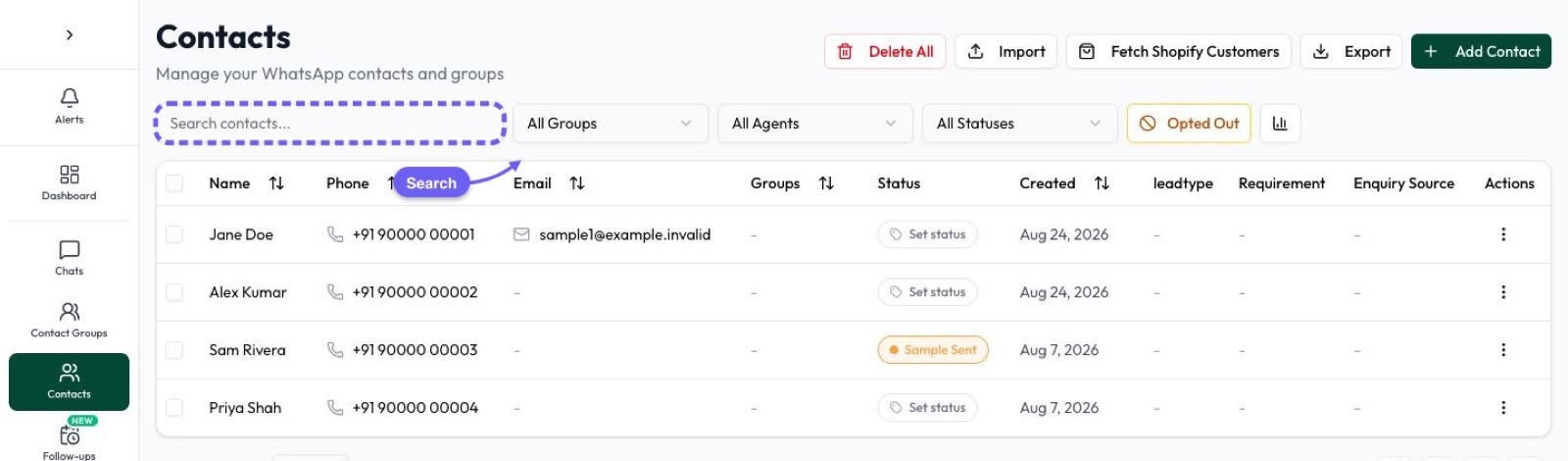
- Shared inbox: each chat lands in the shared inbox and the contact is saved, so your team replies from one place.
- Lead Sources (in Settings): name words such as “G1” or “Google ad” and a source such as “Google Ads”. A new contact whose first message matches gets that Lead Source, shown in the chat list.
- Chat button and QR code (Campaigns › Tracking › Smart links): makes a Chat on WhatsApp link with your message typed in, a QR code and a button for your website, and counts every tap. Use it as the button on your landing page, not as the ad’s final URL, because it redirects through another domain. If you also use message assets, keep a plain wa.me link visible on your site as well, because Google verifies the number by finding that link.
- Keyword replies and chatbots answer the first message straight away, out of hours too. See the chatbot builder.
- Campaigns send approved templates later to contacts who opted in. See WhatsApp campaigns.
Frequently asked questions
Can Google Ads open WhatsApp directly?
Yes, with a message asset on a Search or Performance Max campaign. Its button opens a chat with your WhatsApp Business number. The feature is in beta, so not every account has it.
Is there a WhatsApp extension in Google Ads?
What used to be called extensions are now assets. The WhatsApp option is part of message assets, where you enter your WhatsApp Business number and a starter message.
Can I use a wa.me link as my Google Ads final URL?
Google doesn’t document it. Its rules say the final URL must share the display URL’s domain and can’t redirect to another domain, so link to a page on your site with a WhatsApp button instead.
How do I track WhatsApp chats from Google Ads?
Use the Leads from messages goal for message assets, or a click conversion on your website’s WhatsApp button. Add a short code to the typed-in message so you can match chats to campaigns.
Do I need the WhatsApp Business API for Google Ads?
Message assets ask for an active WhatsApp Business number, and Google doesn’t say it must be on the API. The API, through a platform such as Automate AI, adds a shared inbox, chatbots and tracking of where leads came from.
Are WhatsApp chats from Google ads free?
Google charges for the ad. On the WhatsApp side, the free entry point window applies only to Meta’s Click-to-WhatsApp ads. Service replies inside the 24-hour window are free up to 1,000 a month per number.
Sources
- Google Ads Help: About message assets
- Google Ads Help: How to use message assets
- Google Ads Help: How to report on message assets
- Google Advertising Policies: Message asset requirements
- Google Advertising Policies: Destination requirements
- Google Ads Help: Track clicks on your website as conversions
- WhatsApp Help Center: How to use click to chat
- Meta: Pricing on the WhatsApp Business Platform
WhatsApp rules and prices change. We check these guides against Meta’s documentation, but always confirm current terms with Meta before you rely on them. Questions? Message us on WhatsApp at +91 836 977 8812.