WhatsApp for B2B: How to Sell to Dealers, Distributors and Business Buyers
How to use WhatsApp for B2B sales: qualify trade enquiries, send price lists and quotes, handle reorders and run one number for your whole sales team.
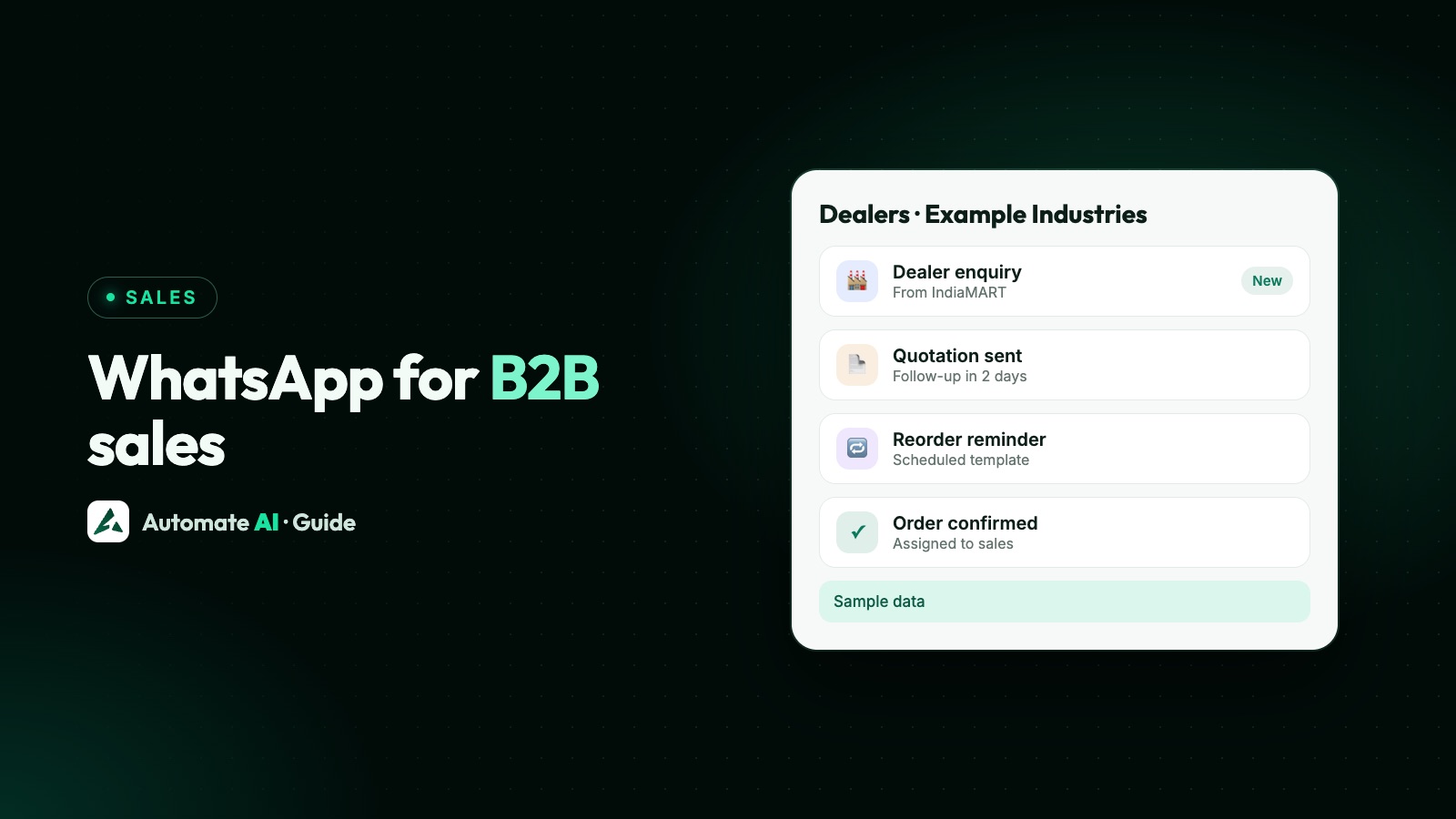
WhatsApp works for B2B sales when you treat it as a shared sales desk, not a broadcast tool: answer trade enquiries fast, qualify them with three or four questions, send quotes and price lists in the chat, and keep repeat buyers informed with approved templates.
This playbook covers how B2B on WhatsApp differs from selling to consumers, where trade leads come from, how to qualify them, how to handle price lists, quotes and reorders, and how to run one number for a whole sales team without losing the customer list when someone leaves.
Key takeaways
- B2B buyers want speed, accurate prices and a named person, more than offers.
- Qualify each enquiry with a short chatbot: company, product, quantity, city and timeline.
- Keep price tiers apart: never share one buyer’s prices or chat with another, which WhatsApp’s policy also forbids.
- Reorder reminders and dealer offers that ask people to buy are marketing templates, and need the buyer’s agreement.
- Run the team from one number with assignment by region or product, internal notes and masked customer numbers.
How B2B on WhatsApp differs from selling to consumers
The rules from Meta are the same for every business. What changes is how buyers behave:
| Selling to consumers | Selling to businesses | |
|---|---|---|
| Who you talk to | One person who decides | A buyer, an owner and sometimes accounts, from one company |
| What they ask | Price, stock, delivery | Price for a quantity, specs, credit terms, delivery schedule |
| Sales cycle | Minutes to days | Days to months, with quotes and revisions |
| Repeat business | Occasional | Regular reorders from the same accounts |
| Prices | One public price | Different rates for dealers, distributors and direct buyers |
| What wins | Offers and convenience | Fast, accurate answers and a person they trust |
So the aim isn’t to message more. It’s to make every trade conversation quicker to answer and easier to follow up, whoever on your team picks it up.
Where B2B leads on WhatsApp come from
Trade enquiries reach you through more routes than you might think. Give each one a clear way into the chat:
- Your website and catalogue PDFs: a click-to-chat link or QR code with a pre-filled message such as “Bulk enquiry”. See WhatsApp links and QR codes.
- B2B marketplaces: in Automate AI, the IndiaMART integration pulls enquiries, buy-leads, call leads and catalogue views in every few minutes and saves them as contacts with product and company, and can send a welcome template (AI + Automation Plan and Series 4).
- Trade fairs and visits: a QR code on your stand or visiting card, so buyers message you first.
- Click-to-WhatsApp ads aimed at business owners in your sector.
- Website forms and Facebook Lead Ads, saved as contacts automatically (AI + Automation Plan and Series 4).
Qualify a trade enquiry in the chat
“Price?” is the most common first message, and the honest answer is “it depends”. A short chatbot gets what you need before a salesperson replies. Build it in Automate AI’s chatbot builder (AI + Automation Plan and Series 4):
- Trigger the flow on a keyword such as “bulk” or “enquiry”, or for every new contact.
- Ask who they are with buttons: Dealer, Distributor, Contractor, Direct buyer. Use Add to group to record the tap.
- Ask for the company name and city as typed answers, each followed by an Update Contact step that saves the next reply to a contact field.
- Ask which product with a list message. Meta allows up to 10 rows, enough for your main ranges.
- Ask for quantity and timeline as a typed answer.
- Hand over to the right person with a message saying who will reply and when, and assign the chat.
Update Contact saves the customer’s next typed message, not a button tap, so keep it after questions people answer by typing. With your own AI key, AI Sales Center also reads each chat and scores the lead from 0 to 100 with the reason shown, so a request for 500 units with a delivery date rises above “send catalogue”.
Price lists, quotes and samples
B2B prices usually depend on who is asking, so handle them with care:
- Keep separate price lists for each tier, and keep buyers in groups such as Dealers North or Distributors, so the right list goes to the right people.
- Send standard files by keyword. Automate AI’s AI Media Library can send a PDF, such as a catalogue or rate card, when a customer writes a keyword like “catalogue”. Keyword sends need no AI, and the switch is off until you turn it on.
- Quote in the chat as a PDF, with the total and validity date in the message. Step-by-step instructions and sample wording are in how to send a quotation on WhatsApp.
- Don’t publish trade prices if you don’t want competitors to see them. Automate AI’s online store has an Enquiry only mode that swaps the cart for a button that opens a WhatsApp chat, with your own text such as “Get a quote”.
Repeat orders and reorder reminders
Repeat buyers are where B2B on WhatsApp pays off. Make reordering effortless:
- Let them reorder by message. A buyer who types “same as last month” should get a fast, accurate reply from whoever is on duty, with the last order visible in the chat history.
- Remind them before they run out. Save a date such as
next_reorder_datein a contact’s custom fields, and a scheduled automation in Automate AI (AI + Automation Plan and Series 4) can send a template on the day, or 1, 3 or 7 days before, at the time you choose. Update the date after each order, because the reminder goes by the day and month saved. - Take orders through a store link. With the online store (AI + Automation Plan and Series 4), customers can send their whole cart to you on WhatsApp, with no account needed, and get order updates there.
A reminder that asks someone to buy again is promotional, so expect Meta to treat it as a marketing template. That means the buyer must have agreed to receive offers, and WhatsApp may limit how many marketing templates each person receives. An update about an order they already placed, such as “dispatched today”, fits Meta’s utility criteria if it carries no offer.
| Message | Likely category | Sample (made-up details) |
|---|---|---|
| Order confirmed | Utility | “Hi Imran, order 5512 for 40 cartons is confirmed. We’ll share the dispatch details tomorrow.” |
| Dispatched | Utility | “Order 5512 left our warehouse today with Example Logistics. Expected delivery: Thursday.” |
| Reorder reminder | Marketing | “Hi Imran, your usual monthly order is due next week. Reply ORDER to repeat it. Reply STOP to opt out” |
| New range for dealers | Marketing | “New: the 2027 shelving range is in. Tap below for the dealer price list. Reply STOP to opt out” |
Meta makes the final call on categories. For overdue invoices, see payment reminder messages.
One number for the whole sales team
If your team sells from personal phones, the accounts and chat history leave when a salesperson does. A shared inbox on the WhatsApp Business API fixes that. In Automate AI the shared team inbox is on every plan, with unlimited users:
- Auto-assignment in turn or least busy first, optionally only to chosen departments, such as North region or Industrial products.
- Managers kept to their department, if you switch that on, so a regional manager sees only their own chats and contacts plus unassigned ones.
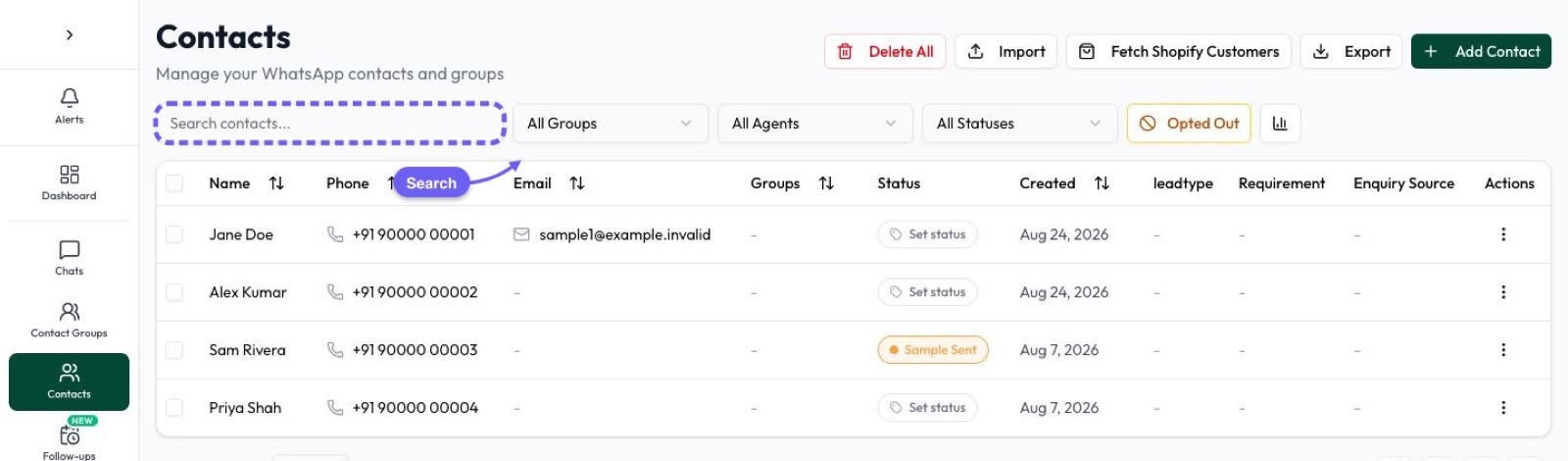
- Hide customer numbers from staff: they see masked numbers and can’t export contacts, but can still chat.
- Internal notes and statuses, such as “credit limit agreed” or Quote sent, so anyone can pick up an account.
- Staff activity reports with messages sent, status changes and follow-ups done and missed for each person.
- Branches under one login if each branch or division has its own WhatsApp number, team and wallet.
Broadcasts to dealers without hurting your number
Sending one announcement to every dealer is tempting, but messages people didn’t expect lead to blocks and reports, which hurt your number’s quality rating. Habits that protect it:
- Message only people who agreed to hear from you, and name your business when you ask.
- Segment by group, so a distributor doesn’t get a retail offer and a contractor doesn’t get a dealer price list.
- Test on a small slice first. Automate AI campaigns can send to a random 10% before the rest, and A/B test two templates.
- End marketing templates with an opt-out, such as “Reply STOP to opt out”. In Automate AI a typed STOP opts the contact out automatically.
- Keep the next step in WhatsApp: a button for the price list or a quote, so replies reopen the 24-hour window and your team can answer freely.
More on staying safe in WhatsApp marketing without getting banned.
A simple first-month plan
- Week 1: connect your number, invite the sales team, set statuses (Enquiry, Quote sent, Negotiating, Won, Lost) and groups by buyer type.
- Week 2: import your existing trade contacts with their groups, and connect your lead sources, such as your website form or marketplace account.
- Week 3: build the qualifying chatbot and get your quote and order-update templates approved.
- Week 4: set reorder reminders for your regular accounts and send your first segmented announcement to buyers who agreed to receive it.
Plans and per-message WhatsApp rates are on the pricing page.
Frequently asked questions
Is WhatsApp good for B2B sales?
Yes, for conversations that need a fast reply: trade enquiries, quotes, reorders and order updates. It works best on the WhatsApp Business API, where a whole team can answer from one number and follow-ups don’t depend on one person’s phone.
Can I send different price lists to different buyers?
Yes. Keep buyers in groups such as Dealers and Distributors and send each group its own file or template. Never forward one buyer’s prices or chat to another; WhatsApp’s policy forbids sharing information from one customer’s chat with another customer.
Are reorder reminders utility or marketing templates?
A reminder that asks someone to buy again is promotional, so expect it to be treated as marketing and send it only to buyers who agreed to receive offers. Updates about an order already placed, such as confirmation or dispatch, fit the utility criteria. Meta decides the category.
How do I stop salespeople taking customers with them?
Sell from one business number in a shared inbox instead of personal phones. In Automate AI you can also hide customer numbers from staff, which stops them seeing full numbers or exporting contacts while they keep chatting.
Can IndiaMART leads get a WhatsApp message automatically?
In Automate AI, yes. The IndiaMART integration saves new enquiries as contacts every few minutes and can send each new lead a welcome template, if they agreed to hear from you on WhatsApp.
Can buyers order through WhatsApp?
Yes. They can message the order to your team, or, with Automate AI’s online store, send their whole cart to you on WhatsApp from your store link. For trade prices you’d rather keep private, the Enquiry only mode replaces the cart with a button that opens a chat.
Sources
- Meta: Send messages (customer service window)
- Meta: Template categorization
- Meta: Get opt-in for WhatsApp
- Meta: Per-user marketing template limits
- Meta: Interactive list messages
- WhatsApp Business Messaging Policy
WhatsApp rules and prices change. We check these guides against Meta’s documentation, but always confirm current terms with Meta before you rely on them. Questions? Message us on WhatsApp at +91 836 977 8812.