How to Spot and Report a Fake WhatsApp Business Account
How to spot a fake WhatsApp Business account, what the label and blue badge really mean, how to report it, and what to do if someone copies your business.
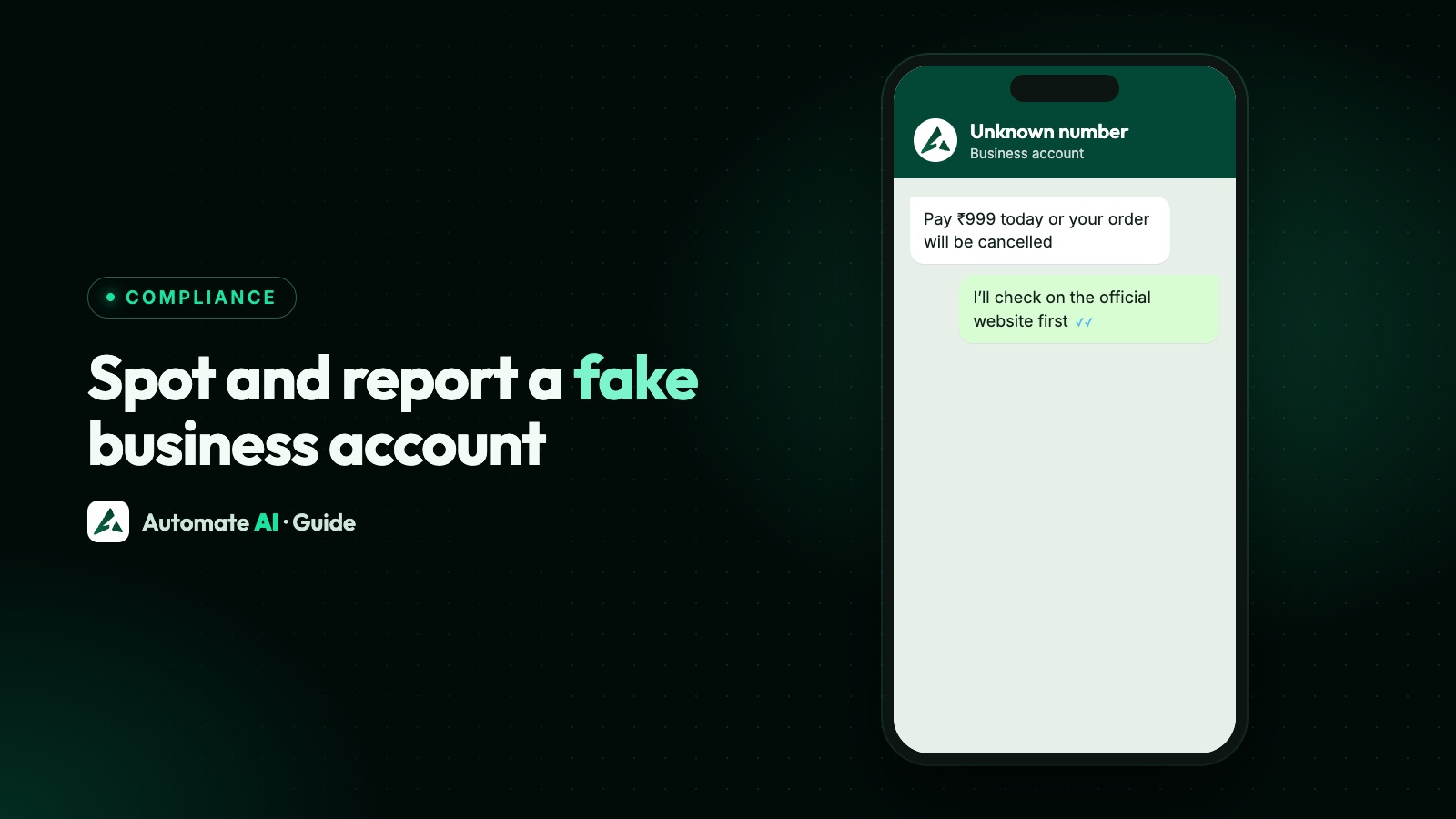
Yes, a WhatsApp Business account can be fake, and the “business account” label won’t tell you. To check one, find the business’s number on its own website, then compare. To report one, open its profile in the chat, scroll to the bottom and choose Report business.
This guide is for two readers: customers wondering whether a business is real, and businesses being impersonated. It covers what each label and badge means, the warning signs, how to report, and what to tell your customers.
Key takeaways
- The WhatsApp Business account label only shows the kind of account. A logo and a business name can be copied.
- The blue checkmark means Meta has verified the account. A business without one isn’t necessarily fake.
- The most reliable free check is the number on the business’s own website, reached without using a link from the chat.
- To report: open the business’s profile, scroll down and choose Report business. They aren’t told who reported them.
- If someone copies your business: gather evidence, report the number, use WhatsApp’s IP form if you hold a trademark, and warn customers.
What each thing on the profile actually tells you
People tend to trust the wrong signals. Here’s what each one is worth:
| What you see | What it tells you | What it doesn’t tell you |
|---|---|---|
| “WhatsApp Business account” label | The account uses a WhatsApp Business product | That anyone has checked who runs it |
| Business name and logo | What the account calls itself | Anything: WhatsApp warns that scammers may use a photo that isn’t theirs |
| Blue checkmark beside the name | Meta has verified the account | That the product is good or that every offer is fair |
| No blue checkmark | The business hasn’t got the badge | That it’s fake: plenty of real businesses don’t have one |
| A phone number country | Where the number is registered | Where the person is, or who they are |
| A number listed on the company’s own website | That this number really belongs to the company | That every message is honest, as accounts can be hacked |
What the blue badge does and doesn’t mean
WhatsApp says the badge shows that an account has been verified, based on its activity across Meta’s products or on information and documents it provided. It says the process helps people confirm they’re chatting with the right business. The badge can appear in chats, business profiles, context cards, the Calls tab and on incoming calls from verified businesses.
On the WhatsApp Business API, Meta defines an Official Business Account as a number “owned by a business that has been verified as an authentic business”.
Keep the claim that narrow. Meta’s pages talk about who the account belongs to. They don’t say that a verified business is safe to buy from, and WhatsApp reminds people they stay in control and can block any business. Subscribing doesn’t automatically bring the badge either: WhatsApp says verification on its paid plans isn’t automatic and can’t be assumed.
How businesses get the badge is covered in how to get the WhatsApp verified badge, and if you’re confused by “green” and “blue” ticks, see WhatsApp green tick vs blue tick. Two blue ticks under a message are only read receipts.
How to check whether a business is real
This takes about two minutes and needs nothing but a browser:
- Don’t use anything from the chat. Ignore links, numbers and QR codes the account sent you.
- Find the company yourself. Type its web address, or search for it, and open its contact page.
- Compare the number digit by digit with the one messaging you. A different number isn’t proof of fraud, but it does mean you should ask.
- Contact the company through its listed channel and ask if the message is theirs.
- Look at the web address closely if you do open a link. WhatsApp warns that spammers use lookalike characters so that a link seems to go somewhere it doesn’t.
- Pay only through a method you’ve confirmed with the company directly.
Business usernames will add another way to find a company on WhatsApp as they roll out, but a username is just a handle until you’ve matched it to the real business. See WhatsApp business usernames.
Warning signs of a WhatsApp Business scam
WhatsApp tells people to be wary when a sender uses an unknown number, rushes them, asks for trust or makes threats, or asks them to transfer money or share passwords, PINs or personal details. The US Federal Trade Commission’s signs of a scam add demands for one specific way of paying, such as gift cards, cryptocurrency or a wire transfer. The examples below are ours, to show how those signs look in a chat.
| Sign | How it might look | What to do |
|---|---|---|
| Pretends to be a company you know | “This is the Example Courier team about your parcel.” | Check on the company’s own website |
| A problem or a prize | “Your account will be closed today” or “You’ve won a voucher, pay a small fee” | Don’t reply; check independently |
| Pressure to act now | “Only 10 minutes left to confirm” | Slow down. Real businesses can wait |
| Asks for sensitive details | A one-time code, PIN, password or card number | Never share them |
| Odd payment route | Advance payment to a personal account, gift cards or crypto | Stop, and confirm with the company |
| Number changed without notice | “We’ve moved to this new number, please pay here” | Confirm on the old number or website |
India’s Sanchar Saathi portal gives similar examples for WhatsApp: messages about bank accounts, payment wallets, SIMs, gas or electricity connections and KYC updates, and people posing as government officials.
How to report a fake business on WhatsApp
- Take screenshots first, showing the number, the messages and any payment details.
- Open the chat and tap the business’s name to view its profile.
- Scroll to the bottom and choose Report business, then confirm.
- Tick the block option if you also want to stop them contacting you.
When you report, WhatsApp receives up to the five most recent messages that account sent you, the reported account’s ID, and basic details of your last five calls with them. The reported account isn’t told. WhatsApp may ban the account if it breaks the Terms of Service.
If you’ve lost money or shared details
- Contact your bank or payment app straight away and ask what can be stopped or reversed.
- In India: call the cyber crime helpline 1930 or report at cybercrime.gov.in. Sanchar Saathi’s Chakshu page takes reports of suspected fraud on WhatsApp where no money has been lost.
- In the US: report at ReportFraud.ftc.gov.
- Elsewhere: contact your national fraud reporting service or the police.
- If you shared a WhatsApp code, turn on two-step verification as soon as you can get back into your account.
Scams aimed at business owners
Fake accounts also go after businesses, usually by posing as WhatsApp itself. WhatsApp sets a clear test for this:
- In-app support only comes from an account with the verified badge and an “Official Support Account” label. Support emails come only from addresses ending in @support.whatsapp.com.
- The official WhatsApp Business account has a verified badge, a chat label and a system message saying what it is. WhatsApp says accounts claiming to be WhatsApp or WhatsApp Business without that verification are scams.
- WhatsApp says it will never ask you for sensitive personal information, your full name, PIN or payment details.
- Don’t share your six-digit registration code with anyone. It’s how an account gets taken over.
So a message offering a blue tick for a fee, or warning that your number will be suspended unless you act now, deserves suspicion. Real account problems show up in the app or, for API numbers, in WhatsApp Manager and Business Manager, where Meta also notifies your admins by email. Check there rather than trusting a chat message. See what to do if your WhatsApp Business number is banned.
If someone is impersonating your business
- Collect the evidence. Save the fake number, its profile, and customer screenshots that show the number, date and time.
- Report the number in WhatsApp, and ask affected customers to report it too. When someone reports, WhatsApp receives up to the last five messages that account sent them.
- Use WhatsApp’s Intellectual Property Contact Form if you hold a trademark. It asks for the mark, the registration country and number, and the phone number of a private account, without which WhatsApp says it can’t process the report. You sign a declaration under penalty of perjury, so use it only for your own rights, or with authority from the owner. It handles intellectual property claims only.
- Tell your customers, using the sample below, and post the same notice on your website and social pages.
- Report it to the police or cyber crime unit if customers have lost money, and take legal advice on your options.
- Consider a paid Meta Verified plan if you’re on the Business app. WhatsApp lists impersonation protection in each business plan, though plans and benefits may be limited to select businesses or locations.
A warning to send your customers
Keep it short and specific: what’s happening, what the real number is, what you’ll never ask for, and what to do. This sample uses demo details:
To reach everyone who’s opted in, send it as an approved template. In Automate AI that’s a campaign to all contacts, tagged contacts or a filtered list, and a typed STOP opts the contact out automatically. Meta decides the template’s category when it reviews it, so keep promotions out of the message.
Make the real number easy to confirm
- List your WhatsApp number on your website’s contact page, so that the two-minute check above works.
- Say what you’ll never ask for, on your site and in your order messages.
- Fill in your business profile, including your website address.
- Stay on one number where you can. Customers who know your number spot a stranger faster.
Frequently asked questions
Can a WhatsApp Business account be fake?
Yes. The business account label only shows the kind of account, and a name or logo can be copied. Check the number against the company’s own website.
How do I report a fake WhatsApp Business account?
Open the chat, tap the business’s name, scroll to the bottom of the profile and choose Report business. You can block the account in the same step.
Does the blue tick mean a business is safe?
It means Meta has verified the account. Meta doesn’t say it makes a business safe to buy from, so still check that it’s the business you intended.
Is a business without a blue tick fake?
Not necessarily. The badge is optional and has its own requirements, so many real businesses don’t have it. Compare the number with the company’s website.
Will the business know I reported it?
No. WhatsApp says the reported user isn’t notified.
What should I do if a fake account is using my business name?
Save evidence, report the number in WhatsApp, use WhatsApp’s Intellectual Property Contact Form if you own a trademark, and warn customers with your real number.
I paid a fake business on WhatsApp. What now?
Contact your bank or payment app immediately, then report it. In India, call 1930 or use cybercrime.gov.in. In the US, use ReportFraud.ftc.gov.
Sources
- WhatsApp Help Center: About verified business accounts
- WhatsApp Help Center: About connecting with businesses
- WhatsApp Help Center: Protect yourself from suspicious messages and scams
- WhatsApp Help Center: How to report a merchant for fraud
- WhatsApp Help Center: If someone is pretending to be you
- WhatsApp Help Center: Safely communicating with WhatsApp Support
- WhatsApp: Intellectual Property Contact Form
- Meta: Official Business Accounts
WhatsApp rules and prices change. We check these guides against Meta’s documentation, but always confirm current terms with Meta before you rely on them. Questions? Message us on WhatsApp at +91 836 977 8812.