How to Block a Number on WhatsApp Business and the API
How to block a number in the WhatsApp Business app and on the API: steps, unknown numbers, Meta’s Block Users API limits and what blocking in Automate AI does.
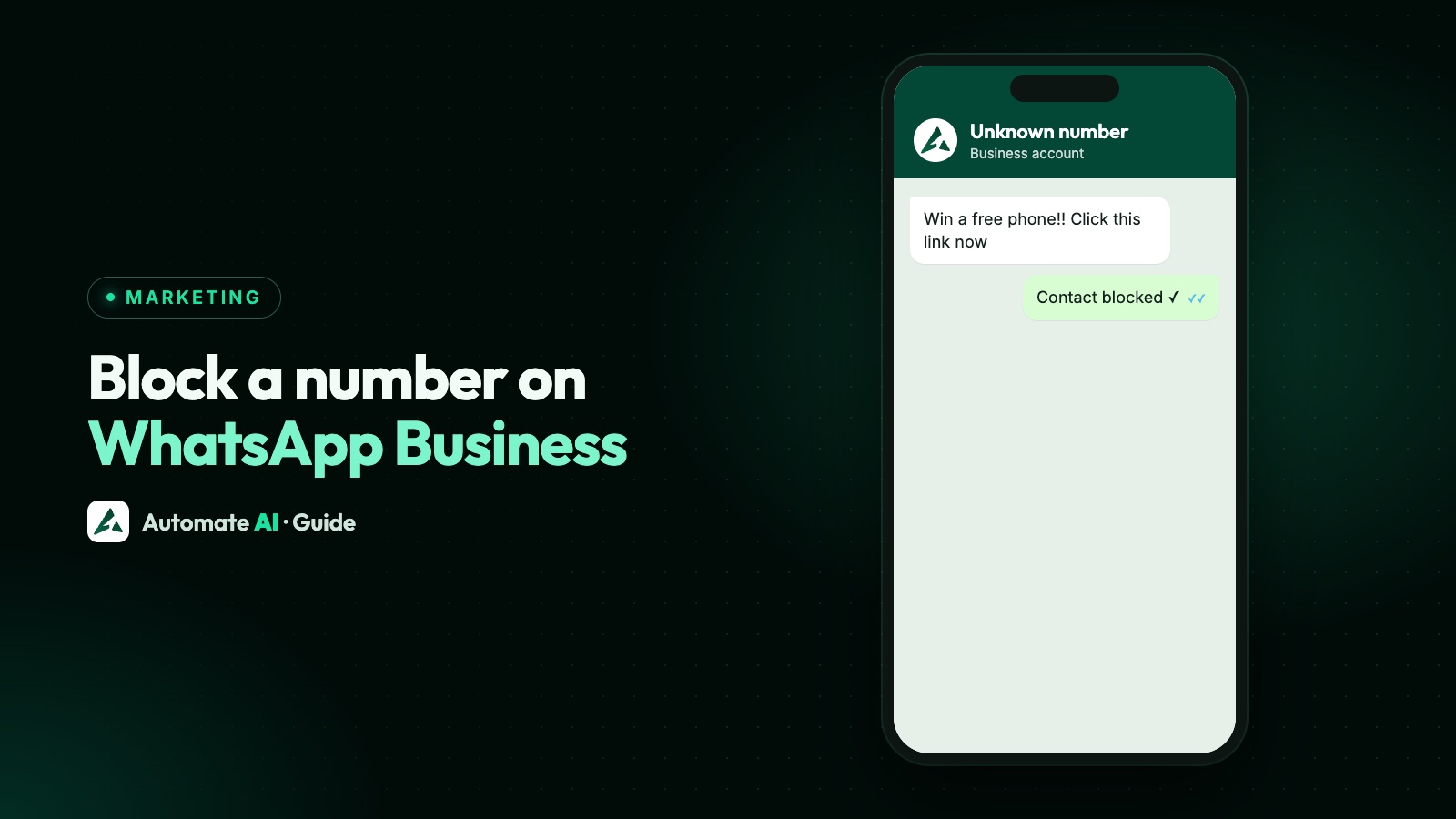
Yes, a business can block someone on WhatsApp. In the WhatsApp Business app, open the chat, tap the menu, then More › Block, and confirm. On the WhatsApp Business API there’s no button: Meta offers a Block Users API, and it only works on people who messaged you in the last 24 hours. A blocked person can’t message or call you, and you can’t message them.
Which one you use depends on where your number lives. This guide covers the app, unknown numbers, the API’s rules and errors, what the Block contact option in Automate AI does (and doesn’t do), and when an opt-out is the better choice.
Key takeaways
- In the Business app, block from the chat’s menu (More › Block) or from Settings › Privacy › Blocked contacts.
- For unknown numbers, block from the chat or the “Not a contact” notice. Block unknown account messages only acts on unusually high volumes.
- On the API, Meta’s Block Users API takes up to 1,000 numbers a request and holds up to 64,000, but only for people who messaged you in the last 24 hours.
- Automate AI’s Block contact works inside Automate AI: their messages are dropped, and inbox and automatic replies stop. It doesn’t place a block with WhatsApp, and it doesn’t take them out of campaigns or drips.
- If someone just wants fewer messages, opt them out instead of blocking, so they can still reach you.
Four kinds of “block” on WhatsApp
People mean different things by “block a number”, and each works differently:
| What it is | Where it happens | What it stops |
|---|---|---|
| Block in the WhatsApp Business app | On your phone, in the chat or Settings | Their messages and calls to you, and your messages to them |
| Block Users API | On an API number, through a call to Meta | The same, but only for people who messaged you in the last 24 hours |
| Block contact in Automate AI | In Automate AI’s inbox and contacts | Their messages showing in your inbox, inbox replies and automatic replies (not campaigns or drips) |
| A customer blocking you | On the customer’s phone | Your messages reaching them; a rise in blocks can hurt your quality rating |
The last one is a different problem. If customers are blocking your number, read how to reduce WhatsApp blocks and spam reports.
How to block a number in the WhatsApp Business app
These are the steps WhatsApp’s Help Center gives for Android. Labels can differ a little between versions and on iPhone, so look for Block in the chat’s menu.
From the chat
- Open Chats and tap the chat with the number.
- Tap the three-dot menu, then More › Block.
- Leave Report to WhatsApp ticked if the messages are spam or abuse, or untick it to block only.
- Tap Block to confirm.
From Settings
- Tap the three-dot menu, then Settings.
- Go to Privacy › Blocked contacts (on some versions, Privacy › Contacts › Blocked accounts).
- Tap the add icon and pick the contact.
Blocking doesn’t delete the chat or remove the person from your phone’s contacts. The chat stays in your list with a note that you blocked them, which they can’t see. They can no longer call or message you, or see your last seen, online status, status updates or profile photo changes. If you share a group, you’ll still see each other’s messages there.
Blocking unknown numbers
A business gets plenty of messages from numbers that aren’t saved. To block one, open the chat and use More › Block, or tap Block on the “Not a contact” notice that WhatsApp shows in a chat with an unknown number. Two settings help when unknown numbers become a nuisance:
| Setting | Where (Android) | What it does |
|---|---|---|
| Block unknown account messages | Settings › Privacy › Advanced | Blocks messages from unknown accounts only when they arrive at an unusually high volume, and stops once rates are normal again |
| Silence unknown callers | Settings › Privacy › Calls | Your phone doesn’t ring for unknown callers; the calls still show in the Calls tab and notifications |
Neither setting blocks every unknown number, and that’s deliberate. For a business, most new customers are unknown numbers. WhatsApp’s Help Center doesn’t say whether the first setting is in the WhatsApp Business app, so check your own Privacy settings.
Blocking on the WhatsApp Business API
An API number has no phone app, so blocking is an API call. Meta’s Block Users API lets you block, unblock and list blocked people for one business phone number. The rules:
| Rule | What Meta says |
|---|---|
| Who you can block | Only people who messaged your business in the last 24 hours |
| Per request | Up to 1,000 users |
| Blocklist size | Up to 64,000 users per number |
| How to name a user | Their phone number, or their business-scoped user ID |
| What it does | They can’t contact you or see when you’re online, and you can’t message them |
| Other limits | You can’t block your own number |
A developer with access to the number’s token does it like this:
- Send
POST /<PHONE_NUMBER_ID>/block_userswithmessaging_product: "whatsapp"and ablock_userslist of the numbers to block. - Read the reply:
added_userslists who was blocked andfailed_userslists who wasn’t. Results are per number, so some can fail while others succeed. - To unblock, send
DELETEto the same endpoint with the same body. To see the list, sendGET, which pages through results with cursors.
| Error | Meaning | What to do |
|---|---|---|
| 131047 | Re-engagement required: they haven’t messaged in 24 hours, or it isn’t a valid WhatsApp user | Wait until they message again, then block |
| 139101 | Blocklist limit reached | Unblock old entries you no longer need |
| 130429 | Rate limit hit | Send smaller batches, more slowly |
| 131021 | You tried to block your own number | Check the list |
| 139103 | Internal error | Retry the request |
The 24-hour rule is the one that surprises people. You can’t pre-load a list of known spammers. You block someone in response to a message they sent. Meta’s reference shows unblocking can fail with the same error for people who haven’t messaged recently.
What Block contact does in Automate AI
In Automate AI, open the chat and choose Block Contact from the chat menu, or use Block contact in the contact panel. From the chat menu you confirm first. You can also tick Block this number when you Mark as irrelevant a chat. While a contact is blocked:
- Their incoming messages are ignored. They don’t appear in the inbox and don’t start chatbots, auto-replies or AI replies.
- You can’t reply from the inbox. The chat shows a red Contact is blocked bar instead of the message box, and automatic replies, AI follow-ups and AI Connections skip them.
- It’s easy to undo. Choose Unblock in the same bar or menu. The chat’s activity timeline records each block and unblock.
A blocked contact isn’t removed from a campaign audience or drip sequence automatically, so take them out of those groups too, or opt them out. Not messaging people who don’t want to hear from you helps keep your quality rating healthy. Contacts, groups and statuses are covered in WhatsApp CRM, and campaigns in WhatsApp marketing.
Block, opt out or just archive?
Blocking is a heavy tool. Use it for people you never want to hear from, not for customers who want fewer messages.
| Situation | Best action | Why |
|---|---|---|
| A customer types STOP or asks for no more offers | Opt them out | They can still ask for help or check an order |
| Spam, scams or abuse | Block and report | It stops them and tells WhatsApp |
| A wrong number or a job seeker | Mark the chat irrelevant or archive it | Keeps your inbox clean without cutting anyone off |
| A competitor or bot flooding you | Block (on the API, within 24 hours of their message) | Stops the volume at the source |
| A former customer you’ve fallen out with | Opt out, and block only if they’re abusive | A block cuts off support as well as marketing |
In Automate AI, a typed STOP or unsubscribe opts a contact out automatically, and so does an opt-out keyword you add in Settings › General; button taps don’t. An opted-out contact can still message you. The full process is in WhatsApp opt-outs and unsubscribe requests.
How to unblock a number
- Business app: go to Settings › Privacy › Contacts › Blocked accounts (or Blocked contacts), tap the person, then Unblock.
- API: send
DELETE /<PHONE_NUMBER_ID>/block_userswith their number. If they haven’t messaged you in 24 hours it can fail with error 131047. - Automate AI: open the chat and tap Unblock in the red bar, or choose Unblock Contact from the chat menu.
Unblocking doesn’t bring back messages sent while they were blocked. To start a conversation again on the API outside the 24-hour window, you need an approved template and their opt-in. See the 24-hour window.
If a customer blocks your business
Customers can block a business from its chat: tap the business name, then Block business, and pick a reason. After that they can’t message you and you can’t message them. Only they can remove the block; you can’t unblock yourself.
WhatsApp doesn’t tell you who blocked you. On the API, a rise in blocks can lower your number’s quality rating, so a rise in blocks is a reason to look at who you’re messaging and how often. That’s covered step by step in how to reduce WhatsApp blocks and spam reports.
Frequently asked questions
Can you block someone on WhatsApp Business?
Yes. In the Business app, open the chat and choose More › Block from the menu. On the API, a developer uses Meta’s Block Users API, which works only on people who messaged you in the last 24 hours.
How do I block a number on the WhatsApp Business API?
Send a POST request to the phone number’s block_users endpoint with the numbers to block, up to 1,000 at a time. Each number must have messaged you in the last 24 hours, or you get error 131047.
Can I block unknown numbers on WhatsApp Business?
You can block any unknown number from its chat or the “Not a contact” notice. WhatsApp’s Block unknown account messages setting only acts when unknown messages arrive at an unusually high volume, so it doesn’t block all of them.
Does blocking in Automate AI block the number on WhatsApp?
No. Automate AI ignores the blocked contact’s messages and stops inbox and automatic replies (remove them from campaign groups yourself), but it doesn’t call Meta’s Block Users API, so they can still send messages to your number.
Will the person know I blocked them?
WhatsApp’s Help Center says the note about the block shows only in your chat, and they can’t see it. They will stop seeing your online status and profile updates, and they can no longer message or call you.
Should I block customers who ask to stop messages?
No. Opt them out instead, so they stop getting marketing but can still contact you for help. Keep blocking for spam, scams and abuse.
Sources
- Meta: Block users (Cloud API)
- WhatsApp Help Center: How to block and report someone
- WhatsApp Help Center: About reporting and blocking
- WhatsApp Help Center: How to block high volumes of unknown messages
- WhatsApp Help Center: How to silence unknown callers
- WhatsApp Help Center: How to block or unblock a business
WhatsApp rules and prices change. We check these guides against Meta’s documentation, but always confirm current terms with Meta before you rely on them. Questions? Message us on WhatsApp at +91 836 977 8812.