How to Give Someone Access to Your Meta (Facebook) Ad Account
Give a person or agency access to your Facebook ad account: people vs partners, which permission to pick, the steps in Meta Business Suite, and removing access.
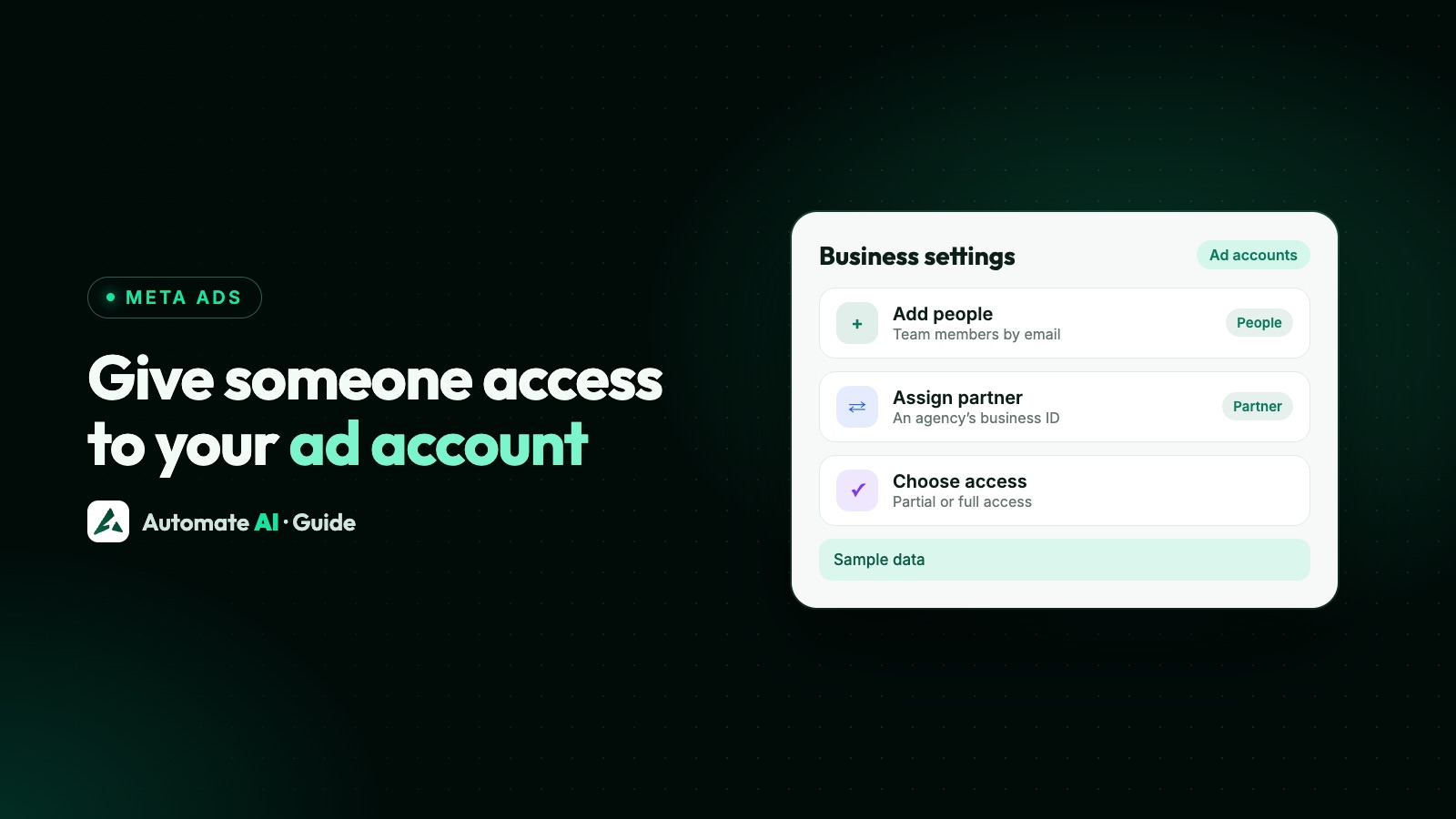
To give someone access to your Facebook ad account, open Settings in Meta Business Suite for your business portfolio: add a team member under People and assign them the ad account, or share it with an agency’s business portfolio under Partners. You need full control of the portfolio to do either. If your ad account isn’t in a portfolio, add people in Ads Manager under Ad account settings › Ad account roles instead.
The choice that matters most is how much access to give. This guide explains people versus partners, the ad account permissions Meta offers, the exact steps for each case, how to take access away again, and what a person needs to connect an ad account to Automate AI’s Meta Ads menu.
Key takeaways
- Add people (your staff, freelancers with their own Facebook account) under People; share with an agency under Partners, using its business portfolio ID.
- For someone who builds and runs ads, Manage campaigns is enough. Keep Manage ad accounts (full access, including payment and permissions) for a few trusted people.
- Running ads for a Page also needs access to the Page: full control or partial access with Ads.
- Only people with full control of the portfolio can add or remove people and partners, and another full-control person may need to approve.
- To connect an ad account in Automate AI, an owner or manager logs in with a Facebook account that can create ads on that ad account and Page.
People or partner: which one you need
Meta Business Suite has two ways to share an ad account. Pick the one that matches who is getting access:
| Add as a person | Add as a partner | |
|---|---|---|
| Who it’s for | Employees and individuals working for your business | Another business, such as an agency or consultant, with its own business portfolio |
| What you need from them | The email address of their Facebook account (or their managed Meta account) | Their business portfolio ID |
| Where | Settings › People › Invite people | Settings › Partners › Add › Give a partner access to your assets |
| Who decides their team’s access | You, person by person | The agency, but only within the tasks you shared |
| When they leave | Remove the person | Remove the partner in one step |
For an agency, a partner share is usually better. You don’t have to add each of its staff, and Meta says a partner with partial access can only give its own people the tasks you assigned to it. Ending the relationship is one step instead of many.
The access levels Meta offers
Access works at two levels. Portfolio access says what someone can do across the whole portfolio. Asset access says what they can do on one ad account, Page or other asset.
Portfolio access
- Full access (formerly full control, a name many Meta pages still use): manage everything, including settings, people, partners and assets, and delete the portfolio.
- Basic access (formerly the employee role): work only on the assets assigned to them. This is the default for new people.
- Apps and integrations (formerly the developer role): set up the Conversions API, edit apps and create access tokens.
- Finance access is an extra option to view or manage invoices, spend and payment methods.
- Temporary access gives basic access for 3 to 75 days, then removes the person automatically. Handy for a short project.
Ad account access
When you assign an ad account inside a portfolio, Meta offers these tasks:
| Permission | View ads and reports | Create and edit ads | Creative Hub mockups | Settings, finances and permissions |
|---|---|---|---|---|
| Manage campaigns (partial) | Yes | Yes | No | No |
| View performance (partial) | Yes | No | No | No |
| Manage Creative Hub mockups (partial) | No | No | Yes | No |
| Manage ad accounts (full access) | Yes | Yes | Yes | Yes |
A quick way to choose: an agency or marketer who runs your ads gets Manage campaigns. An accountant or owner who only checks results gets View performance. Only the people who should change the payment method or decide who else has access get Manage ad accounts.
Ad accounts outside a portfolio use three older roles instead: Admin (everything, including payment and permissions), Advertiser (create and edit ads using the account’s payment method) and Analyst (view ads and reports).
Give a team member access, step by step
These are Meta’s steps in Meta Business Suite on a computer. You need full control of the business portfolio.
- Go to Settings in Meta Business Suite for your business portfolio.
- Click People in the left menu. If you can’t see People, you probably don’t have full control.
- Click Invite people at the top right.
- Enter the person’s email address. It must match the email on their Facebook account. If your organisation uses managed Meta accounts, search for and select their account instead.
- Click Next, choose their portfolio permissions (usually basic access), then click Next.
- Choose the ad account and the permission, for example Manage campaigns. Add the Facebook Page they’ll advertise for too, with Ads access.
- Click Invite. The person must accept the invitation.
Someone already in the portfolio? Go to Settings › People, click their name, then Assign assets. Or start from the asset: open the ad account in Settings and click Assign people.
Meta notes that new people can wait a few days before every feature is available to them, so don’t give access the morning a campaign has to launch.
Give an agency access as a partner
Ask the agency for its business portfolio ID. It finds it in Meta Business Suite under Settings › Business portfolio info, below the portfolio name. Then:
- Make sure two-factor authentication is on for your portfolio. Meta lists it as a step before sharing with partners.
- Go to Settings in Meta Business Suite and click Partners in the Users section.
- Click Add, then Give a partner access to your assets.
- Enter the agency’s business portfolio ID and click Next.
- Choose the ad account and the access level. For partial access, tick the tasks, such as Manage campaigns. Share the Page as well if the agency will create ads for it.
- Click Assign assets. Another person with full control may need to approve it.
Both businesses then see the shared assets in their own Settings. The agency stays in its own portfolio and assigns its staff from there.
If your ad account isn’t in a business portfolio
Plenty of small businesses advertise from a personal ad account that was never added to a portfolio. You can share it directly in Ads Manager:
- On a computer, open Ad account settings in Meta Ads Manager. You may be asked for your password.
- Click Add people in the Ad account roles section.
- Search for the person and choose a role: Admin, Advertiser or Analyst.
- Click Confirm. They get access straight away.
Meta’s limits here: you must be an ad account admin, the person needs an active Facebook account, and you must be Facebook friends. Never share your own Facebook login with an agency instead; Meta says sharing an account is against its terms.
If you work with an agency long term, it’s worth creating a business portfolio and claiming the ad account into it, so you can use partner access. Once an ad account is in a portfolio, you manage its access in Meta Business Suite rather than Ads Manager.
How to change or remove access
Review access whenever someone leaves or an agency contract ends. Removing a person or partner takes away their access to every asset at once.
| To do this | Go to | Then |
|---|---|---|
| Change someone’s permissions | Settings › People › their name | Click Manage next to the ad account, change it and Save, or Remove access |
| Remove a person | Settings › People › their name | Click Remove and confirm |
| Remove a partner (agency) | Settings › Partners › the partner | Click Options, Remove from business portfolio, then Remove partner |
| Remove someone from an ad account outside a portfolio | Ads Manager › Ad account settings › Ad account roles | Select Remove user |
In Ads Manager, changing a role means removing the person and adding them again with the new role. If you see Open business settings instead of Remove user, the account is in a portfolio, so make the change there. Anyone can remove themselves from an ad account without being an admin.
When adding access doesn’t work
- You can’t see People or Partners: you don’t have full control of the portfolio. Ask someone who does, or see a restricted business portfolio if nobody has it.
- The invite or share is waiting: another person with full control may need to approve it under Requests in Settings.
- You can’t add anyone: you may need to confirm your email address under Business info in Settings first.
- A disabled or restricted account: neither you nor the person you add can have one.
- You can’t give full control of an asset: if a partner shared that asset with you, you’re limited to the permissions it gave you.
- Your Page doesn’t appear when creating an ad (Meta error 1443121): the person has ad account access but not Ads access on the Page.
Access to WhatsApp accounts works the same way, but WhatsApp has its own partner limits. See WhatsApp Manager for those, and business verification if Meta asks you to verify the portfolio.
Connecting your ad account to Automate AI
Automate AI’s Meta Ads menu creates Click-to-WhatsApp ads and shows every ad in your ad account with spend, chats started and cost per chat. Here’s what connecting needs, from the app’s own code:
- In Automate AI: an account owner or manager. Agents can’t use the Meta Ads menu.
- WhatsApp first: your WhatsApp number must be connected in Settings, because the ads open a chat with it.
- In Meta: click Continue with Facebook and log in with the Facebook account that manages your ad account and Page. When Facebook asks, keep every option on: the app asks to manage and read your ads, see your businesses, list your Pages and run ads for them, and stops if any of the main ones is switched off.
- The right role: the app relies on Meta to check it. Because it creates and edits ads, the Facebook account needs Manage campaigns or Manage ad accounts on the ad account (Admin or Advertiser outside a portfolio), plus Ads access on the Page. View performance or Analyst isn’t enough to create ads.
- An active ad account: one that can’t run ads, for example because Meta disabled it or it has an unpaid balance, can’t be connected until you fix it in Ads Manager.
You pick the ad account and Page from a list, including ad accounts from another business you have access to, such as an agency’s. Meta requires the Page to be linked to your WhatsApp number when an ad is published; see the “WhatsApp number required” error if that step fails. If the Facebook login isn’t available for your account yet, the app may ask you to type the ad account ID and Page ID instead, and then both must be in the business portfolio that owns your WhatsApp number.
Ad spend is billed by Meta to your own ad account. If the person who connected leaves your business, remove their Meta access as above and connect again with Use another Facebook account. Disconnecting in Automate AI doesn’t stop ads already running; pause them first. Running lead form ads as well? Connect the same Page in the Facebook Lead Ads integration so form leads arrive as contacts, and see the Meta Ads hub for more guides.
Frequently asked questions
How do I give an agency access to my Facebook ad account?
Ask for the agency’s business portfolio ID. In Meta Business Suite go to Settings › Partners › Add › Give a partner access to your assets, enter the ID, choose the ad account and the tasks (for example Manage campaigns) and click Assign assets. You need full control of your portfolio.
What permission should an agency get on my ad account?
Usually Manage campaigns, which lets it create and edit ads and see reports, but not change the payment method or who has access. Add Ads access on your Page too, so it can advertise for it.
Can I give access without giving my Facebook password?
Yes, and you should. Every method in this guide gives the person access through their own account. Meta says sharing a Facebook account is against its terms, and people you add can’t log in as you.
Why can’t I add people to my business portfolio?
Most often you don’t have full control. Other causes Meta lists: an unconfirmed email address, a disabled or restricted account on either side, or a request waiting for another full-control person to approve.
How do I remove an agency’s access?
In Meta Business Suite go to Settings › Partners, select the agency, click Options, then Remove from business portfolio and Remove partner.
Can I give someone access for a limited time?
Yes. When you add a person to a business portfolio you can choose temporary access, which gives basic access for 3 to 75 days and then removes them automatically.
Who can connect an ad account to Automate AI?
An owner or manager in Automate AI, logging in with a Facebook account that can create ads on the ad account and the Page, such as Manage campaigns or Admin. The WhatsApp number must be connected first.
Sources
- Meta Business Help: Add people to a business portfolio and assign a business asset
- Meta Business Help: About business portfolio and business asset permissions
- Meta Business Help: Business portfolio assets and their task-based access settings
- Meta Business Help: Give a partner access to business assets
- Meta Business Help: Ad account permission roles in Meta Ads Manager
- Meta Business Help: How to add people to your ad account in Meta Ads Manager
- Meta Business Help: Remove people from your business portfolio
- Meta Business Help: Remove partners from your business portfolio
WhatsApp rules and prices change. We check these guides against Meta’s documentation, but always confirm current terms with Meta before you rely on them. Questions? Message us on WhatsApp at +91 836 977 8812.